Disclosure: This page contains commercial links. BizBot may earn a commission from qualifying purchases. Paid placements do not buy a better ranking. Read our affiliate disclosure.
If you run a small business, the right software takes work off your desk. The wrong software takes money off it. Here is a rundown of the main applications across the jobs most small businesses need covered:
- Customer Relationship Management: Salesforce Sales Cloud, Zoho CRM Plus
- Accounting & Finance: QuickBooks Online, Xero, FreshBooks, Wave Accounting
- Project Management: Asana, Trello
- Marketing Automation: Salesforce Sales Cloud, HubSpot CRM
- Essential Financial Planning Tools: QuickBooks Online, Float, PlanGuru
- Project Management and Team Collaboration: Asana, Basecamp, Trello, Wrike, Teamwork
- Effective Marketing and Analytics Applications: CRM systems like Salesforce, Email Marketing Platforms like Mailchimp, Marketing Analytics tools like Google Analytics
A note on the prices below. Every figure here was checked against the vendor’s own pricing page in August 2026. Vendors change rates, run introductory discounts and reprice tiers without notice, so confirm the current number with the vendor before you budget against it. Where a vendor does not publish a rate, we say so rather than guess.
These tools not only help in optimizing your day-to-day operations but also play a crucial role in customer acquisition, sales tracking, financial planning, project management, and marketing analytics. Choosing the right mix based on scalability, integration capabilities, user-friendliness, cost-effectiveness, customization, and security can significantly contribute to your small business’s growth and efficiency.
Best Business Applications for Customer Acquisition
1. Salesforce Sales Cloud
Integration capabilities
Salesforce Sales Cloud works well with a bunch of other apps and tools because it has special connectors and APIs. This means it can easily share information with marketing tools like HubSpot and Marketo, and also work with apps that help you stay organized, like Slack, Microsoft 365, and Google Workspace. With these connections, your team can see customer info and work together without having to jump between different apps.
Scalability
As your business gets bigger, Salesforce Sales Cloud can grow with you. It lets you control who can see what by setting different access levels. No matter how much your customer data or team expands, Salesforce can handle it smoothly. They also have different pricing plans, so you can choose what works best as your needs change.
User-friendly interface
Using Salesforce Sales Cloud is pretty straightforward. It has a clean design that makes it easy to find your way around with just a little bit of learning. There are menus and search bars to help you find what you need quickly, and it even has features that do some tasks automatically to save you time. Plus, you can change the layout to suit your style, making things even easier to manage.
Cost-effectiveness
The entry tier is Starter Suite at $25 per user per month, and that rate is the same whether you pay monthly or commit to a year. Watch the next step up: Pro Suite is $100 per user per month on an annual commitment, and Enterprise is $175. The jump from $25 to $100 is where most small teams get caught, so check which features you actually need before you assume the starter rate is what you will end up paying.
2. Zoho CRM Plus
Integration capabilities
Zoho CRM Plus works well with lots of other apps because it can connect to over 1000 different ones using Zoho Flow. This means you can easily share information between Zoho and apps like QuickBooks, Gmail, Slack, and more. By doing this, all your customer info is in one place, making it easier to manage.
Scalability
Zoho CRM Plus is great for both small teams and bigger companies. It has different plans you can choose from, so you can pick what fits your business best. As your business grows, you can add more users or features. Plus, since it’s cloud-based, you can access your CRM data from anywhere.
User-friendly interface
The dashboard is easy to customize with a simple drag-and-drop system. Zoho also uses AI and automation to help with tasks like scoring leads, sending out emails, and handling customer service chats. This saves your team time on routine tasks so they can focus on more important stuff.
Cost-effectiveness
CRM Plus has no free edition. Zoho offers a 30-day trial and after that it is a paid, per-user subscription, with a lower rate if you pay for a year up front. Zoho’s CRM Plus pricing page did not display a US dollar rate when we checked it in August 2026, so we are not quoting one here — ask Zoho for the figure in your currency. Note that CRM Plus is a bundle of several Zoho apps, which is a different product from the cheaper standalone Zoho CRM.
In short, Zoho CRM Plus makes managing customer relationships easier with its ability to connect with other apps and automate routine work. It puts all your customer info and communications in one spot, helping you build stronger relationships over time.
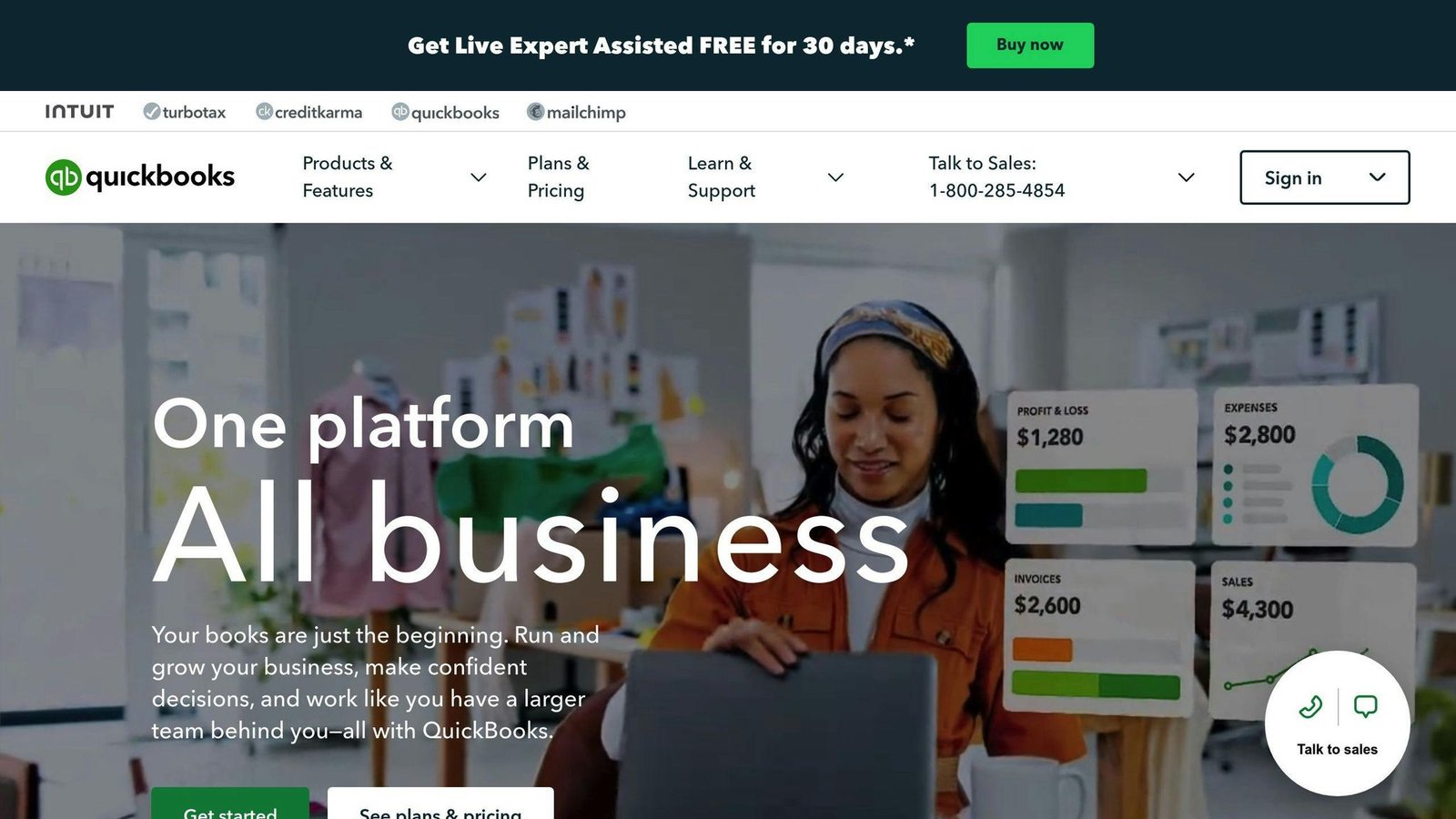
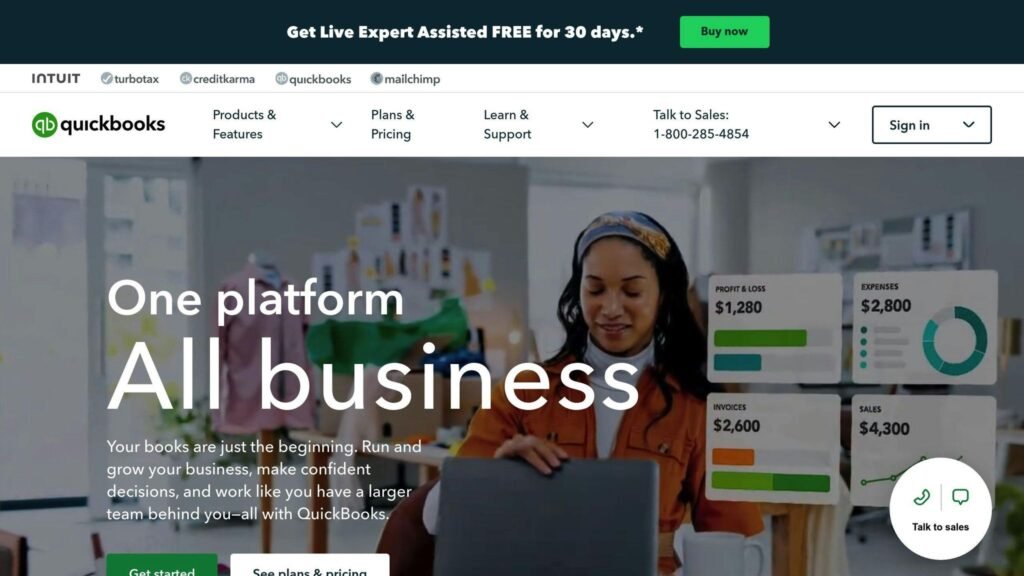
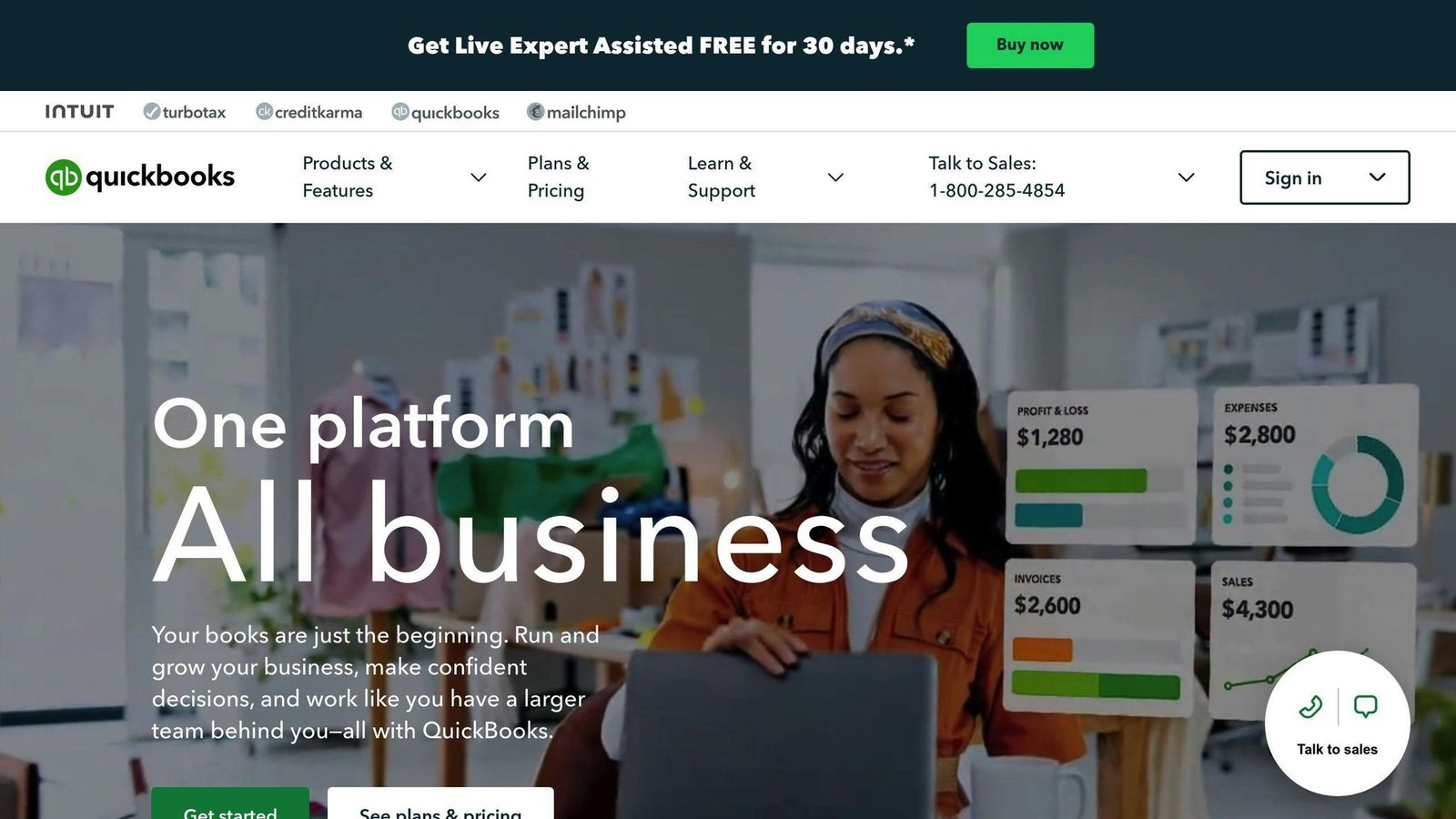
3. QuickBooks Online
Integration capabilities
QuickBooks Online can work with over 750 other apps like Square, Expensify, and PayPal, thanks to its open API. This means you can easily move your money data from QuickBooks to other programs you use.
Scalability
QuickBooks Online has four plans, not three. Simple Start covers 1 user and the basics. Essentials takes 3 users and adds bill management and time tracking. Plus takes 5 users and is the first tier with inventory tracking — if you hold stock, Plus is your floor. Advanced takes 25 users. Every plan also includes access for your accountant.
User-friendly interface
The design of QuickBooks Online is simple and clean, making it easy to use. It shows your important money info on dashboards that are easy to get around. It also has helpful tips and tutorials. You can tweak how it looks and works to fit your style, making it even easier to use.
Cost-effectiveness
The standard rates are $38 a month for Simple Start, $85 for Essentials, $140 for Plus and $340 for Advanced. Those are flat monthly prices for the plan, not per-user rates. Intuit runs heavy introductory discounts — 90% off for the first three months when we checked — so the number on your first invoice is not the number you will pay in month four. Payroll is a separate subscription on top.
In short, QuickBooks Online is a good choice for small businesses because it’s flexible, easy to use, and doesn’t cost too much. It lets you connect with other apps, customize its look and feel, and pick a pricing plan that matches your business size. This makes managing your business’s money a lot simpler.
4. Xero
Integration capabilities
Xero connects with a large app marketplace covering sales, payroll and project tools. Two names you may still see on old shortlists have changed: Receipt Bank is now Dext, and WorkflowMax was retired by Xero in June 2024 — the brand was sold to BlueRock, which now sells a separate product called WorkflowMax by BlueRock. Hubdoc is still Xero’s own document capture tool.
Scalability
Xero is good for any size business, from 1 person up to 100+ employees. It has various features that you can turn on or off depending on what your business needs, like keeping an eye on stock levels at different places.
User-friendly interface
Xero’s design is simple to use, with clear dashboards and menus that look a lot like email, so it feels familiar. This makes it easier to find and understand your business’s financial information.
Cost-effectiveness
Xero sells three US plans, not four: Early at $25 a month, Growing at $55 and Established at $90. These are flat monthly plan prices. Early is capped — 20 invoices and 5 bills a month — so it suits a very small business and nothing more. Payroll is not included in any tier; it is an add-on at $36 a month plus $6 per person paid. Xero was running a 90% introductory discount when we checked, which is where the low headline numbers you see quoted elsewhere come from.
In short, Xero is great because it works well with other apps, fits businesses of all sizes, is easy to use, and doesn’t cost too much. As your business changes and grows, Xero can change with you, making it a smart choice for keeping track of your money.
5. FreshBooks
Integration capabilities
FreshBooks works well with more than 100 other business tools. This means you can connect FreshBooks with other software you use, like Stripe, PayPal, and Square for payments, Asana and Trello for project management, Gmail for emails, and QuickBooks Online and Xero for accounting. This makes your work smoother because everything talks to each other.
Scalability
FreshBooks grows with your business. It can handle as many customers and invoices as you need, lets more people use it as your team gets bigger, and works with all the other tools you might start using. This means you won’t have to switch to another system as you get more customers or hire more people.
User-friendly interface
Using FreshBooks is easy. It has a clear layout, so you can find what you need fast. It helps you do important things like make invoices, keep track of what you spend, and look at your business’s money all in one place. It’s made so anyone can use it, even if you’re not good with numbers.
Cost-effectiveness
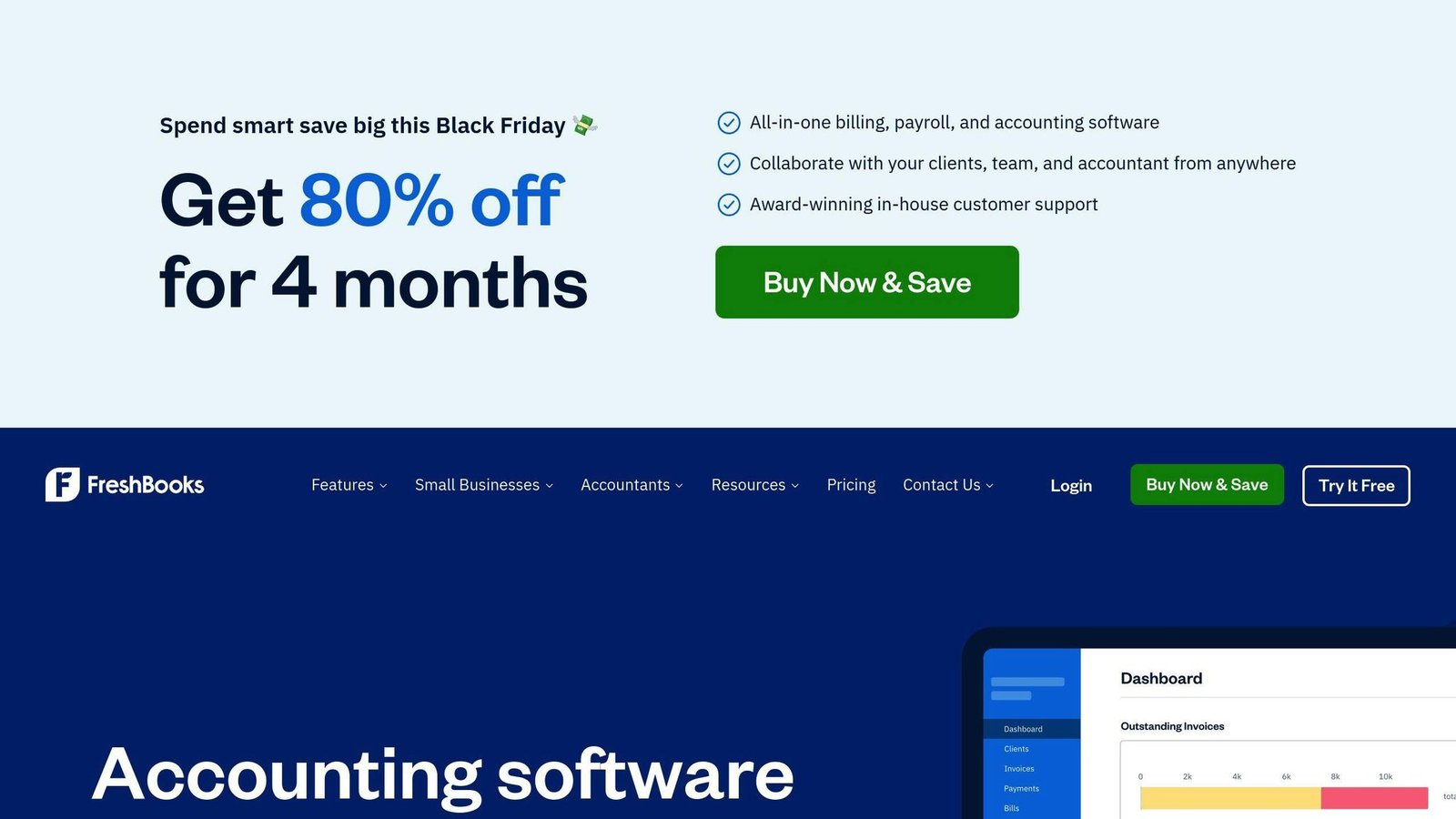
FreshBooks has no free plan. Lite is $23 a month, Plus $43 and Premium $70, all flat monthly plan rates; Select is quote-only. There is a 30-day trial. Check the billable-client caps on the lower tiers before committing — that, rather than features, is usually what pushes people up a plan. It offers all the main things a small business needs to handle its money, whether you’re just starting or have a bigger team. This means FreshBooks can fit your budget as your business grows.
6. Wave Accounting
Integration capabilities
Wave works well with a bunch of apps you might already use, like Stripe, PayPal, Square, and QuickBooks Online. This means you can easily move your money info from Wave to these other apps.
Scalability
Wave suits one-person businesses and small teams. The Starter plan is free. Pro is $19 a month, or $190 a year if you pay up front. Payroll and bookkeeping support are separate paid services on top of that.
User-friendly interface
Wave’s design is simple, with big buttons and easy-to-find menus. It keeps track of money coming in, money going out, your bank info, and bills all in one place. It also offers help over the phone or by email if you get stuck.
Cost-effectiveness
The free plan lets you track money, send bills, do your accounting, and make reports. If you pay, you can also handle payments, do payroll, and deal with money in different currencies. Wave is a budget-friendly choice for new businesses because it gives you a lot without charging a lot.
In short, Wave is great because it connects with other apps, grows with your business, is easy to use, and offers a lot for free or at a low cost. It’s a smart pick for businesses that are just starting out.
7. Asana
Integration capabilities
Asana works with more than 100 other apps through a tool called Zapier. This means you can link Asana with stuff like Slack, Google Workspace, and Dropbox. It’s great because you can share project info easily across different apps your team uses.
Scalability
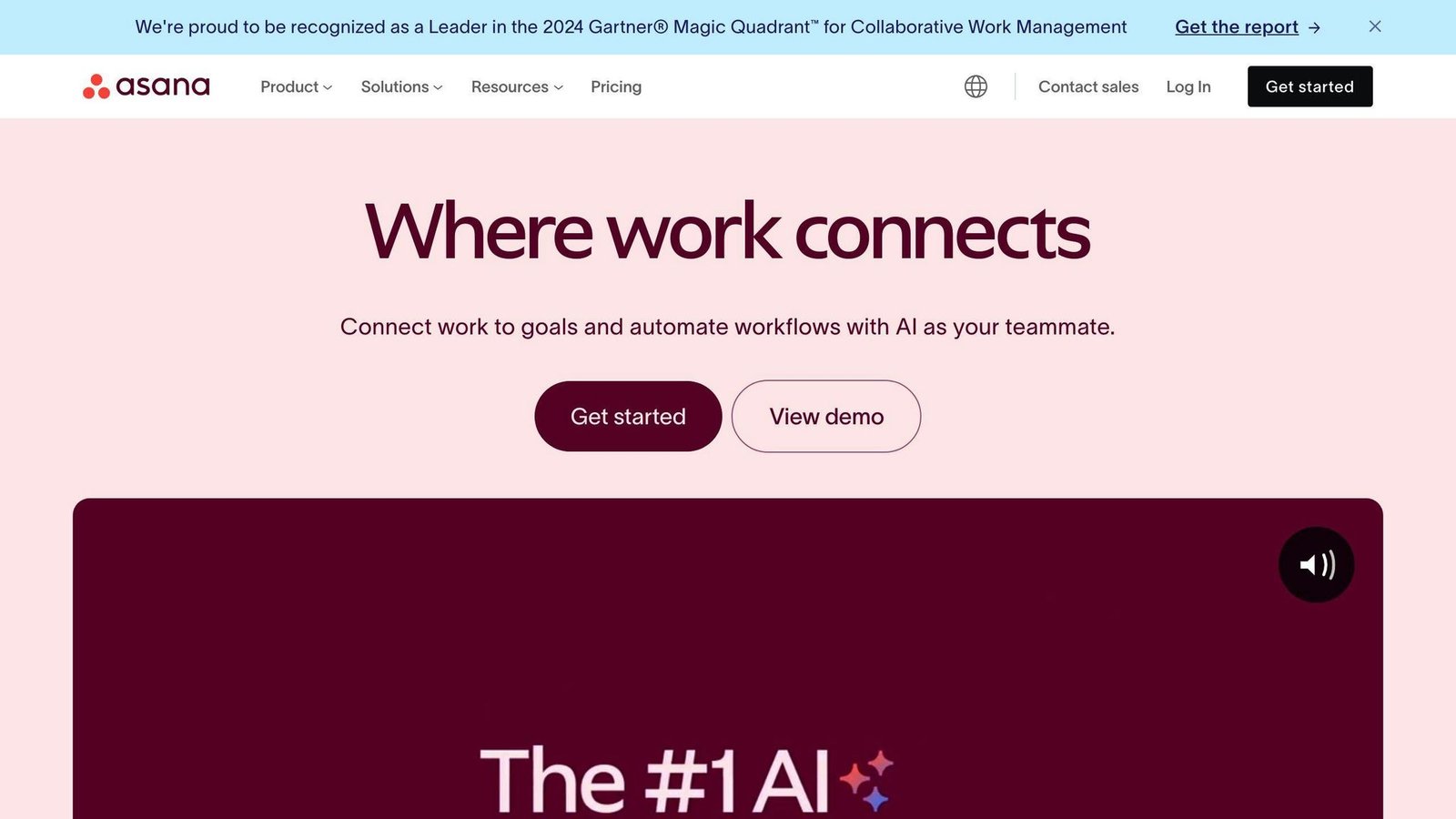
Asana works for small teams and large ones. The Starter plan is $10.99 per user per month if you pay for a year up front, or $13.49 per user per month if you pay monthly — the $10.99 figure quoted almost everywhere is the annual rate. Advanced is $24.99 per user per month annually, $30.49 monthly.
User-friendly interface
Using Asana is straightforward. It has easy navigation, shortcuts, and you can move tasks around just by dragging them. You can set up the dashboard and reports the way you like, making it easier to keep track of everything.
Cost-effectiveness
Asana’s free Personal plan now caps collaboration at 2 users. That is an individual’s plan, not a team’s — if you are three people, you are paying. Paid tiers add custom fields, timelines and better reporting.
In short, Asana connects with lots of apps, grows with your team and is easy to use, though the free tier is too small to be a team option. It’s made to change as your needs do, with lots of ways to customize it.
8. Trello
Integration capabilities
Trello can work with over 750 different apps through a tool called Zapier. This lets you link Trello with other software your team might use, like Slack, Google Drive, and Dropbox. It’s handy because it lets you share info about your projects across different apps easily.
Scalability
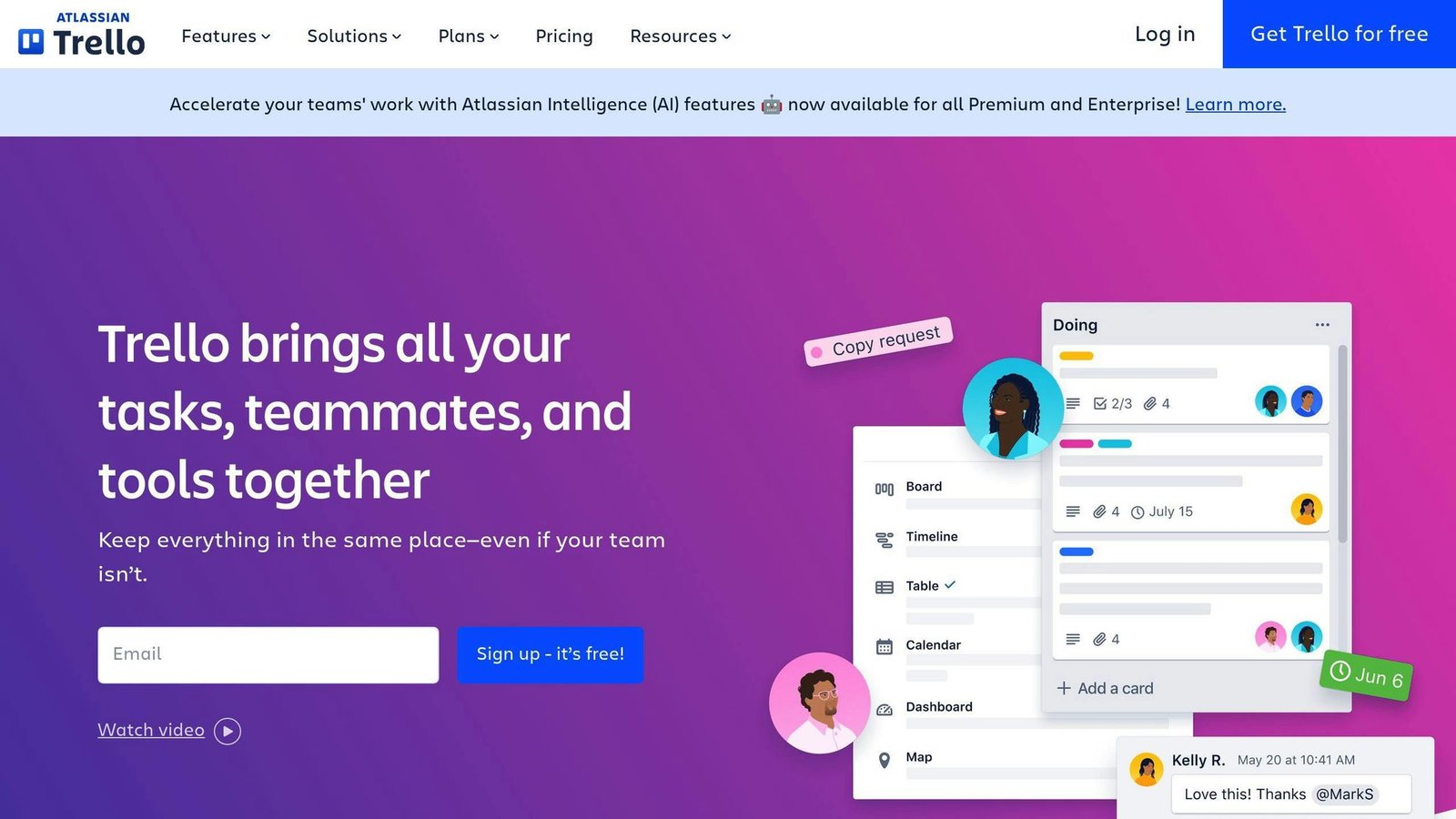
Trello’s free plan covers up to 10 collaborators and 10 boards per Workspace. Paid plans start with Standard at $5 per user per month billed annually, or $6 month to month. Premium is $10 per user per month annually, $12.50 monthly. Enterprise is $17.50 per user per month on annual billing.
User-friendly interface
Trello is designed to be easy to use. You can look at your projects in different ways, like boards or lists, and move things around just by dragging them. It also has helpful features like templates and automation that make your work easier.
Cost-effectiveness
The free version gives you unlimited cards but caps you at 10 boards and 10 collaborators per Workspace, with a 10MB file limit. Paid plans lift those caps and add better checklists, calendar and timeline views and admin controls. At $5 per user per month on annual billing, Standard is cheap enough that the free tier’s board limit is rarely worth working around.
Top Apps for Sales Tracking and Management
1. Salesforce Sales Cloud
Salesforce Sales Cloud is great for keeping an eye on your sales. Here’s what it does:
- Shows you live updates on sales, how well your sales team is doing, and the deals they’re working on
- Helps you keep track of customer and prospect details
- Lets you predict future sales and see how your sales pipeline is doing
- Connects with your email and calendar to keep track of messages with prospects
- Can be used on your phone so you can update and check info anywhere
With Salesforce Sales Cloud, sales teams get a clear picture of how to manage deals better and make their processes smoother. Being able to use it on the go is a big plus, too.
2. HubSpot CRM
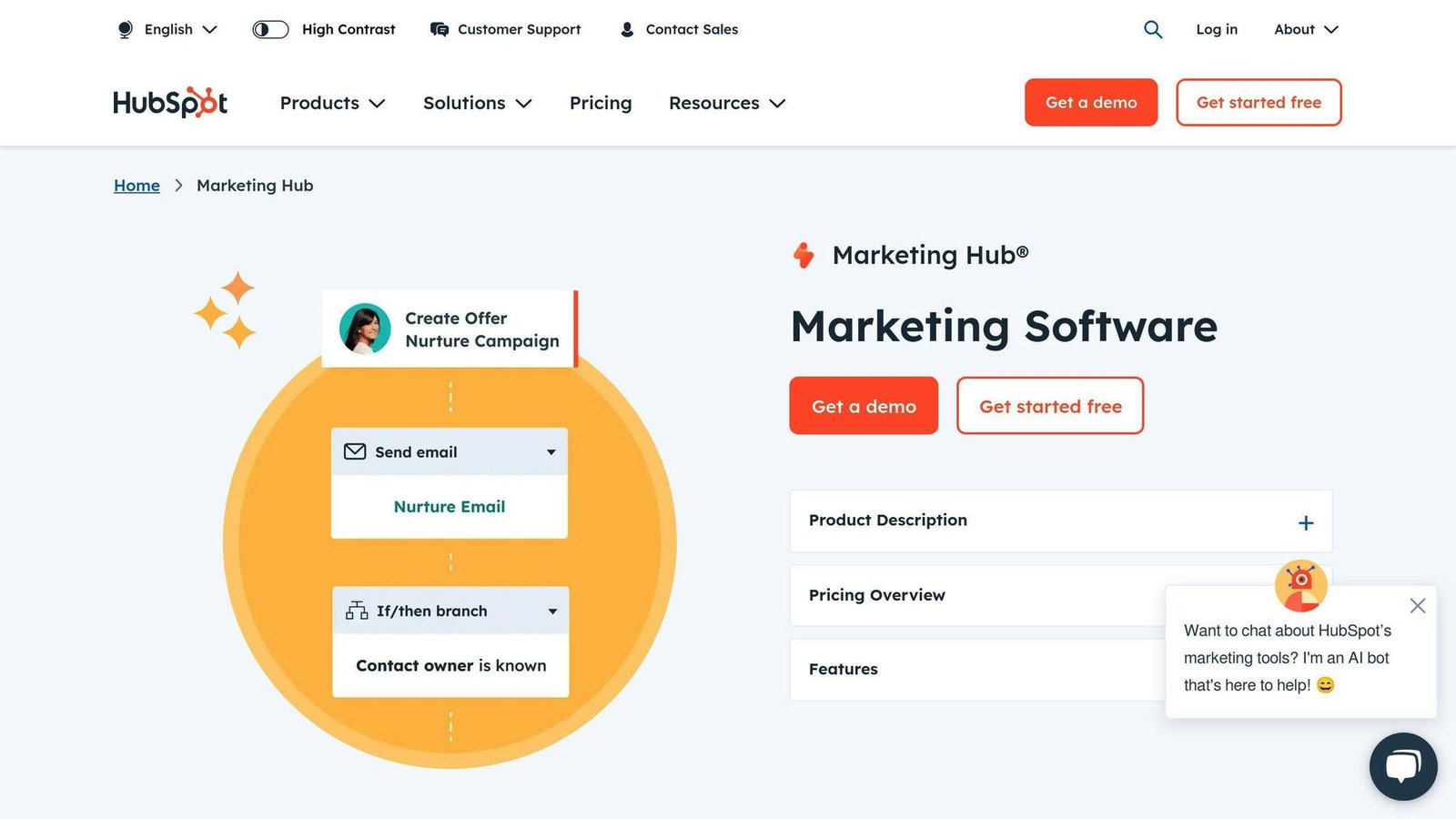
HubSpot CRM is perfect for tracking deals from the first contact to the final sale. It includes:
- Custom sales stages so you can see how deals move through your process
- A timeline that shows all interactions with a prospect
- Automatic updates based on actions like when an email is opened
- Alerts for when deals aren’t moving, to help keep things flowing
- Easy links with email and calendar apps like Gmail and Office 365
HubSpot CRM puts all deal info in one spot and cuts down on repetitive tasks, helping sales move along without hitches.
3. Pipedrive
Pipedrive is all about visually managing your sales pipeline. Its features include:
- A visual board that shows where deals are at a glance
- A system for scoring leads based on their actions
- Reminders to keep deals moving
- You can customize it to fit your sales steps
- Reports on how fast deals move and how often they close
Pipedrive’s easy-to-use visual setup helps sales teams quickly spot and fix slow spots in their sales process. Scoring leads helps focus on the most promising prospects.
4. Insightly
Insightly focuses on managing sales by looking at whole accounts. Its features are:
- Detailed account profiles showing how contacts are connected
- Custom fields for tracking specific account info
- Task and event tracking for accounts
- Linking emails directly to accounts
- Managing opportunities and projects linked to accounts
- Reports on how well you’re interacting with accounts and sales trends
Insightly gives teams a deeper understanding of how to sell to whole companies by connecting all the dots between contacts and accounts. This helps in planning smarter sales strategies.
5. Zoho CRM
Zoho CRM is great for detailed sales tracking and can be tailored to fit your needs. Its highlights are:
- You can change almost everything to suit your sales process
- A visual board shows deals by color according to their stage
- Automatic alerts for important customer actions
- Tracks all interactions with customers
- Helps manage different sales territories and shows how well they’re doing
- Uses AI to predict sales and suggest actions
Zoho CRM gives sales teams a flexible tool that can adapt to their specific ways of working, using automation and AI to improve sales results. Its detailed tracking and visual pipeline help keep sales on track.
Essential Financial Planning Tools
Managing your business’s money wisely is key to success. You need to keep an eye on what you’re spending and making, plan ahead for your business’s growth, and be ready for any bumps in the road. Luckily, there are some helpful apps out there designed just for this purpose.
Here are 5 key tools you should know about:
1. QuickBooks Online
QuickBooks Online does more than just keep track of your money. It helps you with planning too. You can:
- See a simple view of your cash flow
- Make budgets and predictions
- Get reports to help you understand how your business is doing
- Manage bills, expenses, and payments
It brings all your important money info together in one spot. Simple Start is $38 a month; budgeting and forecasting sit on the Plus plan at $140 a month.
2. Float
Float is all about planning and keeping track of your money. It lets you:
- Customize your view of the numbers
- Try out different “what-if” scenarios
- Keep an eye on how your business is doing
- Make presentations to show your plans
- Pull in data from other apps you use
It’s good for sharing plans with a board or a lender. Float prices by company revenue band rather than per user: the entry plan, Essentials, is listed at £99 a month month-to-month or £79 a month billed annually, with Growth at £199 and £159. Float’s pricing page showed GBP when we checked and did not display a US dollar rate, so confirm the figure in your currency.
3. PlanGuru
PlanGuru gives you a hand in making detailed financial plans with tools for:
- Creating forecasts
- Flexible budgeting
- Planning your cash flow
- Keeping track of important numbers
- Reporting on your finances
- Working together with your team
It makes it easy to set up budgets, see their effects, tweak them, and share. PlanGuru charges a flat monthly subscription rather than a per-user rate, with a separate advisor edition for accountants who run forecasts for multiple clients. Its pricing page would not load for us in August 2026, so we are not quoting a figure — ask PlanGuru directly.
4. Sage Intacct
Sage Intacct provides advanced tools for planning your finances, including:
- Dashboards you can change to fit your needs
- Reports you can interact with
- Up-to-the-minute numbers
- Forecasting and modeling
- Planning how to allocate resources
- Figuring out project costs
It suits larger businesses with real finance teams, and it is priced accordingly. Sage does not publish a list price for Intacct — quotes are built from the modules you take and the size of your organisation, and there is normally an implementation cost on top. Expect a sales conversation rather than a checkout page.
5. ProfitWell Metrics
ProfitWell Metrics uses data to help you plan better financially. It offers:
- Comparing your numbers to benchmarks
- Analyzing your revenue
- Segmenting customers
- Keeping an eye on subscription health
- Reporting for executives
It’s aimed at subscription businesses that want revenue metrics without building them. ProfitWell was acquired by Paddle, and ProfitWell Metrics is free — there is no per-data-source charge. Paddle makes its money on payments and billing, which is worth knowing before you wire your revenue data into it.
Choosing the right software can help you understand trends, make plans, keep track of important numbers, and work together for stronger financial planning. Picking tools that match your needs sets the stage for making smarter decisions.
Best Tools for Project Management and Team Collaboration
Keeping your team working well together and managing projects effectively is super important for a growing business. The right software can help a lot by making sure everyone knows what they need to do.
Here are 5 top tools you might want to check out:
1. Asana
Asana is a favorite for many because it’s great for planning and tracking projects. It lets you:
- Set up different ways to view your work
- Talk about tasks right where they are
- Set deadlines and plan schedules
- Attach files and links
- Use ready-made project setups
- Work with other apps like Slack and Dropbox
The Starter plan is $10.99 per user per month on annual billing, $13.49 month to month. Asana makes it easy to organize projects, give out tasks, and see how everything’s going.
2. Basecamp
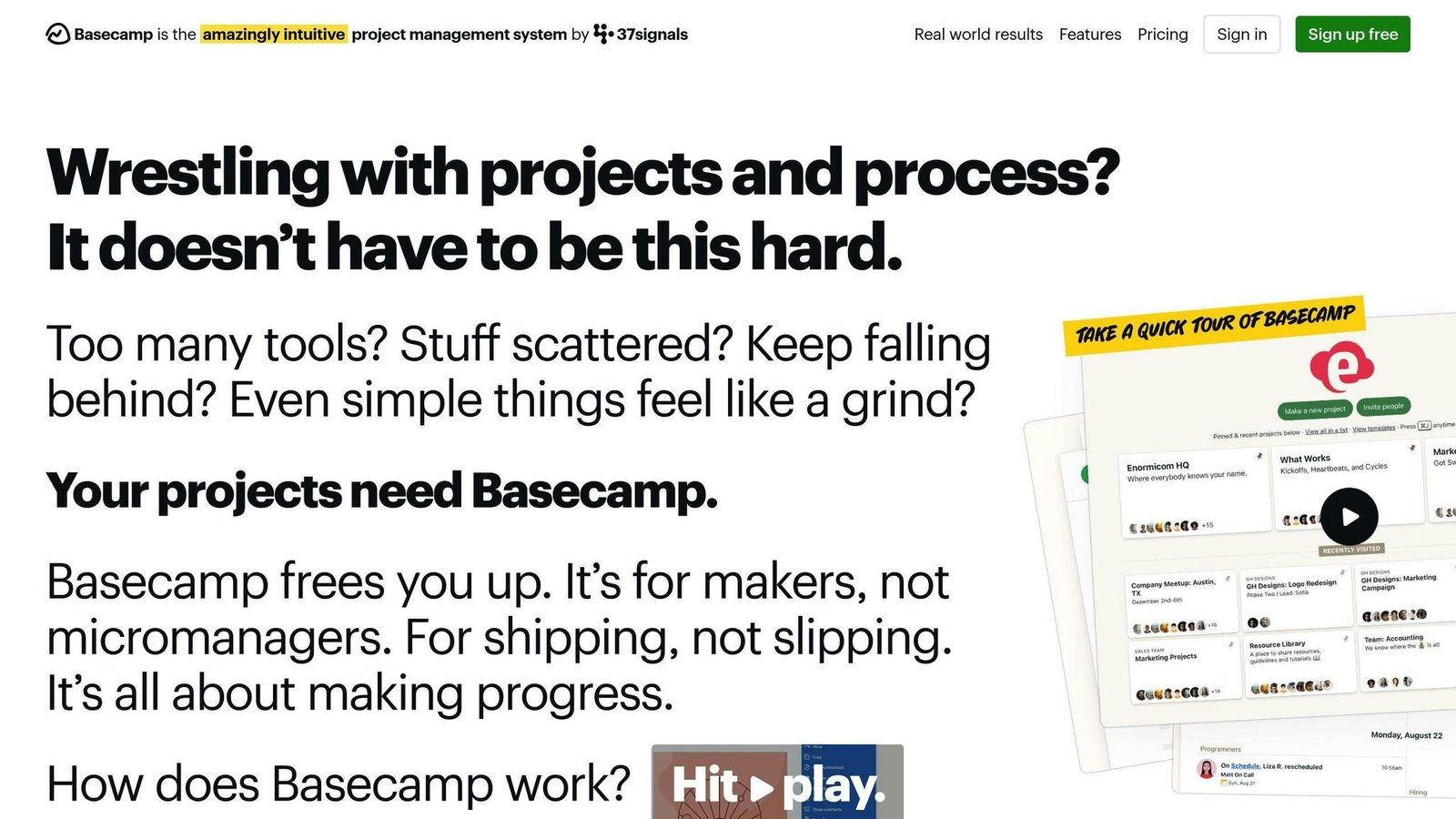
Basecamp is all about making sure your team communicates well. With it, you can:
- Send messages and share files
- Make lists of tasks with deadlines
- Use a shared calendar for planning
- Get updates when things change
- See who’s doing what
Basecamp’s free plan covers 1 project and 5 users. Paid plans are flat monthly rates with no per-user charge, which is the main reason bigger teams pick it: Freelancer is $25 a month for up to 3 projects, Studio $59 for 10, Pro $100 for 25, and Unlimited $300 a month on annual billing. Basecamp helps cut down on confusion so everyone stays in the loop.
3. Trello
Trello uses a visual approach with boards and cards to manage tasks. You can:
- Create boards for each project
- Organize tasks into lists and cards
- Talk about tasks and add files
- Set deadlines
- Move tasks along as work gets done
Trello is free to start, with Standard at $5 per user per month billed annually ($6 month to month). Its flexible setup lets you manage projects in a way that works best for your team.
4. Wrike
Wrike offers advanced tools for taking a project from beginning to end. It includes:
- Detailed planning charts
- Custom progress tracking
- Assigning tasks to team members
- Sharing files and keeping track of changes
- Recording time spent on tasks
- Creating reports and overviews
Wrike’s free plan takes unlimited users but only basic task management. Team is $10 per user per month and is sold for 2 to 15 users; Business is $25 per user per month, annual billing only, from 5 users. Wrike gives you capable project management tools, though the step from Team to Business is a sharp one.
5. Teamwork
Teamwork is designed to handle all aspects of project management. It offers:
- Task lists
- Sharing files
- Recording time
- Sending invoices
- Chatting and video calls
- Mobile apps for working on the go
- Working with other apps
Teamwork.com’s free plan covers 5 users and 5 projects. Basics is $9.99 per user per month billed annually with a 3-user minimum, so the real floor is about $30 a month; Accelerate is $24.99 per user per month with a 5-user minimum. With Teamwork, you have a bunch of features to help with every part of working together.
Choosing the right project management software can make a big difference. It helps keep everyone organized, makes sure communication is clear, and ensures tasks are completed on time. Whether you’re looking for something simple or with lots of features, there’s likely a good option out there for your team’s way of working.
Effective Marketing and Analytics Applications
When you’re trying to grow your small business, understanding your customers and making smart choices based on data is key. Here are some tools that can help:
Customer Relationship Management (CRM) Systems
CRM systems like Salesforce and Zoho CRM help you keep all your customer info in one place. They let you:
- Keep track of who your customers are and what they need
- Follow up on potential sales
- Combine emails
- See reports on how your business is doing with customers
This means you can get to know your customers better, tailor your messages to them, and find more chances to sell.
Email Marketing Platforms
Tools like Mailchimp, Constant Contact, and Brevo (which was called Sendinblue until 2023) make it easier to talk to lots of customers at once. They help you:
- Organize your contacts
- Create and send out emails
- Set up emails to go out on their own at the right time
- Look at how many people are opening and clicking on your emails
These platforms are great for staying in touch with customers and letting them know what’s new.
Marketing Analytics
Tools like Google Analytics and Mixpanel give you the scoop on who’s visiting your website and how your online ads are doing. They offer:
- Info on your website visitors and customers
- A way to see if your ads are working
- Tools to test different website versions
- Ways to group your customers to understand them better
With these tools, you can make decisions based on real data to help your business do better online.
Social Media Management
Managing social media can be a lot, but platforms like Hootsuite, Sprout Social, and Buffer can make it simpler. They let you:
- Schedule posts ahead of time
- Handle all your social media accounts in one place
- See how your posts are doing
- Connect with your CRM to keep everything in sync
These tools are super helpful for spreading the word about your business across social media sites.
Choosing the right mix of marketing and analytics tools can really help your small business understand customers better, reach out to them more effectively, and grow.
Conclusion
Choosing the right apps is really important for small businesses to grow and work better. It’s all about finding tools that help with getting customers, keeping track of sales, planning your money, managing projects, and understanding your marketing.
Here’s what to remember when picking the best apps for your small business:
- Know what you need and where you want to go. Think about what your business must have to do well and how you want it to grow. This helps you figure out which apps will be most helpful. Look for apps that can grow with you.
- Make sure the apps fit into your daily work. The apps you choose should work smoothly with the tools you already use. This makes everything run better. Check if they can connect easily with other apps.
- Think about cost versus what you get. Look for a good balance between what the app offers and how much it costs. Try out free versions and compare prices to see what’s worth it.
- Keep things simple. Apps that are hard to use can slow you down. Choose ones with easy-to-understand designs that make your job easier.
- Keep your data safe. Make sure the apps you use protect your information well. This is really important to avoid problems.
- Use smart tech to your advantage. Modern apps can do repetitive tasks for you and give you useful info from your data. This frees up time for more important work.
With the right approach, good business apps can help small teams do more with less time, letting you focus more on growing your business. The key is to find apps that are both useful and affordable. Start by fixing the biggest problems first, then gradually add more apps to improve different parts of your business. The effort can really pay off with better work and savings.
Related Questions
Which app is mostly used for business?
When it comes to apps for business, the most popular ones are:
- LinkedIn: Jobs & Business News
- Zoom
- Microsoft Teams
- Naukri.com Job Search App
LinkedIn tops the list because it’s great for making professional connections, finding jobs, and keeping up with business news. Zoom and Microsoft Teams are big hits for video meetings, especially when working from home. Naukri.com is a go-to for job hunting.
What is a business application example?
Examples of apps that businesses often use include:
- Salesforce and Zoho for keeping track of customer info (CRM software)
- SAP and Oracle for managing a company’s operations (ERP systems)
- QuickBooks and Xero for keeping an eye on money (accounting software)
- BambooHR for all things employee-related (HRIS platforms)
- Asana and Trello for planning and tracking projects
These apps help with important parts of running a business.
What do business applications include?
Business apps can be all sorts of things, like:
- Systems for managing job applicants
- Tools for customer support questions
- Software for keeping an eye on inventory
- Point-of-sale systems for sales transactions
- Email marketing tools for reaching out to customers
Business applications are different from tools just for employees because they can also be used by people outside the company.
What’s the best app to start a business?
If you’re starting a business, some really useful apps are:
- Trello for organizing projects
- LinkedIn for making business connections
- Square for taking payments
- QuickBooks for keeping track of finances
- Canva for creating designs
- Mailchimp for sending out emails
- Google Analytics for understanding who visits your website
Trello, LinkedIn, and Square are especially good for getting your business off the ground, working with others, and handling money.
More on this topic
Browse all 86 articles on Business Operations, or jump straight to our buying guide: Best Productivity Tools for Small Teams.