
Want to streamline your business finances? Here are the top 5 banking tools you need:
- BizBot‘s Business Banking Tool Guide
- Money Flow Tracking System
- All-in-One Bank Account Manager
- Payment Processing System
- Banking Data Analysis Tool
These tools help you:
- Track cash flow in real-time
- Manage multiple accounts easily
- Process payments quickly
- Analyze banking data for better decisions
Quick Comparison:
| Tool | Best For | Key Feature |
|---|---|---|
| BizBot | Finding the right tools | Curated directory |
| Money Flow Tracker | Cash flow management | Real-time forecasting |
| Account Manager | Multi-account oversight | Unified dashboard |
| Payment Processor | Handling transactions | Secure, fast payments |
| Data Analysis | Financial insights | AI-powered analytics |
A note on the prices in this article. Every figure was checked against the vendor’s own pricing page in August 2026, with the plan name, currency and billing basis stated. Card processing rates in particular change often and vary by plan tier, so confirm before you switch. Where a vendor does not publish a US rate, we say so rather than guess.
Choose tools that fit your needs, integrate with existing systems, and can grow with your business. The right digital banking tools can save time, cut costs, and boost efficiency.
BizBot‘s Business Banking Tool Guide
BizBot is a directory for businesses looking to streamline their banking operations. It’s a starting point rather than a product you install.
Here’s what BizBot brings to the table:
- A curated list of business admin tools
- Strong focus on banking and financial management
- Categories ranging from accounting software to legal services
The focus is on tools that work for businesses of all sizes, from a solo freelancer to a growing company.
Let’s break down what makes BizBot tick:
| Feature | What It Means for You |
|---|---|
| Security First | Your financial data stays safe and sound |
| Plays Well with Others | Many tools connect with your favorite accounting software |
| Pricing for All | From free options to premium picks – there’s something for every budget |
| Easy Does It | Non-techies rejoice – these tools won’t give you a headache |
BizBot’s subscription management service tracks what you are paying for across your software stack, which is useful mostly because the average business has forgotten about at least one subscription.
Here’s how to make the most of BizBot’s guide:
- Know what you need before you start browsing
- Compare tools side-by-side, focusing on what matters most to your business
- Check if the tools play nice with your current software
- Don’t skip the user reviews – they’re gold mines of real-world insights
With BizBot, finding the right banking tools for your business just got a whole lot easier.
2. Money Flow Tracking System
Keeping tabs on your cash flow is key in business banking. Money Flow Tracking Systems help you do just that. They give you a clear picture of your finances, so you can make smart moves for your business.
What makes a good Money Flow Tracking System? Here’s the lowdown:
- It’s secure. Your financial data stays safe.
- It plays well with others. It connects to your accounting software.
- It’s affordable. It fits your budget.
- It’s user-friendly. You don’t need to be a finance whiz to use it.
Let’s check out some top options:
Float: Your Visual Cash Flow Buddy
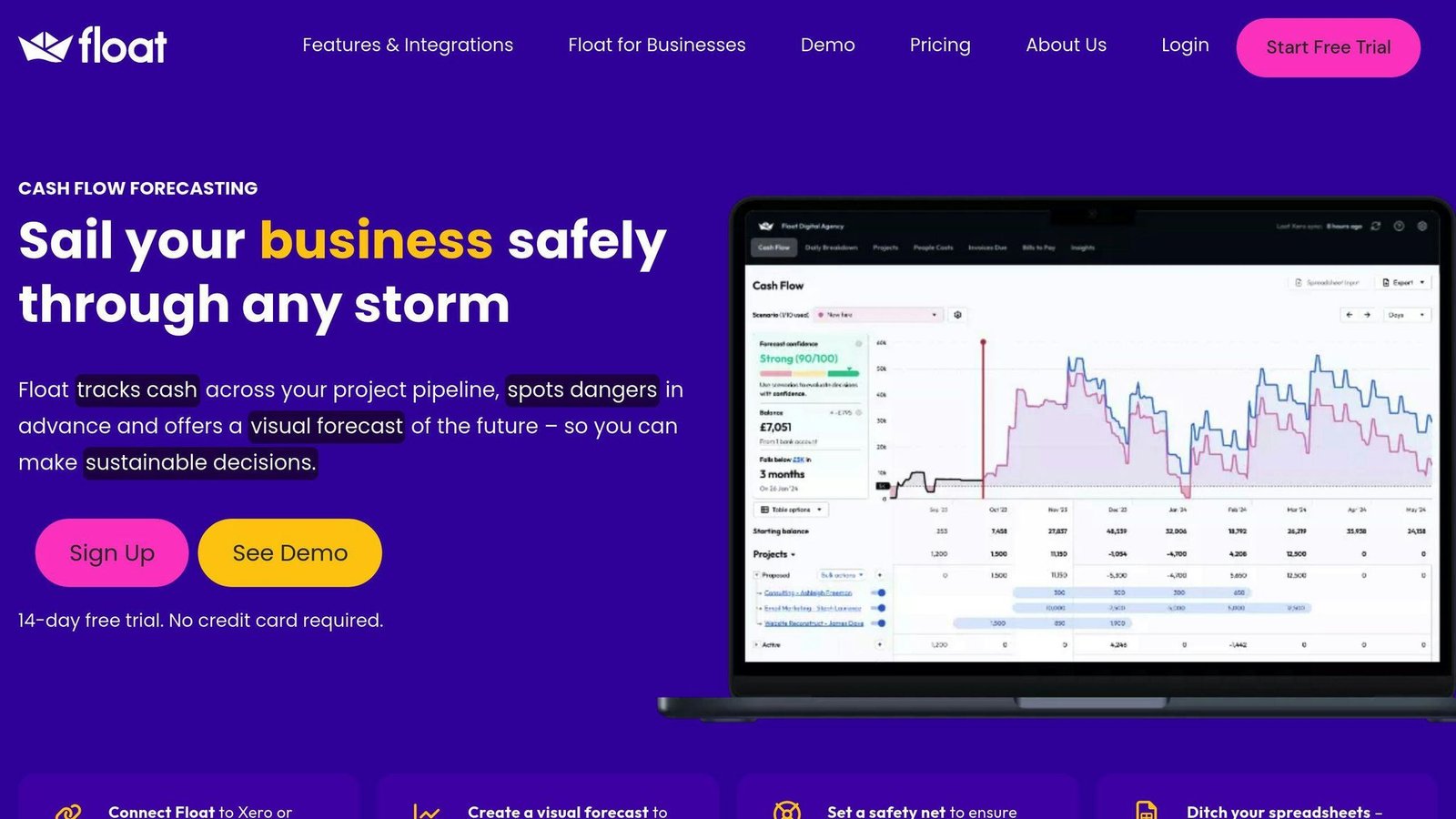
Float is a cash flow forecasting layer that sits on top of your accounting system. It offers:
- Real-time forecasting
- A timeline of your cash flow (past, present, and future)
- Easy integration with Xero
Pricing: Float’s plans are called Essentials, Growth and Scale, and they are priced by your company’s revenue band rather than per user. Float’s own page showed prices in pounds when we checked in August 2026:
- Essentials: £99 a month month-to-month, or £79 a month billed annually
- Growth: £199 a month, or £159 billed annually
- Scale (up to 5 entities): £295 a month, or £235 billed annually, plus £59 a month per additional entity
An “Essential / Premium / Enterprise” table with dollar figures previously appeared here. Those plan names do not exist and the figures did not match Float’s page, so they have been removed. Float lists other currencies; check the rate for yours.
Fathom: Three-Way Forecasting Pro
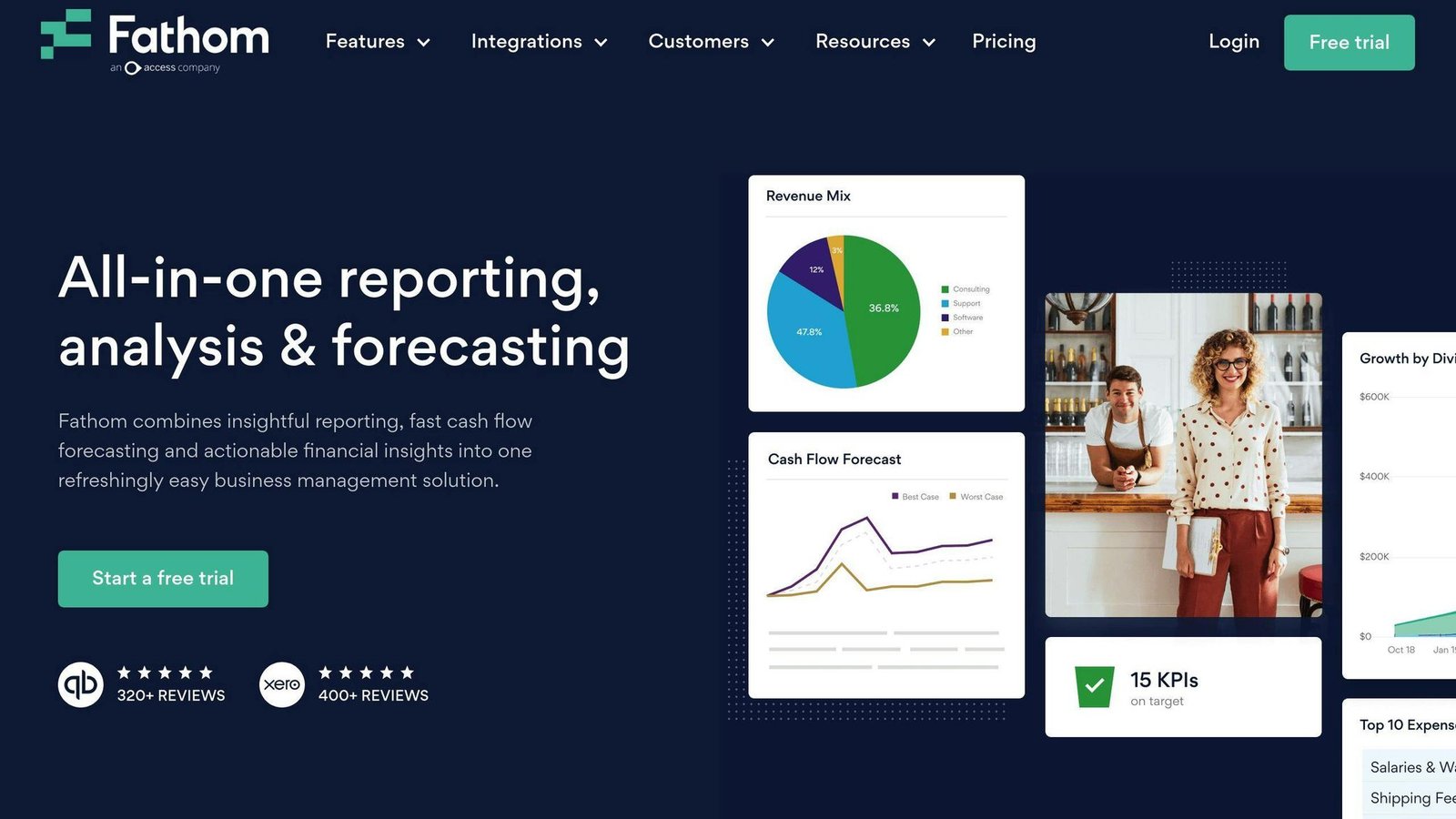
Fathom takes your financial planning up a notch:
- Business planning and three-way forecasting
- Works with Xero, Quickbooks, and MYOB
- Easy modeling of business activities
Futrli by Sage: Making It Simple
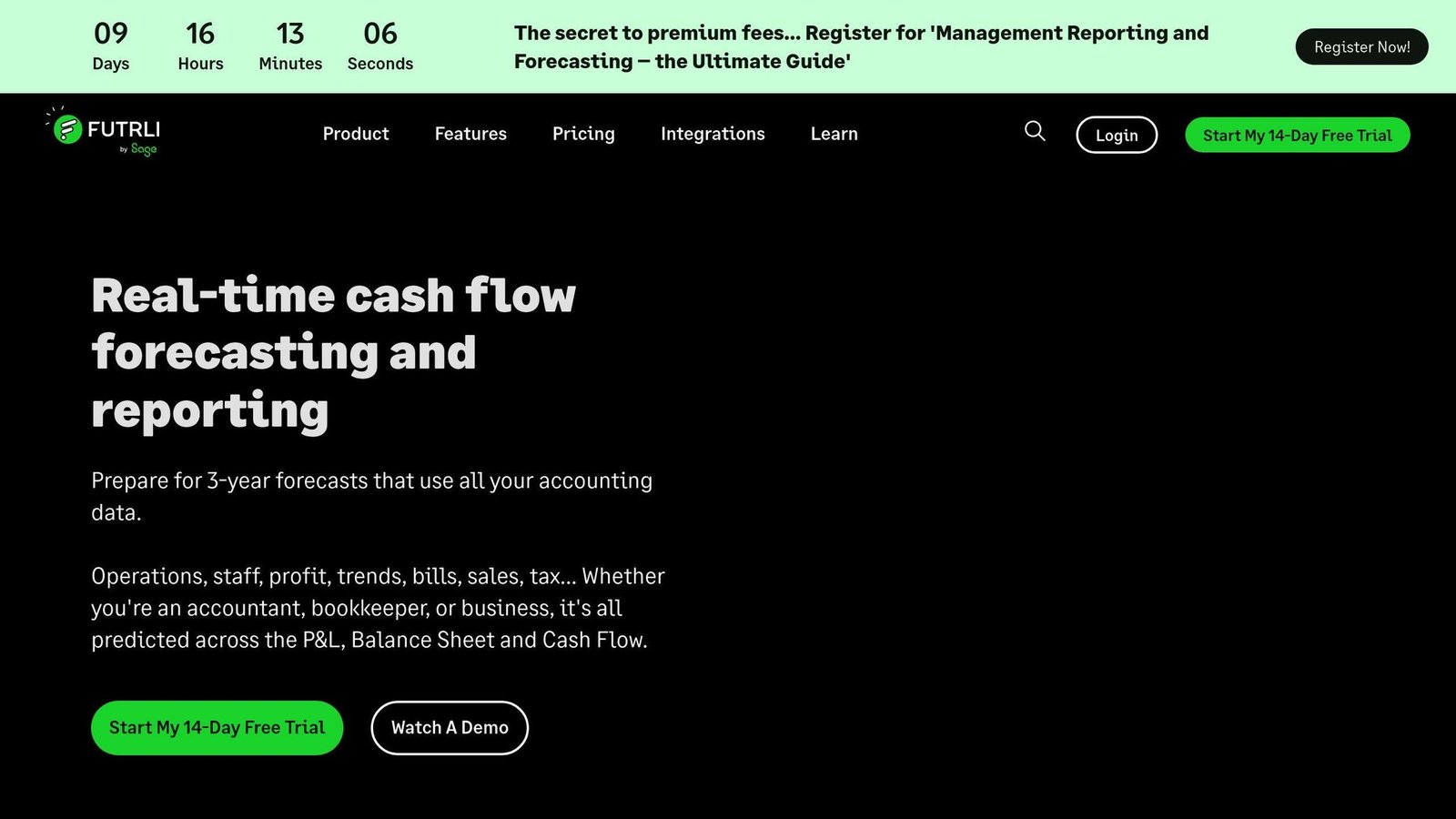
Note the name. Futrli was acquired by Sage and is now marketed as Futrli by Sage. The separate “Futrli Predict” branding this article previously used has been folded into the main product. What it does:
- Pulls data from your accounting software
- Builds forecasts for P&L, Balance Sheet, and Cash Flow
- Gives you a 3-year future outlook
Cash Flow Frog: Easy-to-Use Forecasting
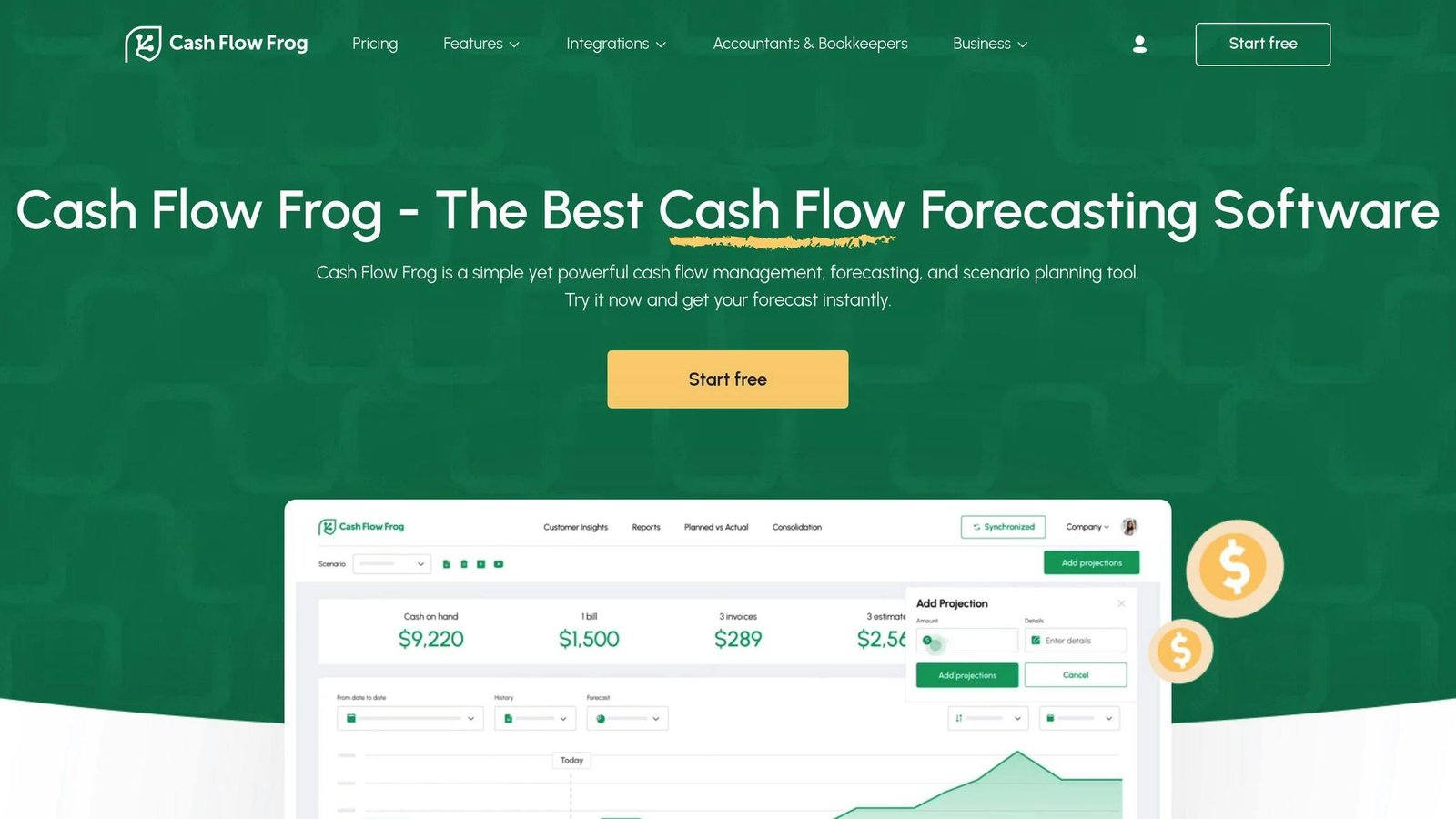
Cash Flow Frog keeps things simple:
- User-friendly interface for cash flow forecasting
- Scenario planning features
- Works with major accounting software like Xero
One entry removed
This section previously listed a fifth option, “Summit”, described as a new cash flow forecasting tool in early access and free during that phase. The link went to Summit CPA Group, which is an accounting firm, not a software product – and that firm has since been absorbed into Anders CPA, so the address now redirects there. There is no free early-access forecasting product to sign up for, and the entry has been removed rather than replaced with an invented one.
A customer quotation about a bank-feed product called NetCash also sat in this section. NetCash is not one of the tools compared here and the quotation could not be traced to a source, so it has been removed too.
When picking a cash flow tool, the thing that actually decides whether it works is the quality of the feed from your accounting system. If your bookkeeping is a month behind, a forecasting tool will produce a confident-looking forecast from stale data. Fix the bookkeeping first.
3. All-in-One Bank Account Manager
Juggling multiple bank accounts? It’s a pain. But here’s the good news: All-in-One Bank Account Managers can make your life easier.
These tools bring all your accounts together in one place. It’s like having a financial command center for your business.
Here’s what to look for in a good All-in-One Bank Account Manager:
| Feature | What It Does |
|---|---|
| Multi-account integration | Shows all your accounts in one spot |
| Real-time updates | Gives you up-to-the-minute info |
| Budgeting tools | Helps you set and track money goals |
| Transaction categorization | Sorts your spending automatically |
| Security measures | Keeps your money info safe |
Quicken is a top player in this game. It’s got a bunch of useful tools:
- Budgeting
- Bill tracking
- Investment monitoring
- Custom reporting
Quicken’s plan names have changed, and the old Starter / Deluxe / Premier / Home & Business line-up is gone. The current products, all priced as a monthly figure billed annually:
- Quicken Simplifi (cloud): $3.99 a month
- Quicken Business & Personal (cloud): $4.99 a month
- Quicken Classic Deluxe (desktop): $6.99 a month
- Quicken Classic Premier (desktop): $7.99 a month
- Quicken Classic Business & Personal (desktop): $10.99 a month
The “$35.99 a year” and “$93.59 a year” figures this article previously carried referred to a product line-up that no longer exists and have been removed. If you are running a business, the two plans with “Business” in the name are the ones to look at; the others are personal finance products.
Another option is You Need A Budget (YNAB). It’s built for personal budgeting, and its method – assign last month’s income to this month’s expenses – suits an owner-operator with irregular income better than it suits a company with payroll. YNAB offers a free trial before you commit.
When picking your All-in-One Bank Account Manager, keep these things in mind:
1. Security
Look for bank-level encryption and two-factor authentication. Your financial data needs serious protection.
2. Integration
Make sure it plays nice with all your accounts. Checking, savings, credit cards, loans, investments – the whole shebang.
3. User-friendliness
It should be easy to use. You want to understand your finances at a glance, not get lost in a maze of menus.
4. Mobile access
Business moves fast. Your financial info should keep up. Look for a tool with a solid mobile app.
5. Reporting
Custom reports can give you deep insights into your business finances. Make sure your tool offers this feature.
4. Payment Processing System
A solid payment processing system is key for any business today. It’s how you handle money from customers. Let’s look at some top tools to make your business banking smoother.
Square: The All-Rounder
Square is popular with small businesses. Note that Square now has paid subscription tiers, and the rate you pay depends on which one you are on:
- In person: 2.6% + 15¢ on the free tier, 2.5% + 15¢ on Plus, 2.4% + 15¢ on Premium
- Online: 3.3% + 30¢ on the free tier, 2.9% + 30¢ on Plus and Premium
- Manually keyed or card on file: 3.5% + 15¢ on every tier
That online rate is the one to watch. Earlier versions of this article quoted 2.9% + 30¢ for online payments without saying it requires a paid plan; on Square’s free tier the online rate is 3.3% + 30¢. The in-person fixed fee was also given as 10¢ rather than 15¢.
Square is simple and works well for physical stores, with free point-of-sale software and a range of hardware.
Stripe: Online Pro
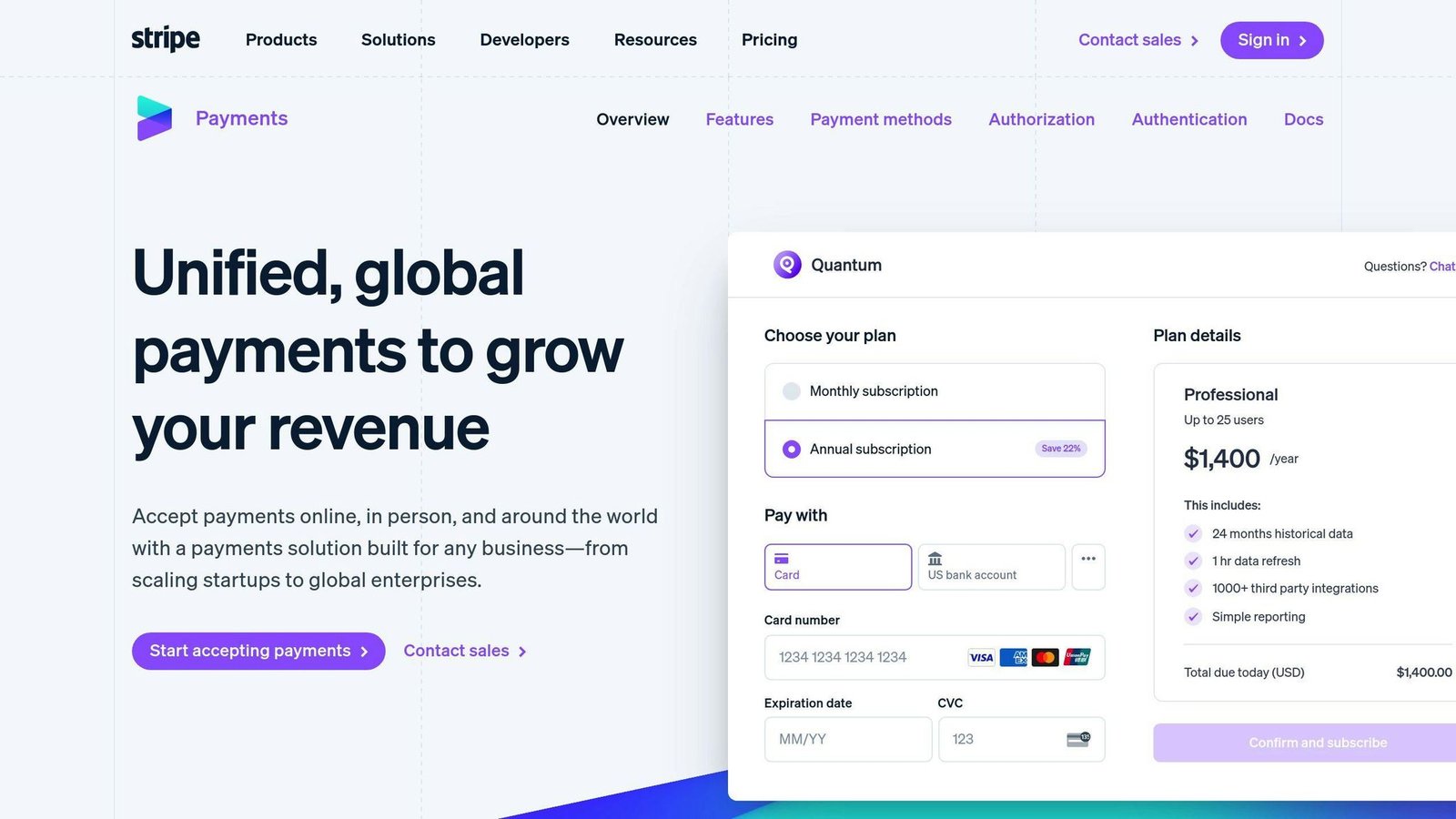
If you’re big online, Stripe might be your pick:
- Online: 2.9% + 30¢ for domestic cards, plus 1.5% for international cards
- In person (Stripe Terminal): 2.7% + 5¢ for domestic cards, plus 1.5% for international
- Stripe advertises support for 135+ currencies and cardholders in 195+ countries
- Strong tools for developers
Stripe is a good fit if you sell internationally or need a custom checkout. Note the international card surcharge, which is easy to miss when you compare headline rates against Square.
Helcim: Budget-Friendly Choice

Helcim uses interchange-plus pricing with published volume discounts, which is unusual in this bracket:
- In person, under $50,000 a month: interchange + 0.40% + 8¢. The margin falls as volume rises, to 0.35% + 7¢ above $50,000 and 0.25% + 7¢ above $100,000.
- Online and keyed, under $50,000 a month: interchange + 0.50% + 25¢, falling on the same volume steps.
- No monthly fees, no statement fees, no PCI compliance fees, no setup or cancellation fees.
Interchange-plus means your cost tracks the card networks’ own rates rather than a flat blend, so it is usually cheaper at volume and harder to predict at low volume. If you process more than a few thousand dollars a month, run your actual card mix through both models before assuming flat-rate is simpler.
Quick Comparison
| Processor | Best For | Pricing | Global Support |
|---|---|---|---|
| Square | Small shops | Flat-rate, varies by subscription tier | Some |
| Stripe | Online stores | Flat-rate plus international surcharge | Lots |
| Helcim | High-volume sellers | Interchange-plus, volume discounts | Some |
Keep It Safe
When picking a payment processor, safety is crucial. Good processors follow PCI DSS rules to protect your customers’ info.
Make It Work Together
Think about how the processor fits with your other systems. For example, Plooto works well with QuickBooks and Xero, making your money management easier.
The Main Point
A payment processor is not just a pipe for money. The things that decide whether it suits you are the rate on your actual card mix, whether it reconciles cleanly into your accounting system, and how long it holds your money before paying out. A quotation attributed to an unnamed industry figure previously closed this section; it has been removed.
5. Banking Data Analysis Tool
Banking data analysis tools help businesses see what is actually happening in their numbers. Here are the main options and, more importantly, what they really cost.
What to Look For
When picking a banking data analysis tool, keep these things in mind:
| Feature | Why It Matters |
|---|---|
| Security | Keeps your money data safe |
| Integration | Works with your current systems |
| Easy to Use | People will actually use it |
| Customization | Fits your specific business |
| Real-Time Updates | Gives you the latest info |
Top Tools
1. ThoughtSpot AI-Powered Analytics
ThoughtSpot lets non-analysts ask questions of a dataset in plain language rather than waiting on a reporting queue. A named bank customer result – a halving of paid search spend and a jump in revenue margin – previously appeared here as a quotation. It could not be traced to a published case study and has been removed.
2. Tableau
Tableau’s known for being easy to use and great at showing data. It’s good for:
- Making interactive dashboards
- Spotting trends
- Keeping track of how you’re doing
3. Power BI
Power BI plays nice with other Microsoft stuff. It lets you:
- Watch your data in real-time
- Make your own reports
- Check things on your phone
What About Price?
This section previously carried a cost table running from $100,000 to over $1,500,000. Those figures describe custom enterprise data-warehouse projects, not the tools named above, and no source was given for them. They have been removed, because quoting six-figure sums to a small business reading an article about bank tools is actively misleading.
The products in this section are sold per user per month, in the same bracket as the rest of the software on this list. Get the current rate from each vendor and price it for the number of people who will genuinely build reports, which is usually far fewer than the number who will read them – most of these tools charge less, or nothing, for view-only access.
Does It Pay Off?
A return-on-investment percentage and a payback period previously sat here with no source attached. Both have been removed. The honest answer is that analytics pays off when a specific decision changes because of it. If you cannot name the decision in advance, you are buying dashboards, not insight.
Picking the Right One
Think about:
- How much data you have
- Following the rules
- Room to grow
Choose a tool that fits your needs now and can keep up as you get bigger.
Final Thoughts
Digital banking tools are changing how businesses handle their money. Let’s recap the benefits and look at what’s coming next.
Why Digital Banking Tools Matter
These tools offer big advantages:
| Tool Type | What It Does |
|---|---|
| Money Flow Tracking | Shows real-time info, helps manage cash better |
| All-in-One Account Manager | Makes overseeing accounts easier |
| Payment Processing | Speeds up transactions, makes customers happier |
| Banking Data Analysis | Helps make smarter choices based on data |
These aren’t just nice extras. They’re becoming must-haves for businesses that want to stay efficient and competitive.
What’s Next in Banking Tech
Banking tech is moving fast. Here’s what to watch for:
- AI Getting Smarter: Expect more automated categorisation, anomaly detection and forecasting. A specific bank-profit forecast attributed to a 2024 Citigroup report previously appeared here without a link to the report; it has been removed.
- More Personal Service: Future tools will likely get better at understanding what your business needs.
- More Automation: Expect tools that do more routine tasks for you.
- Tougher Security: As digital banking grows, so will efforts to keep your money info safe.
Picking the Right Tools for You
When choosing banking tools, think about:
1. What You Need
Figure out your main banking needs. Is it tracking cash? Making payments easier? Let your needs guide you.
2. How It Fits With What You Have
Make sure new tools work well with your current systems. If you use QuickBooks or Xero, look for tools that connect easily.
3. Room to Grow
Pick tools that can keep up as your business gets bigger. Herman Man from Bluevine says:
“Small businesses are vastly, vastly underserved. It’s true across banking, software, and so many other industries out there.”
Look for tools that offer different levels or features as you grow.
4. Easy to Use
The best tool is one you’ll actually use. Go for simple interfaces and good help when you need it.
5. Worth the Money
Think about what you’re getting for what you pay. On payment processing especially, the difference between two rates on the same card mix is real money every month – work it out rather than trusting a headline percentage.
More on this topic
Browse all 53 articles on Finance & Accounting, or jump straight to our buying guide: Best Accounting Software for Small Businesses.