
Disclosure: This page contains commercial links. BizBot may earn a commission from qualifying purchases. Paid placements do not buy a better ranking. Read our affiliate disclosure.
AI workforce scheduling tools use artificial intelligence to automatically create optimized employee schedules based on factors like availability, skills, labor laws, and business needs. These tools offer key benefits:
- Save time and money by automating scheduling tasks
- Reduce overtime costs through efficient scheduling
- Improve employee satisfaction with fair scheduling
- Ensure compliance with labor regulations and policies
- Allow real-time updates and adjustments as needed
By leveraging AI for scheduling, businesses can boost productivity, enhance efficiency, and increase satisfaction levels for both employees and customers.
Top AI Scheduling Tool Features
| Feature | Description |
|---|---|
| Automated Scheduling | Uses AI algorithms to create optimized schedules |
| Real-time Updates | Provides real-time schedule updates and adjustments |
| Forecasting & Analytics | Offers data insights for staffing and resource planning |
| Compliance Management | Ensures schedules follow labor laws and policies |
| Employee Self-Service | Allows staff to view schedules and manage availability |
| Mobile Access | Enables access to schedules via mobile devices |
Quick Comparison of Top 10 Tools
| Tool | List price | Where it fits | What actually sets it apart |
|---|---|---|---|
| OPTAS | From €2 per employee/month, €50 monthly minimum | Small and mid-size sites in care, hospitality, manufacturing | Core plan is cheap because scheduling automation and timesheets are separately priced modules |
| Zira (now Teambridge) | Listed from $1/user/month, quoted in practice | Shift work in healthcare, events, security, home care | Workflows are assembled to fit the operation rather than fixed by the vendor |
| Celayix | Quote-based; roughly $400-$800/month up to 100 employees | Security, home and long-term care, events, manufacturing | Handles union agreements, certifications, shift differentials and multi-location rules |
| Quinyx | Quote-based | Retail, warehousing and logistics, quick service, facilities, healthcare | Site-level AI demand forecasting that then drives the schedule |
| TCP Software | Humanity Schedule from $2.75 per employee/month, billed annually | Employers who want scheduling and time tracking from one vendor | Owns TimeClock Plus, Aladtec and Humanity, so the time clock and the schedule are the same system |
| Deputy | $5 / $6.50 / $9 per user/month | Hospitality, retail, healthcare shift teams | Labor-law and award interpretation across jurisdictions |
| Humanity | Same as TCP Software above | Same as TCP Software above | Humanity is TCP’s scheduling product, not a separate vendor |
| When I Work | $2.50 / $5 / $8 per user/month | Small hourly teams | Scheduling and attendance bundled at every tier, no contract |
| Shiftboard | Quote-based, plus minimum subscription and implementation fees | Manufacturing, energy, corrections | Coverage-first scheduling: fatigue rules, credentials, contingent labor |
| HotSchedules | Not published | Restaurants and multi-site hospitality | Builds schedules from POS sales data; integrates with Toast, Oracle Micros, NCR Aloha, PAR |
Prices were checked in August 2026 against each vendor’s own pricing page and are list prices, not negotiated rates. Several vendors in this category do not publish prices at all; where that is the case the table says so rather than guessing. Check current pricing before you budget.
How we evaluated the tools
To create this roundup of the best AI workforce scheduling tools, we assessed various solutions based on their features, usability, integration capabilities, scalability, pricing, support, and industry recognition. We considered the following key factors:
Features and Functionality
We examined each tool’s ability to automate scheduling tasks, provide real-time updates, and offer data-driven insights. We also looked at compliance management, employee self-service features, and mobile access.
User-Friendliness
We evaluated the user interface and experience, considering simplicity, intuitiveness, and customization options. We also looked at the availability of tutorials and guides.
Integration Capabilities
We examined each tool’s ability to integrate with other business systems, such as HR software, payroll systems, and time tracking tools. We also considered their compatibility across devices and platforms.
Scalability
We assessed each tool’s ability to adapt to the needs of businesses of different sizes and industries. We looked at their scalability, flexibility, and customization options.
Pricing and Value
We evaluated the pricing models, considering cost per user, subscription fees, and any additional costs. We also assessed the value each tool provides in terms of time savings, cost reductions, and productivity improvements.
Customer Support
We looked at the quality of customer support, including support channels, response times, and resource materials such as documentation and FAQs.
Industry Recognition
We considered each tool’s reputation, including any awards, recognition, or certifications they have received. We also looked at customer reviews and ratings.
Top 10 AI Workforce Scheduling Tools
A note on this list. An earlier version of this article gave all ten tools the same feature list, the same integrations and the same verdict on user experience and support, with only the price differing — and the prices did not match any vendor’s published rates. Those entries have been rewritten against each vendor’s own pricing and product pages. One entry named a product, “Workforce Management AI”, that could not be matched to any vendor; it has been replaced with Quinyx, which is a real product in this category.
1. OPTAS
Overview: A cloud scheduler and time clock aimed at shift work in healthcare, social care, hospitality, manufacturing, restaurants and retail.
What sets it apart:
- Automated planning is metered: the Professional tier includes an allowance of automated scheduling minutes each month
- Clock-in from tablets and computers, with automatic timesheets and rounding rules
Pricing: Essentials €2 per employee per month, Professional €4.50, Enterprise €8.50, with a €50 monthly minimum. Prices are quoted in euros. There is no free trial — OPTAS offers a 45-day money-back guarantee instead.
Watch out for: automated scheduling, timesheets, time and attendance and integrations are add-on modules at roughly €0.50-€2 each. The headline per-employee price is not the whole bill.
2. Zira (now Teambridge)
Overview: Zira was an AI scheduling app for shift-based teams. Zira Technologies now ships the product as Teambridge; the zira.ai site no longer loads reliably, and the software directories that used to list Zira now show Teambridge at the same addresses.
What sets it apart: Teambridge is sold as composable — you assemble scheduling, time tracking and messaging around your own process rather than adopting the vendor’s. It targets healthcare, events, security, manufacturing and home care.
Pricing: Listings quote from $1 per user per month, but the vendor directs buyers to sales. Treat $1 as a floor, not a price.
Watch out for: if you are working from an older shortlist, confirm which product you are actually evaluating before you spend time on it.
3. Celayix
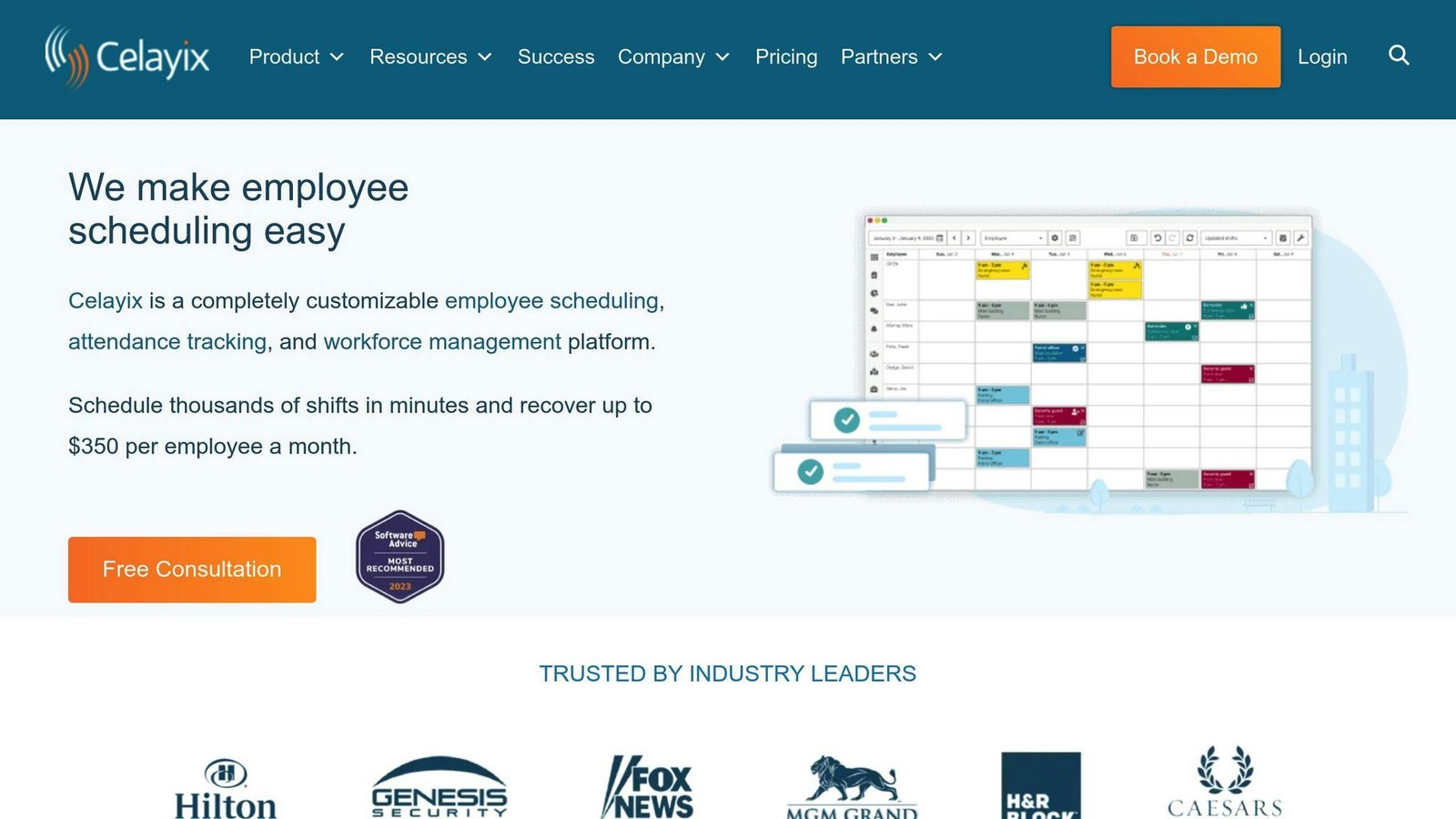
Overview: Built for organisations whose scheduling problem is rules rather than headcount — security firms, home and long-term care, events, hospitality, manufacturing.
What sets it apart:
- Overtime rules, union agreements, skill-based assignment, certification tracking, multi-location scheduling and shift differentials
- Time and attendance and mobile employee access in the same system
Pricing: Quote-based. Celayix publishes indicative bands: roughly $400-$800 a month for up to 100 employees and $1,000-$8,000 for up to 1,000, with custom quotes above that. The number depends on package, integrations and implementation services.
Watch out for: implementation usually runs four to ten weeks. This is not a tool you switch on this afternoon.
4. Quinyx
Overview: A workforce management platform for retail, warehousing and logistics, hospitality and quick service, facility management and healthcare.
What sets it apart:
- AI demand forecasting at individual site level, which then feeds automated scheduling
- Separate module groups for scheduling and attendance, forecasting and optimisation, and frontline engagement (messaging, tasks, recognition)
Pricing: Not published. Quinyx quotes per customer after a scoping conversation.
Watch out for: the forecasting is the reason to buy it. Without sales or footfall history to forecast from, you are paying a premium for a scheduler.
5. TCP Software
Overview: TCP Software is a vendor, not a single product. It sells TimeClock Plus for time and attendance, Aladtec for public safety agencies, and Humanity Schedule for scheduling — which is entry 7 below.
What sets it apart: buying the schedule and the time clock from one vendor, which removes the integration between them.
Pricing: TCP publishes prices for Humanity Schedule: Essentials $2.75 per employee per month billed annually for up to 250 employees, Professional from $3.75, Enterprise on quote. Annual billing is around 20% cheaper than monthly. A 30-day trial of Professional runs without a card. TimeClock Plus and Aladtec are priced separately.
Watch out for: TCP and Humanity are the same company. They should not both occupy a slot on your shortlist.
6. Deputy
Overview: Shift scheduling and time tracking used across hospitality, retail, healthcare and manufacturing.
What sets it apart:
- Labor-law and award interpretation across multiple jurisdictions, which is the main reason larger hourly employers choose it
- Auto-scheduling and demand forecasting, from the middle tier upwards
Pricing: Lite $5, Core $6.50, Pro $9 per user per month. Auto-scheduling and forecasting start at Core. SSO, custom access levels and 24/7 live chat are Pro only. No free tier; free trials are available.
Watch out for: the add-ons stack up — HR at $2, Messaging+ at $1.95 and Analytics+ at $1.50 per user per month, and payroll through Paycor at $8 per user plus a $49 base fee.
7. Humanity
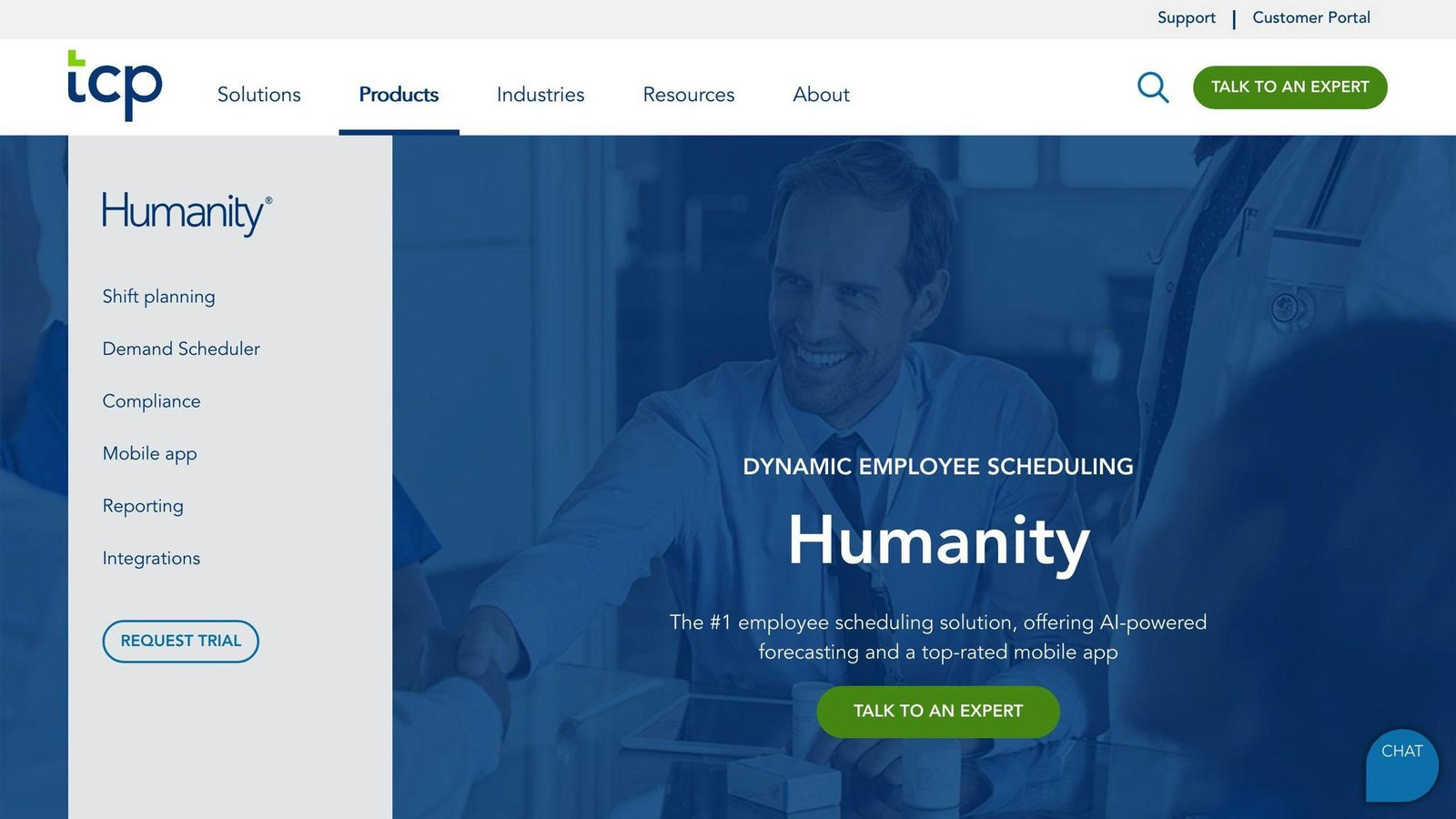
Overview: Humanity Schedule is TCP Software’s scheduling product.
What sets it apart:
- AI shift forecasting and auto-built schedules that apply compliance rules as they build
- Shift notifications by email, app and SMS, employee self-service, labor cost reporting, and mobile apps including Apple Watch
- Payroll and ERP/HCM integrations, and a direct pairing with TimeClock Plus
Pricing: as entry 5 — Essentials $2.75 per employee per month billed annually, Professional from $3.75, Enterprise on quote.
Watch out for: if you already run TimeClock Plus, Humanity is the obvious scheduler. If you don’t, judge it against Deputy and When I Work on its own merits rather than on the suite argument.
8. When I Work
Overview: The cheapest credible option here for a small hourly team.
What sets it apart:
- Scheduling and attendance are bundled at every tier rather than sold as separate products
- Auto-scheduling and unlimited users on the entry plan
- No contract; seats can be added or removed at any point
Pricing: Essentials $2.50, Pro $5, Premium $8 per user per month. 14-day free trial, no card required.
Watch out for: API access, webhooks and SAML/SSO are Premium only. For a team of ten, When I Work and Deputy Lite do close to the same job at close to the same price; the tie-breaker is compliance depth, where Deputy is stronger.
9. Shiftboard
Overview: Shiftboard sells ScheduleFlex for coverage-critical operations — manufacturing, energy and corrections.
What sets it apart:
- Aimed squarely at union compliance, fatigue management and contingent labor
- Demand planning, credential tracking, applicant tracking and custom reporting on the Enterprise plan; the Business plan covers a single site
Pricing: Quote-based. Minimum subscription fees apply to all plans, and implementation fees apply on top. Discounts are available for non-profits.
Watch out for: those minimums mean this rarely adds up for a small team, whatever the per-user arithmetic suggests.
10. HotSchedules
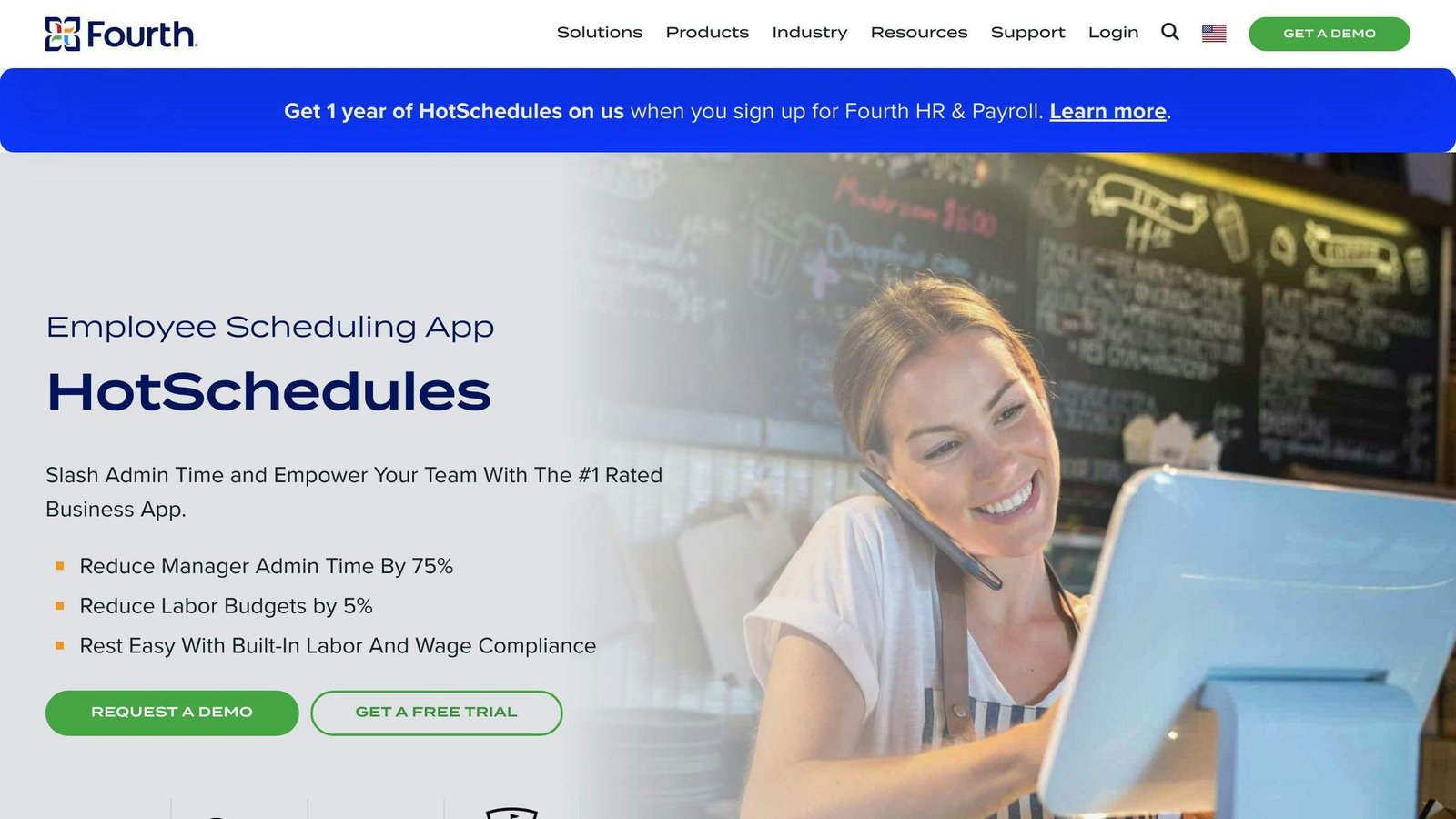
Overview: Owned by Fourth, HotSchedules is the restaurant industry’s default scheduler, used by independents and large chains alike.
What sets it apart:
- Schedules built from POS sales and labor data, with integrations to Toast, Oracle Micros, NCR Aloha and PAR
- Pay features aimed at hourly restaurant staff, including digital tip payouts and earned wage access
- Sits inside Fourth’s wider HR and payroll platform
Pricing: Not published. Fourth quotes per site and currently promotes a first-year offer.
Watch out for: it is a hospitality tool. Outside restaurants and similar operations, most of what makes it good does not apply.
Two things are worth saying plainly rather than padding out. TCP Software and Humanity are one vendor, so they are one choice, not two. And for a team of twenty people in a single location, OPTAS, When I Work and Deputy’s entry tier are close enough that price, payroll integration and how much labor-law logic you need should decide it — not the feature list, which is broadly the same. The genuinely different products in this list are Celayix, Shiftboard and Quinyx, and they are different because they solve harder problems: union rules, coverage risk and demand forecasting.
Tool Comparison Table
Here’s a side-by-side comparison of the tools above. Pricing was checked in August 2026 on each vendor’s own site.
| Tool | Pricing | Best suited to | Main limitation |
|---|---|---|---|
| OPTAS | €2 / €4.50 / €8.50 per employee per month, €50 minimum | Care, hospitality and manufacturing sites | Key functions are paid add-on modules |
| Zira (now Teambridge) | Listed from $1/user/month; quoted in practice | Shift work needing a custom workflow | Product has changed name; verify what you are buying |
| Celayix | Quote-based, roughly $400-$800/month up to 100 employees | Complex rule sets and multi-site coverage | Four to ten week implementation |
| Quinyx | Quote-based | Retail, logistics, quick service, healthcare | Needs demand history to justify the cost |
| TCP Software | Humanity Schedule from $2.75 per employee/month annually | Buyers who want scheduling and time tracking together | Same vendor as Humanity; TimeClock Plus priced separately |
| Deputy | $5 / $6.50 / $9 per user/month | Hourly employers with real compliance exposure | Add-ons for HR, messaging, analytics and payroll |
| Humanity | As TCP Software | Existing TimeClock Plus customers | Not an independent alternative to TCP |
| When I Work | $2.50 / $5 / $8 per user/month | Small hourly teams on a budget | API, webhooks and SSO on the top tier only |
| Shiftboard | Quote-based, plus minimums and implementation fees | Manufacturing, energy, corrections | Minimum fees rule out small teams |
| HotSchedules | Not published | Restaurants and multi-site hospitality | Little reason to buy it outside hospitality |
Use the table to narrow the list to two or three, then get quotes. In this category the quoted price and the list price often differ, and the vendors that publish nothing are usually the ones selling to larger employers.
Final Thoughts
Choosing the right AI workforce scheduling tool is crucial for streamlining operations, boosting productivity, and cutting costs. This roundup of the top 10 AI workforce scheduling tools provides businesses with valuable insights to make informed decisions based on their specific needs.
When evaluating these tools, consider factors like:
- Scalability: Can the tool grow with your business?
- Integration capabilities: Does it integrate with your existing systems?
- Long-term support: Is ongoing support and training available?
Assess your current scheduling processes and identify areas for improvement. Determine how an AI-driven scheduling tool can address these challenges.
Before you buy, measure what you spend now: how many hours a manager spends building and reworking the rota each week, how much overtime you paid last quarter, and how often a shift went uncovered. Re-measure the same three numbers three months after go-live. That gives you a figure that means something for your business, which no vendor’s percentage claim can.
Remember, every business is unique. What works for one may not work for another. Take the time to:
- Evaluate each tool thoroughly
- Read reviews and ratings
- Consult with experts
Find the perfect fit for your business needs.
Key Considerations
| Factor | Description |
|---|---|
| Scalability | Ensure the tool can accommodate your business growth. |
| Integrations | Check compatibility with existing systems like HR, payroll, and time tracking. |
| Support | Look for reliable customer support, training resources, and documentation. |
| Customization | Assess the tool’s flexibility to meet your unique scheduling requirements. |
| User Experience | Prioritize user-friendly interfaces for easy adoption and use. |
| Compliance | Verify the tool’s ability to adhere to labor laws and company policies. |
FAQs
How can artificial intelligence help with scheduling?
AI algorithms analyze data like employee availability, skills, and labor laws to automatically create optimized work schedules. This automation:
- Saves time by eliminating manual scheduling tasks
- Reduces overtime costs through efficient scheduling
- Ensures schedules comply with regulations and policies
- Allows quick adjustments for changes or emergencies
By leveraging AI for scheduling, businesses can:
| Benefit | Description |
|---|---|
| Improve Productivity | Managers can focus on strategic tasks instead of scheduling |
| Enhance Efficiency | Optimized schedules make better use of resources |
| Increase Satisfaction | Fair scheduling boosts employee and customer satisfaction |
Key Points on AI Scheduling
- AI analyzes data to create optimized schedules automatically
- Saves time and reduces costs compared to manual scheduling
- Ensures compliance with labor laws and company policies
- Allows real-time updates and adjustments as needed
- Improves productivity, efficiency, and satisfaction levels
More on this topic
Browse all 52 articles on HR & People Ops.