
Tax preparation can be daunting for small businesses, but tax software simplifies the process, ensuring compliance, maximizing savings, and providing convenience. Here are the top 10 tax software options for small businesses:
- TurboTax: Feature-rich with expense tracking, self-employment income reporting, and expert support. Do-it-yourself federal filing runs $0 to $149, state extra.
- H&R Block: Step-by-step guidance, deduction finder, audit support, and mobile app. Free tier for simple returns, then $65 federal plus $49 per state.
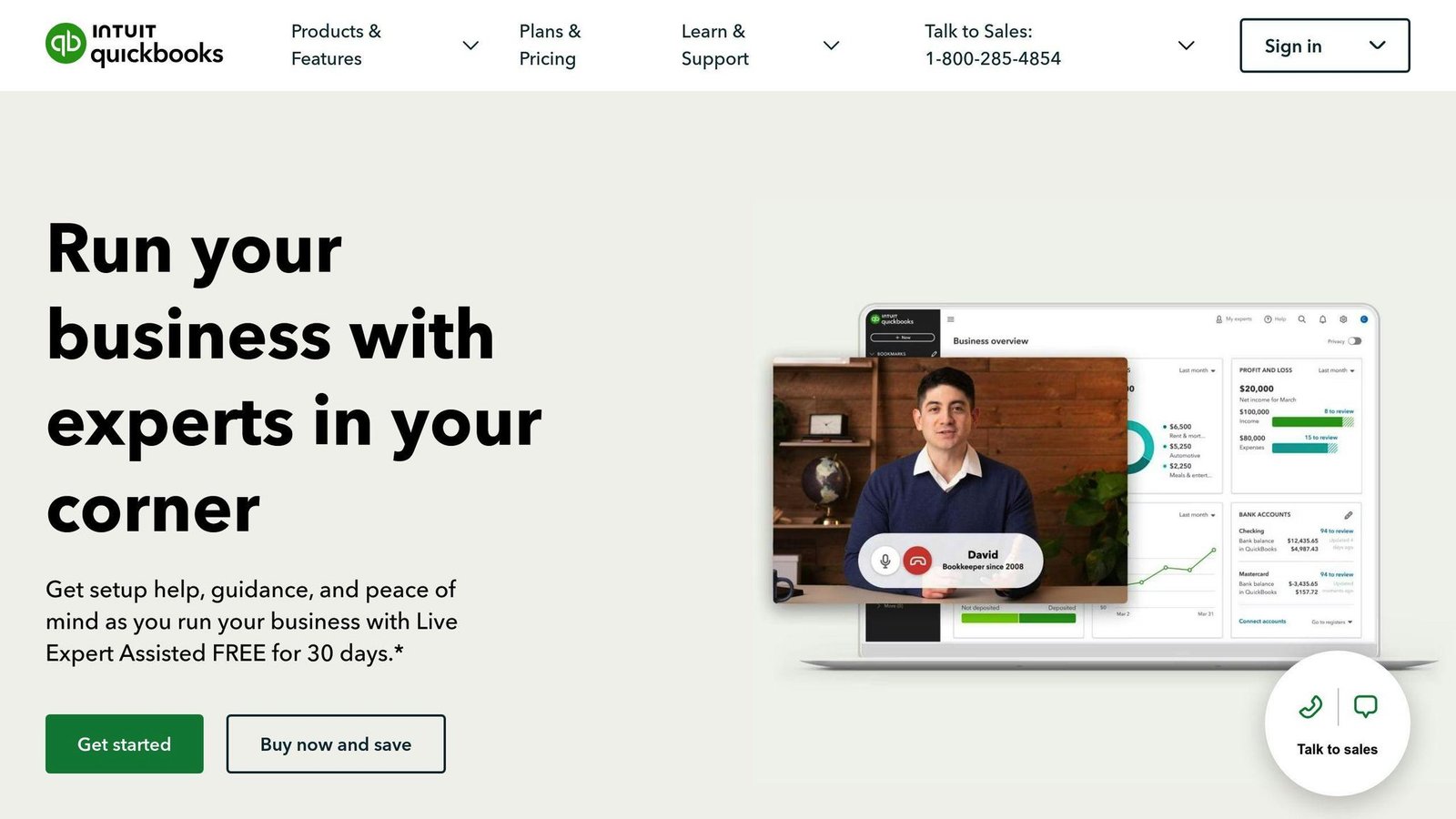
- QuickBooks Online: Automatic tax calculations, financial reports, and accounting tool integration. List price starts at $38 a month. It is accounting software, not a tax filing package.
- TaxAct: Accurate calculations, customizable reports, multi-state filing, and audit protection. Personal do-it-yourself federal filing starts at $0; business returns start at $109.99 federal.
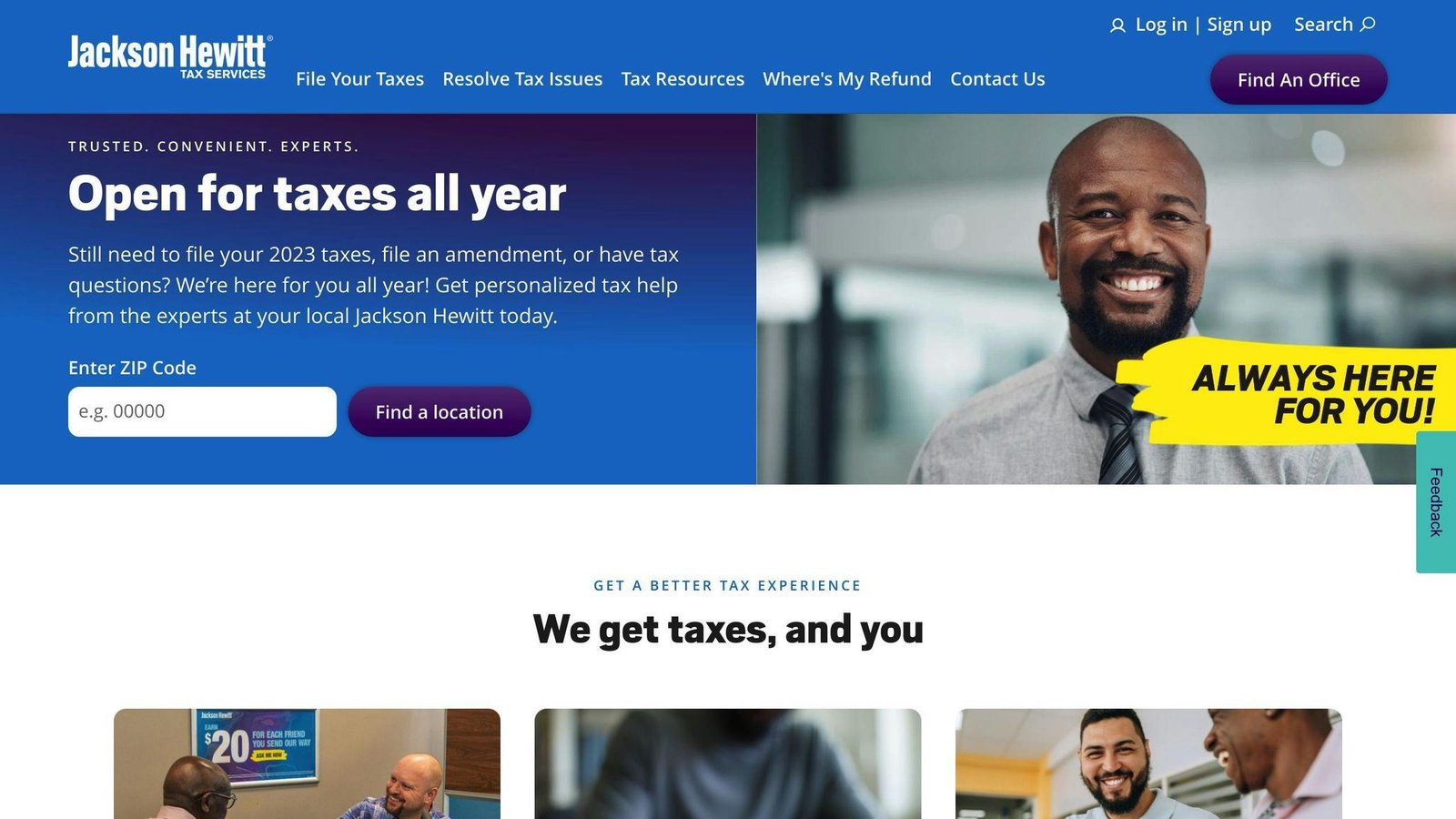
- Jackson Hewitt: Flat-rate online filing at $25, tax professional help, and accuracy guarantee.
- TaxSlayer: Free tier for simple returns, then $44.99 federal plus $47.99 per state.
- FreeTaxUSA: Free federal filing whatever the complexity, self-employed support, and audit assistance. State returns are $15.99 each.
- Cash App Taxes: Free federal and state filing, audit support, and supports major IRS forms.
- Block Advisors: Tax preparation, bookkeeping, payroll, business formation, and tax consulting services.
- BoomTax: ACA reporting, W-2 and 1099 filing, TIN verification, and unlimited corrections. The W-2 and 1099 Premium plan is $349 per tax year.
Related video from YouTube
Quick Comparison
Every figure here comes from the vendor’s own site and was checked in August 2026. Tax software prices move during filing season and most vendors reserve the right to change them at the moment you print or e-file, so confirm before you commit. Where a vendor does not publish a rate we say so.
| Software | Federal Filing | State Filing | Key Features |
|---|---|---|---|
| TurboTax | $0 – $149 do-it-yourself; Expert Assist $89 – $209; Full Service from $200 | $0 – $139 per state (do-it-yourself) | Expense tracking, self-employment income reporting, expert support |
| H&R Block | $0 Free, $65 Deluxe, $105 Premium, $130 Self-Employed | $0 on Free, otherwise $49 per state | Deduction finder, audit support, mobile app |
| QuickBooks Online | N/A (monthly subscription, not a filing package) | N/A | Automatic tax calculations, financial reports, accounting integration |
| TaxAct | Personal do-it-yourself from $0; business returns $109.99 (sole proprietor) to $169.99 (S and C-corp) | Extra, and TaxAct does not list the rate; Full Service is a flat $69 for all states | Accurate calculations, customizable reports, multi-state filing |
| Jackson Hewitt | $25 online, flat rate | Not broken out on the site | Flat-rate pricing, tax professional help |
| TaxSlayer | $0 Simply Free, $44.99 Classic, $64.99 Premium, $74.99 Self-Employed | One state free on Simply Free, otherwise $47.99 each | Tax professional help, accuracy guarantee |
| FreeTaxUSA | Free, no tiers | $15.99 per state | Free federal filing at any complexity, self-employed support, audit assistance |
| Cash App Taxes | Free | Free | Free federal and state filing, audit support, supports major IRS forms |
| Block Advisors | Not published; quoted per business | Not published | Tax preparation, bookkeeping, payroll, business formation from $149 |
| BoomTax | $349 per tax year for the W-2 and 1099 Premium plan | N/A | ACA reporting, W-2 and 1099 filing, TIN verification |
Choose the tax software that best fits your business needs, budget, and preferences for features, ease of use, and customer support.
Evaluation Criteria
When choosing tax software for your small business, consider these key factors:
Features
The software should offer features suited to your business needs, such as:
| Feature | Description |
|---|---|
| Electronic Filing | File taxes online and import W-2 and 1099 forms |
| Tax Return Storage | Save previous tax returns for reference |
| Deduction Suggestions | Get guidance on eligible deductions and credits |
| State Tax Filing | File state income tax returns if needed |
Cost
Look for affordable options that provide good value for money. Compare pricing and discounts.
User-Friendliness
The software should be easy to use, with a simple interface and clear instructions, even for non-tech users.
Support
Reliable customer support is crucial. Check if the software offers phone, email, chat, or in-person assistance when needed.
1. TurboTax
Features
TurboTax is a tax preparation software packed with features for small businesses:
- Electronic Filing: File taxes online and import W-2 and 1099 forms
- Tax Return Storage: Access previous tax returns for reference
- Deduction Guidance: Get help identifying eligible deductions and credits
- State Tax Filing: File state income tax returns if needed
- Business Expense Tracking: Easily track and categorize business expenses
- Self-Employment Income Tracking: Accurately report self-employment income and expenses
Pricing
TurboTax no longer sells the flat Self-Employed and Business tiers this article used to list. It now prices by how much help you want, and the exact figure depends on the complexity of your return. Checked August 2026; TurboTax sets the price at the moment you print or e-file, so treat these as ranges.
| Option | Federal Filing | State Filing (per state) |
|---|---|---|
| Do It Yourself | $0 – $149 | $0 – $139 |
| Expert Assist | $89 – $209 | $79 – $209 |
| Expert Full Service | From $200 | Varies |
User Experience
TurboTax offers a user-friendly interface, guiding small business owners through a step-by-step process for accurate and compliant tax returns.
Customer Support
Get reliable support through:
- Phone
- Chat
- Knowledge base and FAQs
- Live assistance from CPAs and EAs (additional fee)
2. H&R Block
Features
- Step-by-Step Tax Preparation: The software guides you through each section with easy questions and explanations, similar to working with a tax professional.
- Deduction Finder: Helps identify potential tax deductions and credits you may qualify for.
- Audit Support: Get free guidance from tax experts if you receive an IRS notice, or purchase additional audit representation services.
- Import Previous Returns: Easily transfer your information from last year’s tax return to save time.
- Mobile App: Access your tax return and upload documents from your mobile device.
Pricing
H&R Block online, checked August 2026. State filing is per state and is charged on every tier except Free.
| Plan | Federal Filing | State Filing (per state) |
|---|---|---|
| Free Online | $0 | $0 |
| Deluxe | $65 | $49 |
| Premium | $105 | $49 |
| Self-Employed | $130 | $49 |
User Experience
H&R Block’s online tax software has a clean and straightforward interface, making it easy to navigate through each section of your tax return. The software provides clear explanations and guidance throughout the process, ensuring you understand each step.
Customer Support
H&R Block offers multiple support channels, including:
- Phone and chat support from tax experts
- Online help center with articles and FAQs
- In-person assistance at H&R Block retail locations (additional fees may apply)
Features
QuickBooks Online offers helpful features for small businesses to prepare and file taxes:
- Automatic Tax Calculations: The software calculates taxes owed, reducing errors.
- Detailed Financial Reports: Get a clear picture of your finances and tax obligations.
- Customizable Invoices: Create professional invoices and track payments and expenses easily.
- Accounting Tool Integration: Seamlessly manage financial data from various accounting tools.
Pricing
These are the list prices per month, checked August 2026. Intuit runs heavy introductory discounts, often 90 per cent off for the first three months, and the list price is what you pay afterwards. The single-digit monthly figures this article used to quote were promotional rates, not the real cost.
| Plan | Monthly list price | Users included |
|---|---|---|
| Simple Start | $38 | 1 |
| Essentials | $85 | 3 |
| Plus | $140 | 5 |
| Advanced | $340 | 25 |
User Experience
QuickBooks Online has an intuitive interface, making it easy to use, even for beginners. Tutorials and guides help you get started and make the most of the features. For businesses dealing with multi-state sales or more complex tax obligations, tools like Avalara can complement QuickBooks Online by automating real-time sales tax calculation, compliance, and filing across multiple jurisdictions.
Customer Support
Get assistance through:
- Phone Support: Speak with tax experts and accounting professionals.
- Online Chat: Chat with support agents in real-time.
- Resource Center: Access tutorials, guides, and FAQs for tax preparation and filing.
4. TaxAct
Features
TaxAct offers these key features for small businesses:
- Accurate Tax Calculations: The software ensures precise tax calculations, reducing errors and potential penalties.
- Customizable Financial Reports: Generate detailed reports to understand your tax obligations clearly.
- Multi-State Filing: File taxes for multiple states easily, ideal for businesses operating across state lines.
- Audit Protection: Get audit protection and representation from experienced tax professionals.
Pricing
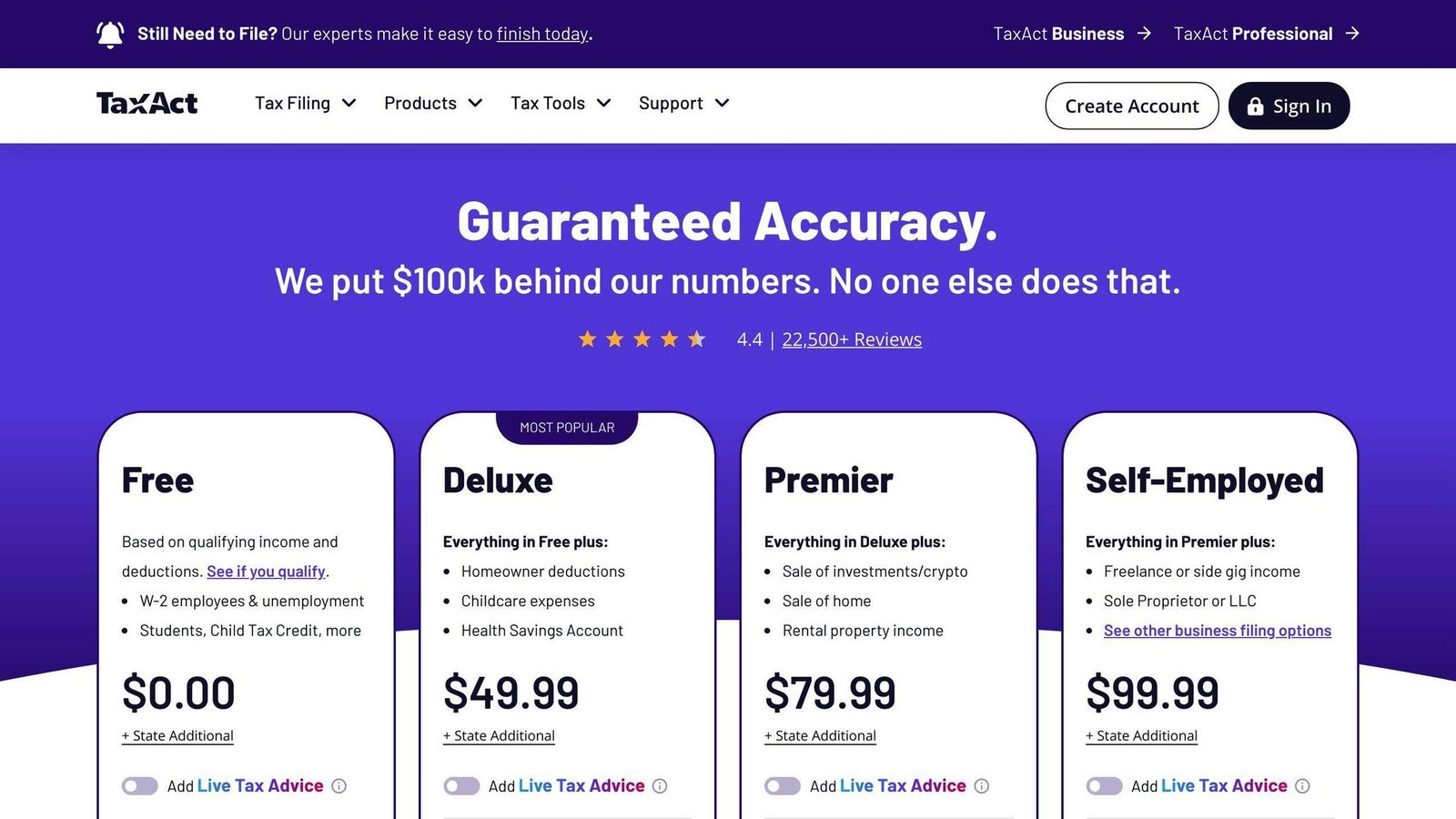
TaxAct has replaced the old Deluxe, Premier and Self-Employed consumer tiers with a do-it-yourself track plus two paid help levels. Business return prices below are federal, do-it-yourself. TaxAct marks state filing as “state additional” without listing the rate, except on Full Service, where all states are a flat $69. Checked August 2026.
| Return | Federal, do it yourself | With Xpert Assist |
|---|---|---|
| Personal | From $0 | From $45 |
| Sole proprietor (1040 Schedule C or F) | $109.99 | $154.99 |
| Estates and trusts (1041) | $149.99 | Not listed |
| Partnership (1065) | $159.99 | $248.99 |
| S corporation (1120-S) | $169.99 | $258.99 |
| C corporation (1120) | $169.99 | Not listed |
| Tax-exempt organisation (990) | $139.99 | Not listed |
User Experience
TaxAct’s user-friendly interface makes navigation easy, even for those new to tax preparation. The software guides you through the process, ensuring you don’t miss any deductions or credits.
Customer Support
Get assistance through:
- Phone Support: Speak with tax experts and accounting professionals.
- Online Chat: Chat with support agents in real-time.
- Resource Center: Access tutorials, guides, and FAQs for tax preparation and filing.
TaxAct is an affordable tax software solution for small businesses, offering accurate calculations, customizable reporting, multi-state filing, and audit protection. Its user-friendly interface and comprehensive support make it a practical choice for businesses of all sizes.
Features
Jackson Hewitt offers these key features for small businesses:
- Flat-Rate Pricing: Pay a flat $25 fee for online filing.
- State Returns: Jackson Hewitt does not publish a per-state rate for its online product, so check what the $25 covers if you file in more than one state.
- Tax Professional Help: Get expert assistance from a tax pro for an additional cost.
- 100% Accuracy Guarantee: Jackson Hewitt guarantees accurate calculations and will cover any penalties or interest due to their own calculation errors.
Pricing
Jackson Hewitt advertises online filing at a flat $25. It does not break federal and state out separately on its public pages, so we cannot confirm how many state returns that covers. Checked August 2026.
| Plan | Price |
|---|---|
| Online, flat rate | $25 |
| In-office preparation | Quoted per return |
User Experience
Jackson Hewitt’s online tax software has a simple, uncluttered interface. It guides you through tax preparation step-by-step, making it easy to navigate, even for first-time users.
Customer Support
Get assistance through:
- Live Chat: Chat with tax experts and support agents in real-time.
- Resource Center: Access tutorials, guides, and FAQs for tax preparation and filing.
Jackson Hewitt offers a straightforward tax software solution for small businesses. With flat-rate online pricing and expert support, it is a practical choice for businesses of all sizes. The user-friendly interface and comprehensive support resources make tax preparation simple.
6. TaxSlayer
Features
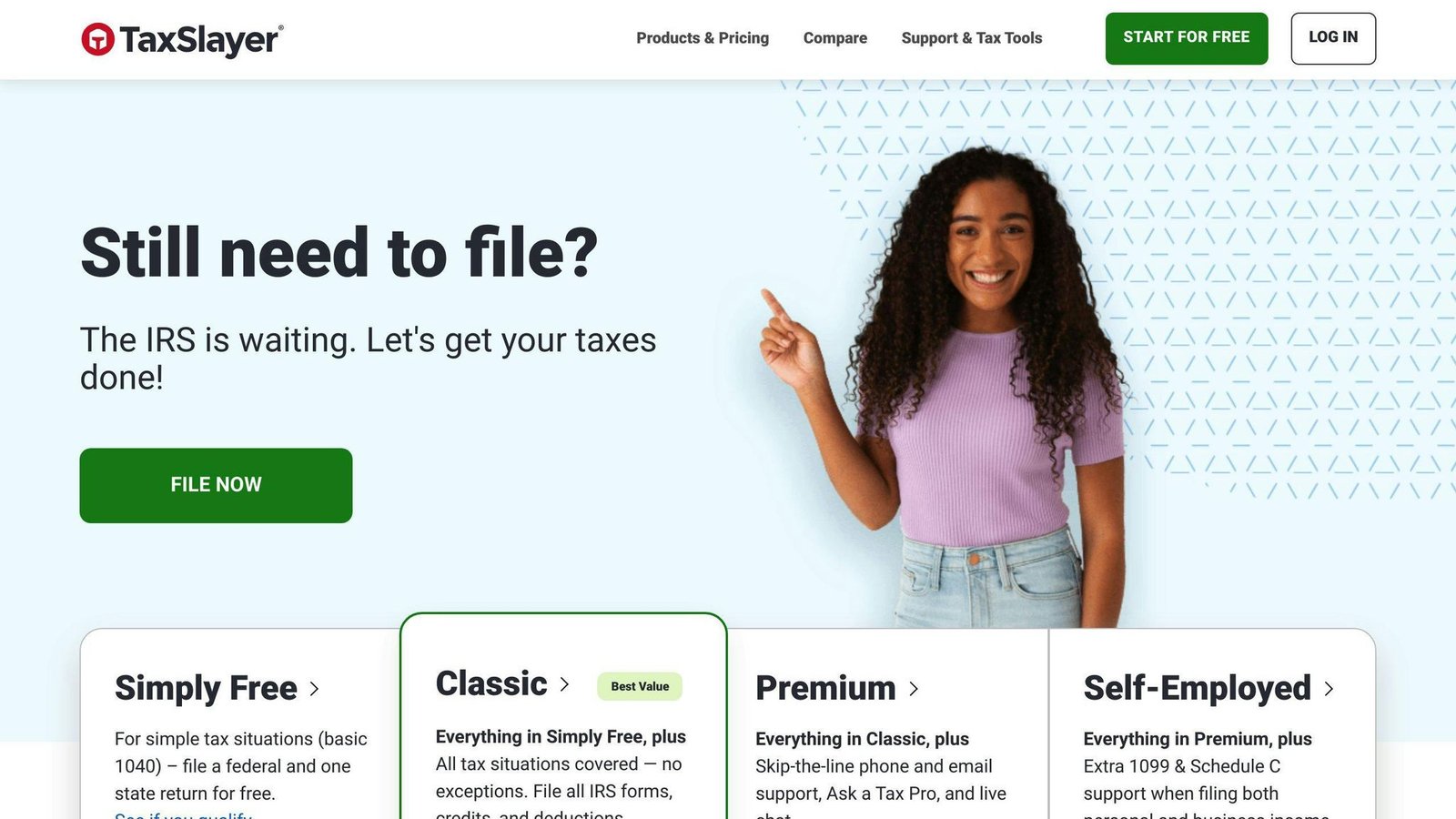
TaxSlayer offers several plans to meet different business needs:
- Simply Free: A basic plan for simple tax returns.
- Classic: Includes additional features for more complex returns.
- Premium: Provides advanced tools and support.
- Self-Employed: Designed for self-employed individuals and small businesses.
All plans include:
- State Returns: One state is included on Simply Free. On every other tier state returns are $47.99 each.
- Tax Professional Help: Get expert assistance from a tax pro (additional fee).
- Accuracy Guarantee: TaxSlayer guarantees accurate calculations and covers any penalties or interest due to their errors.
Pricing
Checked August 2026. Simply Free includes one state return; every other tier charges per state. TaxSlayer was also showing a promotional Classic price of $22.99, and states that prices are set at the time of print or e-file.
| Plan | Federal Return | State Return (each) |
|---|---|---|
| Simply Free | $0 | $0 for one state |
| Classic | $44.99 | $47.99 |
| Premium | $64.99 | $47.99 |
| Self-Employed | $74.99 | $47.99 |
User Experience
TaxSlayer’s online tax software has a user-friendly interface, guiding you through tax preparation step-by-step. The software is easy to navigate, even for first-time users.
Customer Support
Get assistance through:
- Live Chat: Chat with tax experts and support agents in real-time.
- Resource Center: Access tutorials, guides, and FAQs for tax preparation and filing.
TaxSlayer offers a range of tax software plans for small businesses, with options for simple to complex tax needs. Key features include expert support and an accuracy guarantee; state returns are charged separately above the free tier. The user-friendly interface and comprehensive support resources make tax preparation straightforward.
7. FreeTaxUSA
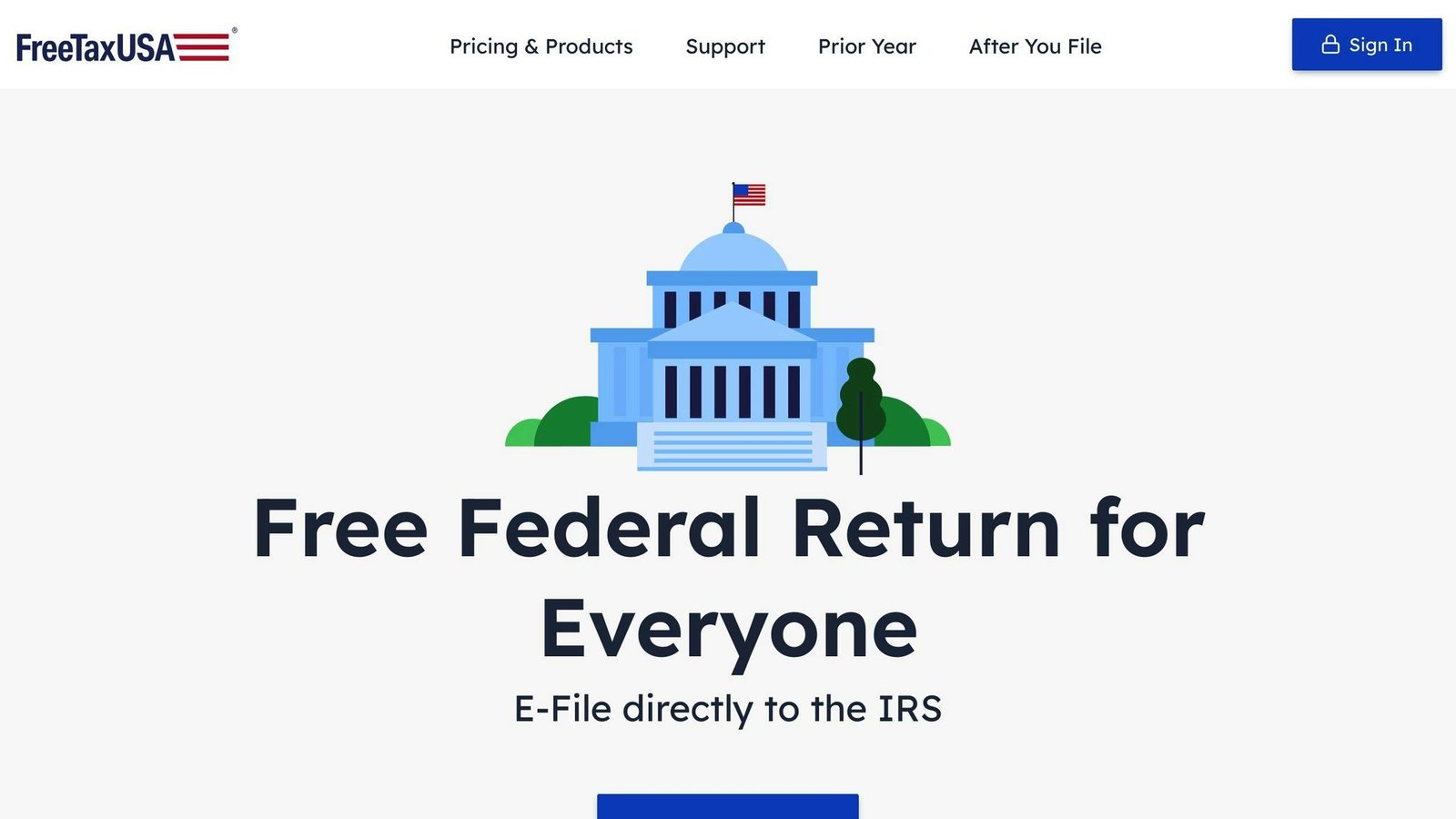
FreeTaxUSA is a tax preparation software made for small business owners, freelancers, and self-employed individuals. It offers features to help with tax filing.
Features
FreeTaxUSA provides these key features:
- Free Federal Filing: At any complexity, not just simple returns
- Affordable State Filing: $15.99 per state
- Self-Employed Support: For individuals and small businesses
- Unlimited Deductions and Credits: For businesses
- Audit Assistance: Get help if audited
- Multiple Refund Options: Direct deposit, prepaid debit cards, etc.
Pricing
FreeTaxUSA has dropped the Basic, Advanced, Premium and Self-Employed tiers this article used to list. There is now one price. Checked August 2026.
| Return | Cost |
|---|---|
| Federal, any complexity | Free |
| State, each | $15.99 |
The vendor’s wording is “no tiers and no forced upgrades”, which is the reason to look at it: the schedule you need does not change the federal price.
User Experience
The online software has an easy-to-use interface. It guides users step-by-step through tax preparation.
Customer Support
FreeTaxUSA offers support through:
- Live chat
- Phone
- Resource center with FAQs, guides, and tutorials
FreeTaxUSA is a good option for small business owners and self-employed individuals. It offers useful features, clear pricing, and good customer support for tax filing.

Cash App Taxes is a free tax filing software for individuals and small business owners. It offers a simple and easy-to-use interface, making it a convenient option for those who want to file their taxes quickly and efficiently.
Features
Cash App Taxes provides the following key features:
- Free Filing: No fees for federal and state tax returns, regardless of complexity
- No Tax Prep Fees: No fees deducted from your federal refund
- Free Audit Support: Get free audit defense and representation
- Supports Major IRS Forms: Supports most IRS forms and schedules, including W-2, 1099, and Schedule C
Pricing
| Plan | Federal Return | State Return |
|---|---|---|
| Cash App Taxes | Free | Free |
User Experience
The online software has a user-friendly interface that guides you step-by-step through tax preparation. It’s available on desktop and mobile devices, allowing you to file your taxes on-the-go.
Customer Support
Cash App Taxes offers technical support via online chat, phone, and social media. While it doesn’t provide tax advice, it has an online knowledge center with answers to common tax questions and topics.
Overall, Cash App Taxes is a great option for small business owners and individuals who want to file their taxes quickly and efficiently without any costs.
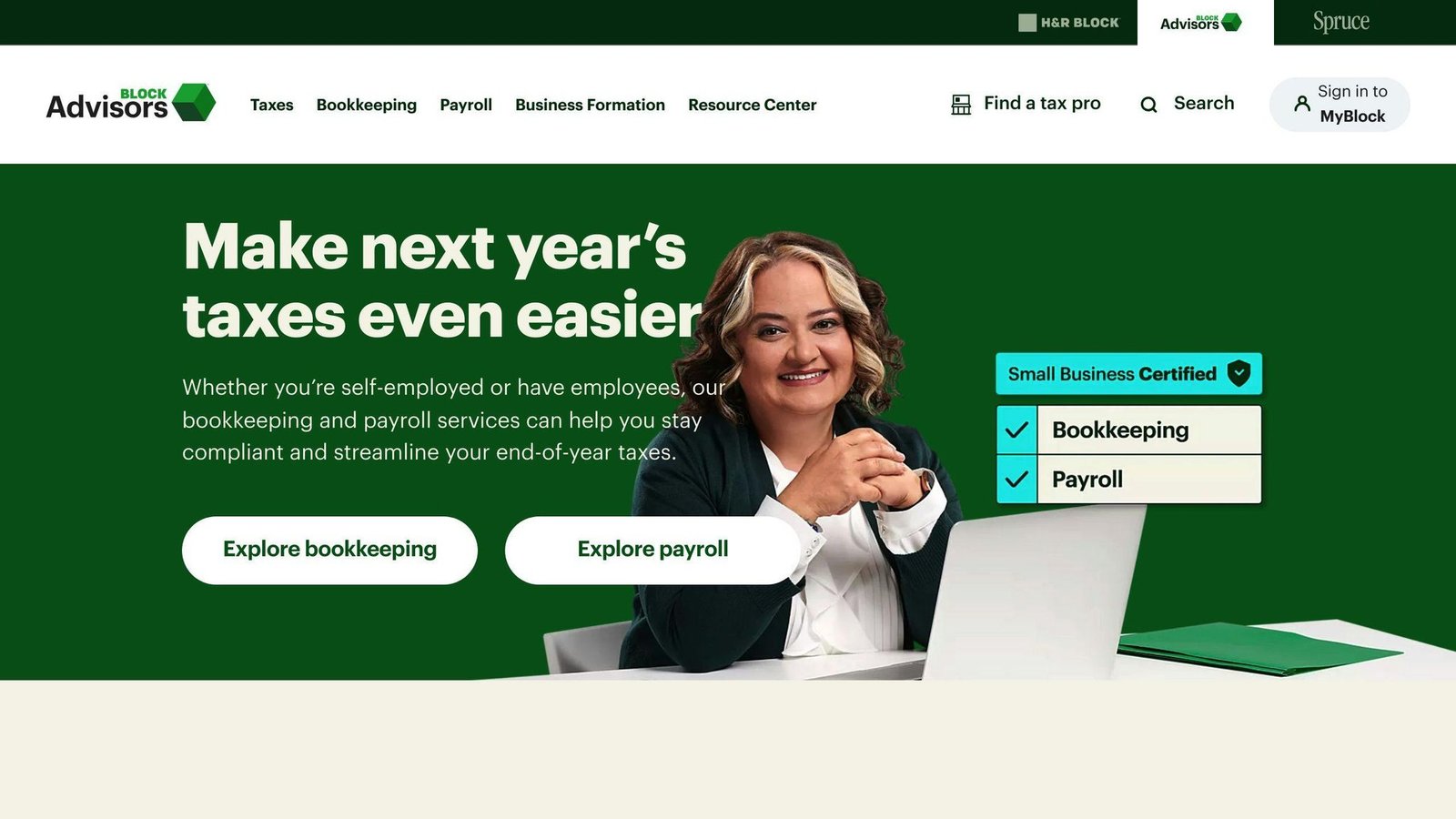
Block Advisors is a tax preparation service made for small businesses. It offers features to help with taxes, bookkeeping, payroll, and business formation.
Features
Block Advisors provides these key features:
- Tax Preparation: Tax filing services for small businesses, self-employed individuals, S Corps, C Corps, and partnerships
- Bookkeeping: Bookkeeping services to manage finances and stay organized
- Payroll: Payroll services for self-employed and businesses with employees
- Business Formation: Assistance with forming an LLC, S Corp, C Corp, or nonprofit
- Tax Consulting: Access to tax professionals for guidance and advice
Pricing
Block Advisors publishes one number and quotes the rest. Its site says pricing varies by circumstance and points you at a free consultation, so the tax filing, bookkeeping and payroll figures this article used to carry have been removed rather than repeated from third-party sites. Checked August 2026.
| Service | Pricing |
|---|---|
| Business formation (LLC, S corp, C corp, nonprofit) | From $149 |
| Tax filing, full service | Not published; quoted by business type and complexity |
| Tax filing, do it yourself | Runs through H&R Block Online; see the H&R Block prices above |
| Bookkeeping | Not published; monthly, and pitched as up to 50 per cent below a typical accountant’s rate |
| Payroll | Not published; monthly subscription |
User Experience
Block Advisors has a user-friendly interface to manage tax preparation, bookkeeping, and payroll services. You can also meet with tax professionals via phone, video, or in-person.
Customer Support
Block Advisors provides access to tax professionals who can answer questions and offer guidance. You can reach out to their customer support team via phone, email, or online chat.
10. BoomTax
BoomTax is a tax software made for small businesses. It offers features to help with tax filing and compliance.
Features
BoomTax provides these key features:
- ACA Reporting: File Form 1095-C and Form 1094-C for ACA compliance.
- W-2 and 1099 Filing: File W-2 and 1099 forms electronically.
- TIN Verification: Verify the accuracy of payees’ Taxpayer Identification Numbers (TINs).
- Unlimited Corrections: Make unlimited corrections to your filings without extra costs.
Pricing
The $349 figure belongs to the W-2 and 1099 Premium plan, not to ACA reporting, and it covers unlimited companies rather than one. ACA is priced by form volume. Delivery is charged on top. Checked August 2026.
| Service | Cost |
|---|---|
| W-2 and 1099 series, Premium | $349 per tax year, unlimited companies, up to 145 employees |
| ACA 1095-B and 1095-C, Premium | Base price varies with the number of forms |
| Recipient e-delivery | $0.50 per form |
| Recipient print and mail | $1.99 per form for W-2 and 1099; $2.49 per form for ACA, and BoomTax warns this rises near deadlines |
| Enterprise | Quoted |
User Experience
BoomTax has a simple, user-friendly interface that guides you through tax filing step-by-step.
Customer Support
BoomTax offers responsive customer support from tax professionals who can answer your questions and provide guidance.
Software Comparison
Here’s a comparison of the top tax software for small businesses, highlighting their key features, pricing, and compatibility:
This table used to carry a second, different set of prices that contradicted the ones above. The figures now match the vendor pages and the tables earlier in this article.
| Software | Pricing | Features | Compatibility |
|---|---|---|---|
| TurboTax | $0 – $149 federal, do it yourself; more with expert help | File taxes online, import W-2 and 1099 forms, track business expenses, report self-employment income | Windows, Mac, Mobile |
| H&R Block | $0 – $130 federal, plus $49 per state | Step-by-step guidance, deduction finder, audit support, import previous returns, mobile app | Windows, Mac, Mobile |
| QuickBooks Online | $38 – $340 a month, list price | Automatic tax calculations, financial reports, customizable invoices, accounting tool integration | Windows, Mac, Mobile |
| TaxAct | From $0 personal; $109.99 – $169.99 federal for business returns | Accurate tax calculations, customizable reports, multi-state filing, audit protection | Windows, Mac, Mobile |
| Jackson Hewitt | $25 flat online; in-office quoted | Flat-rate pricing, tax professional help, accuracy guarantee | Windows, Mac, Mobile |
| TaxSlayer | $0 – $74.99 federal, plus $47.99 per state | Tax professional help, accuracy guarantee | Windows, Mac, Mobile |
| FreeTaxUSA | Free federal, $15.99 per state | Free federal filing, affordable state filing, self-employed support, audit assistance | Windows, Mac, Mobile |
| Cash App Taxes | Free, federal and state | Free federal and state filing, audit support, supports major IRS forms | Mobile |
| Block Advisors | Not published, except business formation from $149 | Tax preparation, bookkeeping, payroll, business formation, tax consulting | Windows, Mac, Mobile |
| BoomTax | $349 per tax year for W-2 and 1099 Premium; ACA priced by volume | ACA reporting, W-2 and 1099 filing, TIN verification, unlimited corrections | Windows, Mac, Mobile |
When choosing tax software for your small business, consider:
- Pricing: Look for software that fits your budget and offers the features you need.
- Features: Ensure the software provides the necessary features for your business, such as tax filing, expense tracking, and payroll management.
- Compatibility: Choose software that works with your operating system and devices.
- User Experience: Opt for software with a user-friendly interface and good customer support.
Final Thoughts
Picking the right tax software for your small business can feel overwhelming with so many options. But by thinking about your needs, budget, and preferences, you can make a smart choice. Look at the features, cost, and if the software works with your devices.
When choosing tax software, focus on accuracy, ease of use, and good customer support. Think about your type of business, number of employees, and how complex your taxes are. Also, look for software that can grow with your business and work with other tools you use.
The best tax software for your small business makes doing taxes simpler, saves you time and money, and gives you peace of mind. By following the tips in this article, you can find tax software that fits your unique needs and helps your business thrive.
FAQs
How much does business tax software cost?
The cost of business tax software varies depending on the provider and the features you need. Here’s a comparison of popular options:
| Company | Federal Filing Fee |
|---|---|
| TaxSlayer Self-Employed | $74.99 |
| TurboTax, do it yourself | $0 – $149 |
| H&R Block Self-Employed | $130 |
| Cash App Taxes | $0 |
The star ratings this table used to show had no source attached, so they have been removed. State filing is extra on all of these except Cash App Taxes. Prices checked August 2026.
Some key points:
- Cash App Taxes offers free federal filing for individuals and small businesses.
- TaxSlayer Self-Employed and TurboTax Premium charge higher fees but provide more advanced features for businesses.
- H&R Block Self-Employed falls in the mid-range for pricing.
When choosing tax software, consider your business needs and budget. Free options may work for simple returns, while more complex situations may require paid software with additional tools and support.
More on this topic
Browse all 53 articles on Finance & Accounting, or jump straight to our buying guide: Best Accounting Software for Small Businesses.