
Disclosure: This page contains commercial links. BizBot may earn a commission from qualifying purchases. Paid placements do not buy a better ranking. Read our affiliate disclosure.
This article compares ten tools commonly shortlisted for incident response and digital forensics, covering what each actually does, how it is sold, and what has changed. The list is not ranked.
Three corrections were made to this article in August 2026, and they change the shopping list. Two entries turned out not to be incident response software at all. Three products changed hands or changed name since the list was written. And a set of user ratings and a published price could not be sourced and have been removed. Details are in each entry.
On pricing: only two of these ten are free. The rest quote on request, and none publishes a rate card you can budget from. Any figure you find quoted elsewhere came from someone else’s contract.
The Ten Tools
- Velociraptor: Open-source tool for endpoint monitoring, digital forensics, and cyber response. Collects forensic evidence from multiple endpoints, searches for suspicious activities, and stores events centrally.
- Cyber Triage: Helps collect and analyze data after an alert. Offers malware detection, memory analysis, artifact collection, artifact scoring, and integration with SIEM and SOAR systems.
- CrowdStrike Falcon: Detects, responds to, and fixes cyber threats. Provides NGAV, EDR, intelligence-led incident response, threat hunting, and forensic artifact capture.
- Palo Alto Networks DFIR: A consulting service, not software. Retained incident response delivered by the vendor’s own responders.
- Exterro FTK Forensic Toolkit: Digital forensics platform for retrieving data from encrypted drives, analyzing mobile data, and evaluating visual evidence.
- SIFT Workstation: Free, open-source toolset for incident response and digital forensics. Includes tools for disk imaging, file system analysis, and data recovery.
- Sprinto: Compliance automation for SOC 2, ISO 27001 and GDPR. Not incident response software — see entry 7.
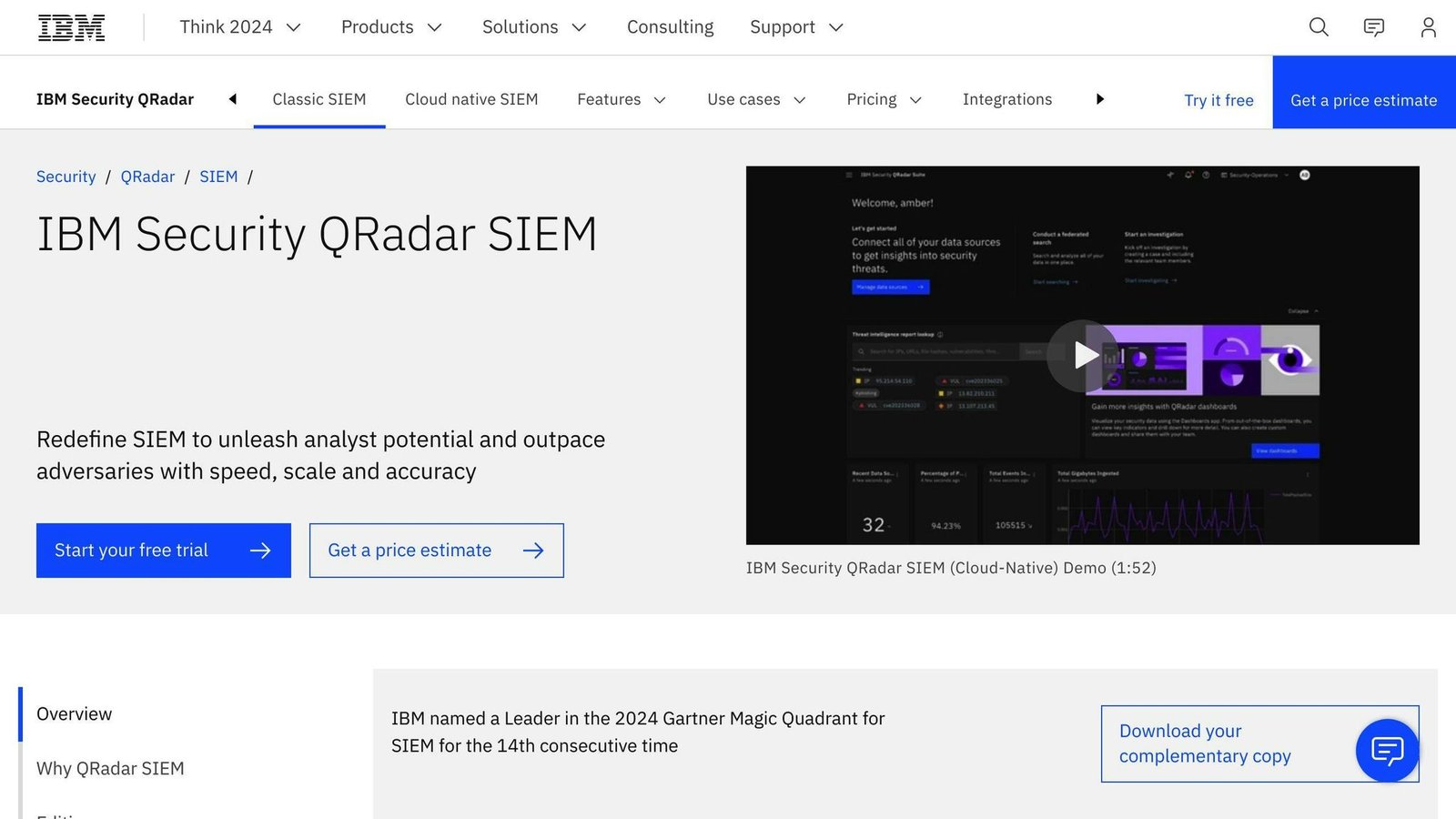
- IBM QRadar SIEM: SIEM providing real-time visibility across IT infrastructure. Ownership of the SaaS edition changed — see entry 8.
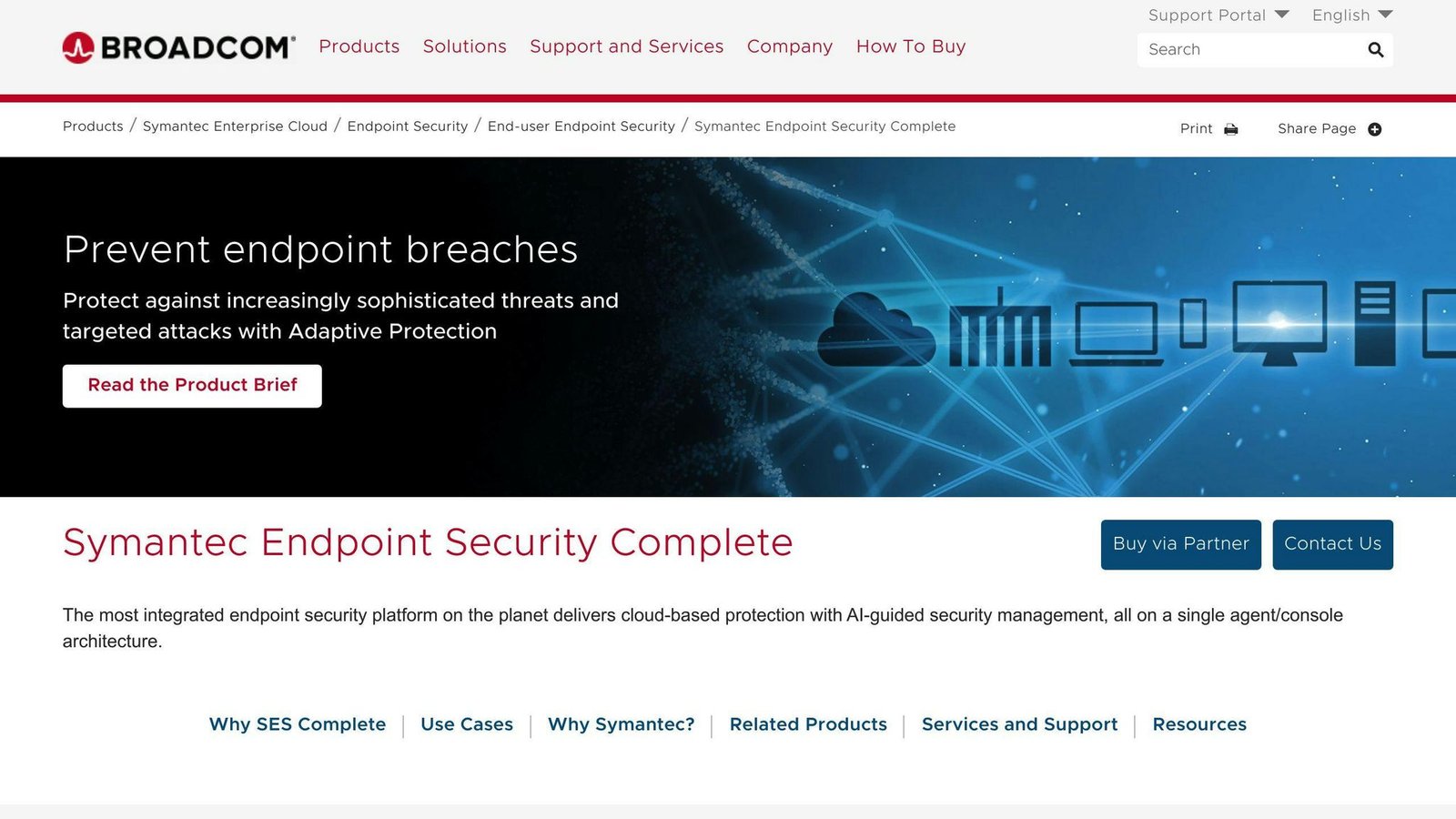
- Symantec Endpoint Security: Endpoint protection for laptops, desktops, and file servers, including EDR.
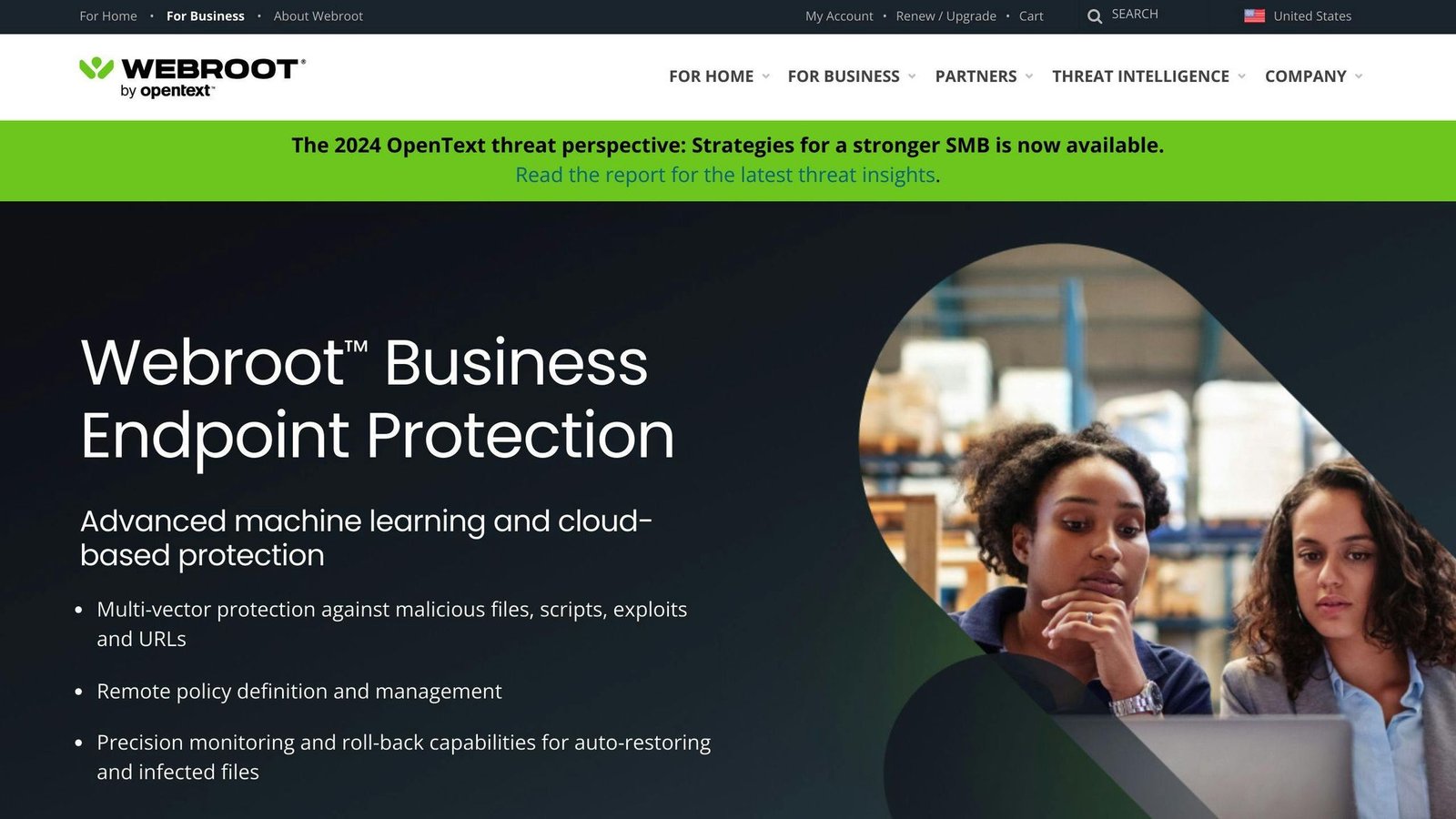
- OpenText Core Endpoint Protection (formerly Webroot Business Endpoint Protection): Cloud-based endpoint security. Offers real-time threat detection, automated threat protection, and customizable policies.
Quick Comparison
| Software | Category | Pricing | Skill required |
|---|---|---|---|
| Velociraptor | Endpoint forensics and hunting | Free, open-source | High — assumes DFIR knowledge |
| Cyber Triage | Incident response triage and forensics | Commercial. Editions priced annually by hosts processed per week. No public rate. | Moderate |
| CrowdStrike Falcon | Endpoint protection and EDR | Quote-only | Moderate to high |
| Palo Alto Networks DFIR | Service, not software | Quote-only, engagement-based | None — they do the work |
| Exterro FTK | Digital forensics | Quote-only | High — specialist forensics |
| SIFT Workstation | Digital forensics toolset | Free, open-source | High — specialist forensics |
| Sprinto | Compliance automation, not IR | Quote-only | Low |
| IBM QRadar SIEM | SIEM | Quote-only | High — needs a SOC to run it |
| Symantec Endpoint Security | Endpoint protection and EDR | Quote-only | Moderate |
| OpenText Core Endpoint Protection | Endpoint protection | Quote-only | Low to moderate |
An earlier version of this article ended with a table listing advantages and drawbacks for all ten products. Every row was identical, and the content was wrong: it credited two offline forensics toolsets with cloud-based management and real-time threat detection, and listed cost as a drawback of two free open-source tools. The table has been deleted.
1. Velociraptor
Key Features
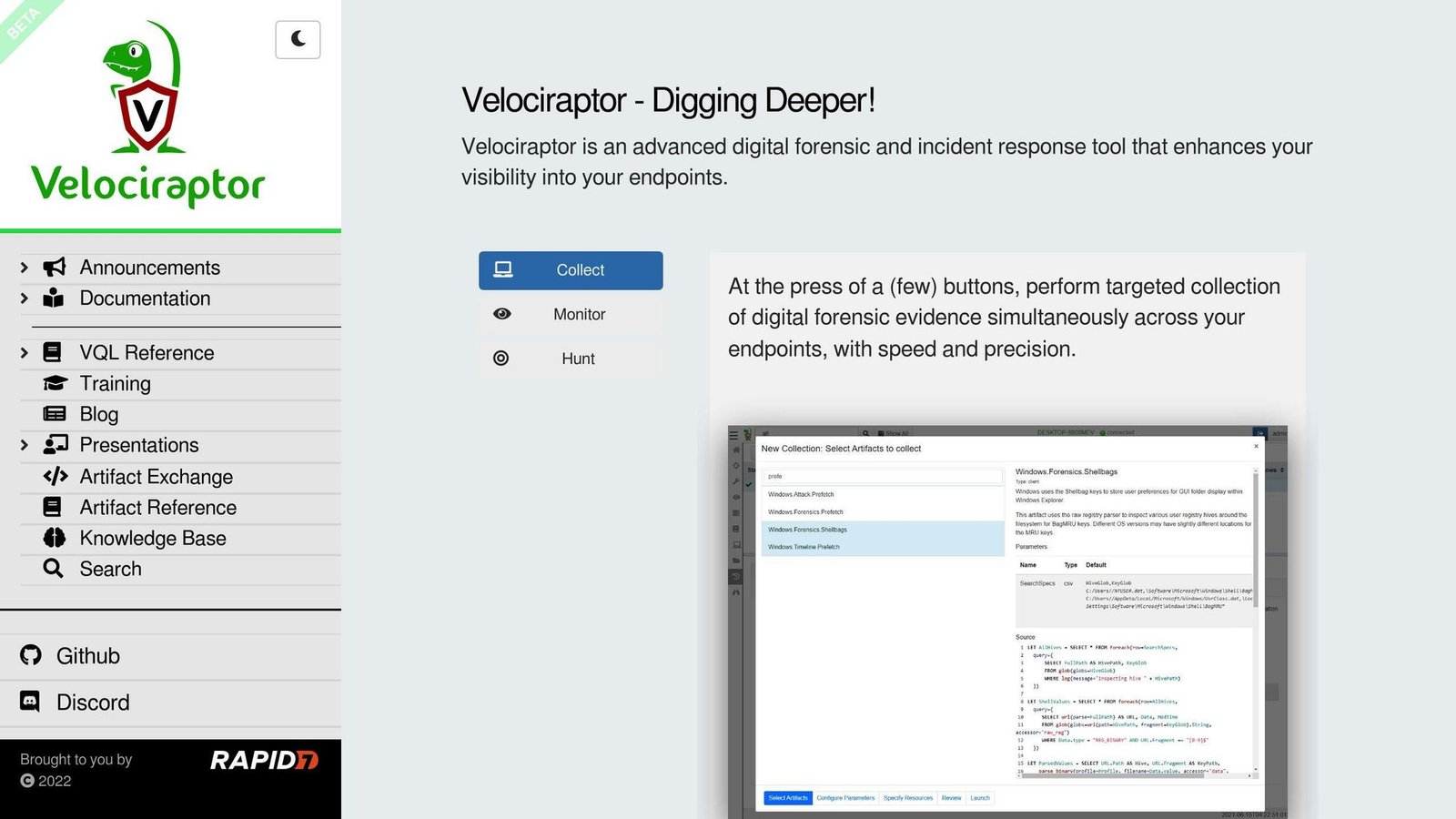
Velociraptor is an open-source tool for endpoint monitoring, digital forensics, and cyber response. Key features include:
- Collecting forensic evidence from multiple endpoints at once
- Searching for suspicious activities using a library of forensic artifacts
- Continuously collecting endpoint events like logs, file changes, and process execution
- Storing events centrally for historical review
Strengths and Weaknesses
| Strengths | Weaknesses |
|---|---|
| Precise, query-driven threat hunting | Assumes real knowledge of digital forensics and incident response |
| No licence cost | No vendor support contract; you rely on documentation and community |
Pricing and Deployment
Free and open-source. Runs on Windows, Linux, and Mac. The cost here is not the licence, it is the person who knows how to use it.
2. Cyber Triage
Key Features
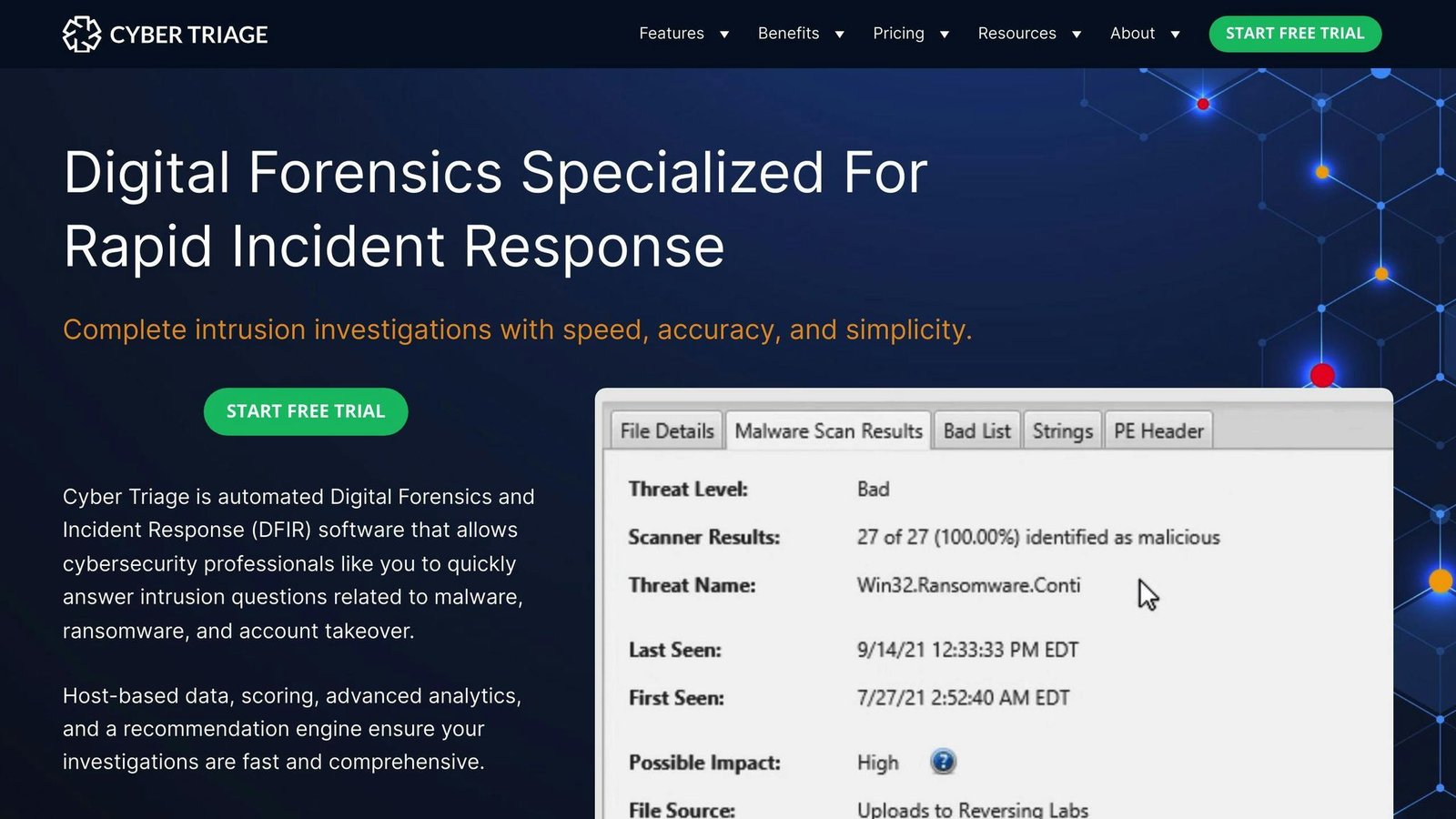
Cyber Triage helps teams collect and analyse endpoint data after an alert. Key features include:
- Malware detection and analysis
- Memory image analysis
- Yara rules integration
- Threat timeline analysis
- Artifact collection covering volatile data, malware persistence and user activity
- Scoring and prioritisation of artifacts by risk
- Integration with SIEM and SOAR systems
Pricing
Correction. An earlier version of this article stated that Cyber Triage costs $1,999 per year per user. That figure could not be verified against the vendor’s own pricing page, and the unit appears to be wrong as well: the editions are differentiated by the number of hosts processed per week, not by the number of users. The figure has been removed rather than adjusted.
What can be confirmed is the shape of the pricing. Cyber Triage is sold in three editions — Standard, Standard Pro and Team — distinguished by throughput, described on the vendor’s site in terms of hosts per week, and priced annually. Check cybertriage.com for the current rates and confirm which edition matches your expected case volume before budgeting.
Strengths and Weaknesses
| Strengths | Weaknesses |
|---|---|
| Purpose-built for triage speed rather than exhaustive forensics | Narrower than a general-purpose forensics suite |
| Integrates with SIEM and SOAR for automated collection | Needs training to use well |
| Artifact scoring reduces what an analyst has to read | Throughput-based licensing means a bad month can exceed your tier |
3. CrowdStrike Falcon
Key Features
CrowdStrike Falcon covers detection, response and remediation on endpoints. Key features include:
- Next-generation antivirus (NGAV) and endpoint detection and response (EDR)
- Intelligence-led incident response and remediation
- Real-time threat hunting and response
- Automated data collection and enrichment
- Forensic artifact capture, including MFT, shimcache and shellbags
- Managed threat hunting as a separate service
Pricing
Not publicly disclosed. Sold per endpoint on an annual contract, with the modules you need priced separately — the platform is deliberately modular, and the quote depends heavily on which modules are in it. Get the module list in writing.
Strengths and Weaknesses
| Strengths | Weaknesses |
|---|---|
| Fast detection and response on endpoints | Needs trained staff, or the managed service, to be worth the price |
| Threat intelligence feeds the investigation | Modular pricing makes quotes hard to compare against rivals |
4. Palo Alto Networks DFIR
This Is a Service, Not Software
Correction. This entry sits in a list of software but is not software. Palo Alto Networks’ digital forensics and incident response offering is a consulting engagement: their responders work your incident. You cannot buy it, install it, and use it yourself, and comparing it on features against a tool you deploy is a category error.
It is left in the list because retained incident response is a genuine alternative to buying tooling, particularly for organisations with no in-house DFIR capability. For many small companies it is the better answer: you are buying people who do this every day rather than software you will use once.
Key Features
- Incident response delivered by the vendor’s responders
- Integration with the vendor’s own security products where you run them
- Retainer arrangements that shorten time-to-engagement when something happens
An earlier version quoted a figure for the number of daily events in the vendor’s dataset. It was a marketing statistic with no source attached and has been removed.
Pricing
Not publicly disclosed. Incident response services are typically sold as a retainer with an hourly or daily rate for actual engagements. Ask what the retainer covers, what the response time commitment is, and whether unused retainer hours convert to other work.
5. Exterro FTK Forensic Toolkit
Naming
FTK is now sold by Exterro, which acquired AccessData, the tool’s original publisher. Older shortlists and procurement documents referring to AccessData FTK mean this product. The free imaging utility FTK Imager is a separate, much narrower tool and is not the same purchase.
Key Features
- Data Recovery: Retrieve data from encrypted drives or deleted files.
- Digital Data Analysis: Handle large volumes of digital evidence.
- Mobile and Database Forensics: Extract and analyze mobile data and databases.
- Video and Image Analysis: Evaluate visual evidence.
- DFIR Integration: Works alongside other forensics and incident response tooling.
Pricing
Not publicly disclosed. Forensics suites in this class are usually licensed per examiner, sometimes with separate server components, and are among the more expensive items in this list.
Who It Suits
Investigators producing evidence that may need to stand up in a legal process. If your requirement is “work out what happened last night and get the server back”, this is more tool than you need.
6. SIFT Workstation
Key Features
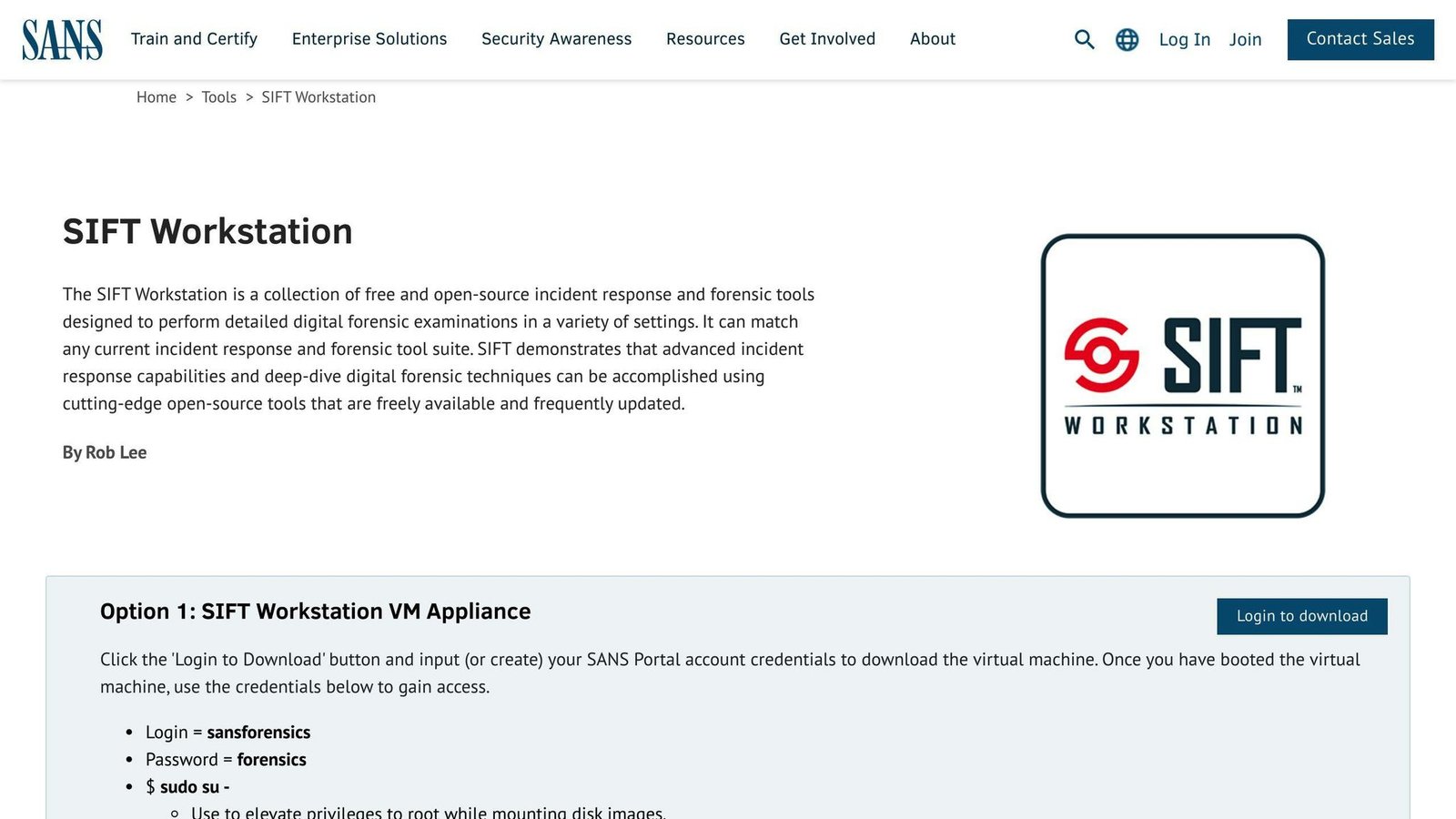
- Customized Linux Distribution: Built on Ubuntu with forensics and incident response tools pre-installed.
- Live Environment: Can be run without installing to the machine under examination.
- Forensic Mode: Mounts evidence in a way that avoids altering it.
- Comprehensive Toolkit: Disk imaging, file system analysis, memory analysis, registry analysis, data recovery, network analysis.
Pricing
Free and open-source.
Note on Popularity
An earlier version of this article cited a specific download count for SIFT and reported user praise without saying who from. Neither could be sourced, and both have been removed. SIFT is widely used in forensics training and practice; no number is attached to that statement because this article does not have one it can stand behind.
7. Sprinto
This Is Not Incident Response Software
Correction. Sprinto is a compliance automation platform. It helps you achieve and maintain SOC 2, ISO 27001 and GDPR compliance by collecting evidence and monitoring controls. It does not investigate incidents, collect forensic artifacts, or help you respond to an attack in progress. It belongs on a compliance shortlist, not this one.
It is left in place, clearly labelled, because it is a real product that is genuinely useful — and because a reader who arrived here from an older version of this list deserves to know why it was never going to solve their incident response problem.
Key Features
- Automated Evidence Collection: Gathers compliance evidence without manual chasing.
- Continuous Compliance Monitoring: Flags controls that have drifted out of compliance.
- Risk Assessment Tools: Identify, analyse and prioritise security risks.
- Customizable Security Policies: Adapt policy templates to your organisation.
- Integrations: Connects to cloud and business tools to pull evidence automatically.
Pricing
Not publicly disclosed. Compliance automation platforms are commonly priced by framework and by headcount or cloud footprint.
8. IBM QRadar SIEM
Ownership Change — Read Before Shortlisting
Palo Alto Networks acquired IBM’s QRadar SaaS assets, closing on 4 September 2024. This matters, and the detail matters:
- QRadar SaaS went to Palo Alto Networks. Those customers are being migrated to Cortex XSIAM, with migration services offered to eligible customers.
- QRadar on-premises was not part of the deal. IBM continues to support on-premises QRadar customers, including security, usability and critical bug fixes, and updates to existing connectors.
So “QRadar” now means two different things depending on how it is deployed, and a proposal that does not distinguish them is not a proposal you can evaluate. Ask which product, from which vendor, with what support commitment, and for how long.
Key Features
- Risk-based alert prioritization: Layered risk scoring to surface the cases that matter.
- Sigma community rules: Supports open-source Sigma rules for importing new detections.
- Threat intelligence: Enriches events with external threat data.
- User behavior analytics: Improves prioritisation and incident correlation.
Pricing
Not publicly disclosed. SIEM licensing is usually driven by data ingestion volume or events per second, which is the number that determines your bill and the number that grows without anyone deciding it should. Model it against your actual log volume, with headroom.
Note on Ratings
An earlier version of this article reported an “average rating of 79” for QRadar. It gave no scale, no source and no sample size. It has been removed.
9. Symantec Endpoint Security
Key Features
- Centralized Management: Set policies, receive alerts, and manage updates from one console.
- Real-Time Monitoring: Continuous monitoring of managed devices.
- Endpoint Detection and Response (EDR): Detection, investigation and response on endpoints.
- Vulnerability Management: Identify and prioritise vulnerabilities for remediation.
Pricing
Not publicly disclosed. Sold per endpoint through the vendor and its resellers, on annual terms.
Note on Ratings
An earlier version cited an average user rating of 4.4 out of 5 with no source. It has been removed. If star ratings matter to you, read them at the review site itself, where you can see the sample size and the date range.
10. OpenText Core Endpoint Protection
Renamed
Webroot Business Endpoint Protection is now sold as OpenText Core Endpoint Protection. OpenText owns Webroot and has folded the product into its own naming. If you are working from a shortlist or a renewal notice that says Webroot, this is the product it became.
Key Features
- Real-Time Threat Detection: Continuous monitoring of endpoints.
- Cloud-Based Management: No on-premises management server required.
- Automated Threat Protection: Malware detection, ransomware protection, phishing defence.
- Customizable Policies: Policies configurable per group of devices.
Strengths and Weaknesses
| Strengths | Weaknesses |
|---|---|
| Light agent and cloud console, no server to run | Cloud management means connectivity matters |
| Straightforward for small IT teams | Less depth than a dedicated EDR platform for investigation work |
Pricing
Not publicly disclosed. Sold per endpoint per year, frequently through resellers and managed service providers, so the price you are offered depends on who is offering it. Get more than one quote.
Note on Ratings
An earlier version cited an average rating of 4.2 out of 5 with no source. It has been removed.
How to Choose
These ten tools do four different jobs. Work out which one you need first, because buying across categories by accident is the most expensive mistake available here.
| What you need | Category | Entries |
|---|---|---|
| Stop and detect threats on endpoints, continuously | Endpoint protection / EDR | CrowdStrike Falcon, Symantec Endpoint Security, OpenText Core Endpoint Protection |
| Investigate what happened after an incident | Forensics and triage | Velociraptor, Cyber Triage, Exterro FTK, SIFT Workstation |
| Collect and correlate logs across the estate | SIEM | IBM QRadar (on-prem) or Cortex XSIAM (former QRadar SaaS) |
| Someone to handle the incident for you | Retained IR service | Palo Alto Networks DFIR |
Sprinto is not in that table because compliance automation is a fifth job, and not one this article is about.
Questions Worth Asking
- Who owns this product now, and what has been announced about it? Three of the ten entries here changed hands or changed name in the period this article previously failed to reflect. It is a consolidating market.
- What is the licence metered on? Endpoints, examiners, hosts per week, and log volume all appear in this list. Each one grows differently.
- Who will operate it? Two of the strongest tools here are free and require a specialist to be worth anything. A tool nobody can drive has a real cost of the salary you did not spend.
- Do you need this before an incident or during one? If the honest answer is “during”, a retainer will serve you better than a purchase.
Final Thoughts
The right choice depends on whether you are trying to prevent incidents, investigate them, or survive one you are currently having. Free tools are genuinely capable and genuinely demanding. Commercial tools trade money for a shorter learning curve and someone to call.
What none of them will do is compensate for having nobody whose job this is. Decide who that person is before you decide what to buy for them.
More on this topic
Browse all 79 articles on Security & Compliance.





