

Disclosure: This page contains commercial links. BizBot may earn a commission from qualifying purchases. Paid placements do not buy a better ranking. Read our affiliate disclosure.
Looking to create an online store that works great on phones? Here’s what you need to know about mobile store builders:
- No coding skills needed
- Most shopping traffic now arrives on a phone, so the mobile view is the store
- Key features to look for:
- Responsive design
- Easy-to-use tools
- Secure payment options
- SEO capabilities
- Fast loading
- Customization options
Top mobile store builders compared:
| Builder | Best For | Starting Price | Standout Feature |
|---|---|---|---|
| Shopify | E-commerce focus | $39/month monthly, $29/month billed annually (Basic) | Huge app store |
| Wix | Beginners | $17/month billed annually (Light) | Easy drag-and-drop |
| Squarespace | Design lovers | Four tiers; Squarespace does not display rates on its public pricing page | Beautiful templates |
| BigCommerce | Scalability | $39/month monthly, $29/month billed annually (Core) | No transaction fees |
A note on the prices below. Every figure here was checked against the vendor’s own pricing page in August 2026, with the plan name and billing basis stated. Several of these builders quote an annual rate as if it were a monthly one, so check which you are being shown. Confirm the current number with the vendor before you budget against it.
Choose based on your business needs, tech skills, and growth plans. The right builder can make or break your online shop.
1. Shopify

Shopify is a powerhouse in mobile store building. It’s packed with features for businesses big and small. Let’s break down what makes Shopify stand out:
Design Templates
Shopify’s theme store carries a small set of free themes and a much larger paid catalogue, with paid themes sold as a one-off purchase rather than a subscription. Prices vary by theme, so check the individual listing. Dawn is the current default and is a reasonable starting point on any screen size.
Mobile Display Quality
Shopify’s themes are responsive as standard, so your store adapts to phones and tablets without a separate build. Two conflicting statistics about shoppers preferring apps to mobile websites used to appear in this article; neither could be traced to a source, and they contradicted each other, so both have been removed.
Payment Options
Shopify Payments is where it’s at. Here’s why:
- No extra Shopify transaction fee when you use it
- Takes credit and debit cards
- Card reader available for in-person sales
- Payouts on a regular schedule
Card processing rates depend on your plan. These are Shopify’s published US online rates:
| Plan | Online Credit Card Rate |
|---|---|
| Basic | 2.9% + 30¢ |
| Grow | 2.7% + 30¢ |
| Advanced | 2.5% + 30¢ |
The rates published here previously were quoted in British pence and were in the wrong order. If you are outside the US, get the rate for your country from Shopify directly.
SEO Tools
Shopify’s got the SEO basics covered:
- You can customize URLs
- Edit meta tags
- Add social sharing buttons
These tools help your mobile store show up in search results and get more organic traffic.
Mobile App Conversion
Shopify can turn your store into a native mobile app through third-party app builders such as Plobal Apps, Apptile, and Appbrew. That is far cheaper than commissioning a custom app, but it is a separate monthly subscription on top of Shopify, and an app only earns its keep if you have repeat customers. If most of your traffic is one-time, skip it.
Pricing and Plans
Shopify’s published plans:
| Plan | Monthly Billing | Billed Annually |
|---|---|---|
| Basic | $39/month | $29/month |
| Grow | $105/month | $79/month |
| Advanced | $399/month | $299/month |
| Plus | From $2,300/month, contract terms negotiated | |
Note the plan name: the tier between Basic and Advanced is now called Grow, not “Shopify”. As you move up, you get more features and lower card rates.
2. Wix
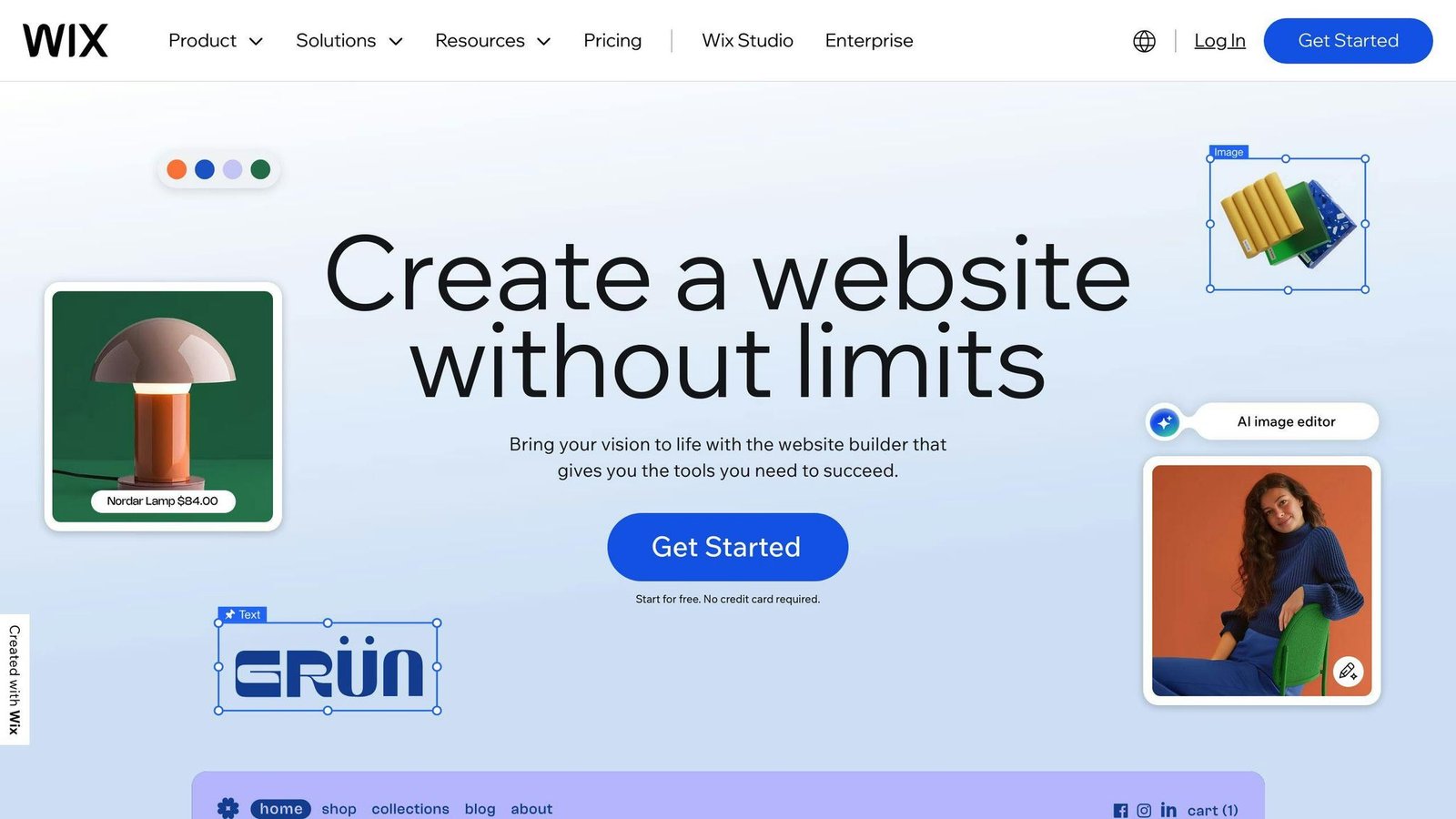
Wix has become a go-to website builder for many, and its mobile store features are worth a look. Here’s what you need to know about Wix as a mobile-responsive store builder:
Design Templates
Wix doesn’t skimp on design options, with a large template library including a substantial set built for online stores. These templates are mobile-responsive, so your store looks good on all devices.
Payment Options
Wix sells its own payment product, Wix Payments, alongside support for third-party gateways including PayPal and Stripe. Card, Apple Pay and bank transfer are all supported. Wix’s payment rate and country list previously quoted in this article could not be confirmed against a Wix page, so we are not repeating them; ask Wix for the rate that applies to your country before you commit.
SEO Tools
Wix’s SEO toolkit covers the basics:
- Customizable meta tags and URLs
- Automatic sitemap generation
- Tools for improving site structure and content optimization
It’s not the fanciest SEO setup out there, but it gets the job done for most small to medium-sized businesses.
Mobile Display Quality
Wix uses absolute positioning, which means separate versions for desktop and mobile. It’s a bit more work, but it gives you precise control over your store’s look on different devices.
All Wix templates are mobile-friendly from the start. But don’t forget to test and tweak your store’s mobile version. A poor mobile experience can make or break your conversion rates.
Pricing and Plans
Wix renamed its plans. Business Basic, Business Unlimited and Business VIP no longer exist. The current lineup, priced as a monthly equivalent on a yearly subscription paid up front, is:
| Plan | Monthly Cost (Billed Annually) |
|---|---|
| Light | $17 |
| Core | $29 |
| Business | $39 |
| Business Elite | $159 |
All four include payment acceptance, with more ecommerce capability the higher you go. Those are annual-billing figures paid in one lump; a month-to-month subscription costs more.
3. Squarespace
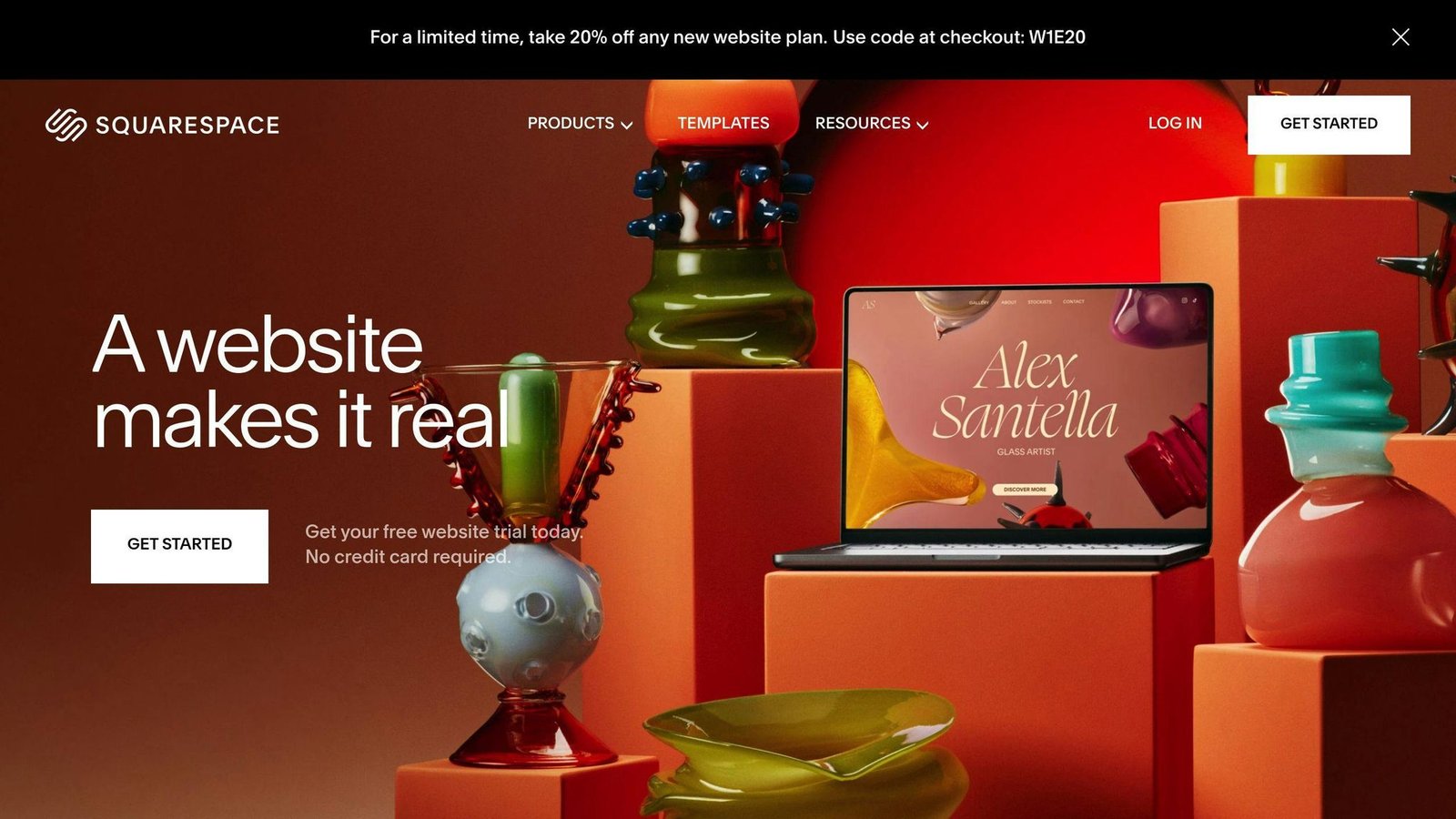
Squarespace is known for its design-focused, user-friendly approach to website building. But how does it handle mobile store creation? Let’s take a look.
Design Templates
Squarespace’s strength is design. Its ecommerce-focused templates are customizable and modern, and you get a good-looking store without hiring anyone.
Mobile Display Quality
All Squarespace templates are mobile-responsive, so your store will look right on phones, tablets, and computers.
Payment Options
Squarespace offers several payment features:
- Squarespace Payments (their in-house solution, powered by Stripe)
- Support for Apple Pay, Klarna, and Afterpay
- ACH Direct Debit for US customers
For US users, Squarespace Payments is a big plus. It lets you manage transactions, refunds, and disputes in one place. As Squarespace says:
“With Squarespace Payments, you don’t need to connect to a third-party payment provider: all your payment and payout information is available in your Finance dashboard.”
SEO Tools
Squarespace includes some basic SEO tools. You can:
- Customize meta titles and descriptions
- Get automatically generated sitemaps
- Optimize your site structure
While not as advanced as some SEO-specific platforms, these tools give you a good starting point for improving your store’s search visibility.
Pricing
Squarespace has replaced its old plans. Personal, Business, Commerce Basic and Commerce Advanced are legacy, and you cannot go back to them once you leave. The current plans are Basic, Core, Plus and Advanced. Basic charges a 2% commerce transaction fee on online store sales; Core, Plus and Advanced charge none. Squarespace says paying annually saves up to 36%.
Squarespace’s public pricing page did not render dollar figures when we checked it in August 2026, so we are not quoting the rates this article previously carried against plan names that no longer exist. Get the current price from Squarespace before you commit, and note that the 2% fee on the entry plan can easily cost more than the gap to the next tier up.
The Bottom Line
Squarespace is great for design and ease of use. It’s a solid choice for beginners and small businesses looking to create good-looking, mobile-friendly online stores. While it might not have all the bells and whistles of some dedicated ecommerce platforms, its mix of sleek design, user-friendliness, and solid ecommerce tools make it a strong option for mobile store building.
If you’re just starting out or running a small to medium-sized business, Squarespace offers a package that balances looks, functionality, and ease of use for mobile ecommerce. A quotation from a named reviewer previously appeared here; it has been removed because no publication was cited and it referenced a built-in accounting integration we could not confirm still exists.
4. BigCommerce
BigCommerce is a powerhouse e-commerce platform packed with features for building mobile-friendly online stores. Here’s what you need to know:
Design Templates
BigCommerce offers a small set of free mobile-responsive themes and a larger paid catalogue. All themes adjust to fit different screen sizes, and there’s a drag-and-drop page builder for customization without code.
Payment Options
BigCommerce integrates with a wide range of payment providers and supports selling internationally in multiple currencies. The provider, country and currency counts previously listed here were not sourced to BigCommerce and have been removed.
The genuinely useful part: BigCommerce charges no extra platform transaction fee on any plan. You still pay your payment processor, but not BigCommerce on top.
SEO Tools
BigCommerce takes SEO seriously. You get:
- Custom URLs (for those sweet, sweet keywords)
- Meta tag editing
- Automatic sitemaps
- Canonical tags
- Indexing control
Combine that with fast loading speeds, and you’ve got a recipe for search engine success.
Mobile Display Quality
Mobile is where most of your traffic will land. BigCommerce covers it:
- All themes are fully responsive
- Built-in mobile preview tool
- Tips for mobile optimization (like simple layouts and optimized images)
Pricing and Plans
BigCommerce renamed and repriced its plans. Standard, Plus and Pro are gone, and so are the $29.95, $79.95 and $299.95 rates that went with them. The current lineup:
| Plan | Monthly Billing | Billed Annually | Sales Threshold |
|---|---|---|---|
| Core | $39 | $29 | Up to $30K GMV |
| Growth | $105 | $79 | Up to $100K GMV |
| Scale | $399 | $299 | Overage charged above the threshold |
| Performance | Custom, from $1,499/month | $1M+ annual sales | |
Annual billing takes about 25% off Core, Growth and Scale. Watch the sales thresholds: BigCommerce tracks your volume and moves you up a plan automatically when you cross one, so the plan you sign up on is not necessarily the plan you pay for in a good quarter.
Every plan includes unlimited products, storage, and bandwidth.
An anonymous “expert take” praising BigCommerce’s entry-level feature set used to sit here. It carried no name and no publication, so it has been removed.
What Works and What Doesn’t
Let’s go through the pros and cons of Shopify, Wix, Squarespace, and BigCommerce for mobile store builders.
Shopify
Shopify’s the e-commerce heavyweight. It’s great for businesses big and small.
What’s good:
- Tons of e-commerce features
- The largest app store of the four, with over 16,000 apps
- Top-notch inventory management
- Great for dropshipping and print-on-demand
What’s not so good:
- Can be expensive for small businesses
- Tricky to customize without coding skills
- Paid themes and app subscriptions add up on top of the plan
Wix
Wix is perfect for small businesses and e-commerce newbies.
What’s good:
- Easy-to-use drag-and-drop editor
- Cheapest entry point of the four
- Works for lots of different businesses
What’s not so good:
- Fewer e-commerce features than specialized platforms
- Tough to scale up for bigger businesses
- Separate desktop and mobile layouts mean twice the maintenance
Squarespace
If you’re all about looks, Squarespace is your go-to.
What’s good:
- Stunning, pro-level templates
- All-in-one pricing
- Focuses on visual content
What’s not so good:
- A smaller extensions library than the others
- Not as many e-commerce features as Shopify
- The entry plan takes 2% of every online store sale
BigCommerce
BigCommerce balances power and scalability.
What’s good:
- No platform transaction fees
- Built to grow with your business
- Great for SEO
What’s not so good:
- Harder for beginners to learn
- Fewer free themes than other platforms
- Automatic plan upgrades when you cross a sales threshold
Here’s a quick comparison:
| Feature | Shopify | Wix | Squarespace | BigCommerce |
|---|---|---|---|---|
| Best for | E-commerce focus | Small biz, beginners | Design lovers | Scalable e-commerce |
| Ease of use | Good | Great | Good | OK |
| E-commerce features | Lots | Basic to mid-level | Good | Lots |
| Apps | 16,000+ | Large marketplace | Smaller extensions library | Large marketplace |
| Starting price | $39/mo, or $29/mo billed annually (Basic) | $17/mo billed annually (Light) | Not published | $39/mo, or $29/mo billed annually (Core) |
| Platform transaction fees | 0% with Shopify Payments | Varies | 2% on Basic, 0% above | 0% |
Picking the right platform depends on your business needs, tech skills, and growth plans. Running a small boutique? Wix might be perfect. Planning to grow fast? Look at Shopify or BigCommerce.
Remember what David Cost from Rainbow Shops said:
“The app needs to be at least as functional as the website. It doesn’t need to be better than the website, but the user experience can’t be worse.”
No matter which platform you choose, make sure your mobile store gives customers a smooth experience. That’s the key to e-commerce success.
Final Thoughts
Picking the right mobile store builder can make or break your online shop. Let’s break down the top contenders:
Shopify: The e-commerce powerhouse. It’s built for growth and packed with features. A customer conversion-rate figure previously cited here was removed because we could not source it. What we can say is that Shopify’s app ecosystem and payment integration are the deepest of the four, and that you pay for that in monthly fees and app subscriptions.
Wix: The user-friendly option. Perfect for small businesses or solo entrepreneurs just dipping their toes into e-commerce. The Light plan is $17 a month billed annually, and the drag-and-drop editor means you can get a store up quickly.
Squarespace: The design lover’s dream. If your brand is all about looks, Squarespace’s templates will make your products shine. It’s a hit with creatives and businesses where visuals are key. Check the 2% fee on the entry plan against your expected sales before choosing it.
BigCommerce: The all-rounder. It offers capable e-commerce tools without the steep learning curve, and no platform cut of your sales.
So, how do you choose? Ask yourself:
- Can this platform grow with my business?
- How much do I care about a unique store design?
- Do I need fancy features like selling on multiple channels or dropshipping?
- What’s my budget now, and what can I afford down the line?
As Teajai Kimsey, a small business expert, puts it: “If you’re looking to dropship products and sell across multiple channels, you’ll need a platform that integrates with the dropshipping companies you use.” In other words, pick a platform that fits your business model and goals.
More on this topic
Browse all 44 articles on Marketing & Growth, or jump straight to our buying guide: Best Marketing and CRM Tools for Small Businesses.