Disclosure: This page contains commercial links. BizBot may earn a commission from qualifying purchases. Paid placements do not buy a better ranking. Read our affiliate disclosure.
Automating repetitive tasks works best when you start with a stable process, measure the work it currently takes, and plan for exceptions. The goal is not to remove every human step. It is to make routine work more reliable while keeping people in control of decisions that need judgment.
A practical six-step approach: (1) choose one repeatable task, (2) record its current time and error rate, (3) map the normal path and exceptions, (4) choose a tool that fits your systems, (5) run a small pilot with a rollback plan, and (6) compare the results with your baseline before expanding.
What should a business automate first?
Business process automation is a useful starting point for teams that want repeatable work to move between systems with less manual copying.
Start with a process that happens often, follows clear rules, and has a predictable input and output. Examples include copying approved lead details between systems, sending appointment reminders, routing support requests, and preparing a draft invoice for review. Business process automation is a way to move those repeatable steps through software; it does not remove responsibility for the result.
Ask the person who performs the task to walk through a real case. Record where information comes from, which fields are required, where it goes, how often exceptions occur, and who approves or corrects an output. This process map is more useful than a list of tools.
Score candidate tasks before buying software
Use this scorecard to compare two or three candidates. A high score means the task is a good pilot candidate, not a promise of savings.
| Factor | Good first-pilot signal | Reason to slow down |
|---|---|---|
| Frequency and time | Repeated often and takes measurable minutes each run | Rare work with little time to recover |
| Rules and exceptions | Clear steps and few unusual cases | Frequent judgment calls or inconsistent input |
| Error cost | Mistakes are easy to spot and correct | An error affects money, customers or compliance before review |
| Data sensitivity | Limited access and an approved data flow | Personal or confidential data with unclear permissions |
| Reversibility | Outputs can be checked and rolled back | Irreversible actions or messages sent without approval |
For example, a team that spends 12 minutes each workday copying approved appointment data into a calendar might save time with a small workflow. That 12-minute figure is hypothetical; measure your own baseline before estimating a benefit. An self-service scheduling tool can reduce scheduling back-and-forth, but the booking rules, access permissions and exception handling still need a human owner.
Automate, assist, or keep a human decision?
Automate: predictable transfer, formatting, reminders or routing where a failed run can be detected and reversed. Assist: use software to prepare a draft, flag an anomaly or suggest a category, then require a person to approve it. Keep human: financial approvals, sensitive customer decisions, legal or regulated judgments, and actions that are difficult to undo.
A workflow can combine all three. For example, collect and validate a purchase request automatically, show a draft recommendation, and leave final approval with an authorized person. Do not let a faster process hide who is accountable for the outcome.
Choose a tool for the process you mapped
When picking an automation tool, check the exact trigger and action you need, the quality of its integrations, access controls, run history, error alerts, export options and total cost at your expected volume. Test the workflow with realistic but safe data before relying on a vendor feature list.
The platform must fit your existing systems. Map how data moves between CRM systems, Email and marketing tools, accounting and support tools. Confirm which system is the source of truth, whether updates need to flow in both directions, and how duplicate or missing records will be handled. Check whether the integration supports the fields and permissions you actually use.
Tools such as Make can help connect applications, but the right choice depends on your workflow, data controls, usage limits and the effort to maintain it. The product formerly called Integromat is now named Make; keep your documentation and internal training current when comparing platforms.
Questions for a shortlist
- Can a non-technical owner see whether each run succeeded and which records changed?
- What happens if the trigger fires twice, an API is unavailable, or a required field is empty?
- Can access be limited to the data the workflow needs, and can it be revoked?
- How are runs, users and premium features billed as volume grows?
- Can you export the workflow and its data if you later switch tools?
A worked workflow example
Hypothetical example, not a BizBot product test or a customer result: a small sales team wants each approved web enquiry copied into its CRM and assigned to the right owner.
- Trigger: a new enquiry arrives through the approved form.
- Validation: check required fields and look for an existing contact before creating a record.
- Action: create a draft CRM record and assign a suggested owner based on a documented rule.
- Human review: a team member checks the draft before any outreach is sent.
- Failure path: if the CRM is unavailable or a field is ambiguous, place the item in a review queue and alert the owner.
- Audit trail: record the source, time, action, approver and any correction so the team can trace what happened.
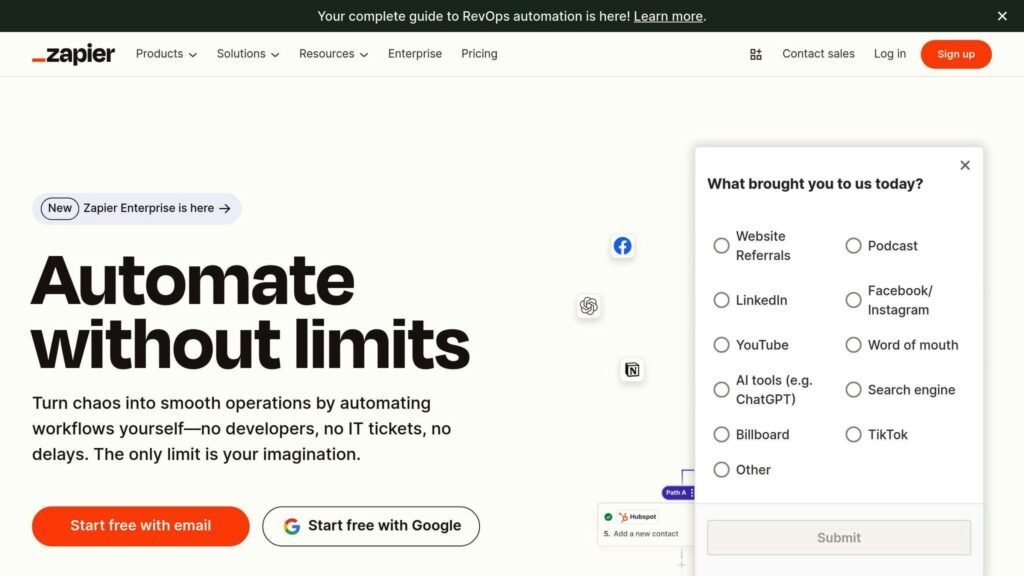
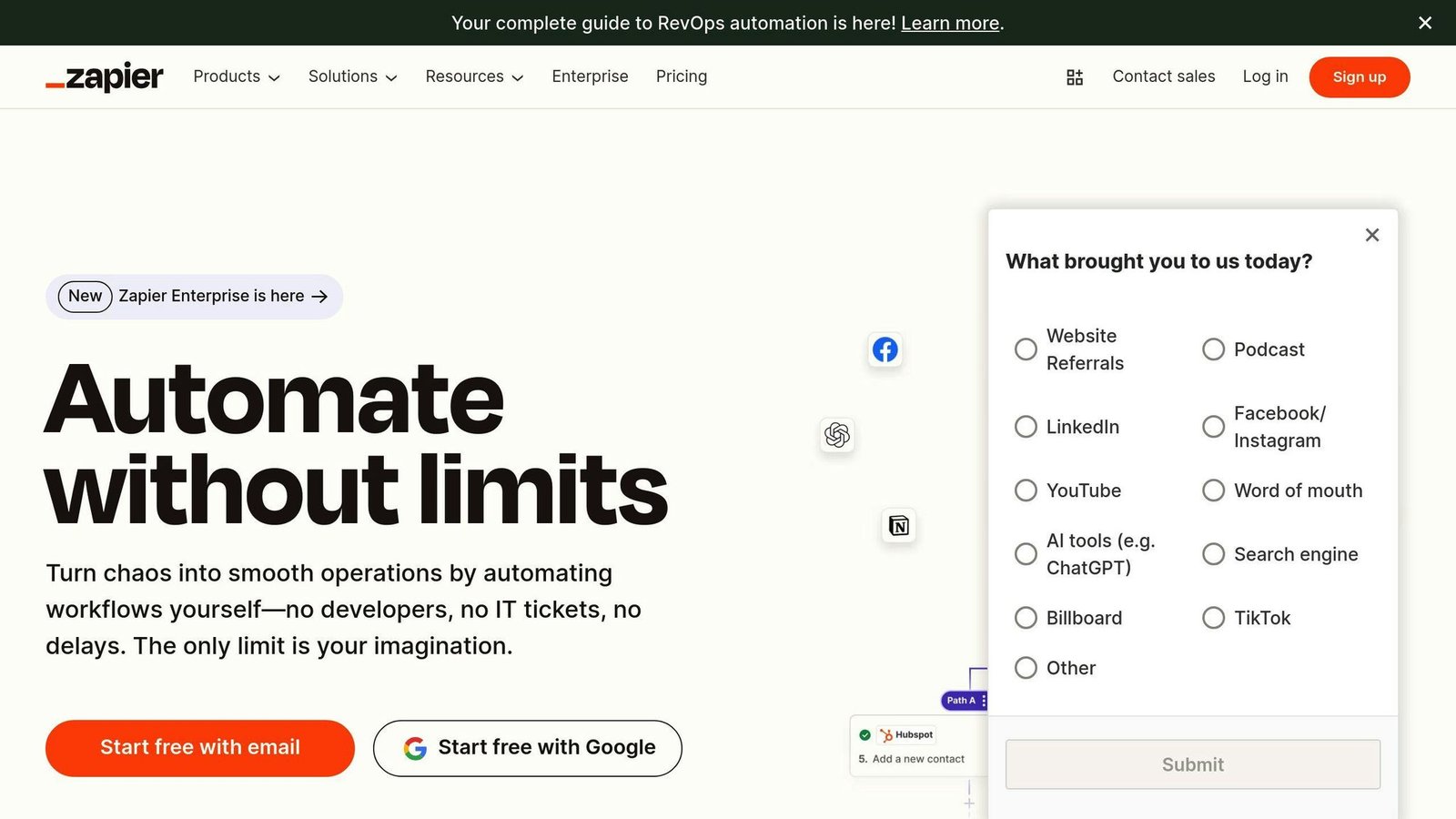
Platforms such as Zapier can connect a trigger to actions across apps. Make is another platform to evaluate for the same workflow. A simple IFTTT Applet also uses a trigger and an action, with options that depend on the connected services and plan. Neither platform makes the workflow safe by itself: the team still needs test cases, permissions and an owner.
Run a small pilot with a rollback plan
Pick a limited set of records and a short observation period. Test the normal path, duplicate inputs, missing data, rejected approvals, outages and recovery after an interrupted run. Keep the old process available until the new workflow has passed those cases and its owner knows how to stop it.
Before switching on automatic actions, decide who receives failure alerts, how quickly they must respond, and how to correct a bad output. If an automation sends customer messages or changes financial records, require a manual checkpoint until you have evidence that the workflow behaves as intended.
Train the people who use and maintain the process. Show them how to inspect a run, pause it, report an error, and resume after a correction. A tool that only one person understands creates a new operational risk.
Measure the result honestly
Record a baseline before the pilot: runs per week, time per run, error and rework rates, customer wait time where relevant, and the cost of the current process. After the pilot, compare the same measures over a comparable period. More runs or more active users are not proof of business value if quality or customer experience deteriorates.
Time recovered = (baseline minutes per run − pilot minutes per run) × comparable run volume. This is staff capacity that may be reassigned; it is not automatically cash saved. Count a cash saving only where a real expense falls. Include setup, review, maintenance, integration and licensing costs in the calculation.
Simple net value = verified cash savings + attributable additional margin − total implementation and operating costs. If the main benefit is capacity or faster response, report it separately instead of turning every saved minute into revenue. A small, reversible pilot gives you better evidence for the next investment decision than a large rollout based on assumed percentages.
When should you use more advanced automation?
AI classification, predictive models and robotic process automation can help when simpler rules cannot handle the volume or format of the work. They also add monitoring and maintenance needs. Start with the decision and failure paths, then choose the least complex method that meets the requirement. If an AI system only suggests a category or draft response, label it as a suggestion and keep a person responsible for high-impact decisions.
For work involving production or inventory data, first verify that source records are timely and accurate. An automated forecast or dashboard can repeat bad data at scale. Review anomalies and reconcile against the underlying system before acting on them.
Frequently asked questions
Which repetitive task should I automate first?
Choose a frequent, rules-based task with a clear owner, measurable baseline, few exceptions and an easy rollback. Document one real case before selecting a tool.
When should a task stay with a person?
Keep a human approval step when judgment, sensitive data, money, regulated obligations or irreversible outcomes are involved. Software can still prepare and route the information.
How do I test an automation safely?
Use a small dataset and test normal, duplicate, missing-field and outage cases. Confirm alerts, logs, access controls and recovery before expanding the workflow.
How long should I measure a pilot?
Long enough to include a representative volume and the exceptions the team normally sees. Compare like periods and document any seasonal change; there is no universal number of days that proves success.
Do I need an expensive platform?
Not necessarily. A clear process and a narrow workflow may be enough. Compare the full cost of software, implementation and ongoing review with a measured benefit. If you later need more integrations or controls, evaluate alternatives using the same test cases. Decide from your own test cases whether a platform fits the process.
More on this topic
Browse all 20 articles on AI & Automation, or jump straight to our buying guide: Best Automation and Integration Tools.