Disclosure: This page contains commercial links. BizBot may earn a commission from qualifying purchases. Paid placements do not buy a better ranking. Read our affiliate disclosure.
CRM email marketing means running campaigns off the same customer record your sales team works from, so the email someone gets reflects what they have actually done. This is a comparison of ten tools that do it.
Pricing note. Every price below was checked against the vendor’s own pricing page in August 2026, and most of the figures previously published here were wrong — one by more than double. Confirm rates before budgeting. We have also removed the star ratings this article used to carry, because no source was given for any of them.
What to weigh:
- Features: triggered, broadcast and targeted campaigns; a drag-and-drop builder; automation workflows
- Pricing unit: per user, per account, per contact tier — these are not comparable
- Hidden costs: onboarding fees, seat minimums, add-ons
- Integrations: your website, store and other systems
- Scalability: what happens to the bill as the contact list grows
Quick Comparison
| Software | Key Features | Pricing (checked Aug 2026) |
|---|---|---|
| ClickUp | Campaign collaboration, custom views, workflow automation | Free; Unlimited $7/user/month billed yearly |
| ActiveCampaign | Sales CRM, mobile CRM, lead management | Not displayed; priced by contact count |
| Keap | Segmentation, calendar, automation | From $299/month for 2 seats, plus onboarding |
| HubSpot | Drag-and-drop editor, personalisation, A/B testing | Free; Starter $20/month/seat; Professional from $800/month |
| Pipedrive | Email builder, analytics, segmentation, automation | Lite $14/seat/month billed annually |
| Insightly | Email builder, analytics, segmentation, automation | CRM Plus $29/user/month; Marketing Plus $99 per account/month |
| Nutshell | Email automation, personal sequences, analytics | Not verified |
| Freshmarketer | Segmentation, personalised campaigns, analytics | Not verified |
| Copper | Lead and contact management, email templates | Not verified |
| Zoho CRM | Lead and contact management, email templates | Free for 3 users; paid editions per user, local currency |
Note the units before comparing anything. ClickUp and Pipedrive charge per user. Insightly charges per user for CRM but per account for Marketing. Keap charges for a two-seat bundle. HubSpot Professional includes three seats and a compulsory one-off onboarding fee. The headline numbers are not like-for-like.
Comparison Factors
Features
| Feature | Description |
|---|---|
| Advanced Email Campaigns | Triggered, broadcast and targeted emails |
| Email Builder | Drag-and-drop composition |
| Automation | Sequences that react to what a contact does |
Pricing
Three models appear on this page: per user or seat, per account, and per contact tier. The last one is the trap — the price rises as your list grows, and the list always grows.
User Feedback
Read reviews on independent sites, and discount the extremes. We do not publish our own scores here, because we have not tested these products.
Integration Options
Website builders, e-commerce platforms and social tools. Check whether the connector is native or goes through Zapier, which is another subscription.
Scalability
Ask what happens at 10,000 contacts, not 1,000, and whether the automation limits change with the tier.
1. ClickUp
ClickUp is a project management platform with CRM-ish capabilities bolted on. It suits marketing teams that want campaign planning and customer records in the same place, but it is not an email sending platform — you will still need one.
Key Features
| Feature | Description |
|---|---|
| Campaign collaboration | Plan campaigns, funnels and briefs in Docs |
| Custom views | Kanban, List and other view types |
| Custom Fields | Shape records to your own data |
| Email integration | Send and receive without leaving the platform |
| Workflow automation | Conditional logic on repetitive steps |
| Custom Dashboards | Track campaign KPIs |
Pricing Structure
Not $9 and $19 — those figures matched neither the yearly nor the monthly rate.
| Plan | Billed yearly | Billed monthly |
|---|---|---|
| Free Forever | $0 | $0 |
| Unlimited | $7 per user/month | $10 per user/month |
| Business | $12 per user/month | $19 per user/month |
| Enterprise | Quoted | Quoted |
AI features are a separate add-on from $9 per user per month.
Integration Capabilities
ClickUp connects to email marketing platforms such as Mailchimp and ConvertKit, mostly through Zapier rather than natively.
2. ActiveCampaign
ActiveCampaign pairs a sales CRM with genuinely strong email automation — a drag-and-drop designer, conditional content and branching sequences.
Key Features
| Feature | Description |
|---|---|
| Sales CRM | Deals and customer records alongside campaigns |
| Mobile CRM | Access on the go |
| Sales automation | Automate follow-up and handoffs |
| Pipeline management | Manage the sales funnel |
| Lead management | Create and manage contact records |
Pricing Structure
Two corrections. First, the plan names have changed: the current email marketing tiers are Starter, Plus, Pro and Enterprise. There is no Lite plan and no Professional plan, which is what this article used to list.
Second, the prices. ActiveCampaign displays rates only after you pick a contact count and currency, and the page shows “Starts at –/mo” until you do. Plans are billed annually. Because the rate depends entirely on your list size, the old $15 / $70 / $159 / $279 figures have been removed rather than updated — they would be wrong for most readers anyway. Price your actual contact count on ActiveCampaign’s site.
ActiveCampaign also sells separate WhatsApp messaging plans (Core, Advanced, Enterprise) and combined email plus WhatsApp bundles.
3. Keap
Keap is a CRM and marketing automation platform aimed at small businesses that want one system rather than several.
Key Features
| Feature | Description |
|---|---|
| Segmentation | Split the list by industry, behaviour and engagement |
| Calendar and reminders | Built in, tied to contact records |
| Email marketing | Targeted campaigns |
| Marketing automation | Multi-step workflows |
| A/B and split testing | Test subject lines and content |
| Spam checking | Automatic pre-send checks |
Pricing Structure
This is the largest correction in the article. Keap has dropped tiered plans entirely — there is no “Pro at $129” or “Max at $199”. The whole platform is sold as one package, and it starts at $299 a month (about $2,988 a year on annual billing), which is more than double what this article previously stated.
| Item | Cost |
|---|---|
| Platform | From $299/month, including 2 user seats |
| Additional users | $39/month each |
| Contact volume | Price tiers up with the size of your list |
| Text marketing | Tier 1 included; higher tiers $24 to $279/month |
| Implementation | Required, priced by package |
The implementation fee is not published, so get it in writing before you sign. Describing Keap as having “affordable pricing”, as this article once did, was wrong: it is the most expensive entry point on this list.
4. HubSpot
HubSpot’s free CRM is genuinely usable, and the marketing tools sit on top of it.
Key Features
| Feature | Description |
|---|---|
| Drag-and-drop editor | Build campaigns without code |
| Personalisation | Content driven by lifecycle stage and contact data |
| A/B testing and analytics | See who engages, and when |
| Predictive sending | Send at each contact’s likely engagement time |
| Lead and contact scoring | Prioritise outreach |
Pricing Structure
The old “Starter $50/month” figure was wrong, and the table’s “$50 – Custom” range hid the two costs that actually matter: the onboarding fees.
| Plan | Price | Included |
|---|---|---|
| Free | $0 | Up to 2 users |
| Starter | $20 per seat/month (promotional rate from $7) | 1,000 marketing contacts |
| Professional | From $800/month | 3 core seats, 2,000 marketing contacts |
| Enterprise | From $3,600/month | 5 core seats, 10,000 marketing contacts |
Professional carries a one-time onboarding fee of $3,000, and Enterprise $7,000. Those are compulsory, and they are the reason HubSpot’s real first-year cost is far above the monthly figure. Extra contacts and extra seats are billed on top.
5. Pipedrive
Pipedrive is a sales-first CRM with campaign features attached. Best suited to teams whose main job is closing deals rather than running newsletters.
Key Features
| Feature | Description |
|---|---|
| Email builder | Templates and drag-and-drop composition |
| Email analytics | Real-time campaign reporting |
| Email segmentation | Target by segment rather than blasting the list |
| Email marketing automation | Automated lead qualification and nurture sequences |
Pricing Structure
There is no $21.90 plan. Current per-seat rates, billed annually:
| Plan | Price (billed annually) |
|---|---|
| Lite | $14 per seat/month |
| Growth | $39 per seat/month |
| Premium | $59 per seat/month |
| Ultimate | $79 per seat/month |
Monthly billing costs more; Pipedrive advertises savings of up to 42% for paying annually but does not itemise the monthly rates on the page we checked. There is a 14-day trial.
6. Insightly
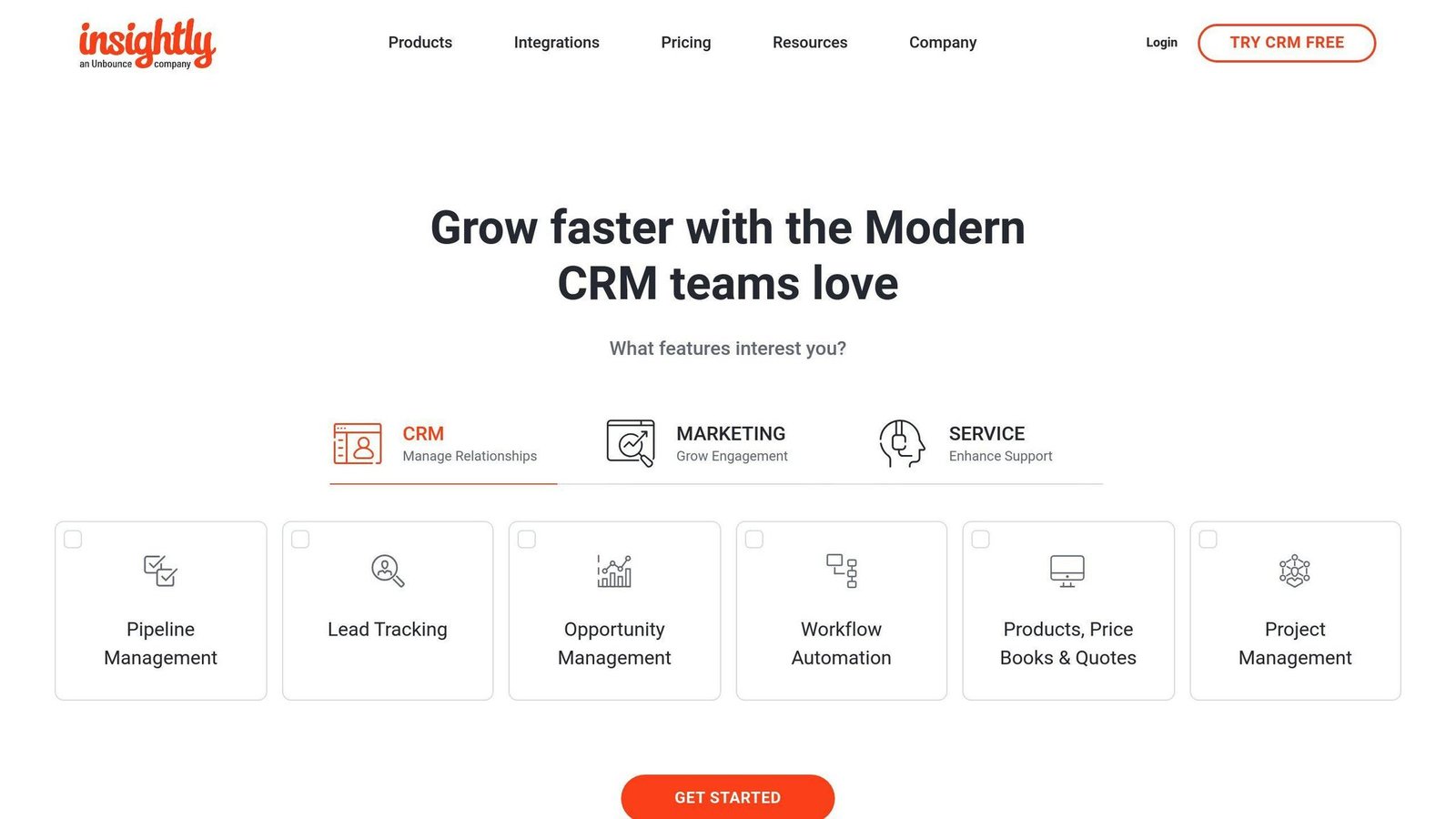
Insightly sells CRM and Marketing as separate products, which matters when you are costing it.
Key Features
| Feature | Description |
|---|---|
| Email builder | Templates and drag-and-drop |
| Segmentation and analytics | Target and measure campaigns |
| Landing pages and forms | Capture leads into the CRM |
| A/B testing | Optimise campaigns |
| Dashboards and reports | Monitor performance |
Pricing Structure
The $29 figure was right, but the free plan was not: Insightly does not offer a free tier for two users, only a 14-day trial. All rates below are billed annually.
| Product and plan | Price | Unit |
|---|---|---|
| CRM Plus | $29 | per user per month |
| CRM Professional | $49 | per user per month |
| CRM Enterprise | $99 | per user per month |
| Marketing Plus | $99 | per account per month |
| Marketing Professional | $499 | per account per month |
| Marketing Enterprise | $999 | per account per month |
Watch that unit change. CRM is per user; Marketing is per account. A five-person team wanting both starts at $145 plus $99, or $244 a month.
7. Nutshell
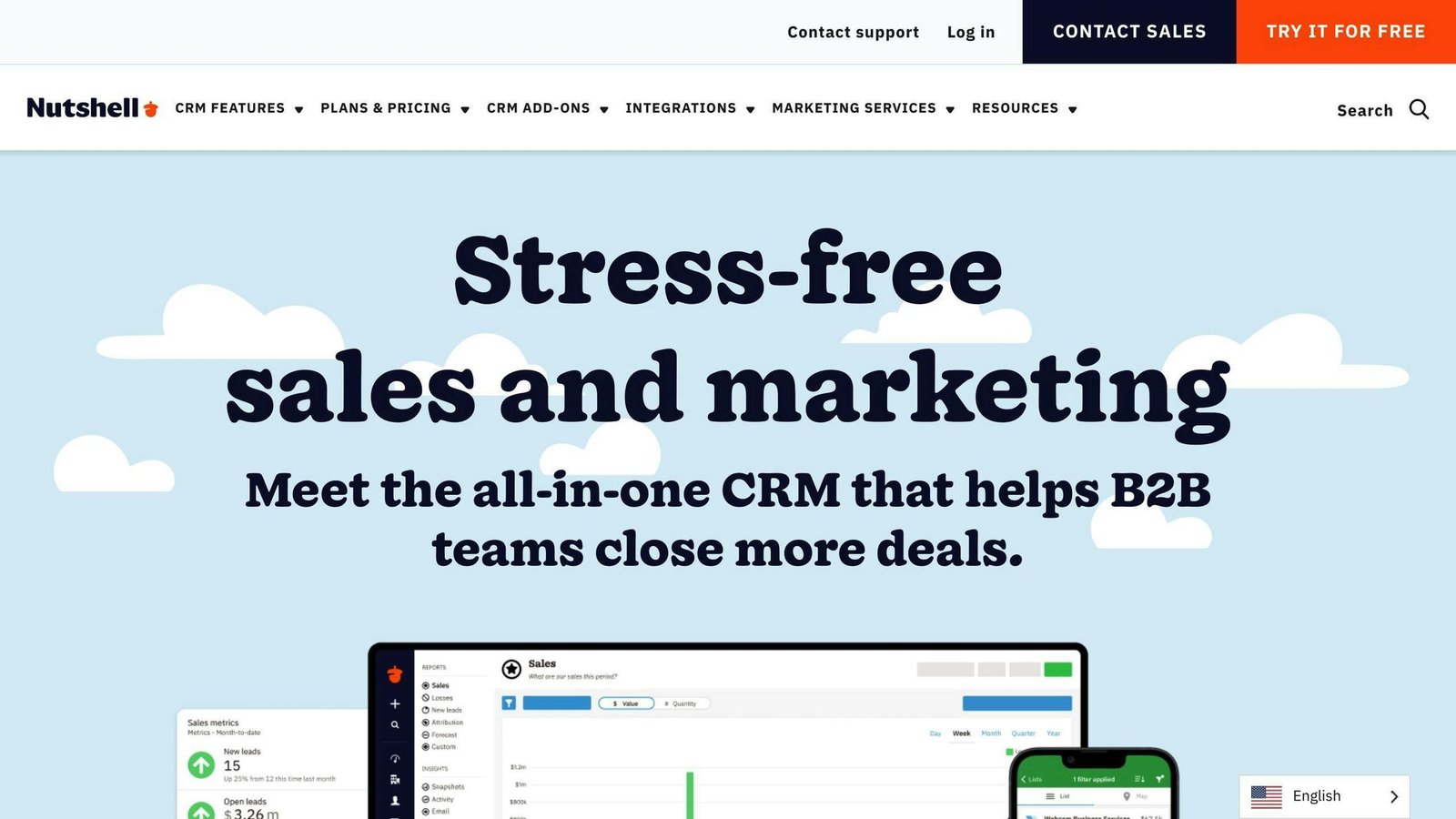
Nutshell combines CRM with email sequences aimed at one-to-one outreach rather than broadcast newsletters.
Key Features
| Feature | Description |
|---|---|
| Email automation | Sequences and shared templates for bulk sends |
| Personal email sequences | One-to-one outreach at scale, stopping automatically when someone replies |
| Email analytics | Reply rates by sequence |
| Two-way sync | With Gmail and Office 365 |
Pricing Structure
We did not verify Nutshell’s current rates for this update, so no figures are quoted. Check Nutshell’s pricing page directly.
8. Freshmarketer
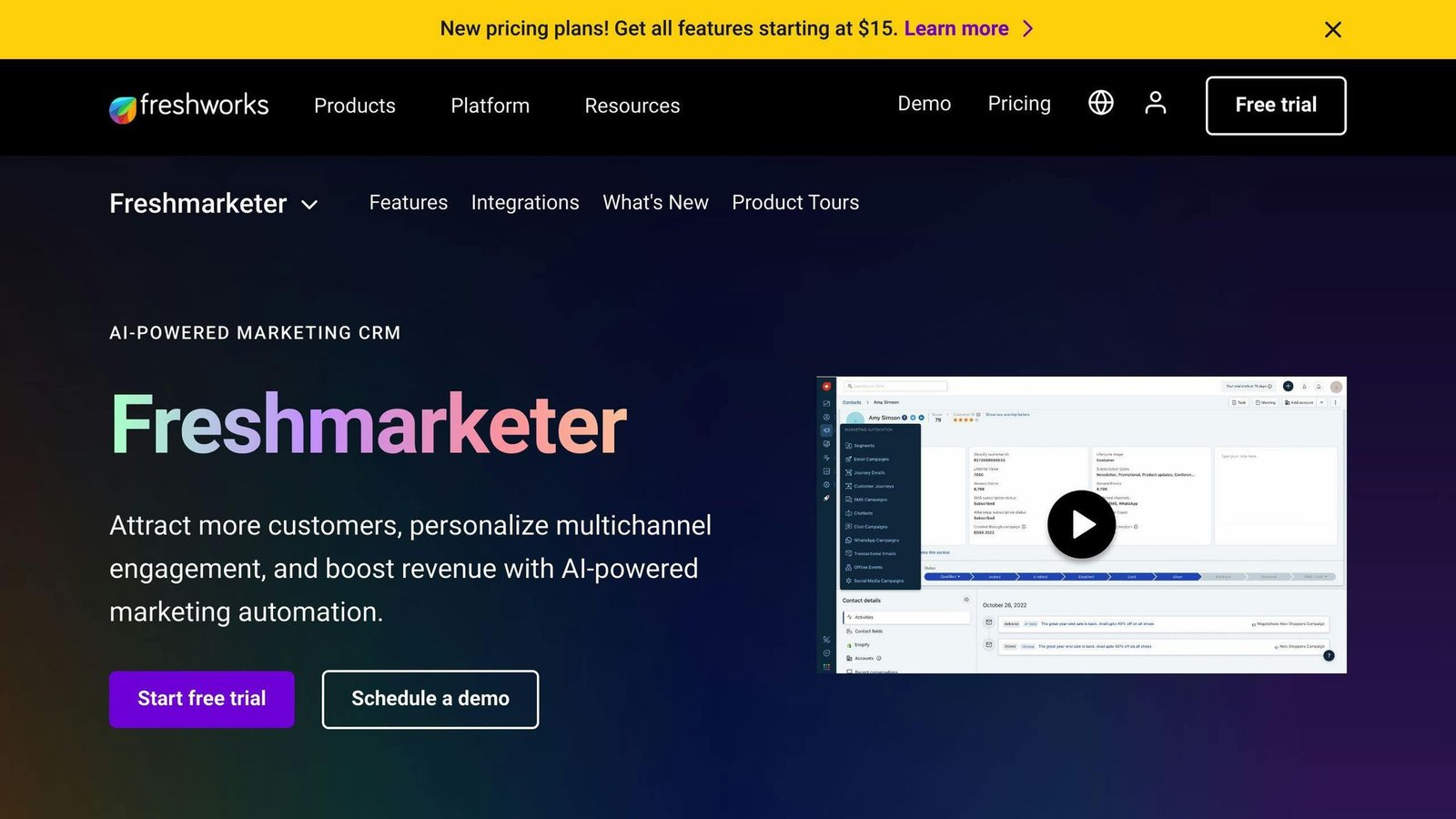
Freshmarketer is Freshworks’ marketing automation product: segmentation, personalised campaigns, journey automation and analytics.
Key Features
| Feature | Description |
|---|---|
| Customer segmentation | By demographics, geography or behaviour |
| Personalised campaigns | Targeted messaging |
| Journey automation | Multi-step campaigns triggered by behaviour |
| Performance analysis | Campaign effectiveness reporting |
| Sales and marketing alignment | Shared view of the customer |
Pricing Structure
Not verified for this update. Check the Freshworks pricing page, and note that Freshworks tends to price per user with contact-volume tiers on top.
9. Copper
Copper is built around Google Workspace, which is the main reason to pick it.
Key Features
| Feature | Description |
|---|---|
| Lead management | First contact through to conversion |
| Contact management | Central customer records |
| Email templates | Personalised sends from templates |
| Sales automation | Data entry and follow-ups |
| Google Workspace integration | Gmail, Calendar and Drive |
Pricing Structure
Not verified for this update. Check Copper’s pricing page.
10. Zoho CRM
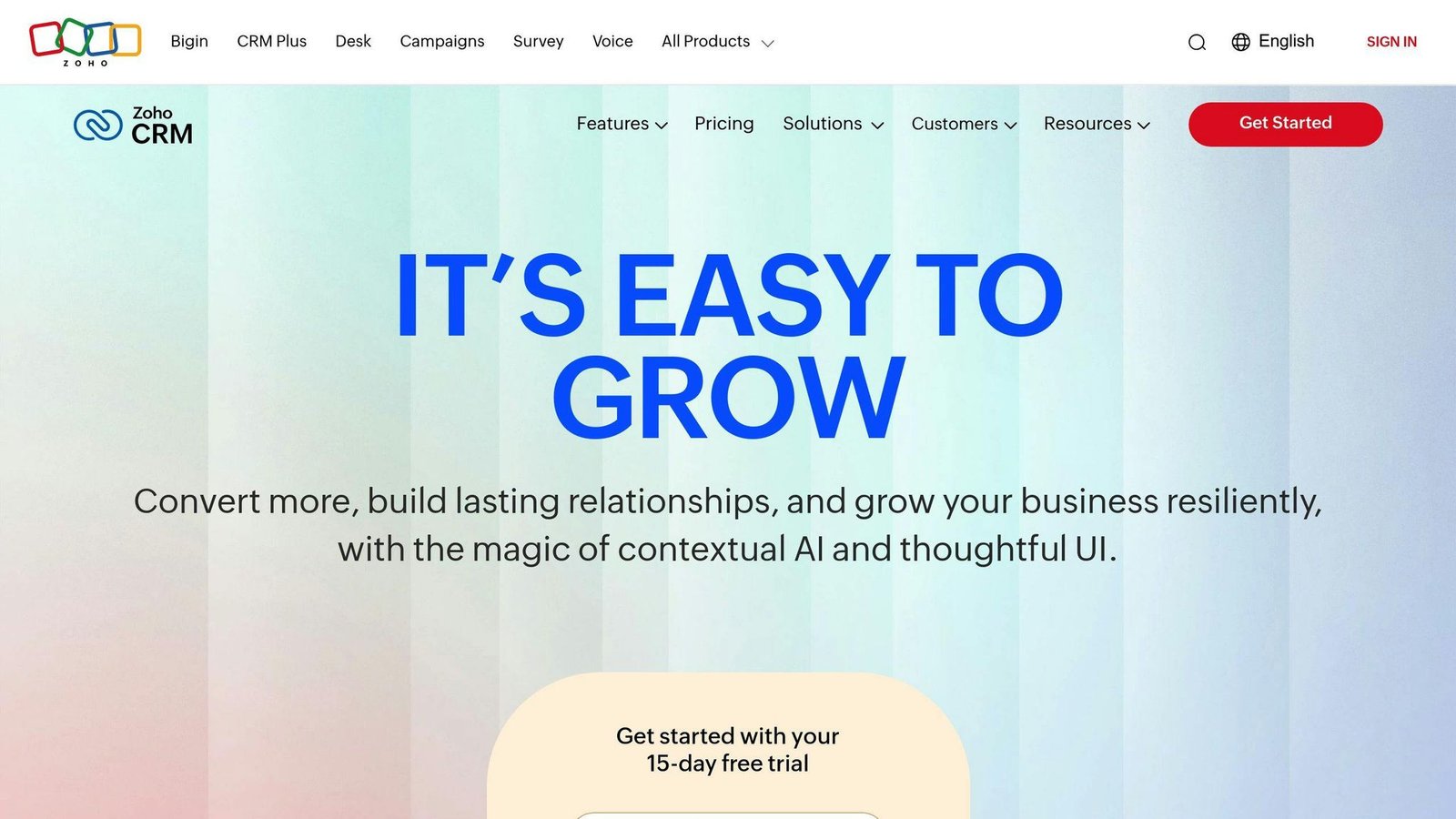
Zoho CRM’s advantage is the rest of Zoho: it syncs with Zoho Campaigns for the email side rather than doing everything itself.
Key Features
| Feature | Description |
|---|---|
| Lead management | Track leads to conversion |
| Contact management | Central customer database |
| Email templates | Personalised sends |
| Sales automation | Repetitive task handling |
| Zoho Campaigns integration | Email marketing automation |
Pricing Structure
Zoho CRM has a free edition for up to 3 users. Paid editions run Standard, Professional, Enterprise and Ultimate, priced per user per month with a discount for annual billing. Zoho displays rates in local currency depending on where you are, so check the figure in yours rather than converting one from another market.
Pros and Cons
| Software | Advantages | Disadvantages |
|---|---|---|
| ClickUp | Cheap, doubles as project management, real free tier | Not an email sending platform on its own |
| ActiveCampaign | Strongest automation here | No visible price until you enter a contact count |
| Keap | One platform, everything included | From $299/month plus a compulsory implementation fee |
| HubSpot | Free CRM, deep marketing tooling | $3,000 to $7,000 one-off onboarding on Professional and above |
| Pipedrive | Cheapest per-seat entry at $14 | Sales-first; email marketing is secondary |
| Insightly | Clear published rates for both products | Two separate subscriptions, two different units |
| Nutshell | Good at one-to-one sequences | Rates not verified here |
| Freshmarketer | Fits an existing Freshworks stack | Rates not verified here |
| Copper | Best fit for Google Workspace users | Rates not verified here |
| Zoho CRM | Free for 3 users; cheap paid tiers | Email marketing needs Zoho Campaigns alongside |
Choosing the Right Software
Identify Your Business Needs
Decide first whether the email list or the sales pipeline is the centre of gravity. Pipedrive, Copper and Nutshell are pipeline-first. ActiveCampaign, HubSpot and Keap are campaign-first. Buying the wrong side of that line is the expensive mistake.
Cost It Properly
- Multiply the per-seat price by your actual headcount
- Add contact-tier increases at the list size you expect in a year
- Add compulsory onboarding and implementation fees
- Add any second subscription you need alongside it, such as Zapier or a separate sending platform
On that basis the spread across this list runs from roughly $14 a month to several thousand in the first year. The headline prices do not show that.
Features to Compare
| Feature | Description |
|---|---|
| Contact Management | Store and manage customer records |
| Email Marketing Automation | Campaigns and workflows that run themselves |
| Customisable Templates | On-brand emails without a designer |
| List Segmentation | Split by behaviour and demographics |
| Lead Scoring | Prioritise by engagement |
| Integrations | Native connections to your other systems |
| Sales Pipeline | Visualise and manage deals |
| A/B Testing | Test and improve campaigns |
| Analytics Dashboards | Track performance |
All prices in this article were checked against vendor pricing pages in August 2026 and should be confirmed before budgeting.
More on this topic
Browse all 44 articles on Marketing & Growth, or jump straight to our buying guide: Best Marketing and CRM Tools for Small Businesses.