
Disclosure: This page contains commercial links. BizBot may earn a commission from qualifying purchases. Paid placements do not buy a better ranking. Read our affiliate disclosure.
Looking for software to run your business better — accounts, projects, customers, stock? Here is a category-by-category rundown, with every price checked against the vendor’s own pricing page in August 2026. Confirm rates before you budget: they move, and the unit matters more than the number.
- Accounting Software: QuickBooks, Xero, Zoho Books, FreshBooks
- Project Management Tools: Asana, Trello, Basecamp, Jira, Wrike
- CRM Software: Capsule, HubSpot, Zoho CRM
- Time Tracking Tools: Clockify, Toggl, Harvest, Timely
- Inventory Management Software: Zoho Inventory, Cin7, Fishbowl
Two products have been removed from this list. TradeGecko no longer exists: Intuit bought it in September 2020, rebranded it QuickBooks Commerce, and shut it down on 31 August 2023. Orderhive is also gone as a standalone brand — orderhive.com now redirects to Cin7, which does not sell anything under the Orderhive name. If either is on your shortlist, take it off.
Accounting Software
Accounting software is the one category where the cheapest option usually is not the right one, because migrating later is painful. Four worth looking at:
QuickBooks
- The default in most markets, which matters when you need a bookkeeper who already knows it
- Invoicing, expense tracking, reporting, payroll add-ons
- Large integration ecosystem
- Separate plans for sole traders and larger businesses
- Mobile app for on-the-go admin
Xero
- Cloud accounting with strong bank reconciliation
- Good reporting out of the box
- Large app marketplace for connecting other tools
- Inventory tracking, payroll and invoicing features
Zoho Books
An earlier version of this article said Zoho Books starts at $9 a month. That is not a rate Zoho publishes. As of August 2026:
- Free plan, with no time limit, if annual revenue stays under $50K
- Standard $15 a month billed annually, or $20 billed monthly
- Professional $40 annually, $50 monthly; higher tiers run to $240 a month
- Extra users are an add-on at $2.50 to $3 each per month — the plan price is per organisation, not per user
- Mobile invoicing and expense capture, automatic bank feeds, customisable invoices and quotes
FreshBooks
- Easiest of the four for someone who is not a finance person
- Built around invoicing and getting paid
- Time tracking on tasks
- Automatic expense categorisation
- Mobile app
Pick on what you actually do daily — invoicing, reporting, or bank reconciliation — and on whether your accountant will work in it with you.
Project Management Tools
All of these do tasks, assignees and deadlines. The differences are price structure and how much process they impose.
Asana
- Free Personal plan, but note the limit: up to 2 users. An earlier version of this article said 15, which is wrong and would wreck a rollout plan
- Starter $10.99 per user per month billed annually, $13.49 monthly
- Advanced $24.99 annually, $30.49 monthly
- Boards, lists, calendars and timeline views
- Integrates with Slack, Google Drive and others
Trello
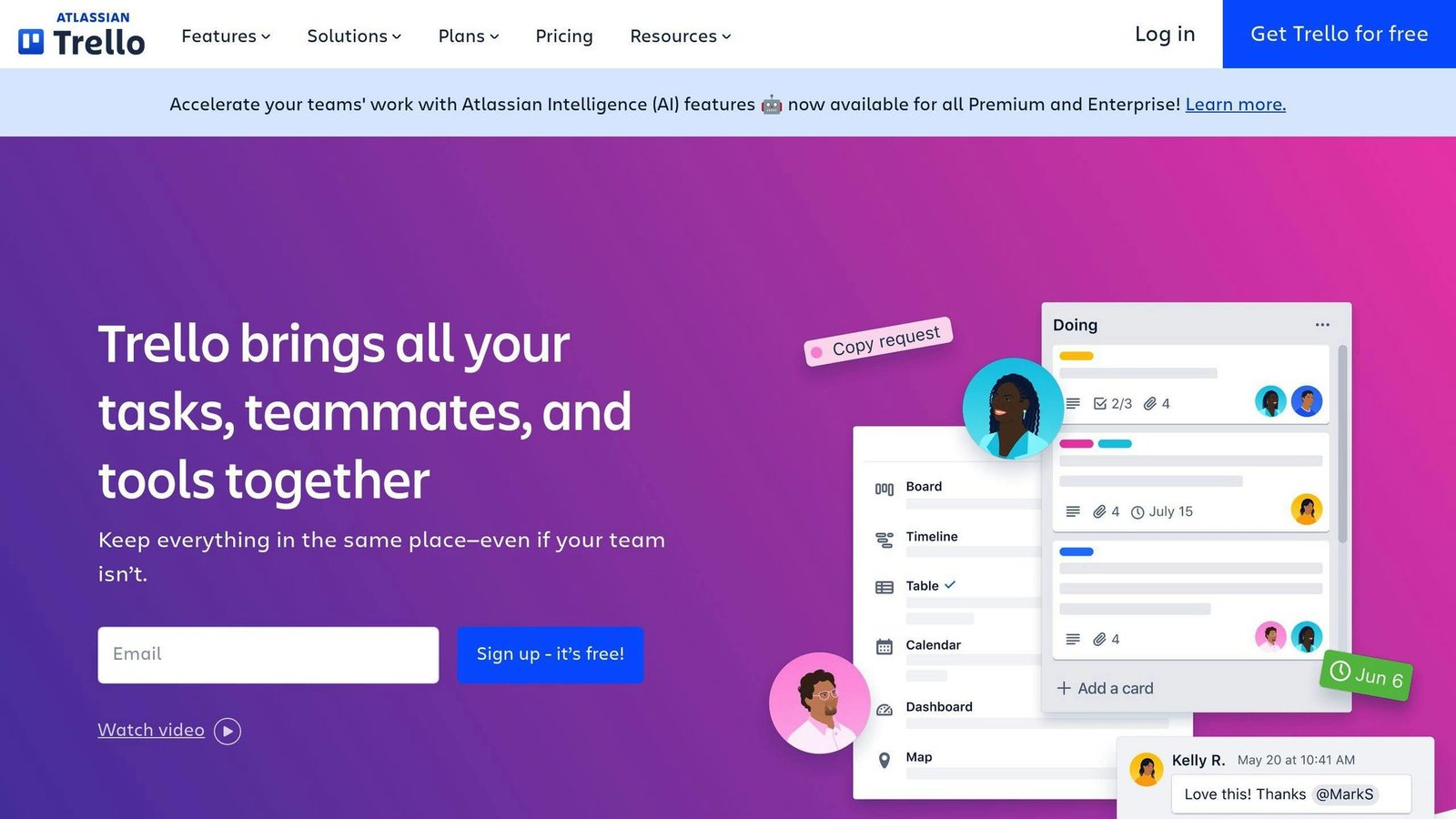
- Free for up to 10 collaborators per Workspace
- Standard $5 per user per month billed annually, $6 monthly — not $12.50, which is the Premium monthly rate an earlier version of this article quoted as the entry price
- Premium $10 annually, $12.50 monthly; Enterprise $17.50 annually
- Card-and-board interface, simple to teach
- Integrates with Slack, Google Drive and others
Basecamp
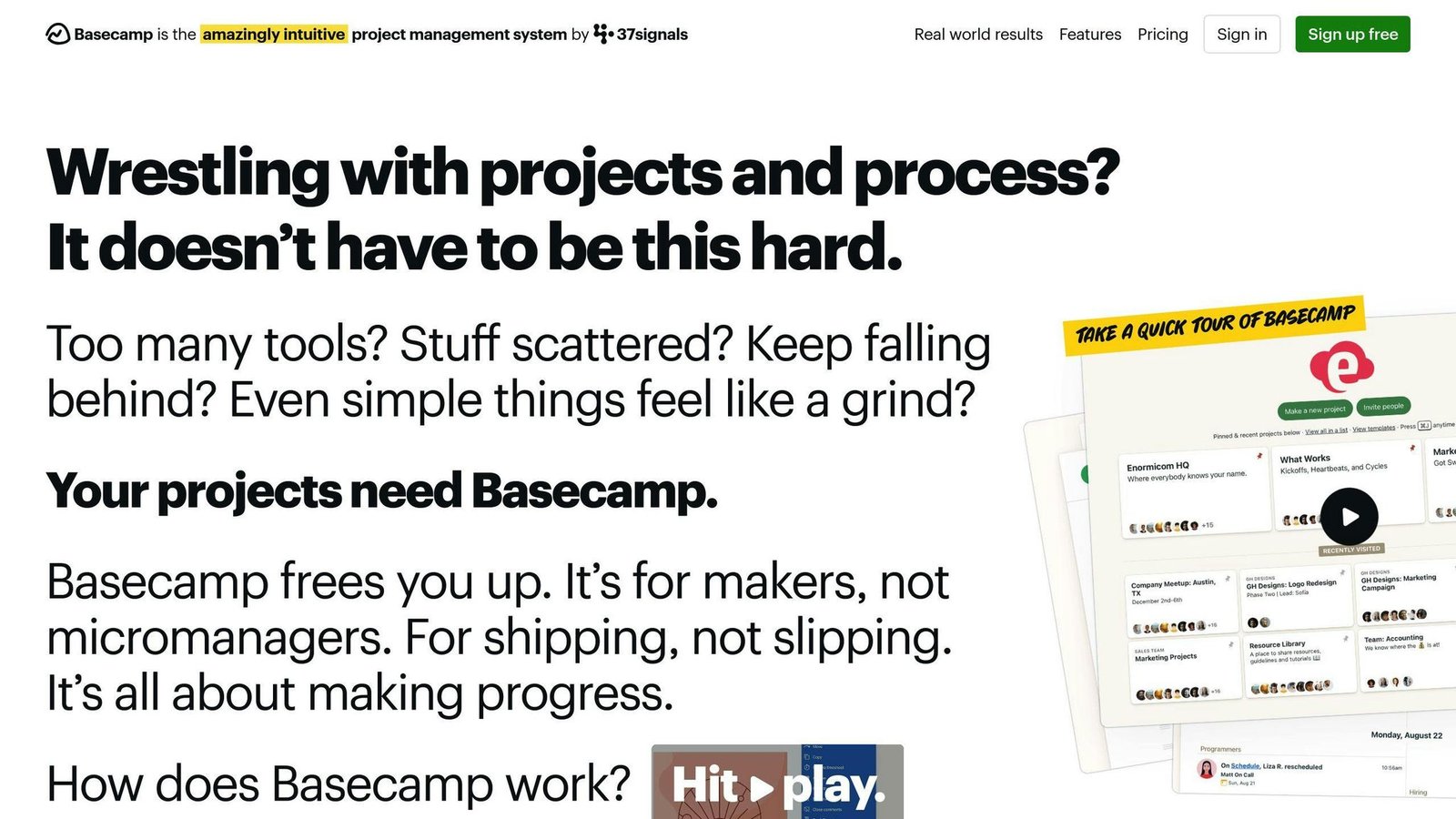
- “Basecamp 3” is out of date — the current version is Basecamp 5, and there is no $99 plan
- Free: 1 project, 1 GB storage, 5 users
- Freelancer $25 a month: 3 projects, 20 users
- Studio $59 a month: 10 projects, unlimited users
- Pro $100 a month: 25 projects, unlimited users
- Unlimited $300 a month billed annually: unlimited projects, 1 TB storage
- Flat monthly pricing rather than per seat, which is why it gets cheaper per head as teams grow
Jira
- Built for software teams working in sprints
- Free for up to 10 users
- Paid tiers are priced per user, and Atlassian’s pricing page uses a calculator rather than a fixed table — the old flat “$10 a month for up to 10 users” rate quoted here previously is no longer how it works. Price your actual seat count on their site
- Deep configuration of workflows, permissions and reporting
Wrike
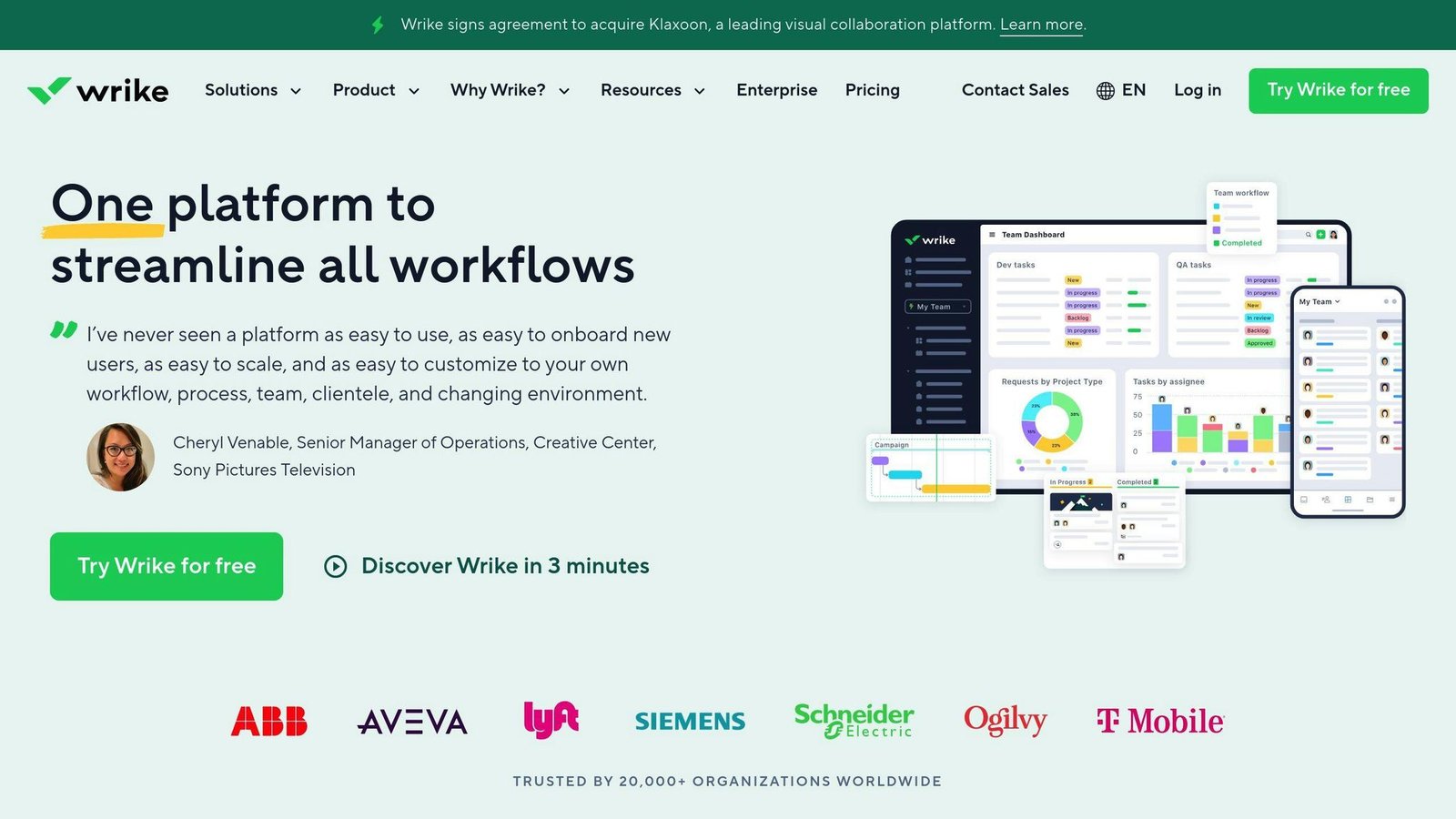
- Free plan at $0 per user per month
- Team $10 per user per month, billed annually, for 2 to 15 users — the $9.80 figure previously quoted here does not appear on Wrike’s pricing page
- Business $25 per user per month, annual only, for 5 to 200 users
- Gantt charts, dependencies, custom permissions and reporting
- Integrates with Office 365, Slack and others
Customer Relationship Management (CRM) Applications
Customer relationship management (CRM) software tracks who your customers are, what you have said to them and what you are trying to sell them. For small teams, three options:
Capsule CRM
Capsule is deliberately simple, aimed at small teams.
Key features:
- Contact records with custom fields
- Sales pipeline with lead scoring
- Email sending and templates
- Mobile and offline access
- Zapier integrations
Pricing: a free plan for up to 2 users and 250 contacts. Paid tiers — Starter, Growth, Advanced and Ultimate — are charged per user per month, billed annually, with Ultimate requiring 5 or more users. Capsule’s published rates did not render when we checked in August 2026, so the “$12 a month” previously quoted here has been removed rather than guessed at. Get the current figure from Capsule directly.
Best for: small businesses that want a CRM someone will actually update.
HubSpot CRM
HubSpot’s CRM is free, and the free tier is genuinely usable. The catch is what sits on top of it.
- Free CRM for an unlimited number of users
- Contact and activity tracking
- Email integration and meeting scheduling
- Segmentation and lists
- Wide integration support
Best for: teams that want to start at zero cost. Budget for the paid Marketing, Sales and Service hubs if you grow into them — that is where the money is.
Zoho CRM
- Free edition for up to 3 users, not 2 as previously stated here
- Paid editions run Standard, Professional, Enterprise and Ultimate, priced per user per month with a discount for annual billing. Zoho’s pricing page displays rates in local currency depending on where you are, so check the figure in yours before comparing
- Contact management with custom fields
- Deal management and sales forecasting
- Marketing automation: email, web forms
- Mobile access
Best for: growing teams that need features without enterprise pricing.
Time Tracking Applications
Prices in this category are close enough that the deciding factor is usually whether the tool tracks automatically or asks people to remember.
Clockify
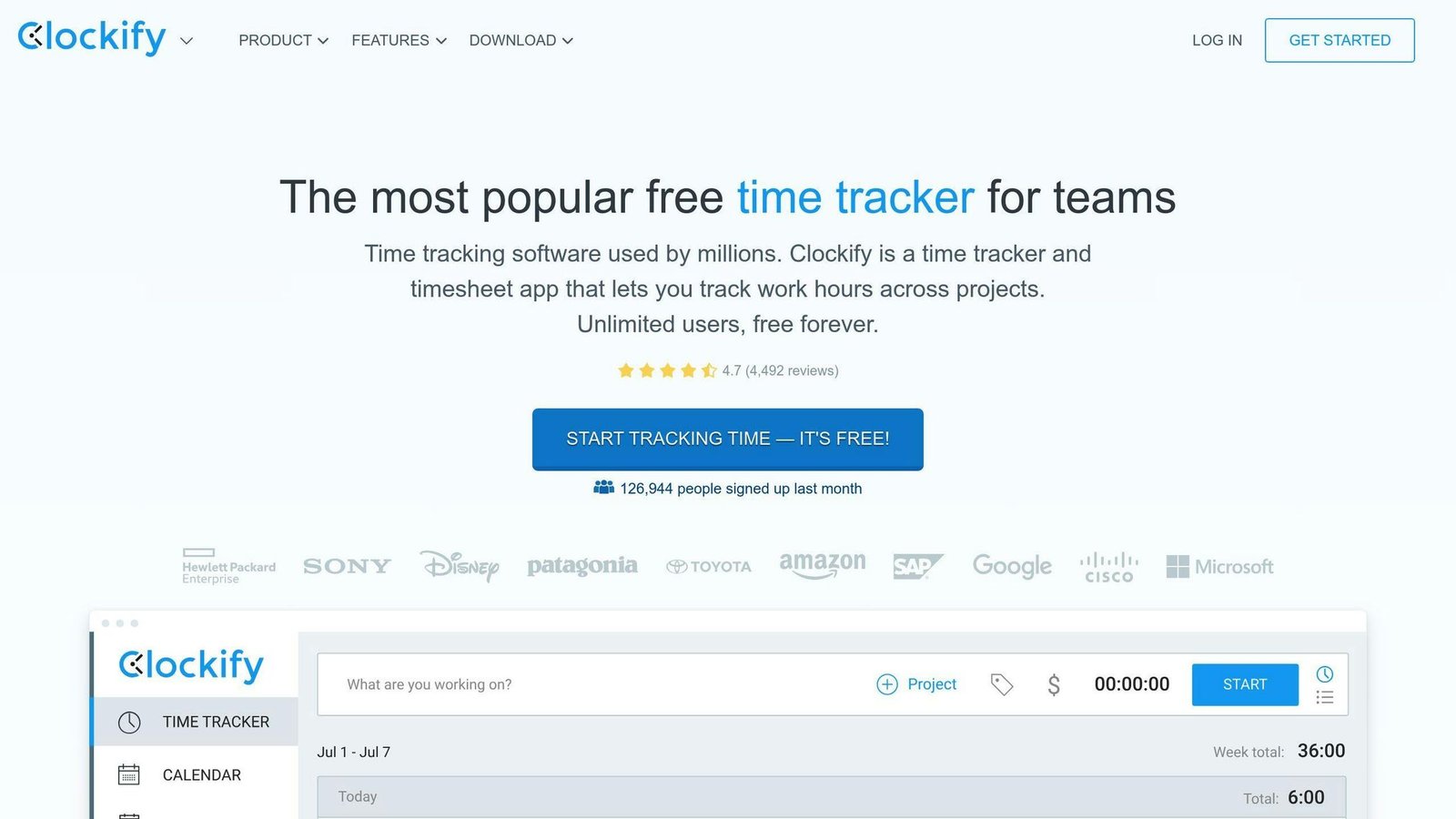
- Free tier with unlimited users, which is unusual
- Timer or manual entry
- Team and personal reports
- Integrations with common project tools
- Mobile apps
Best if you are one person, a small team, or unwilling to pay for time tracking at all.
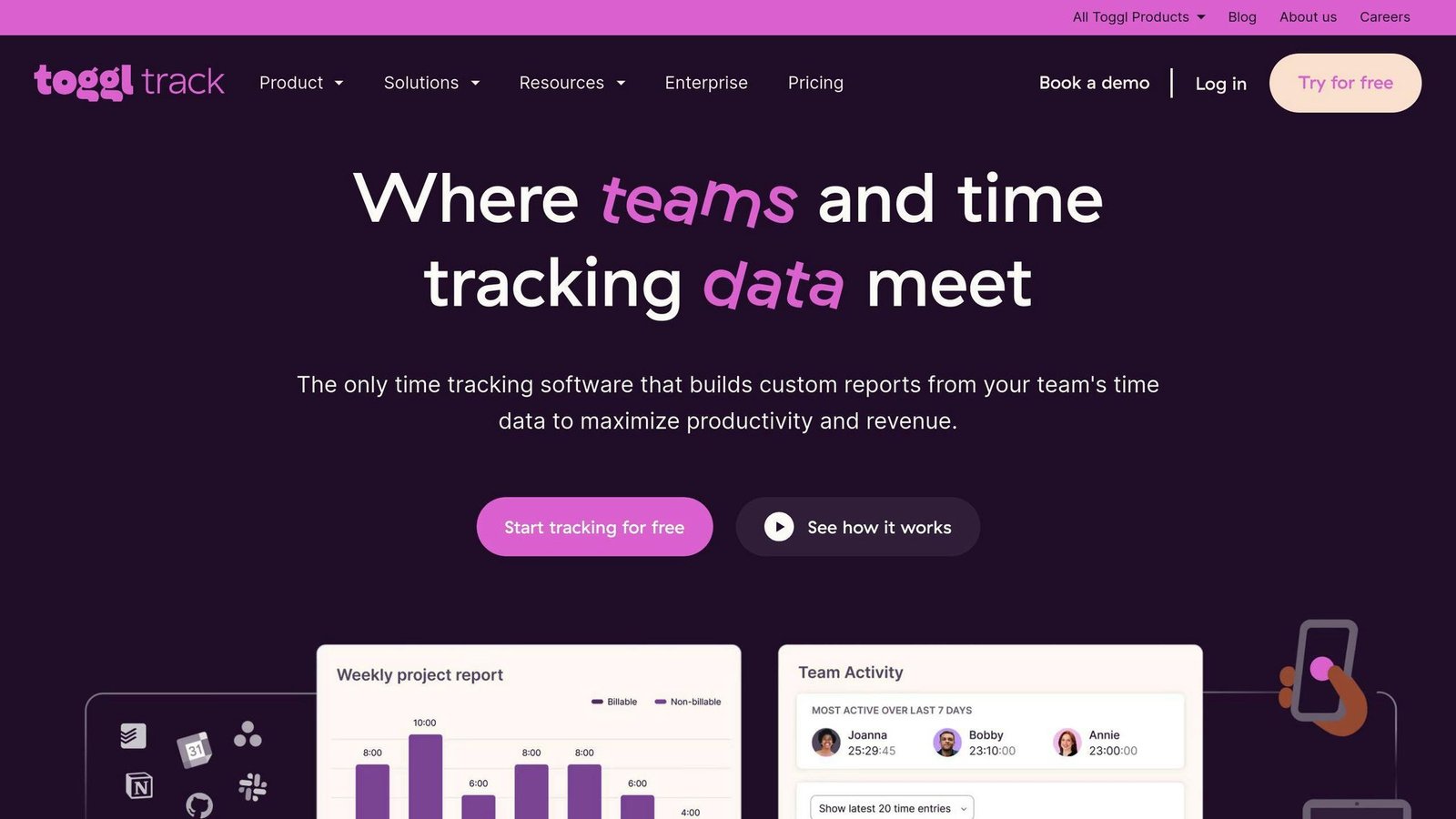
Toggl Track
- Free plan for a limited number of users
- Starter $9 per user per month — the same whether billed monthly or annually. Previously quoted here as $10
- Premium $14 per user per month for the first year on an annual plan, renewing at $18. Check that renewal step before you commit
- Project budgets and permissions
- Web, mobile and desktop
Harvest
- Free forever for 1 seat and 2 projects
- Teams $9 per seat per month, or $108 per seat per year — not the $12 previously quoted here
- Enterprise $14 per seat per month
- Time and expense tracking, billable rates, invoicing
- QuickBooks integration
- 30-day free trial, no card required
Timely
- Automatic tracking rather than manual timers
- Starter $9 per user per month billed annually, $11 monthly — the $8 figure previously quoted here does not exist
- Premium $16 annually, $20 monthly; Unlimited $22 annually, $28 monthly
- Capacity planning and utilisation reporting
- Integrates with project management and accounting tools
Inventory Management Systems
This category has changed more than any other since this article first ran. Two of the three original picks no longer exist.
TradeGecko — discontinued
Do not shortlist TradeGecko. Intuit acquired it in September 2020 and rebranded it QuickBooks Commerce; Intuit announced the sunset in June 2022 and the product stopped operating on 31 August 2023. The “$29 a month” price this article used to carry has been dead for years.
Orderhive — now Cin7
orderhive.com redirects to cin7.com, and Cin7 does not sell a product called Orderhive. Its current products are Cin7 Core and Cin7 Omni. Cin7 states that pricing starts at $349 per month, with plans covering up to 6 ecommerce and app integrations and more available to buy. That is a different tier of product from the $99 a month Orderhive plan this article used to quote, so budget accordingly.
Zoho Inventory
- Free plan: 50 orders a month, 1 user, 2 locations. Previously described here as “free for one warehouse”, which understates it slightly and overstates the order allowance
- Standard $29 a month billed annually: 500 orders, 2 users, 2 locations
- Professional $79, Premium $129, Enterprise $249 a month billed annually, scaling orders, users and locations
- Multi-location stock tracking and barcode support
- Stock valuation and turnover reporting
- Connects to Zoho’s CRM and accounting tools
Note the order caps rather than the headline price. A business doing 600 orders a month is on Professional, not Standard, whatever the seat count says.
Fishbowl
- Built for manufacturing and wholesale
- No longer a one-time purchase. The “$2,400 one-time fee” this article used to quote is gone; Fishbowl now sells subscriptions
- Fishbowl Inventory Essentials from $229 a month billed annually
- Growth $429 a month, Scale $729 a month, both billed annually
- Advanced Warehouse from $595 a month and Advanced Manufacturing from $675 a month, priced by users and deployment
- Implementation packages are required and priced separately — the page does not publish that figure, so ask for it in writing
- Integrates with QuickBooks, Xero and Salesforce
Collaboration and Communication Tools
Most teams end up with two of these, not one. Pick the pair deliberately.
Asana
- Task and project management with multiple views
- File sharing and in-app discussion
- Suits teams whose plans change often
- Integrates with Slack and Dropbox
Trello
- Board-based view of who is doing what
- Card-based collaboration
- Suits small, fast-moving teams
- Integrates with Google Drive and Slack
Microsoft Teams
- Chat, video calls and file sharing in one place
- Conversations organised by project or topic
- Tight integration with Microsoft 365 — the main reason to choose it
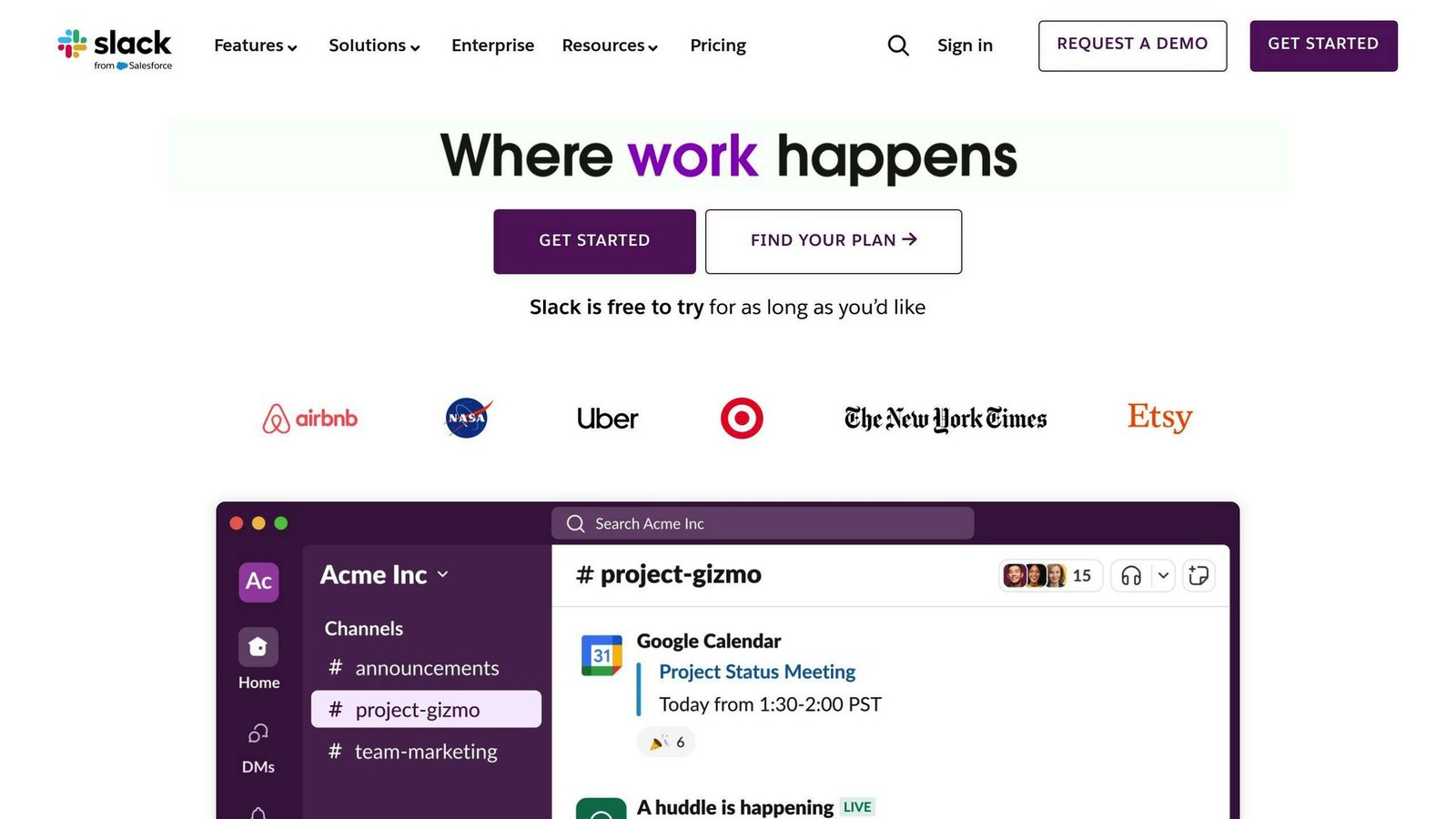
Slack
- Free and paid tiers
- Messaging, voice and video
- Large app directory
- Granular notification control
Zoom
- Video meetings, screen sharing, recording and cloud storage
- Host and participant permission controls
- Integrates with Google Calendar and Slack
Essential Features for Business Applications
Four things decide whether software earns its cost:
Automation
Recurring invoices, stock reorder points, data entry, scheduled posts. Automation is where the payback is, because it removes work rather than reorganising it.
Ease of Use
Software nobody wants to open produces stale data, and stale data is worse than none. Look for a clear home screen, obvious next steps, in-app help and role-appropriate views.
Scalability
Check what happens at the next tier: how much adding users costs, whether the features you rely on move behind a higher plan, and what the caps are on records, orders or storage.
Integration
The tool should connect to your accounting, CRM, inventory and HR systems, natively or through Zapier. If it cannot, someone will be rekeying data every week.
Choosing the Right Application for Your Business
The biggest cost mistakes on this page are not the headline prices. They are seat minimums, order caps and implementation fees.
Assess Your Business Size and Industry
- Count the seats you will need in 12 months, not today. Per-user pricing punishes growth
- Check whether the vendor builds for your sector — manufacturing and services have genuinely different needs
Define Your Operational Needs
- Write down what is broken now. That list is your feature requirement
- Confirm it works with the software you already run
- Decide whether automation and mobile access are essential or nice to have
Compare Application Features and Pricing
- Use the free trial properly, with real data
- Cost it over 3 to 5 years, including setup, training and implementation fees
- Check the feature you actually need is on the tier you can afford, not two tiers up
- Confirm the unit: per user, per organisation, per location, per order
Check Reviews and Assess Future Viability
- Read reviews on independent sites, and discount the extremes
- Check the vendor is still investing in the product. Two of the tools originally listed in this article were shut down or absorbed by an acquirer within three years
Make Security and Compliance Key Factors
- Check it meets the rules that apply to your sector
- Ask about encryption, access control and data export before you sign, not after
Conclusion
The right software for a small business is usually the boring, widely used one that your accountant, bookkeeper or next hire already knows. Novelty costs more than it saves.
When choosing, weigh:
- Compatibility with what you already run
- Ease of use, so the data stays current
- Security and compliance
- Cost, in the correct unit, over several years
- Scalability, especially what the next tier costs
All prices in this article were checked against vendor pricing pages in August 2026 and should be confirmed before you budget.
Related Questions
How do you streamline business operations?
- Automate routine jobs
- Standardise how common tasks are done
- Replace manual steps with software where it pays
- Change processes when they stop fitting
- Time how long tasks take, so you know what to fix
- Set deadlines
- Ask the people doing the work what is slowing them down
- Check whether the change worked
- Cut steps that add nothing
What does streamline business processes mean?
Removing steps that do not add anything, so work is faster, more accurate and cheaper.
How do I streamline my business admin?
- Automate scheduling and payments
- Integrate systems so data moves on its own
- Standardise tasks with checklists
- Focus on high-value work and delegate the rest
- Track how things are going
- Document who does what
- Review regularly
What is a streamlined system?
A process with the waste taken out: fewer steps, less rework, lower cost.
More on this topic
Browse all 86 articles on Business Operations, or jump straight to our buying guide: Best Productivity Tools for Small Teams.