Cross-platform chat solutions let teams communicate across different devices and operating systems. They offer features like real-time messaging, file sharing, group chats, and integrations with other productivity tools.
When evaluating chat solutions, key factors to consider include:
- Cross-Platform Compatibility: Support for major desktop and mobile platforms
- Security and Privacy: What the encryption actually covers, and compliance with standards like GDPR and HIPAA
- Collaboration Tools: Group chats, file sharing, screen sharing, integrations
- User Experience: Interface, customization options, search
- Pricing and Cost-Effectiveness: Pricing models and value for businesses of various sizes
A note on this list. Skype used to hold a place here. Microsoft retired it on 5 May 2025 and moved users to Microsoft Teams, so it has been removed and Google Chat put in its place to keep the list at ten. We have also corrected the encryption claims below: several of these apps are commonly described as end-to-end encrypted when they are not, and that distinction is the whole point of the security column.
| Solution | Encryption | Key Features |
|---|---|---|
| End-to-end by default | Group chats, file sharing, screen sharing, voice and video calls | |
| Telegram | End-to-end only in Secret Chats | Group chats, channels, file sharing, voice and video calls, bots |
| Facebook Messenger | End-to-end by default | Group chats, file sharing, voice and video calls |
| Signal | End-to-end by default | Screen security, read receipt controls, disappearing messages |
| Slack | Encrypted in transit and at rest, not end-to-end | Channels, direct messages, file sharing, app integrations |
| Not end-to-end encrypted | Service accounts, posts, in-app payments | |
| Viber | End-to-end on one-to-one and group chats | Secret chats, hidden chats, group calls, file sharing, screen sharing |
| Google Chat | Encrypted in transit and at rest, not end-to-end | Spaces, direct messages, Drive file sharing, Workspace integration |
| Discord | Not end-to-end for text; voice and video use the DAVE protocol | Servers, channels, bots, file sharing, video calls |
| Microsoft Teams | Encrypted in transit and at rest; end-to-end available for one-to-one calls | Channels, direct messages, file sharing, threat protection, integrations, workflow automation |
All ten offer a free tier for personal use. The paid business plans are priced per user per month and the rates change often, so check the vendor’s own pricing page before budgeting rather than trusting a figure in a roundup.
How We Evaluated Chat Solutions
This is a desk review of vendor documentation and published security information, not a hands-on test.
Cross-Platform Compatibility
A key requirement for a chat solution to count as “cross-platform” is that it works across multiple operating systems and devices. We looked at each app’s compatibility with major desktop platforms like Windows and macOS, and mobile platforms like iOS and Android. Apps offering native apps or capable web interfaces across a wide range of devices scored higher.
Security and Privacy
Security matters most for business communication, and it is where marketing language is loosest. The question is not whether an app is “encrypted” — they all are, in transit at minimum — but whether the provider can read your messages. End-to-end encryption means they cannot. Everything else means they can, subject to their own policies and to legal process.
Collaboration and Productivity Tools
We evaluated each app’s ability to support collaboration through features like:
- Group chats
- File sharing
- Screen sharing
- Integrations with other productivity tools (project management software, cloud storage, calendars)
User Experience and Interface Design
We assessed:
- Overall user experience
- Ease of navigation
- Customization options
- Features that speed up communication (message formatting, reactions, search)
Pricing and Cost-Effectiveness
All ten have free tiers. We did not publish specific prices, because business-tier rates on these products change frequently and are often quoted per user per month with an annual-billing discount that is easy to misreport. Get the number from the vendor.
1. WhatsApp
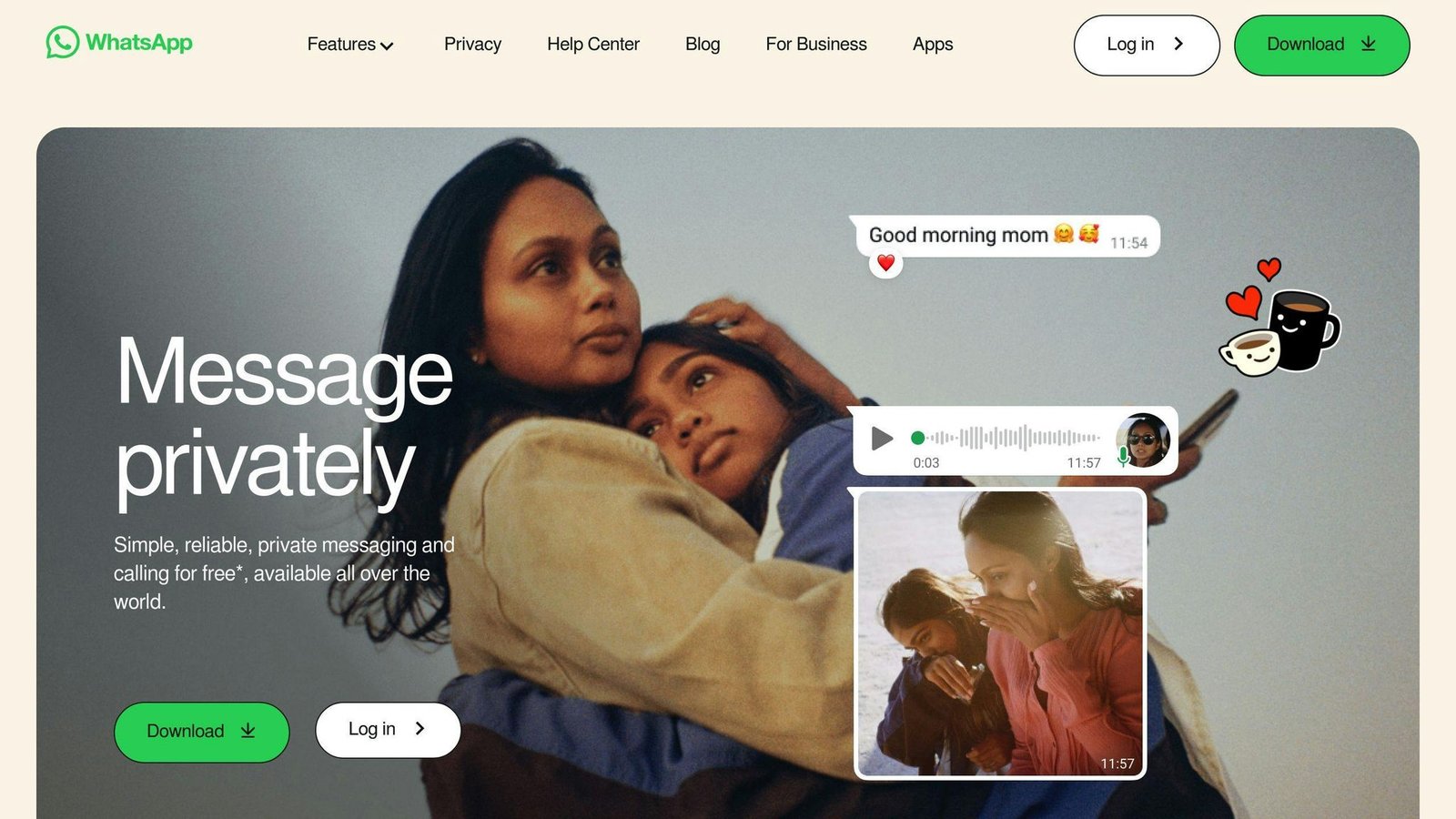
WhatsApp is a widely used cross-platform chat app. Here’s why it’s a reasonable choice:
Cross-Platform Compatibility
WhatsApp is available on Windows, macOS, iOS, and Android, plus a web interface. That flexibility suits teams using a mix of devices.
Security Features
WhatsApp applies end-to-end encryption to messages and calls by default, on every chat. This is the meaningful difference between it and most of the others here. It also offers app lock with PIN, face unlock, and fingerprint unlock.
The caveat worth knowing: message content is protected, but metadata (who you message, when, how often) is not, and WhatsApp is owned by Meta.
Collaboration Tools
WhatsApp offers group chats, file sharing, and screen sharing during video calls.
Integration Capabilities
WhatsApp Business connects to Facebook and Instagram, letting businesses handle customer conversations across Meta’s platforms in one place.
| Key Features | Description |
|---|---|
| Cross-Platform Support | Available on Windows, macOS, iOS, Android, and web browsers |
| End-to-End Encryption | On by default for all chats and calls |
| Group Chats | Team collaboration and communication |
| File Sharing | Share documents, images, videos, and other files |
| Screen Sharing | Share your screen during a video call |
| Integrations | Facebook and Instagram via WhatsApp Business |
2. Telegram
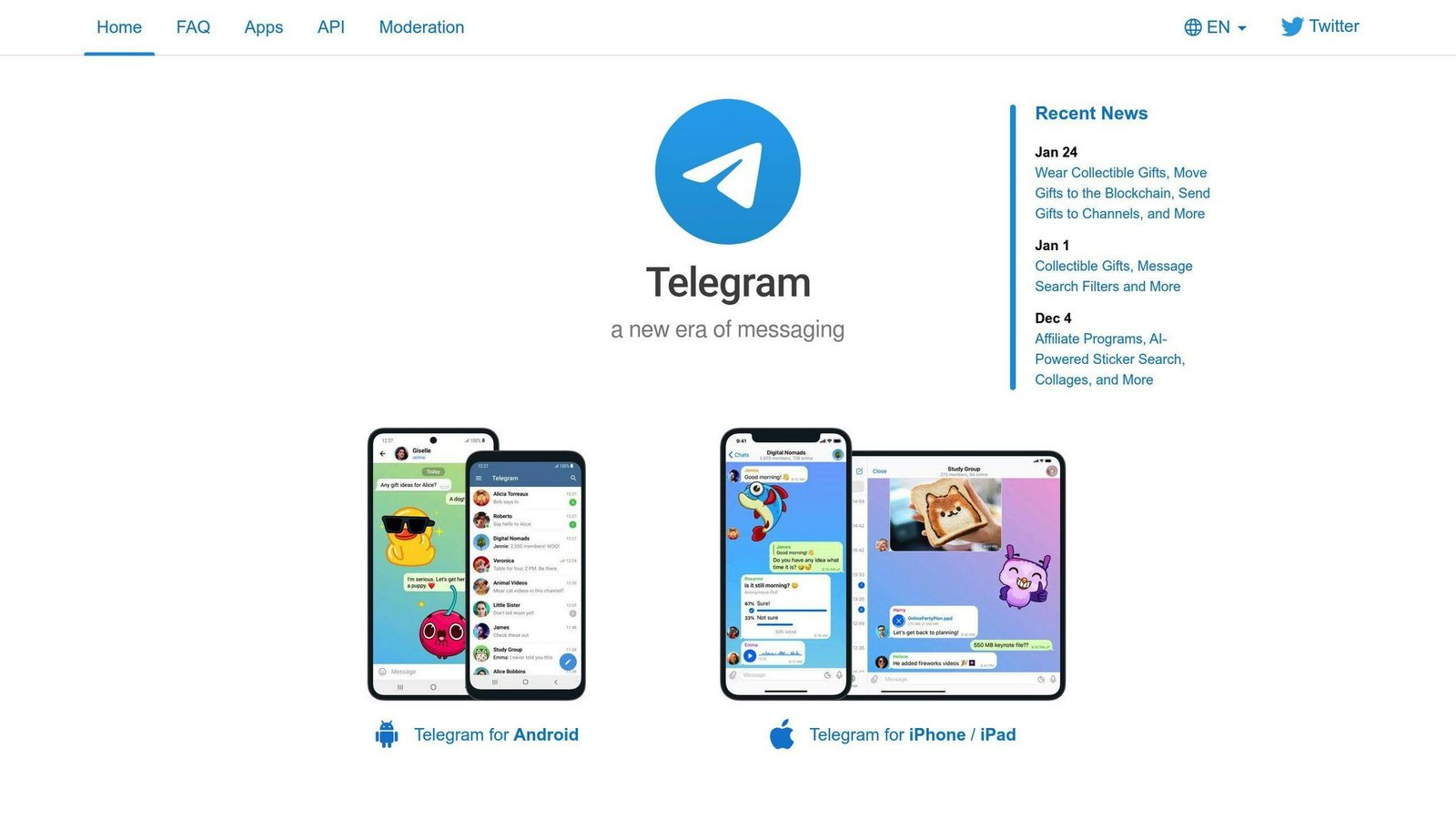
Telegram is widely used and frequently misdescribed. Read the security section before you choose it for anything sensitive.
Cross-Platform Compatibility
Telegram is available on Windows, macOS, Linux, iOS, Android, and web browsers.
Security Features
This is the correction that matters most in this article. Telegram is not end-to-end encrypted by default. Per Telegram’s own FAQ, ordinary private and group chats — what Telegram calls cloud chats — use server-client encryption. They are encrypted in transit and stored encrypted on Telegram’s servers, but Telegram holds the keys and can technically access the content.
Only Secret Chats add end-to-end encryption. Secret Chats have real limitations for business use: they are one-to-one only, they are not part of the Telegram cloud, and they exist only on the device that created them, so they do not sync across your devices. Group chats cannot be Secret Chats.
If you need end-to-end encryption on every conversation without thinking about it, Signal or WhatsApp do that and Telegram does not.
Collaboration Tools
Telegram offers large group chats, channels, file sharing with generous size limits, and voice and video calls.
Integration Capabilities
Telegram has a well-documented bot API, widely used for automation and notifications.
| Key Features | Description |
|---|---|
| Cross-Platform Support | Windows, macOS, Linux, iOS, Android, and web browsers |
| Cloud Chats | Server-client encrypted, synced across devices, readable by Telegram |
| Secret Chats | End-to-end encrypted, one-to-one only, single device, no sync |
| Group Chats | Large groups and broadcast channels |
| File Sharing | Large file size limits |
| Bots | Open bot API for workflow automation |
3. Facebook Messenger
Facebook Messenger works across devices and platforms and reaches a very large user base.
Cross-Platform Compatibility
You can use Facebook Messenger on Windows, macOS, iOS, Android, and web browsers.
Security Features
Meta completed the rollout of end-to-end encryption as the default for personal chats and calls on Messenger in December 2023. Older articles describing Messenger as unencrypted or as offering encryption only in opt-in “secret conversations” are out of date.
Collaboration Tools
Group chats, file sharing, and voice and video calls.
Integration Capabilities
Messenger connects to Facebook and Instagram, and businesses can use it as a customer service channel. Note that the third-party in-chat integrations Messenger once promoted, such as ride-hailing, were withdrawn years ago; do not plan around them.
| Key Features | Description |
|---|---|
| Cross-Platform Support | Windows, macOS, iOS, Android, and web browsers |
| End-to-End Encryption | Default for personal chats and calls since December 2023 |
| Group Chats | Team collaboration and communication |
| File Sharing | Share documents, images, videos, and other files |
| Voice and Video Calls | Real-time communication |
4. Signal
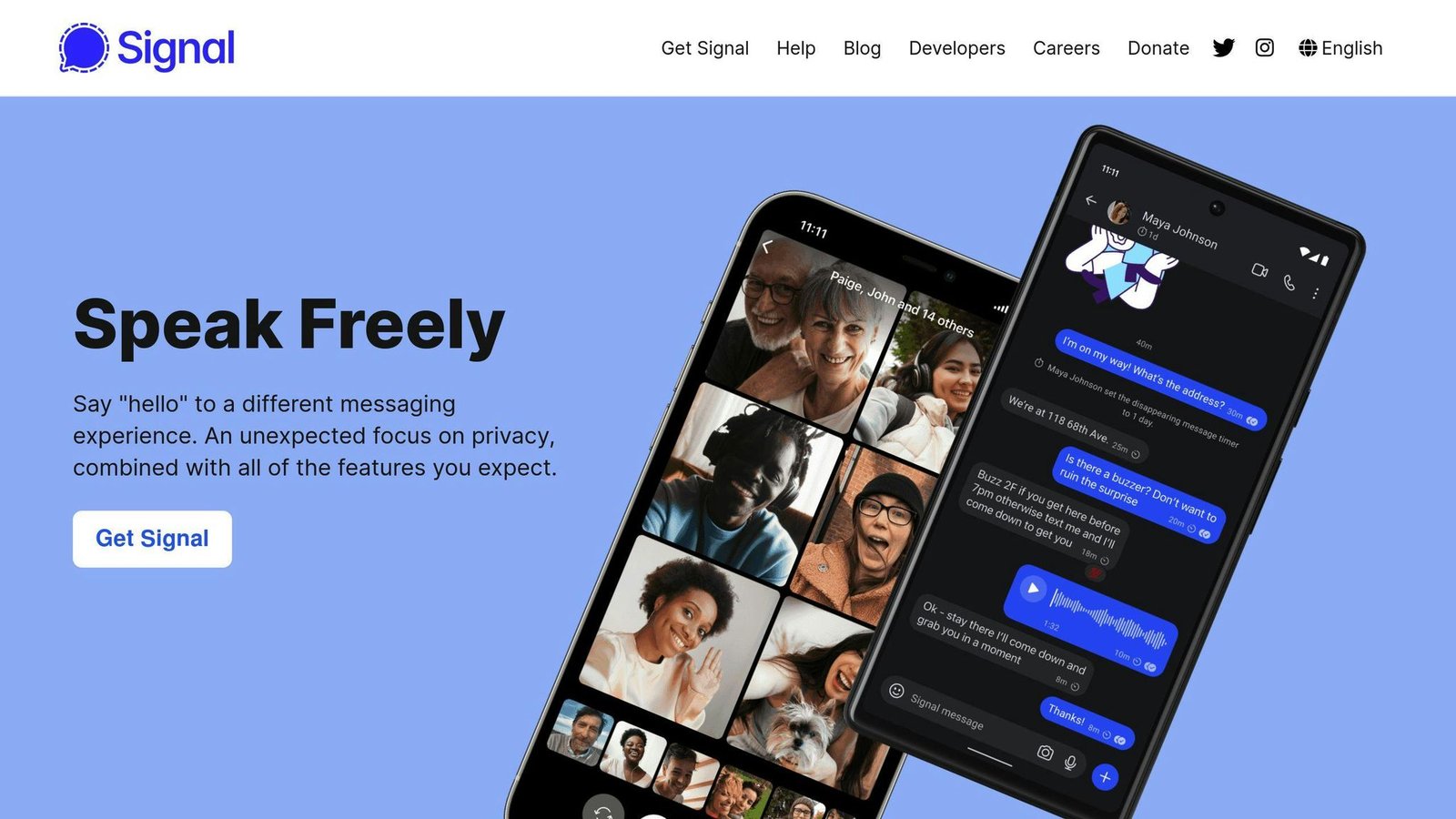
Signal is a free, open-source messaging app run by a non-profit foundation, focused on privacy. If security is your first criterion, start here.
Cross-Platform Compatibility
Signal works on Android, iOS, Windows, macOS, and Linux.
Security Features
Signal applies end-to-end encryption to messages, voice calls, and video calls, with no option to turn it off. The Signal Protocol is open source and is the same protocol WhatsApp licensed for its own encryption. Signal collects and stores strikingly little metadata. It also offers:
- Screen Security: Blocks screenshots of chats
- Disappearing Messages: Set a timer per conversation
- Read Receipts: Can be disabled
Collaboration Tools
Signal supports messages, voice and video calls, group chats, and file sharing. It has no app integrations, no bots, and no admin console. That is a deliberate trade, and it makes Signal a poor fit as a company-wide work platform even though it is the best of these on security.
| Key Features | Description |
|---|---|
| Cross-Platform Support | Android, iOS, Windows, macOS, Linux |
| End-to-End Encryption | Always on, for messages and calls |
| Open Source | Client and protocol are publicly auditable |
| Screen Security | Blocks screenshots of chats |
| Limitations | No integrations, bots, or admin controls |
5. Slack
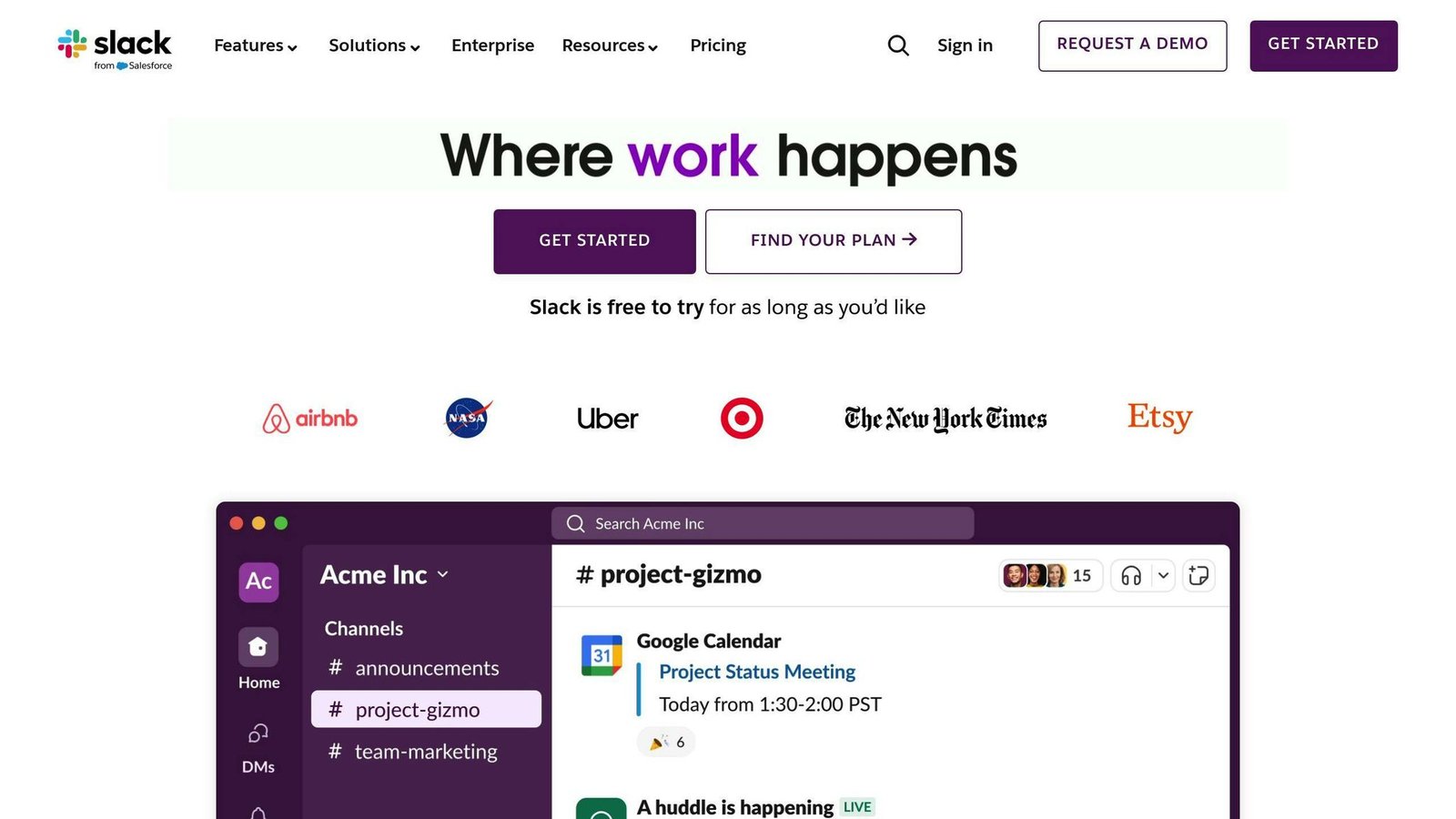
Slack is a team communication platform that works across devices and operating systems. It is a work tool rather than a personal messenger, and it is the strongest here on integrations.
Cross-Platform Compatibility
Slack is available on:
- Windows
- macOS
- Linux
- Android
- iOS
Security Features
- Two-Factor Authentication: Extra security layer for user accounts
- Data Encryption: In transit and at rest. Slack is not end-to-end encrypted, and administrators on paid plans can export conversations.
- Compliance: Slack supports GDPR obligations. HIPAA support is not available on every plan and requires a signed Business Associate Agreement, so confirm your plan covers it before putting protected health information anywhere near it.
Collaboration Tools
| Tool | Description |
|---|---|
| Channels | Organize conversations by topic or project |
| Direct Messages | Private chats between team members |
| File Sharing | Share files and documents with the team |
| Integrations | Connect with other apps and services like Google Drive and Trello |
One thing to check before committing: on the free plan Slack limits how far back you can search your message history. For a team that treats chat as a record, that limit is the reason to pay.
6. WeChat
WeChat is included because it is unavoidable if you do business in China, not because we would recommend it for confidential communication.
Cross-Platform Support
- Windows
- macOS
- Android
- iOS
Security Features
Correcting a claim that appears in a great many roundups: WeChat does not offer end-to-end encryption. Messages are encrypted in transit between your device and Tencent’s servers, and Tencent can access message content. WeChat operates under Chinese data and content regulations, including content monitoring obligations.
Practical read: use WeChat for reaching customers and partners in China. Do not use it for anything you would not be comfortable having read.
| Feature | Description |
|---|---|
| Transport Encryption | Protects data in transit; the provider can still access content |
| Two-Way Opt-In | Users must add or accept contacts before messaging |
Collaboration Tools
| Tool | Description |
|---|---|
| Service Account | Businesses can run an in-app storefront and correspond with customers |
| Posts | Share information with customers through profile posts |
| In-App Payments | WeChat Pay, which is the main reason many businesses adopt it |
7. Viber
Viber is a consumer messenger with a strong presence in Eastern Europe and parts of Asia.
Cross-Platform Support
- Windows
- macOS
- Linux
- Android
- iOS
Security Features
| Feature | Description |
|---|---|
| End-to-End Encryption | Applied to one-to-one chats, group chats, and calls |
| Secret Chats | Messages delete automatically after being seen |
| Hidden Chats | Keeps conversations out of the main chat list |
| Message Deleting | Delete messages from both devices |
Collaboration Tools
| Tool | Description |
|---|---|
| Group Chats | Group chats plus much larger broadcast Communities |
| Group Calls | Multi-participant voice and video calls |
| File Sharing | Share files, subject to a per-file size limit |
| Screen Sharing | Share your screen with others |
We removed the specific participant and file-size numbers previously given here. Viber has changed them more than once and we could not confirm current figures against Viber’s own documentation. Check the app before relying on a limit.
8. Google Chat
This entry replaces Skype. Microsoft retired Skype on 5 May 2025 after 22 years and moved users to Microsoft Teams. If you are working from an older shortlist that includes Skype, it no longer exists as a product. Because Teams already occupies the tenth slot in this list, we substituted Google Chat rather than leave a gap.
Google Chat is Google’s team messaging product, included with Google Workspace and available free with a personal Google account.
Cross-Platform Support
- Web browsers
- Windows and macOS via the installable web app
- Android
- iOS
Security Features
Google Chat encrypts data in transit and at rest. It is not end-to-end encrypted, and Workspace administrators can retain and export conversations. Google Workspace supports GDPR obligations and offers HIPAA coverage under a Business Associate Agreement on eligible plans.
Collaboration Tools
| Tool | Description |
|---|---|
| Spaces | Persistent group conversations organized by topic or project |
| Direct Messages | Private chats between team members |
| File Sharing | Shares through Google Drive, with Drive’s permissions |
| Workspace Integration | Gmail, Calendar, Docs, and Meet in one place |
The honest assessment: Google Chat is worth using if you already run Google Workspace, where it costs nothing extra and the Drive and Calendar integration is genuinely useful. If you do not, Slack is the better product.
9. Discord
Discord was built for gaming communities and is now used by many other kinds of group. It is excellent for communities and a poor fit for regulated business communication.
Cross-Platform Compatibility
- Windows
- macOS
- Linux
- Android
- iOS
Security Features
Another correction worth making plainly: Discord text messages are not end-to-end encrypted. Discord can access message content, and moderation depends on that. Discord introduced its DAVE protocol for end-to-end encrypted voice and video calls in 2024, but this does not extend to text chat.
| Feature | Description |
|---|---|
| Two-Factor Authentication | Extra security layer for user accounts |
| DAVE Protocol | End-to-end encryption for voice and video calls only |
| Text Messages | Not end-to-end encrypted |
Collaboration Tools
| Tool | Description |
|---|---|
| Servers | Create your own server or join existing ones |
| Channels | Text, voice, and video channels within a server |
| Bots | Automated programs for moderation, notifications, and more |
| File Sharing | 10 MB on the free tier, 50 MB with Nitro Basic, 500 MB with Nitro |
| Video Calls | Multi-participant video in direct messages and voice channels |
Note that the file size limits above replace older figures of 8 MB free and 100 MB with Nitro, and that Nitro Classic no longer exists — Discord replaced it with Nitro Basic in 2022. Limits were checked in August 2026 and Discord changes them periodically, so confirm before relying on them.
10. Microsoft Teams
Teams is now Microsoft’s single chat and meetings product, having absorbed Skype’s consumer users in 2025.
Cross-Platform Compatibility
Microsoft Teams runs on Windows, macOS, Linux, iOS, and Android, plus a web client.
Security Features
- Encryption in transit and at rest for all communications. End-to-end encryption is available as an option for one-to-one calls, but it is not the default and does not cover channel messages.
- Threat protection through Microsoft Defender, on eligible plans
- Access control and retention policies to govern sensitive data
Be precise about this one internally: Teams is a compliance-friendly platform, which is close to the opposite of a private one. Administrators can retain, search, and export what your staff write.
Collaboration Tools
| Tool | Description |
|---|---|
| Channels | Organize conversations by topic or project |
| Direct Messages | Private chats between team members |
| File Sharing | Backed by SharePoint and OneDrive |
| Integrations | Microsoft 365 apps and third-party services |
| Workflow Automation | Power Automate flows |
| Meetings | Video meetings with recording and transcription |
Integration Capabilities
Teams integrates deeply with the rest of Microsoft 365. As with Google Chat, that is the main argument for it: if you already pay for the suite, Teams is included and the integration is real. If you do not, you are buying a heavier product than you need.
Final Thoughts
Picking the right cross-platform chat app matters, and the choice is simpler than the number of options suggests.
If confidentiality is the priority, use Signal. It is the only one here that encrypts everything end to end by default, collects almost no metadata, and is open source. Its lack of integrations is the price.
If you already pay for Microsoft 365 or Google Workspace, use Teams or Google Chat. They are included, and the file and calendar integration is worth more day to day than a feature comparison suggests.
If you want the best standalone work chat and will pay for it, use Slack.
The rest are consumer messengers. WhatsApp and Facebook Messenger are genuinely end-to-end encrypted and fine for informal contact. Telegram, WeChat, and Discord are not end-to-end encrypted in normal use, whatever you may have read, and should not carry anything confidential.
Chat products change often. Skype’s retirement is the reminder: a tool that had been on lists like this one for two decades is simply gone. Re-check your shortlist before a migration rather than after.
FAQs
What is the safest chatting platform?
Signal, on the current evidence. It applies end-to-end encryption to every message and call with no way to disable it, its code and protocol are open to audit, and it stores minimal metadata about who talks to whom.
WhatsApp uses the same underlying protocol and is also end-to-end encrypted by default, but retains more metadata and is owned by Meta.
Several apps commonly named on “most secure messenger” lists do not belong there:
| App | Why it is not the safest choice |
|---|---|
| Telegram | End-to-end encryption applies only in Secret Chats, which are one-to-one and device-bound. Ordinary chats are readable by Telegram. |
| Discord | Text messages are not end-to-end encrypted. Only voice and video calls are, via the DAVE protocol. |
| No end-to-end encryption, and it operates under content monitoring obligations. |
Threema is a legitimate paid alternative worth a look. It is end-to-end encrypted, lets you sign up without a phone number or email address, and is based in Switzerland. Note that it runs its own servers rather than being decentralized, contrary to a claim that circulates about it.
We also removed “Dust” from an earlier version of this answer. We could not confirm it is still available, and we will not recommend a messaging app we cannot verify exists.
More on this topic
Browse all 40 articles on Project & Team Management, or jump straight to our buying guide: Best Project Management Tools for Small Teams.