

Mobile workforce scheduling apps help organizations efficiently manage remote teams and field operations. Key features include employee tracking, job scheduling, task assignment, and real-time monitoring to improve productivity, accountability, and customer satisfaction.
When choosing an app, consider ease of use, integration capabilities, customization options, real-time monitoring, and mobile accessibility.
Here are the top 10 mobile workforce scheduling apps:
- ServiceTrade – Scheduling, dispatching, mobile app, and integrations with accounting software.
- When I Work – Drag-and-drop scheduling, time off management, mobile clock in/out, and payroll integration.
- Zuper – Map/list view scheduling, GPS tracking, facial authentication, and real-time communication.
- Setmore – Real-time scheduling, unique booking links, calendar view, and integration with social platforms.
- Calendly – Real-time scheduling, unique booking links, calendar view, and integration with calendars.
- Appointy – Real-time scheduling, calendar view, mobile access, and integrations.
- Shiftboard ScheduleFlex – Intelligent workforce flexing, auto-filling shifts, flex pools, and historical data integration.
- Homebase – Auto-scheduling, shift templates, team availability view, mobile access, and payroll integration.
- Deputy – Scheduling, auto-scheduling, shift templates, mobile access, and payroll integration.
- ClickUp – Task management, mobile access, calendar integrations, and flexible pricing plans.
Related video from YouTube
Quick Comparison
| App | Key Features | Mobile Access | Integrations |
|---|---|---|---|
| ServiceTrade | Scheduling, Dispatching | Yes | Accounting |
| When I Work | Scheduling, Time Tracking | Yes | Payroll |
| Zuper | Scheduling, GPS Tracking | Yes | – |
| Setmore | Scheduling, Booking Links | Yes | Social Media |
| Calendly | Scheduling, Booking Links | Yes | Calendars |
| Appointy | Scheduling, Appointments | Yes | Calendars |
| Shiftboard ScheduleFlex | Intelligent Scheduling | Yes | Historical Data |
| Homebase | Auto-Scheduling, Time Tracking | Yes | Payroll, POS |
| Deputy | Scheduling, Time Tracking | Yes | Payroll, POS |
| ClickUp | Task Management | Yes | Calendars, Time Trackers |
Investing in the right mobile workforce scheduling app can streamline operations, enhance productivity, and deliver exceptional customer experiences.
Key features to look for
When choosing a mobile workforce scheduling app, consider the following essential features to ensure the app meets your business needs.
Ease of Use
The app should have an intuitive interface that is easy to navigate, minimizing the learning curve for both managers and employees.
Key Features Comparison
| Feature | Description |
|---|---|
| Integration and Scalability | Seamless integration with other business tools, scalable to accommodate growing business needs |
| Customization and Automation | Customization options to tailor scheduling, automation features to reduce manual errors |
| Real-time Monitoring and Reporting | Real-time tracking of employee activities, job status, and performance metrics |
| Mobile Accessibility | Mobile-friendly design, accessible on various devices |
Why These Features Matter
These features can significantly impact the efficiency, productivity, and overall success of your mobile workforce management strategy. By considering these key features, you can find an app that meets your business needs and helps you achieve your goals.
1. ServiceTrade

ServiceTrade is a mobile workforce scheduling app that helps businesses optimize their field operations and improve technician productivity. It offers a range of features to streamline service operations and enhance customer satisfaction.
Scheduling Efficiency
ServiceTrade’s dispatching feature enables efficient scheduling and monitoring of daily progress. The dispatch board allows for quick response to service calls, ensuring that technicians are assigned to the right jobs at the right time.
| Feature | Description |
|---|---|
| Dispatch Board | Quick response to service calls, efficient technician assignment |
| Technician Mobile App | Access to schedules, job details, customer information, and service history |
Mobile Accessibility
The ServiceTrade mobile application provides technicians with the tools they need to perform their jobs effectively.
| Feature | Description |
|---|---|
| Timecards | Easy tracking of work hours and job status |
| Inspection Management | Streamlined inspection process with digital forms and reports |
| Smart AI | Intelligent job routing and scheduling optimization |
Integration Capabilities
ServiceTrade integrates with key software companies and offers API and Zapier integration for seamless connections with other business tools.
| Integration | Description |
|---|---|
| Intacct and Quickbooks | Financial management and accounting integration |
| API and Zapier | Custom integration with other business tools and apps |
By using ServiceTrade, businesses can improve their mobile workforce management strategy, increase efficiency, and enhance customer satisfaction.
2. When I Work
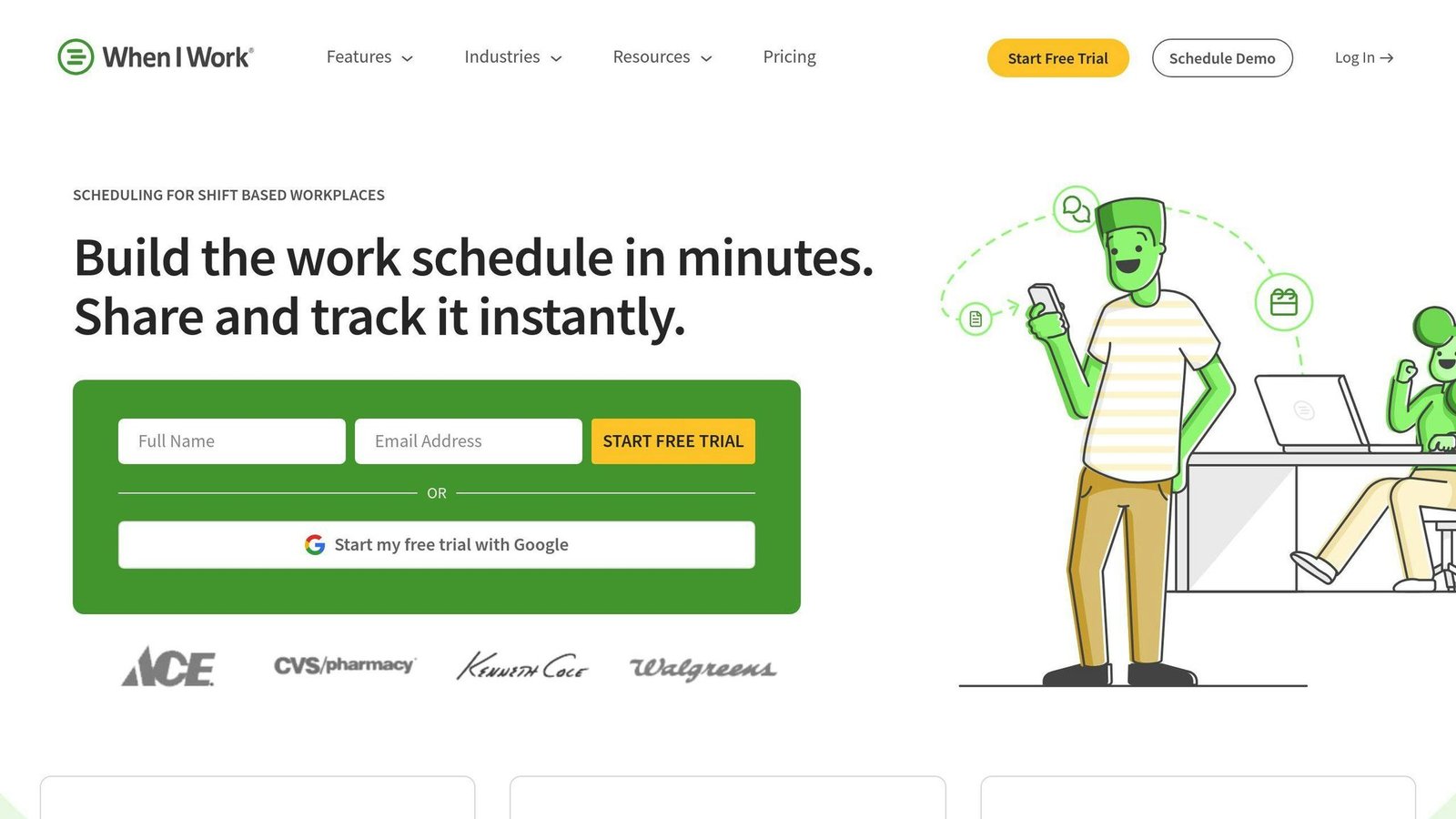
When I Work is a mobile workforce scheduling app designed to simplify employee scheduling, time tracking, and team communication. The platform offers a range of features to help businesses optimize their workforce management strategy.
Scheduling Efficiency
When I Work’s scheduling feature allows managers to create and manage employee schedules easily. The platform offers a drag-and-drop interface, making it easy to assign shifts, manage time off, and track employee availability.
| Feature | Description |
|---|---|
| Drag-and-Drop Interface | Easy shift assignment and scheduling |
| Time Off Management | Manage employee time off requests and availability |
| Employee Availability | Track employee availability in real-time |
Mobile Accessibility
The When I Work mobile app provides employees with the tools they need to manage their schedules, clock in and out, and communicate with their team.
| Feature | Description |
|---|---|
| Mobile Scheduling | Access schedules and request time off on-the-go |
| Mobile Clock In/Out | Easily clock in and out from the mobile app |
| Team Communication | Communicate with team members and managers in real-time |
Integration Capabilities
When I Work integrates with popular payroll and accounting systems, making it easy to track labor costs and manage payroll.
| Integration | Description |
|---|---|
| Payroll Integration | Integrate with popular payroll systems for seamless labor cost tracking |
| Accounting Integration | Integrate with accounting systems for easy invoice generation |
By using When I Work, businesses can improve their mobile workforce management strategy, increase efficiency, and enhance employee satisfaction.
3. Zuper
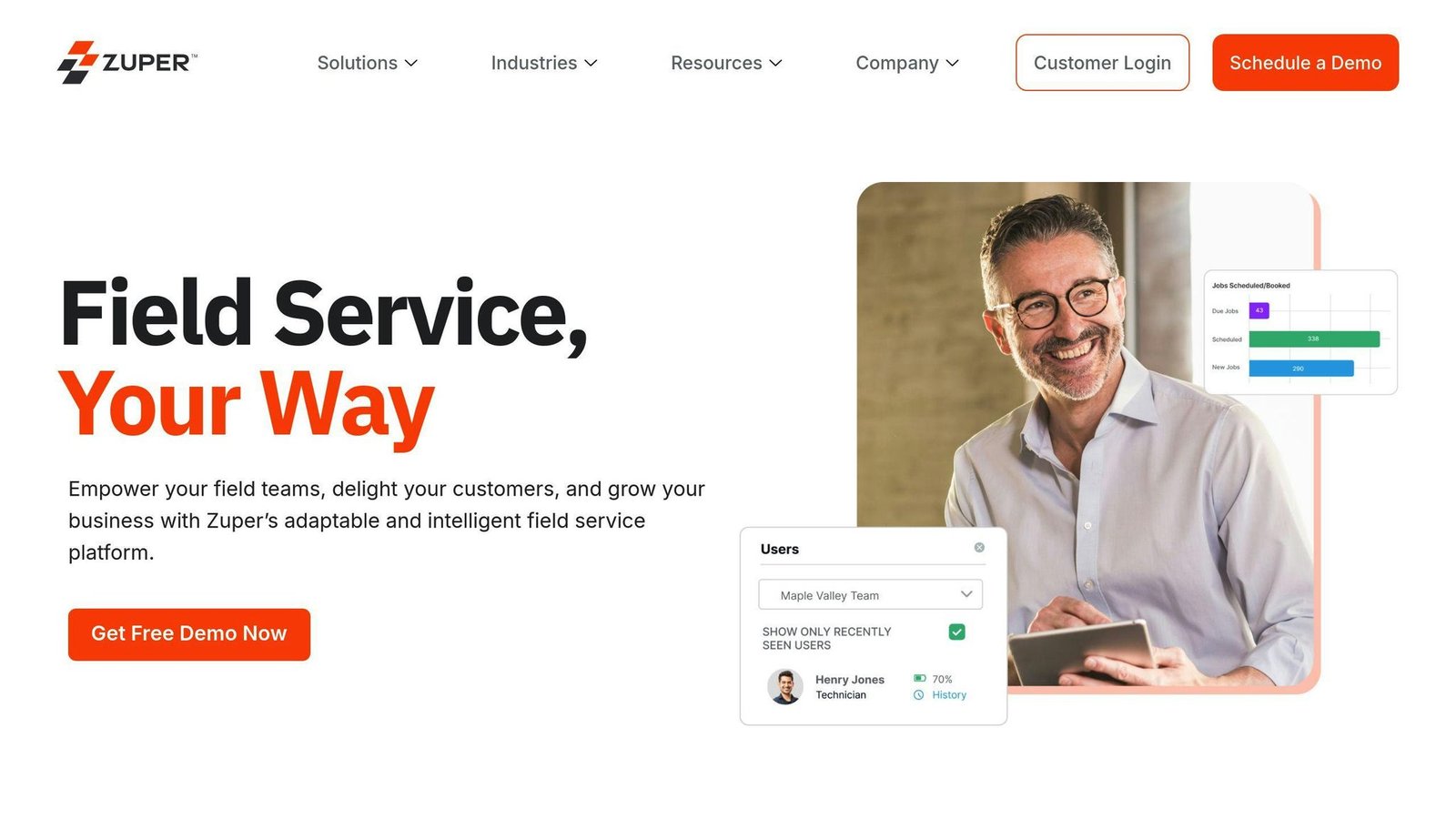
Zuper is a mobile workforce scheduling app that helps businesses manage their field operations efficiently. With its user-friendly interface, Zuper offers a range of features to streamline service operations and enhance customer satisfaction.
Scheduling Efficiency
Zuper’s scheduling feature allows managers to create and manage employee schedules easily. The platform offers a map view or list view of jobs with GPS tracking, making it easy to assign shifts, manage time off, and track employee availability.
| Feature | Description |
|---|---|
| Map View/List View | Assign shifts and track employee availability |
| GPS Tracking | Get real-time updates on job locations and employee whereabouts |
Mobile Accessibility
The Zuper mobile app provides employees with the tools they need to manage their schedules, clock in and out, and communicate with their team. The app features facial authentication and single sign-on via Google or Microsoft for easy access.
| Feature | Description |
|---|---|
| Facial Authentication | Secure customer interactions |
| Single Sign-On | Easy access to the app via Google or Microsoft |
Real-time Communication
Zuper’s real-time communication feature enables seamless communication between customers, back-office, and field teams. Automated notifications and real-time updates help avoid scheduling overlaps and miscommunications, leading to improved customer satisfaction.
| Feature | Description |
|---|---|
| Automated Notifications | Avoid scheduling overlaps and miscommunications |
| Real-time Updates | Keep customers informed about job status and technician location |
By using Zuper, businesses can improve their mobile workforce management strategy, increase efficiency, and enhance customer satisfaction.
4. Setmore
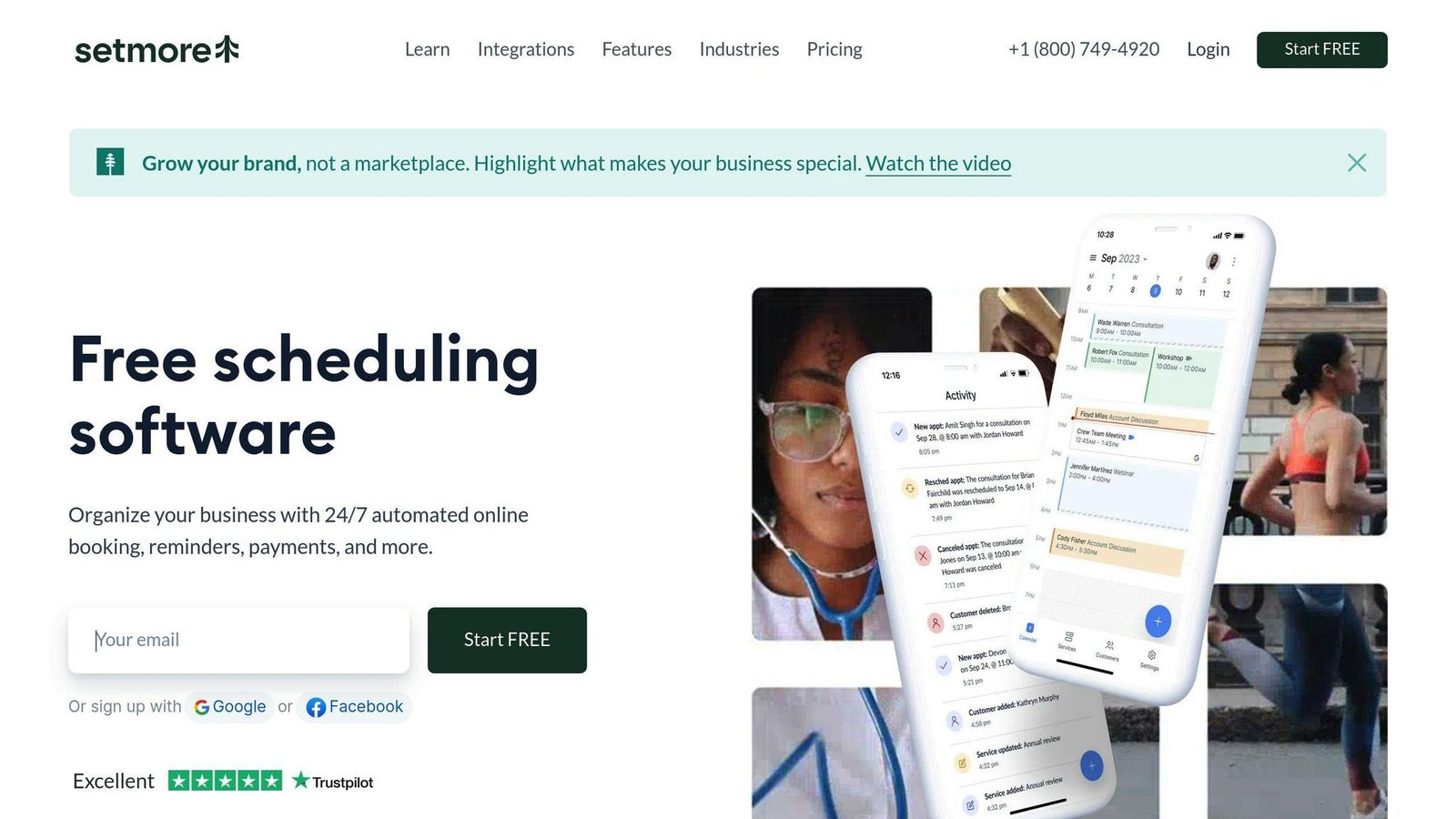
Setmore is a popular mobile workforce scheduling app that helps businesses manage their appointments and bookings efficiently. With its user-friendly interface, Setmore offers a range of features to streamline service operations and enhance customer satisfaction.
Scheduling Efficiency
Setmore’s scheduling feature allows managers to create and manage employee schedules easily. The platform offers a real-time view of the business’s schedule, enabling instant booking and editing of appointments. Unique booking links can be shared with customers, allowing them to view availability online and pick their ideal slot.
| Feature | Description |
|---|---|
| Real-time Scheduling | Instant booking and editing of appointments |
| Unique Booking Links | Customers can view availability online and pick their ideal slot |
Mobile Accessibility
The Setmore mobile app provides employees with the tools they need to manage their schedules, clock in and out, and communicate with their team. The app features a calendar view of schedules, enabling employees to view their upcoming appointments and manage their time effectively.
| Feature | Description |
|---|---|
| Calendar View | Employees can view their upcoming appointments and manage their time effectively |
| Clock In/Out | Employees can clock in and out from the mobile app |
| Team Communication | Employees can communicate with their team in real-time |
Integration Capabilities
Setmore integrates seamlessly with popular platforms such as Facebook, Instagram, Google, WordPress, Weebly, and Joomla. These integrations enable businesses to extend their reach, allowing customers to book appointments from platforms they frequently use.
| Integration | Description |
|---|---|
| Integrate with Facebook to allow customers to book appointments | |
| Integrate with Instagram to allow customers to book appointments | |
| Integrate with Google to allow customers to book appointments |
Pricing Flexibility
Setmore has a free plan for up to 4 users, capped at 200 appointments a month. The Pro plan lifts the appointment cap, adds SMS reminders and two-way calendar sync, removes Setmore branding, and supports unlimited users.
| Plan | Price per user, per month | What it covers |
|---|---|---|
| Free | $0 | Up to 4 users, 200 appointments a month, branded booking page, iOS and Android apps |
| Pro | $5 billed annually, $12 month-to-month | Unlimited users and appointments, SMS reminders, 2-way calendar sync, no Setmore branding |
By using Setmore, businesses can improve their mobile workforce management strategy, increase efficiency, and enhance customer satisfaction.
5. Calendly
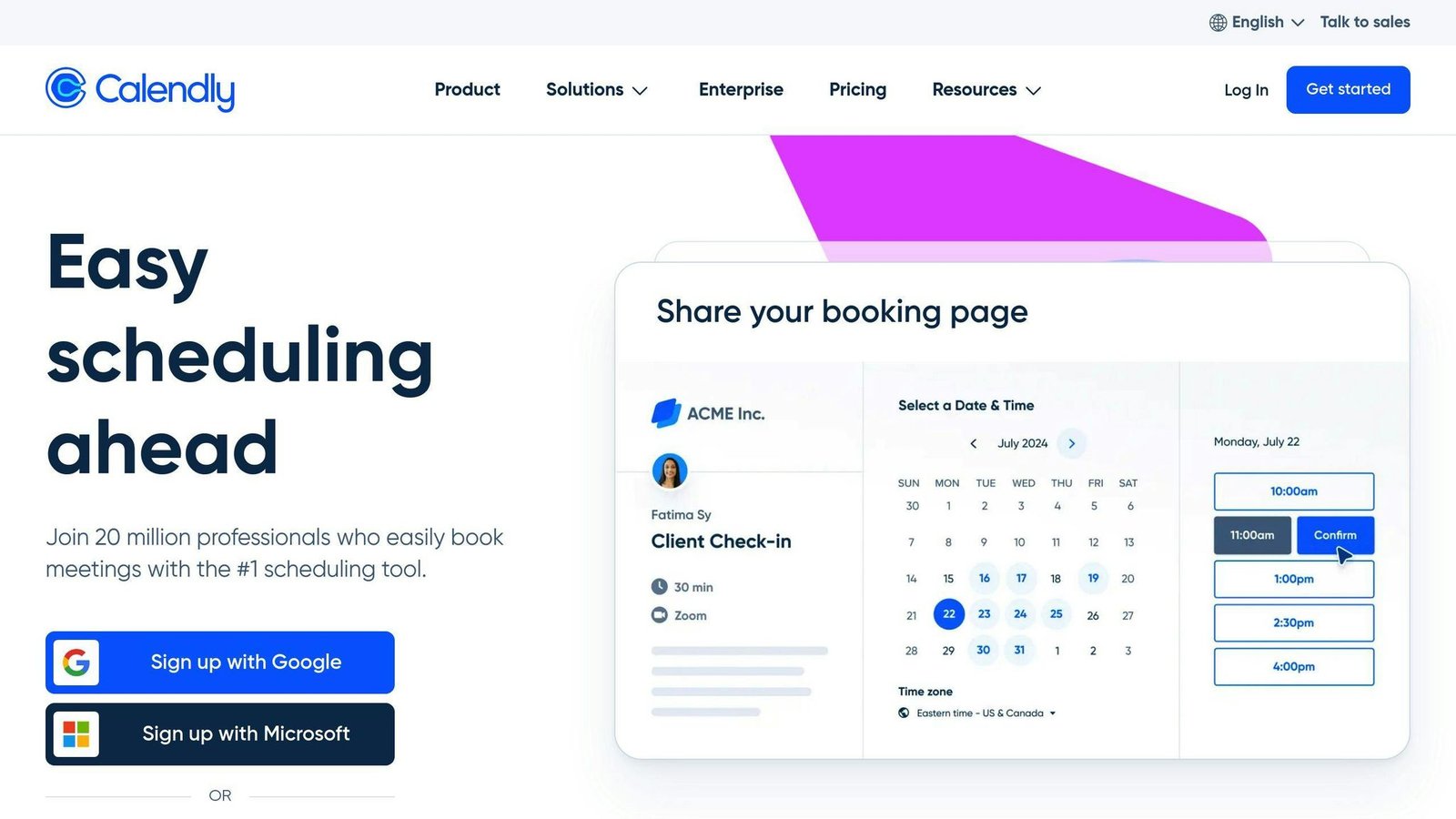
Calendly is a popular mobile workforce scheduling app that helps businesses streamline their meeting and appointment scheduling processes. With its user-friendly interface, Calendly offers a range of features to enhance customer satisfaction and improve team productivity.
Scheduling Efficiency
Calendly’s scheduling feature allows managers to create and manage employee schedules easily. The platform offers a real-time view of the business’s schedule, enabling instant booking and editing of appointments. Unique booking links can be shared with customers, allowing them to view availability online and pick their ideal slot.
| Feature | Description |
|---|---|
| Real-time Scheduling | Instant booking and editing of appointments |
| Unique Booking Links | Customers can view availability online and pick their ideal slot |
Mobile Accessibility
The Calendly mobile app provides employees with the tools they need to manage their schedules, clock in and out, and communicate with their team. The app features a calendar view of schedules, enabling employees to view their upcoming appointments and manage their time effectively.
| Feature | Description |
|---|---|
| Calendar View | Employees can view their upcoming appointments and manage their time effectively |
| Clock In/Out | Employees can clock in and out from the mobile app |
| Team Communication | Employees can communicate with their team in real-time |
Integration Capabilities
Calendly integrates seamlessly with popular platforms such as Google, iCloud, Office 365, and others. These integrations enable businesses to extend their reach, allowing customers to book appointments from platforms they frequently use.
| Integration | Description |
|---|---|
| Integrate with Google to allow customers to book appointments | |
| iCloud | Integrate with iCloud to allow customers to book appointments |
| Office 365 | Integrate with Office 365 to allow customers to book appointments |
By using Calendly, businesses can improve their mobile workforce management strategy, increase efficiency, and enhance customer satisfaction.
6. Appointy
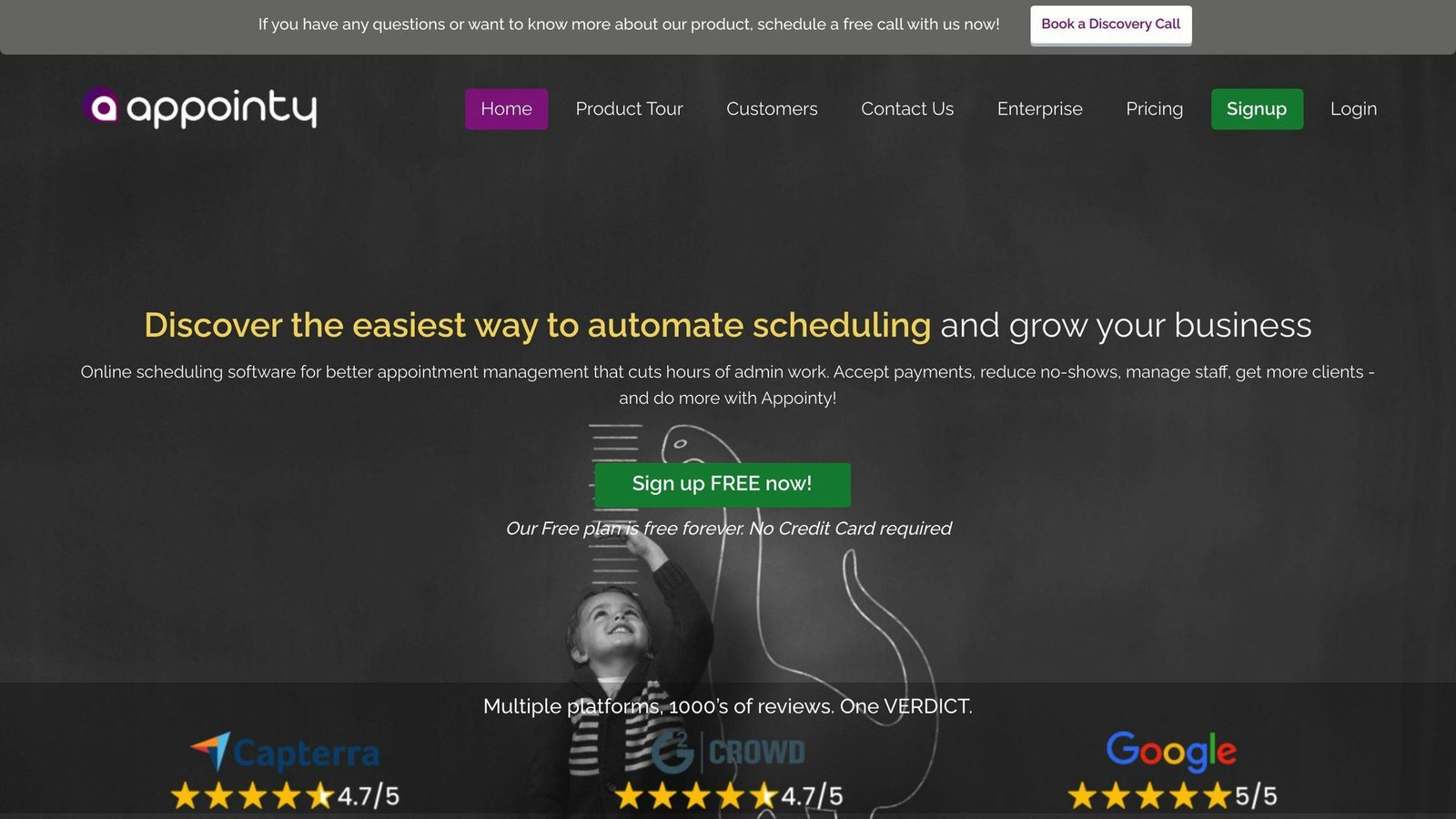
Appointy is a mobile workforce scheduling app that helps businesses manage their appointments, customer communication, and staff scheduling efficiently.
Scheduling Efficiency
Appointy offers a user-friendly interface for managers to create and manage employee schedules. The platform provides a real-time view of the business’s schedule, enabling instant booking and editing of appointments.
| Feature | Description |
|---|---|
| Real-time Scheduling | Book and edit appointments instantly |
| Schedule View | View upcoming appointments and manage time effectively |
Mobile Accessibility
The Appointy mobile app provides employees with the tools they need to manage their schedules, clock in and out, and communicate with their team.
| Feature | Description |
|---|---|
| Calendar View | View upcoming appointments and manage time effectively |
| Clock In/Out | Clock in and out from the mobile app |
| Team Communication | Communicate with the team in real-time |
Integration Capabilities
Appointy integrates with popular platforms, allowing businesses to extend their reach and enable customers to book appointments from platforms they frequently use.
| Integration | Description |
|---|---|
| Integrate with Google to allow customers to book appointments | |
| iCloud | Integrate with iCloud to allow customers to book appointments |
| Office 365 | Integrate with Office 365 to allow customers to book appointments |
By using Appointy, businesses can improve their mobile workforce management strategy, increase efficiency, and enhance customer satisfaction.
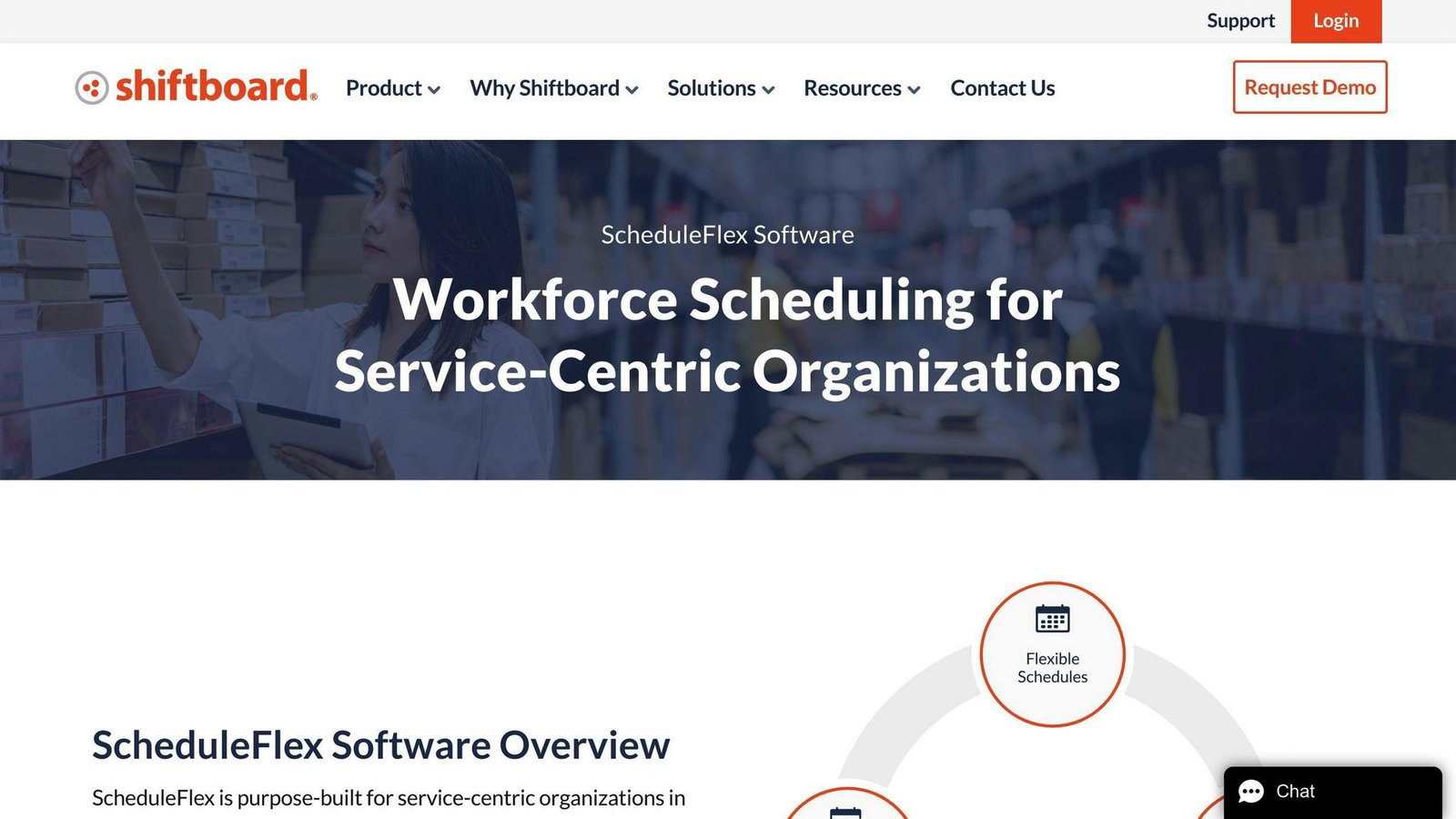
Shiftboard ScheduleFlex is a mobile workforce scheduling app that helps businesses manage their workforce more efficiently. With its user-friendly interface and robust features, ScheduleFlex enables managers to create and manage employee schedules effectively, reducing labor costs and improving customer satisfaction.
Scheduling Efficiency
ScheduleFlex offers advanced scheduling features, including:
| Feature | Description |
|---|---|
| Intelligent Workforce Flexing | Maximize resources and respond to labor demand needs |
| Auto-Filling of Shifts | Automate shift assignment to reduce manual errors |
| Flex Pools | Create pools of versatile workers to respond to changing demands |
Mobile Accessibility
The ScheduleFlex mobile app provides employees with the tools they need to manage their schedules, clock in and out, and communicate with their team. The app offers real-time notifications, ensuring that employees are informed about any changes to their schedule.
Integration Capabilities
ScheduleFlex integrates with popular platforms, allowing businesses to extend their reach and enable customers to book appointments from platforms they frequently use.
| Integration | Description |
|---|---|
| Historical Data | Use historical data to forecast and create shifts to align with expected demand |
| Real-time Communication | Automated reminders help reduce missed shifts |
By using Shiftboard ScheduleFlex, businesses can improve their mobile workforce management strategy, increase efficiency, and enhance customer satisfaction.
8. Homebase
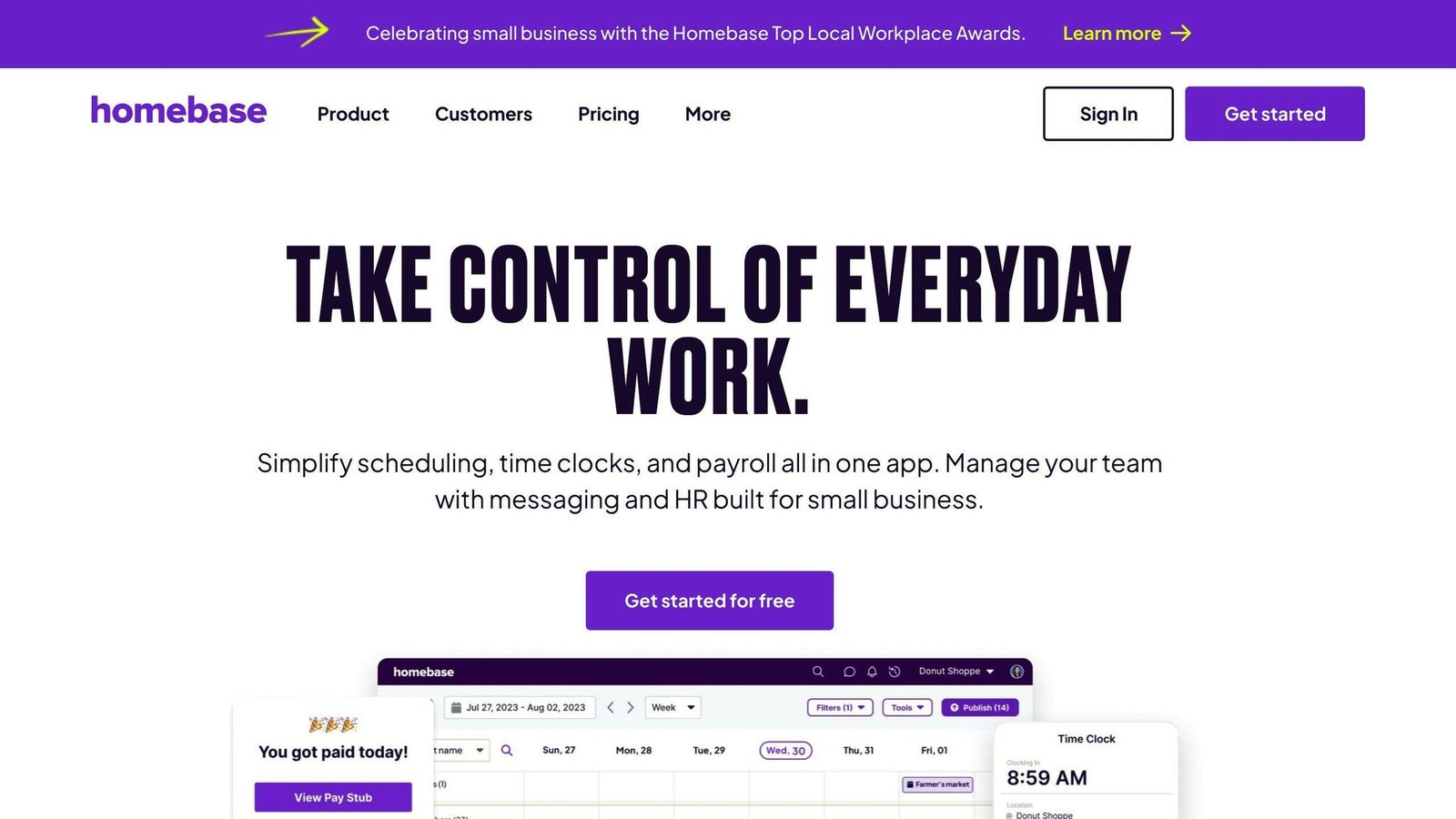
Scheduling Efficiency
Homebase offers robust scheduling features to streamline workforce management:
| Feature | Description |
|---|---|
| Auto-Scheduling | Automatically create optimized schedules based on employee availability, time-off requests, shift preferences, and labor forecasts. |
| Shift Templates | Save time by utilizing pre-built schedule templates for common shifts and applying them across multiple days or weeks. |
| Team Availability View | Get a comprehensive overview of your team’s availability to balance workloads and avoid understaffing or overstaffing. |
Mobile Accessibility
The Homebase mobile app empowers both managers and employees with convenient on-the-go access:
| Feature | Description |
|---|---|
| Employee Self-Service | Employees can view schedules, request time off, swap shifts, and clock in/out from their mobile devices. |
| Real-Time Updates | Schedule changes are instantly reflected in the app, ensuring everyone stays informed with push notifications. |
| Remote Team Management | Easily manage off-site and field teams with mobile time tracking, messaging, and location tracking capabilities. |
Integration Capabilities
Homebase integrates with various third-party tools and platforms to streamline operations:
| Integration | Description |
|---|---|
| Payroll Integration | Seamlessly sync time and attendance data with popular payroll providers. |
| Point of Sale (POS) Integration | Integrate with leading POS systems to enable clock-in/out directly from the POS terminal. |
| Workforce Management Tools | Connect with job boards, applicant tracking systems, and HR platforms for streamlined hiring and onboarding processes. |
Real-time Communication
Homebase facilitates effective team communication and collaboration:
| Feature | Description |
|---|---|
| Team Messaging | Send messages, announcements, and updates to individuals, groups, or the entire team from a centralized platform. |
| Shift Notes | Leave specific instructions or guidelines for employees assigned to a particular shift. |
| Shift Trade Requests | Employees can request shift swaps, and managers can approve or deny requests directly within the app. |
Pricing Flexibility
Homebase offers flexible pricing plans to accommodate businesses of all sizes:
| Plan | Price per location, per month | What it covers |
|---|---|---|
| Basic | Free | One location, up to 10 employees. Basic scheduling and time tracking. |
| Essentials | $30 month-to-month, $24 billed annually | Unlimited employees. Shift tracking and management. |
| Plus | $70 month-to-month, $56 billed annually | Unlimited employees. Adds productivity and communication tools. |
| All-in-One | $120 month-to-month, $96 billed annually | Unlimited employees. Adds labour cost controls and HR. |
Watch the unit. Homebase bills per location, not per user, so hiring another ten people does not change the bill but opening a second site doubles it. That is the opposite of how most of the apps on this list work, and it is what makes Homebase cheap for a single busy site and expensive for a scattered one. Payroll is a separate add-on: a monthly base fee plus a charge per employee.
With its comprehensive suite of features, mobile accessibility, and integration capabilities, Homebase empowers businesses to streamline workforce scheduling and management effectively.
9. Deputy
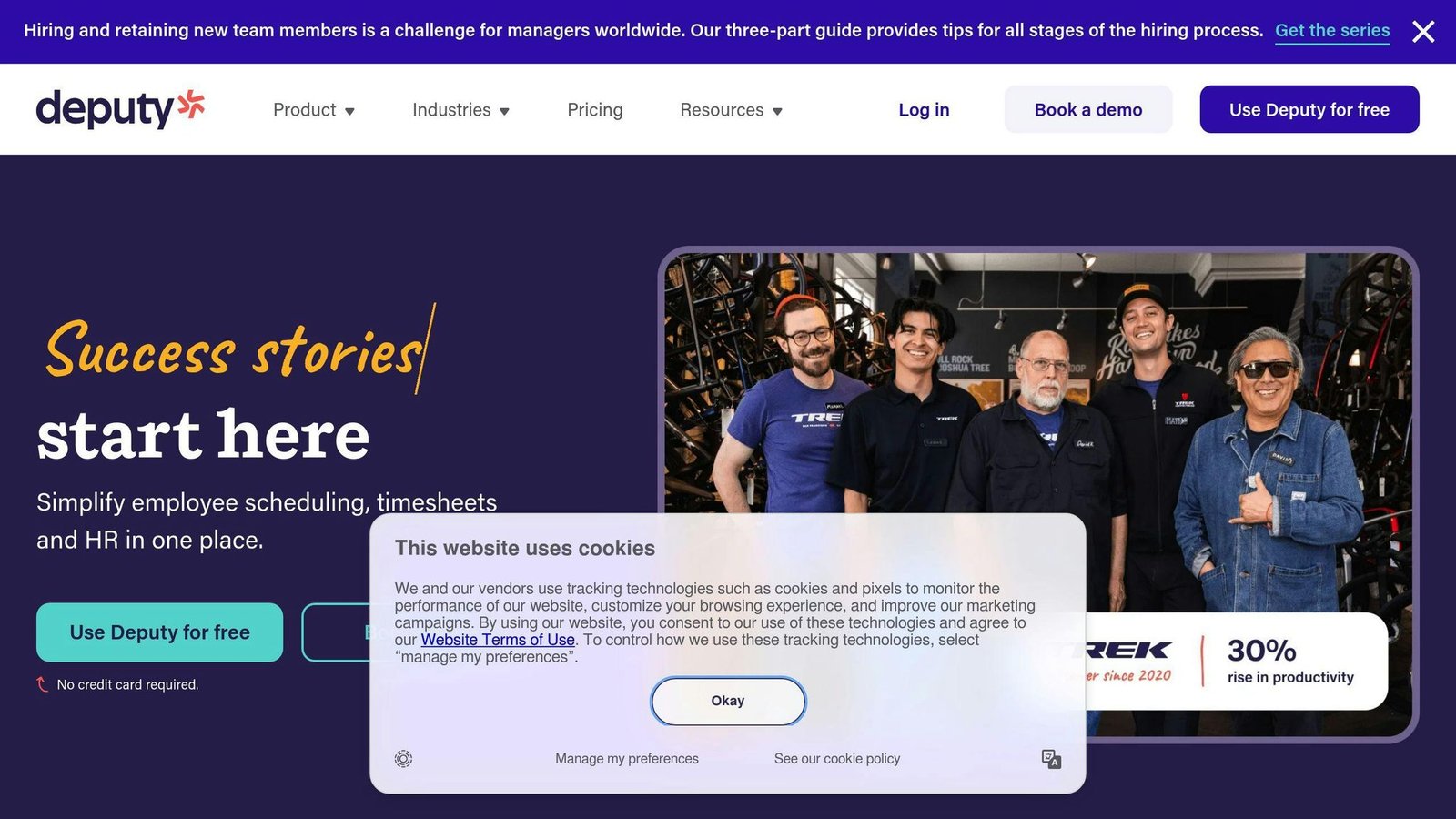
Scheduling Efficiency
Deputy offers robust scheduling features to streamline workforce management:
| Feature | Description |
|---|---|
| Scheduling | Create and manage employee schedules easily |
| Auto-Scheduling | Automatically generate optimized schedules |
| Shift Templates | Save time with pre-built schedule templates |
Mobile Accessibility
The Deputy mobile app provides convenient on-the-go access:
| Feature | Description |
|---|---|
| Employee Self-Service | View schedules, request time off, and clock in/out |
| Real-Time Updates | Stay informed with push notifications |
Integration Capabilities
Deputy integrates with various third-party tools and platforms:
| Integration | Description |
|---|---|
| Payroll Integration | Sync time and attendance data with payroll providers |
| POS Integration | Integrate with POS systems for seamless clock-in/out |
Pricing Flexibility
Deputy offers flexible pricing plans:
| Plan | Price per user, per month |
|---|---|
| Lite | $5 |
| Core | $6.50 |
| Pro | $9 |
Prices are USD and exclude tax. Deputy bills per user, not per location, so the cost follows your headcount: a hundred casual staff across two sites cost the same as a hundred at one. There is a $30 monthly minimum on month-to-month billing, which matters if you are running a team of four. Payroll, HR, Messaging+ and Analytics+ are charged separately per user, though Pro includes Messaging+ and Analytics+. A free trial is available.
With its comprehensive suite of features, mobile accessibility, and integration capabilities, Deputy empowers businesses to streamline workforce scheduling and management effectively.
10. ClickUp
Scheduling Efficiency
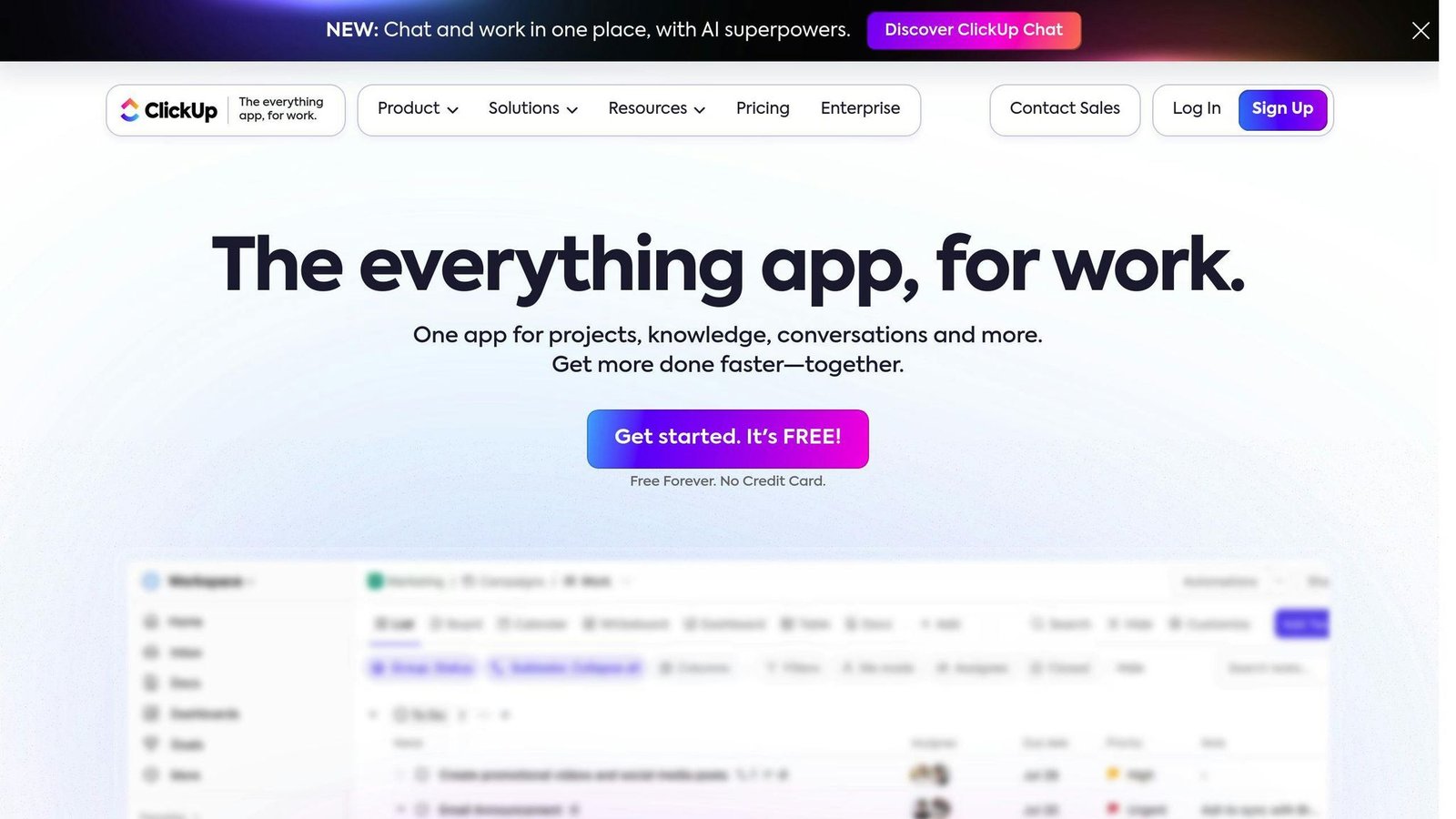
ClickUp is an all-in-one productivity platform that helps teams manage tasks, collaborate, and stay connected. With ClickUp, you can create tasks on the go, update and edit them seamlessly, and collaborate with your team.
Mobile Accessibility
The ClickUp mobile app provides convenient access to your tasks and projects from anywhere. You can view schedules, request time off, and clock in/out on the go.
Integration Capabilities
ClickUp integrates with various third-party tools and platforms, including:
| Integration | Description |
|---|---|
| Calendar Apps | Integrate with Calendly, Apple, Google, and Outlook calendars |
| Time Trackers | Integrate with Toggl and Harvest |
| Communication Apps | Integrate with Slack |
Pricing Flexibility
ClickUp offers flexible pricing plans:
| Plan | Description |
|---|---|
| Free Forever | Free plan with basic features |
| Unlimited | $7 per user/month billed yearly, $10 month-to-month |
| Business | $12 per user/month billed yearly, $19 month-to-month |
| Enterprise | Custom pricing for large businesses |
| AI add-ons | Priced separately per user, on top of the plan |
With its comprehensive features, mobile accessibility, and integration capabilities, ClickUp empowers businesses to streamline workforce scheduling and management effectively.
Comparing the top apps
Here’s a side-by-side comparison of the top 10 mobile workforce scheduling apps, highlighting their key features, benefits, and pricing plans to help you make an informed decision.
Read the pricing column carefully, because these vendors do not charge for the same thing. Most bill per user or per seat, so the bill grows with headcount. Homebase bills per location, so it grows with sites. Appointy charges for the account. A per-user price and a per-location price cannot be compared directly: work out your own headcount and site count first, then multiply.
App Comparison Table
| App | Key Features | Benefits | Pricing |
|---|---|---|---|
| ServiceTrade | Scheduling, Dispatch, Mobile Access | Streamlined operations, Improved customer satisfaction | Quote only |
| When I Work | Scheduling, Time Tracking, Mobile Access | Increased productivity, Reduced labor costs | $2.50 to $8 per user/month |
| Zuper | Scheduling, Workforce Management, Mobile Access | Enhanced team collaboration, Improved customer satisfaction | Quote only |
| Setmore | Scheduling, Appointment Management, Mobile Access | Simplified appointment scheduling, Increased customer satisfaction | Free up to 4 users; Pro $5 per user/month billed annually, $12 month-to-month |
| Calendly | Scheduling, Meeting Management, Mobile Access | Streamlined meeting scheduling, Increased productivity | Free; $10 to $16 per seat/month month-to-month |
| Appointy | Scheduling, Appointment Management, Mobile Access | Simplified appointment scheduling, Increased customer satisfaction | Free; $19.99 to $79.99 per month for the account, not per user |
| Shiftboard ScheduleFlex | Scheduling, Time Tracking, Mobile Access | Increased productivity, Reduced labor costs | Quote only |
| Homebase | Scheduling, Time Tracking, Mobile Access | Simplified scheduling, Improved employee engagement | Free for 1 location and up to 10 staff; $30 to $120 per location/month, less if billed annually |
| Deputy | Scheduling, Time Tracking, Mobile Access | Increased productivity, Reduced labor costs | $5 to $9 per user/month |
| ClickUp | Scheduling, Task Management, Mobile Access | Streamlined operations, Improved team collaboration | Free; $7 to $12 per user/month billed yearly |
Prices were checked against each vendor’s own pricing page at the time of writing, and cover the published list price only. Scheduling vendors change tiers and run per-seat minimums, so confirm the current rate before you budget. ServiceTrade, Zuper and Shiftboard do not publish prices at all; you have to ask.
When choosing a mobile workforce scheduling app, consider your business needs, the size of your team, and the features that matter most to you. By comparing these top apps, you can find the perfect solution to streamline your operations, improve productivity, and increase customer satisfaction.
Final thoughts
Choosing the right mobile workforce scheduling app is crucial for streamlining operations and improving communication. With many options available, it’s essential to evaluate your specific needs, team size, and budget to find the perfect fit.
Key Benefits
A well-designed mobile workforce scheduling app can:
- Automate scheduling processes, reducing manual effort and errors
- Improve communication between managers and employees
- Provide valuable insights through reporting and analytics
- Help businesses optimize their workforce utilization
Scalability
As your business grows, the app should be able to adapt to your changing needs. Look for an app that can:
- Add or remove users as needed
- Integrate with other essential tools
- Offer advanced features as required
Conclusion
Investing in the right mobile workforce scheduling app can be a game-changer for businesses of all sizes. By streamlining operations, enhancing productivity, and delivering exceptional customer experiences, you can take your business to the next level.
Where to look next
This section used to list eBooks, whitepapers, case studies and industry reports. None of them were real. The titles were unfinished placeholders — one of the case studies still had an unfilled company name sitting in it — and not one had an author, a publisher or a link. They have been removed rather than replaced with invented substitutes.
The space is better spent on things you can do yourself in an afternoon, which will tell you more than any vendor whitepaper would have.
Trial the shortlist on one real week
Most of the apps above publish a free tier or a free trial; ServiceTrade, Zuper and Shiftboard are quote-only and will want a sales call first. Take one week of your actual roster — the messy one, with the two people who swapped shifts and the job that overran — and build it in your top two. A demo schedule always works. Yours is the test.
Check the things comparison tables never cover
- What happens with no signal. Field staff lose coverage. Find out whether the app queues a clock-in and syncs later or simply fails, and what timestamp it records afterwards.
- Who can change a published shift, and who gets told. This is where most scheduling arguments start, and it is a permissions question rather than a features question.
- Whether the time data reaches your payroll. A working export to the system you already run is worth more than anything in the feature column.
- How it behaves on your team’s actual phones. Older Android handsets are common in field work and are rarely what a vendor demos on.
- What happens when someone leaves. Deactivating a user should not take their timesheet history with it, and on some tools it does.
Price it on your own numbers before you commit
Take your headcount and your site count and work out the monthly bill under each model — per user, per location, per account. The cheapest option changes with the shape of your business: five sites and forty staff gives a very different answer from one site and forty staff. Then ask each vendor two things in writing: is there a seat minimum, and what happens to the price at renewal.
Measure something before you switch
Write down how long it takes to build next week’s schedule, how many changes get made after it is published, and how many hours are disputed at month end. Check the same three numbers ninety days after go-live. It is the only comparison that describes your business rather than someone else’s marketing, and almost nobody does it.
FAQs
What is the top scheduling platform?
The top scheduling platform can vary depending on specific business needs. Here’s a brief overview of the top-rated platforms:
| Platform | Rating | Best For |
|---|---|---|
| Square Appointments | 4.8 | Overall |
| Setmore | 4.5 | Unlimited Appointments |
| Calendly | 4.5 | Appointment Booking Via Email |
| Zoho Bookings | 4.4 | Resource Management |
The best platform for your business will depend on your specific needs. Research and compare different options to find the one that fits your mobile workforce scheduling needs.
Note: Ratings are based on Forbes Advisor reviews and are subject to change.
More on this topic
Browse all 40 articles on Project & Team Management, or jump straight to our buying guide: Best Project Management Tools for Small Teams.