Disclosure: This page contains commercial links. BizBot may earn a commission from qualifying purchases. Paid placements do not buy a better ranking. Read our affiliate disclosure.
A Business Model Canvas is a one-page tool that visually represents the key components of a business model. It provides an overview of customer segments, value propositions, channels, customer relationships, revenue streams, key resources, key activities, key partnerships, and cost structure.
Using a Business Model Canvas offers several benefits:
- Facilitates a shared understanding among team members
- Enables strategic analysis to identify strengths, weaknesses, and opportunities
- Encourages innovation and adaptation to market changes
- Provides a concise, one-page format for efficient planning
Here are 10 free online Business Model Canvas templates with their key features:
| Template | Customization | Export Formats | Collaboration |
|---|---|---|---|
| Business Model Canvas Tool | Templates, colors, icons, images | PDF, PNG, JPEG | Real-time editing, comments |
| Visual Paradigm Online | Templates, colors, icons, images | PDF, PNG, JPEG | Real-time editing, comments |
| Canvanizer | Modify segment titles, add images, fonts | PDF, PNG | Real-time editing, clone canvases |
| Visme | Templates, drag-and-drop interface | PDF, PNG, HTML5 | Real-time editing, comments, tasks |
| AFFiNE | Whiteboard templates, dynamic blocks | PNG, PDF, PPT | Real-time editing, comments, sharing |
| Miro | Drag-and-drop elements, shapes, colors | PNG, PDF, SVG | Real-time editing, comments, video calls |
| Strategyzer | Icons, design templates | PDF, PowerPoint, Excel | Real-time editing, comments |
| Neoschronos | Customizable templates (open license) | Editable formats | No built-in collaboration |
| ClickUp | Customize segments, color-coded | PDF, image, print | Real-time editing, comments, @mentions |
| Lucidchart | Customize colors, shapes, branding | PNG, JPEG, PDF, SVG | Real-time editing, version control, comments |
Two things to know before you read the entries. First, the list is really nine tools, not ten: entry 1 and entry 7 both point at Strategyzer, which publishes the canvas and hosts its own editor. Second, entries 1 and 2 were originally written in near-identical boilerplate, so the wording told you nothing about how the two differ. We have said so rather than quietly rewording one of them.
1. Business Model Canvas Tool – Simple & Free
This entry links to Strategyzer’s own canvas library, so it is the same company as entry 7 further down. Read the two together rather than as competing options.
Customization
The Business Model Canvas Tool lets you customize your canvas to suit your needs. You can choose from different templates and color schemes to match your brand or preferences. You can also add your own text, icons, and images to personalize your canvas.
Export Options
When you finish your canvas, you can export it as a PDF, PNG, or JPEG file. This makes it easy to share or print your canvas for team members, stakeholders, or investors.
Collaboration
The tool allows you to invite team members to work on the canvas together in real-time. Multiple users can collaborate simultaneously, gathering input from different perspectives and streamlining the process.
Cross-Platform Access
You can access the Business Model Canvas Tool from various devices, including desktops, laptops, tablets, and smartphones. The tool adapts to different screen sizes and operating systems, providing a consistent experience across platforms.
Key Features
| Feature | Description |
|---|---|
| Customization | Choose from templates, color schemes, and add your own text, icons, and images. |
| Export Options | Export your canvas as a PDF, PNG, or JPEG file for sharing or printing. |
| Collaboration | Invite team members to work on the canvas together in real-time. |
| Cross-Platform Access | Access the tool from various devices, including desktops, laptops, tablets, and smartphones. |
2. Visual Paradigm Online
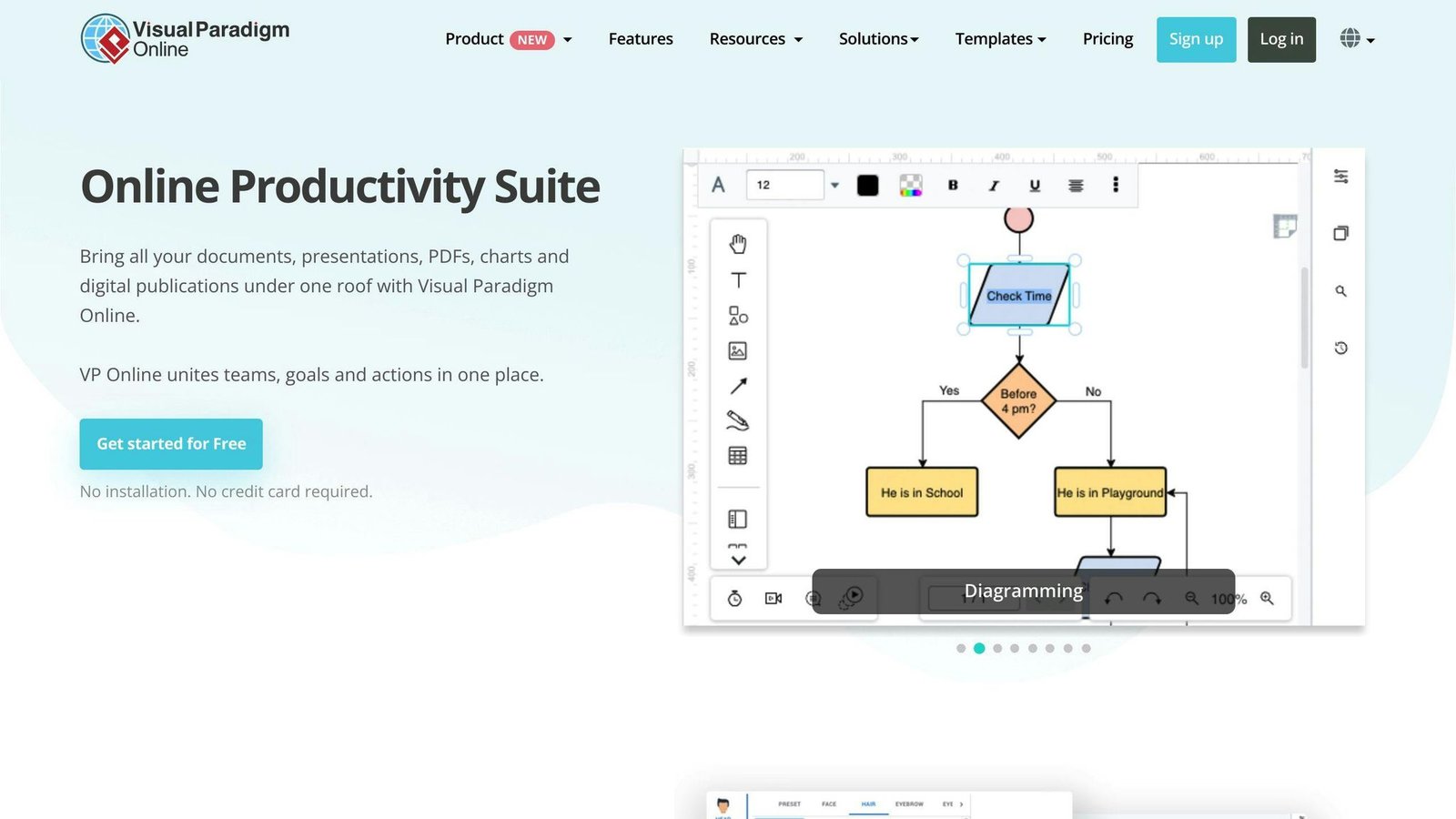
The description below repeats the previous entry almost word for word. That is how it was written, and we have left it visible rather than dressing it up: on these four points the two tools genuinely are hard to tell apart, and if you want a real comparison you will have to open both. Visual Paradigm Online’s distinguishing feature is the breadth of its wider diagram library, not its canvas editor.
Customization
- Choose from various templates and color schemes
- Add your own text, icons, and images to personalize the canvas
Export Options
- Export your completed canvas as a PDF, PNG, or JPEG file
- Share or print the exported files easily
Collaboration
- Invite team members to collaborate on the canvas in real-time
- Gather input from multiple perspectives simultaneously
Device Compatibility
- Access Visual Paradigm Online from desktops, laptops, tablets, and smartphones
- Consistent experience across different devices and operating systems
3. Canvanizer
Customization
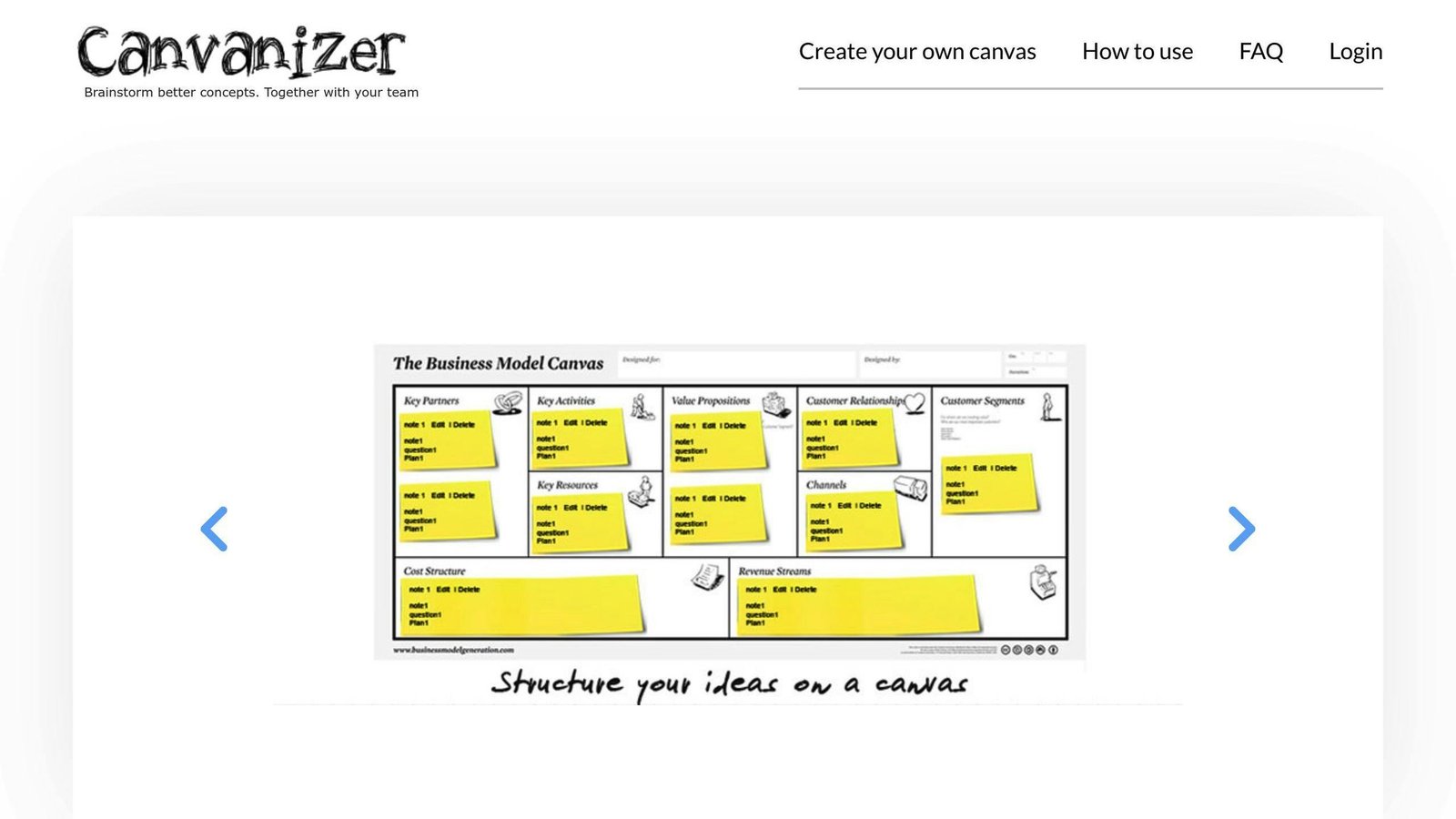
- Modify Segment Titles: Canvanizer lets you adapt the canvas structure to your needs by changing the segment titles.
- Add Images and Choose Fonts: Enhance your canvas’s visual appeal by uploading images and selecting from various fonts.
Export Options
- PDF Export: Export your completed canvas as a PDF file for easy sharing and printing.
- PNG Export: Canvanizer also allows you to export your canvas as a high-resolution PNG image file.
Collaboration
- Real-Time Collaboration: Multiple team members can work on the same canvas simultaneously, sharing ideas in real-time.
- Clone and Iterate: Easily clone existing canvases and use them as templates for new projects or iterations, enabling you to explore different concepts.
Platform Compatibility
- Web-Based: Access Canvanizer directly from your web browser, no software installation required.
- Mobile Editing: Edit your canvases on the go using your mobile devices.
| Feature | Description |
|---|---|
| Modify Segment Titles | Adapt the canvas structure to your needs by changing the segment titles. |
| Add Images and Fonts | Enhance visual appeal by uploading images and selecting from various fonts. |
| PDF Export | Export your completed canvas as a PDF file for easy sharing and printing. |
| PNG Export | Export your canvas as a high-resolution PNG image file. |
| Real-Time Collaboration | Multiple team members can work on the same canvas simultaneously, sharing ideas in real-time. |
| Clone and Iterate | Easily clone existing canvases and use them as templates for new projects or iterations. |
| Web-Based | Access Canvanizer directly from your web browser, no software installation required. |
| Mobile Editing | Edit your canvases on the go using your mobile devices. |
4. Visme
Customization
Visme offers many ways to customize your business model canvas. You can choose from various templates or start from scratch. The user-friendly drag-and-drop interface makes it easy to add and arrange text, shapes, icons, and images.
Export Options
When you finish your canvas, you can export it as a PDF, PNG, or interactive HTML5 file. This allows you to share or present your canvas in different formats and contexts.
Collaboration
Multiple team members can work on the same canvas at the same time using Visme’s collaboration features. You can leave comments, assign tasks, and track changes. Visme also provides version control, so you can revert to previous versions if needed.
Platform Compatibility
Visme is a web-based platform, so you can access and edit your business model canvases from any device with an internet connection, including desktops, laptops, tablets, and smartphones.
5. AFFiNE
Customization Options
AFFiNE provides a collection of ready-to-use whiteboard templates, including the Business Model Canvas. These templates serve as a starting point, allowing you to skip the initial setup and get straight into your work.
The platform offers dynamic page blocks that let you embed elements like images, attachments, and databases directly in the canvas. The auto-connect feature simplifies the process of linking related blocks, maintaining a cohesive flow.
Collaboration Features
Multiple users can collaborate in real-time on the same business model canvas within AFFiNE’s workspace, fostering collective input and refinement. Team members can be invited to join regardless of their location.
AFFiNE’s single-page sharing feature allows you to control what is shared, making it easy to show a canvas to a business partner without opening the whole workspace.
Platform Compatibility
As a web-based platform, AFFiNE works across devices, allowing you to access and edit your business model canvases from any device with an internet connection, including desktops, laptops, tablets, and smartphones.
6. Miro
Customization
Miro offers a flexible business model canvas template that you can easily customize. With a user-friendly drag-and-drop interface, you can add text, images, shapes, and sticky notes to tailor the canvas to your needs. Rearranging and resizing components is simple, allowing you to create a visually appealing and organized layout.
Export Options
Once you’ve completed your canvas in Miro, you can export it in various formats for sharing or further use. Supported export options include PDF, PNG, and JPEG, ensuring compatibility with different applications and platforms.
Collaboration
Collaboration is a key strength of Miro. Multiple team members can work on the same canvas simultaneously. Real-time editing and commenting features support direct feedback on the board itself. You can also invite external parties, such as advisors or partners, to contribute to your canvas.
Cross-Platform Access
As a cloud-based platform, Miro allows you to access and work on your business model canvas from any device with an internet connection, including desktops, laptops, tablets, and smartphones.
| Feature | Description |
|---|---|
| Customization | Add text, images, shapes, and sticky notes. Rearrange and resize components for a visually appealing layout. |
| Export Options | Export your canvas as a PDF, PNG, or JPEG file for sharing or further use. |
| Collaboration | Multiple team members can work on the same canvas simultaneously. Real-time editing and commenting. Invite external parties for diverse perspectives. |
| Cross-Platform Access | Access and work on your canvas from any device with an internet connection, including desktops, laptops, tablets, and smartphones. |
7. Strategyzer
Customization
Strategyzer advertises a library of over 1,000 icons and a set of design templates for personalizing your Business Model Canvas. You can include rich-formatted text, memos, and sticky notes to add clarity and depth to your canvas. That icon count is Strategyzer’s own figure, not something we counted.
Export Options
Once completed, you can export your Business Model Canvas in PDF, PowerPoint, and Excel formats, which covers most of the places a canvas ends up: a deck, a report, or a spreadsheet someone wants to sort.
Collaboration
Multiple team members can work on the same canvas simultaneously, thanks to Strategyzer’s real-time collaboration features. You can also invite external parties, such as advisors or partners, to contribute.
Cross-Platform Access
As a cloud-based platform, Strategyzer allows you to access and work on your Business Model Canvas from any device with an internet connection, including desktops, laptops, tablets, and smartphones.
| Feature | Description |
|---|---|
| Customization | Library of over 1,000 icons and design templates, per Strategyzer. Include rich-formatted text, memos, and sticky notes. |
| Export Options | Export your canvas in PDF, PowerPoint, and Excel formats for sharing and integration. |
| Collaboration | Real-time collaboration with multiple team members. Invite external parties to contribute. |
| Cross-Platform Access | Access and work on your canvas from any device with an internet connection. |
8. Neoschronos
Customizable Templates
Neoschronos offers customizable business modeling templates under the Creative Commons Attribution-ShareAlike 4.0 International License. These templates are available in editable formats, allowing you to modify them to suit your needs while giving credit to Neoschronos as the source.
Editable Formats
Neoschronos does not publish a list of export formats. The templates are provided in editable files, so what you can export depends on the software you open them in, not on Neoschronos.
Collaboration
There are no built-in collaboration features. Because the templates are openly licensed, you can share and co-edit them in whatever tool you already use, but the collaboration comes from that tool rather than from Neoschronos.
Cross-Platform Compatibility
Compatibility depends on the file format you download and the application you open it with. This is the least packaged option on the list, which is the point of it: you get the artefact and none of the platform.
9. ClickUp
Customization
ClickUp’s Business Model Canvas Template offers a customizable Whiteboard canvas. You can structure your business model according to your needs. The template provides nine main color-coded segments:
- Key Partners
- Key Activities
- Value Proposition
- Customer Relationships
- Customer Segments
- Channels
- Key Resources
- Cost Structure
- Revenue Stream
You can add, modify, or rearrange these segments to align with your business requirements.
Collaboration
Collaboration is a key feature of ClickUp’s platform. With the Business Model Canvas Template, you can invite team members or stakeholders to your Workspace. Multiple users can work together on the Whiteboard canvas, making real-time updates and leaving comments.
Platform Compatibility
ClickUp is a cloud-based platform, ensuring compatibility across devices and operating systems. You can access and work on the Business Model Canvas Template from anywhere, using your preferred device, such as a desktop, laptop, tablet, or smartphone.
10. Lucidchart
Customization
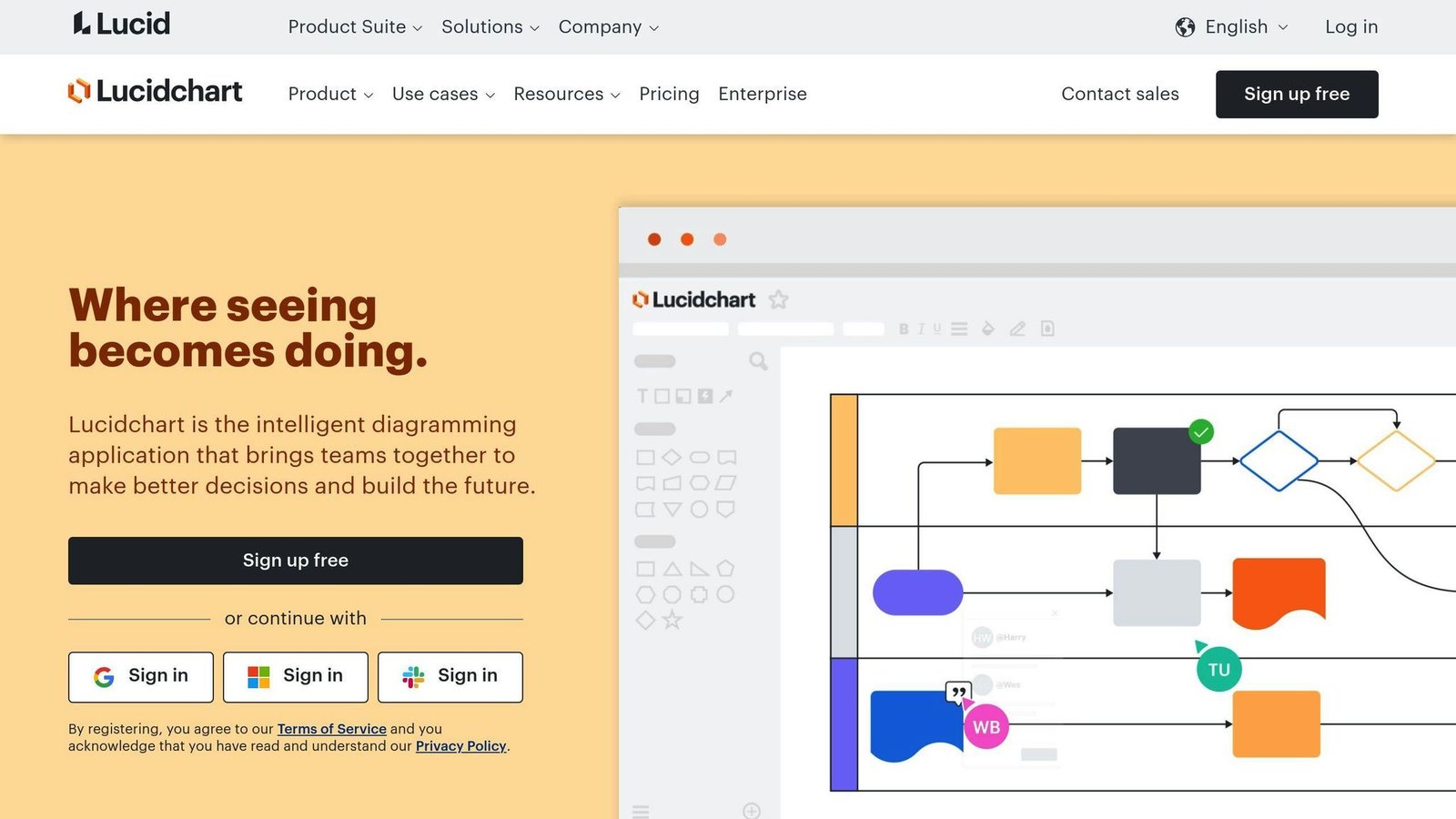
Lucidchart provides a flexible Business Model Canvas template that you can easily modify to suit your needs. You can add, remove, or rearrange the nine building blocks to align with your business model. Additionally, you can change the color scheme, add icons, and incorporate your branding elements for a personalized look.
Export Options
Lucidchart supports exporting your Business Model Canvas in various formats, including:
- PNG
- JPEG
- SVG
That covers sharing with stakeholders and dropping the canvas into a presentation or document.
Collaboration
Collaboration is a key feature of Lucidchart. You can invite team members to work on the same canvas simultaneously, facilitating real-time collaboration and feedback. Lucidchart also offers:
- Version control
- Commenting
- Chat features
These features streamline the collaborative process.
Platform Compatibility
Lucidchart is a cloud-based platform, ensuring compatibility across devices and operating systems. You can access and work on your Business Model Canvas from anywhere, using:
- Desktop computers
- Laptops
- Tablets
- Smartphones
This makes it convenient for remote teams or on-the-go work.
Template Comparison
Here’s a comparison of the key features across the templates. This table previously disagreed with the entries above in three places: it credited Neoschronos with shared workspaces and version control that the entry says do not exist, and it described Strategyzer and Canvanizer as having limited customization while their entries describe the opposite. Where the table and an entry conflicted, we corrected the table.
| Template | Platform | Customization | Export Formats | Collaboration |
|---|---|---|---|---|
| Business Model Canvas Tool (Strategyzer) | Web-based | Templates, colors, icons, images | PDF, PNG, JPEG | Real-time editing, comments |
| AFFiNE | Web-based | Customize colors, add images, attachments | PNG, PDF, PPT | Real-time editing, comments |
| Miro | Web-based | Drag-and-drop elements, shapes, colors | PNG, PDF, JPEG | Real-time editing, comments, video calls |
| Strategyzer | Web-based | Icon library, design templates, sticky notes | PDF, PowerPoint, Excel | Real-time editing, comments |
| Neoschronos | Downloadable files | Openly licensed, edit freely | Editable files, no published export list | None built in |
| ClickUp | Web-based, Desktop app | Custom fields, branding, templates | PDF, image, print | Real-time editing, comments, @mentions |
| Lucidchart | Web-based, Desktop app | Customize colors, shapes, branding | PNG, JPEG, SVG | Real-time editing, version control, comments |
| Visual Paradigm | Web-based, Desktop app | Templates, colors, icons, images | PDF, PNG, JPEG | Real-time editing, comments |
| Canvanizer | Web-based | Modify segment titles, add images, fonts | PDF, PNG | Real-time editing, clone canvases |
| Visme | Web-based | Templates, drag-and-drop, colors, icons | PDF, PNG, HTML5 | Real-time editing, comments, tasks |
Most of these are web-based, which is what makes shared editing possible at all. Miro, ClickUp, Lucidchart, and AFFiNE are the ones to look at if several people need to be on the board at once. Neoschronos is the odd one out and the honest choice if you just want the artefact without signing up for anything.
Final Thoughts
The Business Model Canvas is a tool for making a business model visible on one page. With many free online templates available, the differences between them are smaller than the length of this article suggests.
When choosing a template, consider:
- How easy it is to customize
- Collaboration features
- Export formats
- Integration with other tools you use
If your team already lives in one of these tools, use that one. The canvas is the same nine boxes everywhere, and switching platforms to get a slightly nicer icon library is not worth the friction.
The value of the Business Model Canvas is its ability to:
- Facilitate strategic thinking
- Ensure alignment between different parts of your business model
- Help you adapt to changing conditions and customer needs
Regularly update and iterate on your canvas. Challenge assumptions, gather customer feedback, and refine your model.
| Tip | Description |
|---|---|
| Explore Templates | Invest time in exploring different templates to find the one that resonates with your team. |
| Treat as a Living Document | Continuously update and evolve your canvas as your business grows and changes. |
| Gather Feedback | Seek input from customers and stakeholders to refine your business model. |
| Stay Agile | Be prepared to adapt your canvas to changing market conditions and opportunities. |
A canvas that nobody revisits is a poster. Put a date on it and a reminder in the calendar, or do not bother filling it in.
More on this topic
Browse all 86 articles on Business Operations, or jump straight to our buying guide: Best Productivity Tools for Small Teams.