Best Order Management System for Small Business: Streamlining Sales
As a small business owner, you’re probably familiar with the headaches of managing orders manually.
The right order management system can tidy up your sales workflow, give you visibility into where each order is, and let you answer customer questions without digging through a spreadsheet.
This guide covers what these systems do, what they actually cost, which products still exist under the names you may remember, and how to implement one without disrupting trading. Prices were checked against vendor pricing pages in August 2026 and should be confirmed before you budget.
Introduction to Order Management Systems
An order management system is software that centralizes and automates the sales process. By handling order fulfillment from purchase to delivery in one place, it offers several advantages:
What is an Order Management System?
An order management system (OMS) acts as a central hub for managing orders. Key features include:
Order processing – Automates entering, tracking and fulfilling customer orders across all sales channels (online store, brick-and-mortar, phone, etc).
Inventory management – Syncs with inventory data to provide real-time stock levels and prevent overselling.
Payment processing – Integrates payments into the ordering workflow.
Analytics – Provides insights into order history and sales performance.
An OMS improves efficiency by eliminating manual order tracking spreadsheets and paper trails. Everything is digitized in one place.
Advantages of Streamlined Sales for Small Business
Implementing an order management system offers several advantages that lead to improved sales and customer satisfaction:
Increased productivity – Automation and centralized data frees up staff for more valuable tasks than manual order processing.
Better customer service – Real-time order tracking improves communication and allows quicker responses if issues arise.
Enhanced sales insights – Analytics on order history and performance inform better business decisions.
Omnichannel fulfillment – Unified system for managing orders from all sales channels in one dashboard.
With tidier processes, small businesses can spend more time on growing sales. The right OMS turns disjointed order fulfillment into something predictable.
Which Order Management Software Is Worth Considering
Order management software automates order processing, payment collection, inventory updates, and order tracking, so staff spend their time on customers rather than on data entry.
The features that matter for a small business are:
Automated order routing to simplify sales workflow
Real-time inventory updates to prevent overselling
Payment processing integrations to collect payments faster
Customizable order statuses for detailed tracking
Analytics dashboards to identify sales trends
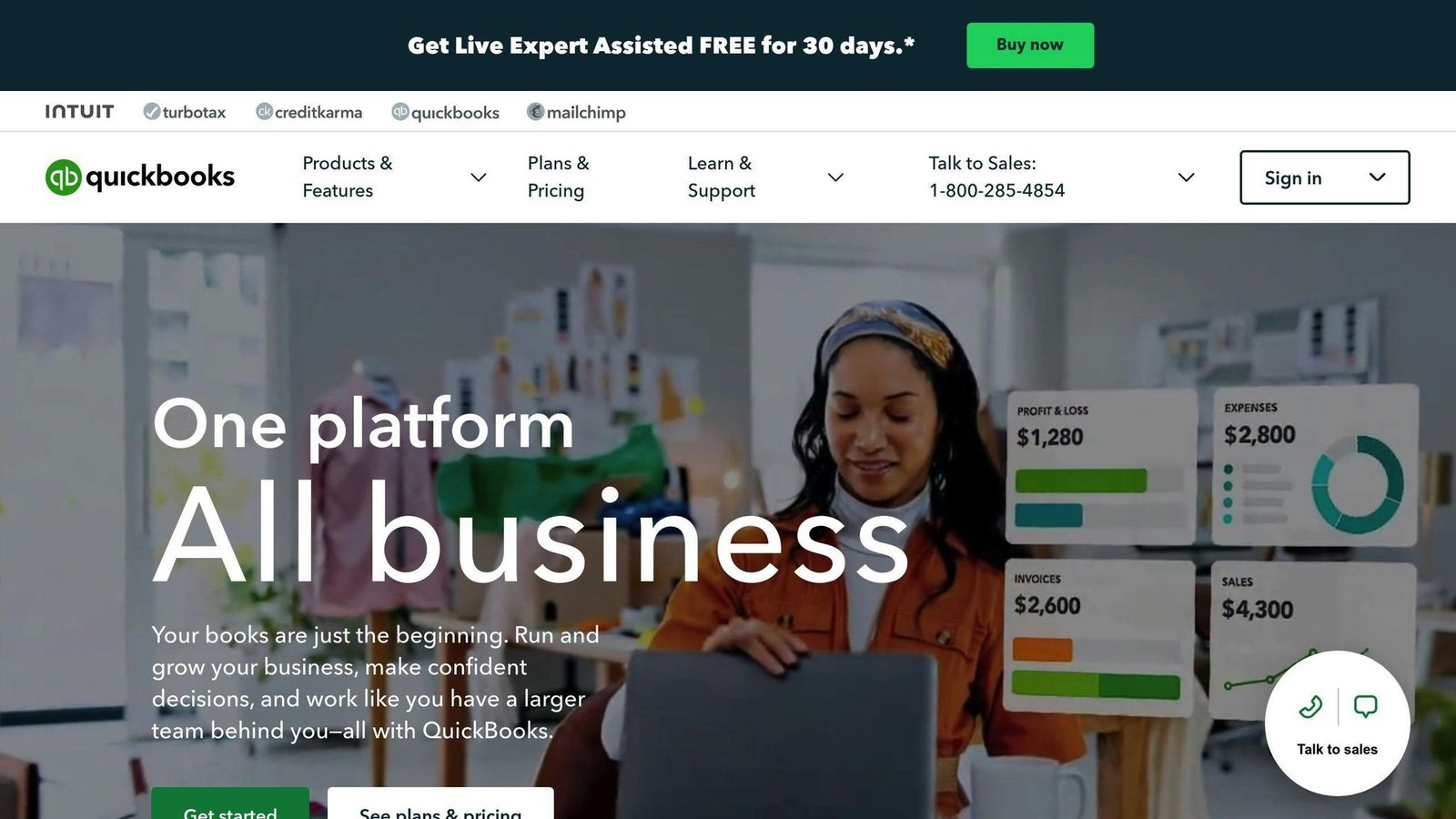
QuickBooks Online and Brightpearl are common choices because they combine order handling with accounting and inventory. Linnworks is aimed at ecommerce order management across online stores, marketplaces, and physical retail. At the very simple end, some businesses start with Google Forms feeding a spreadsheet, then push that data into shipping, accounting and CRM tools. That works until it doesn’t, and the point it stops working is usually the point you start overselling.
A warning about older shortlists. This category has consolidated hard, and several products still recommended around the web no longer exist under the names people search for:
Skubana is now Extensiv Order Manager. The skubana.com domain redirects to Extensiv. If a comparison article still lists Skubana as a current product, it has not been updated in years.
TradeGecko no longer exists. Intuit acquired it and rebranded it QuickBooks Commerce, and that product has since been retired. There is no TradeGecko free version to sign up for.
Orderbot still trades but was acquired by OneRail in June 2024 and now positions itself as enterprise-grade. It publishes no pricing.
Ecwid is now branded Ecwid by Lightspeed, and it no longer has a free plan.
When evaluating systems, consider your sales workflow, accounting software, inventory locations, and reporting needs, and check that the vendor still sells the product under the name you searched for.
Advertisement
What an Order Management System Costs
An earlier version of this article presented tidy monthly price bands running from $50 to over $5,000. Those figures were not traceable to any vendor or published survey, so they have been removed rather than repeated. What follows is the pricing model, plus real published rates from two vendors that do disclose them.
How vendors actually charge
Three variables drive nearly every quote in this category:
Order volume per month. This is the most common metering unit. Plans are banded by orders, and crossing a band is what makes your bill jump.
Number of users and inventory locations. Often capped at one of each on entry plans, which rules them out the moment you have a second warehouse or a second person picking.
Integrations and implementation. Mid-market and enterprise systems frequently carry a separate one-off implementation fee that is not shown on the pricing page. Ask for it in writing before you compare monthly rates.
Two vendors that publish rates
Zoho Inventory publishes a full ladder, metered on monthly orders and billed annually: a Free plan capped at 50 orders with 1 user and 1 location; Standard at $29/month (500 orders/month); Premium at $79/month (3,000 orders/month); Plus at $129/month (7,500 orders/month); and Enterprise at $249/month (15,000 orders/month). Prices exclude local taxes.
Ecwid by Lightspeed publishes four tiers: Starter at $5/month, Venture at $35/month, Business at $65/month and Unlimited at $149/month, with roughly 16% off for annual billing. Note again that the free tier this article previously described is gone.
Most other systems in this category — Brightpearl, Linnworks, Extensiv, Orderbot — do not publish rates and quote per business. Expect an annual contract, and expect the quote to be built from your order volume rather than a list price.
Free trials are common. Use one, and load it with a realistic month of orders rather than a handful of test records.
How to Choose an Order Management System
An effective system should connect to your other business software, automate manual steps, give you inventory visibility, and sync across sales channels. Focus on these areas:
Integration Capabilities
The system should connect to your ecommerce platform, accounting software, inventory management system, and other critical programs, so data syncs in real time and nobody re-keys anything. Prioritize solutions that offer native connectors, APIs, and pre-built integrations for the specific tools you already run.
Process Automation
Automating order processing, customer notifications, inventory updates, and reporting is where the time saving comes from. Look for workflow customization and rules-based automation rather than a fixed process you have to bend your business around.
Omnichannel Support
If you sell in more than one place, choose a system that pulls all channels into one hub. Split inventory across channels is the single most common cause of overselling.
Inventory Management
Accurate inventory tracking prevents overselling and stockouts. Good systems give real-time visibility across locations and auto-update stock with each order. Check the location limit on the plan you are pricing.
Analytics and Reporting
Reporting on order volume, fulfillment times and bestselling items supports better decisions. Check that reports are customizable, because a fixed report set rarely matches how you think about your business.
Test demos and free trials before committing.
Advertisement
Managing Orders Effectively
Beyond the software choice, a few operational habits determine whether the system earns its cost:
Connected Systems
Pick a system that connects across your sales channels and into your existing tools — payment processors, accounting software, ecommerce platforms, and shipping carriers. Centralized order data is the whole point; a system that needs manual export defeats it.
Automated Workflows
Automate repetitive tasks to save time and reduce errors. Rules-based workflows for order processing, notifications and inventory updates remove the manual steps where mistakes happen.
Inventory Syncing
Real-time inventory tracking is what keeps stock levels honest across channels. If you sell the same SKU in two places, this is not optional.
Analytics and Reporting
Custom reports on sales, products and customers turn order data into something you can act on. Interactive dashboards are useful; the discipline of actually reading them weekly is more useful.
Identifying the Best Order Management Software
When evaluating systems, focus on core features that match your operational needs.
Essential Features of Top Order Management Software
Look for:
Order processing workflows to standardize order fulfillment
Inventory management to track stock levels
Payment processing integrations
Analytics and reporting for data-driven decisions
Custom rule creation for order workflows
Multichannel sales management
Inventory Tracking and Management Capabilities
Strong inventory management within an order system lets a small business:
Maintain sufficient stock levels
Prevent overselling out-of-stock items
Improve inventory turnover
Gain visibility into popular products
Live inventory tracking with low-stock alerts removes manual counting and gives real-time visibility into inventory health.
Customizing Order Workflows for Efficiency
Flexible order processing rules let you:
Set order review requirements
Create conditional workflows
Streamline order handling
Improve order to delivery times
Integrating Payment Processor Solutions
Payment integration lets you manage transactions inside the system, including:
Processing payments
Issuing refunds
Managing recurring billing
Choose software with native payments or integrations to the processor you already use.
Using Analytics for Strategic Insight
Reporting gives you data to guide inventory planning and sales strategy:
Sales trends and forecasts
Bestselling products
Customer purchase patterns
Marketing campaign ROI
Evaluating Free Order Management Software for Small Business
Free tiers are worth understanding precisely, because this is an area where outdated advice does real damage. The short version: there are fewer genuinely free options than there were a few years ago, and the ones that remain are capped tightly.
Pros and Cons of Free Order Management Software
The benefits are real:
Cost savings – Avoiding subscription fees matters when you are starting out or working on tight margins.
Basic features – Core order tracking, status visibility and notifications cover fundamental needs for a low-volume operation.
The limitations are also real:
Hard volume caps – Free plans are usually metered on orders per month, and the cap is low.
Single user, single location – Which rules them out as soon as two people need access.
Feature limitations – Custom reporting, automated workflows and omnichannel selling are typically paid-tier features.
What the Free Options Actually Are
Zoho Inventory has the clearest free tier: 50 orders a month, one user, one location, including composite items, dropshipment and backordering. That is genuinely useful for a side business and genuinely insufficient for a growing one. Paid plans start at $29/month for 500 orders.
Ecwid by Lightspeed no longer offers a free plan. Its cheapest tier is Starter at $5/month. Any article telling you Ecwid is free is out of date, including earlier versions of this one.
TradeGecko was previously described here as offering a free multichannel option. It does not, because it no longer exists — Intuit rebranded it QuickBooks Commerce and then retired the product. If you are migrating off it, you are looking for a replacement, not a plan upgrade.
Transitioning from Free to Paid Solutions
As order volume grows, moving to a paid plan becomes necessary. A few things reduce the pain:
Start the transition before you hit the cap, not after. Migrate customer records, order history, and product catalogs first, and reconcile the totals against your old system before you trust the new one.
Run both systems in parallel for a period, then retire the old one once you have verified that orders, stock levels and payouts match. Onboard staff gradually rather than switching everyone on a Monday morning.
Where possible, upgrade within the same platform rather than switching vendors. Zoho Inventory’s free-to-paid path keeps your data and your team’s familiarity intact, which is worth something real against a marginally cheaper competitor.
Advertisement
Order Management and Ecommerce Integration
Connecting an ecommerce platform to an order management system is where most of the operational benefit comes from for online sellers.
The Synergy Between E-commerce and Order Management
Key benefits include:
Real-time inventory updates: Connected inventory databases adjust stock automatically when orders are placed or fulfilled, which prevents overselling.
Improved order accuracy: Integrated systems share one view of items, quantities, customer info, and status between departments.
Better customer profiles: Shared data from an integrated CRM gives a fuller view of each customer.
Automated workflows: Order processing, fulfillment requests, shipping notifications, and accounting entries can pass between platforms without manual steps.
Multichannel Retail Software for Expanding Sales Channels
If you sell through your own site, marketplaces and social channels, multichannel features handle:
Centralized inventory tracking across all sales channels.
Flexible order management rules customized for each platform.
Automated syncing of product catalogs, pricing, inventory levels, and order data.
Omnichannel connectivity for in-store, online, and mobile sales.
Online Order Management System: Real-Time Sales Tracking
An online order management system lets you monitor sales and inventory in real time across integrated channels:
Monitoring popular products to optimize inventory planning.
Identifying sales trends to target marketing campaigns.
Tracking profit margins by product, channel, and region.
Generating reports for data-driven decisions.
Where the Benefit Actually Comes From
This article previously contained two customer stories with precise results — an unnamed retailer that cut overselling by a specific percentage, and an unnamed manufacturer migrating a decade of order history. Neither could be sourced to a named company or a published case study, so both have been removed. Inventing a customer is worse than having no example.
What is worth saying instead is where the money actually goes, and what decides whether you see a return.
Where the cost sits
The subscription is rarely the biggest number. Implementation, data migration and the staff time spent running two systems in parallel usually cost more in year one than the licence does. Mid-market vendors often charge a separate implementation fee that never appears on the pricing page.
What decides whether it pays off
Two things, mostly. First, order volume — automation earns its cost by removing repeated manual work, so the benefit scales with how many orders you process. At twenty orders a month, a spreadsheet is genuinely fine. Second, channel count — the case is strongest when you sell the same stock in more than one place, because that is where manual reconciliation fails and overselling starts.
What usually goes wrong
Dirty product data. Migrations fail on inconsistent SKUs, duplicate products and stock counts that were never accurate in the old system. The software will faithfully reproduce whatever mess you feed it. Clean the catalogue before you migrate, not after.
The second common failure is buying for the business you expect to be rather than the one you are. Paying for warehouse features you will not use for two years is a straightforward waste of money.
Practical Implementation Strategies for Small Businesses
Mapping Order Workflows for Maximum Efficiency
Before implementing, map your existing order workflows: document each step from initial customer inquiry to final delivery.
Outline roles and responsibilities at each stage, and note the systems, documents, and processes used. This lets you:
Identify redundancies and bottlenecks slowing down order completion
Clarify priorities to focus staff efforts on critical path activities
Recognize areas to simplify workflows in the new system
Ensure no key steps are missed in the digital transition
Running the mapping exercise with the staff who do the work gets you both a better map and less resistance later.
Securing Employee Buy-In and Training
Practices that help:
Communicate the benefits in terms of their daily work, not company strategy
Involve staff in mapping workflows and planning roll-out
Offer both group and 1-on-1 training sessions
Start with a general system overview then move to role-specific processes
Share guides and provide post go-live support
Scaling Your Order Management System Gradually
Take an incremental approach:
Start with the single sales channel with the highest transaction volume
Add additional sales channels one at a time
Begin with core order management, then expand feature use over time
Use analytics to track adoption and efficiency gains
Use those metrics to justify further expansion
Using Data to Optimize Order Management
Order management software gives you sales analytics including:
Sales performance per channel and product
Customer lifetime value metrics
Staff productivity indicators
Order processing time benchmarks
Use it to improve customer segmentation, simplify order workflows, focus on high-margin products, automate repetitive tasks, and move staff to work that needs a human.
Conclusion: Choosing the Right Order Management System
The best order management system for a small business depends on your order volume, your channel count, and your budget. Focus on omnichannel order processing, inventory management, flexible workflows, and reporting.
Final Thoughts on Streamlining Small Business Sales
Consider how a given system helps you with:
Processing orders from multiple sales channels in one place
Keeping real-time inventory visibility to avoid overselling
Automating order workflows to save time
Generating reports to identify sales trends
Two closing cautions. Check that any product you shortlist still exists under that name — this category has consolidated heavily, and several widely recommended tools have been acquired, renamed or retired. And price the tier that has the features you need, at the order volume you actually run, including any implementation fee.
If your volume is low and your channels are few, the honest answer may be that you do not need one of these yet.
Allow Google Analytics to measure visits and clicks to providers? You can use this site without statistics. This choice is separate from Google advertising choices and can be changed in the footer.