Choosing the best SME CRM comes down to how well it fits the tools you already run. Here’s a guide to help you decide. Every price below was checked against the vendor’s own pricing page in August 2026 – several had changed since this article was written, and one vendor had switched pricing model entirely. Confirm before budgeting.
The single most important thing to check is the unit. Almost every CRM here charges per user per month, so a headline figure means nothing until you multiply it by your headcount.
- Vtiger offers extensive customization and integrates with over 50 tools via Zapier.
- Flowlu is good for project and financial management, and is now priced per user rather than as a bundled team plan.
- Zoho CRM features AI-powered insights and a free edition for up to three users.
- HubSpot provides a user-friendly platform with a free tier for up to two users.
- Monday.com is highly customizable, but sold per seat with a seat minimum.
Quick Comparison
| CRM | Integration | Features & Functionality | Customization | User Experience | Pricing |
|---|---|---|---|---|---|
| Vtiger | Zapier, 50+ tools | Comprehensive | High | Easy | Free tier; One Growth $12/user/month |
| Flowlu | Zapier, 50+ tools | Projects & Financials | High | Simple | Free for 2 users; Essential $6/user/month billed yearly |
| Zoho CRM | Zapier, 500+ apps | AI Insights | High | Moderate | Free up to 3 users; paid editions per user/month |
| HubSpot | Native & API | Content Management | Moderate | Very Easy | Free up to 2 users; Starter from $7/seat/month billed annually |
| Monday.com | Zapier, 100+ tools | High Customizability | High | Very Easy | Per seat, with seat minimum |
Choosing the right CRM involves weighing integration, features, customization, user experience, and cost at your actual headcount.
Comparative Analysis Methodology
When we compare CRM systems for small and medium-sized businesses, we look at five things:
Ease of Integration
The CRM should work with tools you already use, like:
- Calendar
- Online shops
- Accounting tools
- Other business software
This means information moves between systems without you re-typing it.
Features and Functionality
The CRM needs features such as:
- Keeping track of contacts
- Managing leads
- Seeing your sales process
- Automating marketing tasks
- Helping with customer support
- Making reports and analyzing data
It should also work on a phone and let you set different access levels for different team members.
Customization and Scalability
The CRM should:
- Let you change it to fit how you work
- Allow you to add new things as needed
- Grow with you as you get more data and users
User Experience and Support
Things we look for include:
- A system that’s easy to use
- Good customer support through phone, email, or chat
- Help with getting started, like training and guides
Pricing and Value for Money
When it comes to cost, we consider:
- Clear pricing, stated per user where that is the unit
- Plans that can change as your business grows
- A free trial to test it out – and how long that trial actually lasts
- Good value for the features you get
Top CRM Solutions for SMEs: A Comparative Analysis
1. Vtiger
Ease of Integration
Vtiger works with more than 50 common business tools through Zapier, so you can link it to Gmail, QuickBooks, Slack and others. It also connects directly with Office 365 and Google Workspace to keep calendars and contacts in sync, and it has an open API for anything custom.
Features and Functionality
Vtiger covers sales, marketing, customer service, stock and money in one place:
- Keep track of people you’re in contact with
- Help you know which sales leads to focus on
- Manage emails for marketing
- Sort out customer service issues
- Handle quotes, invoices, and keeping tabs on money
- Plan projects and manage tasks
Customization and Scalability
You can adjust layouts and add fields, and it handles more data and users as you grow.
User Experience and Support
Vtiger is reasonably quick to pick up. Support comes through email, phone and chat, with an online guide and a user forum.
Pricing and Value for Money
Vtiger’s entry tier, One Pilot, is free – up to 10 users and 3,000 records, which is genuinely generous for a small team starting out.
Paid plans are priced per user per month, a unit an earlier version of this article dropped: One Growth at $12/user/month, One Professional at $30/user/month for a standard user ($20 for a single-app user), One Enterprise at $42/user/month ($30 single-app), and One AI at $50/user/month ($38 single-app). Annual billing saves up to 34%. Standard users get full access to five apps; single-app users get one app plus read-only access to the rest.
2. Flowlu
Ease of Integration
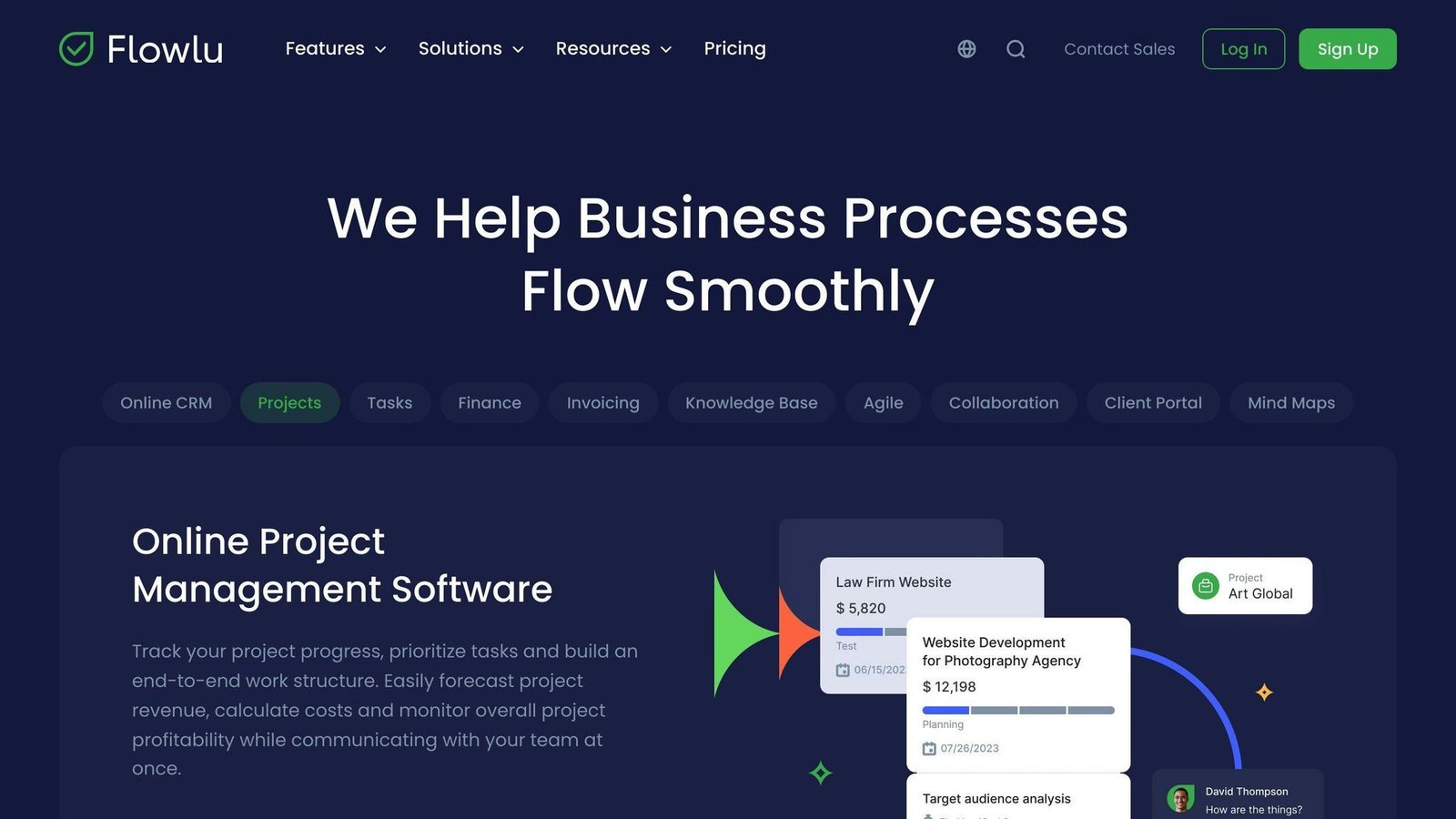
Flowlu works with over 50 common tools like Slack, Dropbox and GitHub through Zapier, and directly with Office 365 and Google Workspace for calendar and contacts. It connects with fewer apps than some rivals but covers the basics, and there is an open API for custom work.
Features and Functionality
Flowlu combines projects, sales and money management:
- Keeping track of contacts
- Figuring out which leads are most likely to buy
- Creating quotes and sending invoices
- Tracking time and planning projects
- Client portals
It suits teams that deliver client projects and chase new sales at the same time, keeping both in one system.
Customization and Scalability
You can change the layout, rearrange fields and add new ones. Higher plans add more customization and faster support.
User Experience and Support
Flowlu is straightforward to use, with email and chat support during working hours, plus forums, videos and guides. Support options are thinner than at pricier competitors.
Pricing and Value for Money
Flowlu has changed its pricing model, and the change matters. This article previously described a flat $39 a month for up to 8 users. Flowlu now charges per user:
- Free: $0 for 2 users, with no expiry.
- Essential: $6/user/month billed yearly, or $12/user/month billed monthly.
- Advanced: $11/user/month yearly, or $22 monthly.
- Ultimate: $16/user/month yearly, or $32 monthly.
Annual billing halves the monthly rate, which is a steeper discount than most competitors offer. Note that an eight-person team on Essential now costs $48 a month billed yearly rather than the old $39 flat rate – and $96 a month if billed monthly.
The free trial is 7 days, not the 14 previously stated here, and no card is required.
3. Zoho CRM
Ease of Integration
Zoho CRM works with over 500 business tools through Zapier, plus Zoho’s own products, Google Workspace and Microsoft Office. There is an open API for custom connections.
Features and Functionality
Zoho CRM includes:
- Keeping track of contacts, leads, deals, and accounts
- Managing your sales pipeline and making sales forecasts
- Automating marketing tasks
- Handling customer support
- Making reports and analyzing data
- Accessing it from your phone
- AI-powered tips and insights
Customization and Scalability
You can change fields, layouts, views, dashboards and workflows with the Canvas builder. Higher editions allow more customization.
User Experience and Support
The interface is workable but gets busy on larger configurations. Support is by email, phone and chat during business hours, with a knowledge base, forums, training resources and webinars.
Pricing and Value for Money
There is a free edition for up to 3 users, described by Zoho as forever free, covering contact management, workflows, standard reports and mobile apps. That is the most useful fact here for a very small team.
Above that, Zoho sells four editions – Standard, Professional, Enterprise and Ultimate – all priced per user per month, with up to 34% off for annual billing. Zoho displays prices in local currency and its rates vary by region, so we are not quoting a single USD figure that may not be the one you are shown; check the price in your own currency on Zoho’s page. A previously published $14/user/month figure could not be confirmed and has been removed. Zoho CRM Plus, the bundled sales, marketing and service package, starts at $20/user/month.
4. HubSpot
Ease of Integration
HubSpot CRM fits with its own marketing, sales and service tools, and works with apps like Slack, Zapier and QuickBooks. An open API covers custom connections.
Features and Functionality
- Keeping track of people and companies
- Following deals
- Linking up with your email and calendar
- Sorting leads
- A clear view of your sales steps
- Keeping tabs on activities
- Making your own categories and details
- Reports and number crunching
Customization and Scalability
- Make your own categories, details, and views
- Set up workflows for sales, marketing, and service
- Grow from a small team to a big company
User Experience and Support
It is straightforward to use. Support includes chat, email and phone, an online guide, forums, and onboarding help.
Pricing and Value for Money
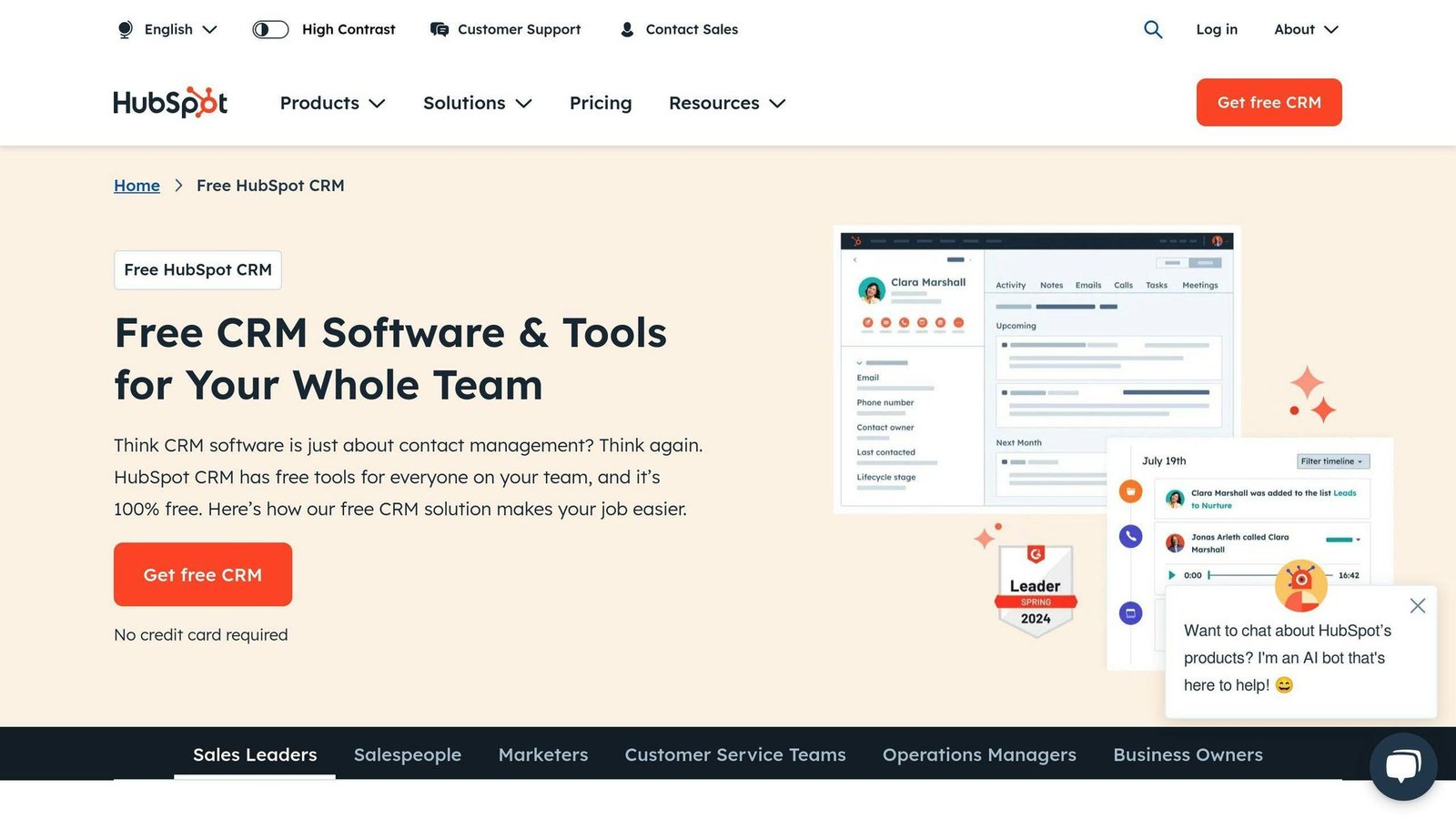
The core CRM is free for up to 2 users, with a 1,000-contact limit and no card required. That user cap is the detail that matters and it was missing from earlier versions of this article – “free” is not the same as “free for your whole team”.
The cheapest paid tier is Starter, from $7 per seat per month billed annually, or $20 per seat per month billed monthly. A $50/month figure previously published here was wrong and has been corrected. Note the unusually wide gap between annual and monthly billing – paying monthly here costs nearly three times as much per seat.
5. Monday.com
Ease of Integration
Monday.com connects with more than 100 tools including Gmail, Slack and QuickBooks through Zapier, and links directly with Google and Microsoft tools for calendar and contacts. Custom connections are supported.
Features and Functionality
- Keeping track of people and companies
- Managing leads and deals
- Setting up automatic tasks
- Sharing files and talking with your team
- Viewing everything on dashboards
- Using it on your phone
- Making your own boards and fields
Customization and Scalability
You can add fields, views and automations. Higher plans add storage and support.
User Experience and Support
The layout is easy to follow. Support comes by email, phone and chat, with guides, videos and a community forum.
Pricing and Value for Money
Monday.com is sold per seat, and its Work Management plans carry a ten-seat minimum – the single most important thing for a small team to know, and something a flat “$25 a month” figure completely obscured. The monday CRM product line is priced separately, starting in the region of $12 to $31 per seat per month billed annually depending on tier.
Because of the seat minimum, a three-person business pays for ten seats. Price it that way before comparing monday.com to anything else here.
Best Practices for Integrating CRM into SME Workflows
When rolling a CRM into a small business’s daily routine, a few steps make the difference:
Get Employee Buy-in
Everyone needs to see the value of the CRM, or they will keep using their own spreadsheets.
- Share how it will simplify their work in a way that makes sense to them
- Let them have a say in how it’s set up
- Stay open to their questions and suggestions as you go
Use Vendor Support Resources
CRM companies publish a lot of guides and help. Use them.
- Look at the training guides, videos, and webinars they offer
- Take the onboarding help if it is included
- Join forums to see how others tackled similar problems
Take a Phased Approach
Bring the CRM in gradually rather than all at once.
- Start with the area, like sales or customer support, where it will make the biggest difference
- Connect other systems in order of importance
- Refine the workflow with one team before moving to the next
Appoint CRM Champions
- Pick people who are comfortable with new tools
- Give them what they need to help their teammates
- Let them share what they have learned
Keep Refining It
- Ask for feedback on what’s working and what’s not
- Adjust the parts that don’t fit
- Add features as you need them
Pros and Cons
A quick look at the strengths and weaknesses of these five CRMs. Every product has a downside; the two blank cells in an earlier version of this table were an oversight, not a verdict.
| CRM | Pros | Cons |
|---|---|---|
| Vtiger | – Can be tailored a lot – Free tier for up to 10 users
– Works with over 50 other tools through Zapier |
– Might take a while to learn – Standard-user pricing jumps sharply above the entry tier |
| Flowlu | – Good for tracking money and projects – Steep annual discount
– Has a free two-user version |
– Support and integrations thinner than pricier options – Free tier limited to 2 users; 7-day trial is short |
| Zoho CRM | – AI-assisted insights – Connects with over 500 apps
– Free for up to 3 users |
– Can feel cluttered for smaller teams – Pricing varies by region, so compare in your own currency |
| HubSpot | – Strong content and email marketing – Free tier
– Very easy to learn |
– Free tier capped at 2 users and 1,000 contacts – Monthly billing costs nearly 3x the annual per-seat rate |
| Monday.com | – Works with over 100 other apps – Highly customizable
– Easy to use |
– Ten-seat minimum on Work Management plans makes it expensive for very small teams – CRM sold as a separate product line |
Vtiger
Vtiger gives you a lot of tools for the money, covering customers, projects and invoicing. Connecting it to other apps is straightforward. It takes a little effort to learn, and the step from the free tier to One Growth and then to Professional is a big one in per-user terms.
Flowlu
Flowlu suits teams that run client projects and chase sales at once, tying time tracking and invoicing to project planning. The move to per-user pricing makes it cheaper than before for a solo user or pair and more expensive for a larger team than the old flat plan.
Zoho CRM
Zoho CRM is strong on automation and integrations, and the three-user free edition is a real starting point rather than a demo. It has a lot of features, which helps larger teams and can overwhelm smaller ones.
HubSpot
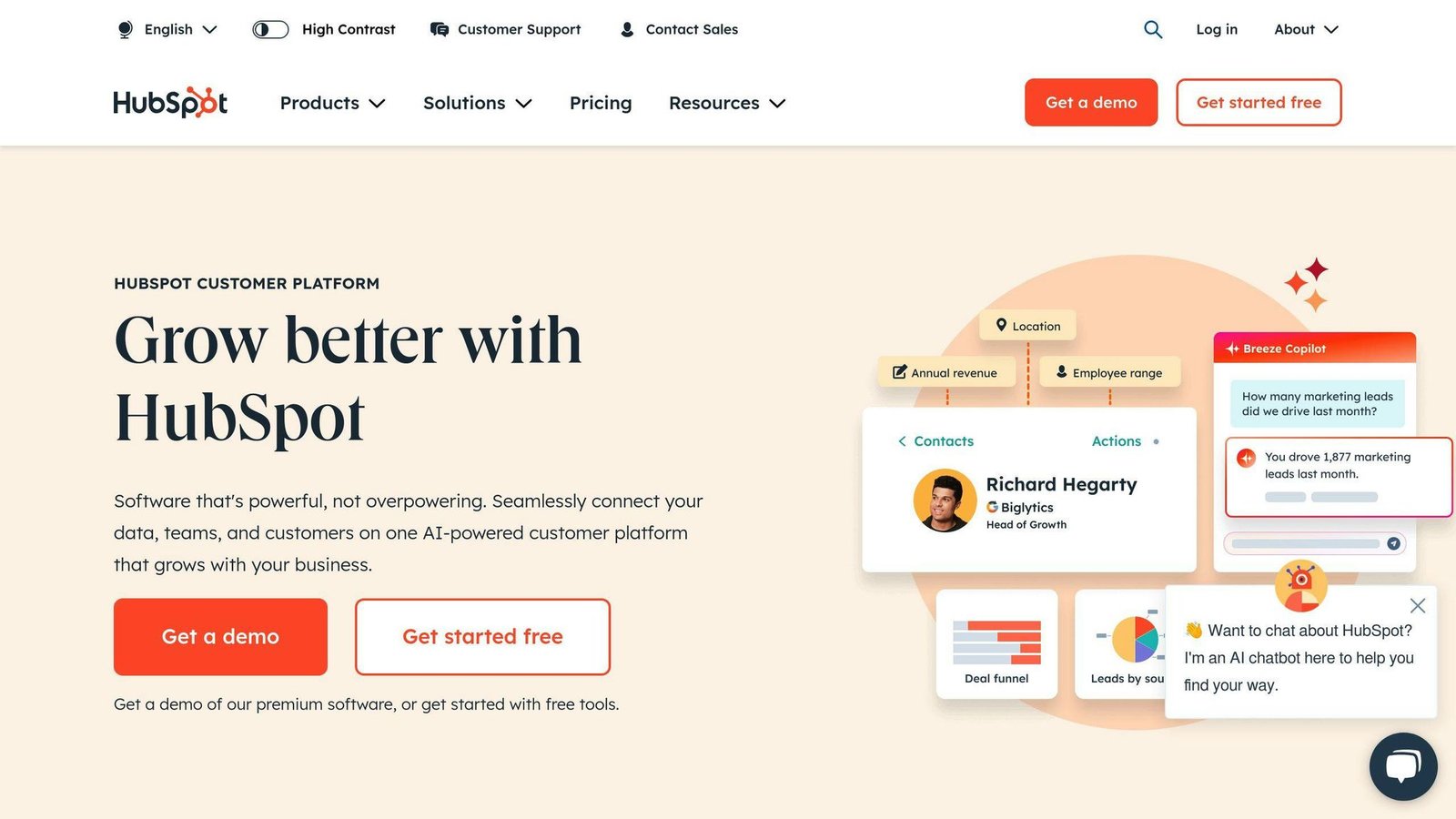
HubSpot is the friendliest option here for a business new to CRM, and it integrates well with email. It is less configurable than Zoho or Vtiger, but easier to live with. Watch the two-user cap on the free tier and pay annually if you go paid.
Monday.com
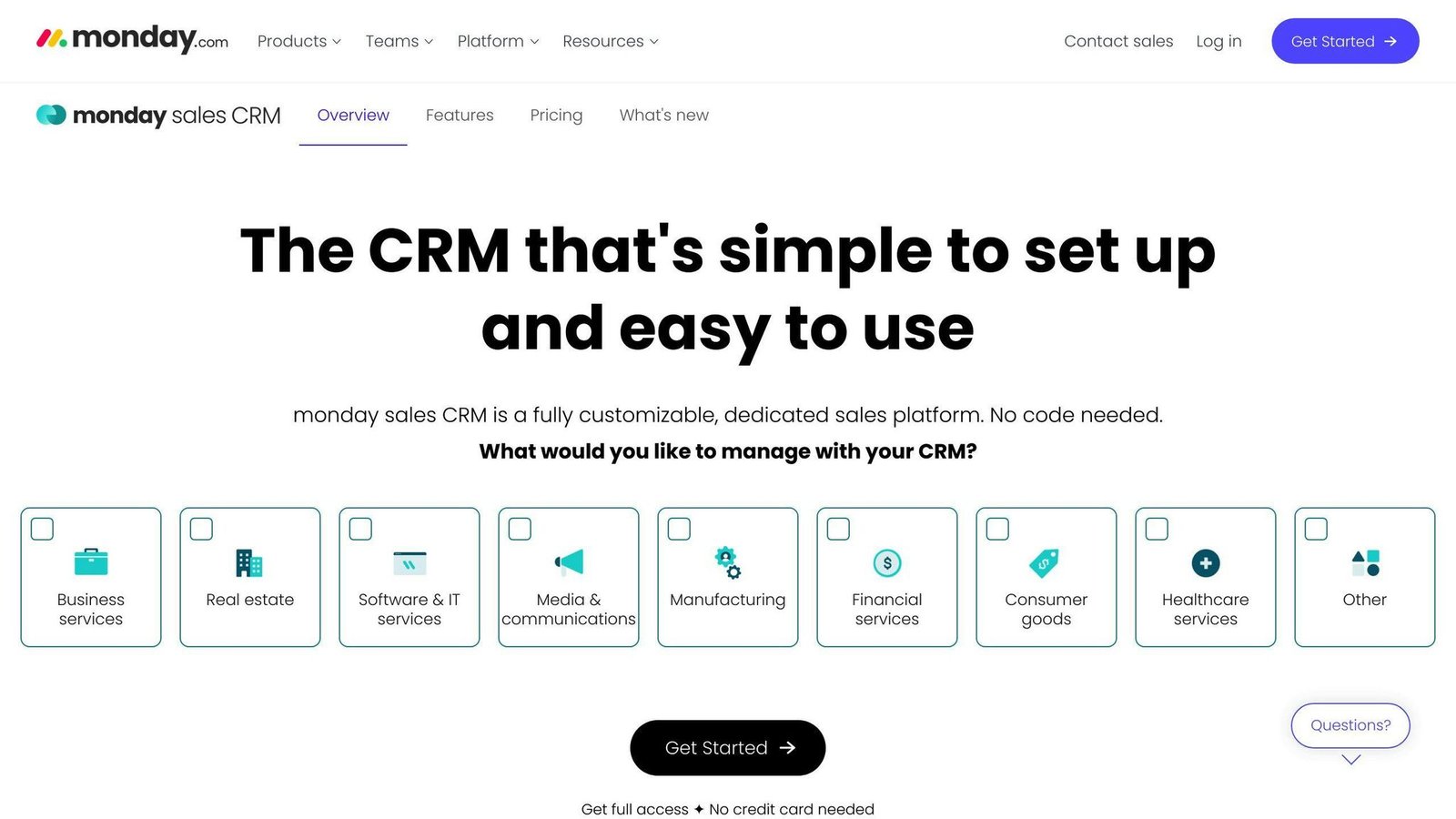
Monday.com organizes customer and deal information on customizable boards and is easy to use for far more than CRM. It connects well with other apps and grows with your team. The seat minimum is the thing that decides whether it suits you.
Conclusion
After comparing these five, here is what matters:
Check the pricing unit before anything else. Four of these five charge per user per month, one has a ten-seat minimum, and one changed its whole model since this article was first published. A monthly headline figure tells you almost nothing on its own.
Making your systems work together is key. When your CRM talks to your email and accounting tools, nobody enters the same information twice.
Know how your team works. Map how work actually gets done before choosing, so you buy for your process rather than a feature list.
Being able to customize is useful, up to a point. A CRM you have to configure for three months is a CRM nobody will adopt.
It should be simple to use. If a tool is hard to figure out, people won’t use it, and a CRM with half the data in it is worse than no CRM.
Start slow. Begin with one team, get it working, then move to the next.
Use the free tiers. Vtiger (10 users), Zoho CRM (3 users), HubSpot (2 users) and Flowlu (2 users) all have genuine free plans. For a very small business, one of those may be all you need.
Related Questions
What can CRM be integrated with?
CRMs connect with tools small businesses commonly use:
- Email services like Gmail or Outlook
- Calendar apps such as Google Calendar or Office 365
- Online stores like Shopify or WooCommerce
- Accounting programs like QuickBooks or Xero
- Project management apps like Asana or Trello
- Customer help desks like Zendesk or Freshdesk
- Tools for sending out marketing emails like Mailchimp or Constant Contact
- Payment services like Stripe or PayPal
What CRM software is best for a small startup?
For startups and small businesses, these are worth looking at:
- Vtiger: A lot of features, with a free tier for up to 10 users
- Zoho CRM: Scales from a free three-user edition upward
- HubSpot: Easiest to learn, strongest on content and email marketing
- Capsule: A lightweight CRM for straightforward contact and pipeline tracking
- Freshsales: Easy to use and focused on sales
Weigh ease of use, features, room to grow, and total cost at your headcount. Integration with the tools you already run matters too.
Which software helps companies to manage interactions with the existing and potential customers?
CRM software. It handles:
- Keeping a list of contacts
- Tracking potential sales and deals
- Seeing where sales are at
- Automating marketing efforts
- Keeping an eye on customer service issues
- Reporting and figuring out what the data means
What is SMB CRM?
SMB CRM is a CRM system aimed at smaller businesses. These systems help by:
- Organizing information about customers and potential customers
- Making sales processes consistent
- Tracking deals in the sales pipeline
- Automating marketing tasks
- Showing all interactions with customers
- Reporting on how things are going
They are built to be easy to use and affordable – though as the pricing above shows, “affordable” depends entirely on how many seats you need.
More on this topic
Browse all 20 articles on CRM & Sales, or jump straight to our buying guide: Best CRM Software for Small Businesses.