Disclosure: This page contains commercial links. BizBot may earn a commission from qualifying purchases. Paid placements do not buy a better ranking. Read our affiliate disclosure.
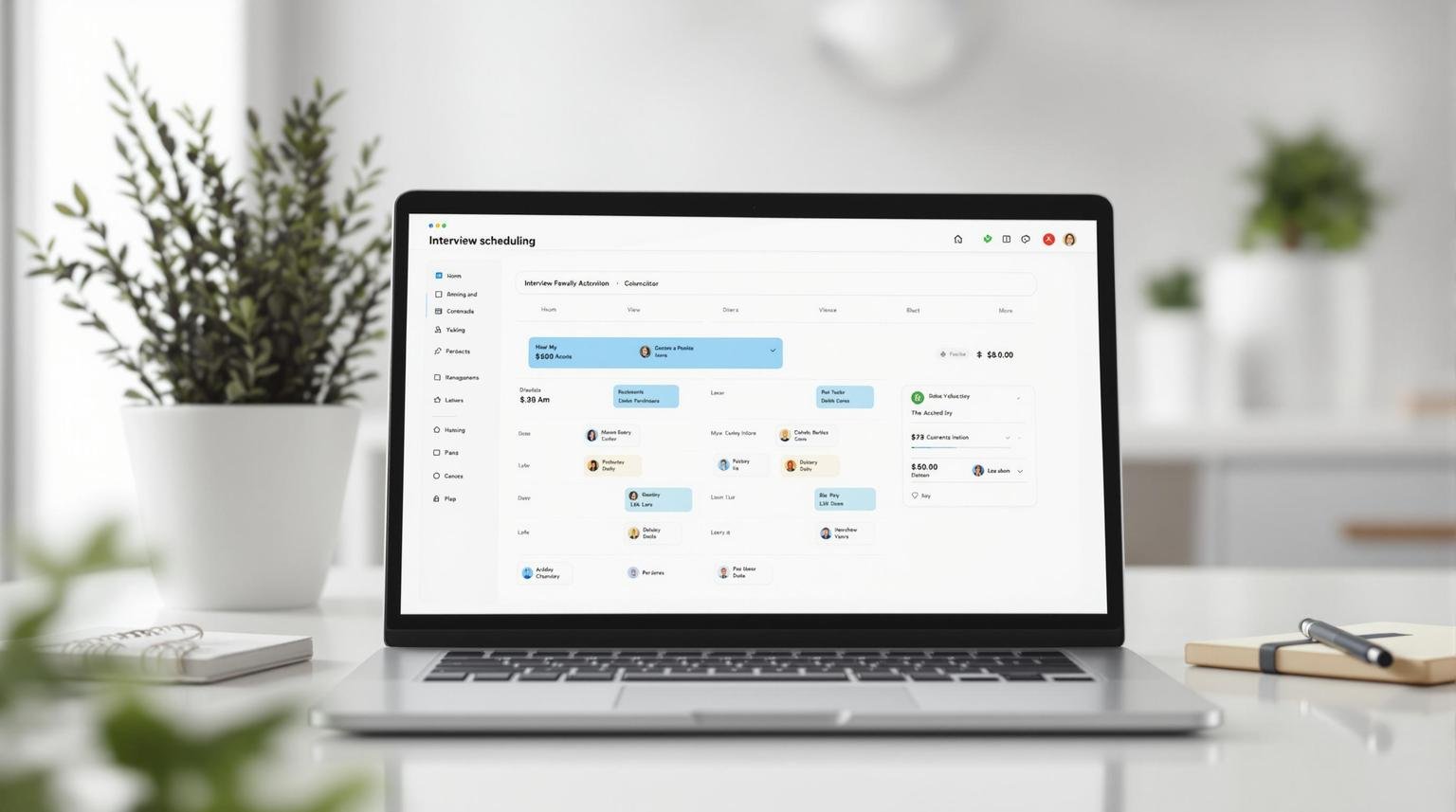
Interview scheduling automation removes one specific piece of administrative work from talent acquisition: the back-and-forth of finding a time that suits a candidate and two or three interviewers. Here’s what you need to know:
- What it is: Software that handles interview setup, syncing calendars and sending reminders automatically
-
What it actually fixes:
- The email chain to find a slot
- Double-bookings and time zone errors
- No-shows caused by forgotten appointments
- The absence of any data on where your hiring process stalls
-
Main features:
- Calendar integration
- Automated messaging
- Self-service booking for candidates
-
How to implement:
- Review current process
- Choose the right software
- Train your team
A note on the results this article used to claim. The previous version listed named-company outcomes – hours saved per month, millions cut from recruiting budgets, percentage reductions in time-to-hire – along with several survey statistics about candidate patience and a case study attributed to an unnamed “mid-size tech company”. We could not source any of them. Vendor case studies in this category are also usually written by the vendor, measure the customer’s worst pre-existing process against a best case, and are not audited. Everything unverifiable has been removed. What follows is what the software does and how to judge whether it will pay for itself in your organisation.
Main Features of Scheduling Tools
Calendar and System Connections
These tools connect to Google Calendar and Outlook and read free/busy data for everyone on the interview panel. That is the core of it: the software can see availability that a recruiter would otherwise have to ask about.
GoodTime goes further than pure availability matching and applies rules about which interviewer should take which slot, so the same three people do not end up carrying every interview.
Automatic Message Systems
Tools like VidCruiter handle the correspondence:
- Confirmation and reminder emails on a schedule
- SMS reminders, which get read more reliably than email
- Time zone conversion, so the invitation says the right local time to each participant
The time zone handling sounds trivial and is not. Manual time zone errors are one of the most common causes of a missed interview, and they tend to happen with international candidates, who are the hardest to replace.
Self-Service Booking Options
The feature that removes the most work is letting candidates book themselves. Talview is a typical implementation:
- Candidates see genuine open slots
- They choose one
- Time zones resolve automatically
- Rescheduling does not require a recruiter
The saving here is real and easy to estimate for yourself. Count the emails in your last five scheduling threads, multiply by the time each takes, and compare with a candidate clicking a link. You do not need a vendor’s percentage to know whether that is worth a subscription.
How to Set Up Scheduling Automation
Review Your Current Process
Start by measuring what you do now, because that is your only honest baseline and it is also the number a vendor will ask you for.
Ask:
- How many messages does it take to book one interview?
- How often do candidates ask to reschedule, and who handles it?
- What is your no-show rate?
- How much longer does a panel interview take to arrange than a single one?
Track these for a month before you buy anything. If the numbers are small – a handful of interviews a month, one interviewer, one time zone – automation will not repay the setup effort, and you should skip it.
Pick the Right Software
Choose scheduling software that connects to the systems you already run and solves the specific problem you measured.
Look for:
- Calendar integration with Google or Outlook, whichever you use
- Automatic emails and reminders
- Candidate self-booking
- Panel and multi-stage interview support, if you run them
- Time zone handling
GoodTime and VidCruiter both cover the common cases. Check the ATS integration specifically: a scheduler that does not write back to your applicant tracking system creates a second place to look, which is worse than the problem you started with.
BizBot lists HR tools including scheduling software if you want to compare options side by side.
Train Your Team
Run a full demo against your real calendar setup, not the vendor’s sandbox. Most failures are integration failures, and they show up on real data.
Write short guides for the tasks people will actually do:
- Setting up availability
- Creating interview templates
- Handling reschedule requests
Then run mock interviews end to end, including a deliberate reschedule and a cancellation. Those are the paths that break.
What to Expect, and How to Measure It
Where the Time Actually Goes
The saving comes from three places, and they are different sizes.
Eliminating the scheduling thread. This is the largest and most reliable saving. Every interview booked by a candidate clicking a link is a thread of messages that never happens.
Reducing rework. Reschedules and cancellations cost as much as original bookings when handled manually. Self-service reschedule removes most of that.
Reducing no-shows. Automated reminders help, though how much depends on your candidate population and how far ahead you book. Book further out and reminders matter more.
What automation does not fix is a slow decision process. If your bottleneck is hiring managers taking a week to give feedback, faster scheduling will get candidates to a queue sooner and no further. Measure where the days actually go before assuming scheduling is the constraint.
Better Candidate Experience
Speed and clarity are what candidates notice. Self-booking gives them control over the time, reminders reduce the chance of an embarrassing miss, and a fast response signals an organised employer.
The surveys about how quickly candidates lose interest are widely quoted, including in the previous version of this article. We could not source the ones we had used, so they are gone. The direction is not in dispute even if the percentages are: good candidates are usually in more than one process, and the slower one loses.
Fewer Scheduling Mistakes
- Calendar integration prevents double-booking, provided everyone’s calendar is actually up to date. If your interviewers block time informally, the tool will book over it.
- Time zone conversion is handled correctly and consistently, which humans are bad at.
- Reminders reduce forgotten appointments.
Useful Data Reports
The reporting is often more valuable than the scheduling:
- Time spent at each hiring stage, which shows where candidates actually wait
- When candidates prefer to book, which tells you what availability to open
- Interview-to-hire ratios by role and interviewer
None of this exists if scheduling lives in an inbox. That is the strongest argument for the category, and it does not require any vendor statistics to make.
Tips for Better Results
Write Better Messages
Automated messages are often a candidate’s first impression of how you operate.
- Use the candidate’s name and the specific job title
- Be explicit about what they need to do
- Say what happens next and when
- Keep the tone human
- Proofread, because an automated typo goes to everyone
Include the details candidates otherwise have to ask for:
- Interview format: video, phone, or in person
- Expected duration
- Names and roles of interviewers
- Anything to prepare
Leaving candidates uncertain about what to expect is the most common avoidable mistake in this process, and it costs nothing to fix. Tools like TIMIFY and Employment Hero both provide templates covering these fields.
Keep Making Improvements
Ask candidates and interviewers what worked. Watch time-to-hire, no-show rate, and reschedule rate; those three cover most of what can go wrong.
Different roles need different setups. An executive search cannot use the same self-service window as a volume retail hire.
Test message templates, scheduling windows and reminder frequency. Reminder timing in particular is worth experimenting with: too early and it is forgotten, too late and the candidate has already double-booked.
One practical limit, put well by Simplicant in its guidance on hiring process design: rescheduling an interview repeatedly to fit every department’s diary leaves a poor impression regardless of how slick the tooling is. Automation makes coordination cheaper; it does not make an over-complicated panel a good idea. Fix the process first, then automate what remains.
Summary
Interview scheduling automation does a narrow job well.
What it does
- Removes the email chain needed to find a time
- Handles time zones and reminders reliably
- Lets candidates book and reschedule themselves
- Produces data on stage timings you otherwise do not have
What it does not do
- Speed up hiring managers who are slow to decide
- Improve a badly designed interview process
- Work correctly if interviewers do not keep their calendars accurate
- Justify itself at low interview volumes
How to decide
Measure your current message count, reschedule rate and no-show rate for a month. Multiply by your recruiters’ hourly cost. Compare with the subscription. If the arithmetic is close, you do not need the tool; if it is obvious, buy it. That calculation is more reliable than any published case study, including the ones this article used to carry.
FAQs
What is the automated interview scheduling process?
It lets candidates book their own interviews without back-and-forth. The steps:
- Recruiters and interviewers publish their availability, usually from their existing calendars
- Candidates get a link showing open slots
- Candidates pick a time
- The system confirms, adds the invitation to everyone’s calendar, and sends reminders
The recruiter only gets involved when something falls outside the rules.
How is it different from a general booking tool?
General booking tools handle one person’s calendar. Interview scheduling tools handle panels, multi-stage loops, interviewer load balancing, and write-back to an applicant tracking system. If you are booking single interviews with one interviewer, a general tool will do and will cost far less.
Does it improve candidate experience?
It improves the parts a candidate can see: how quickly they get a slot, whether the details are clear, and whether they can move it without an awkward email. It does not compensate for slow feedback or an unclear process, which are what candidates complain about most. Automate the scheduling, then fix the rest of it.
More on this topic
Browse all 52 articles on HR & People Ops.