
Disclosure: This page contains commercial links. BizBot may earn a commission from qualifying purchases. Paid placements do not buy a better ranking. Read our affiliate disclosure.
Social media scheduling tools all queue posts. What separates them is the pricing unit — per channel, per user, per social profile — and that decides your bill far more than the feature list does.
Pricing note. Every price below was checked against the vendor’s own pricing page in August 2026, and every one of the ten figures previously published here was wrong. Several were out by a factor of five. Confirm rates before budgeting.
We have also removed two quotations and several statistics that carried no verifiable source — details in the relevant sections.
- Hootsuite: Advanced analytics, bulk scheduling, team collaboration. Standard from $99 per user per month.
- Buffer: Simple and genuinely cheap for small teams. Free for 3 channels, then $5 per channel per month.
- Sprout Social: Enterprise-grade, priced per seat. Essentials from $79 per seat per month billed annually.
- Later: Visual-first for Instagram and Pinterest. Starter from $18.75 per month billed annually.
- SocialBee: Category-based scheduling. Bootstrap from $24.20 per month billed annually.
- Sendible: Agency-focused with unlimited users on every plan. Core from about $25 per month billed annually.
- Loomly: Scheduling plus content creation. Starter from $49 per month billed annually.
- Tailwind: Pinterest and Instagram specialist. Free tier, then from $11.99 per month billed annually.
- Iconosquare: Analytics and competitor tracking. Free tier, then Launch from $33 per month billed annually.
- Agorapulse: Team collaboration and social inbox. Standard from $79 per user per month billed annually.
Quick Comparison
Read the unit column first. It is the whole story.
| Tool | Entry price (checked Aug 2026) | Unit | Free tier |
|---|---|---|---|
| Buffer | $5/month per channel | Per channel | Yes, 3 channels |
| Tailwind | $11.99/month billed annually | Per tool, bundled | Yes |
| Later | $18.75/month billed annually ($25 monthly) | Per plan | No, 14-day trial |
| SocialBee | $24.20/month billed annually ($29 monthly) | Per plan, 5 profiles | No |
| Sendible | About $25/month billed annually ($29 monthly) | Per plan, unlimited users | No, 14-day trial |
| Iconosquare | $33/month billed annually ($72 monthly) | Per plan, 5 profiles | Yes, 2 profiles |
| Loomly | $49/month billed annually ($65 monthly) | Per plan, 12 accounts | No |
| Sprout Social | $79/seat/month billed annually ($99 monthly) | Per seat | No, 30-day trial |
| Agorapulse | $79/user/month billed annually ($99 monthly) | Per user | No, 30-day trial |
| Hootsuite | $99/user/month (monthly rate) | Per user | No |
The spread here is enormous once you apply your own numbers. A solo operator with three channels pays Buffer nothing. A five-person team on Sprout Social or Agorapulse pays around $400 a month. Sendible charges by workspace and profile with unlimited users, which inverts the maths again for larger teams.
How to Choose a Social Media Scheduling Tool
Start with the unit
- Per channel (Buffer): cheap for a few accounts, expensive across many
- Per user or seat (Hootsuite, Sprout Social, Agorapulse): cheap for one person, expensive for a team
- Per plan with profile caps (Later, SocialBee, Loomly, Sendible, Iconosquare): the cap is what forces the upgrade
Count your channels, your people and your brands, then price all three models. Most people pick on features and get caught by the unit six months later.
Analytics
Good analytics go beyond likes and shares: performance by post type, engagement trends over time, and exportable reports.
An earlier version of this article claimed, citing the Content Marketing Institute, that “83% of top-performing marketers use tools with advanced analytics for scheduling and automation”. The link went to the institute’s homepage rather than to any study, and we could not locate the source. It has been removed, along with two other unsourced figures about posting frequency and daily Instagram usage.
Integrations
Your scheduling tool should connect to the rest of the stack — your CMS, CRM or marketing automation software — so that posts and performance data do not sit in a silo. Check whether the connection is native or goes through Zapier, which is another subscription.
Publishing cadence
Match the tool to how much you actually publish. If you post a few times a week to two channels, the cheapest tier of anything here will do. Approval workflows and shared inboxes only earn their cost when more than one person touches a post.
Collaboration
If posts need approving before they go out, that feature is usually on a higher tier. Check where it sits before you compare entry prices.
With that in mind, here are ten social media scheduling tools in detail.
1. Hootsuite
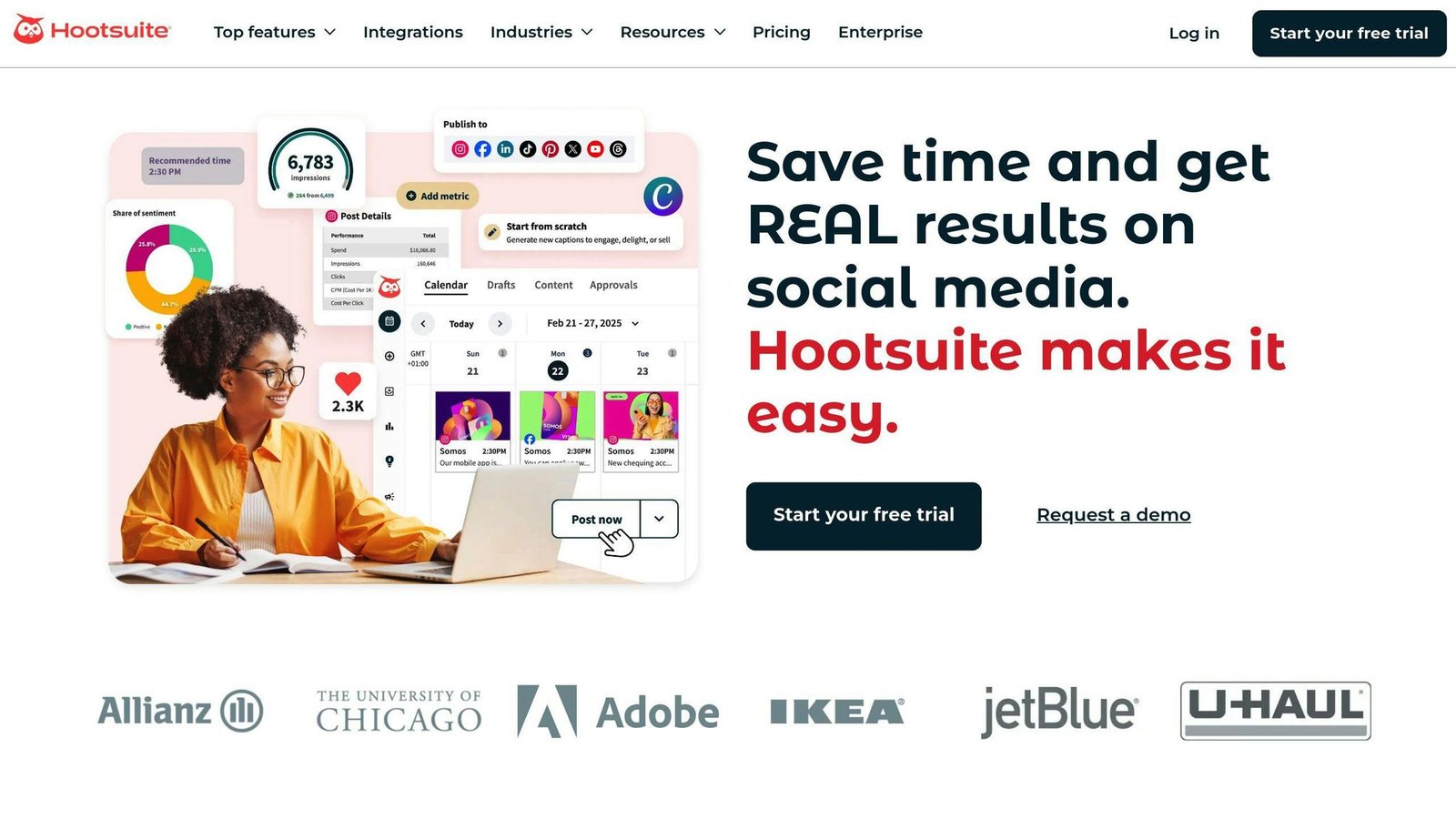
The long-established option: bulk scheduling, a unified dashboard and analytics across a large set of networks.
Key Features
- Bulk scheduling across networks
- Unified stream dashboard
- Analytics and reporting
- Team assignment and approvals on higher tiers
Pricing
The “$19/month” figure previously published here was wrong by a factor of five. Hootsuite states that paid plans start at $99 for Standard, $199 for Professional and up to $399 for Advanced, all per user per month at monthly rates. Enterprise is quoted.
| Plan | Monthly rate | Social accounts |
|---|---|---|
| Standard | $99 per user/month | Up to 10 |
| Professional | $199 per user/month | Unlimited |
| Advanced | $399 per user/month | Unlimited |
| Enterprise | Quoted | Unlimited |
Annual billing is cheaper, but Hootsuite did not display the annual figures when we checked. There is a free trial with no commitment.
2. Buffer
The simplest tool here, and by a distance the cheapest for one person.
Key Features
- Clean scheduling queue per channel
- Basic analytics
- Browser extension and mobile apps
- Pay only for the channels you use
Pricing
The previous version described a “Free Plan” costing $5 a month, which is a contradiction. Corrected:
| Plan | Price | Includes |
|---|---|---|
| Free | $0 forever | Up to 3 channels, 10 scheduled posts per channel |
| Essentials | $5 per channel/month, or $60 per channel/year | Unlimited scheduling, fuller analytics |
| Team | $10 per channel/month, or $120 per channel/year | Adds collaboration and approvals |
The unit matters: Essentials across 5 channels is $25 a month, not $5. Annual billing saves two months.
A quotation attributed to “Buffer’s product team in their 2024 feature update”, claiming teams spend 60% less time on social media management, has been removed. We could not find that statement or the figure behind it.
3. Sprout Social
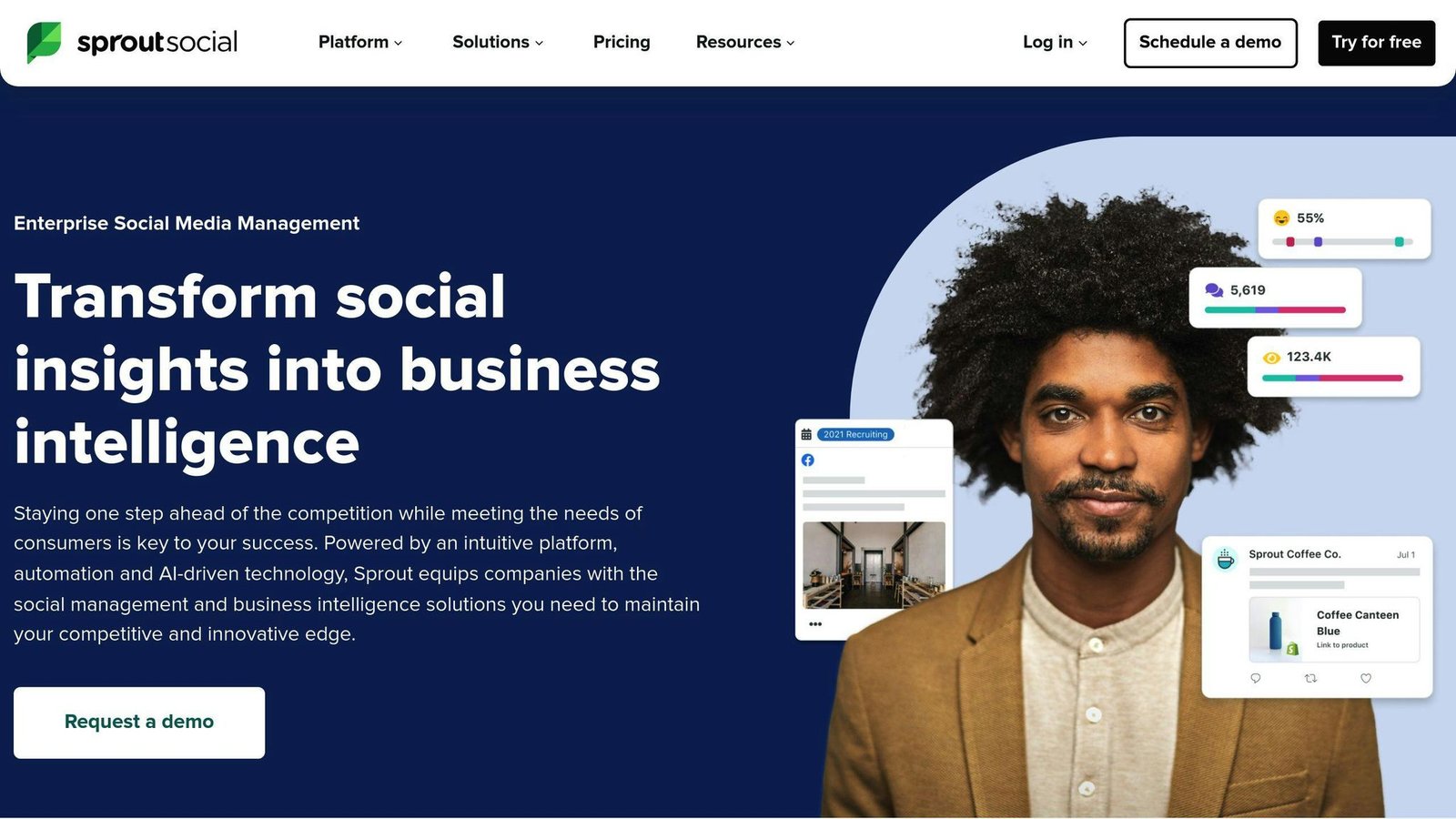
The enterprise end: publishing, listening, a unified inbox and serious reporting.
Key Features
- Unified social inbox
- Social listening
- Detailed reporting and exports
- Approval workflows
Pricing
The article previously gave two contradictory figures — $99 a month in the comparison table and $249 per user per month in the text. Neither matches. Current per-seat rates:
| Plan | Billed annually | Billed monthly |
|---|---|---|
| Essentials | $79 per seat/month | $99 per seat/month |
| Standard | $199 per seat/month | Not published |
| Professional | $299 per seat/month | Not published |
| Advanced | $399 per seat/month | Not published |
Every seat is chargeable, so a four-person team on Standard is paying $796 a month. There is a 30-day trial.
4. Later
Built around visual planning: a grid preview for Instagram, strong Pinterest support, drag-and-drop calendar.
Key Features
- Visual content calendar and Instagram grid preview
- Media library
- Best-time-to-post suggestions
- Link-in-bio tool
Pricing
Later no longer offers a free plan — only a 14-day trial. Current rates:
| Plan | Billed annually | Billed monthly |
|---|---|---|
| Starter | $18.75/month | $25/month |
| Growth | $37.50/month | $50/month |
| Scale | $82.50/month | $110/month |
Annual billing saves 25%.
5. SocialBee
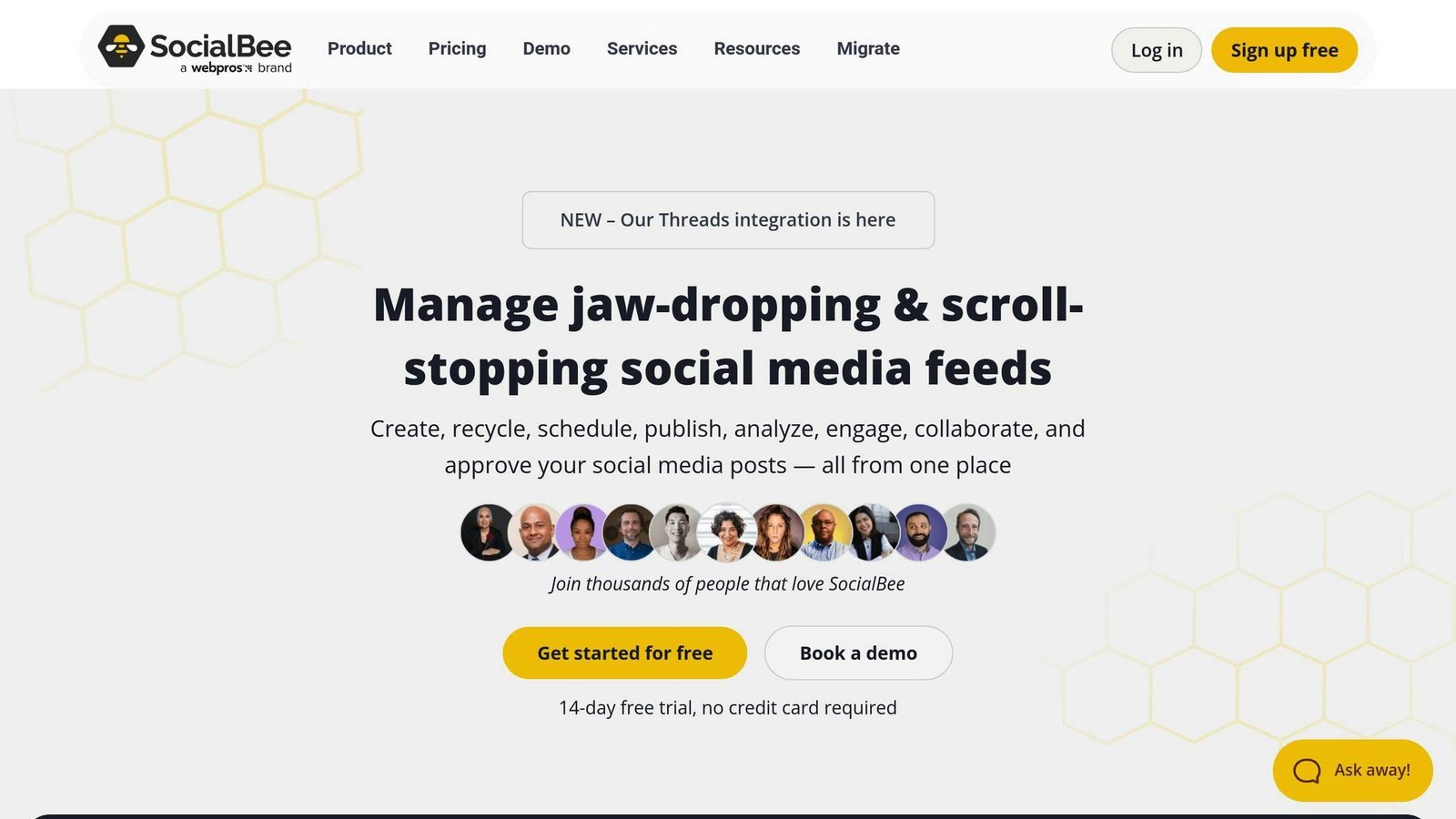
Organises posts by content category and recycles evergreen material, which is its main differentiator.
Key Features
- Category-based scheduling and evergreen recycling
- AI post generation
- Multi-platform publishing
- Workspaces for agencies
Pricing
| Plan | Billed annually | Billed monthly | Profiles / users |
|---|---|---|---|
| Bootstrap | $24.20/month | $29/month | 5 profiles, 1 user |
| Accelerate | $40.80/month | $49/month | 10 profiles, 1 user |
| Pro | $82.50/month | $99/month | 25 profiles, 3 users |
Agency tiers run from $179 to $449 a month for 50 to 150 profiles. Note that the standard plans include only one user per workspace — collaboration starts at Pro.
6. Sendible
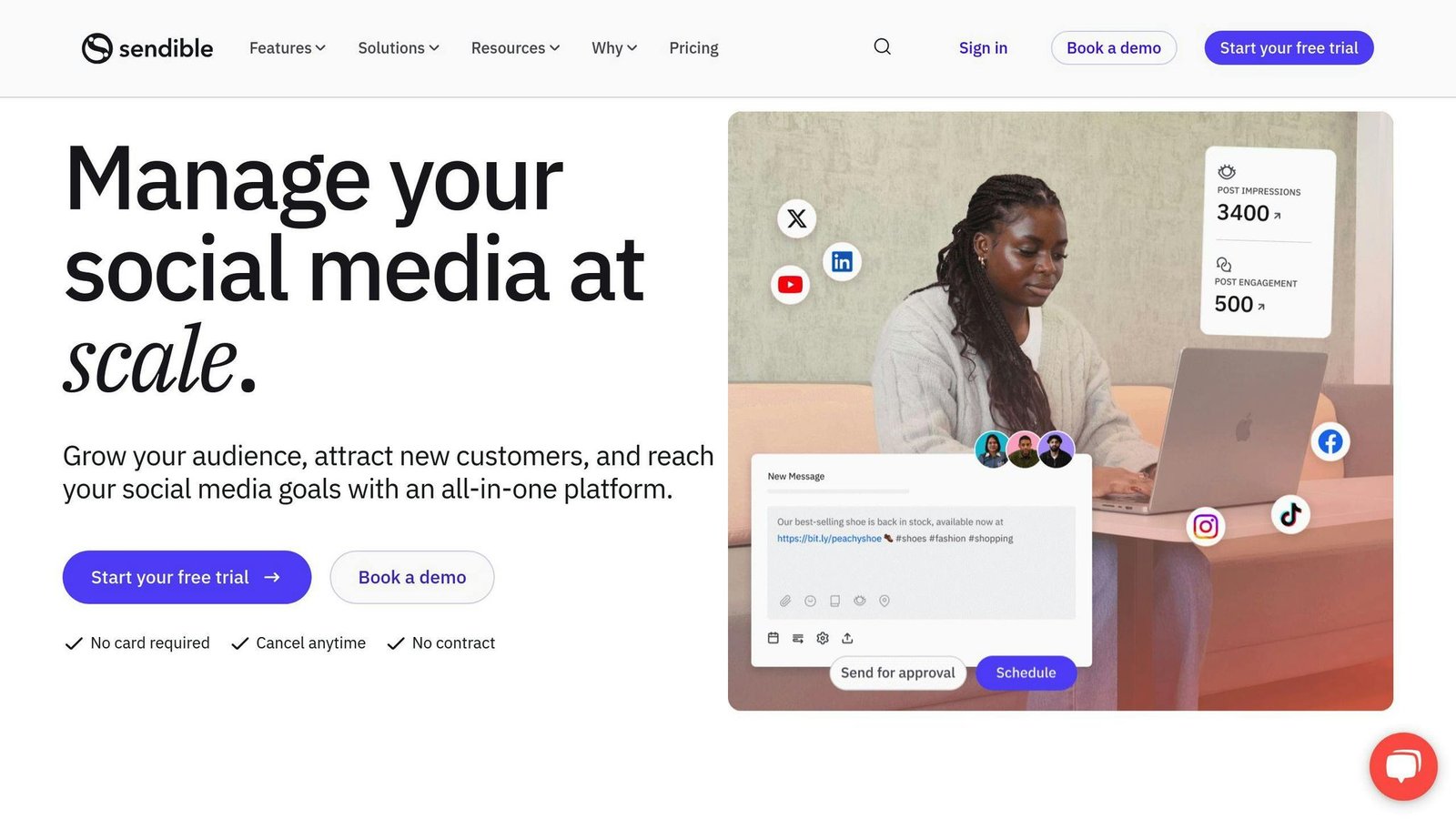
Agency-oriented, and the only tool here with unlimited users on every plan. If your constraint is headcount rather than profiles, this is the one to price first.
Key Features
- Unlimited users on all plans
- Client workspaces, 6 profiles each
- Approval workflows
- Unified inbox and reporting
Pricing
| Plan | Monthly | Annual (15% off) | Workspaces / profiles |
|---|---|---|---|
| Core | $29/month | About $25/month | 1 workspace, 6 profiles |
| Plus | $79/month | About $67/month | 3 workspaces, 18 profiles |
| Premium | $179/month | About $152/month | 7 workspaces, 42 profiles |
| Elite | $349/month | About $297/month | 15 workspaces, 90 profiles |
| Enterprise | $799/month | About $679/month | 50 workspaces, 300 profiles |
White labelling is a paid add-on from the Elite tier. There is a 14-day trial with no card required.
7. Loomly
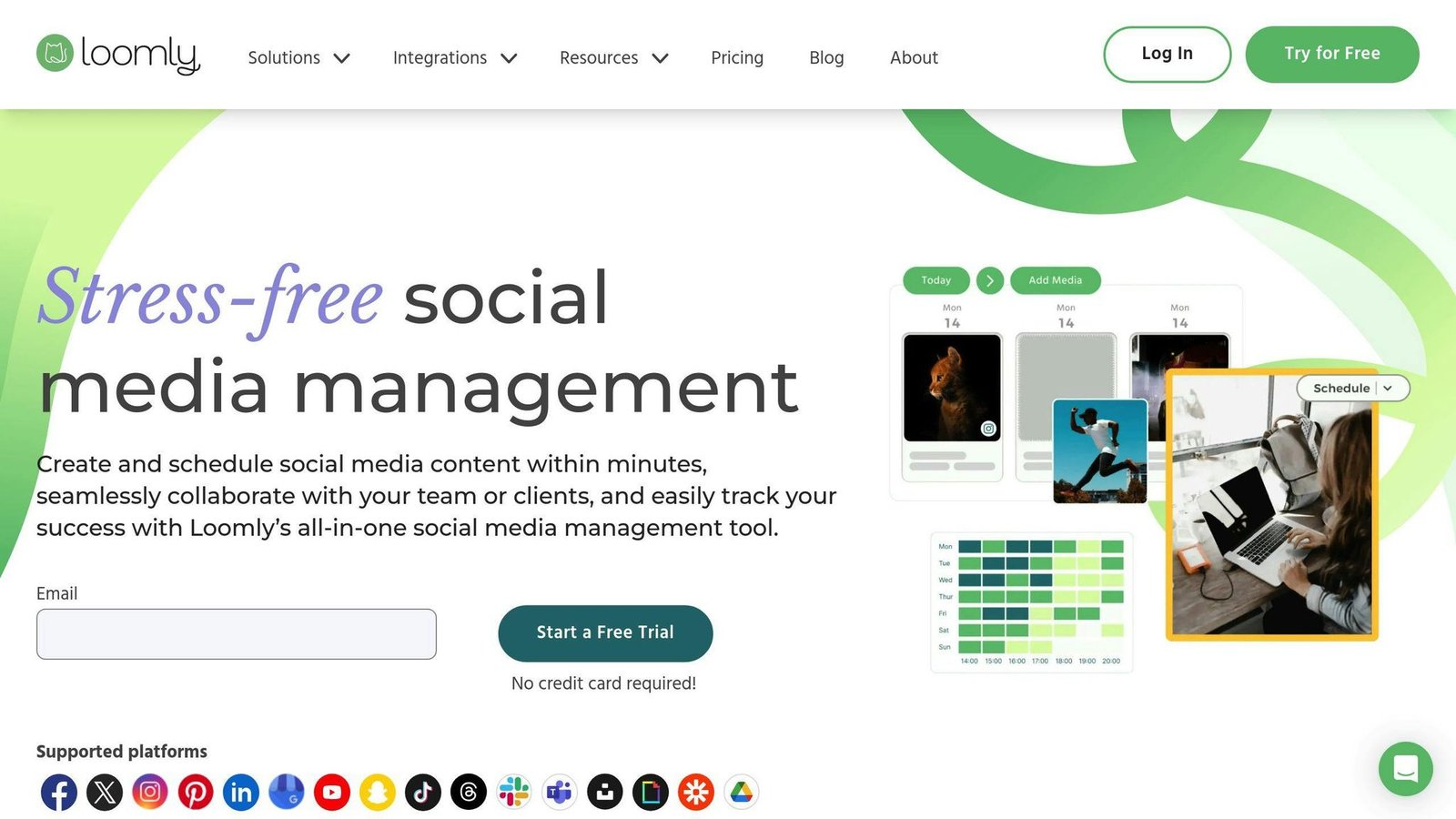
Scheduling with content-creation prompts and team collaboration tools attached.
Key Features
- Post ideas and content prompts
- Approval workflows
- Asset library
- Analytics per post and channel
Pricing
Not $26 a month. Current rates:
| Plan | Billed annually | Billed monthly | Accounts / users |
|---|---|---|---|
| Starter | $49/month | $65/month | 12 accounts, 3 users |
| Beyond | $249/month | $332/month | 60 accounts, unlimited users |
| Enterprise | Quoted | Quoted | 61+ accounts |
Annual billing saves 25% but is charged up front for twelve months.
8. Tailwind
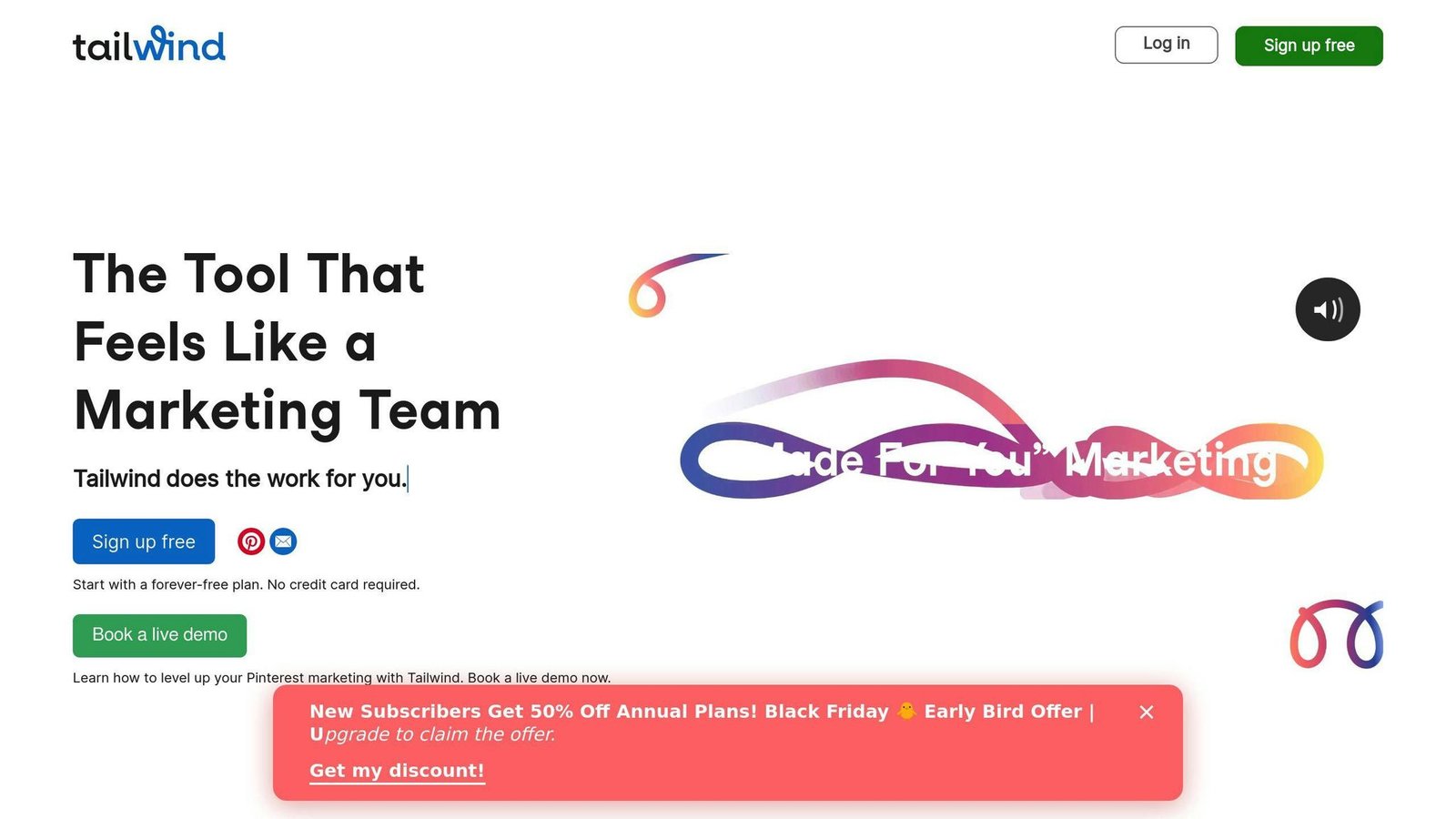
The Pinterest specialist. Narrower than everything else here, and better at that one job.
Key Features
- Pin scheduling across boards with interval spacing
- Pinterest SEO tooling
- Engagement tools
- Free tier to start
Pricing
The $24.99 / $49.99 / $99.99 tiers previously listed here do not exist. Tailwind now sells three separate tools, or a bundle:
| Product | Billed annually | Billed monthly |
|---|---|---|
| Pin Scheduling & Creation | $17.99/month | $29.99/month |
| Pinterest SEO | $11.99/month | $14.99/month |
| Pinterest Engagement | $11.99/month | $14.99/month |
| All three bundled | $29.98/month | $41.97/month |
There is a free tier, no card required.
A quotation attributed to “a digital marketing specialist from a top e-commerce brand”, claiming a 40% increase in Pinterest engagement in Q3 2024, has been removed. It named no person and no company, which makes it unverifiable.
9. Iconosquare
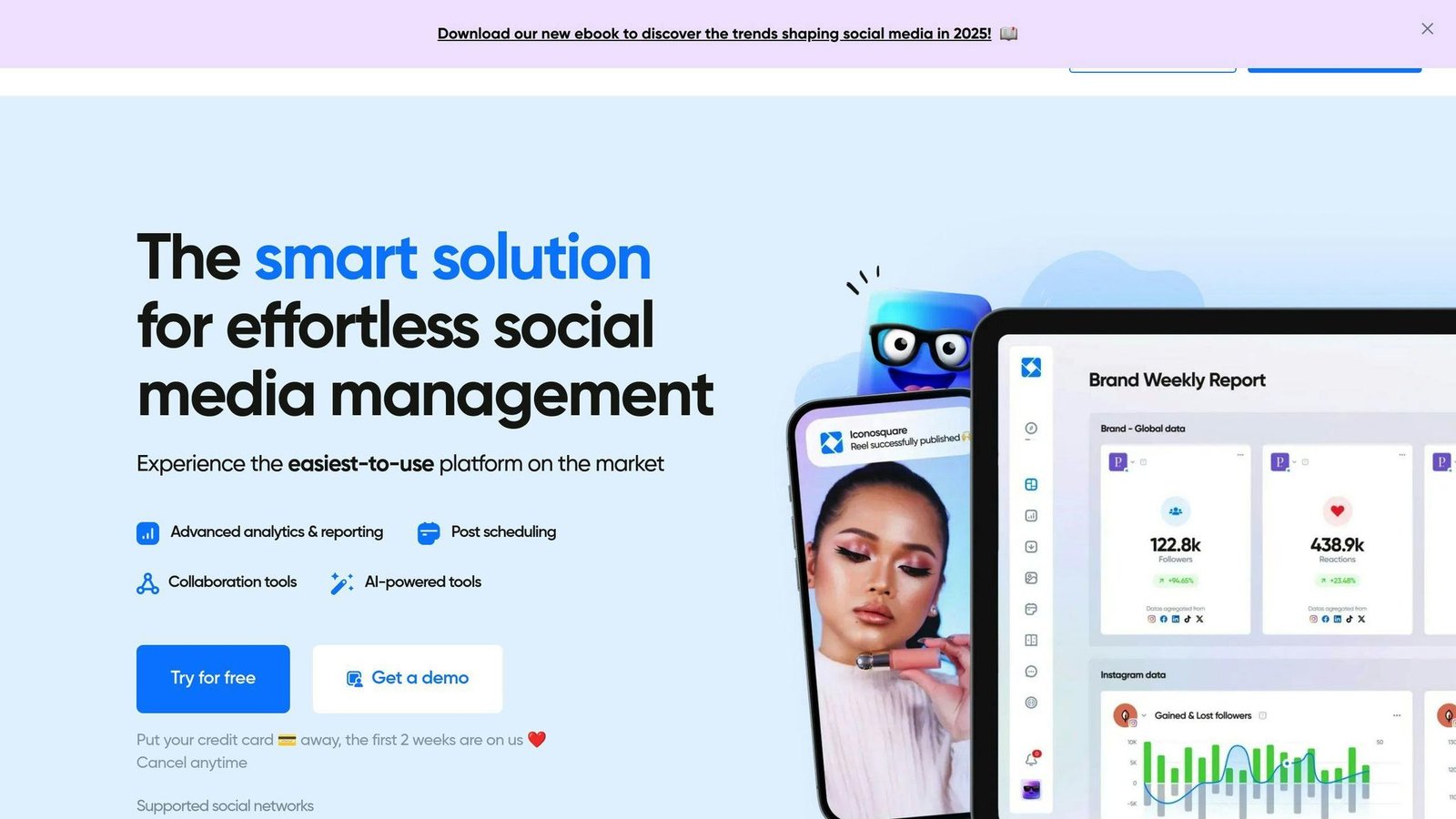
Analytics first, scheduling second. Best where measurement and competitor tracking matter more than volume publishing.
Key Features
- Detailed performance analytics
- Competitor benchmarking
- Scheduled publishing
- Exportable reports
Pricing
Not $49 a month. Note the unusually large gap between monthly and annual rates here — more than half:
| Plan | Billed annually | Billed monthly | Profiles / users |
|---|---|---|---|
| Free | $0 | $0 | 2 profiles, 1 user |
| Launch | $33/month | $72/month | 5 profiles, 1 user |
| Scale | $69/month | $168/month | 5 profiles, 3 users |
| Excel | Quoted | Quoted | 5 profiles, 6 users |
Custom plans start at 20 social profiles. Paying monthly here costs roughly double, which is worth knowing before you sign up for a trial month.
10. Agorapulse

Built for teams: shared inbox, assignment, approvals and reporting, priced per user.
Key Features
- Unified social inbox with assignment
- Approval workflows
- Reporting and ROI tracking
- Competitor analysis
Pricing
The Pro at $79 and Premium at $159 tiers no longer exist under those names. Current per-user rates:
| Plan | Billed annually | Billed monthly |
|---|---|---|
| Standard | $79 per user/month | $99 per user/month |
| Professional | $119 per user/month | $149 per user/month |
| Advanced | $149 per user/month | $199 per user/month |
| Custom | Quoted | Quoted |
There is no permanent free tier, only a 30-day trial with no card required. Annual billing saves up to 20%.
Why Use Social Media Scheduling Tools
The honest case for these tools is narrow and worth stating plainly.
Batching. Writing ten posts in one sitting is faster than writing one post ten times, because you are not paying the context-switching cost nine times over.
Coverage without presence. Posts go out when your audience is online rather than when you are at your desk.
Approval before publication. For anyone with a compliance requirement or a nervous client, a queue with an approval step is the actual product.
What they do not do is make the content good. A scheduling tool applied to posts nobody wants to read produces the same result on a timer.
Conclusion
For one person with a few channels, Buffer’s free tier or Essentials at $5 a channel is hard to beat. For visual-first brands, Later or Tailwind. For an agency juggling client accounts, Sendible’s unlimited-users model usually costs less than the per-seat platforms. For a team that needs a shared inbox and approvals, Sprout Social or Agorapulse, at roughly $79 per person per month on annual billing.
Whatever you shortlist, do the arithmetic on your own channel count and headcount first. On this page the same team can pay anywhere from nothing to several hundred dollars a month depending on which unit they buy.
All prices were checked against vendor pricing pages in August 2026 and should be confirmed before budgeting.
FAQs
Which social media scheduling tool is cheapest?
Buffer, if you have three channels or fewer — its free plan covers that. Beyond that, Tailwind from $11.99 a month and Iconosquare’s free tier are the lowest entry points, though both are narrower tools. The per-user platforms (Hootsuite, Sprout Social, Agorapulse) start around $79 to $99 per person and rise from there.
Do I need a paid tool at all?
If you post to one or two channels a few times a week, probably not — the native scheduling built into most platforms will do. Paid tools earn their cost when you are managing several channels, several people, or an approval process.
What should I check before subscribing?
The pricing unit, the profile or channel cap on your tier, whether approvals are included at that tier, and the gap between monthly and annual rates. On Iconosquare that gap is more than double; on Later it is 25%.
More on this topic
Browse all 44 articles on Marketing & Growth, or jump straight to our buying guide: Best Marketing and CRM Tools for Small Businesses.