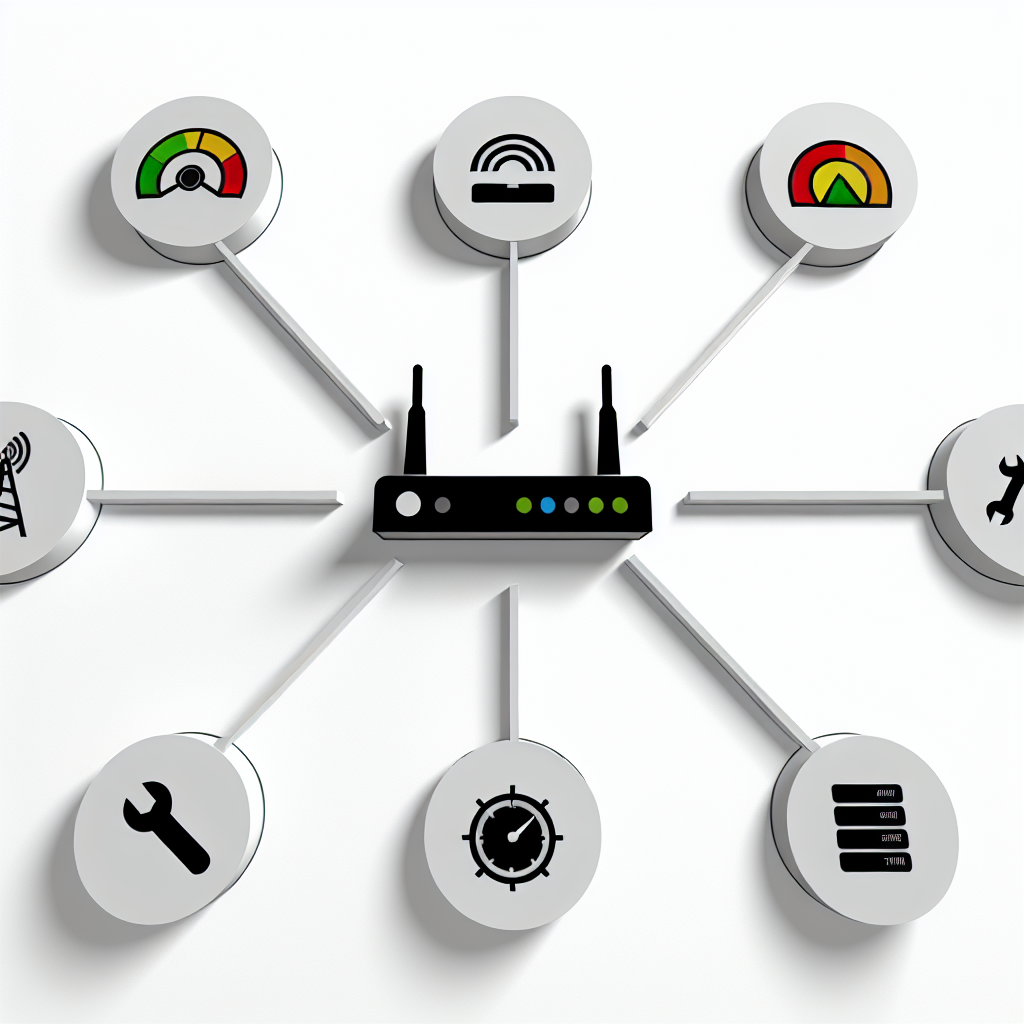
To monitor network traffic, you’ll need the right tools. The tools vary based on your network’s size and monitoring goals.
Network Monitoring Software
Network monitoring software tracks and analyzes network traffic. Options include:
These tools help monitor traffic, identify issues, and troubleshoot problems.
Hardware Probes
Hardware probes are physical devices that connect to your network and capture traffic data. They monitor specific network segments or devices. Examples include:
Hardware Probe
Description
Network Taps
Connect to the network and capture traffic data without interrupting normal operation.
Span Ports
Allow monitoring of network traffic on a specific switch port.
Port Mirrors
Copy traffic from one port to another for monitoring purposes.
Understanding Network Infrastructure
Having a clear understanding of your network infrastructure is key. This includes knowledge of:
Network topology
Device configurations
Network protocols
Traffic patterns
With this knowledge, you can better understand how your network performs and identify areas for improvement.
1. Identify Network Components and Data Sources
To monitor network traffic, you first need to know what devices and data sources are on your network.
Network Components
Network components include:
Routers: Direct traffic between networks
Switches: Connect devices within a network
Firewalls: Control incoming and outgoing traffic
Servers: Host applications and data
Endpoints: Devices like computers and smartphones that connect to the network
Data Sources
Data sources that can be monitored:
Data Source
Description
Network flows
Data transmitted between devices
Packet data
Individual packets of data transmitted over the network
Application traffic
Data transmitted by specific applications
To effectively monitor network traffic, create an inventory of all devices and data sources on your network. This gives you a clear understanding of how your network operates and where to focus your monitoring efforts.
Advertisement
2. Set Monitoring Goals
Before starting network traffic monitoring, it’s crucial to define your goals. Clear goals help focus your efforts, allocate resources efficiently, and ensure you collect relevant data.
Common Goals
Some common goals for network traffic monitoring include:
Goal
Description
Detect security threats
Identify potential threats like malware, DDoS attacks, or unauthorized access.
Optimize performance
Improve network performance by finding bottlenecks, optimizing resource allocation, and ensuring efficient data transmission.
Monitor compliance
Ensure compliance with regulations like HIPAA or PCI DSS by monitoring for specific patterns or anomalies.
Troubleshoot issues
Identify and resolve network problems like connectivity issues or application errors.
Define Your Goals
To define your monitoring goals, ask yourself:
What critical assets on my network need protection?
What common issues do I encounter that monitoring could help resolve?
What regulatory requirements do I need to comply with, and how can monitoring assist?
3. Choose and Deploy Monitoring Tools
Picking the right network monitoring tool is key for effective traffic monitoring. With many options out there, it’s important to choose a tool that fits your network’s size, complexity, and monitoring needs.
Comparing Monitoring Tools
Tool Name
Features
Pros
Cons
SolarWinds NetFlow Traffic Analyzer
Real-time traffic monitoring, customizable dashboards, alerting system
Once you’ve chosen a tool, follow these steps to deploy and configure it:
Plan and design the monitoring infrastructure, including sensor placement and network architecture.
Install and configure the monitoring tool, following the vendor’s guidelines.
Customize the tool to meet your specific monitoring needs, including setting up alerts, dashboards, and reports.
Test and validate the tool to ensure it’s collecting accurate data.
Train and support network administrators and engineers to use the tool effectively.
4. Set Up Monitoring Rules
Setting up monitoring rules is crucial for effective network traffic monitoring. These rules define the criteria for monitoring traffic, alerting you to potential issues, and helping you identify areas for optimization. Here, we’ll explore the process of defining monitoring rules and provide examples of common rule types.
Common Rule Types
Rule Type
Purpose
Consideration
Traffic Thresholds
Detect potential bottlenecks or DDoS attacks
Easy to implement, but may miss subtle anomalies
Anomaly Detection
Identify unusual traffic patterns indicating threats or misconfigurations
Requires tuning, but can detect unknown threats
Security Alerts
Notify you of specific security-related events like unauthorized access
Can generate false positives, but provides immediate notification
When setting up monitoring rules, consider the following:
Traffic thresholds: Define the maximum allowed traffic volume or rate.
Security alerts: Configure alerts for events like unauthorized access or suspicious packet traffic.
To set up effective monitoring rules:
1. Start with simple rules and gradually add complexity as needed.
2. Use a combination of rule types to cover different scenarios.
3. Regularly review and update rules to ensure they remain relevant and effective.
Advertisement
5. Collect and Analyze Traffic Data
Gathering and examining network traffic data is crucial for effective monitoring. This involves obtaining data from various sources like network devices, applications, and services, and studying it to identify trends, patterns, and irregularities.
Traffic Analysis Techniques
Technique
Purpose
Packet Analysis
Inspect individual data packets for detailed insights
Flow Analysis
Get a high-level overview of network behavior
Behavior Analysis
Detect anomalies and potential security threats
There are different techniques to analyze network traffic data, each with its own strengths. Packet analysis involves capturing and inspecting individual data packets to gain detailed insights into network communication. Flow analysis aggregates traffic data to provide a high-level overview of network behavior. Behavior analysis monitors network activity to identify irregularities and detect potential security threats.
To establish a baseline for normal network behavior, it’s important to collect and analyze traffic data over a period. This baseline serves as a reference point for identifying deviations or irregularities that may indicate security threats or performance issues.
By analyzing traffic data, network administrators can:
Identify areas for optimization
Detect security threats
Improve overall network performance
This process involves using various tools to collect, analyze, and visualize network traffic data, enabling administrators to make informed decisions about network configuration and security.
6. Respond to Monitoring Alerts
Responding to monitoring alerts is crucial. It involves understanding and prioritizing alerts based on their impact. A clear plan and procedures are needed to address alerts promptly.
Alert Response Strategies
Alert Type
Response
Security Alerts
Immediate Investigation
Performance Issues
Gradual Adjustments
Compliance Violations
Detailed Reporting
When responding to alerts, consider the type, severity, and potential impact. Security alerts require immediate investigation to prevent breaches. Performance alerts may need gradual adjustments to optimize the network. Compliance alerts require detailed reporting to ensure regulations are met.
Having a clear incident response plan and escalation procedures helps ensure alerts are addressed effectively. This plan should outline steps for different alert types, including:
Who is responsible for responding
How to escalate issues
How to communicate with stakeholders
7. Refine and Improve Monitoring
Regularly reviewing and updating your network traffic monitoring setup is crucial. As your network evolves, you’ll need to adjust your monitoring to keep it effective.
Continuous Improvement Process
Follow this cycle to refine and improve monitoring:
Identify Areas for Improvement
Review monitoring data and feedback
Look for gaps or issues in current monitoring
Analyze Feedback and Lessons Learned
Study what worked well and what didn’t
Understand reasons for successes and failures
Refine Monitoring Setup
Update monitoring rules and configurations
Adjust tools and data sources as needed
Implement Changes
Roll out new monitoring settings
Train staff on any new processes
Monitor and Evaluate
Assess the impact of changes
Gather feedback for the next cycle
Regular Reviews
Regularly reviewing and optimizing your monitoring setup helps:
Align with Network Changes
Ensure monitoring covers new devices, apps, and traffic patterns
Enhance Security
Update rules to detect emerging threats
Optimize Performance
Adjust monitoring to reduce overhead and improve efficiency
Improve Incident Response
Refine processes for investigating and resolving issues
Review Area
Benefits
Monitoring Rules
Detect new threats, reduce false positives
Data Sources
Cover new devices, apps, and traffic types
Alerting
Improve prioritization and response times
Reporting
Get better insights into network activity
Advertisement
Conclusion
Network traffic monitoring is vital for keeping your network secure, efficient, and performing well. By following the 7-step guide in this article, you can ensure your network is properly monitored, and any issues are quickly identified and resolved.
Implementing a thorough network traffic monitoring strategy can significantly benefit your organization. It can help you:
Improve Network Security: Detect and respond to threats in real-time
Enhance Performance: Identify and optimize bottlenecks
Reduce Downtime: Improve incident response times
Gain Visibility: Make data-driven decisions about network activity
Regularly reviewing and refining your monitoring setup ensures your network remains secure, efficient, and aligned with your organization’s goals.
Benefit
Description
Improved Security
Detect and respond to threats quickly
Enhanced Performance
Identify and fix bottlenecks
Reduced Downtime
Faster incident response times
Better Visibility
Make informed decisions based on network data
By continuously updating your monitoring rules, data sources, alerting, and reporting, you can:
Align with Network Changes: Cover new devices, apps, and traffic patterns
Enhance Security: Update rules to detect emerging threats
Optimize Performance: Adjust monitoring to reduce overhead
Improve Incident Response: Refine processes for investigating and resolving issues
Regularly reviewing and optimizing your monitoring setup is key to maintaining a secure, efficient, and high-performing network.
FAQs
How do I monitor traffic on my network?
To keep an eye on network traffic, you’ll need the right tools and know how to use them properly:
Install a packet sniffer like Wireshark on your computer to capture and analyze network packets.
Use NetFlow or sFlow data from your routers and switches to get an overview of network traffic flows.
Utilize built-in tools in your operating system to monitor network activity.
You can also use third-party network monitoring software for more detailed traffic analysis. These solutions help identify network bottlenecks, detect security threats, and optimize performance.
Monitoring Method
Description
Packet Sniffers
Capture and analyze individual network packets
NetFlow/sFlow Data
Get an overview of network traffic flows
OS Built-in Tools
Monitor network activity using system utilities
Third-Party Software
Detailed traffic analysis and performance optimization
The key is to choose the right tools based on your network size, complexity, and monitoring needs. With the proper setup, you can gain visibility into network traffic patterns, identify issues, and ensure smooth operations.
Allow Google Analytics to measure visits and clicks to providers? You can use this site without statistics. This choice is separate from Google advertising choices and can be changed in the footer.