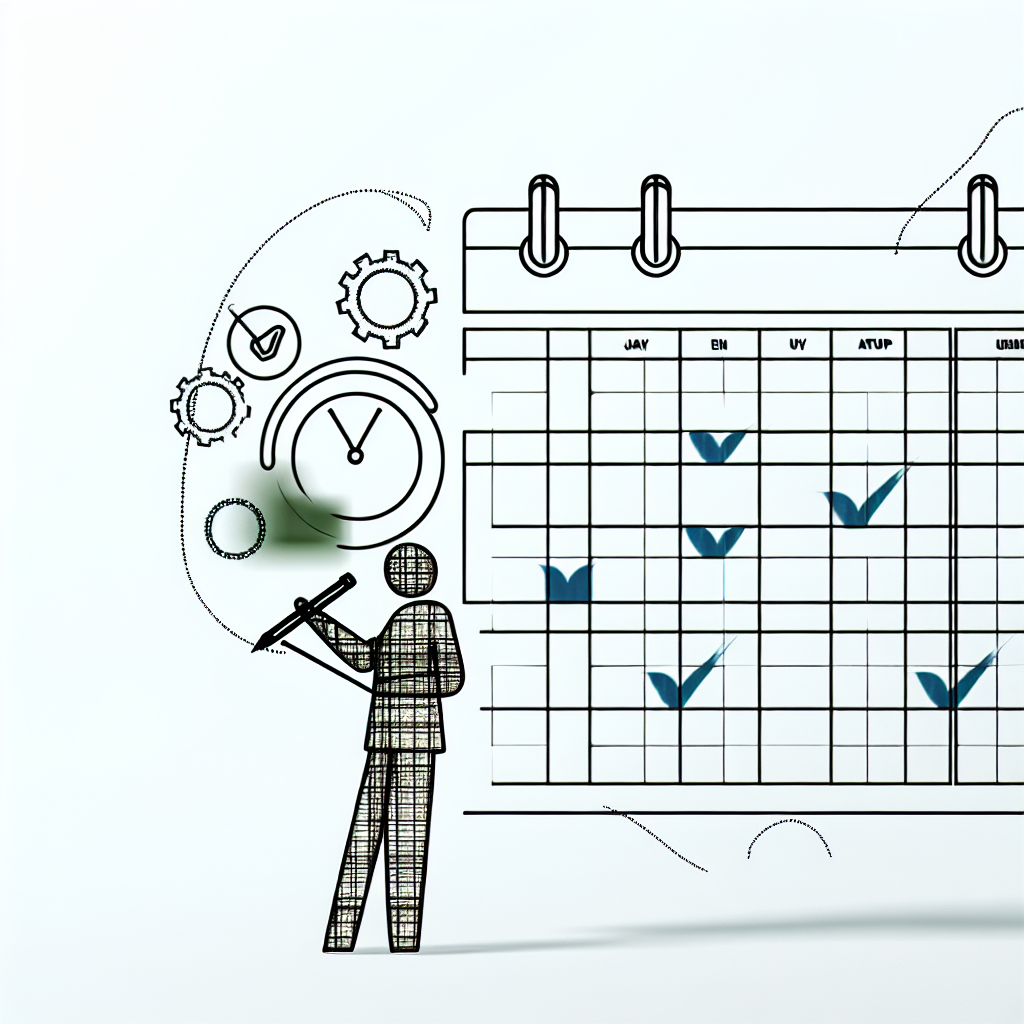
A project management calendar is a visual tool that shows the timeline of a project, including tasks, milestones, deadlines, and resource allocation. It helps with planning, scheduling, collaboration, risk management, and productivity.
Key Benefits of Using a Project Calendar:
- See the project schedule at a glance
- Organize and prioritize tasks efficiently
- Assign resources optimally
- Identify potential issues or delays early
- Keep team members and stakeholders informed
How to Create a Project Calendar:
- Define project goals, tasks, milestones, resources, and constraints
- Choose a calendar tool suitable for your team size and project complexity
- Build the calendar:
- Structure it based on your project plan
- Assign tasks to team members
- Schedule tasks, milestones, and account for non-working days
- Enhance with color-coding, descriptions, attachments, and tool integration
- Use the calendar to track progress, manage resources, identify risks, and communicate updates
- Regularly review and update the calendar, involving your team
Tips for Keeping Your Project Calendar Up-to-Date:
- Schedule regular review meetings
- Get input from your team on updates and changes
- Clearly communicate calendar changes to everyone
- Plan for unexpected issues by having contingency plans ready
By creating and maintaining an effective project calendar, you’ll ensure successful project delivery on time and within budget.
Project Calendar Types and Benefits
Calendar Types
A project calendar can take different forms, each serving a specific purpose:
- Project Timeline: An overview of the project’s schedule, key milestones, and deadlines.
- Task Calendar: A detailed view of individual tasks, their start and end dates, and resource allocation.
- Resource Calendar: Highlights the availability and allocation of resources like team members, equipment, or materials.
Some scheduling tools add a fourth, a base or working-time calendar, which defines standard working hours, weekends and holidays for the whole project. It is a setting rather than a view, but it is the one that quietly wrecks a schedule when it is wrong.
Key Elements
A project calendar typically includes these essential elements:
| Element | Description |
|---|---|
| Tasks | Breakdown of project activities into manageable tasks with start and end dates. |
| Milestones | Significant events or deadlines that mark project progress. |
| Deadlines | Specific dates by which tasks or milestones must be completed. |
| Resource Allocation | Assignment of resources (team members, equipment, materials) to tasks and activities. |
Advantages
Using project calendars offers several benefits:
- Improved Planning: Calendars help create a clear project roadmap, ensuring all tasks and activities are accounted for.
- Enhanced Scheduling: Calendars enable efficient scheduling of tasks and resources, reducing conflicts and overlaps.
- Better Collaboration: Calendars facilitate communication and collaboration among team members, stakeholders, and clients.
- Risk Mitigation: Calendars help identify potential risks and roadblocks, allowing for contingency planning and delay prevention.
- Increased Productivity: Calendars enable teams to prioritize tasks, manage time effectively, and stay focused on project goals.
Choosing a Calendar Tool
Creating a project calendar requires the right tool. There are many options, so choose one that fits your team’s needs and project requirements.
Popular Tool Comparison
Here’s a comparison of popular calendar tools:
| Tool | Pros | Cons |
|---|---|---|
| Excel | Familiar, widely available, no extra licence for most teams | Limited collaboration, no task dependencies, breaks silently when copied |
| Google Calendar | Automatic reminders, easy sharing, free with a Google account | Lacks project-specific features: no dependencies, no critical path, no resource view |
| Microsoft Project | Full scheduling engine with dependencies, baselines and resource levelling | Per-user subscription, real learning curve, and product changes under way — see below |
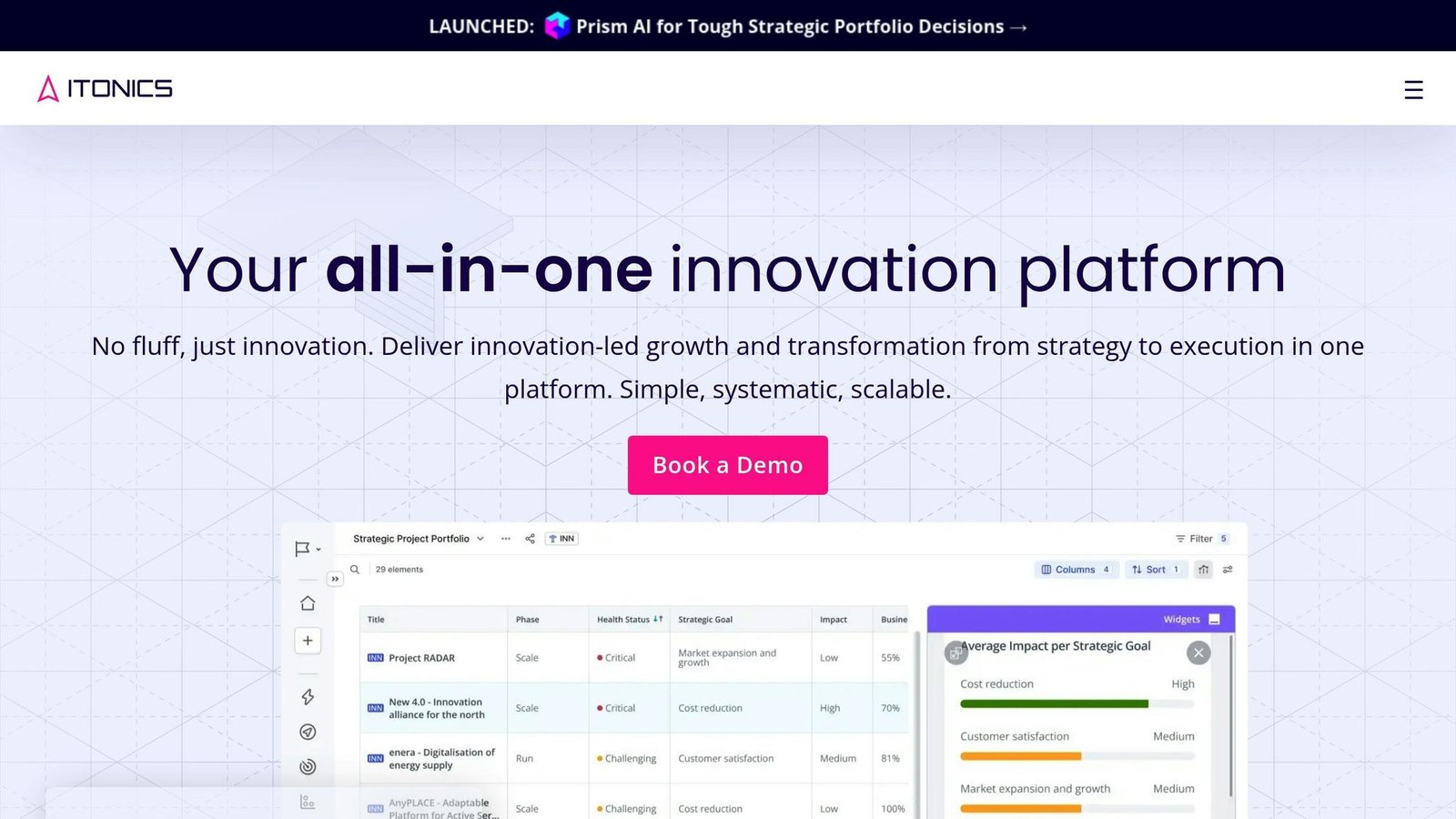
| Dedicated PM Software | Project management features, integration | May require team training |
If You Are Considering Microsoft Project, Read This First
Microsoft’s project scheduling line-up changed, and the naming is now confusing enough to cause buying mistakes. Checked August 2026; confirm on Microsoft’s own pages before purchasing.
- Project Online retires on 30 September 2026. That is the SharePoint-based cloud edition. Sales of Project Online-only subscriptions already stopped on 1 October 2025. If you are on it, you are migrating, and the date is close.
- The desktop client, Project Server Subscription Edition, and the Project Plan 3 and 5 subscriptions continue. The retirement does not sweep those away.
- The subscription names have changed. What to look for now is Planner Plan 1, Planner and Project Plan 3, and Planner and Project Plan 5. Microsoft has folded the lighter cloud scheduling into Planner. If a quote or an old article names “Project for the web”, that is what it became.
No price is quoted here. These are per-user, per-month subscriptions whose rates differ by region, by annual versus monthly commitment, and by whether they are bundled with other licences. Check the current rate on Microsoft’s own page for your country, and confirm whether the figure shown assumes an annual commitment — that is the most common way people underestimate this cost.
Factors to Consider
When selecting a calendar tool, consider:
- Team size: Larger teams may need more collaboration capabilities.
- Project complexity: Complex projects may require advanced features like task dependencies and resource allocation.
- Budget: Work out the cost per user per month, times the number of people who need a licence, times twelve. Tools in this category are usually priced per seat.
- Integration: Choose tools that integrate with your existing software.
- Product lifecycle: Check the vendor has not announced a retirement date for the edition you are about to buy.
Recommended Tool
For most teams, dedicated project management software is the right choice, because it handles dependencies and resource allocation that a general-purpose calendar cannot.
That said, if your project is a short list of tasks with few dependencies and one or two people, a shared calendar or a spreadsheet is genuinely enough. Buying a scheduling engine for a six-week job with four tasks costs you licence fees and a fortnight of learning for no benefit. Match the tool to the project, not to how serious you want the project to look.
Creating a Project Calendar
Managing projects smoothly requires creating a project calendar. This visual tool shows the project timeline, tasks, milestones, and resource allocation. Here’s how to create one:
Planning and Preparation
Before building the calendar, define the project goals, tasks, milestones, resources, and constraints:
- Project Goals: Outline the project’s objectives, deliverables, and key performance indicators (KPIs).
- Tasks and Milestones: Break down the project into smaller tasks and identify critical milestones.
- Resources: Determine the team members, equipment, and materials needed for each task.
- Constraints: Identify any budget, timeline, or resource limitations that may impact the project.
Building the Calendar
With your plan ready, follow these steps to build the project calendar:
1. Structure the Calendar: Choose a calendar tool that fits your team’s needs and create a structure that aligns with your project plan.
2. Assign Tasks: Assign tasks to team members, ensuring they understand their responsibilities and deadlines.
3. Schedule: Schedule tasks and milestones, considering dependencies, resource availability, and constraints.
4. Integrate Non-Working Days: Account for non-working days, holidays, and team members’ availability to ensure a realistic schedule. Set the working-time calendar before you enter any tasks. Changing it afterwards moves every date you have already agreed with people.
Enhancing the Calendar
To make your project calendar more effective, consider these enhancements:
- Color-Coding: Use different colors to categorize tasks, milestones, or team members for better visualization.
- Descriptions and Attachments: Include task descriptions, attachments, and comments to provide context and facilitate collaboration.
- Tool Integration: Integrate your project calendar with other project management tools, such as task management software or collaboration platforms.
Using the Calendar
Your project calendar is a living document that requires regular updates and tracking. Use it to:
- Track Progress: Monitor task completion, identify delays, and adjust the schedule as needed.
- Manage Resources: Ensure optimal resource allocation and effective team member utilization.
- Identify Risks: Anticipate potential risks and develop contingency plans to mitigate them.
- Communicate Updates: Share calendar updates with team members and stakeholders to ensure everyone is informed and aligned.
Keeping Your Project Calendar Up-to-Date
To ensure your project stays on track, it’s crucial to regularly review and update your project calendar. Here are some tips to help you manage your calendar effectively:
Regular Reviews
Schedule regular meetings with your team to go over the project calendar. This allows you to:
- Track Progress: Check off completed tasks and milestones.
- Identify Delays: Note any tasks that are behind schedule.
- Make Adjustments: Update the calendar to reflect changes or new information.
Involve Your Team
Get input from your team when updating the calendar. They can:
- Provide Updates: Team members can share progress on their assigned tasks.
- Flag Issues: They can highlight potential roadblocks or concerns.
- Suggest Changes: Your team may have ideas to improve the schedule.
A calendar only one person maintains stops being true within about a fortnight. If your team does not update it, the problem is the process, not their discipline.
Clear Communication
Keep everyone informed about changes to the project calendar. You can:
- Share Updates: Send calendar updates to the team and stakeholders.
- Explain Changes: Clarify why adjustments were made to the schedule.
- Discuss Impact: Talk about how changes may affect the project timeline.
Plan for the Unexpected
No project goes exactly as planned. Be prepared for potential issues by:
| Potential Issue | Contingency Plan |
|---|---|
| Team member absence | Reassign tasks or adjust deadlines |
| Resource shortage | Secure additional resources or reschedule tasks |
| Unexpected delays | Build in buffer time or prioritize critical tasks |
| Tool or licence change | Know where your schedule data lives and how to export it |
Conclusion
Key Takeaways
Here are the main points from this guide:
- A project calendar is a visual tool that shows the project timeline, tasks, milestones, and resource allocation.
- Using a project calendar helps with planning, scheduling, collaboration, risk management, and productivity.
- Choose a calendar tool that fits your team’s size, project complexity, budget, and integration needs.
- Dedicated project management software suits complex projects. A shared calendar or spreadsheet is enough for simple ones.
- If you are considering Microsoft Project, note that Project Online retires on 30 September 2026 and the subscription names have changed.
- To build a calendar, define goals, tasks, milestones, resources, and constraints. Then assign tasks, schedule activities, and set the working-time calendar first.
- Enhance your calendar with color-coding, descriptions, attachments, and tool integration.
- Regularly review and update the calendar, involving your team and communicating changes.
- Be prepared for unexpected issues by having contingency plans in place.
Final Thoughts
A well-maintained project calendar is what keeps a project honest. It shows you the slip while there is still time to do something about it. An abandoned one is worse than none, because people keep believing the dates on it.
Next Steps
Now that you understand project calendars, it’s time to put this knowledge into action:
- Choose a project calendar tool that fits the size of the project, not the size of your ambition.
- Create a calendar for your project, following the steps outlined in this guide.
- Regularly review and update your calendar, involving your team and communicating changes.
- Be prepared for unexpected issues by having contingency plans ready.
FAQs
How do you create a project management schedule?
1. Define your project goals and objectives. 2. Identify all stakeholders involved. 3. Determine the final deadline for completion. 4. List each step or individual task required. 5. Assign a team member responsible for each task. 6. Estimate the duration for each task. 7. Organize and sequence the tasks logically. 8. Monitor progress and adjust the schedule as needed.
What is a project management calendar?
A project management calendar is a tool used to organize and visualize a project’s timeline. It lets you plan milestones and check that tasks land where there is capacity to do them. The common forms are the project timeline, the task calendar and the resource calendar, described earlier in this article, plus the underlying working-time calendar that defines which days count as working days.
What’s the difference between a Gantt chart and a timeline chart?
| Gantt Chart | Timeline Chart |
|---|---|
| Shows a detailed sequence of tasks and their dependencies | Displays events on a single line |
| 2-dimensional chart | 1-dimensional view |
| Provides a granular view of task progress | Gives a high-level overview of project start, end, and key milestones |
A Gantt chart offers a more comprehensive view of task dependencies and progress, while a timeline chart provides a simpler, at-a-glance overview of the project timeline.
Is Microsoft Project being discontinued?
Not entirely. Project Online, the SharePoint-based cloud edition, retires on 30 September 2026, and Microsoft stopped selling Project Online-only subscriptions on 1 October 2025. The Project desktop client, Project Server Subscription Edition, and the Project Plan 3 and 5 subscriptions continue. The subscriptions are now sold as Planner Plan 1, Planner and Project Plan 3, and Planner and Project Plan 5.
More on this topic
Browse all 40 articles on Project & Team Management, or jump straight to our buying guide: Best Project Management Tools for Small Teams.