Disclosure: This page contains commercial links. BizBot may earn a commission from qualifying purchases. Paid placements do not buy a better ranking. Read our affiliate disclosure.
Financial reporting software helps businesses organize and present financial data, streamlining processes and providing real-time insights. When choosing the right solution, consider factors like ease of use, scalability, customization, integration capabilities, and security features.
Automated data analysis, scenario modeling, AI chatbot
Flexibility, quick implementation, affordability
Custom pricing
One correction before the comparison. The original version of this list ran to ten entries but named the same product twice: “NetSuite” at number three and “Oracle NetSuite” at number seven are one product, NetSuite, which Oracle owns. The duplicate has been replaced with Fathom, a reporting and forecasting tool in the same category that publishes its prices. Every figure below has been rechecked against the vendors’ own pricing pages.
Every price here was read from the vendor’s own pricing page in August 2026. Note the currencies: Spotlight Reporting prices in New Zealand dollars and Fathom in Australian dollars, both excluding tax. Confirm current rates before you budget.
Quick Comparison
Software
Starting Price
Key Features
QuickBooks Online
$38/month (Simple Start)
Financial statements, dashboards, reporting, data integration
Automated data analysis, scenario modeling, AI chatbot, drill-down analysis
When selecting financial reporting software, consider your business size, industry, reporting needs, budget, integration requirements, and scalability for future growth. The right solution can streamline financial processes, improve accuracy, and support informed decision-making.
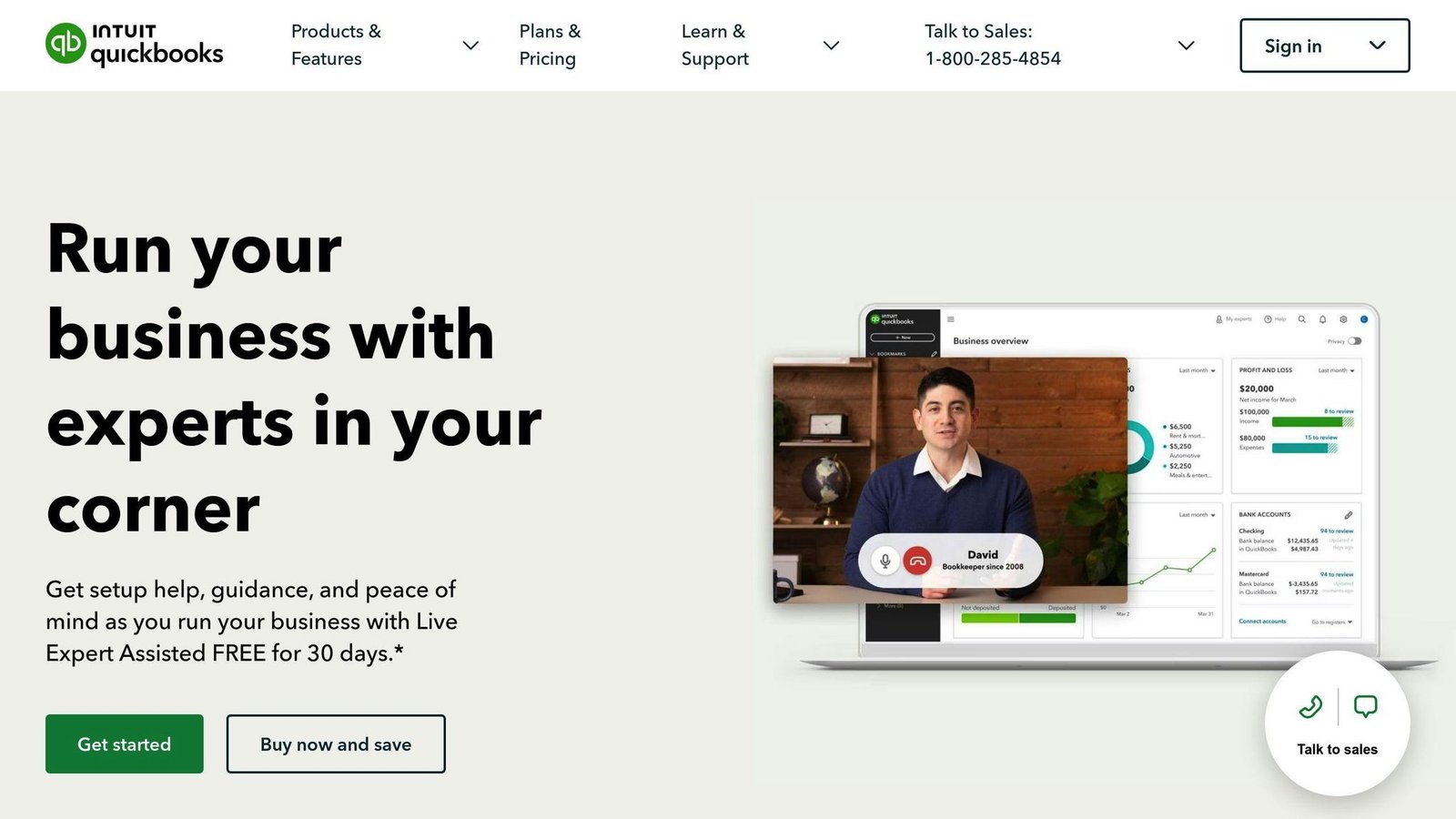
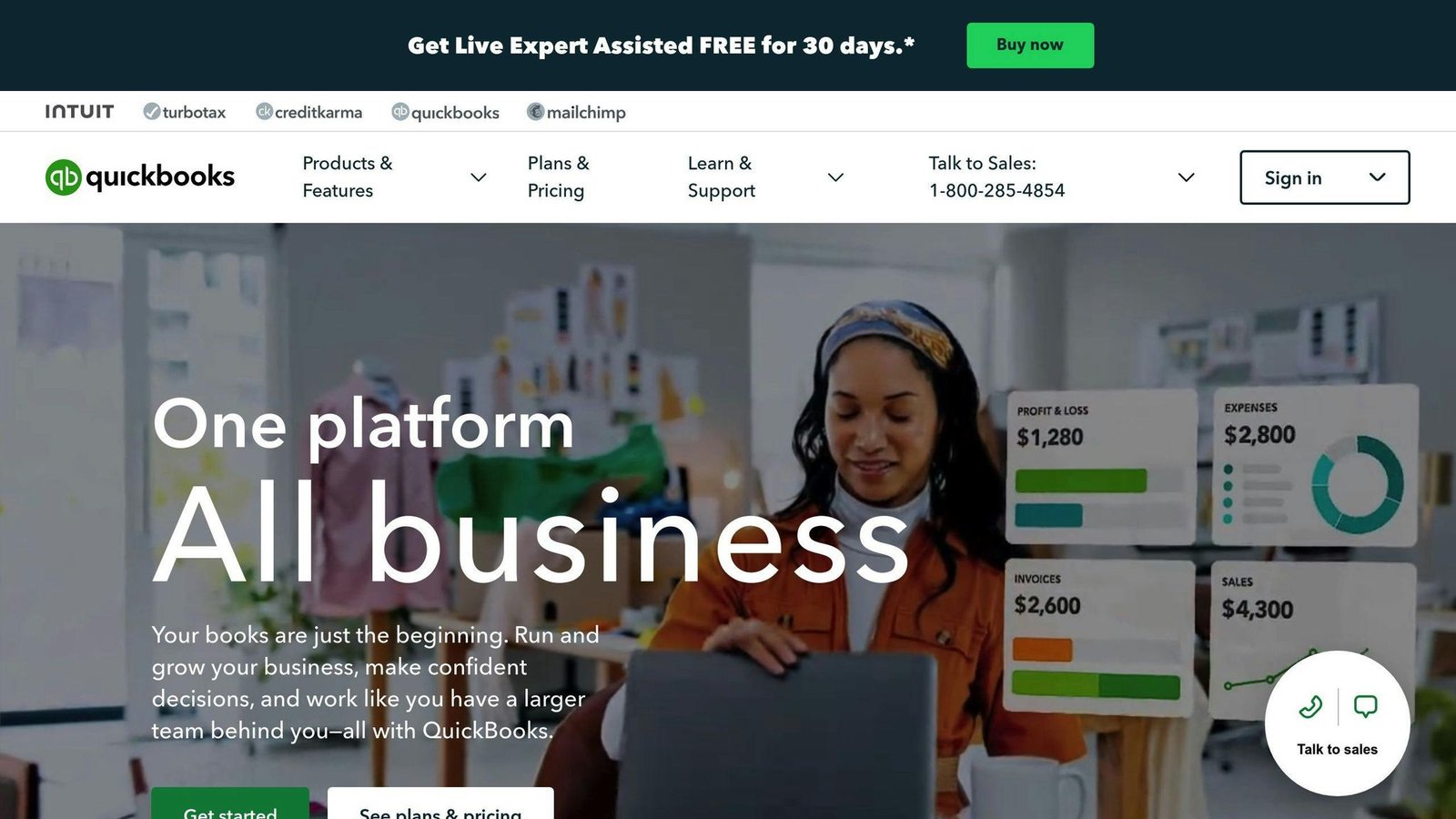
QuickBooks Online is a widely used financial reporting software that helps businesses manage their finances efficiently. It offers a range of features to track financial performance, create budgets, and generate reports.
Key Features
Report customization: Users can create custom reports tailored to their business needs.
Financial statements: QuickBooks Online can generate balance sheets, income statements, and cash flow statements.
Budgeting and forecasting: Tools for creating budgets and forecasts to monitor financial performance.
Cash flow management: Track income and expenses to manage cash flow.
Integration: Connects with existing systems like accounting software and payment gateways.
Pricing
QuickBooks Online US list pricing, read from Intuit’s pricing page in August 2026:
Plan
Price (per month)
Suitable For
Simple Start
$38
1 user
Essentials
$85
3 users, adds bill management
Plus
$140
5 users, adds inventory
Advanced
$340
25 users, advanced reporting
The figures this article previously carried — $10 for Simple Start and $30 for Advanced — were badly out of date; Advanced is now more than ten times the price quoted. Intuit advertises a steep introductory discount, so budget on the list price above.
Advantages
User-friendly: Easy to navigate and use, even for those without accounting expertise.
Scalable: Can grow with your business, providing features for changing financial reporting needs.
Customizable: Create custom reports and dashboards.
Integration: Integrates with existing systems for managing financial data.
Potential Drawbacks
Drawback
Description
Limited advanced features
May not provide advanced features required by large enterprises or complex businesses.
Customer support
Some users have reported issues with long response times and unhelpful representatives.
Cost
Prices can add up, especially for larger businesses or those requiring advanced features.
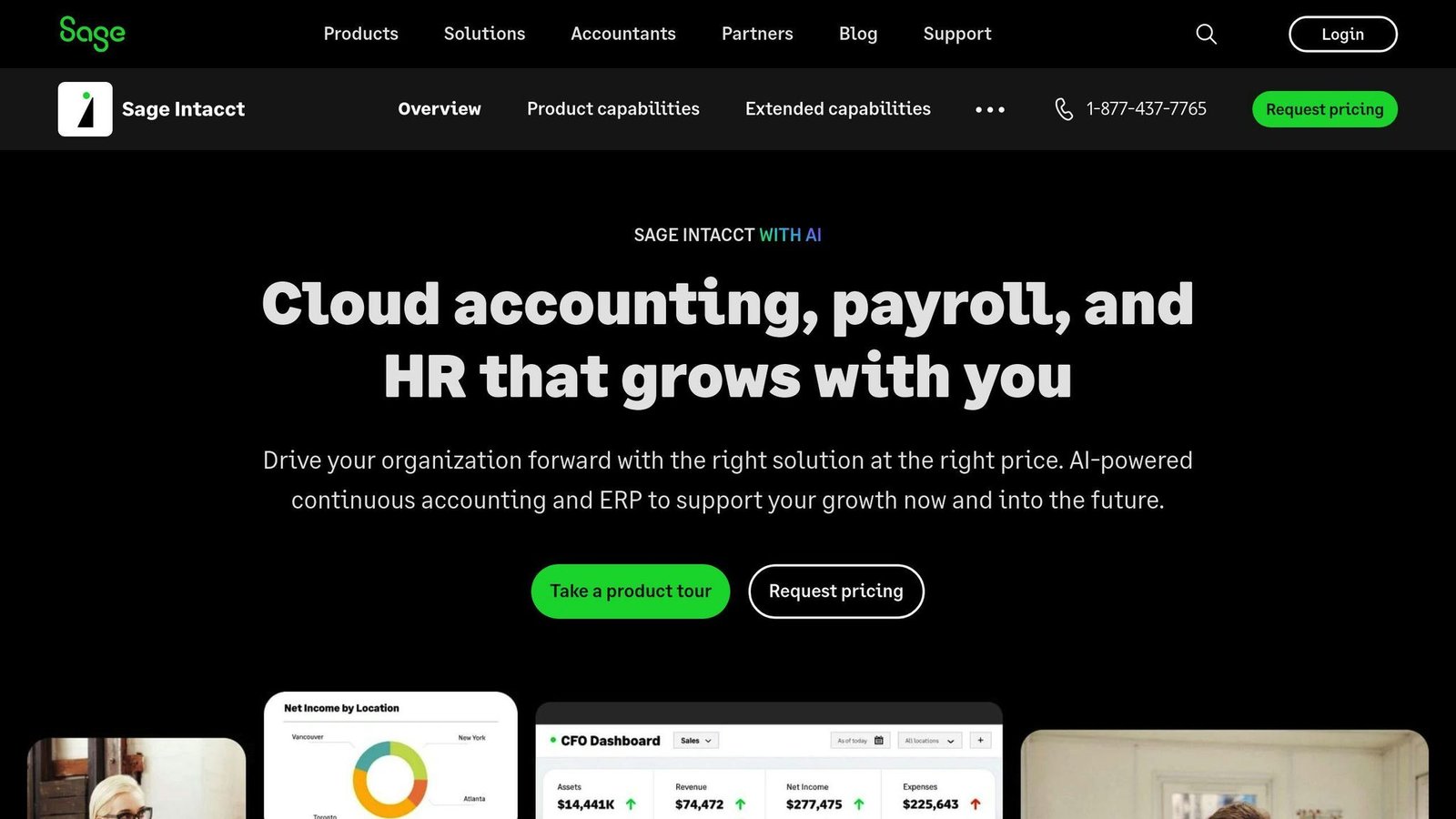
Sage Intacct is a cloud-based financial reporting software that helps businesses manage their finances efficiently. It offers various features to track financial performance, create budgets, and generate reports.
Key Features
Financial reporting: Get real-time financial reports and analysis to make informed decisions.
Custom dashboards: Create dashboards to track key performance indicators (KPIs) and metrics.
Multi-dimensional analysis: Analyze financial data from multiple perspectives for deeper insights.
Integration: Connect with existing systems like accounting software and payment gateways.
Pricing
Sage Intacct offers custom pricing plans based on the number of users and required features. Contact Sage Intacct for a quote.
NetSuite is a cloud-based financial reporting software that provides a suite of integrated business applications. It offers real-time insights into business performance to support informed decision-making.
Key Features
Customizable Financial Reports: Create tailored financial reports using flexible reporting tools and advanced analytics.
Multi-Dimensional Analysis: Analyze financial data from various perspectives, including financial, statistical, and operational data.
Role-Based Dashboards: Focus on key performance indicators (KPIs) and metrics with customizable dashboards.
Automated Reporting: Schedule and send reports automatically to ensure everyone has the same view of the data.
Pricing
NetSuite offers custom pricing plans based on the number of users and required features. Contact NetSuite for a quote.
Unlimited Users: Xero allows an unlimited number of users, making it suitable for larger businesses and well-established small businesses requiring more than five users.
Easy Bank Reconciliation: Xero’s bank reconciliation features are user-friendly and can handle a high volume of transactions.
Pricing
Xero offers three US plans. Rates read from Xero’s pricing page, August 2026:
Plan
Price (per month)
Early
$25
Growing
$55
Established
$90
All three have risen since this article was first published. Xero runs a six-month introductory discount; the figures above are what you pay afterwards. Every plan includes unlimited users, which is the main reason to pick Xero over QuickBooks if several people need access.
Pros
Unlimited users at a low cost
Simple and sleek layout for easy use
Excellent bank reconciliation features
Cons
Drawback
Description
Limited advanced reporting
Advanced reporting capabilities are not as extensive as QuickBooks Online.
Expenses functionality
Expenses functionality is only available in higher-tier plans.
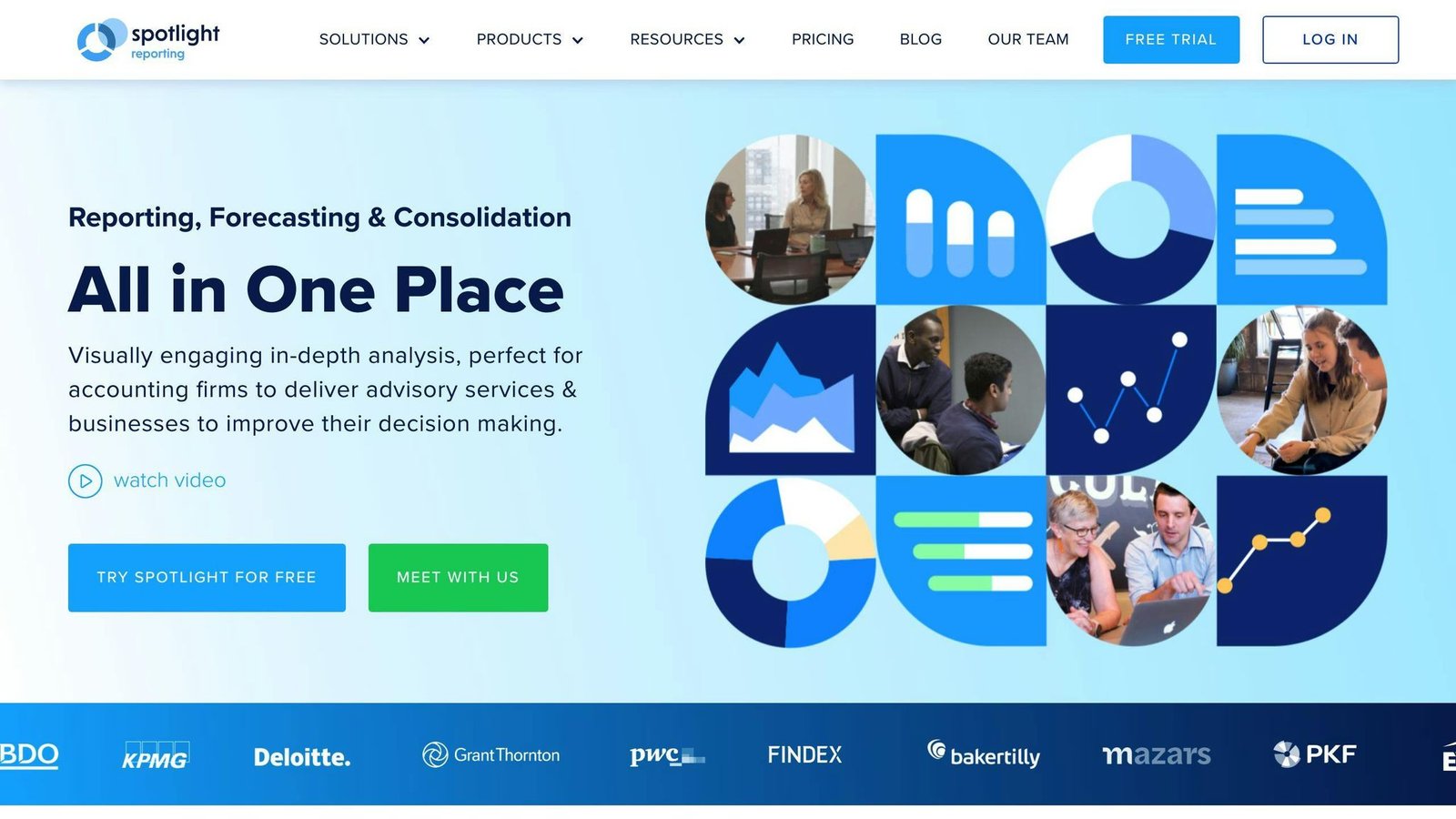
Spotlight Reporting is a financial reporting software designed to help businesses make informed decisions. It offers a range of features for advanced reporting, consolidation, and data visualization.
Key Features
Cash Flow Forecasting: Predicts future financial position by analyzing cash inflows and outflows.
Visual Analytics: Interactive visual interface for analytical reasoning.
Reporting: Sends instant status reports with customer feedback.
Dashboard: Single-screen view of reports and other activities.
Third-party Integration: Synchronizes with other applications.
Data Import/Export: Facilitates data transfer.
Performance Metrics: Measures individual or team performance, activities, and behavior.
Pricing
Spotlight Reporting sells advisor plans and business plans separately. Its advisor pricing, read in August 2026, is quoted in New Zealand dollars and excludes GST — the earlier version of this article printed these figures with a dollar sign and no currency, which made them look about 40% cheaper than they are to a US reader.
Plan
Price (per month, NZD, ex GST)
Basic
Listed at $295, with an increase to $329 published
Super VCFO 25
$495, up to 25 organisations
Super VCFO 75
$995, up to 75 organisations
Enterprise
Custom pricing
Two things were wrong before and have been corrected: Super VCFO was listed as covering 50 organisations when Spotlight sells it at 25, and the Basic tier was described as covering 20. The business-plan figures previously shown here ($35 for a single organisation, $295 for twenty) are not on the plans we could read, so they have been removed rather than carried over — ask Spotlight for the business rate. The Basic price is in transit between $295 and $329; confirm which applies to you rather than trusting either number here.
Pros
Advanced reporting and consolidation capabilities
User-friendly interface
Helps businesses make informed decisions
Cons
Pricing may be high for small businesses or startups
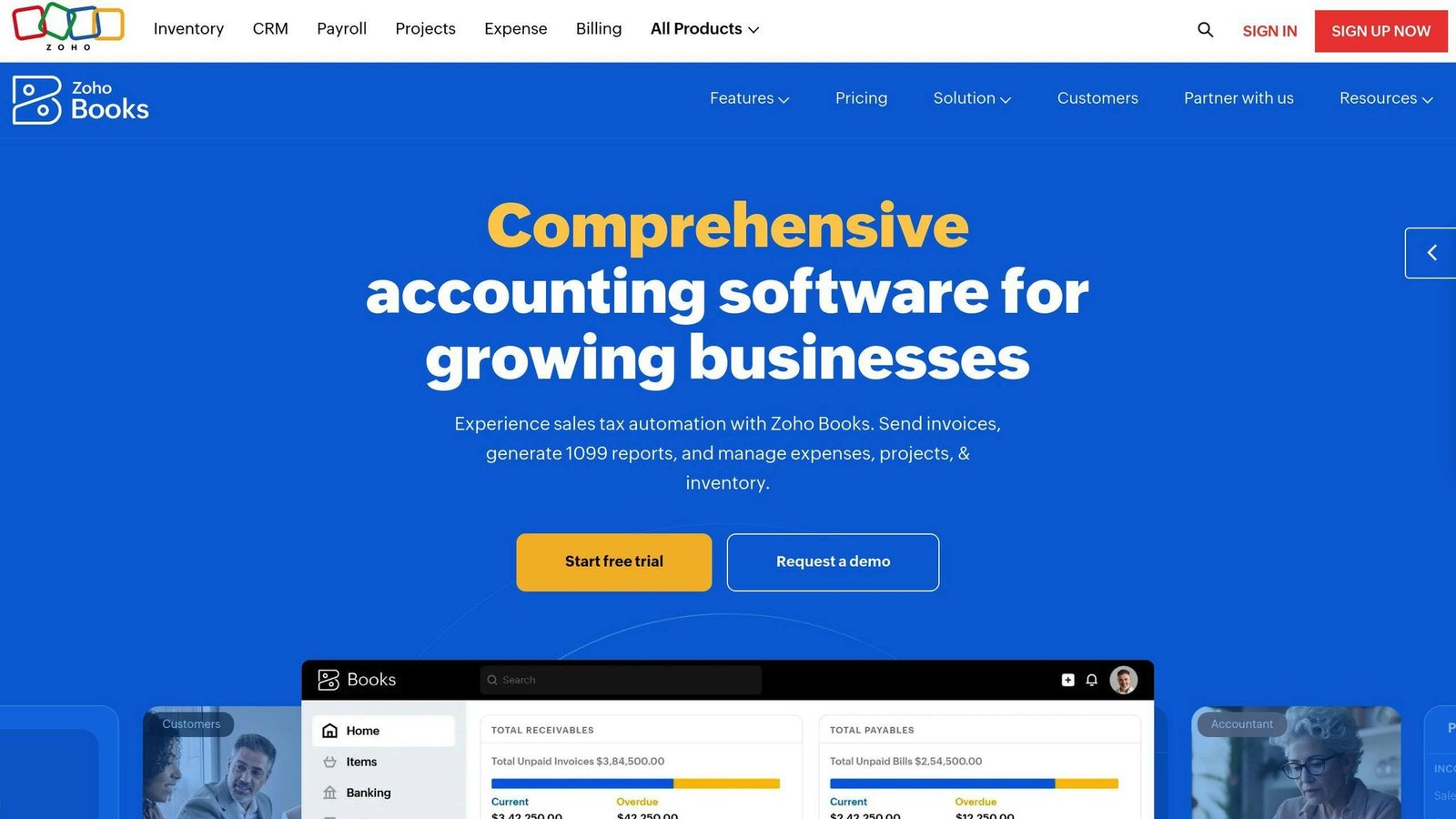
Zoho Books is a financial reporting software designed for small and medium-sized businesses. It simplifies bookkeeping and accounting processes with advanced invoicing, reporting, and payment features.
Key Features
Reporting: Over 50 reports, including profit and loss statements, balance sheets, and cash flow statements.
Invoicing: Create custom invoices, send payment reminders, and track payments.
Payment Integration: Connect with various payment gateways for online payments.
Access Control: Set roles and permissions to control access to financial data.
Pricing
Zoho Books’ US monthly list rates, read in August 2026:
Plan
Price (per month)
Users
Free
$0
1 + 1 accountant, while revenue stays under $50,000 a year
Standard
$20
3
Professional
$50
5
Premium
$70
10
Elite
$150
10
Ultimate
$275
15
Annual billing is cheaper, roughly 20%. The annual figures previously shown here were a mix of correct and incorrect and skipped the Elite tier entirely, so the table has been rebuilt from Zoho’s current monthly rates. Higher tiers add users, invoice allowances and features.
Pros
Affordable: Free plan and competitive pricing for small and medium businesses.
Comprehensive Reporting: Wide range of reports for informed decision-making.
User-Friendly: Intuitive interface and easy setup.
Cons
Limited Support: Offers limited customer support options.
Learning Curve: Advanced features may require time to learn.
7. Fathom
This slot previously held a second NetSuite entry, under the name “Oracle NetSuite”. It has been replaced with Fathom, a different product in the same category.
Fathom is a reporting and analysis layer that sits on top of an accounting system rather than replacing one. It connects to Xero, QuickBooks or MYOB, pulls the ledger through, and produces management reports, KPI dashboards, cash flow forecasts and group consolidations. It is the usual choice for accountants producing monthly board packs for several clients.
Key Features
Management reporting: brandable, repeatable report packs rather than one-off exports.
KPI tracking: financial and non-financial measures, with benchmarking across a group of companies.
Cash flow forecasting: scenario-based planning off the live ledger.
Consolidation: combines several entities into one set of figures.
Pricing
Fathom publishes its rates, in Australian dollars, excluding GST. Read in August 2026:
Plan
Price (per month, AUD, ex GST)
Companies included
Pro Starter
$59, plus $59 per extra company
1
Pro Silver
$315, plus $31 per extra company
10
Pro Gold
$450, plus $17 per extra company
25
Pro Platinum
$805, plus $13 per extra company
50
Fathom also sells Portfolio plans for larger volumes. Watch the currency: these are Australian dollars, so the US figure is lower, and watch the per-extra-company charge, which is what actually drives the bill for a practice.
Pros
Pros
Cons
Published prices, no sales call needed
Not an accounting system — you still need Xero or QuickBooks underneath
Strong multi-entity consolidation
Priced per company, so a practice with many small clients adds up fast
Report packs are quick to produce once set up
Prices are in AUD, which makes budgeting less direct outside Australia
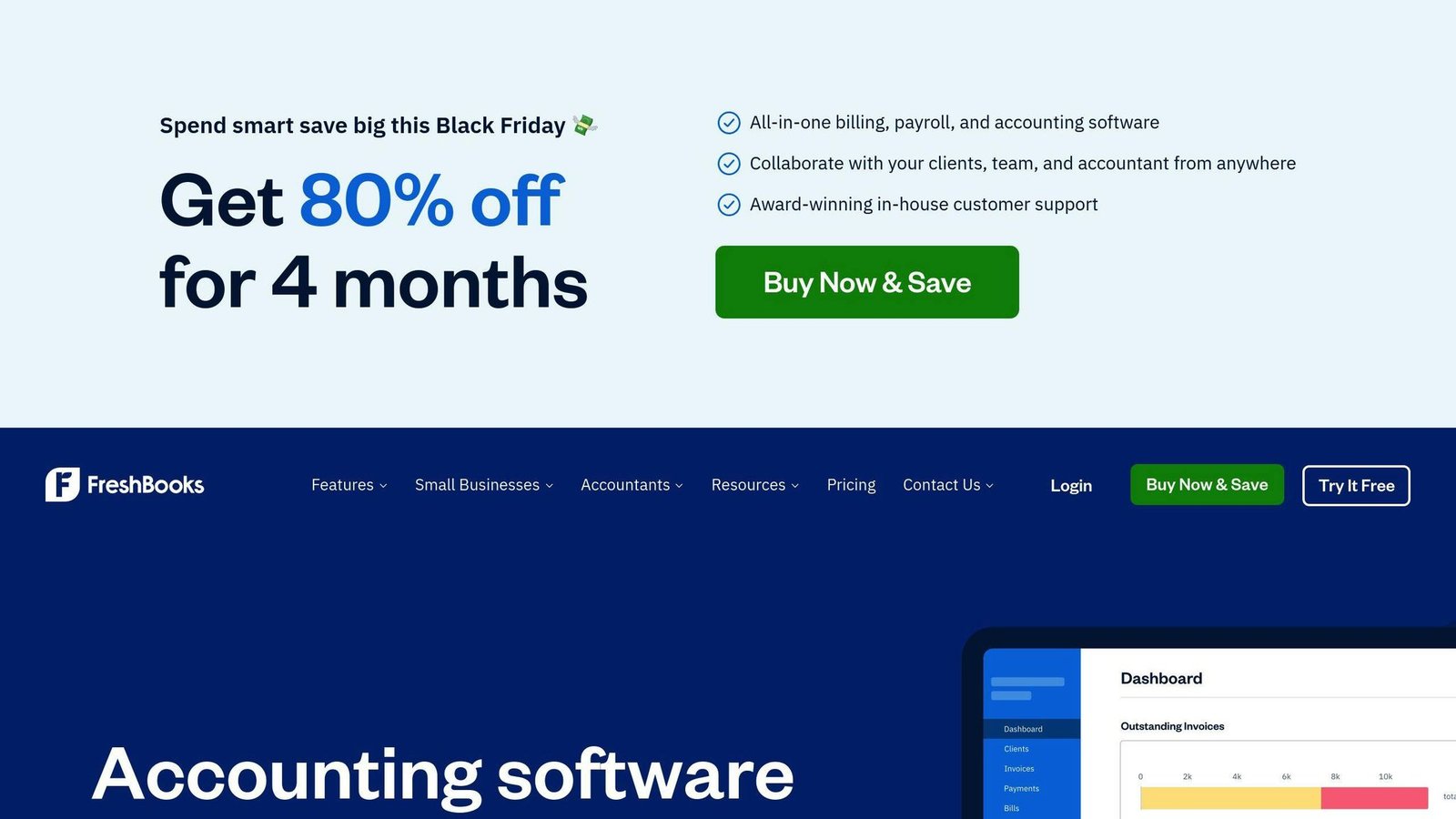
FreshBooks is an accounting software designed for small businesses, freelancers, and self-employed individuals. It offers a user-friendly interface and covers essential financial reporting needs.
Key Features
Financial Statements: Generate annual and interim financial statements with ease.
Bank Account Integration: Connect your bank account so transactions reconcile automatically.
Tax Reporting: Get accurate tax reports to stay compliant.
Business Operations Management: Handle invoicing, client management, payments, and expense tracking.
Pricing
Plan
Price (per month)
Suitable For
Lite
$23
Up to 5 billable clients
Plus
$43
Up to 50 billable clients
Premium
$70
Unlimited billable clients
Select
Custom
Larger firms, negotiated rates
US list rates from FreshBooks’ pricing page, August 2026; all three published tiers had risen since this article was written. The limit that bites is billable clients, not invoices — Lite runs out at five.
Advantages
Customizable Invoices and Emails: Create professional invoices and email templates.
Easy Bank Reconciliation: Connect your bank account and match transactions in a few clicks.
User-Friendly Interface: Navigate the platform easily, even without accounting expertise.
Potential Drawbacks
Limited Advanced Accounting Features: Not suitable for businesses with complex accounting needs.
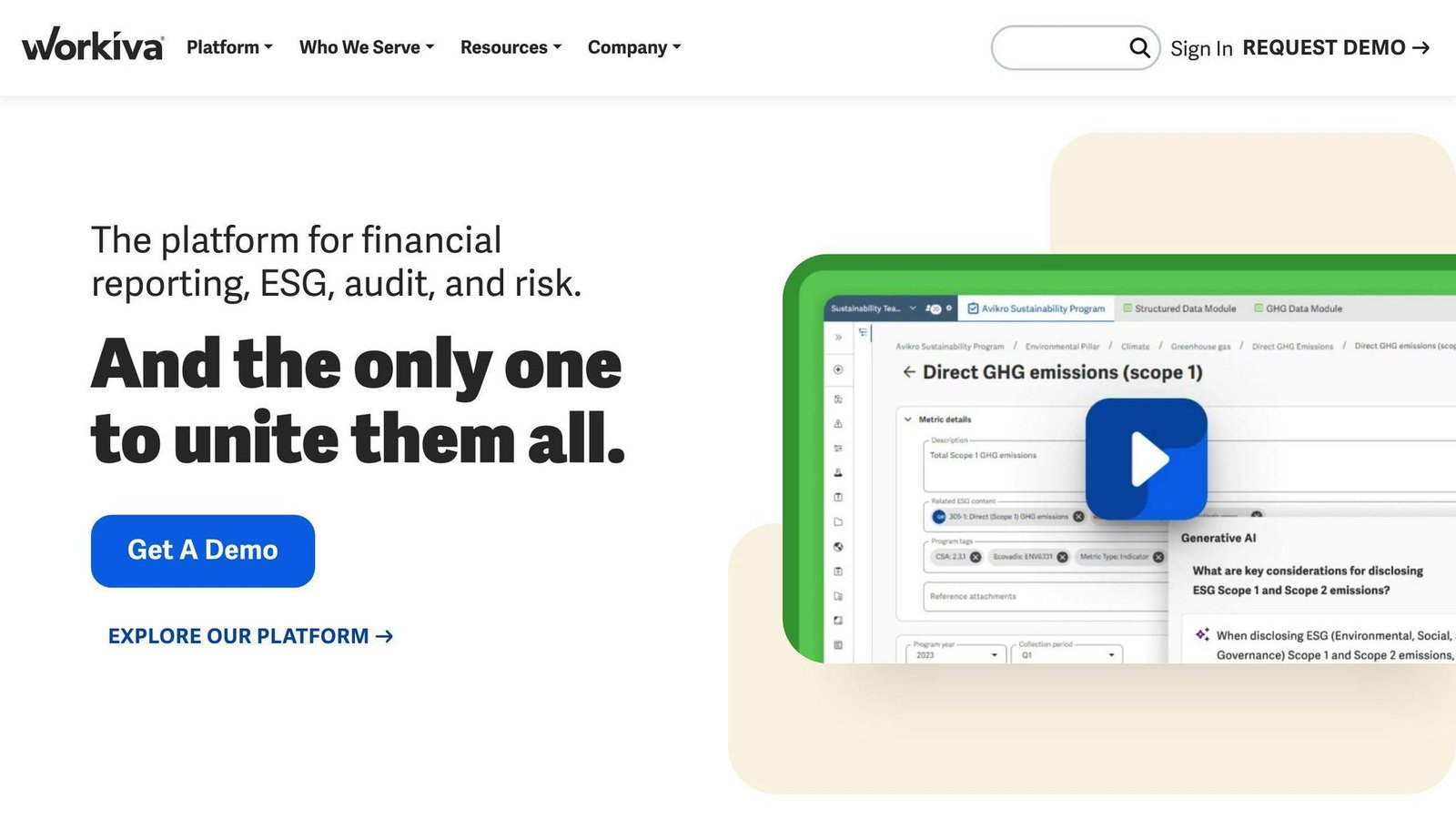
Workiva is a cloud-based financial reporting software that simplifies collaboration and streamlines reporting processes.
Key Features
Collaborative Reporting: Workiva allows real-time collaboration and data connectivity, making financial reporting easier.
Automated Workflows: The software automates workflows, version control, and data visualization to enhance reporting efficiency.
User-Friendly Interface: Workiva has an intuitive interface, making it accessible even for non-accounting professionals.
Integrations: Workiva integrates with various systems like Workday, Sage Intacct, Netsuite, Google Drive, QuickBooks, Tableau, and SAP.
Pricing
Workiva’s pricing is customized for each organization based on their specific needs and requirements. Contact the company for a quote.
Pros
Advantage
Description
Multi-Platform Access
Available via web and Android app for on-the-go use.
Automated ESG Reporting
Reduces manual errors and improves efficiency in ESG reporting.
Comprehensive Reporting
Offers various reporting features like budget-to-actual variance, management reporting, internal controls, capital market transactions, and ESG reporting.
Cons
Drawback
Description
Learning Curve
Some users may find the initial learning process challenging, especially if new to cloud-based reporting platforms.
Limited Excel Functionality
Workiva uses Spreadsheet functions instead of native Excel, which may limit functionality for finance professionals accustomed to Excel.
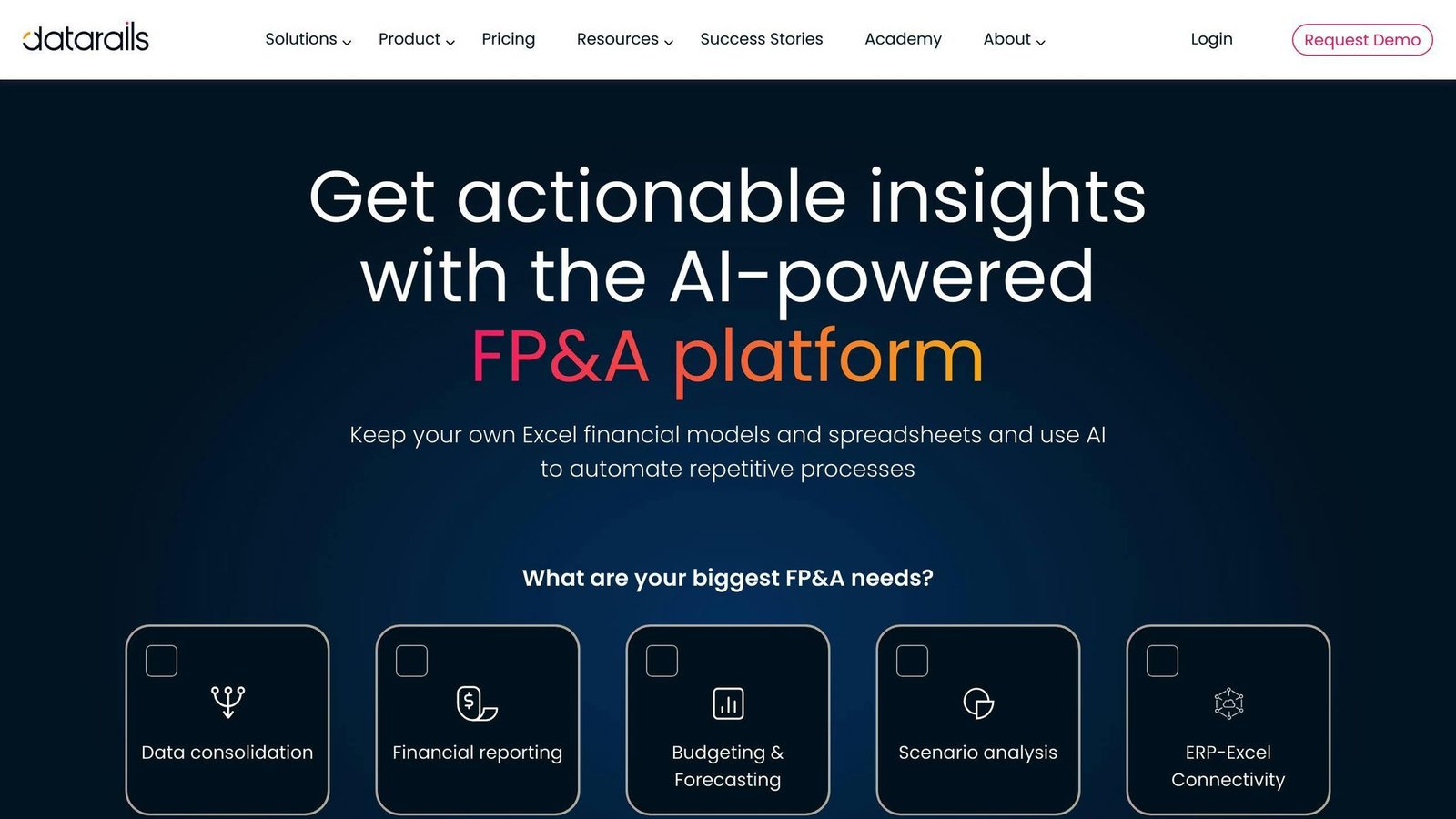
Datarails is a cloud-based financial planning and analysis (FP&A) software that automates financial reporting and planning processes. It helps small and medium-sized businesses streamline their financial close process and improve financial planning and analysis.
Key Features
Automated data analysis
Easy-to-understand charts, graphs, and visualizations
Quickly update data in management reports
Scenario modeling and AI chatbot
Drill-down analysis for deeper insights
Native Excel integration for easy transition and quick implementation
Pricing
Datarails provides customized quotes based on complexity, number of users, integrations, and other factors. Contact the company for pricing.
Pros
Advantage
Description
Flexibility
Create and store multiple reports in one platform, easily accessible.
Quick Implementation
Relatively fast implementation, even during annual planning cycles.
Affordability
More affordable compared to other SAAS alternatives.
Support
Excellent and timely customer support.
Continuous Improvements
Ongoing product enhancements, with a simple refresh to update reports.
Cons
Drawback
Description
Limited Dashboards
Limitations on the types of dashboards users can create.
File Mapping Issues
File mapping can get confusing when additional columns are added, requiring reconfiguration.
Software Comparison
Here’s a comparison of the top financial reporting software to help you choose the right one for your business:
Software
Starting Price
Key Features
QuickBooks Online
$38/month (Simple Start)
Financial statements, dashboards, reporting, data integration
Automated data analysis, scenario modeling, AI chatbot, drill-down analysis
This table compares the top financial reporting software based on:
Starting Price: The lowest monthly or annual cost for basic plans.
Key Features: Core capabilities like reporting, analytics, and integrations.
Consider your business needs and budget when evaluating these options. The table provides an overview to help you narrow down the choices.
Pricing Explained
Some software providers offer customized pricing based on your requirements. In these cases, you’ll need to contact them directly for a quote. This approach allows for tailored solutions but makes it harder to compare costs upfront.
For software with listed prices, the costs typically increase for more users, features, and advanced plans. Be sure to review the pricing details carefully.
Key Feature Highlights
While all options offer financial reporting, some standout features include:
Customizable reporting: Create reports tailored to your business (e.g., QuickBooks Online, Spotlight Reporting).
Forecasting and analytics: Analyze data for insights and forecasting (e.g., Sage Intacct, Datarails).
ERP integration: Connect with enterprise resource planning (ERP) systems (e.g., NetSuite, Workiva).
Invoicing and expense tracking: Handle invoicing, payments, and expenses (e.g., Xero, Zoho Books, FreshBooks).
Identify the features most important for your financial reporting needs.
User Reviews
This article used to print an average review score for each product. None of them was attributed to a review site or a date, and several did not match what those sites show now, so the whole column has been removed rather than left to age. Read the current listings on G2 and Capterra yourself, and read the one-star reviews first — they tell you what the product cannot do, which is the part a star rating hides.
Choosing the Right Financial Reporting Software
When selecting financial reporting software, consider these key factors:
Business Size and Industry
The size of your business and the industry you operate in will determine the type of software you need. Small businesses may require simpler, more affordable solutions, while larger enterprises may need more complex, customizable systems.
Integration Capabilities
Look for software that integrates cleanly with your existing systems and tools, such as accounting software, ERP systems, and spreadsheets. This will prevent data duplication and inconsistencies.
Reporting Needs
Identify the types of reports you need to generate, such as financial statements, budget reports, and forecasting reports. Choose software that can accommodate your reporting requirements and provide customizable templates.
Budget
Financial reporting software can range from affordable to expensive, depending on the features and complexity. Set a budget and look for software that meets your needs within that budget.
Additionally, consider the following:
Factor
Description
Scalability
Choose software that can grow with your business and adapt to changing reporting needs.
Security
Ensure the software has proper security controls and audit trails for your financial data.
User-friendliness
Select software that is easy to use and navigate, even for non-accounting staff.
Customer Support
Look for software providers that offer reliable customer support and training resources.
Other Considerations
Integration Requirements: Ensure the software can integrate with your existing systems and tools to avoid data duplication and inconsistencies.
Reporting Needs: Determine the types of reports you need to generate, such as financial statements, budget reports, and forecasting reports. Choose software that can accommodate your reporting needs and provide customizable templates.
Budget: Financial reporting software can range from affordable to expensive, depending on the features and complexity. Set a budget and look for software that meets your needs within that budget.
Final Thoughts
Choosing the right financial reporting software is an important decision for any business. With many options available, it’s crucial to consider your organization’s specific needs, industry, and budget.
By evaluating the top financial reporting software solutions, you can:
Streamline your financial processes
Improve accuracy
Make informed decisions
When selecting software, assess:
Your reporting needs
Integration capabilities with existing systems
Scalability for future growth
Also, consider:
Factor
Description
User-friendliness
Look for software that is easy to use and navigate, even for non-accounting staff.
Security
Ensure the software has proper security controls and audit trails for your financial data.
Customer Support
Choose providers that offer reliable support and training resources.
This article has provided insights to help you navigate the world of financial reporting software. Take the next step by exploring the solutions in more detail and conducting further research to find the best fit for your business.
FAQs
What is the best financial analysis software?
There are several excellent financial analysis software options to consider:
1. Cube
A cloud-based platform for financial planning and analysis
Helps businesses make data-driven decisions
2. Oracle Essbase
A database management system for online analytical processing (OLAP) and business intelligence (BI)
Supports multidimensional data analysis
3. QuickBooks
Popular accounting software
Offers financial analysis and reporting capabilities
4. NetSuite
Cloud-based business management suite
Includes financial analysis and planning tools
5. Centage Planning Maestro
Cloud-based platform for financial planning and analysis
Helps create accurate forecasts and budgets
6. Anaplan
Cloud-based platform for business planning and performance management
Offers financial analysis and modeling capabilities
7. Workday Adaptive Planning
Cloud-based platform for financial planning and analysis
Supports data-driven decision-making
8. Sage Intacct
Cloud-based financial management platform
Provides financial analysis and reporting features
When choosing financial analysis software, consider your business needs, industry, and budget. The right tool can help streamline financial processes and make informed decisions.
Allow Google Analytics to measure visits and clicks to providers? You can use this site without statistics. This choice is separate from Google advertising choices and can be changed in the footer.