Looking to streamline your financial processes and boost decision-making? Here’s a quick rundown of 5 top digital CFO tools:
- BizBot: Free directory of financial tools
- NetSuite: All-in-one cloud solution for medium to large businesses
- Sage Intacct: Cloud-based tool for small to mid-sized companies
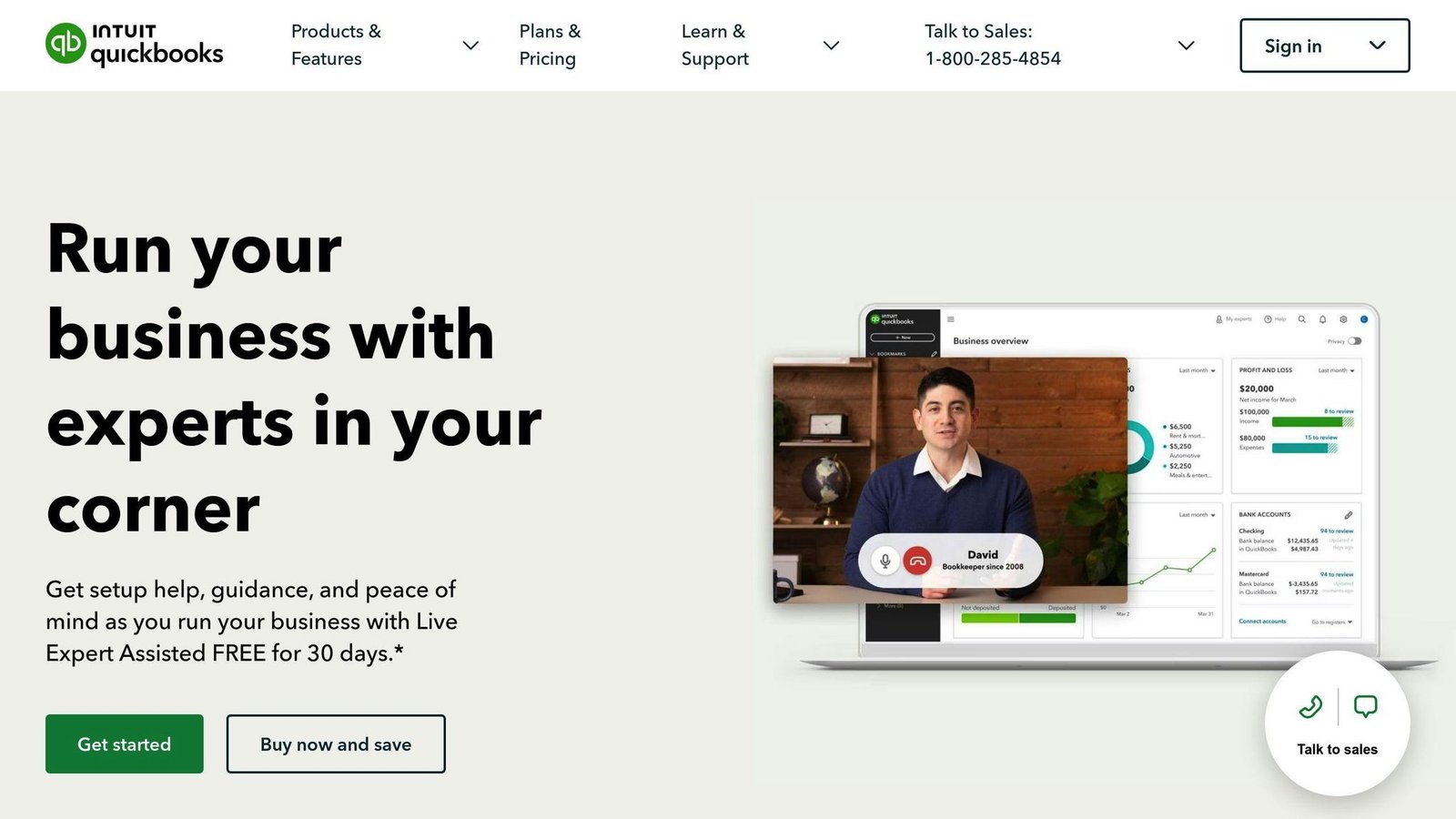
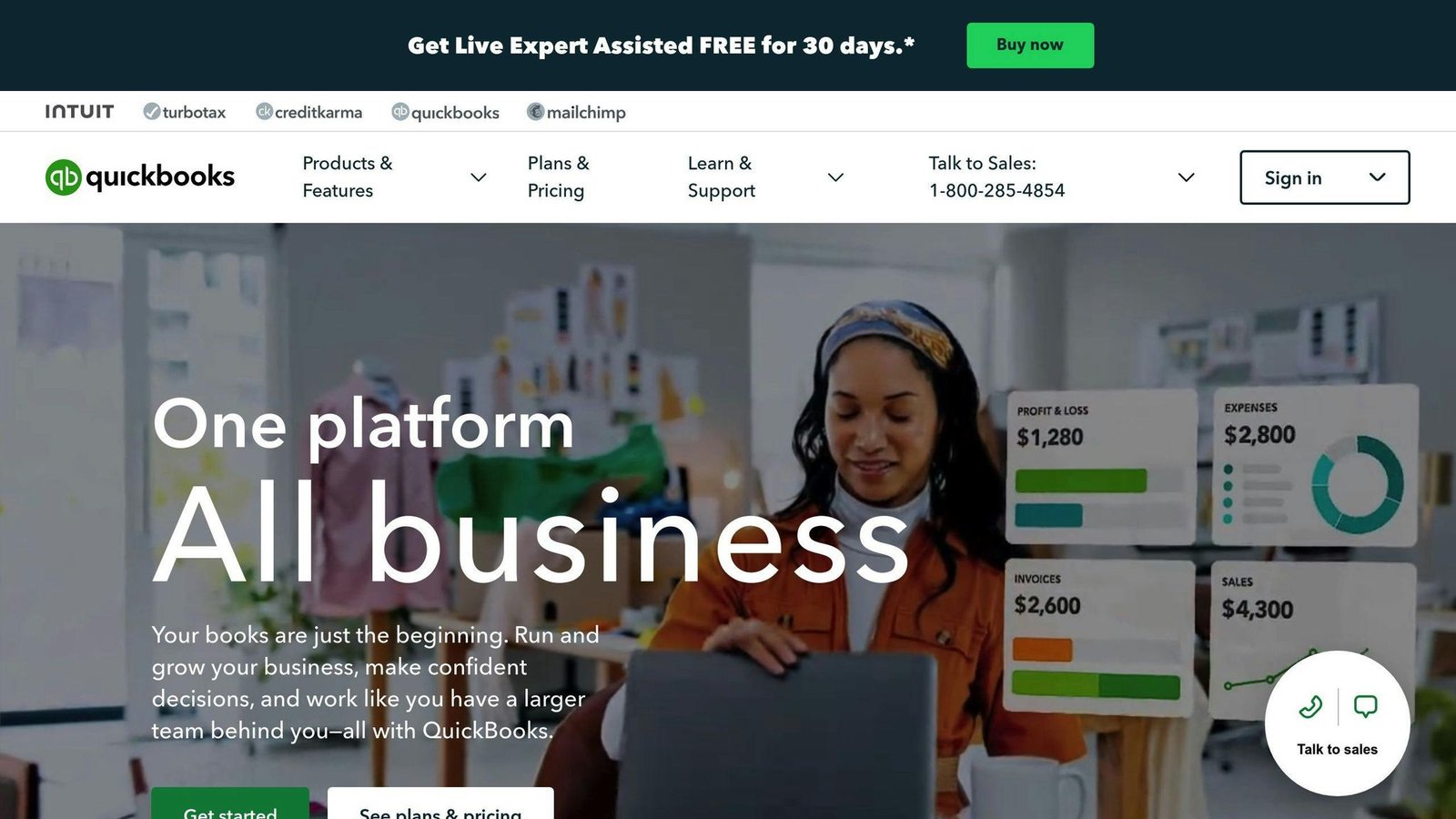
- QuickBooks Advanced: The step up for growing businesses
- Xero: User-friendly choice for small businesses
Quick Comparison. Prices were checked against each vendor’s own pricing page in August 2026 and should be confirmed before you budget. Two of the five do not publish prices at all.
| Tool | Best For | Starting Price | Key Feature |
|---|---|---|---|
| BizBot | All sizes | Free (tool costs vary) | Directory, not software |
| NetSuite | Medium to large | Not published — quote only | Extensive automation |
| Sage Intacct | Small to medium | Not published — quote only | Deep financial insights |
| QuickBooks Advanced | Small to medium | $340/month | 25 users included |
| Xero | Small | $25/month (Early) | No per-user fees |
These tools can save you time, improve accuracy, and provide real-time insights. But choosing the right one depends on your business size, budget, and specific needs. Here is what each one actually costs and what it is for.
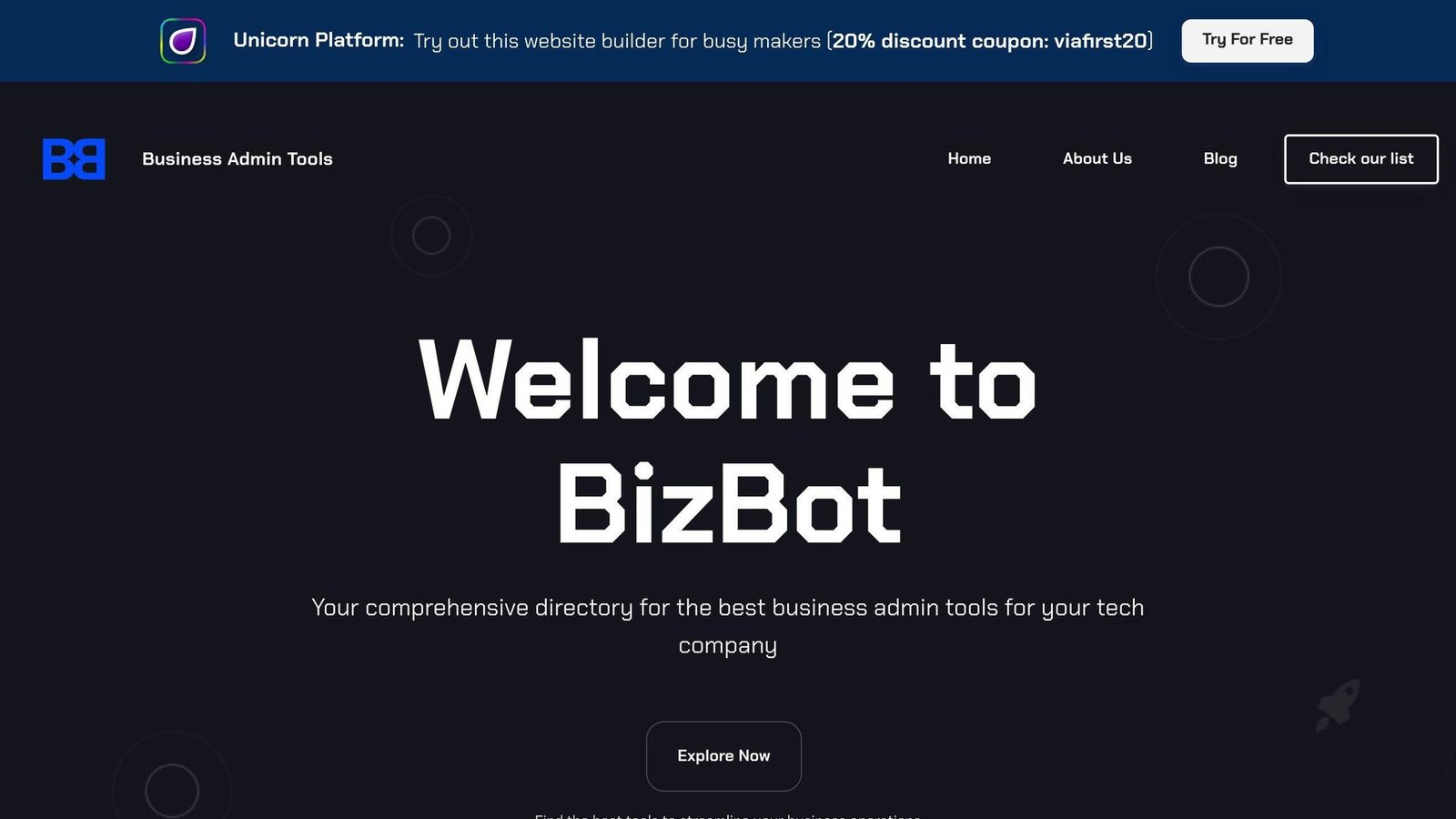
1. BizBot
BizBot isn’t digital CFO software at all, and it belongs on this list with that caveat attached. It is a directory of business admin tools.
What’s BizBot All About?
BizBot connects you with a range of financial tools. Here’s what you can find:
- Accounting software to keep your books in order
- Banking solutions for smooth money management
- HR tools to handle your team
- Legal services to keep you on the right side of the law
- Board management systems for the big decisions
- Shareholder tools to keep everyone in the loop
You mix and match these tools to create your own setup.
Automation at Your Fingertips
BizBot doesn’t automate anything itself; it points you to tools that do. Want to automate your invoices? There’s a tool for that. Need help tracking expenses? Same. It’s about finding the right tools, not being one.
Reports That Make Sense
BizBot helps you find tools that turn numbers into insights — real-time dashboards, custom reports, analysis that makes sense. Even a one-person business can get at some serious financial analysis tools.
What’s It Going to Cost?
BizBot itself is free. The tools it recommends are not, and what they cost depends entirely on which ones you pick. A cost table that appeared here previously gave monthly ranges by business size; those figures were invented rather than sourced, so they have been removed. Price your own shortlist from the vendors’ pricing pages instead — that is the only number that will match your invoice.
BizBot’s approach is sensible enough: build your own toolkit and swap parts out as you grow. Just be clear that you are comparing a directory against four pieces of software.
2. NetSuite
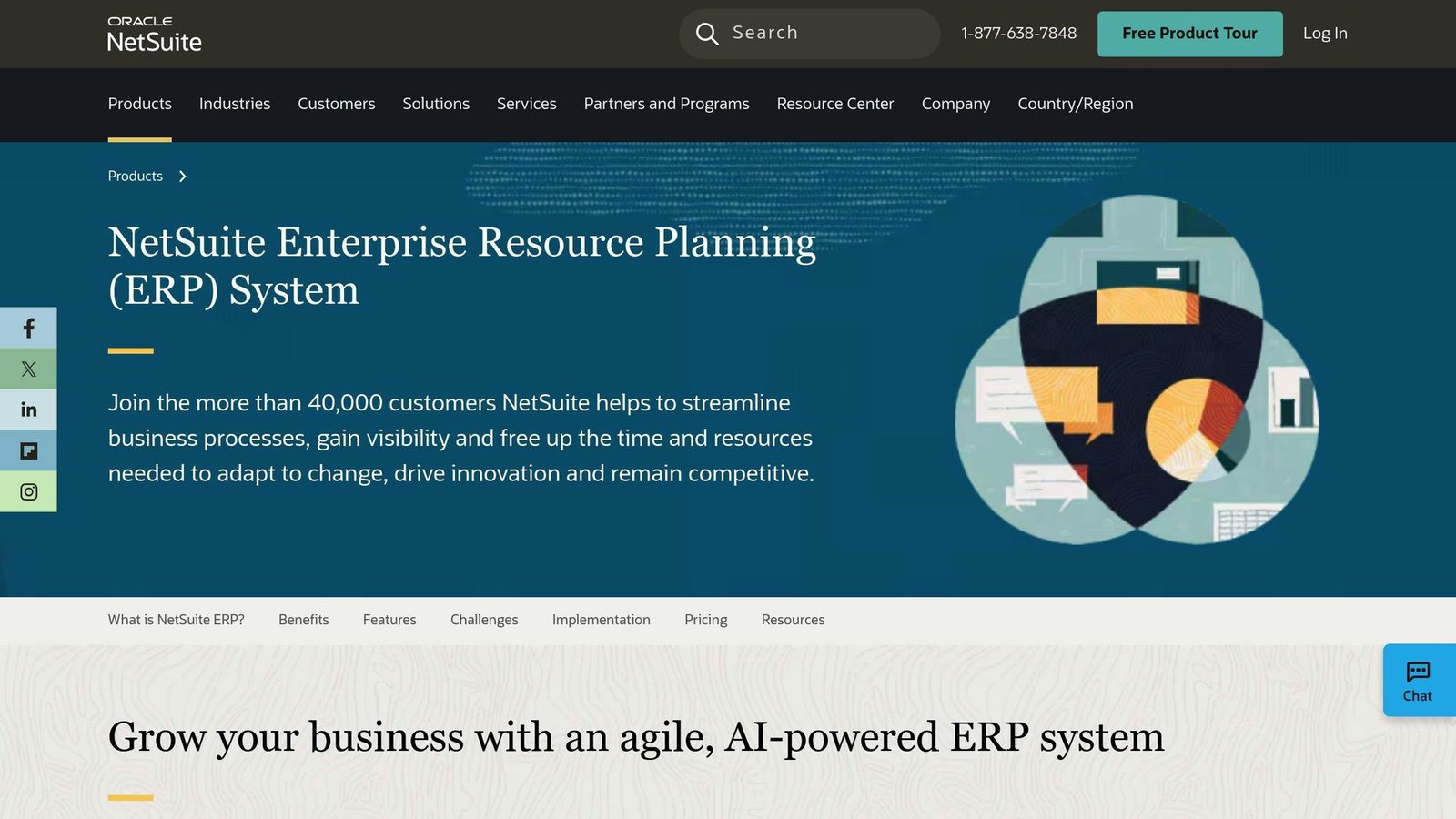
NetSuite is the heavyweight here. It is an all-in-one cloud ERP with financials at the centre, aimed at businesses that have outgrown standalone accounting software.
Integration Options
NetSuite connects with its own modules and a lot of third-party software. You can hook it up to:
- Salesforce for managing customer relationships
- Microsoft tools to boost productivity
- Google Apps for team collaboration
It also has an API for custom integrations, which is how most larger implementations end up working.
Automated Tasks
NetSuite takes the repetitive work off your plate. What it can automate:
| Process | What It Does |
|---|---|
| Accounts Payable | Speeds up approvals |
| Accounts Receivable | Keeps cash flowing |
| Financial Close | Cuts closing time |
| Multi-Currency Management | Handles multiple currencies natively |
How much time that actually saves depends on how messy your current process is, which is why the specific day-count savings previously quoted here have been removed. If a vendor quotes you a figure, ask which customer it came from and what their starting point was.
Reports and Analysis
This is where NetSuite earns its keep. It gives you:
- Real-time dashboards for instant insights
- Reports you can tweak to fit your needs
- Deep-dive analytics to really understand your data
Pricing and Plans
NetSuite does not publish prices. There is no rate card on its site, and every deal is quoted. An estimated pricing table that appeared here previously has been removed: those numbers came from no published source, and quoting a range as though it were a rate is exactly how buyers end up anchored to the wrong figure.
What you can say about the structure with confidence is that a NetSuite deal has three separate lines — an annual platform licence, a per-user fee, and a one-off implementation cost paid to a partner. The implementation line is the one that surprises people, and it is usually a substantial multiple of the first year’s software. When you get a quote, insist on all three as separate numbers, and ask what the renewal uplift is in year two.
3. Sage Intacct
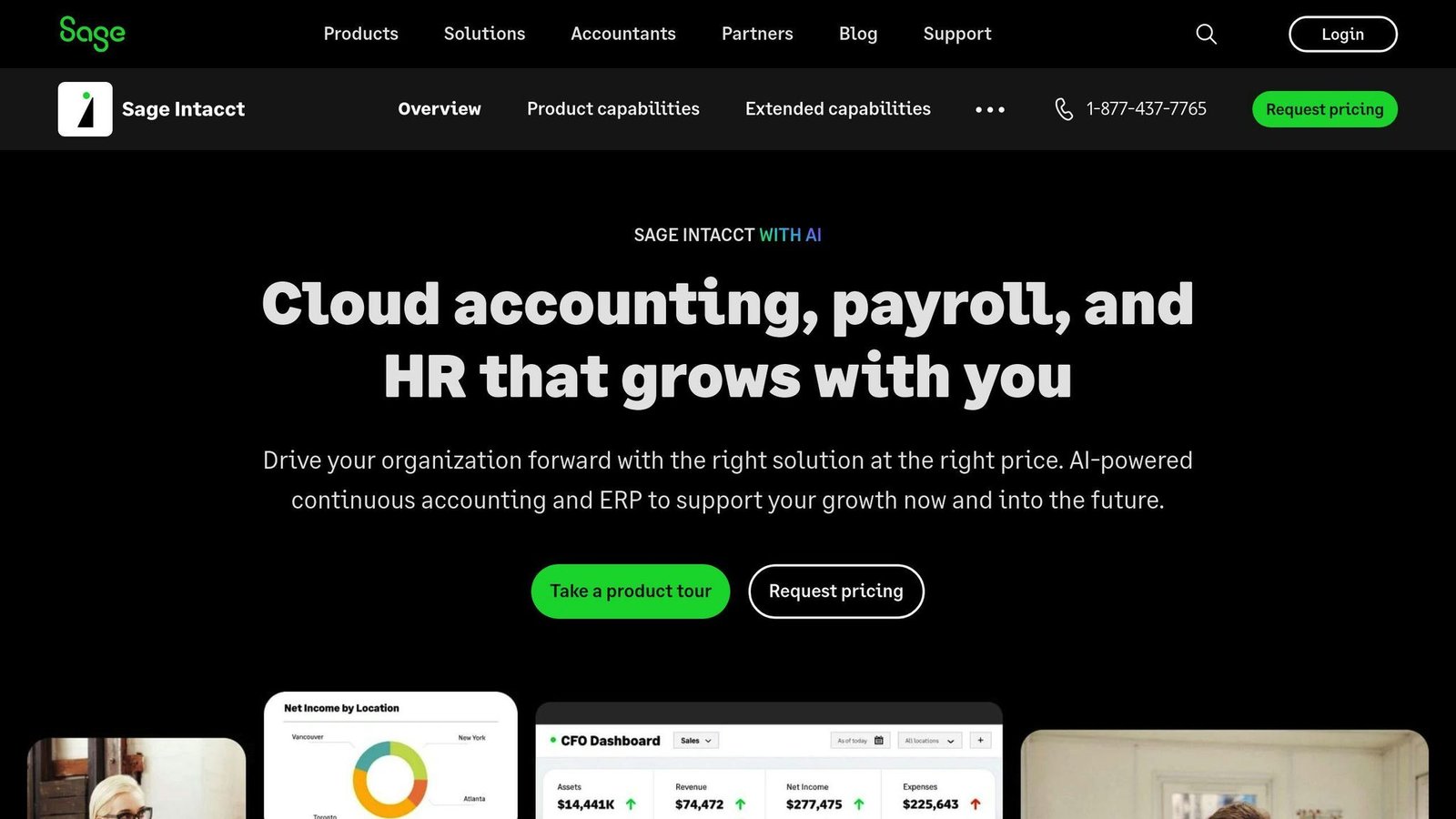
Sage Intacct is a cloud-based financial management tool for small to mid-sized businesses. Here’s what you need to know:
Integration Options
Sage Intacct connects with third-party apps through its API. Some key integrations:
| Integration Type | Examples |
|---|---|
| CRM | Salesforce |
| Payroll | ADP, Paychex |
| Expense Management | Expensify, Concur |
| Ecommerce | Shopify, Magento |
The catch: Sage Intacct has no built-in CRM. You will need to integrate one, and that integration is a project, not a checkbox.
Automated Tasks
Sage Intacct automates several financial processes:
- Accounts Payable: approval routing and matching
- Invoice Payments: scheduling and remittance
- Financial Close: consolidation and month-end tasks
Percentage time savings and a customer testimonial previously sat in this section. Neither could be traced to a published source, so both have been removed.
Reports and Analysis
Sage Intacct offers:
- Real-time dashboards
- Customizable reports
- AI-assisted data analysis
Its reporting is built around dimensions — tags like department, location, project and customer that you slice reports by. There is a fixed set of them rather than unlimited custom dimensions, so if your reporting needs are unusual, map them against Sage’s dimension list before you buy. That is the constraint people hit.
Pricing and Plans
Sage does not publish Sage Intacct pricing. Everything is quoted, based on the number of users, which modules you take, how many legal entities you consolidate, and the implementation. An estimated annual cost table and a per-user figure previously appeared here; neither came from Sage, so both have been removed.
What to ask for in writing: the annual subscription, the per-user rate for adding a user mid-term, the implementation fee, and the renewal uplift. Sage Intacct is generally cheaper than full ERP, and more expensive than mid-market accounting software. If someone quotes you a price for it from a comparison site, it is an estimate.
In short: Sage Intacct is good for deep financial insights if you don’t mind integrating other tools around it. Expect the cost to rise as you add entities and users.
4. QuickBooks Advanced
QuickBooks Advanced is built for growing businesses that need more than the standard QuickBooks tiers. It’s the top rung of QuickBooks Online rather than a different product.
Integration Options
QuickBooks Advanced connects to other tools:
- It hooks up with HubSpot, so your sales team can push quote and deal information straight into QuickBooks rather than rekeying it.
- It works with QuickBooks Time for tracking where your team is working, setting schedules, and costing jobs.
- The QuickBooks App Store carries add-ons for most common needs.
Automated Tasks
QuickBooks Advanced automates the repetitive work:
| Task | What It Does For You |
|---|---|
| Invoicing | Turns CRM data into invoices. No back-and-forth needed. |
| Time Tracking | Ditches paper timesheets. Less admin work. |
| Financial Close | Batches and automates month-end steps. |
| Reporting | Sends reports and dashboards straight to inboxes on schedule. |
A percentage close-time saving previously appeared in that table. It came from Intuit marketing rather than an independent measurement, so it has come out.
Reports and Analysis
Advanced is where QuickBooks reporting gets genuinely useful. You can build dashboards showing what you want to see, choosing from a large library of widgets, click into the underlying data, and filter it. Setup is drag-and-drop.
An unattributed promotional quote about the 2024 release previously sat here and has been removed, along with the reference to a specific year’s version — QuickBooks Online updates continuously, so version numbers do not mean much.
Pricing and Plans
Here’s what QuickBooks Online costs per month, checked August 2026:
| Plan | Monthly Cost | Users |
|---|---|---|
| Simple Start | $38 | 1 |
| Essentials | $85 | 3 |
| Plus | $140 | 5 |
| Advanced | $340 | 25, plus 3 accountants |
Note the correction: an earlier version of this article listed Advanced at $160 a month. It is $340. Intuit runs deep introductory discounts — at the time of checking, 90% off for three months — so the sign-up price bears no relation to what you will pay in month four. There is also a 30-day free trial. Budget on $340.
Even at $340, QuickBooks Advanced sits well below what a NetSuite or Sage Intacct implementation costs, and it includes 25 users, which makes the per-head maths favourable for a team of any size. The question is whether you need Advanced at all: if you are under five users and do not need the custom reporting, Plus at $140 does most of the same work.
5. Xero
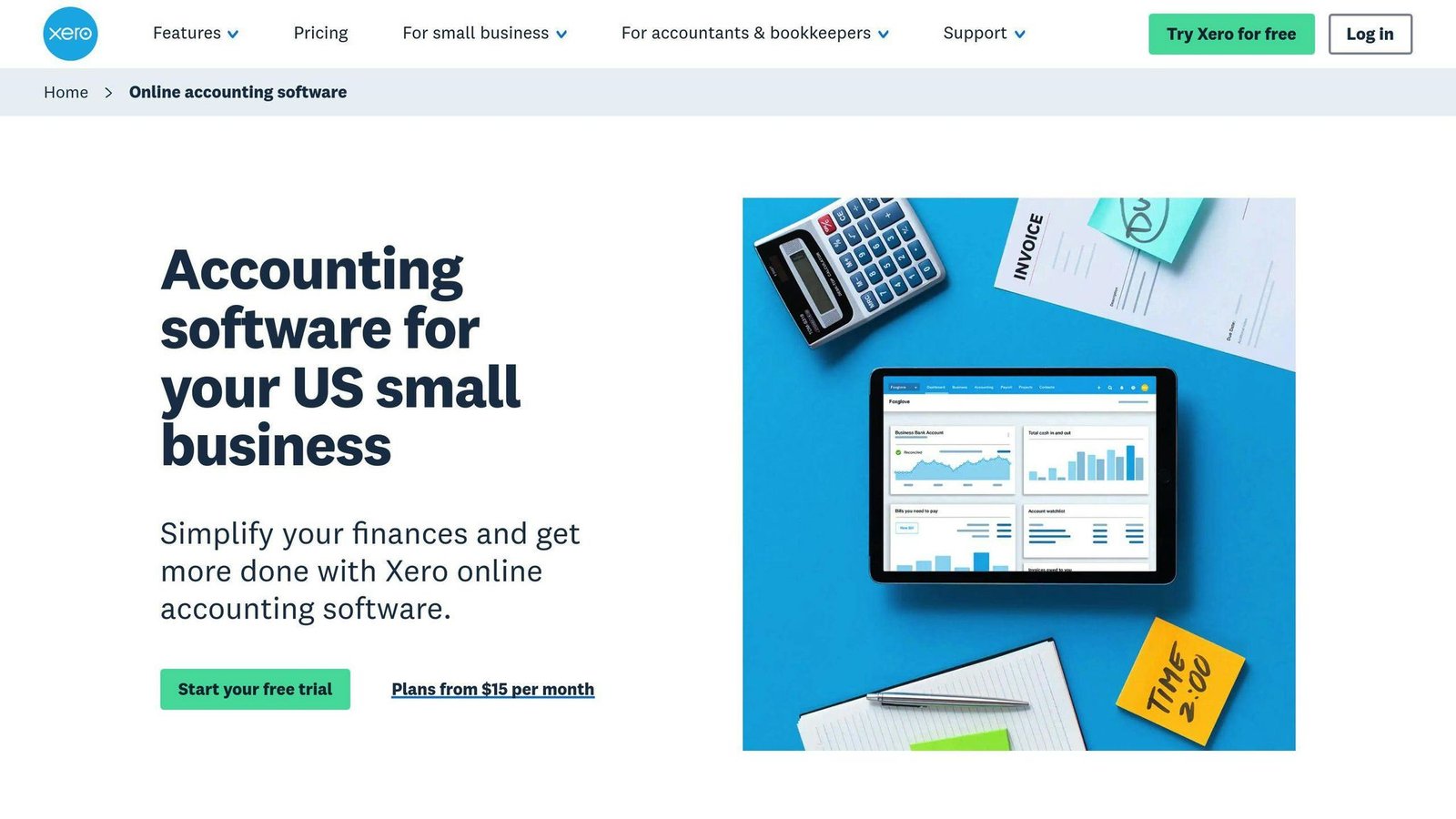
Xero is cloud accounting software for small to mid-sized businesses. Its main structural advantage over QuickBooks is that it does not charge per user.
Integration Options
Xero has a large app marketplace. You can hook it up to:
- CRM systems (Salesforce)
- Payroll services (ADP, Paychex)
- E-commerce platforms (Shopify, Magento)
- Payment processors (PayPal)
An earlier version of this article gave two different integration counts in two different places. Neither could be verified, so both are gone. Check the Xero App Store for the specific tools you use.
Automated Tasks
Xero handles the repetitive work:
1. Bank Reconciliation
It matches transactions to bank statements automatically. No more manual matching headaches.
2. Invoicing
It creates and sends recurring invoices, and chases late payers for you.
3. Transaction Categorization
Xero uses bank rules to sort transactions automatically.
4. Data Backup
Your data gets backed up off-site automatically.
These save time and cut down on mistakes, provided someone still reviews the automatic matches. Bank rules applied carelessly produce tidy books that are wrong.
Reports and Analysis
Xero gives you:
- Real-time reporting rather than month-end-only visibility
- Customizable dashboards
- Multi-currency handling, but only on the Established plan
That last point matters more than it looks. If you invoice in more than one currency, the two cheaper Xero plans will not do it, and you are on Established at $90 a month whether you want the rest of the features or not.
Pricing and Plans
Xero offers three main plans. Rates checked August 2026:
| Plan | Monthly Cost | What You Get |
|---|---|---|
| Early | $25 | 20 invoices, 5 bills |
| Growing | $55 | Unlimited invoices and bills |
| Established | $90 | Multiple currencies, expenses, projects |
Another correction: this article previously listed these as $15, $42 and $78. Those were older rates. Xero also runs a heavily discounted first six months, so check the standard price, not the offer price.
There are no per-user licence fees, which is a real cost advantage over QuickBooks once you have several people in the books. Against that, the Early plan’s 20-invoice monthly cap is tight enough that most real businesses are on Growing from the start.
How These Tools Compare
Let’s break down the five to help you pick.
Features and Functionality
| Feature | BizBot | NetSuite | Sage Intacct | QuickBooks Advanced | Xero |
|---|---|---|---|---|---|
| Accounting | Directory only | ✓ | ✓ | ✓ | ✓ |
| Automation | Directory only | Extensive | Extensive | Moderate | Moderate |
| Real-time Reporting | Directory only | ✓ | ✓ | ✓ | ✓ |
| Multi-currency | Directory only | ✓ | ✓ | ✓ | Established plan only |
| Inventory Management | Directory only | ✓ | Limited | ✓ | Limited |
| Project Accounting | Directory only | ✓ | ✓ | ✓ | Established plan only |
| API Access | Directory only | ✓ | ✓ | ✓ | ✓ |
The BizBot column previously carried ticks in this grid, which contradicted the article’s own description of it. BizBot is a directory; it has none of these features itself, and the column now says so.
NetSuite and Sage Intacct are the heavy hitters, aimed at bigger businesses with multiple entities and complex consolidation. QuickBooks Advanced and Xero are the practical options for small and medium businesses.
Integration Capabilities
NetSuite has the broadest integration story, largely because it is an ERP and expects to sit at the centre of everything. Xero has a large third-party app marketplace. QuickBooks Advanced works best inside the Intuit stack, while Sage Intacct’s closest partnership is with Salesforce.
Several user and analyst quotes previously appeared in this section without attribution. They have been removed rather than left unsourced.
Pricing and Value
Let’s talk money:
| Tool | Starting Price | Best For |
|---|---|---|
| BizBot | Free (tool costs vary) | All business sizes |
| NetSuite | Not published — quote only | Medium to large businesses |
| Sage Intacct | Not published — quote only | Small to medium businesses |
| QuickBooks Advanced | $340/month | Small to medium businesses |
| Xero | $25/month (Early) | Small businesses |
The honest summary: the two products you can price yourself are QuickBooks and Xero. The two you cannot are the two that will cost the most, and the gap between them and QuickBooks Advanced is wide enough that the comparison is really between categories, not products.
User Experience and Ease of Use
Xero and QuickBooks Advanced are the ones a non-accountant can operate. NetSuite and Sage Intacct assume a finance function and, usually, an implementation partner. BizBot simplifies tool hunting but leaves you juggling multiple platforms afterwards.
Business Size and Scalability
| Tool | Ideal Business Size | Scalability |
|---|---|---|
| BizBot | All sizes | High |
| NetSuite | Medium to Enterprise | High |
| Sage Intacct | Small to Medium | Moderate |
| QuickBooks Advanced | Small to Medium | Moderate |
| Xero | Small | Moderate |
NetSuite scales furthest. Xero, QuickBooks Advanced and Sage Intacct are fine within their target markets, and the migration out of any of them is a real project, so it is worth thinking about the ceiling before you start.
Making Your Choice
Picking the right finance software matters. Here’s what to keep in mind:
Assess Your Needs
First, figure out what’s actually slowing your team down. A statistic about CFO technology priorities credited to PwC previously appeared here without a link to the study; it has been removed. Work from your own bottlenecks instead, which you can observe directly.
Consider Scalability
You want software that can keep up as your business grows. Cloud-based, API-first platforms generally scale better than older on-premise systems.
Evaluate Integration Capabilities
Your new software should connect to what you already run. Make a list of the specific systems that must talk to it — payroll, banking, your CRM, your e-commerce platform — and check each one against the vendor’s marketplace before you commit.
Prioritize Automation
Look for platforms that handle the routine admin. The best test is not a feature list: take your three most repetitive finance tasks and ask the vendor to demonstrate each one, with your own data if they will allow it.
Compare Pricing Structures
Different pricing models fit different needs:
| Pricing Model | Best For | Example |
|---|---|---|
| Flat subscription | Steady budgets | QuickBooks Advanced ($340/month, 25 users) |
| Flat subscription, no per-user fee | Growing headcount | Xero ($25–$90/month) |
| Quote-based licence plus implementation | Complex multi-entity finance | NetSuite, Sage Intacct |
Assess User-Friendliness
Pick software your team can actually use. The people who will live in it every day should be in the demo, not just whoever signs the contract.
Plan for Implementation
Check how the vendor handles onboarding and training. For the quote-based products, implementation is a separate contract with a separate supplier, and it is where these projects go wrong.
The bottom line: you will probably never have a perfect set of tools, and you should not pay for one. Buy what fixes your current bottleneck, check the renewal price before you sign, and expect to revisit the decision in three years. A claim about retention and satisfaction multiples previously closed this article; it was unsourced and has been removed.
More on this topic
Browse all 53 articles on Finance & Accounting, or jump straight to our buying guide: Best Accounting Software for Small Businesses.