Looking for the best in-app messaging tool? Here’s a quick overview of the top 10 solutions that can help boost user engagement and drive revenue:
- Intercom – All-in-one customer messaging with AI agents ($29–$132 per seat per month)
- Firebase – Google’s platform with real-time messaging (free tier available)
- CleverTap – Full customer engagement with AI-powered insights (custom pricing)
- MoEngage – Cross-channel messaging platform focused on behaviour analysis (no published rates)
- CometChat – Real-time chat with voice/video (free developer tier; paid rates not published)
- Braze – Enterprise-grade engagement platform (no published rates)
- OneSignal – Multi-channel messaging with free tier
- Airship – AI-powered messaging across channels (free and paid plans)
- Leanplum – Acquired by CleverTap in 2022; leanplum.com now redirects to CleverTap
- UserGuiding – No-code messaging and onboarding (Basic $69/month billed yearly; higher tiers on request)
Quick Comparison Table:
| Tool | Best For | Starting Price | Key Feature |
|---|---|---|---|
| Intercom | All-around messaging | $29/seat/month | AI chatbots |
| Firebase | Developer-focused | Free | Real-time database |
| CleverTap | Data-driven engagement | Custom | AI segmentation |
| MoEngage | Cross-channel campaigns | Custom | AI path analysis |
| CometChat | Real-time communication | Free dev tier; paid not published | Voice/video chat |
| Braze | Enterprise needs | Not published | Advanced analytics |
| OneSignal | Basic messaging | Free | Push notifications |
| Airship | Cross-platform messaging | Free tier | AI personalization |
| Leanplum | No longer sold separately | n/a | Folded into CleverTap |
| UserGuiding | User onboarding | $69/month billed yearly | No-code builder |
Prices in this article were checked against each vendor’s own pricing page in August 2026. Most of these tools price on monthly active users and quote per company, so a headline figure tells you very little — get a written quote before you budget.
Why These Matter:
Three engagement statistics used to sit here — a 20x click multiple, a 2–3.5x retention multiple and a 30% lift in app opens. None was attributed to a study, and we could not trace any of them, so all three have been removed. The honest version: in-app messages reach people who are already in your app, which is why they convert better than push, and by how much depends entirely on your app and your targeting. Measure it yourself.
What Is In-App Messaging?
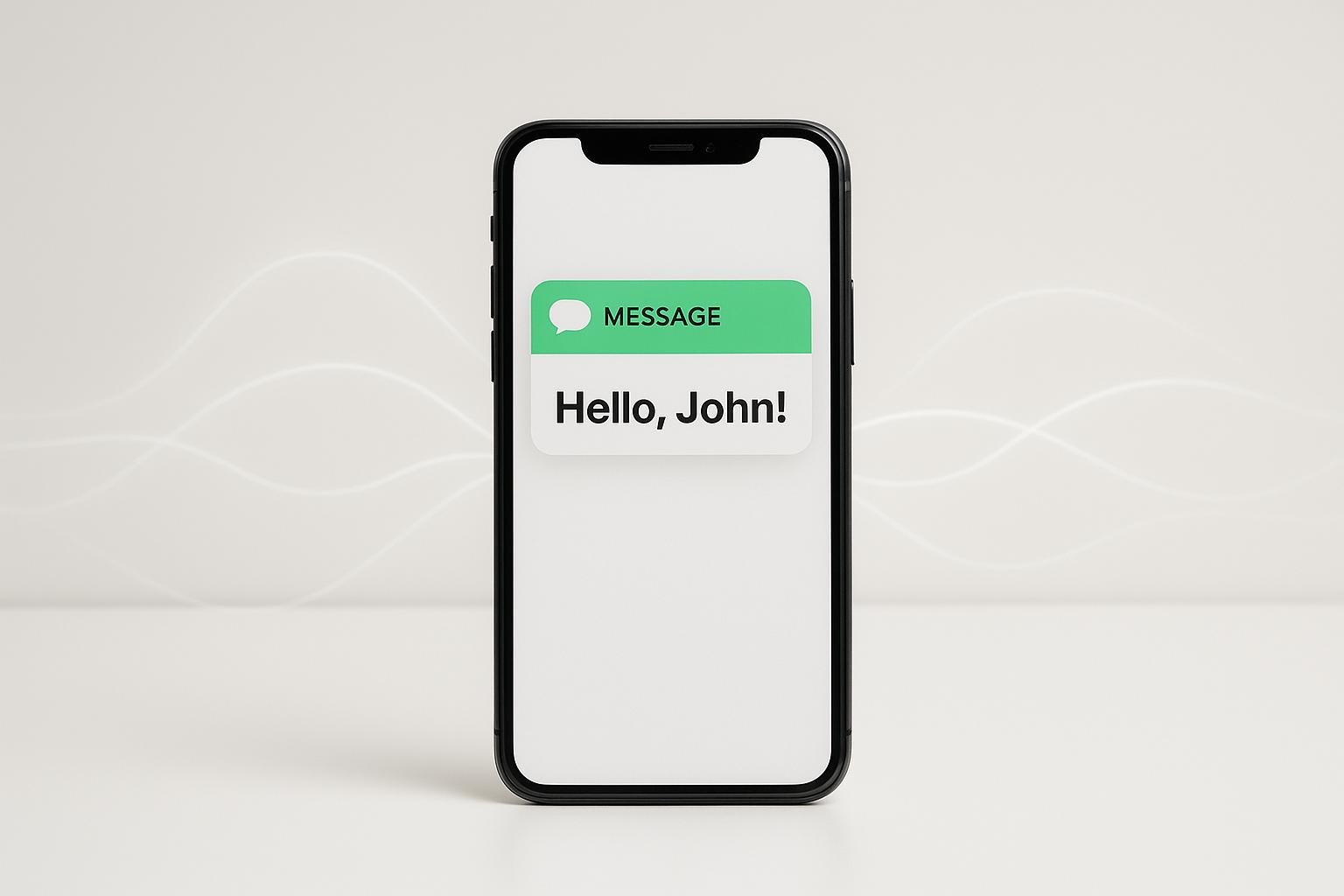
In-app messaging is a way for businesses to chat with users right inside their apps. Unlike push notifications that pop up anytime, in-app messages only show up when someone’s using the app. This makes them super relevant and timely.
These messages come in all shapes and sizes:
- Banners
- Tooltips
- Modals
- Full-screen overlays
They’re not just for show. In-app messages can:
- Help newbies learn the ropes
- Shout about cool new features
- Offer personalized deals
- Ask for feedback
- Give real-time help
The best part? In-app messaging lets you get personal. By using what you know about your users, you can create messages that really hit home.
“Getting the timing right is probably the most important thing to consider when implementing in-app messages or in-app surveys. That’s because context matters. With the right timing, you can show valuable information to your users when they most need it.” – Moritz Dausinger, Co-Founder and CEO of Refiner
This kind of targeting is the point of the category. Retention figures previously quoted in this paragraph could not be sourced and have been removed.
Another big win? You don’t need users to opt-in like with push notifications. You’re in control of when and how messages pop up.
An example about the US Open, with two precise open and click rates, previously appeared here. It could not be traced to a published case study, so it has been removed rather than repeated. Nothing has been invented in its place.
But here’s the thing: don’t go overboard. Too many messages can annoy users and make them ditch your app. It’s all about finding that sweet spot.
When picking an in-app messaging tool, look for one that:
- Lets you target specific user groups
- Offers different message styles
- Lets you test different versions
- Shows you how well your messages are doing
- Plays nice with your other marketing tools
Main Features to Look For
When picking an in-app messaging tool for your business in 2024, focus on these key features:
No-Code Editor
Go for platforms with easy-to-use, drag-and-drop editors. They let non-techies create and tweak messages fast, without bugging the dev team. This speed boost can really kick your messaging campaigns into high gear.
Rich Media Support
Look for tools that let you add images, videos, and interactive stuff to your messages. It makes them pop. Take Slack, for example. They use rich media in their in-app messages to explain new features quickly and visually. It’s way more fun than a wall of text.
Advanced Segmentation
You want to be able to target specific groups based on how they behave, who they are, or how they use your app. The more personal you can make your messages, the better they’ll perform.
Analytics and Reporting
You need solid analytics to see how your messages are doing. Look for platforms that show you the nitty-gritty: delivery rates, click-throughs, conversions – the works. This data is gold for making your messaging strategy better over time.
A/B Testing
Being able to test different versions of your messages is huge. It helps you figure out what content, timing, and format work best for your audience. It’s like having a crystal ball for your messaging strategy.
Security and Compliance
With everyone freaking out about data privacy these days, you need a platform that takes security seriously. Here’s what Aarathy Sundaresan from CometChat has to say about it:
“The ability to secure user data, protect privacy, and comply with international regulations is a non-negotiable attribute of any platform dealing with user data.”
Look for end-to-end encryption, tight data access controls, and compliance with stuff like GDPR and CCPA.
Scalability
Your messaging tool should be able to handle more users and messages as you grow, without slowing down or crashing. You don’t want your communication to fall apart just when your business is taking off.
Multi-Channel Support
While you’re focusing on in-app messaging, it’s smart to pick a tool that can handle other channels too, like push notifications or email. It makes for a smoother experience for your users across the board.
The cool kids on the block now offer automation and AI-powered insights to make your messages better. MoEngage, for instance, uses AI to help businesses send more personalized and timely messages. It’s like having a super-smart assistant for your in-app campaigns.
How We Rated These Tools
We looked at five key areas when picking the top in-app messaging tools for 2024: setup, growth, costs, support, and device compatibility. Here’s how we broke it down:
Setup Process
We checked how easy it is to get these tools up and running. Take Stream, for example. They offer a free 30-day trial and loads of help docs, tutorials, and community support. That is a good deal simpler than building chat yourself, which is a multi-month engineering project rather than a configuration exercise. A build-cost range previously quoted here was unsourced and has been removed.
Growth Potential
Can these tools keep up when your user base explodes? That’s what we wanted to know. CometChat, for instance, can handle 10,000 users a month without breaking a sweat. So your messaging won’t lag behind as your business takes off.
Costs
Pricing isn’t one-size-fits-all in this game. We looked at different approaches:
| Pricing Model | Examples | What It Means |
|---|---|---|
| MAU + Data Points | Braze, CleverTap | You pay based on Monthly Active Users and how much data you use |
| MTU | MoEngage, Mixpanel | Charges based on Monthly Tracked Users doing specific things |
| Device-based | Pushwoosh, OneSignal | You pay for the number of devices that can get push notifications |
The device-based model often gives you a clearer picture of what you’re paying for, especially if you’re running lots of marketing tests.
Support Quality
When things go wrong, you need help fast. We looked at how responsive each tool’s support team is. CometChat, for example, offers round-the-clock email support and a community forum. That can be a lifesaver when you’re trying to fix issues quickly.
Device Compatibility
We made sure these tools work across different platforms. MirrorFly, for instance, plays nice with iOS, Android, web, Angular, and Swift. That’s great if your users are spread across different devices.
By focusing on these areas, we aimed to give you a clear picture of what each tool brings to the table. But remember, the best choice depends on what YOUR business needs. As Max from Quiq puts it:
“Choosing the right messaging platform takes thoughtful consideration and careful research.”
Think about where your app is now, where it’s going, and what features you can’t live without. And do not forget your budget. A market-size forecast previously quoted here had no source attached and has been removed; it would not have helped you choose a tool anyway.
1. Intercom

Intercom is a top pick for in-app messaging in 2024. It’s a one-stop shop for customer communication and engagement. Here’s why it’s a big deal:
Key Features:
Intercom does it all:
- Live chat widgets you can customize
- Support across channels (WhatsApp, Instagram, SMS)
- Chatbots powered by AI
- User onboarding with product tours
- In-app messaging that’s targeted
Their AI agent, Fin, handles a share of inbound conversations without a human. Note how it is billed: Fin is included with every plan but charged separately, from $0.99 per resolved conversation, so a busy support queue adds a variable cost on top of your seats.
Pricing:
Intercom’s pricing fits different business sizes:
| Plan | Price (per seat/month) | What you get |
|---|---|---|
| Essential | $29 | Shared inbox, basic chatbots, help center |
| Advanced | $85 | Multiple team inboxes, advanced chatbots, proactive support |
| Expert | $132 | Workload management, multiple help centers, advanced reporting |
Rates read from Intercom’s pricing page in August 2026, per seat per month. Watch two things. Fin is billed per outcome on top of seats, from $0.99 each. And SMS, WhatsApp and email campaigns are charged separately. Intercom also runs an Early Stage Program for young startups at a heavy discount; check the current terms with Intercom rather than trusting a percentage printed here.
When to Use It:
Intercom works great for:
- Getting new users up to speed: Product Tours are not sold on their own. They come in the Proactive Support Plus add-on at $99/month, which also bundles Posts, Checklists, Surveys and the Series campaign builder. The “$199/month for Product Tours” figure this article used to quote does not match Intercom’s pricing page and has been corrected.
- Staying ahead of problems: You can set up messages based on how users behave, tackling issues before they pop up.
- Boosting sales: Chatbots can sort leads and send them to the right sales folks.
- Talking to customers everywhere: If you’re on multiple platforms, Intercom keeps your communication consistent.
What to watch
An anonymous testimonial previously closed this section. It could not be traced to a named reviewer, so it has been removed and nothing was written to replace it. The concrete thing to check before you buy Intercom is the seat count: it is priced per seat, and support teams grow.
2. Firebase
Firebase, Google’s BaaS platform, packs a punch with its in-app messaging system. Here’s why it’s a top pick for developers in 2024:
Key Features:
Firebase In-App Messaging lets you target active users with timely, context-based messages. You can create custom messages as cards, banners, modals, or images, and trigger them at just the right moment.
It plays well with other Google services too. You can use Firebase Analytics to fine-tune your messaging based on how users behave and who they are.
Pricing:
Firebase won’t break the bank. Here’s what it costs:
| Plan | Price | Features |
|---|---|---|
| Spark (Free) | $0 | 10,000 user authentications/month, 10 GB hosting storage, 5 GB cloud storage |
| Blaze (Pay-as-you-go) | Variable | No limits, pay for what you use |
Spark is great for starting out. Blaze lets you grow without worrying about hitting a ceiling.
When to Use It:
Firebase shines when you need:
- A messaging system that’s quick to set up and can grow with you
- Real-time database management for instant messages
- One platform that has all your app development tools
It suits mobile apps in particular, especially if you are already using Google’s stack. An app-count statistic and a generic quote previously appeared here; neither added anything you could act on and the count could not be sourced, so both have been removed.
The real trade-off with Firebase is the pricing model rather than the price. Spark is free with hard caps; Blaze removes the caps and bills by usage, which means your messaging cost tracks your growth with no ceiling. That is fine until it is not — set budget alerts on day one.
Pro Tip: Use Firebase Analytics with your in-app messaging. You can create messages that really hit the mark by targeting specific groups of users.
In the world of in-app messaging tools, Firebase stands out. It is easy to start with, scales, and fits neatly with Google’s other tools. Whether you’re just starting out or you’re looking to step up your user communication game, Firebase has got you covered in 2024.
3. CleverTap
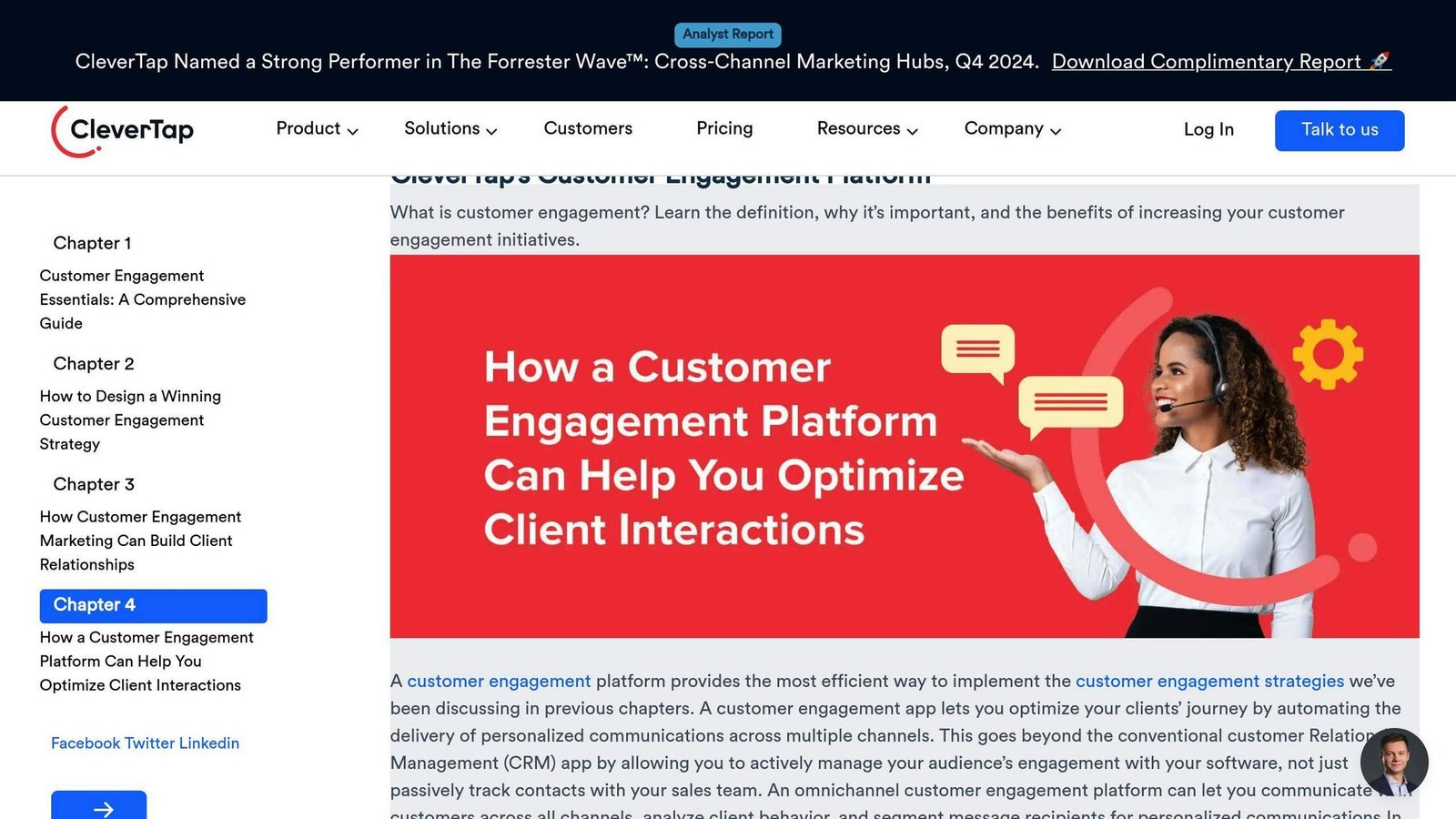
CleverTap isn’t just another in-app messaging tool. It’s a full-blown customer engagement platform that helps businesses boost their client lifetime value.
Key Features:
- Advanced behavioral segmentation
- Real-time analytics
- Multi-channel engagement (push, in-app, SMS, email)
- AI-powered predictive intelligence
- TesseractDB for high-speed data processing
CleverTap shines in creating tailored customer experiences across the entire lifecycle. Its AI component helps businesses make data-driven decisions and craft personalized campaigns.
Pricing:
CleverTap publishes no rates. It sells an annual subscription priced on monthly active users and data points, with a free trial. A claim that it saves “up to 40% on lifetime costs” previously appeared here; that is a vendor marketing comparison with no published basis, so it has been removed. Ask for the quote in writing and check how data points are counted, because that is where the bill grows.
When to Use It:
- User Retention: CleverTap keeps mobile users hooked. Its omnichannel approach brings user data together, making it easier to create cohesive messaging strategies.
- Scaling Businesses: CleverTap runs at large consumer-app scale. A customer count previously quoted here could not be sourced and has been removed.
- Data-Driven Marketing: The platform’s analytics let you refine customer experiences in real-time. Use this to make smart decisions about your engagement strategies.
What it is good at
- Reactivating lapsed users through remarketing
- Running the same campaign across push, in-app, email and SMS
- Segmenting on behaviour rather than just demographics
CleverTap’s ‘Lifecycle Optimizer’ and ‘IntelliNODE’ features help automate campaigns and boost engagement. The platform also offers funnel and cohort capabilities to reduce app and website drop-offs.
One cool thing about CleverTap? It offers fair usage of up to 10,000 data points per user and a 10-year lookback period. This gives businesses a deep dive into their users’ behavior over time.
But it’s not all roses. Some users have reported issues with the user interface and customer service. And as you scale up, the pricing based on events rather than MAUs can get pricey, especially when you’re dealing with billions of events.
In the world of in-app messaging tools, CleverTap holds its own with its feature set and potential cost savings. If you’re looking to create data-driven, personalized customer experiences across multiple channels, CleverTap might be your go-to solution.
4. MoEngage
MoEngage is a top in-app messaging tool for 2024. It’s an engagement platform that uses customer insights, perfect for mid-sized and big companies in e-commerce, media, and fintech.
What’s Cool About It:
- Uses AI to figure out how users move through your app
- Splits up your users with machine learning
- Reaches out through push, in-app, SMS, and email
- Shows you what’s happening right now
- Picks the best way and time to talk to users
MoEngage is great because it mixes customer info, real-time data, and different ways to reach out, all in one place. This helps marketers make messages that feel personal, no matter where they’re talking to customers.
How Much It Costs:
MoEngage’s prices change based on how many active users you have each month and what features you want:
| Plan | Who It’s For | What You Get |
|---|---|---|
| Growth | Smaller companies | Basic user grouping, push notifications, emails |
| Pro | Medium-sized businesses | Better data tools, offline user groups, different languages |
| Enterprise | Big organizations | Push when users leave the app, expert help, custom stuff |
MoEngage does not publish prices. It quotes per company on monthly tracked users and the modules you take. Elsewhere this article used to carry a figure of “$999/month for 10,000 users”; that number is not published by MoEngage and contradicted this very paragraph, so it has been removed rather than reconciled.
When You Should Use It:
1. If you’re big on data-driven marketing. MoEngage has smart tools that help you use customer info to make better campaigns.
2. If you want to reach customers in lots of different ways. MoEngage helps you keep your message the same across all platforms.
3. If you’re focused on growing markets. MoEngage is really good for companies that do a lot of business in Asia and other up-and-coming places.
On the testimonials
Two anonymous user quotes previously sat here. Neither was attributable, so both have been removed. What is worth knowing instead: MoEngage bills on monthly tracked users, which counts people who trigger a tracked event rather than everyone who opens the app. Ask exactly which events count before you sign.
Hot Tip: Use MoEngage’s smart path finder to automatically pick the best way and time to talk to users. This can make your messages work a lot better.
In 2024, MoEngage stands out because it’s really good at using AI to understand customers and it works well for businesses all over the world. It’s great at looking at data, reaching out in different ways, and it’s easy to use. If you want to step up how you talk to customers, MoEngage is a solid choice.
5. CometChat
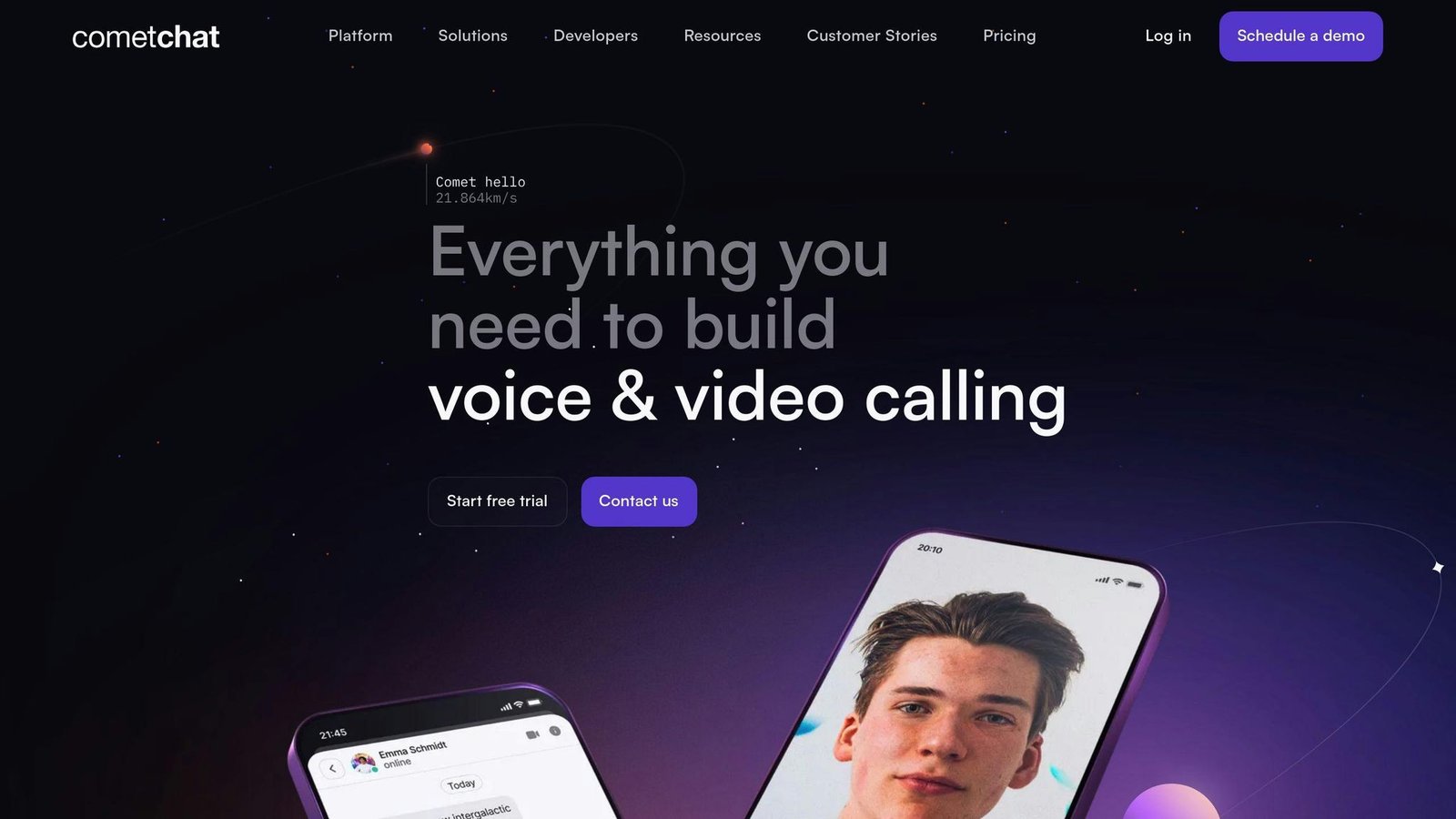
CometChat is an in-app messaging solution that lets businesses add real-time chat to their apps and websites. It works for many industries, from healthcare to e-commerce.
Key Features:
- Text, voice, and video chat
- One-on-one and group calls
- Real-time translation
- Push notifications and read receipts
- UI you can customize
CometChat’s SDK and UI Kit make it easy for developers to add chat without tons of coding. It works on Android, iOS, and web apps.
Pricing:
CometChat has renamed its plans and no longer shows rates on the public pricing page. As read in August 2026 the tiers are Build (free for development, up to 100 users, no card required), then Basic, Advanced and Enterprise, all billed annually with the price set by an MAU tier that the page does not display.
The “Essentials $109/month” and “Pro $379/month” figures this article used to print refer to plans that no longer exist, and a third figure of $119/month appeared later in the same article. All three have been removed rather than one of them being picked. Start on the free Build tier, then get a written quote for your MAU band.
When to Use It:
1. Quick Development
If you need chat features fast, CometChat’s no-code widget and low-code UI kits can help.
2. Handling Lots of Users
CometChat can handle over 1 million users at once in tests.
3. Multi-Platform Projects
It works with Flutter, React Native, and more, so it’s great for cross-platform apps.
Laura Whittington from Live Group said:
“Straightforward implementation. We quickly created a POC, and in less than a week our testing was complete.”
This shows how easy CometChat is to use.
Tip: Use CometChat’s docs and sample code to set things up faster. Their UI Kit lets you make chat look how you want.
Keep in mind: Some users think it’s expensive for big projects. As you grow, think about the costs vs. the features you get.
CometChat is a much smaller company than Intercom and aims at a different job: embedding chat inside your own product rather than running a support desk. Market-share percentages previously quoted here had no source and have been removed.
6. Braze
Braze is a big player in customer engagement. They offer tools for in-app messaging and multi-channel marketing campaigns. It’s a good fit for bigger companies that want to create personalized, data-driven experiences for their customers.
What Braze Does:
- Sends messages across different channels (push, email, in-app, SMS)
- Uses AI to personalize and segment customers
- Provides real-time data analysis and reports
- Automates targeted campaigns
Braze is built for running one coherent journey across push, email, in-app and SMS. A named customer result previously quoted here could not be traced to a published case study, so it has been removed.
How Much It Costs:
Braze publishes no prices. Its plans, as named on its own pricing page in August 2026, are Braze Go, Braze Select, Braze Pro and Braze Enterprise, priced on monthly active users with an additional credit-based model for messaging volume and some AI features.
This article previously printed a table of estimated annual costs — $60,000, $120,000 and $200,000 — against plan names Braze does not use, while the sentence above the table admitted the prices were not public. That table has been removed. It was an invented figure, and Braze is an annual-contract, enterprise-priced product: assume six figures is possible and get the quote.
When Braze Might Be Right for You:
1. You’re growing fast
If your user numbers are shooting up, Braze can handle millions of users.
2. You love data-driven marketing
Braze’s advanced analytics and AI can help you create super-targeted campaigns based on how users behave.
3. You use lots of different marketing channels
If you’re reaching out to customers in many ways, Braze can help you keep your message consistent across all of them.
Here’s what Kristijan A., a Lifecycle Marketing Manager, says about Braze:
“Braze has all you need to run engage, retain, and convert your mobile app users – from detailed segmentation to running workflows and multivariate testing with multiple messages across Email, Push Notifications, In-App Messages, News Feed Cards, SMS, and more.”
This shows how Braze covers all the bases when it comes to customer engagement.
Insider Tip: When you’re talking to Braze about pricing, come prepared with info about what you need and how much you’ll use. Try starting these talks a few weeks before the end of a quarter – you might get a better deal. And don’t forget to ask if there’s any wiggle room on implementation fees.
Braze is not a small-business purchase. If you are choosing between it and a tool with a published price list, that difference is itself information: an unpublished price usually means the vendor expects a negotiation, and a negotiation usually means a large number.
7. OneSignal
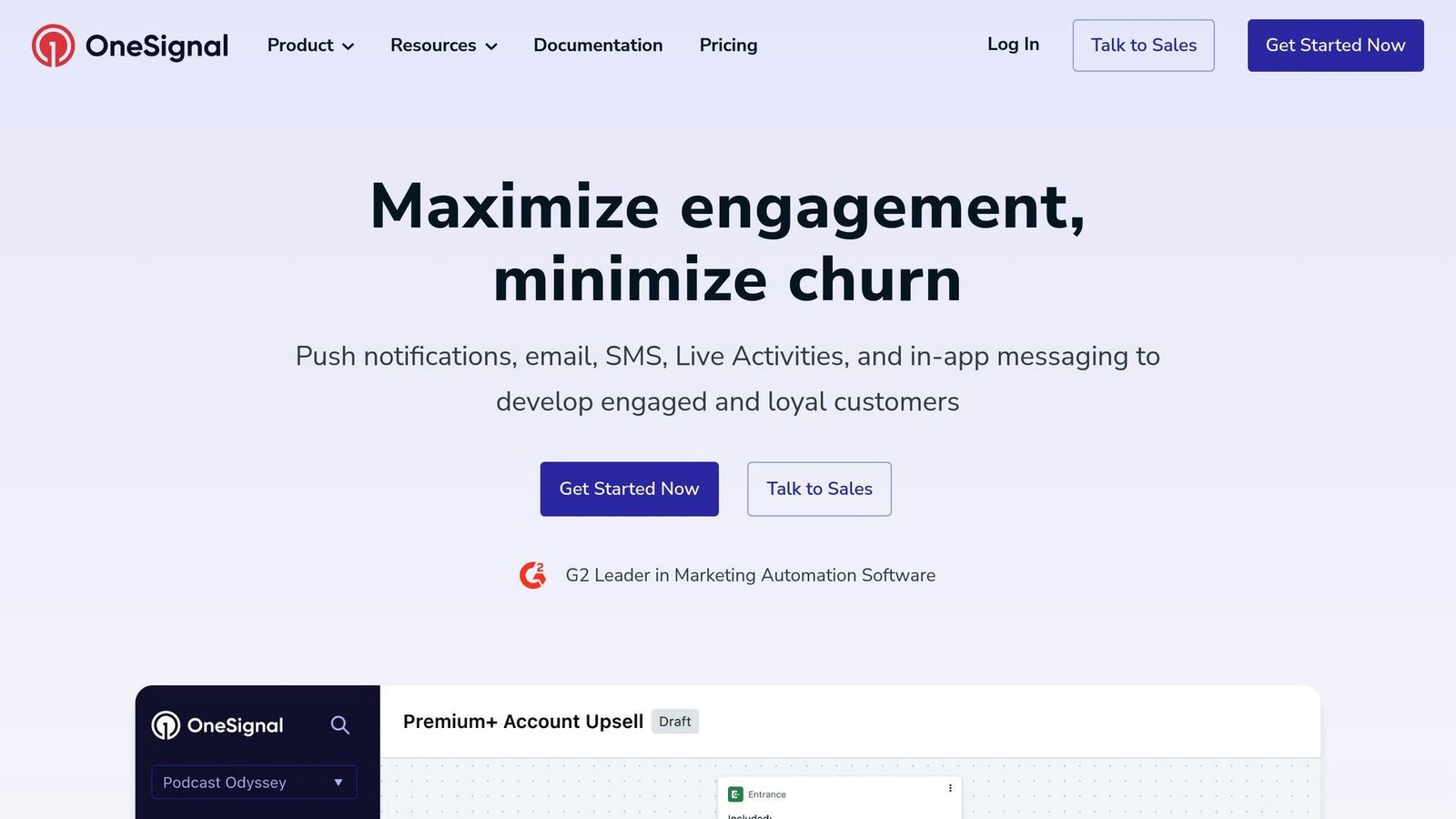
OneSignal is a customer engagement platform that packs a punch in 2024. It’s not just about push notifications – they’ve got in-app messaging, email, and SMS too. Whether you’re a small startup or a big corporation, OneSignal’s got your back for boosting user engagement and driving those sweet, sweet revenues.
What’s Cool About OneSignal?
- Create in-app messages without touching code
- Slice and dice your user base for targeted campaigns
- Test different versions to see what sticks
- Get the lowdown on your campaigns with real-time data
- Works on pretty much everything (Android, iOS, web, you name it)
Got a time-sensitive promo? Need to push out a critical update ASAP? OneSignal’s drag-and-drop interface lets even your non-techie team members whip up in-app messages in no time.
Show Me the Money
OneSignal’s got plans for every wallet:
| Plan | Price | What You Get |
|---|---|---|
| Free | $0/month | Unlimited mobile push sends, 10,000 email sends/month, basic analytics |
| Growth | From $19/month plus usage | Unlimited in-app messaging, 20,000 email sends then $1.50 per 1,000, push billed per active user, 3 journeys |
| Professional | Custom, annual contract | Adds SMS and RCS, 24/7 prioritised support, volume discounts |
| Enterprise | Custom, annual contract | Dedicated success manager, unlimited personalisation and automation |
Read from OneSignal’s pricing page, August 2026. Two corrections: Growth starts at $19/month, not the $9 this article used to quote, and the base fee is only part of the bill — push is charged per monthly active user and email per thousand sends on top. The free plan is genuinely free and generous on push volume.
When OneSignal Shines
- You need in-app messaging yesterday
- Your app is everywhere (Android, iOS, web) and you want consistent messaging
- You’re all about that data-driven life for your messaging campaigns
An anonymous customer quote claiming an engagement doubling previously sat here. It could not be sourced and has been removed.
Pro Tip: Use OneSignal’s permission prompts to boost your push notification opt-ins. Tell users what’s in it for them, and watch your reach grow beyond just in-app messages.
Now, let’s keep it real. OneSignal’s got a ton of features, which is awesome, but it might take a bit to get your head around everything. But hey, if you’re willing to put in the time, the payoff can be huge.
In the wild world of in-app messaging tools for 2024, OneSignal’s mix of user-friendliness, powerful features, and flexible pricing makes it a solid choice for businesses looking to step up their user engagement game.
8. Airship
Airship is a top-notch in-app messaging tool for 2024. It’s not just about push notifications anymore – Airship has grown into a full-fledged customer engagement platform.
Here’s what Airship brings to the table:
- Messages across multiple channels (push, email, in-app, SMS)
- AI that personalizes user experiences
- An API that plays nice with any JSON-compatible platform
- Smart user targeting
- Real-time data on how your messages are performing
Airship uses AI and user data to send the right message at the right time. It’s all about building trust and getting users to engage more.
What’ll It Cost You?
Airship has two main plans:
- AXP Essentials: It’s free! You get push and web notifications, easy app setup, and basic stats.
- AXP Enterprise: You’ll need to get a custom quote. It includes email, SMS, mobile wallet, and more advanced features.
The free plan is great for dipping your toes in. If you need more, the Enterprise plan can be tailored to fit.
When Airship Shines:
- You’re running campaigns across different platforms
- Your business is growing fast and you need a tool that can keep up
- You have unique messaging needs that require custom integration
- You want to use data to drive your marketing decisions
Airship publishes no rates for its paid tier — AXP Essentials is free and AXP Enterprise is quoted per company. Budget for an annual contract if you need email, SMS or wallet.
One cool thing about Airship is that it supports web push notifications and Scenes on both desktop and mobile. This means your messages look good no matter what device your users prefer.
Pro Tip: If you run into 503 errors, use the Exponential Backoff and Retry method. It helps keep things running smoothly when there’s a lot of traffic.
Airship takes privacy seriously. They support double opt-in and follow local data privacy laws. This is crucial if you’re doing business in places with strict privacy rules.
Keep in mind that Airship has a lot of features, so it might take some time to learn. But if you’re after a powerful in-app messaging tool that can do it all, Airship is worth checking out in 2024.
9. Leanplum (no longer sold separately)
Leanplum no longer exists as a product you can buy. CleverTap acquired Leanplum in 2022 and folded it in; leanplum.com now redirects to clevertap.com. If Leanplum is on your shortlist, the product to evaluate is CleverTap, which is number three on this list. This entry is kept, corrected, so that readers working from an older shortlist know what happened rather than hunting for a vendor that will not answer.
What Leanplum was: a mobile-first engagement platform built for app-centric companies. Its capabilities now sit inside CleverTap.
What’s in the box?
- A/B testing
- Analytics
- Campaign segmentation
- Push notifications
- Email marketing
- Cross-channel messaging (SMS, in-app, push)
Leanplum was mobile-first from the start rather than a web tool with mobile bolted on, which is why CleverTap wanted it. An anonymous user quote previously appeared here and has been removed as unsourceable.
Pricing
There is none to quote. Leanplum is not sold separately and the sales address previously listed here no longer reaches a Leanplum team. Price CleverTap instead.
What this means for you
- If you are running Leanplum today, you are a CleverTap customer; check what your contract renews into.
- If you were about to trial Leanplum, trial CleverTap.
- If a comparison article still lists Leanplum as a live option, it has not been checked recently.
A scalability score and three anonymous user quotes previously filled the rest of this section. All were unsourceable and, for a product that is no longer sold, misleading as well, so they have been removed and not replaced.
10. UserGuiding
UserGuiding is shaking things up in the in-app messaging world. It’s a no-code digital adoption platform that lets businesses create interactive product tours, onboarding flows, and in-app messages without writing a single line of code.
Here’s what UserGuiding brings to the table:
- Interactive guides and walkthroughs
- User onboarding checklists
- Tooltips and hotspots
- In-app messaging
- Resource centers
- NPS surveys
What makes UserGuiding stand out? It’s all about simplicity. You don’t need to be a tech whiz to create engaging in-app experiences. This makes it perfect for small to medium-sized businesses who want to boost user engagement without emptying their wallets.
Pricing:
UserGuiding still sells Basic, Professional and Corporate. Read from its pricing page in August 2026:
| Plan | Price | Notes |
|---|---|---|
| Basic | $69/month, billed yearly | Entry tier |
| Professional | Not published | Priced by monthly active users |
| Corporate | Not published — “Let’s Talk” | Enterprise |
The Basic price is unchanged. The $299 and $499 figures this article used to show for the higher tiers are no longer displayed by UserGuiding, and the per-plan MAU caps it used to list are not published either — the site now runs a slider from 1,000 to 50,000+ MAU without tying caps to tiers. Both have been removed rather than carried over.
When to Pick UserGuiding:
- You’re a startup or SMB looking for a budget-friendly in-app messaging solution
- You want to create product tours and onboarding flows without coding
- You need to boost user engagement and retention
UserGuiding is strongest at contextual onboarding: showing a tooltip or checklist at the moment a user is stuck. A vendor anecdote previously stood in for evidence here and has been removed.
Pro Tip: Use UserGuiding’s segmentation to target specific user groups rather than firing the same tour at everyone. Untargeted onboarding messages are the ones users learn to dismiss.
Is UserGuiding perfect? No tool is. It might not have all the fancy features of some big-name enterprise tools. But if you’re looking to dip your toes into in-app messaging in 2024, UserGuiding’s user-friendly interface and wallet-friendly pricing make it a solid choice.
Tool Comparison
Let’s compare the top in-app messaging tools for 2024. We’ll look at their features, prices, and how well they work with other software.
Pricing and User Limits
Here’s how our top picks compare for price:
| Tool | Price for 10,000 Users/Month | Free Trial |
|---|---|---|
| Intercom | $85/seat/month (Advanced plan) | Yes |
| Firebase | Pay-as-you-go | Yes (Spark plan) |
| CleverTap | Not published | Free trial |
| MoEngage | Not published | Not specified |
| CometChat | Not published | Free Build tier |
Only Intercom, OneSignal and UserGuiding publish a rate you can plan against. The CleverTap, MoEngage and CometChat figures that used to fill this table were not on any vendor page and contradicted those vendors’ own statements elsewhere in this article, so they have been removed. Nothing has been substituted for them.
Key Features
Each tool has its strong points:
- Intercom: AI chatbots, product tours, advanced segmentation
- Firebase: Real-time database, analytics, easy Google integration
- CleverTap: AI segmentation, omnichannel messaging, predictive analytics
- MoEngage: AI user path analysis, cross-channel campaigns
- CometChat: Voice and video chat, real-time translation, custom UI
Integration Capabilities
Your in-app messaging tool needs to work well with your other tech. Here’s how they do:
- Intercom: Works with lots of tools, like Salesforce, Slack, and Jira
- Firebase: Works great with Google services, not many other options
- CleverTap: Works with many tools, like Segment, Mixpanel, and Zapier
- MoEngage: Works with big marketing and analytics platforms
- CometChat: Has SDKs for different platforms, including React Native and Flutter
Real-World Performance
A retention figure credited to OneSignal and a customer count credited to Intercom previously sat here, along with two named brands. None could be sourced to the vendors, so all have been removed. Vendor-reported uplift numbers are selected from their best accounts anyway; the number that matters is the one you measure on your own users after a month.
Expert Insight
Aarathy Sundaresan from CometChat says:
“Choosing the right SDK can mean the difference between providing a stellar chat experience that your users will love or a scrappy one that will leave them wanting more.”
This shows how important it is to pick the right tool for your needs.
Final Thoughts
When picking an in-app messaging tool, think about what you need now and in the future. Intercom and CleverTap are good for all sizes of business. Firebase is great if you use other Google tools. MoEngage is strong in AI engagement, and CometChat offers unique features like voice and video.
Final Thoughts
Picking the right in-app messaging tool can make or break your user engagement in 2024. Let’s break down what we’ve learned from our top 10 picks:
1. Personalization is key
AI-powered tools like Intercom and CleverTap deliver tailored messages. McKinsey found in 2021 that 71% of consumers expect companies to deliver personalised interactions, and 76% get frustrated when that does not happen.
2. Timing matters
OneSignal and Airship are both built around triggering on behaviour rather than on a schedule. A response-rate multiple previously quoted here was unsourced and has been removed.
3. Multi-channel is a must
MoEngage and Braze cover all your bases. Users hop between different touchpoints, so you need to be everywhere.
4. Data drives decisions
Firebase and CleverTap give you the analytics to understand your users and fine-tune your strategy.
5. Keep it simple
UserGuiding’s no-code approach makes life easier for non-techies.
Now, let’s talk strategy. Here’s how to make your in-app messaging work:
- Set clear goals. What do you want? Better onboarding? More feature use? Higher conversions?
- Know your audience. Use data to target your messages. As one expert put it:
“The better you use in-app messages, the stronger you will get in engaging with your users.”
- Keep it short and sweet. Don’t overload users with info.
- Test, learn, repeat. A/B testing is your friend; every tool on this list supports it.
- Respect your users. Don’t bombard them with messages.
Remember, it’s not just about the tool. It’s about creating a smooth, valuable experience for your users. Maria Krisette Lim, a Content Marketing Specialist, says:
“Integrating in-app messaging into your customer retention strategy can significantly impact the success of your app.”
Choose the right tool, follow best practices, and watch your app become an engagement powerhouse. Whether you’re a startup on a budget (hello, UserGuiding) or a big company wanting AI magic (looking at you, Braze), there’s a tool for you.
In 2024, success means personal, timely, and valuable messages that make your app better. Choose smart, and watch your user engagement take off.
FAQs
What is the best messaging SDK?
Picking the right messaging SDK boils down to your specific needs. Here’s a rundown of some top contenders in 2024:
Four monthly prices used to appear in this answer, for MirrorFly, CometChat, Sendbird and PubNub. We could not confirm any of them against the vendors’ own pages, and the CometChat figure contradicted the one given earlier in this same article, so all four have been removed. What is worth knowing about each:
MirrorFly is broad on features, including VoIP calls and live broadcasts, and offers a self-hosted option — which changes the cost shape entirely, because you pay for infrastructure rather than per user.
CometChat has a free development tier and then prices by monthly active user band, quoted annually.
Sendbird is the most feature-complete of the group and prices accordingly, on monthly active users with message-volume components.
PubNub bills on messages and connected devices rather than seats, which suits high-frequency, low-value traffic.
Twilio is pay-as-you-go per message, so there is no subscription to compare — you model it from your expected volume.
All five publish a calculator or a quote form rather than a simple list price. Model your own volumes before you compare them.
When you’re SDK shopping, keep these factors in mind:
- How much can you scale?
- What’s your budget?
- What features do you need?
- How easy is it to integrate?
- Is the support and documentation up to snuff?
More on this topic
Browse all 21 articles on Customer Support, or jump straight to our buying guide: Best Customer Support Tools for Small Teams.