Workato is enterprise-grade integration and automation software — the category known as iPaaS — used to connect business systems and run automated processes across them. Automations are built as “recipes”: a trigger, then a sequence of steps across applications, assembled in a low-code editor rather than written as integration code. It sits at the serious end of the market, competing for the work that would otherwise go to a middleware platform or a team of integration developers, and the vendor cites repeated Gartner Magic Quadrant Leader placement in the category.
What you can actually do with it
The typical project is not “connect two apps” but “make finance, HR, sales and support systems agree with each other without anyone rekeying data”.
- Connect core business systems. A very large connector library covers ERP, CRM, HR, finance, ITSM, databases and cloud services, with the depth needed for systems like Salesforce, NetSuite, Workday and ServiceNow rather than surface-level support.
- Build recipes in a low-code editor. Conditions, loops, error handling, callable sub-recipes and reusable logic let one team build patterns that other teams reuse instead of rebuilding.
- Publish and manage APIs. Recipes can be exposed as managed API endpoints with access control and throttling, so integrations become services other systems consume.
- Orchestrate data at scale. Bulk and streaming data movement, plus master data tooling, for keeping records consistent across systems that each think they are the source of truth.
- Deploy AI agents with governance. Agent tooling lets AI take actions inside real business processes, with the permissions, approvals and audit trail an enterprise needs before allowing that.
- Give business teams safe self-service. Departments can build their own automations inside guardrails set centrally, which is the main argument for buying it over a developer-only integration stack.
- Satisfy security and audit requirements. Role-based access, environments for testing and production, version control, detailed job logs and compliance certifications are standard rather than add-ons.
Who it fits best
Workato fits mid-market and large organizations — realistically from a few hundred employees upward — with an IT or integration team, several systems of record, and processes that break when data is out of sync. Companies replacing legacy middleware, or trying to retire a sprawl of brittle point-to-point scripts, are the classic buyers.
It fits badly for small businesses. If you have a handful of SaaS tools and want a lead added to your CRM automatically, this is dramatically more platform than the problem requires, and the commercial model is not built for you.
Things worth knowing before you commit
- Pricing is quote-based and enterprise-shaped. Expect an annual contract negotiated with sales rather than a card-and-go signup, with cost driven by workspaces, connections and how many recipes run. Model growth before signing, because expansion is where the surprise usually lands.
- Low-code still means skills. Building reliable recipes requires understanding APIs, data structures and error handling. Most successful deployments have named owners, not a general expectation that anyone will pick it up.
- Implementation is a project. Connecting core systems means access approvals, sandbox testing and change control. Plan in months, not afternoons, for anything touching finance or HR data.
- You are centralizing risk. When many processes depend on one platform, its failures and your recipe errors become business-wide events. Alerting, monitoring and rollback plans matter from day one.
- Migration away is costly. Recipes are proprietary and do not port to another platform, so treat the choice as a multi-year commitment.
Alternatives to compare it against
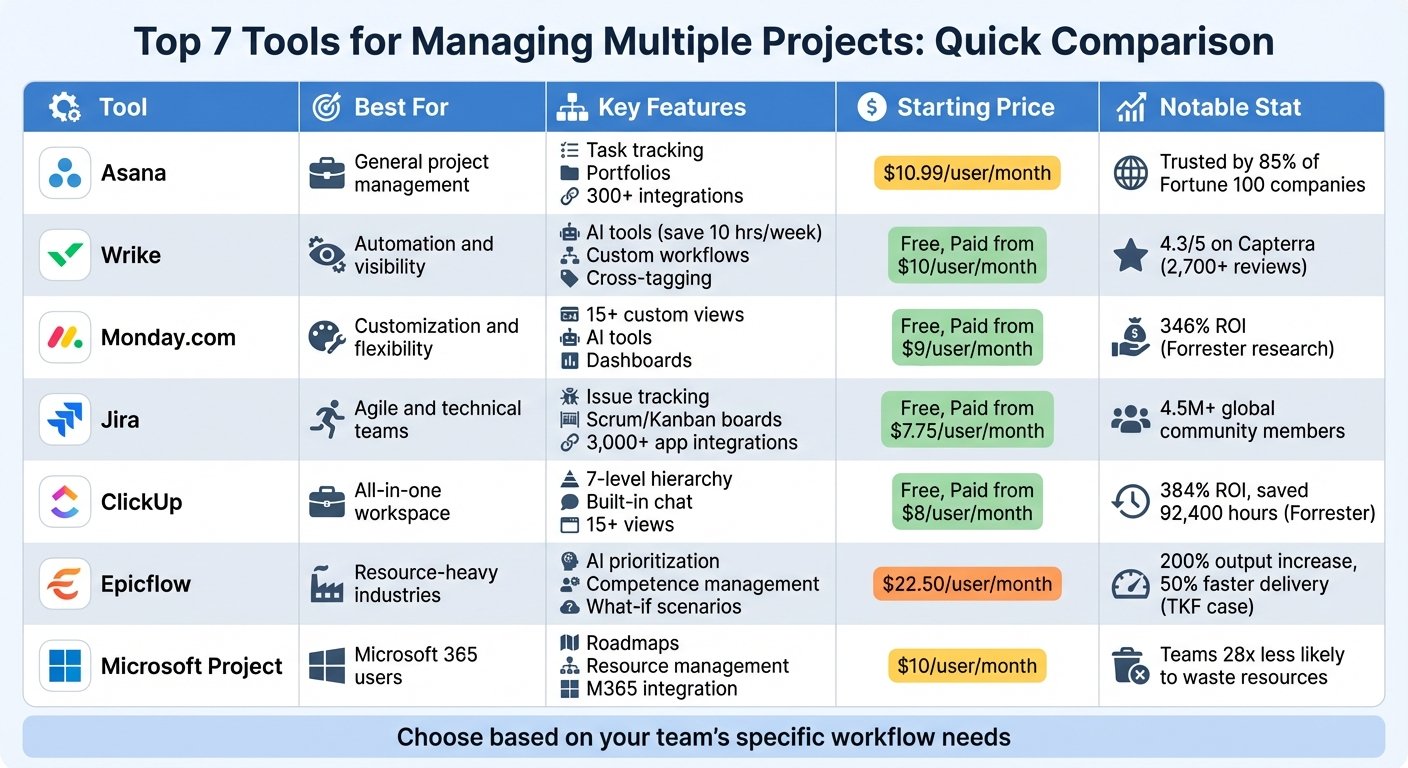
Among enterprise iPaaS platforms, MuleSoft, Boomi and Celigo are the usual shortlist companions, with MuleSoft favoured by Salesforce-heavy organizations and Boomi common where data integration dominates. If you are a Microsoft shop, Power Automate and Azure Logic Apps may already be licensed. For smaller businesses, Zapier or Make will solve the same conceptual problem at a fraction of the cost and complexity, and n8n adds self-hosting if data residency drives the decision.
Pricing models, contract terms and platform limits change regularly — check Workato’s own pricing page or request a current quote before you commit.
Further reading
- Business Process Automation Platform Essentials — the governance, access-control and versioning criteria that separate iPaaS from consumer-grade connectors.
- How to Automate ETL Workloads with Job Scheduling — covers the bulk data movement and orchestration side of what Workato is bought to run.
- How to Measure Data Quality KPIs — relevant to the master-data problem of systems that each believe they are the source of truth.
- What Is Cloud Security Workflow Automation? — addresses the monitoring and alerting you need once many processes depend on a single platform.
Have you used Workato?
One sentence is enough. Would you pick it again, and why or why not? We publish the critical reviews too — that is the point.