
Looking for the best HR software to streamline your workforce management? Here’s a quick overview of 8 top solutions:
- BizBot – Directory of HR tools to build custom tech stacks
- Workday – Comprehensive platform for large enterprises
- SAP SuccessFactors – Full-suite system for medium to large companies
- BambooHR – User-friendly option for small to medium businesses
- Rippling – Combined HR and IT management for fast-growing companies
- UKG – Broad solution with global payroll capabilities
- ADP Workforce Now – Solid choice for mid-sized businesses
- Paycom – All-in-one system with strong employee self-service
Quick Comparison:
| Software | Best For | Starting Price | Key Feature |
|---|---|---|---|
| BizBot | Custom HR stacks | Not specified | HR tool directory |
| Workday | Large enterprises | Not published | 600+ integrations |
| SAP SuccessFactors | Medium-large companies | Not published | Talent management |
| BambooHR | SMBs | Core $10/employee/mo (25+ employees) | User-friendly interface |
| Rippling | Fast-growing companies | From $8/user/mo | Combined HR/IT |
| UKG | Complex enterprises | Not published | Global payroll |
| ADP Workforce Now | Mid-sized (50-999) | Not published | Compliance tools |
| Paycom | Medium-large businesses | Not published | Employee self-service |
Choose based on your company size, needs, and growth plans. Consider features, integrations, scalability and user-friendliness when deciding.
1. BizBot: Business Tools Directory
BizBot isn’t your typical HR software. It’s a directory of business tools, including HR options. Think of it as a one-stop shop for building your HR tech stack.
Here’s how BizBot can help with your workforce management:
Mix and Match HR Tools
BizBot lets you pick and choose from a variety of HR-related tools:
- Accounting software for payroll
- Banking solutions for employee benefits
- Legal services for compliance
- Management tools for performance tracking
It’s like building your own HR Swiss Army knife.
Grows With Your Business
BizBot has tools for companies of all sizes:
| Business Size | Tool Examples |
|---|---|
| Freelancers | Basic accounting, time tracking |
| Small Businesses | HR essentials, ownership management |
| Growing Companies | Digital CFO services, advanced HR platforms |
As you grow, BizBot’s got your back with more advanced options.
Keeping Data Safe
BizBot doesn’t handle employee data directly, but it recommends tools that do. Look for HR software with:
- Secure cloud storage
- Data encryption
- Compliance with regulations like GDPR
Watch Your Wallet
BizBot’s subscription management feature is a money-saver. It helps you:
- Track spending on HR tools
- Spot unused services
- Find cheaper alternatives
It’s like having a budget-savvy HR assistant.
BizBot’s founder, Didrik Martens, is all about user-friendly solutions. This means even small businesses without HR departments can use the tools in BizBot’s directory.
While BizBot isn’t a full HR solution on its own, it’s a great starting point. It helps you build a custom, scalable, and budget-friendly HR system. It’s like having a personal HR tech advisor at your fingertips.
2. Workday: Complete HR Platform
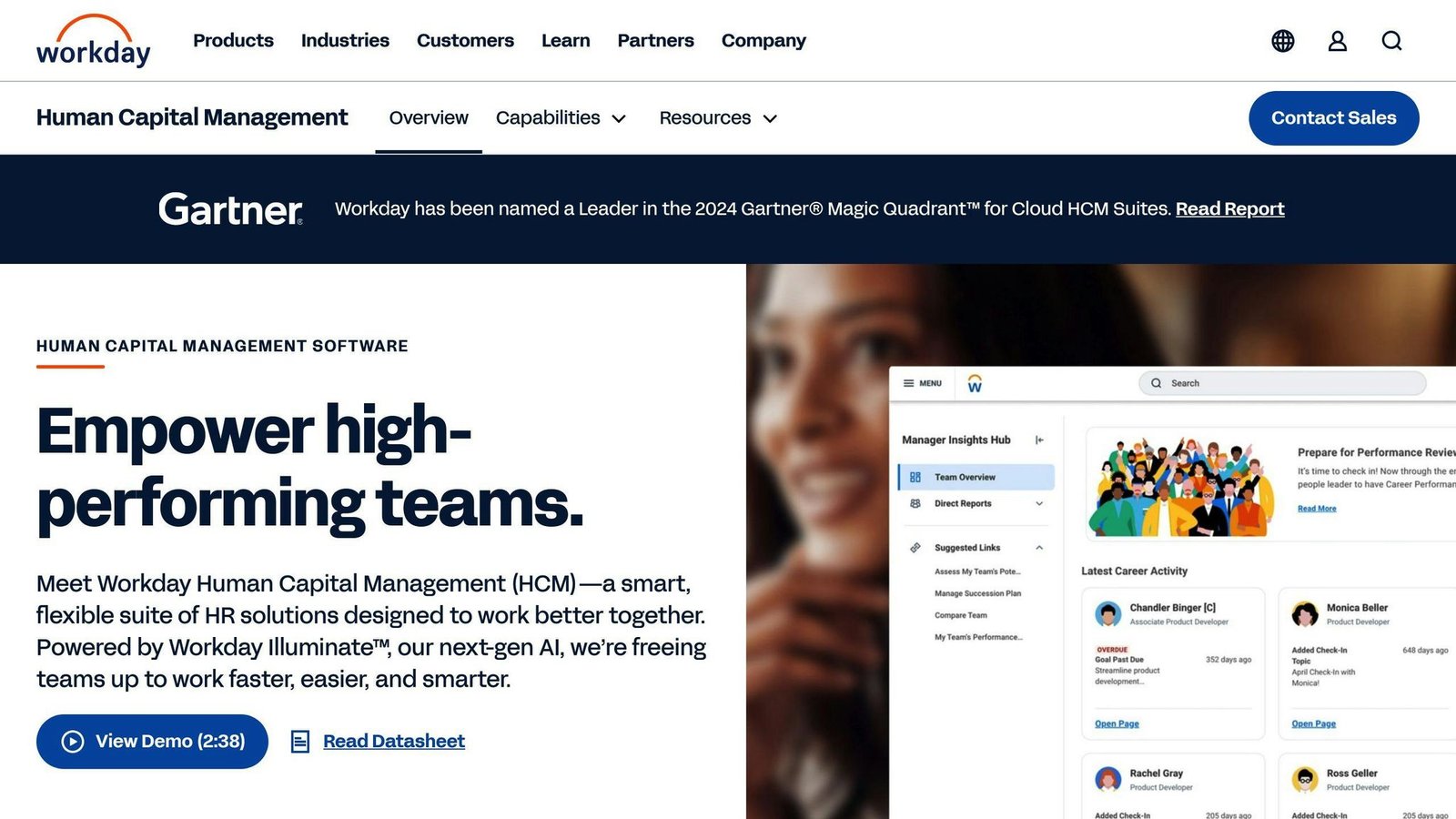
Workday is a big player in HR software. It’s built for medium to large companies and packs a punch. Here’s what you need to know:
System Connections
Workday is like the ultimate connector. It links up with over 600 different tools for HR, money stuff, projects, and teamwork. This means you can:
- Mix HR and finance in one place
- Streamline hiring and talent management
- Handle payroll across multiple countries
Picture this: A global company using Workday to manage teams from New York to Tokyo, all from one dashboard.
Size Options
Workday grows with you:
| Company Size | What You Get |
|---|---|
| 50-100 people | Basic HR tools |
| 100-1000 people | More features, customizable |
| 1000+ people | The whole package |
An anonymous “tech startup that grew from 50 to 500 employees in two years” was cited in five separate sections of this article, each time as evidence for a different product. It was the same unsourced anecdote, and all five instances have been removed.
Safety Measures
Workday takes your data security seriously:
- Top-notch encryption
- Follows healthcare data rules
- Fort Knox-level data centers
- One security system for everything
With 50 million users in 170 countries trusting Workday, they must be doing something right.
Costs
Workday does not publish pricing, and the figures previously shown here – $100 per person per month, $50-$70 for large deployments, and implementation costs of $50,000 to $500,000-plus – could not be verified against any Workday source. They have been removed. What is worth knowing is the shape of the cost: an annual subscription scaled by headcount and modules, plus an implementation project that is usually delivered by a partner and quoted separately. Ask for both numbers before comparing Workday with anything else on this list.
An unnamed manufacturing company “cutting HR paperwork by 30%” was cited here as justification. Variants of that claim – 30% and 40% – appeared five times in this article, attached to five different products and never to a named, checkable source. All have been removed.
3. SAP SuccessFactors: HR Management System
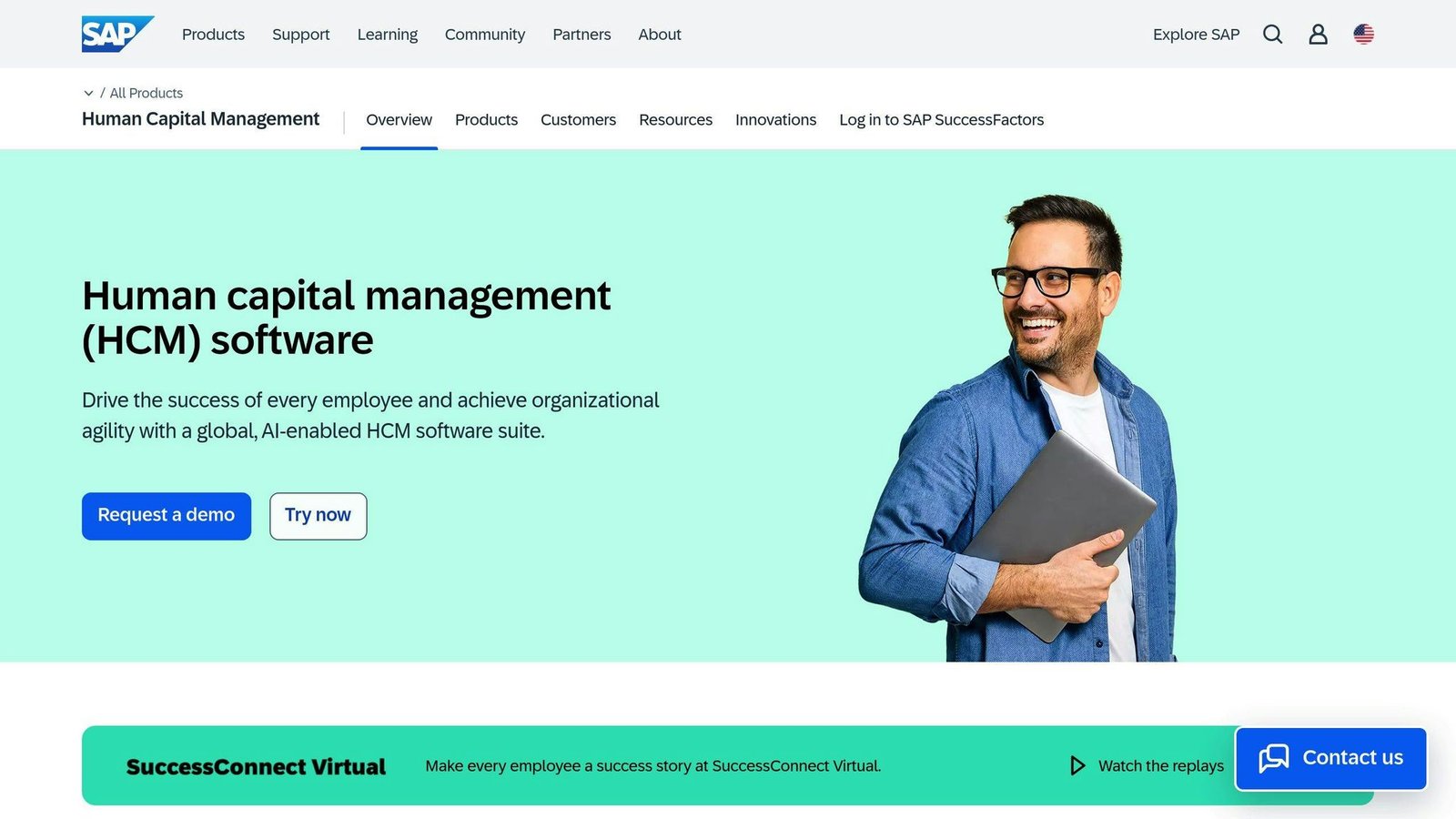
SAP SuccessFactors is a big player in HR software. It’s a full-suite solution that handles everything from hiring to retiring. Here’s what you need to know:
Tool Connections
SuccessFactors doesn’t play alone. It connects with over 600 other tools, including:
- Job sites like LinkedIn and Indeed
- Adobe Sign for documents
- SAP’s finance tools
This means you can build your perfect HR setup without data getting stuck in different places.
Business Size Sweet Spot
SuccessFactors works for different company sizes, but it’s best for medium and large businesses:
| Company Size | What You Get |
|---|---|
| 50-100 employees | Basic HR stuff |
| 100-1000 employees | More options, can customize |
| 1000+ employees | Everything, built for big companies |
Data Safety
SuccessFactors takes your HR data security seriously:
- ISO 27001 certified for over 20 years
- Follows rules like GDPR and HIPAA
- Checks its own security regularly
One user said, “Updates can take time and need lots of testing, but the company gives you good info and tools to help.”
Price Tag
SuccessFactors isn’t cheap, but you have options:
SAP does not publish list prices for SuccessFactors. The three figures previously tabled here – $8 per user per month for Employee Central, $180 per hire per year for Recruiting and a $3,770 flat fee for Workforce Analytics – could not be verified and have been removed. SuccessFactors is sold module by module through SAP or a partner, and the module mix drives the price far more than headcount does.
Implementation is a separate project with its own quote. Specific ranges previously published here were unsourced and have been removed; get the implementation quote in writing at the same time as the licence quote, because it is frequently the larger number in year one.
The Bottom Line
SuccessFactors is a powerful, all-in-one HR system that works best for growing medium-sized companies and big enterprises. It’s great because it does everything and works well with other tools. But if you’re a small company, it might be too much – both in what it does and what it costs.
4. BambooHR: Small Business HR Tool
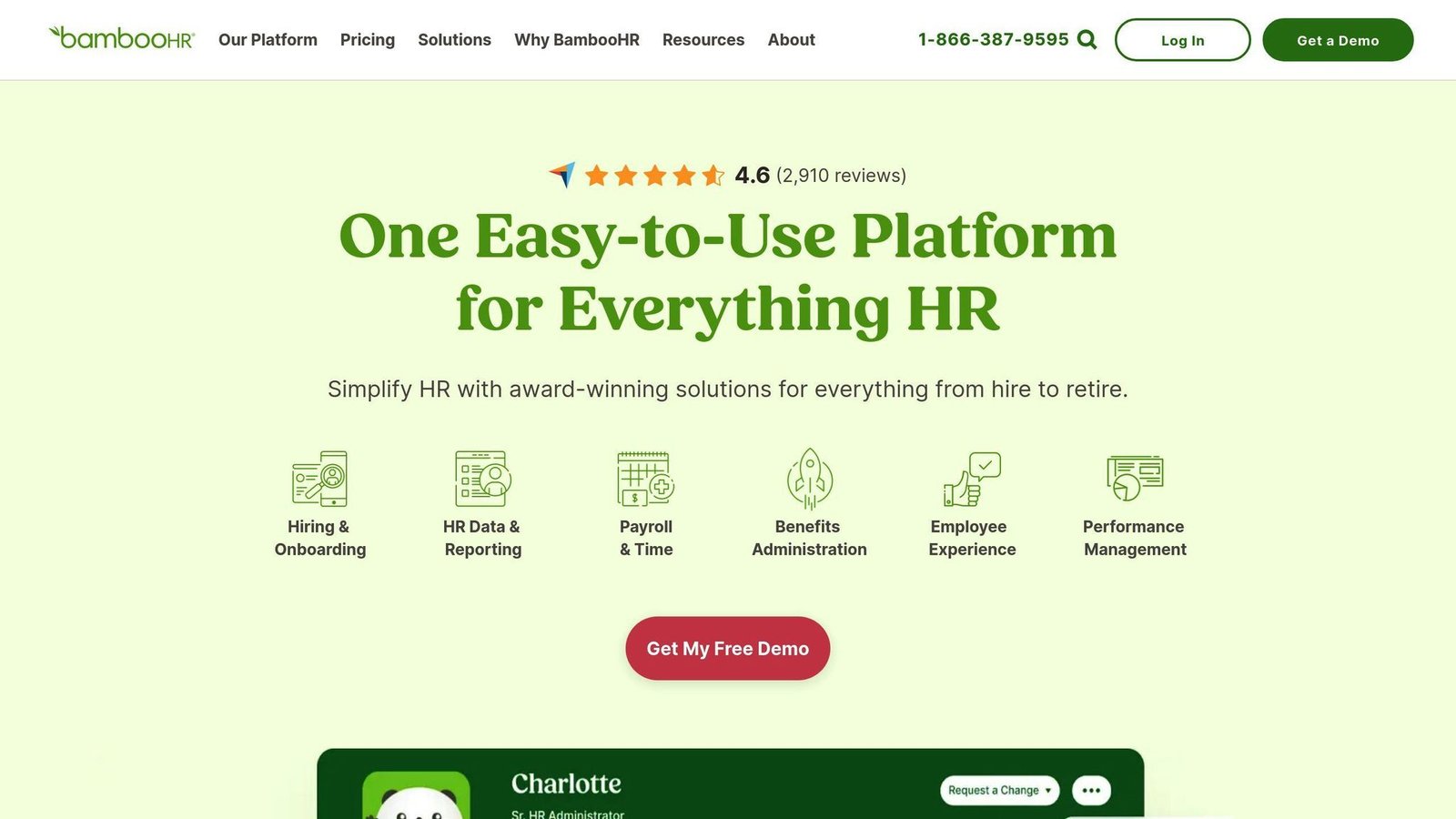
BambooHR is a cloud-based HR solution for small and medium-sized businesses. It’s your one-stop shop for everything from hiring to employee management.
App Connections
BambooHR doesn’t play alone. It connects with over 125 other tools, including:
- Job sites (LinkedIn, Indeed)
- Document signing tools (Adobe Sign)
- Communication platforms (Slack)
This means you can build your perfect HR setup without data getting lost in the shuffle.
Company Size Sweet Spot
BambooHR grows with you:
| Company Size | What You Get |
|---|---|
| 1-25 employees | Basic HR tools |
| 26-100 employees | More features |
| 101-1000 employees | Full suite |
Security Measures
BambooHR takes your data seriously:
- Safe Harbor Certified
- Follows U.S.-EU and U.S.-Swiss Safe Harbor Framework
- Offers Single Sign-On (SSO)
- Provides adaptive authentication
As one user put it: “SSO setup was easy, and we feel good about our employee data security.”
Pricing
BambooHR has renamed and repriced its plans. The Essentials and Advantage tiers quoted here at $6 and $8 per employee per month no longer exist.
| Plan | Price | What’s Included |
|---|---|---|
| Core | $10 per employee/month (25+ employees) | Core HR |
| Pro | $17 per employee/month | Adds hiring and performance tools |
| Elite | $25 per employee/month | Full suite |
| Under 25 employees | Flat rate from $250/month | Priced as a package, not per head |
That flat rate under 25 employees is the number small buyers miss: at ten employees BambooHR costs $25 a head, not $10. Payroll and benefits administration are separate add-ons, and volume and non-profit discounts are available.
The Bottom Line
BambooHR is a solid choice for small businesses looking to simplify HR. It’s user-friendly, affordable, and works on mobile. Plus, it plays well with other tools.
A testimonial from an unnamed “small business owner” claiming a 40% cut in HR paperwork previously appeared here. The identical quotation, word for word, also appeared in the Rippling section of this article attributed to another anonymous small business owner. Both have been removed.
5. Rippling: HR and IT Management
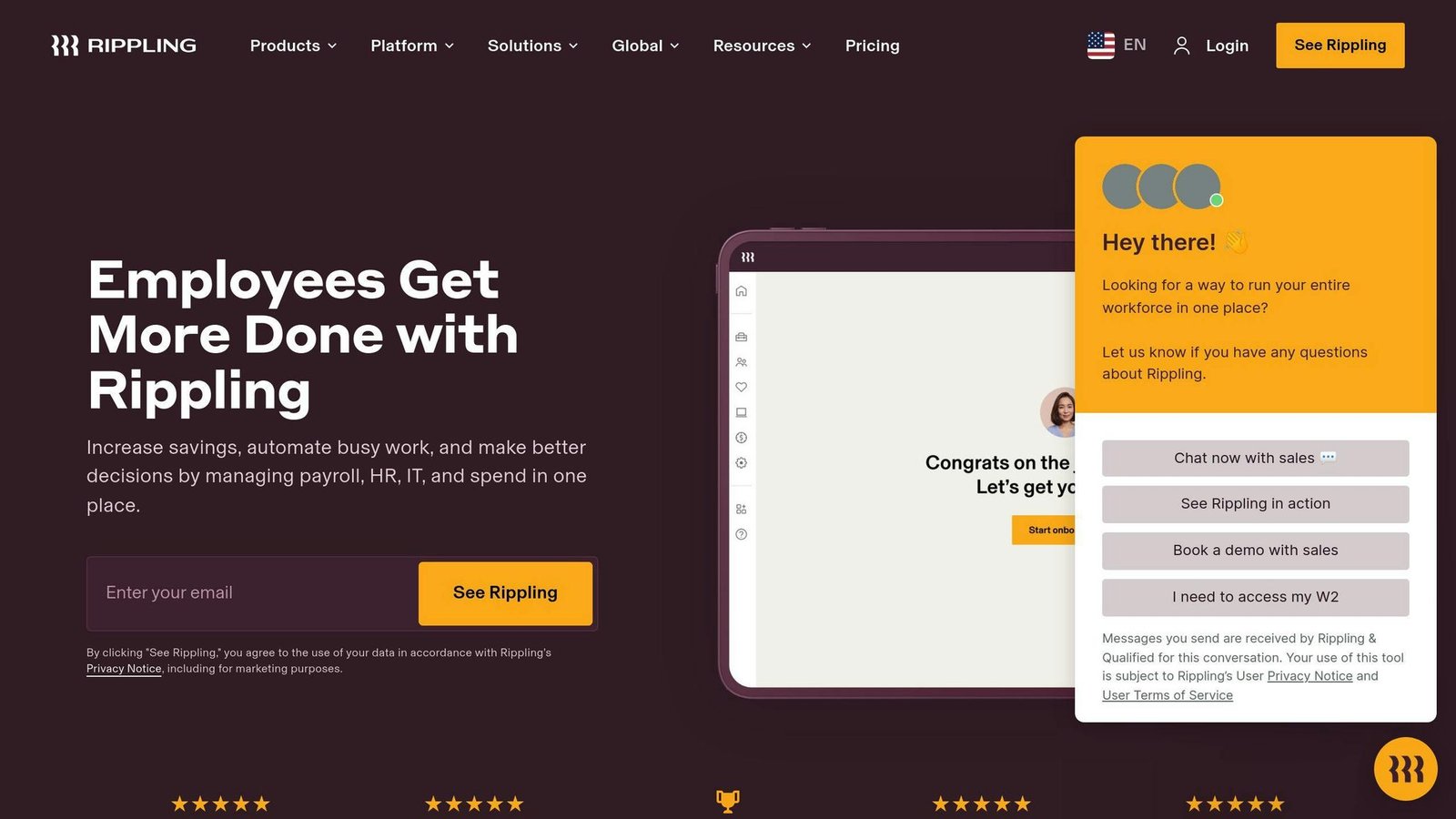
Rippling isn’t just another HR tool. It’s a powerhouse that connects HR, payroll, and IT under one roof. Let’s see what makes it tick.
All-in-One Integration
Rippling brings together HR, payroll, and IT. With over 500 app integrations, it creates a smooth workflow for your business:
| Integration | Examples |
|---|---|
| Accounting | QuickBooks |
| Collaboration | Google Workspace, Slack |
| Job Boards | LinkedIn, Indeed |
| Document Signing | Adobe Sign |
You can manage everything from hiring to retiring without juggling multiple systems.
Size-Friendly Solution
Rippling grows with you:
| Company Size | Offering |
|---|---|
| Small (1-25) | Core HR and IT tools |
| Medium (26-100) | Enhanced features and customization |
| Growing (101-1000+) | Full suite with global capabilities |
Fort Knox for Your Data
Rippling takes data security seriously:
- Uses Amazon Web Services (AWS)
- AES-256 encryption for all data
- 24/7 on-site security
- Single Sign-On (SSO) and adaptive authentication
One user said: “Setting up SSO was easy, and we feel good about our data security.”
Pricing That Makes Sense
Rippling publishes one number and quotes the rest: its pricing page states that Rippling “starts at $8 a month, per user”, and that while most products are billed per employee per month, some carry a monthly base fee. The specific “$35 a month plus $8 per user” structure previously published here is not on the pricing page and has been removed, along with the $435 monthly estimate built on it. Because the platform is modular, the only figure that means anything is a quote for the exact modules you intend to switch on.
The Rippling Effect
Rippling makes HR and IT management efficient:
- Set up new hires with accounts and devices in minutes
- Cut down on paperwork and manual processes
- Pay people in over 180 countries
- Stay on top of labor laws automatically
Is Rippling Right for You?
Rippling works best if you’re:
- Growing fast or going global
- Need to streamline HR and IT
- Want a solution that adapts to your needs
Got just a few employees? Rippling might be overkill.
Heads up: No free trial, and you’re in for a year. So, think hard before you leap.
Rippling is making waves by bridging HR and IT. It could be your ticket to smoother workforce management.
6. UKG: HR and Workforce Tools
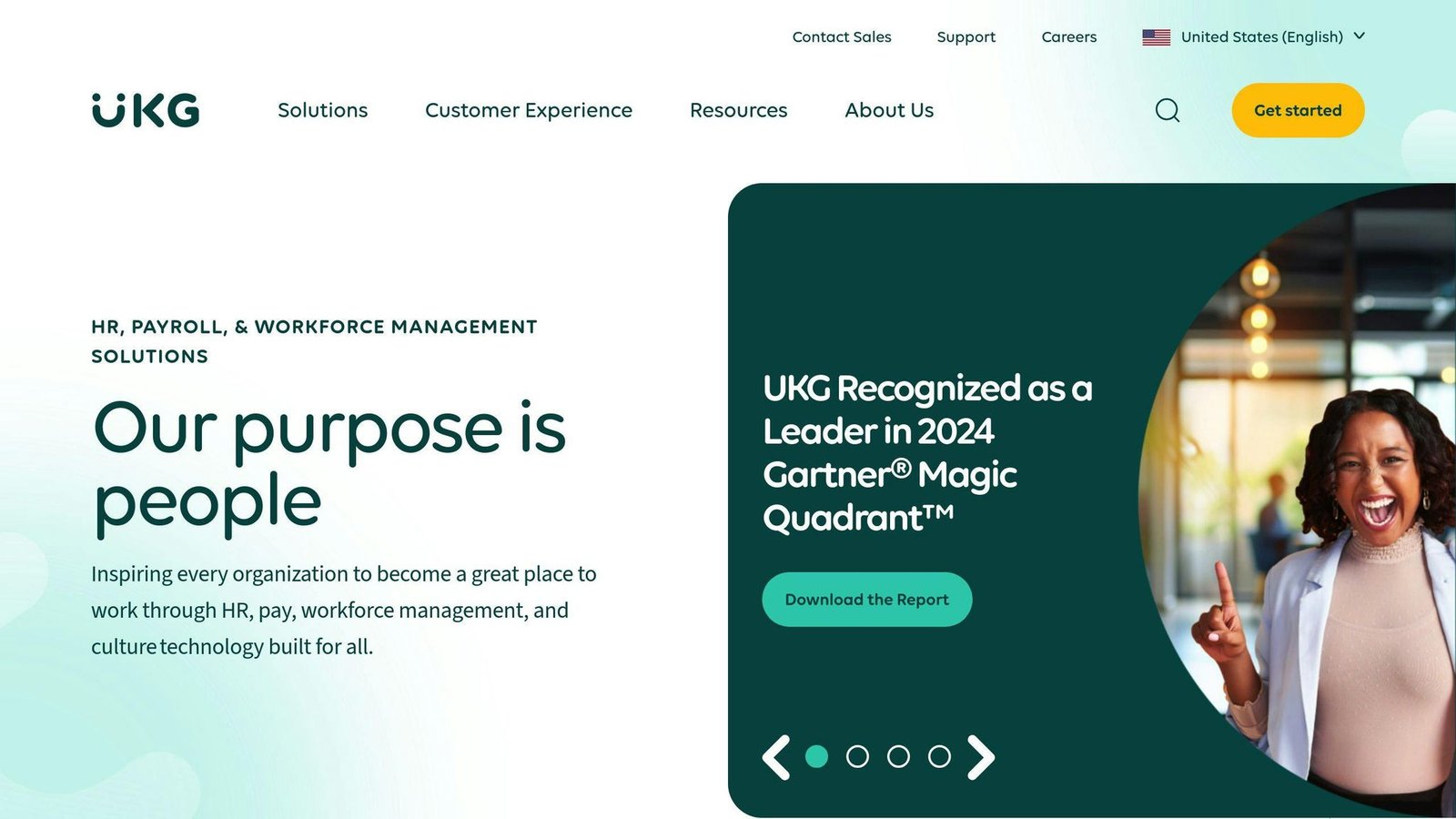
UKG (Ultimate Kronos Group) is a big player in HR software. They offer tools for businesses of all sizes. Let’s see what makes UKG special.
Software Connections
UKG plays well with others:
| Integration Type | Examples |
|---|---|
| Payroll Systems | Built-in for US and Canada, partners for 100+ countries |
| Job Boards | LinkedIn, Indeed |
| Document Signing | Adobe Sign |
| Collaboration | Slack, Google Workspace |
These connections make HR tasks smoother, from hiring to retirement.
Business Fit
UKG works for different company sizes:
| Company Size | UKG Offering |
|---|---|
| Small (1-25) | Basic HR and payroll tools |
| Medium (26-100) | More features, some customization |
| Large (101-1000+) | Full package with global options |
Security Setup
UKG takes your data seriously:
- Uses Amazon Web Services (AWS) for the cloud
- Encrypts all data with AES-256
- Offers Single Sign-On (SSO) and smart authentication
- Does regular security checks
These efforts have won over 80,000 organizations worldwide.
Price Options
UKG quotes rather than publishes. The “$100 per user per month” figure previously shown for UKG Pro could not be verified and has been removed; UKG Ready and the add-on modules are likewise quoted. Both products are sold on annual contracts scaled by headcount and modules.
It’s not the cheapest, but many find it worth it. A real estate company (2,000 employees) said: “UKG is user-friendly, easy to manage, and has a great mobile app – all at a good price.”
Standout Features
UKG shines with:
- Global Payroll: Works in 100+ countries
- UKG Wallet: Lets employees access earned wages early
- AI Tools: Predicts things like employee retention
The Bottom Line
UKG is solid for medium to large businesses wanting an all-in-one HR system. It’s great for global companies. But smaller firms might find it too much.
A banker put it well: “UKG handles our paychecks, tax forms, and time off requests. It’s a one-stop shop for employees.”
Just keep in mind: Some users say the hiring system (ATS) isn’t as good as specialized tools.
7. ADP Workforce Now: Mid-Size Business HR
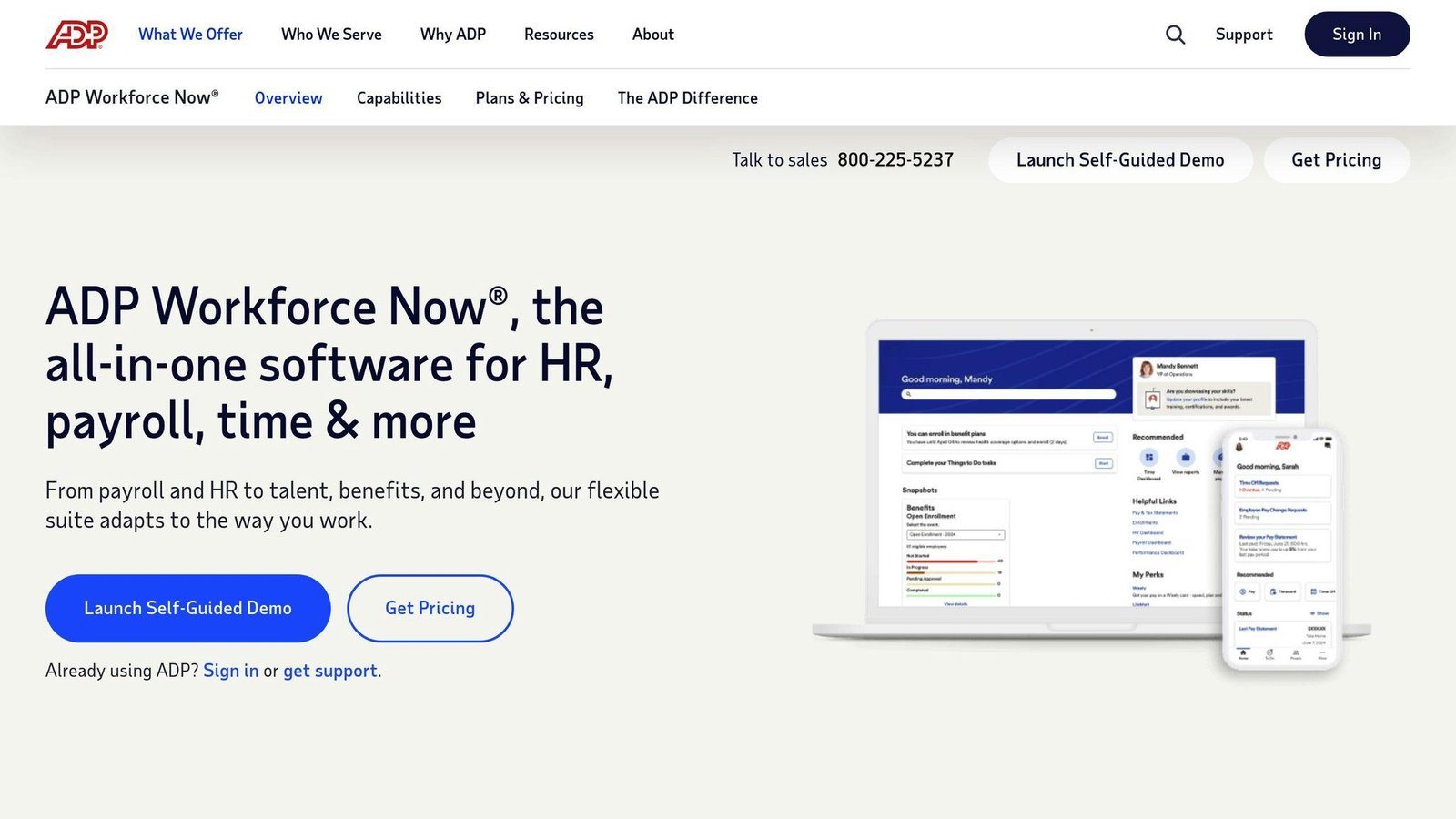
ADP Workforce Now is a powerhouse HR solution for mid-sized businesses. Let’s break it down.
Program Links
ADP Workforce Now plays nice with other tools:
| Integration Type | Examples |
|---|---|
| Accounting | QuickBooks |
| Job Boards | ZipRecruiter, LinkedIn, Indeed |
| Document Signing | Adobe Sign |
| Collaboration | Slack, Google Workspace |
These connections make HR tasks smoother from hiring to retirement.
Company Size Match
ADP Workforce Now grows with you:
| Company Size | ADP Offering |
|---|---|
| Small (1-49) | Basic HR and payroll tools |
| Medium (50-999) | Full suite with customization options |
| Large (1000+) | Enterprise-level features, global capabilities |
Data Safety
ADP takes your HR data security seriously:
- Advanced security software
- Physical security measures
- Intelligent detection systems
- Fraud defense
These layers of protection have won over 90,000 clients worldwide.
Cost Breakdown
ADP does not publish prices for Workforce Now. Its product page lists Select, Plus and Premium packages and routes every enquiry to a “Get Pricing” form. The $62 monthly starting figure and the $400-a-month estimate for a 50-person company previously published here could not be verified and have been removed. Expect a base fee plus a per-employee charge, and ask specifically about per-payroll-run fees and year-end filing charges, which are where ADP quotes usually differ from expectations.
Standout Features
ADP Workforce Now’s top features:
- Mobile App: 18 million+ users, near-perfect ratings
- Talent Acquisition: Recruitment dashboard synced with popular job boards
- Compliance Tools: Built-in safeguards for labor laws
- Reporting: Custom insights on key metrics like labor costs and turnover
“ADP Workforce is a powerful employee portal that offers access to a range of information about current employment through a dashboard that is linked to different systems an employer works with.” – Education Industry Reviewer
The Bottom Line
ADP Workforce Now is a solid pick for mid-sized businesses needing a full-featured HR solution. It’s scalable, secure, and packed with features. But watch out for the learning curve and potential costs as you add more bells and whistles.
8. Paycom: All-in-One HR Software
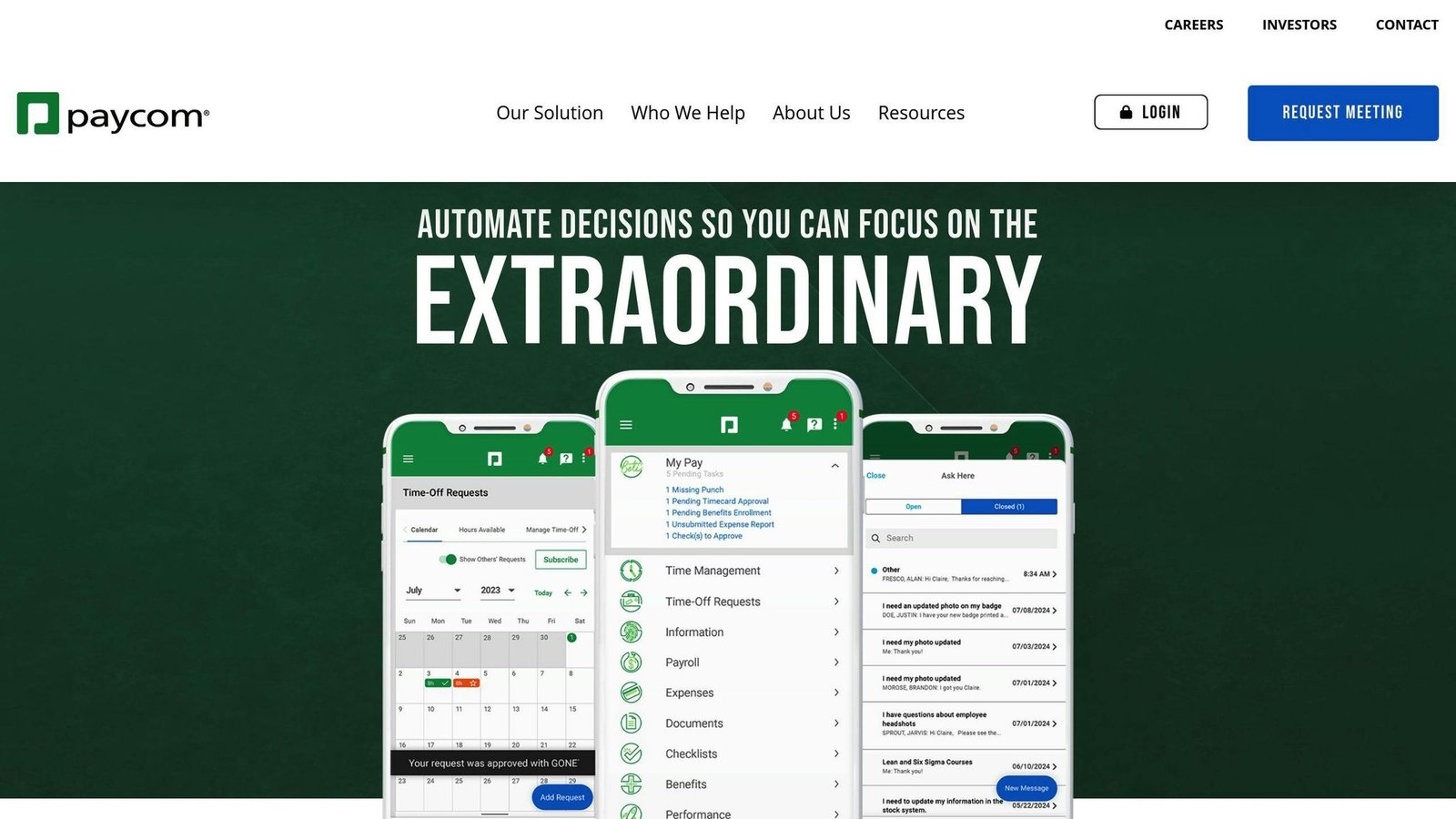
Paycom is a cloud-based HR and payroll solution that simplifies workforce management. Here’s why it’s turning heads in the HR software world:
System Fit and Growth Options
Paycom’s single-application software adapts to different business sizes:
| Business Size | Paycom Offering |
|---|---|
| Small (1-49 employees) | Basic HR and payroll tools |
| Medium (50-999 employees) | Full suite with customization options |
| Large (1000+ employees) | Enterprise-level features, global capabilities |
The platform grows with you. A standout feature? Beti, Paycom’s employee self-service app. It lets workers manage benefits, expenses, time off, and even approve their own paychecks.
Security Measures
Paycom takes data security seriously:
- Strong encryption protects employee data
- Multi-factor authentication adds extra security
- Strict access controls limit data to authorized personnel
Price Points
Paycom does not publish prices; its pricing page routes to a demo request. The setup fees of $500 to $1,200 and the $4-$6 per employee per month range previously published here could not be verified and have been removed. Paycom sells modules on top of payroll rather than bundles, so the quote depends on which ones you take.
It’s not the cheapest, but many find it cost-effective. As one user from an Apparel & Fashion Company said in June 2024:
“Paycom is a lot less expensive than a PEO and you still have a dedicated payroll person to assist with.”
Standout Features
1. Comprehensive Solution
Paycom covers the full employee lifecycle:
- Talent acquisition and management
- Time and labor management
- Payroll processing
- HR management
2. Employee Self-Service
The Beti app lets employees:
- View and approve their paychecks
- Manage benefits and expenses
- Request time off
This self-service approach can cut payroll errors, because the person most motivated to spot a mistake in a payslip is the person being paid. A “73% of employees have had a paycheck error” figure previously cited here has been removed as unsourced.
3. Single Database Architecture
All HR tools in one software? That means better data accuracy and security. It can also save businesses time and money.
Is Paycom perfect? Not for everyone. Small businesses with tight budgets or those needing highly customizable systems might look elsewhere. But for medium to large enterprises wanting a comprehensive HR solution? Paycom’s worth a look.
Features and Prices Compared
Let’s break down the top HR software solutions. This comparison will help you see what each platform offers and how they stack up.
| Software | Key Features | Pricing | Best For | Notable Integration |
|---|---|---|---|---|
| BambooHR | Employee self-service, Time tracking, Performance management | Core: $10/employee/month (25+ employees); flat rate from $250/month under 25 | Small to medium businesses | 125+ integrations (LinkedIn, Indeed, Adobe Sign) |
| Workday HCM | Global payroll, Talent management, Financial management | Not published | Large enterprises and global companies | 600+ integrations (HR, finance, collaboration tools) |
| SAP SuccessFactors | Talent management, Learning management, Workforce analytics | Not published | Medium to large businesses | 600+ integrations (LinkedIn, Indeed, Adobe Sign) |
| ADP Workforce Now | Payroll processing, Compliance tools, Talent acquisition | Not published | Mid-sized businesses (50-999 employees) | QuickBooks, ZipRecruiter, Adobe Sign |
| UKG Pro | Global payroll, AI-powered tools, UKG Wallet for early wage access | Not published | Large enterprises with complex needs | Built-in payroll for US and Canada, partners for 100+ countries |
| Paycom | Employee self-service (Beti app), Single database architecture, Talent acquisition | Not published | Medium to large businesses | Not specified |
| Rippling | Combined HR and IT management, Global payroll, Device management | From $8/user/month; modular, with base fees on some products | Fast-growing companies and tech-focused businesses | 500+ integrations (QuickBooks, Google Workspace, LinkedIn) |
| BizBot | HR tool directory, Subscription management, Scalable solutions | Not specified | Businesses looking to build custom HR tech stacks | Curated selection of HR, accounting, and management tools |
When picking an HR solution, look beyond features and pricing. Think about how it fits your business needs. Here’s the scoop on each:
BambooHR: User-friendly and affordable. Perfect for small to medium businesses.
Workday HCM and SAP SuccessFactors: Big guns for large enterprises. They’re pricier and take more time to learn, but they’re packed with features.
ADP Workforce Now: Hits the sweet spot for mid-sized businesses. It’s got a great mobile app with over 18 million happy users.
UKG Pro and Paycom: Kings of employee self-service. Paycom’s Beti app lets employees approve their own paychecks, which catches errors before the run rather than after it.
Rippling: Combines HR and IT management. Perfect for tech-savvy, fast-growing companies. It can set up new hires with accounts and devices in minutes.
BizBot: Not your typical HR software. It’s more like a directory of HR tools. Great for businesses wanting to build their own HR tech stack.
Final Thoughts
Picking the right HR software is a big deal. It can make or break how you manage your workforce. We’ve looked at 8 top solutions, but there’s no magic bullet. Your choice depends on your company’s size, needs, and where you’re headed.
Here’s a simple guide to help you decide:
1. Check what you’ve got
Look at your current tools. What’s working? What’s not? This helps you spot gaps and avoid buying stuff you don’t need.
2. List your must-haves
What features can’t you live without? This keeps you focused on what really matters.
3. Get the right people involved
Don’t go it alone. Bring in folks from HR, IT, finance, and management. They’ll bring different viewpoints to the table.
4. Set your budget
Think beyond the price tag. Consider the total cost of ownership to avoid surprises down the road.
5. All-in-one or specialized?
Decide if you want a Swiss Army knife solution or a set of specialized tools. It depends on how well you need everything to work together.
6. Do your homework
Look at features, read user reviews, and try out demos. This helps you narrow down your options.
7. Make a shortlist
Pick your top 3-5 contenders. This lets you focus your energy on the best options.
8. Take it for a spin
Use free trials or demos. Nothing beats hands-on experience.
9. Make the call
Choose based on how well it fits your needs, not just a laundry list of features. This sets you up for long-term success.
A Hilton Worldwide example previously closed this article, claiming a 25% cut in admin costs and a 15% rise in retention after an HR system change. We could not source it, so it has been removed. Prices in this article were checked in August 2026 against each vendor’s own pricing page; most of these vendors publish nothing, which is itself the useful finding – budget for a sales process and get implementation quoted separately.
Don’t forget about growth: pick a system whose pricing model still works at three times your current headcount, not just today’s.
“Features and functionality aren’t much help because most products are mature and do the same things.” – Brian Sommer, President of TechVentive
Sommer’s got a point. Don’t get hung up on features. Instead, focus on how easy it is for your team to use the software day in and day out. After all, the best tool is the one people actually use.
More on this topic
Browse all 52 articles on HR & People Ops.