
Quick facts
| Best for | US small businesses of any type that want software their accountant or bookkeeper already knows. |
|---|---|
| Category | Finance and Accounting |
| Pricing from | USD 38 /month (Simple Start, US list price; promotional USD 3.80 /mo for 3 months) |
| Free plan | No |
| Free trial | 30 days |
| Team size | solo, 2-10, 11-50, 51-200 |
| Last verified | 18 August 2026 — how we verify |
Quick verdict
Consider it if: You want books, payroll, payments and lending from one vendor, and easy access to local bookkeeping help.
Look elsewhere if: You operate mainly outside the US, need multi-entity consolidation or complex inventory, or want predictable renewal pricing.
Compiled from the vendor’s own documentation and pricing pages, checked on the date above. We have not tested this product hands-on. How we evaluate software.
Compare QuickBooks with Xero and FreshBooks · Not sure what you need?
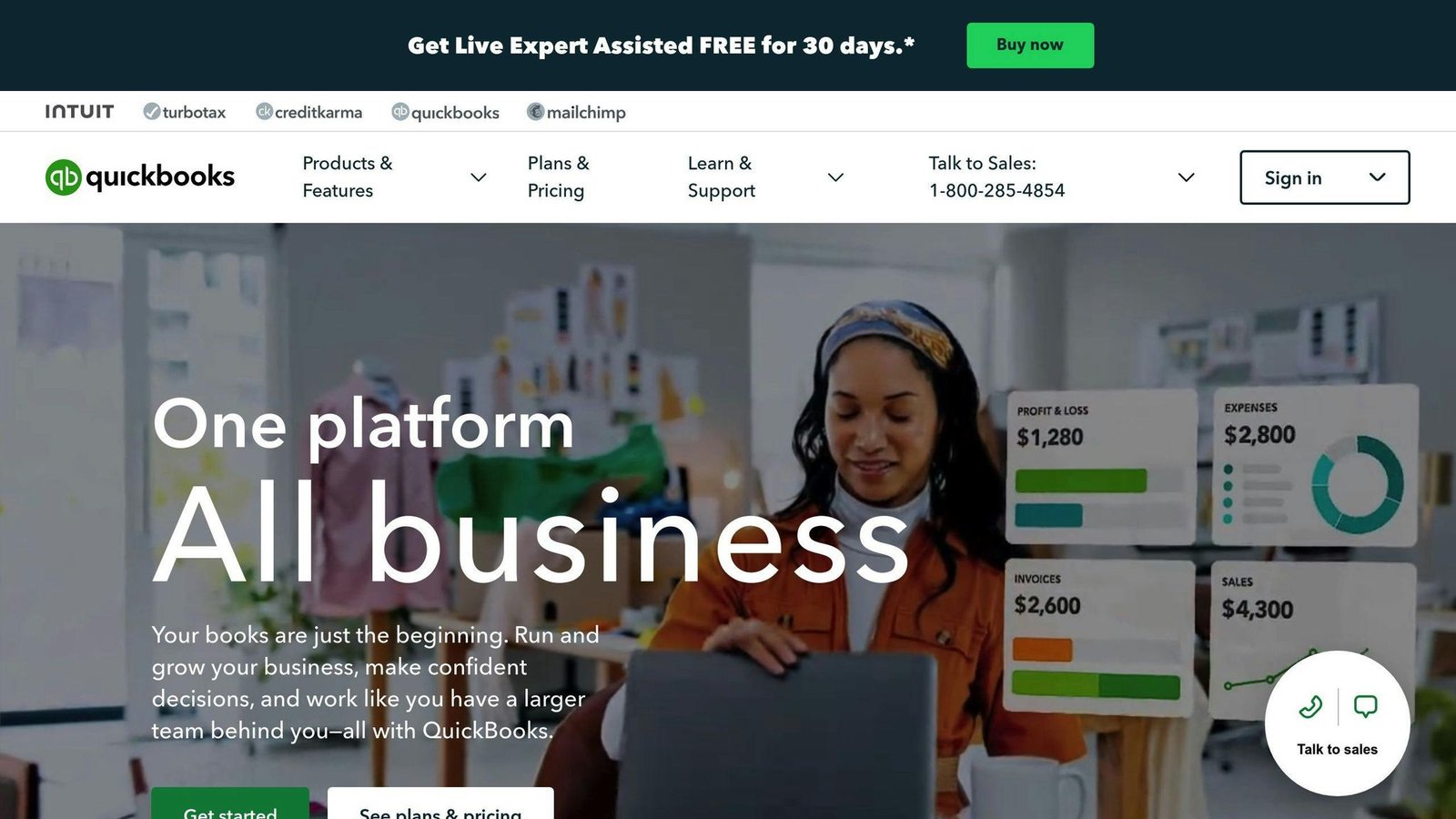
QuickBooks is Intuit’s accounting software for small businesses, and in the US it is the default choice most accountants and bookkeepers already know. The online version handles bank feeds, invoicing, expenses, sales tax and financial reporting, with payroll, payments and time tracking available as connected services. That ubiquity is a genuine feature: it is usually the easiest system to find help for, hire for, or hand to an accountant at year end.
What you can actually do with it
The core loop is the same as any bookkeeping system — money in, money out, categorized correctly — with a lot of automation layered on top.
- Connect your bank and categorize automatically. Transactions import from bank and card accounts, and rules plus AI suggestions handle most of the coding so reconciliation is a review job.
- Invoice and get paid. Custom invoices, recurring billing, automated reminders and card or bank payment links through QuickBooks Payments, with the payment recorded against the invoice automatically.
- Capture expenses and receipts. Photograph a receipt in the mobile app and have it matched to a transaction, plus automatic mileage tracking for anyone who drives for work.
- Handle sales tax and reporting. Sales tax calculation and tracking, plus the standard reports — profit and loss, balance sheet, cash flow, aged receivables — that lenders and accountants expect.
- Track jobs, projects and inventory. Higher tiers add project profitability, job costing and inventory quantities and costs, useful for trades, agencies and product sellers.
- Add payroll and time tracking. QuickBooks Payroll handles US pay runs, tax filing and forms, and connects directly to the books; time tracking feeds hours into both payroll and client invoices.
- Extend with apps. A very large app marketplace covers ecommerce, point of sale, expense management, inventory and reporting connections.
Who it fits best
QuickBooks Online fits US-based small businesses of almost any type: contractors, retailers, restaurants, professional services, ecommerce sellers and nonprofits, from a solo owner up to a company with a small finance team. If you want your accountant to be immediately comfortable and your bookkeeper to already know the software, this is the safe pick in the US market.
It also suits businesses that want as much as possible from one vendor — books, payroll, payment processing and lending all from Intuit — rather than assembling best-of-breed tools.
Things worth knowing before you commit
- Plans are capped by number of users. Each tier includes a set number of billable users, and features such as inventory, project profitability and multi-currency only appear on higher tiers. Work out the plan you need from features and headcount together, not price alone.
- Add-ons stack up. Payroll, payments processing fees, time tracking and some apps are charged separately, so the real monthly cost is often well above the advertised base plan.
- Renewal pricing is a common complaint. Introductory discounts are heavy and the step up at renewal surprises people. Ask what the standard rate will be before you sign up.
- It is strongest in the US. QuickBooks exists in other countries but the feature depth, payroll and ecosystem are best in the US market; elsewhere Xero is often the more mature option.
- Support quality is inconsistent. Reviews regularly mention long waits and variable answers, which matters most at tax deadlines. Many businesses solve this by working through a QuickBooks ProAdvisor instead.
Alternatives to compare it against
Xero is the main competitor and often better value when several people need access, since it does not charge per user. FreshBooks is simpler and better suited to freelancers and service businesses that mostly need invoicing and time tracking. Wave is worth a look for very small or side businesses with basic needs. If you have outgrown small-business accounting entirely — multiple entities, consolidation, complex inventory — look at mid-market systems such as NetSuite or Sage Intacct rather than pushing QuickBooks further than it wants to go.
Plan tiers, user limits, add-on charges and promotional pricing change regularly — check QuickBooks’ own pricing page for current details before you decide.
Further reading
- QuickBooks Payroll System Essentials — detail on the US pay-run and tax-filing add-on described above.
- For Business Owners: Choosing the Right Accounting Software — a framework for the QuickBooks versus Xero versus FreshBooks decision.
- Inventory Management Software Integrates with QuickBooks: A Guide — what to do when stock outgrows the inventory features on QuickBooks’ higher tiers.
- Project Management Software Integrates with QuickBooks: A Guide — connects job costing and project profitability to the tools that run the work.
- 10 Best Multi-Entity Accounting Software 2024 — the consolidation-and-multiple-entities case QuickBooks is not built for.
Have you used QuickBooks?
One sentence is enough. Would you pick it again, and why or why not? We publish the critical reviews too — that is the point.