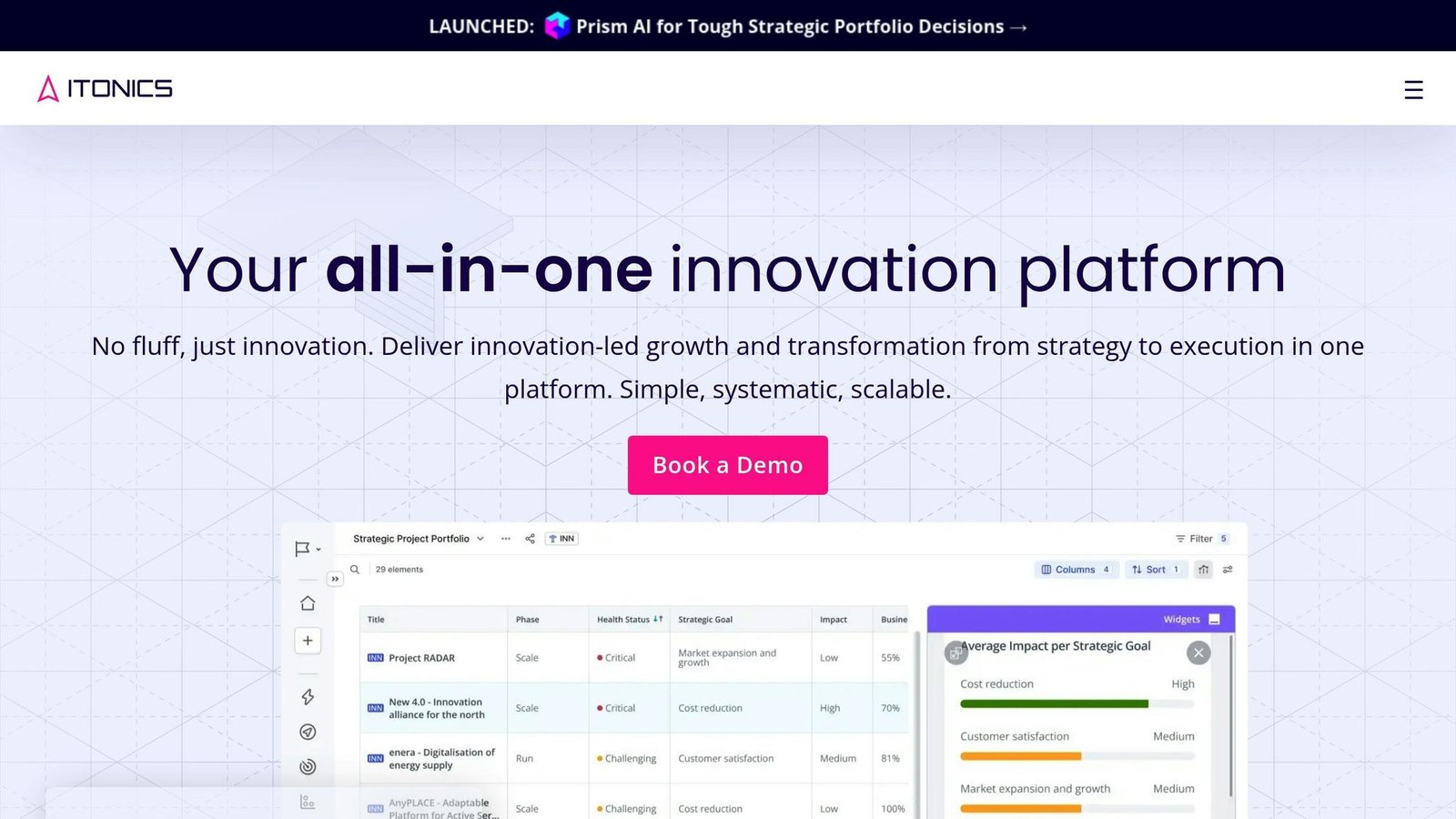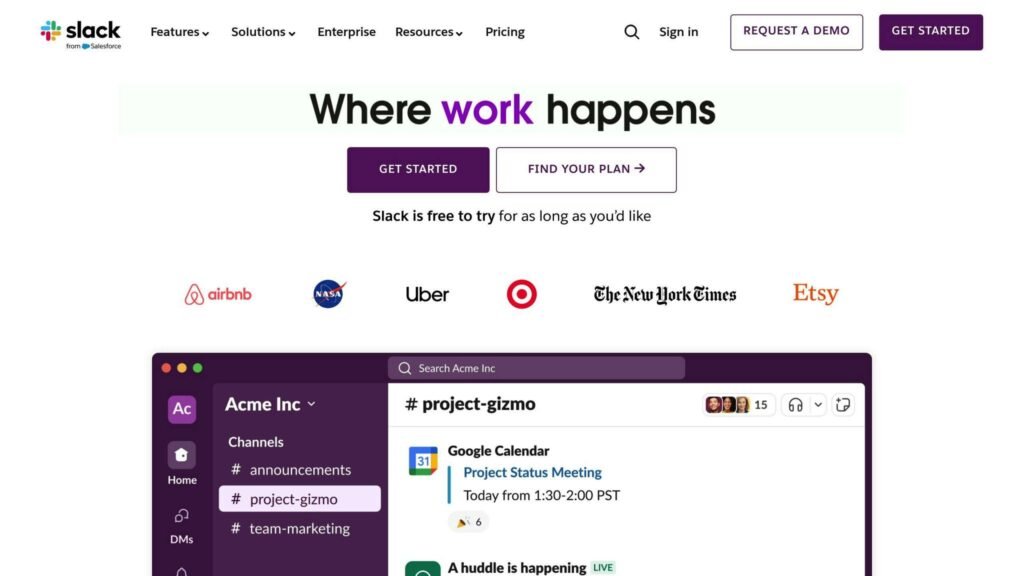
Slack and Zoho Cliq are popular collaboration platforms with different approaches to task management. Here’s a quick overview:
Slack
- Focuses on communication and collaboration
- Integrates with third-party task management tools like Asana, Trello, and Jira
- Offers extensive customization and a wide range of integrations
- Paid plans start with Pro at $7.25 per user/month billed annually, or $8.75 billed monthly
Zoho Cliq
- Combines communication, collaboration, and built-in task management
- Task creation, assignment, and progress tracking are included within the platform
- Cheaper than Slack, and billed per user per month, with a 10-user minimum on its upper tiers
- Limited integration options beyond Zoho’s suite of apps
Quick Comparison
| Feature | Slack | Zoho Cliq |
|---|---|---|
| Task Management | Via integrations | Built-in |
| Integrations | Extensive | Limited |
| Customization | High | Basic |
| User Interface | Modern, intuitive | Simple, minimalist |
| Pricing | Higher | Lower |
For small teams and freelancers on a budget, Zoho Cliq’s built-in task management and lower price make it a compelling choice. Larger enterprises with complex needs may prefer Slack’s extensive integrations and customization options.
Task Management Features
Managing tasks efficiently is crucial for team collaboration. Both Slack and Zoho Cliq offer features to help with this, but they differ in their approaches.
Task Management in Slack
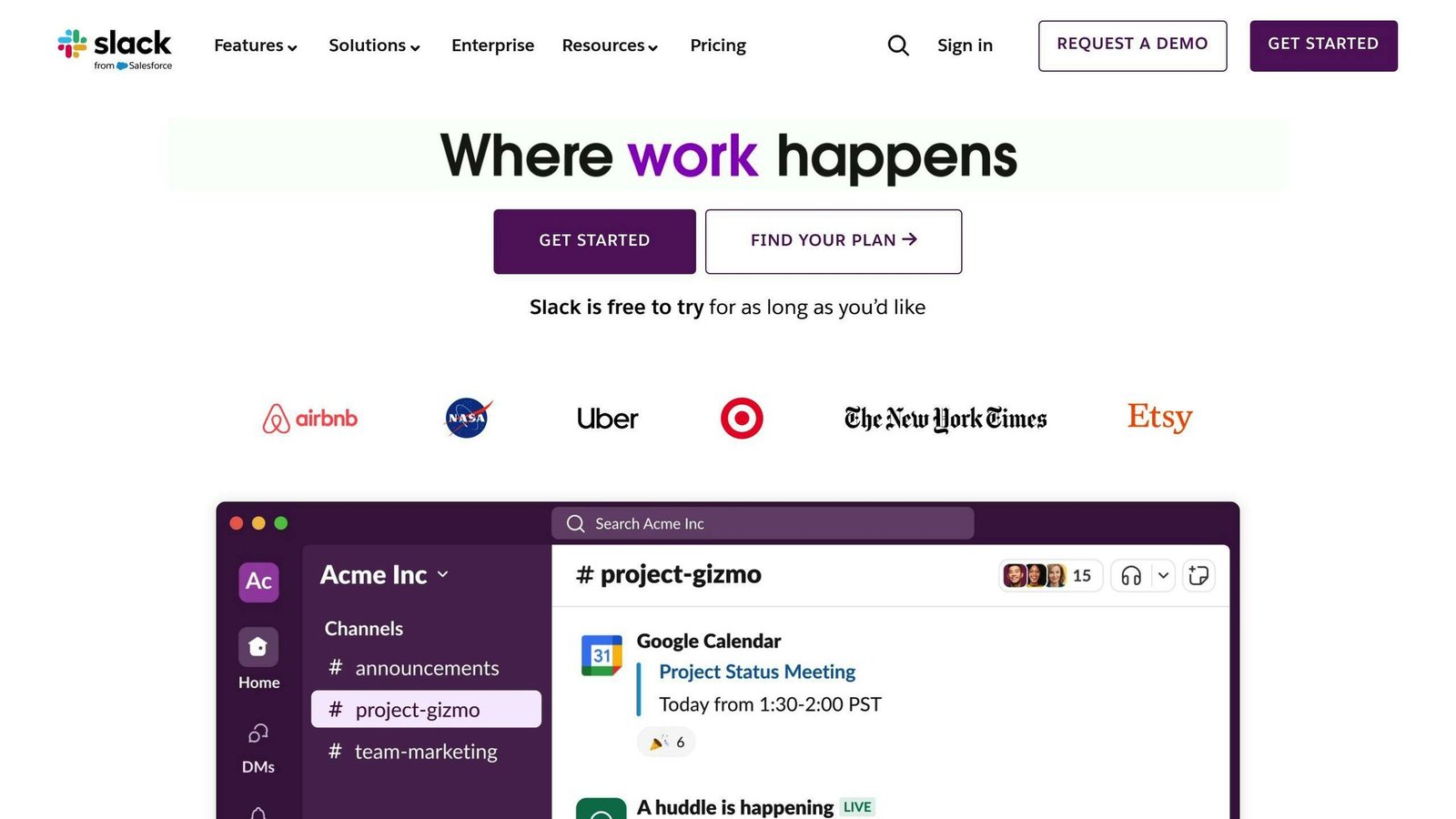
Slack doesn’t have a built-in task management system. Instead, it integrates with third-party project management tools like Asana, Trello, and Jira. This allows teams to create tasks, assign them to members, and track progress within their preferred tools while using Slack for communication.
Task Management in Zoho Cliq
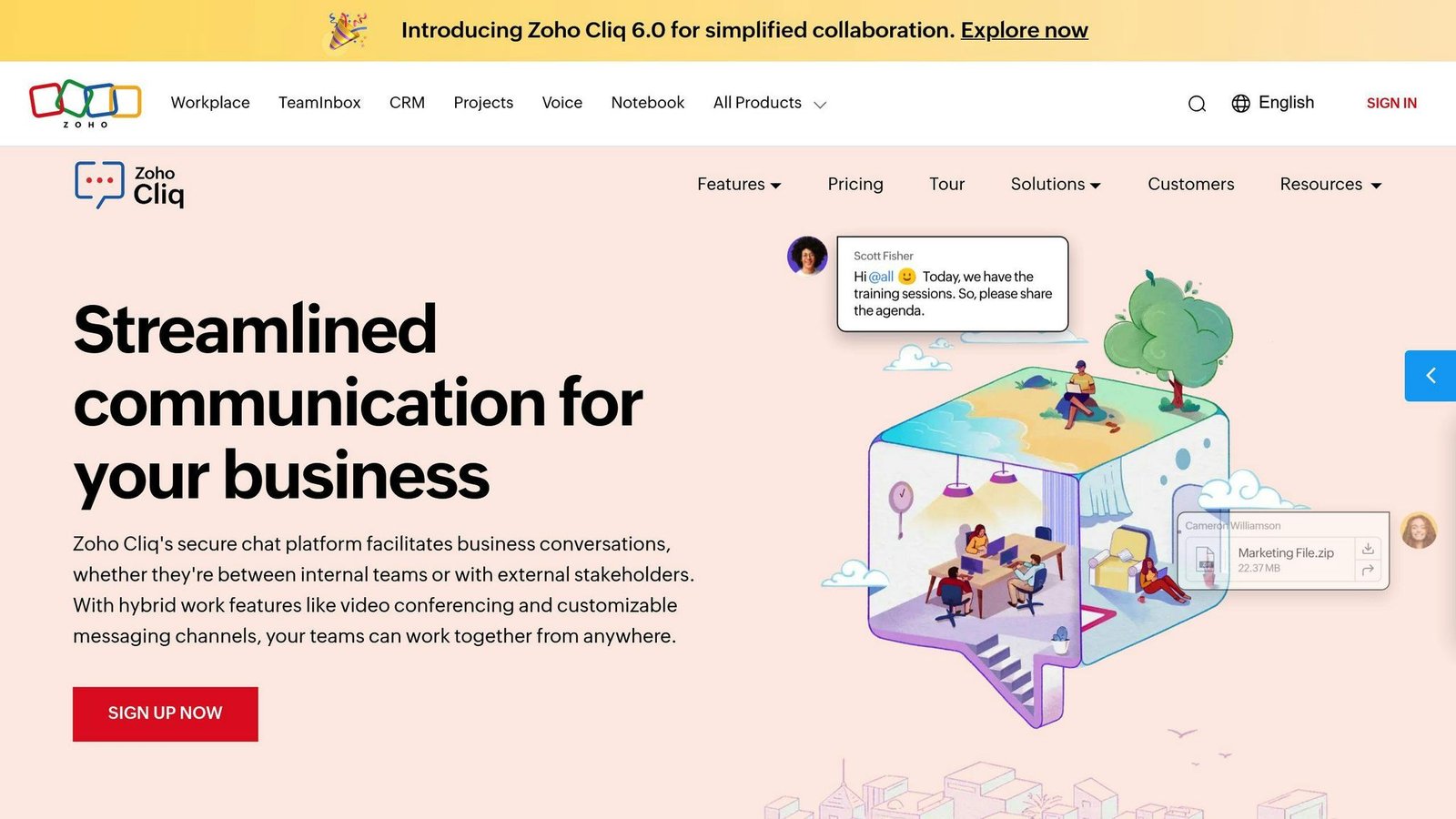
Zoho Cliq includes a comprehensive task management system within the platform. Users can create tasks, assign them to team members, and monitor progress directly in Zoho Cliq. This all-in-one solution combines task management with chat and video conferencing capabilities.
Key Differences
| Feature | Slack | Zoho Cliq |
|---|---|---|
| Task Creation | Yes (via integrations) | Yes (built-in) |
| Task Assignment | Yes (via integrations) | Yes (built-in) |
| Progress Tracking | Yes (via integrations) | Yes (built-in) |
| Integration with PM Tools | Yes (third-party tools) | Limited to Zoho apps |
| Customization Options | Extensive (via integrations) | Limited |
Slack relies on integrations with specialized task management tools, while Zoho Cliq includes task management capabilities within its platform. The choice depends on whether your team prefers an all-in-one solution or the flexibility of integrating with their preferred project management tools.
In the next section, we’ll explore the user experience of both platforms, focusing on their interface and usability features.
User Experience
Slack’s Interface
Slack has a modern and easy-to-use interface. Users can customize the platform to suit their needs, such as creating channels, integrations, and changing the appearance. Many users praise Slack’s intuitive design and quick learning curve.
Zoho Cliq’s Interface
Zoho Cliq has a simple and functional interface. While it may not offer as many customization options as Slack, its clean and uncluttered design helps users focus on their work. Users generally find Zoho Cliq’s interface straightforward and easy to use.
Comparing User Experience
| Aspect | Slack | Zoho Cliq |
|---|---|---|
| Interface Design | Modern | Minimalist |
| Navigation | Intuitive | Functional |
| Customization Options | Many | Basic |
| User Feedback | Mostly Positive | Generally Positive |
Both platforms prioritize user experience, but in different ways. Slack’s modern design and extensive customization appeal to teams that value flexibility and personalization. Zoho Cliq’s minimalist approach focuses on simplicity and ease of use, making it a good choice for teams that prioritize functionality over customization. Your team’s specific needs and preferences will determine which platform is the better fit.
Integration Capabilities
Slack Integrations
Slack offers a wide range of integrations, with over 2000 options available. This includes popular tools like Google Drive, Trello, and Asana, as well as third-party apps like GitHub and Zendesk. Setting up and using Slack integrations is generally straightforward, allowing users to connect their preferred tools and services seamlessly. Note that the free plan caps you at 10 installed apps, which is the limit most small teams hit first. Some users also report limitations with certain integrations, such as limited customization options or inconsistent performance.
Zoho Cliq Integrations
Zoho Cliq’s integration options are more limited compared to Slack, but it still offers integrations with Zoho’s suite of applications, including Zoho Projects, Zoho CRM, and Zoho Office. Additionally, Zoho Cliq integrates with other productivity tools like Google Drive and Dropbox. While setting up Zoho Cliq integrations is generally easy, some users have reported limitations with third-party app integrations.
Comparing Integrations
| Integration Type | Slack | Zoho Cliq |
|---|---|---|
| Productivity Tools | Over 2000 integrations | Limited |
| Project Management | Extensive | Limited to Zoho apps |
| Third-Party Apps | Vast range | Moderate range |
Overall, Slack’s extensive integration ecosystem makes it a better choice for teams that rely on a wide range of tools and services. However, Zoho Cliq’s integrations with Zoho’s suite of applications make it a good choice for teams already using Zoho products.
Pricing and Value
Slack and Zoho Cliq offer different pricing plans to suit various team sizes and feature needs. Understanding their pricing models is key to determining which platform provides the best value for your organization.
This section used to describe a Slack plan line-up that no longer exists – Standard, Plus and Enterprise Grid – and a free tier capped at 10,000 messages. Slack has since renamed and repriced its plans and changed the free tier. The figures below are taken from Slack’s own pricing page and were correct at the time of writing. Check both vendors before you budget.
Slack Pricing Plans
Slack has a free plan and three paid plans: Pro, Business+, and Enterprise+.
- Free Plan: 90 days of searchable message history, up to 10 apps, and huddles limited to 1:1. Everything older than 90 days is still stored but you cannot see or search it until you upgrade.
- Pro: $7.25 per user/month billed annually, or $8.75 billed monthly. Adds full message history, unlimited apps, group huddles and Slack Connect.
- Business+: $15 per user/month billed annually, or $18 billed monthly. Adds SAML single sign-on, compliance exports and user provisioning.
- Enterprise+: quoted by sales. Aimed at large organisations that need multiple workspaces, advanced security and support commitments.
Zoho Cliq Pricing Plans
Zoho Cliq offers a free plan plus Standard, Professional and Enterprise tiers, billed per user per month with a discount for annual payment. Professional and Enterprise carry a 10-user minimum. Zoho changes its per-user rates and repackages tiers often enough that we no longer quote a figure here – the article previously cited a “$1 per user/month Unlimited plan” that no longer appears on Zoho’s pricing page. Take the current number from Zoho’s pricing page.
The free tier is unusually generous and is worth knowing in detail: 100 GB of storage per organisation, 10,000 searchable messages, groups of up to 100 participants, and meetings with screen sharing.
Pricing Comparison
| Plan | Slack | Zoho Cliq |
|---|---|---|
| Free Plan | Yes | Yes |
| Free tier history limit | 90 days of searchable messages | 10,000 searchable messages |
| Free tier app limit | 10 apps | Zoho apps plus a limited third-party set |
| Lowest paid plan | Pro, $7.25/user/month billed annually | Standard – check Zoho’s current rate |
| Minimum seats on upper tiers | None stated | 10 users on Professional and Enterprise |
Zoho Cliq is the cheaper platform per seat, especially for small to medium-sized teams. Slack’s paid plans offer more advanced features and integrations, which may be essential for larger enterprises. The choice depends on your team’s specific needs and budget.
Customer Support
Slack’s Support Options
Slack support runs through its Help Center and an email ticket to the support team. There is no general phone line, and no public live chat queue: paid plans get faster response targets and Enterprise+ customers get named contacts, but you do not phone Slack. Slack does run a community programme of user groups and events, which is somewhere to ask other users questions rather than an official support channel.
- Help Center and email: the main route on every plan.
- Response targets: faster on paid plans, contractual on Enterprise+.
- Training resources: tutorials, videos and help articles.
- Community: user groups and events, run by Slack but answered by users.
An earlier version of this article listed phone and live chat support for Slack, and separately ticked “community forums” for Slack in the table below while the text above it said Slack offered no forums. Both have been corrected. We have also removed the support satisfaction scores that used to sit in this section, because we could not trace them to a review platform.
Zoho Cliq’s Support Options
Zoho Cliq offers customer support through the following channels:
- Email: Users can contact support via email.
- Phone: Phone support is available on paid plans.
- Live Support: Live support is offered.
- Training: Zoho Cliq provides training resources.
- Community Forums: Zoho runs public product forums where staff answer questions.
Support Comparison
| Support Option | Slack | Zoho Cliq |
|---|---|---|
| Email or ticket support | ✓ | ✓ |
| Phone support | Not offered | ✓ on paid plans |
| Live chat | Not offered as a general channel | ✓ |
| Training resources | ✓ | ✓ |
| Community forums | User community and events, not an official support channel | ✓ |
Zoho Cliq gives you more ways to reach a human, including a phone line on paid plans and staffed product forums. Slack funnels almost everything through the Help Center and email, which is fast enough for most teams but frustrating if you have an outage and want to talk to someone. Weigh that against how much you expect to need support at all.
Conclusion
Key Points
In this comparison of task management features, we looked at Slack and Zoho Cliq. Both offer strong capabilities, but with some key differences:
- Slack stands out for its wide range of integrations and customization options, making it suitable for complex task management needs.
- Zoho Cliq shines with its user-friendly interface, lower price, and built-in task management tools, appealing to small teams and freelancers.
| Aspect | Slack | Zoho Cliq |
|---|---|---|
| Integrations | Extensive | Limited |
| Customization | High | Basic |
| User Interface | Modern, Intuitive | Simple, Minimalist |
| Pricing | Higher | Lower |
Recommendations
- Small Businesses and Freelancers: Zoho Cliq’s lower per-seat price and ease of use make it a good choice for managing tasks and collaborating with small teams.
- Large Enterprises: Slack’s advanced integrations, customization options, and depth of features cater well to complex task management and collaboration requirements.
- Balanced Approach: Slack’s free plan is a reasonable starting point, but go in knowing that message history disappears from search after 90 days and you are capped at 10 apps. Those two limits, not the feature list, are what usually force the upgrade.
The decision between Slack and Zoho Cliq depends on your specific task management needs, team size, and budget. Consider the key points and recommendations to select the platform that best fits your requirements.
More on this topic
Browse all 40 articles on Project & Team Management, or jump straight to our buying guide: Best Project Management Tools for Small Teams.