
A rundown of cloud project management tools that work for UX designers — the ones that handle design files, feedback and handover without a fight.
Pricing note. Every price below was checked against the vendor’s own pricing page in August 2026. Almost none of the figures previously published here survived that check, and several plan names had changed. Confirm rates before budgeting, and watch the seat minimums.
Key Factors for Evaluation
- User-Friendly Interface: quick to navigate, so designers spend time designing.
- Team Collaboration Features: commenting, file sharing, task assignment, @mentions.
- Design Tool Integration: works with Figma, Adobe Creative Cloud, Sketch.
- Task and Project Tracking: Gantt charts, Kanban boards, custom workflows.
- File Management: versioning, commenting, approval.
- Feedback Handling: collecting it, and closing the loop on it.
- Analytics and Reporting: progress and bottlenecks.
- Cost and unit: per user, per member or flat, and what the minimum is.
Quick Comparison
| Tool | Entry paid price (checked Aug 2026) | Watch out for |
|---|---|---|
| Asana | Starter $10.99/user/month billed annually | Free plan is only 2 users |
| Trello | Standard $5/user/month billed annually | “Business Class” no longer exists; it is Premium now |
| Monday.com | Basic $9/seat/month | 3-seat minimum, so $27/month floor |
| ClickUp | Unlimited $7/user/month billed yearly | AI billed separately |
| Wrike | Team $10/user/month billed annually | Team plan caps at 15 users |
| Smartsheet | Pro $9/member/month billed yearly | Pro caps at 10 members; no free plan |
| Jira | Free to 10 users; paid rates quoted per user | Atlassian does not show a fixed price table |
| Notion | Plus $10/user/month | “Personal Pro” is discontinued |
| Basecamp | Freelancer $25/month flat | Flat pricing, not per user |
| Miro | Starter $8/member/month billed yearly | Free plan limited to 3 editable boards |
Evaluation Factors
User-Friendly Interface
Adoption is the whole game. A tool the team resents produces stale boards, and a stale board is worse than no board because people trust it and are wrong.
Team Collaboration Features
Real-time commenting, @mentions, file sharing and task assignment. For design work, the important question is whether stakeholders can comment without a paid seat.
Design Tool Integration
Figma, Adobe Creative Cloud and Sketch. Check whether the integration embeds live files or just links to them — the difference matters when someone updates a frame.
Task and Project Tracking
Gantt charts, Kanban boards and custom workflows, so design work is visible alongside engineering work rather than in a separate universe.
File Management
Versioning, commenting and approval workflows. Storage caps are worth reading; design files are large.
Feedback Handling
Collection is easy. What decides whether the tool earns its money is whether feedback gets resolved and closed, or just accumulates.
Analytics and Reporting
Dashboards, burndown charts and custom reports. Genuinely useful above about fifteen people, largely decorative below that.
Cost and Value
Compare the unit, not the headline. Per user, per member, per seat with a minimum, and flat monthly are four different pricing models, and they produce very different bills for the same team.
Top 10 Cloud PM Tools for UX Designers
1. Asana
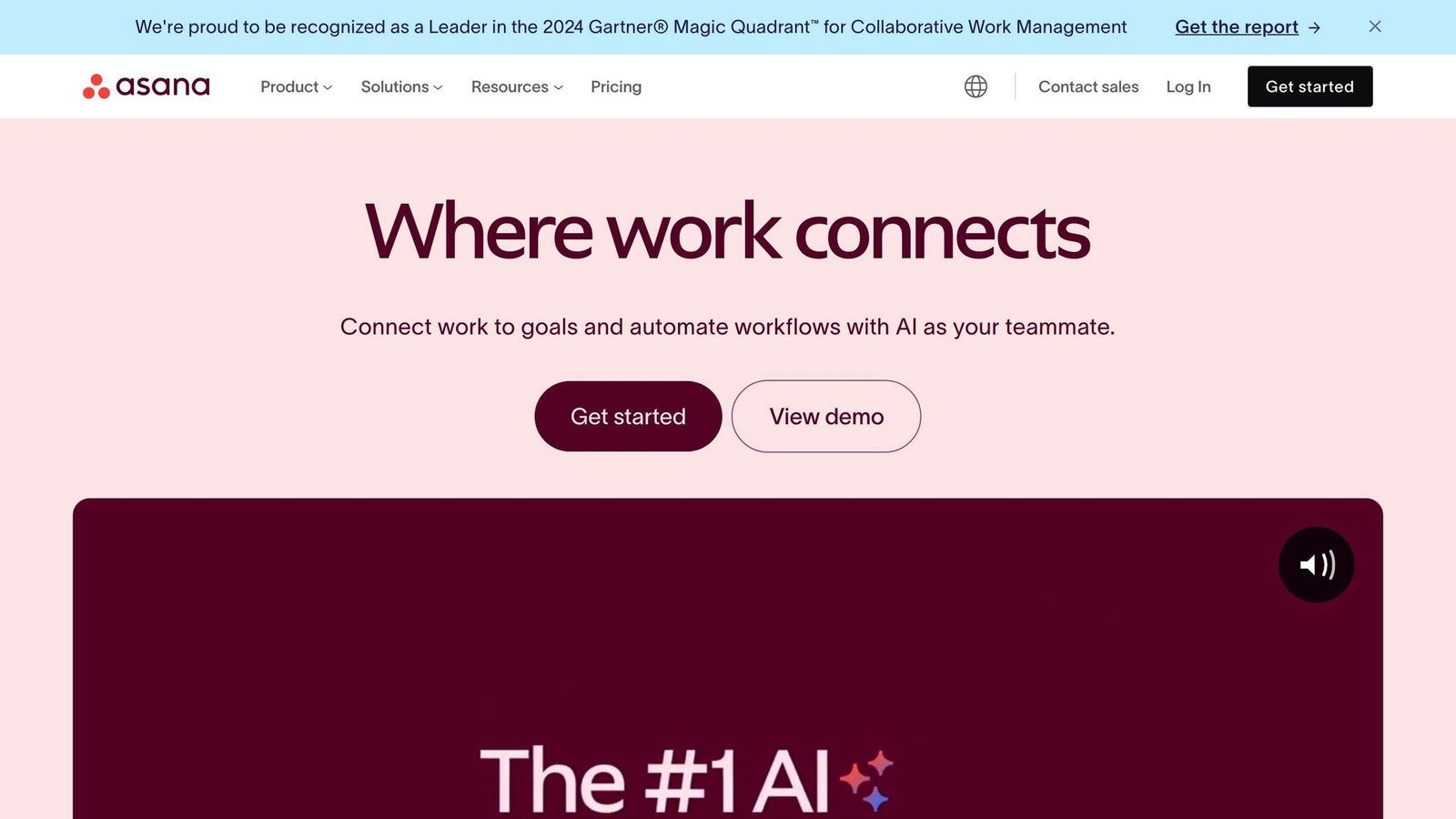
Flexible views, prebuilt templates, automation rules and integrations with Figma and Adobe Creative Cloud.
| Pros | Cons |
|---|---|
| Clear interface | Free plan capped at 2 users |
| Flexible project views | Reporting is basic |
| Prebuilt templates | No native time tracking on lower tiers |
Pricing. The plan names changed: Premium and Business are now Starter and Advanced.
| Plan | Billed annually | Billed monthly |
|---|---|---|
| Personal | $0, up to 2 users | $0 |
| Starter | $10.99/user/month | $13.49/user/month |
| Advanced | $24.99/user/month | $30.49/user/month |
| Enterprise | Quoted | Quoted |
2. Trello
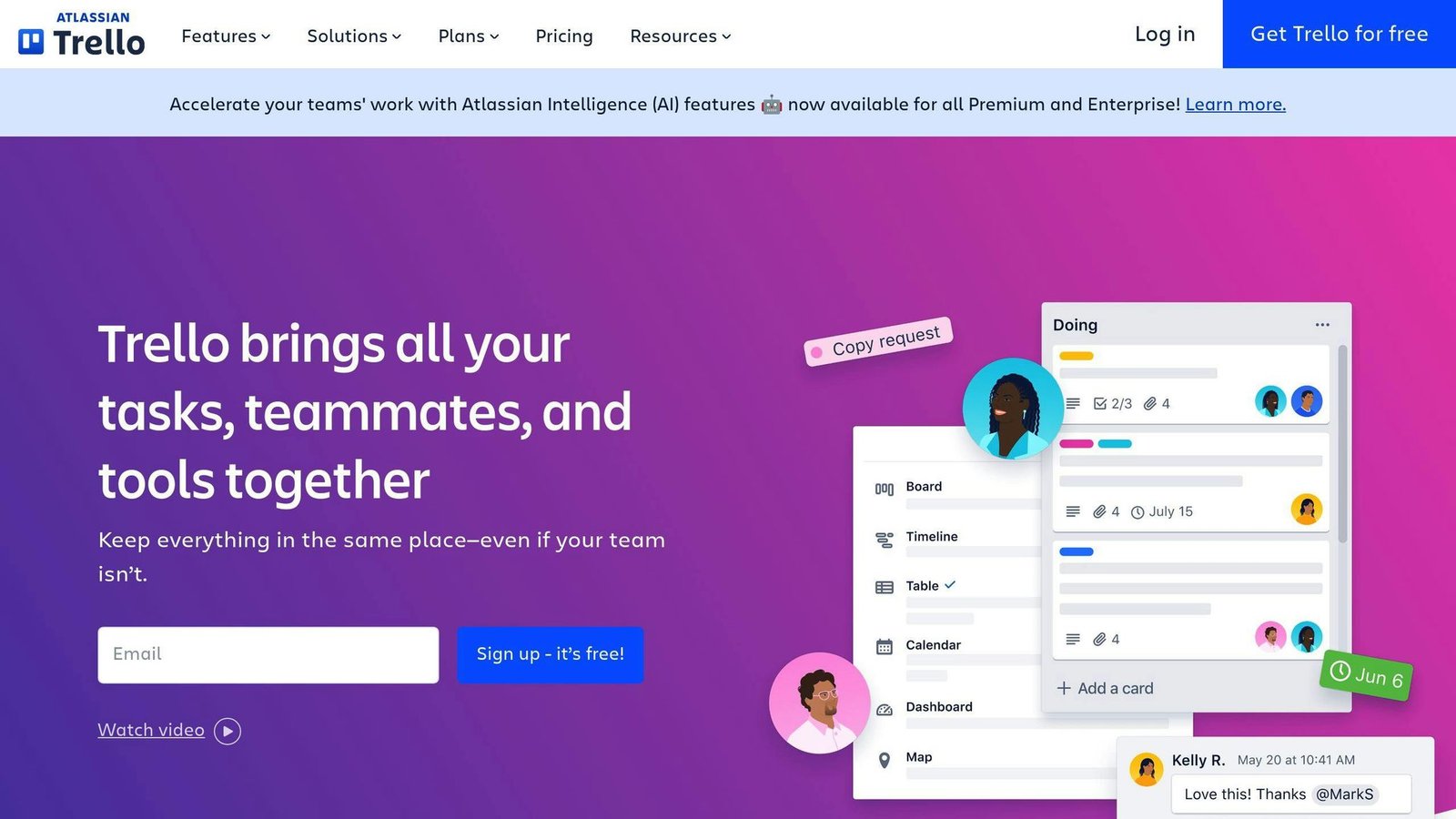
Boards, lists and cards. The simplest tool here to get a design team using on day one.
| Pros | Cons |
|---|---|
| Kanban that explains itself | Thin on complex projects |
| Wide integration support | Limited reporting |
| Free tier covers 10 collaborators | Automation needs manual setup |
Pricing. This article previously listed a “Business Class” plan at $10 per user per month. That plan name has been retired; the equivalent is Premium.
| Plan | Billed annually | Billed monthly |
|---|---|---|
| Free | $0, up to 10 collaborators per Workspace | $0 |
| Standard | $5/user/month | $6/user/month |
| Premium | $10/user/month | $12.50/user/month |
| Enterprise | $17.50/user/month | Annual only |
3. Monday.com
Highly configurable, several project views, extensive automation.
| Pros | Cons |
|---|---|
| Configurable to almost any process | Overwhelming at first |
| Multiple project views | 3-seat minimum on every paid plan |
| Strong automation | Cost rises quickly at scale |
Pricing. The old $8 / $10 / $16 tiers were wrong on all three counts. Work Management plans, per seat per month:
| Plan | Price |
|---|---|
| Free | $0, up to 2 seats |
| Basic | $9/seat/month, minimum 3 seats |
| Standard | $12/seat/month, minimum 3 seats |
| Pro | $19/seat/month, minimum 3 seats |
| Enterprise | Quoted |
The three-seat minimum means the real entry price is $27 a month, even for a pair of designers.
4. ClickUp
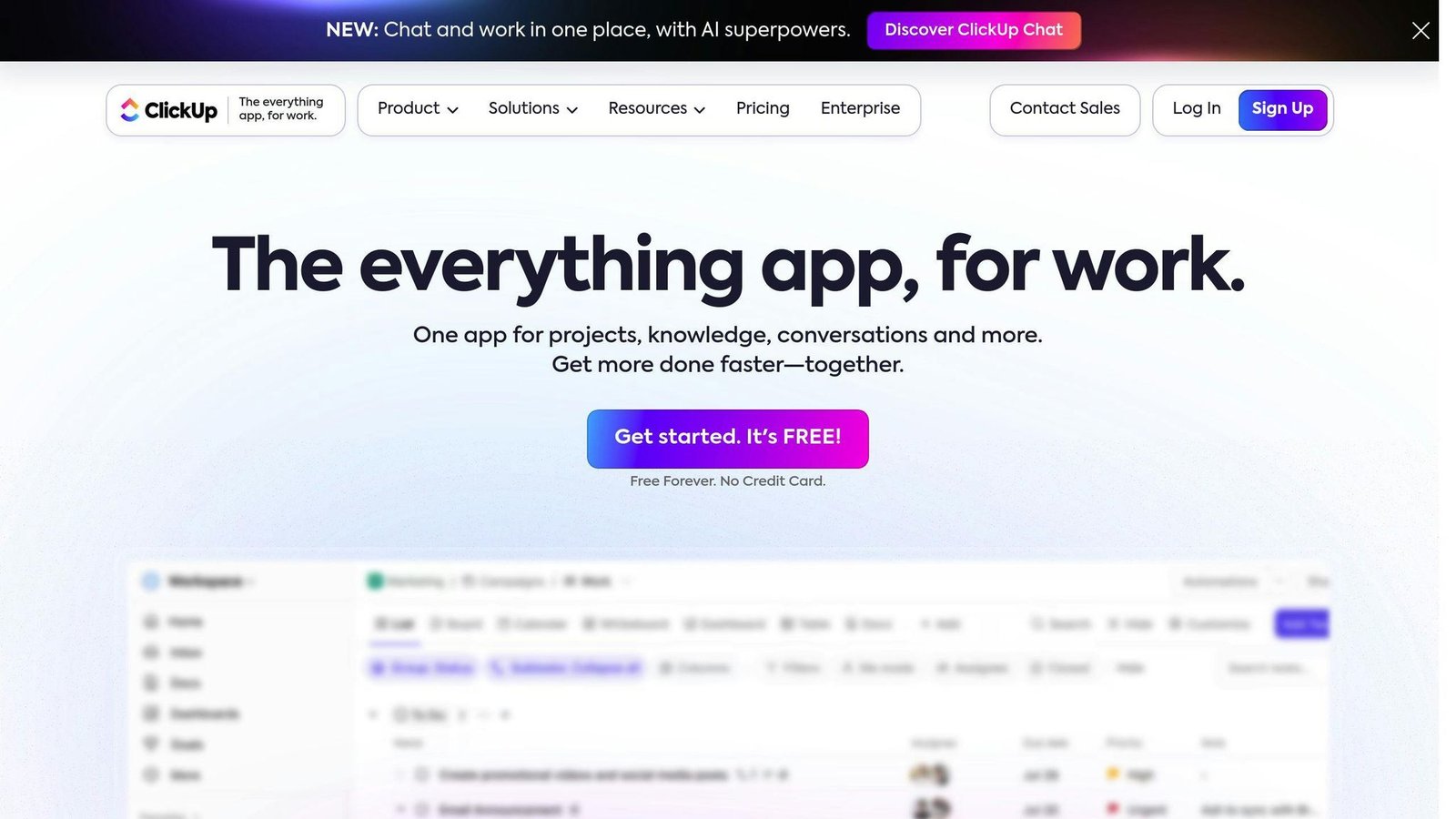
Broad feature set, custom workflows, built-in time tracking.
| Pros | Cons |
|---|---|
| Cheapest capable paid tier here | Learning curve from sheer option count |
| Time tracking included | AI features cost extra |
| Strong free plan | Interface takes acclimatising |
Pricing. Not $5 — that rate is not published by ClickUp.
| Plan | Billed yearly | Billed monthly |
|---|---|---|
| Free Forever | $0 | $0 |
| Unlimited | $7/user/month | $10/user/month |
| Business | $12/user/month | $19/user/month |
| Enterprise | Quoted | Quoted |
Brain AI is a separate add-on from $9 per user per month.
5. Wrike
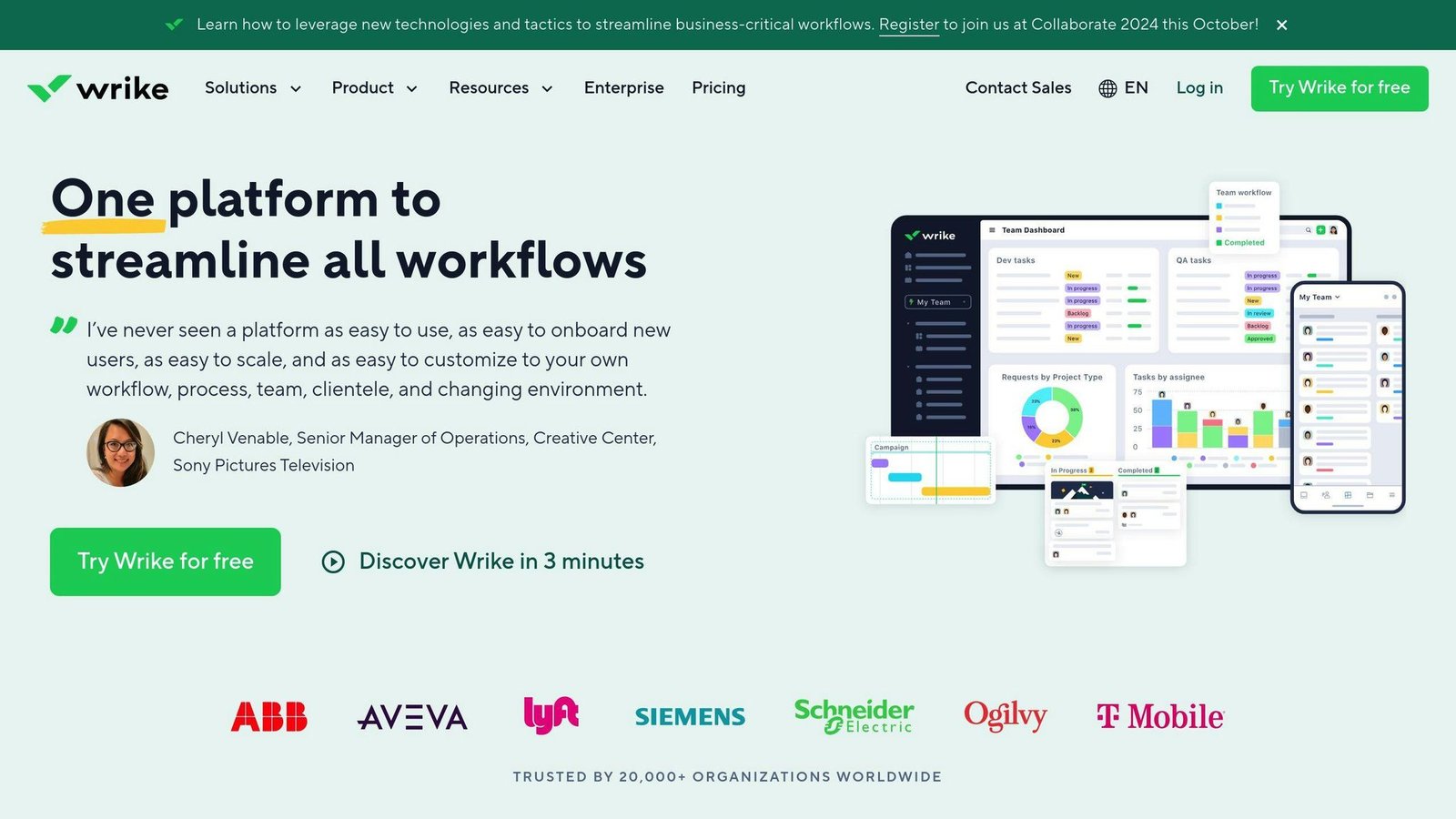
Custom dashboards, workflow automation and integrations with design tools.
| Pros | Cons |
|---|---|
| Strong dashboards | Team plan capped at 15 users |
| Workflow automation | Business plan is annual only |
| Proofing and approval features | Jump from Team to Business is steep |
Pricing. The “Professional $9.80” and “Business $24.80” plans previously listed here do not appear on Wrike’s pricing page.
| Plan | Price | Users |
|---|---|---|
| Free | $0/user/month | Unlimited |
| Team | $10/user/month, billed annually | 2 to 15 |
| Business | $25/user/month, annual only | 5 to 200 |
| Pinnacle and Apex | Quoted | Contact sales |
6. Smartsheet
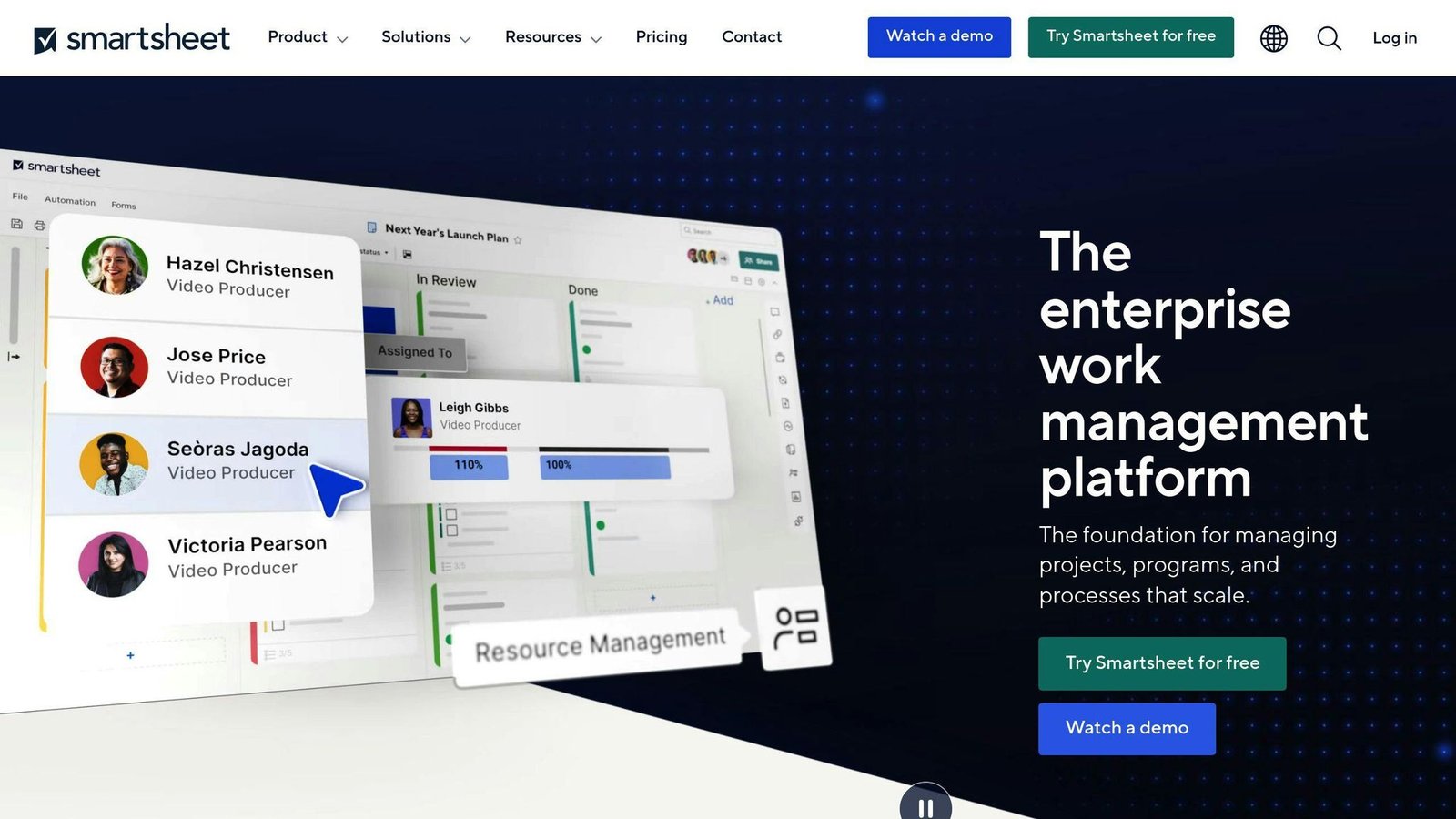
A spreadsheet with project management rules attached. Best reporting on this list, worst learning curve.
| Pros | Cons |
|---|---|
| Handles large structured data | Steep learning curve |
| Strong reporting | No free plan, trial only |
| Customisable templates | Pro caps at 10 members |
Pricing. The old “Individual $14 / Business $25” tiers are gone; the plan names are Pro and Business now.
| Plan | Billed yearly | Billed monthly | Members |
|---|---|---|---|
| Pro | $9/member/month | $12/member/month | 1 to 10 |
| Business | $19/member/month | $24/member/month | 3 or more |
| Enterprise | Quoted | Quoted | 10 or more |
7. Jira
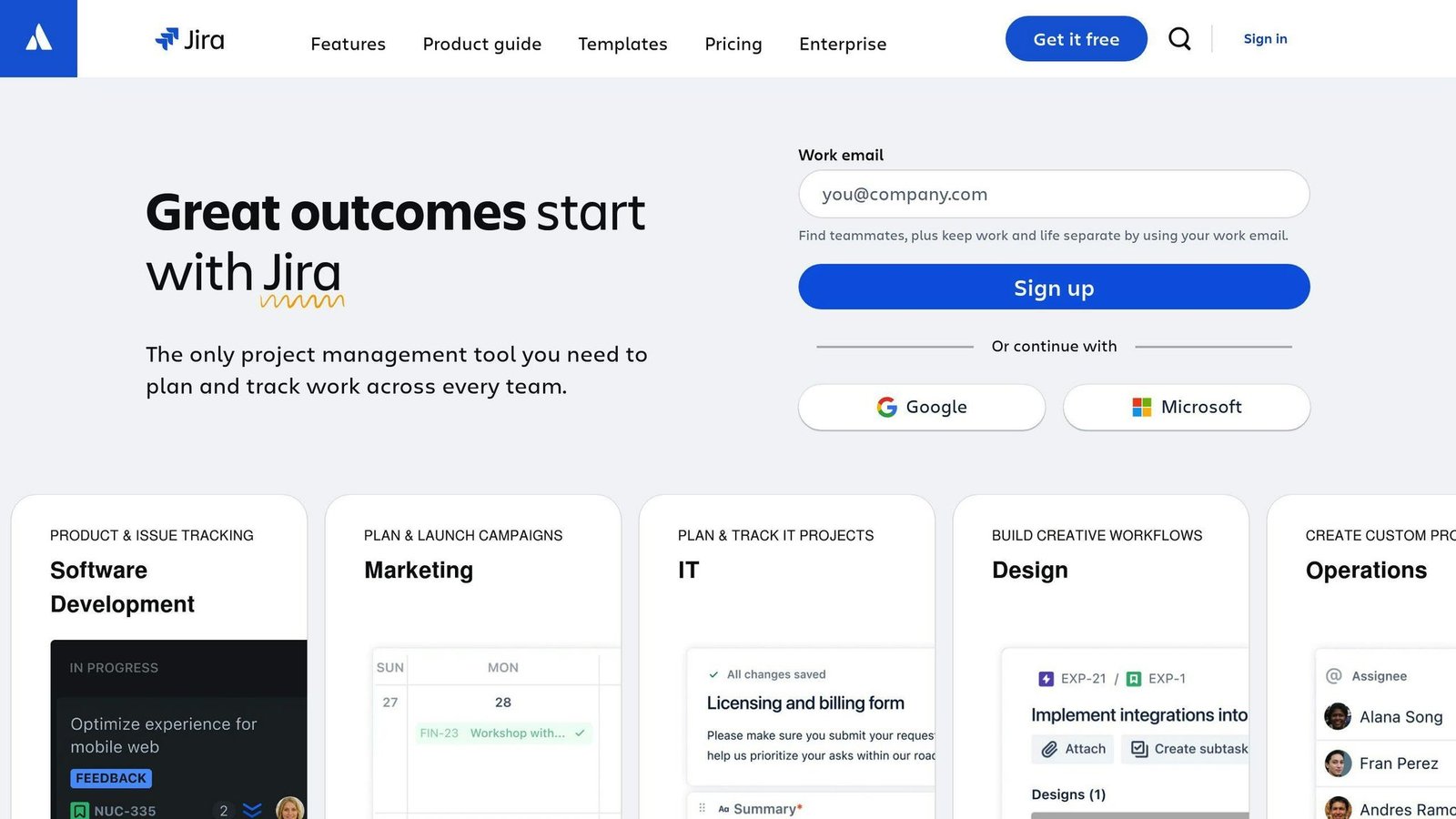
Built for agile software teams. If your designers work inside an engineering sprint, this is where the work already lives.
| Pros | Cons |
|---|---|
| Deep agile support | Steepest setup of the ten |
| Configurable workflows | Awkward for non-software projects |
| Large integration ecosystem | Design-first teams often find it heavy |
Pricing. Free for up to 10 users. Paid plans run Standard, Premium and Enterprise, priced per user through a calculator rather than a fixed table — no rates rendered on Atlassian’s pricing page when we checked in August 2026, so the “$7.50” and “$14.50” figures previously quoted here have been removed. Price your actual seat count on Atlassian’s site.
8. Notion
Docs, databases and boards in one place. Good for design documentation and research repositories, weaker as a pure task tracker.
| Pros | Cons |
|---|---|
| Very flexible | Admin and security features sit in higher tiers |
| Doubles as a research repository | Integrations need manual setup |
| Free tier is usable | Structure is on you to build |
Pricing. The “Personal Pro $4” plan no longer exists, and Team at $8 has been replaced.
| Plan | Price |
|---|---|
| Free | $0 |
| Plus | $10/user/month |
| Business | $20/user/month |
| Enterprise | Quoted |
Notion advertises up to 20% off for yearly billing; the discounted annual rates were not itemised on the page we checked, so confirm before committing.
9. Basecamp
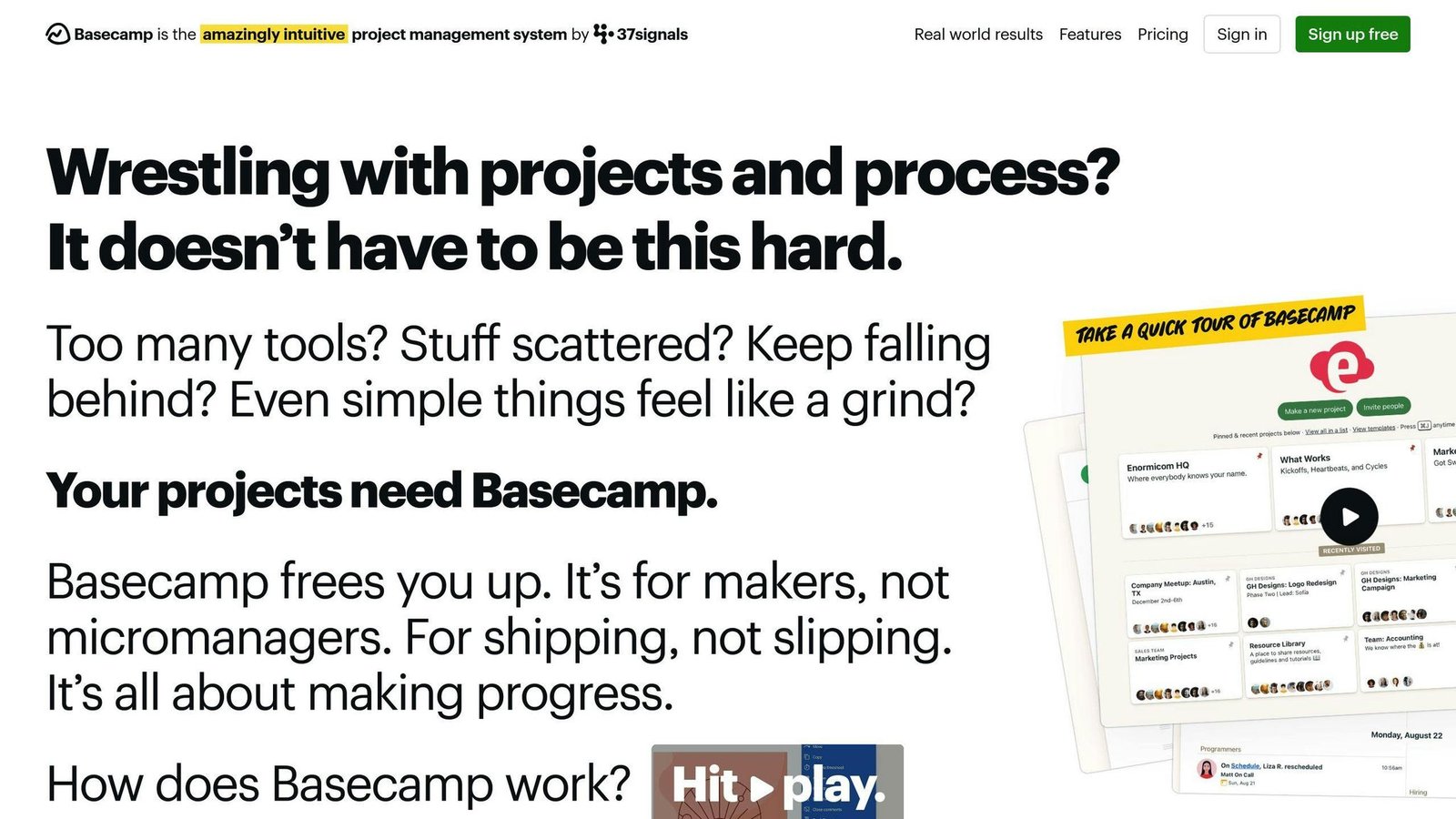
Simple, opinionated, communication-led. Flat pricing rather than per seat, which makes it unusually cheap for large teams and expensive for tiny ones.
| Pros | Cons |
|---|---|
| Flat monthly price on most plans | Limited advanced features |
| Strong built-in communication | Not very customisable |
| Simple to run | Project count caps on lower plans |
Pricing. There is no “Basecamp Business at $99 a month”. Current plans:
| Plan | Price | Limits |
|---|---|---|
| Free | $0 | 1 project, 5 users, 1 GB |
| Freelancer | $25/month | 3 projects, 20 users, 5 GB |
| Studio | $59/month | 10 projects, unlimited users, 25 GB |
| Pro | $100/month | 25 projects, unlimited users, 100 GB |
| Unlimited | $300/month billed annually | Unlimited projects, 1 TB |
10. Miro
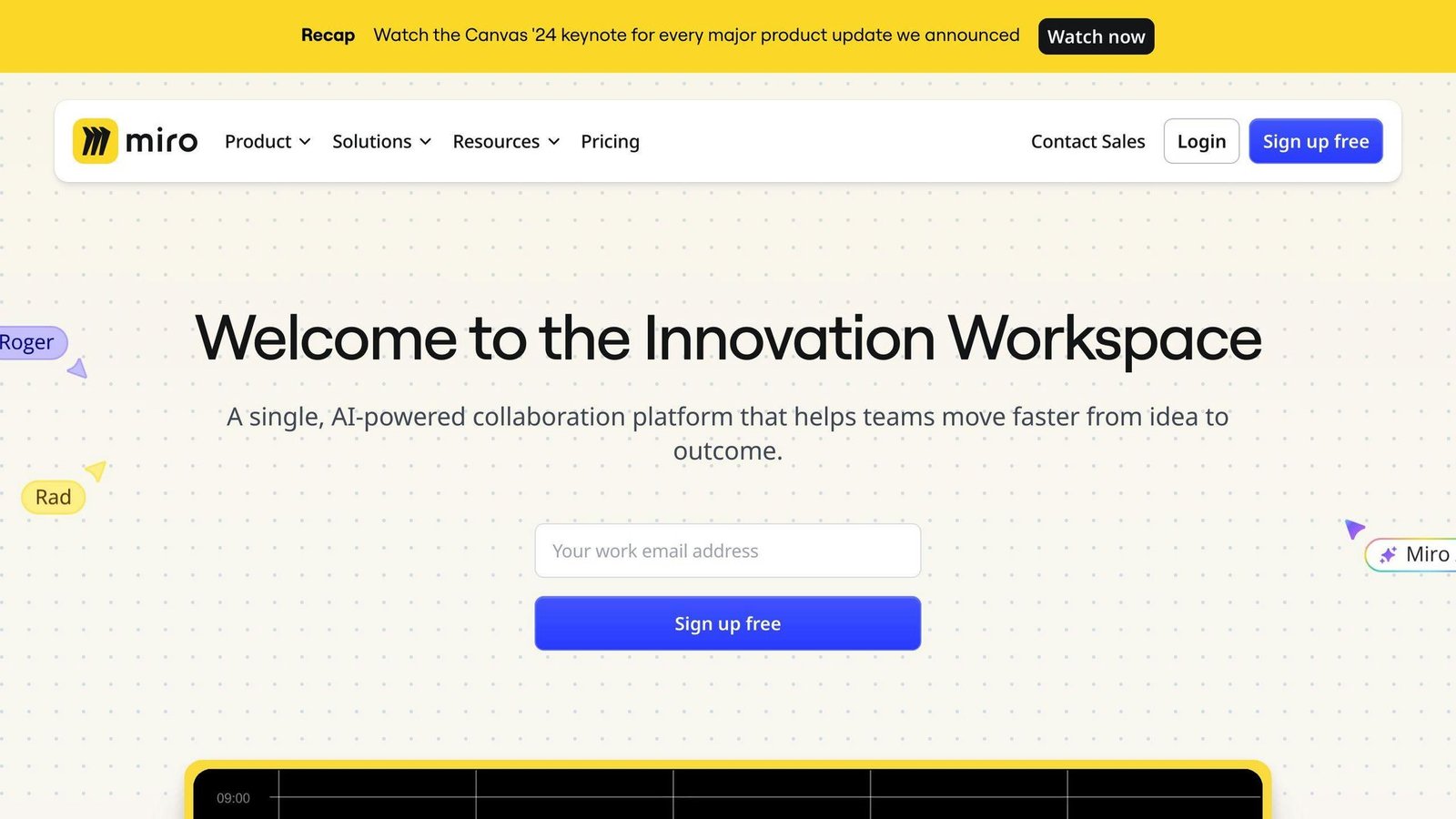
An infinite canvas for workshops, journey maps and wireframing. Not really a project manager, but it is where a lot of UX work actually happens.
| Pros | Cons |
|---|---|
| Best-in-class for collaborative workshops | Free plan limited to 3 editable boards |
| Large template library | Not a task tracker |
| Integrates with design and PM tools | Enterprise requires 30 members |
Pricing. The “Team $8 / Business $16” tiers are out of date; Team is now Starter and Business has moved.
| Plan | Price |
|---|---|
| Free | $0, 3 editable boards, no member minimum |
| Starter | $8/member/month, billed yearly |
| Business | $20/member/month, billed yearly |
| Enterprise | Quoted, from 30 members |
Miro advertises a 20% saving for yearly billing; the monthly rates were not shown on the page we checked.
Other Notable Tools
Confluence
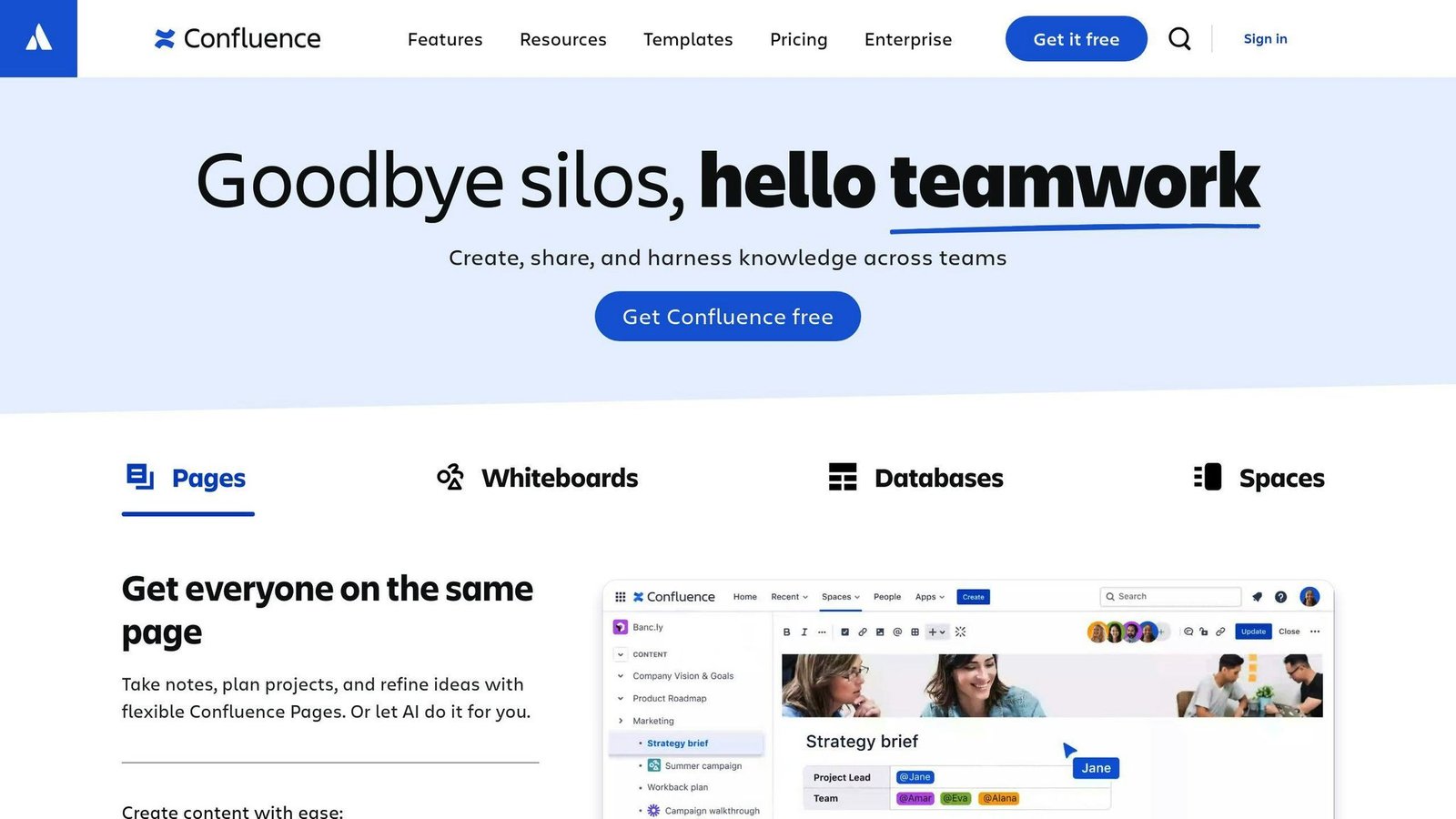
Team documentation that integrates with Jira, which is the reason most teams end up on it. Designers use it to create and share project documents, keep meeting notes and reference design files. Search and templates are its strengths.
Teamwork
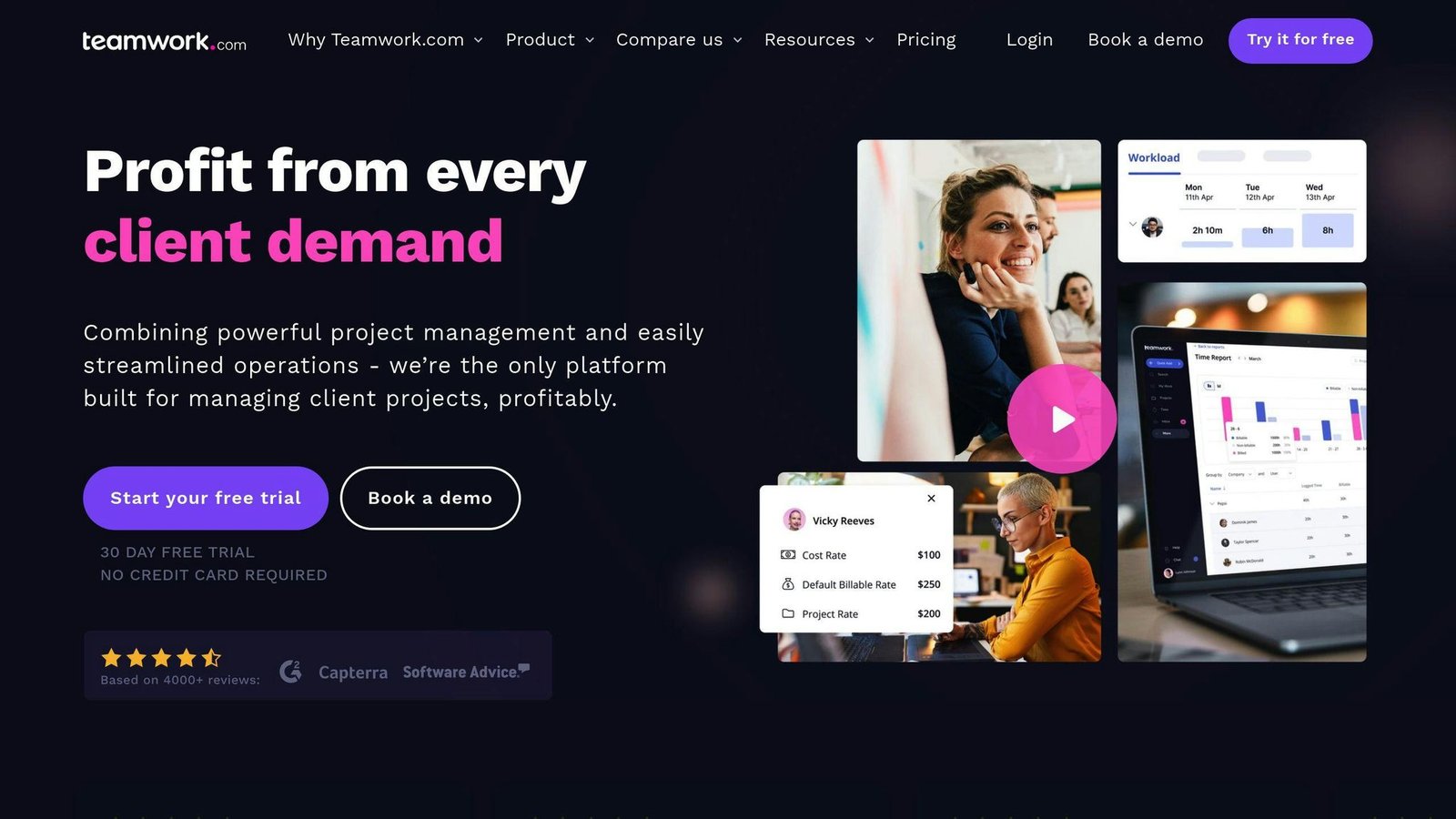
Aimed at client work: task management, time tracking, file sharing and a client-facing portal for sharing updates, files and timelines without giving clients a full seat.
Nuclino
Lightweight collaborative documents with Kanban-style boards and real-time editing. Worth a look if Notion feels heavy.
We have not verified current rates for these three, so no prices are quoted. Check the vendor pages before you compare.
Choosing the Right Tool
Understand Your Team’s Needs
Team size, project type and how much genuine collaboration is required. Ask the people who will use it daily which integrations are non-negotiable — usually Figma.
Budget and Pricing
Three models appear on this page, and they behave very differently:
- Per user or per seat — Asana, Trello, ClickUp, Wrike, Smartsheet, Notion, Miro, Jira. Cost scales with headcount.
- Per seat with a minimum — Monday.com, three seats. Small teams overpay.
- Flat monthly — Basecamp. Gets cheaper per head as the team grows.
Work out the total for your actual team on each model before comparing headline figures. For a ten-person team, Basecamp Studio at $59 a month costs less than Asana Starter at $109.90.
Key Features to Evaluate
| Feature | Description |
|---|---|
| User-friendly design | Easy to navigate, so it actually gets updated |
| Team collaboration | Communication, file sharing, task assignment |
| Design tool integration | Live connection to Figma, Adobe CC, Sketch |
| Task and project tracking | Gantt charts, Kanban boards, custom workflows |
| File management | Versioning and storage limits |
| Feedback handling | Collecting feedback and closing it out |
| Analytics and reporting | Progress and bottlenecks |
| Pricing unit | Per user, per seat with a minimum, or flat |
Key Takeaways
Three things to take from this, beyond the feature grids.
The prices move, and stale prices are everywhere. Nine of the ten prices in the previous version of this article were wrong by August 2026, and four plan names had been retired outright — Trello’s Business Class, Notion’s Personal Pro, Asana’s Premium and Business, and Smartsheet’s Individual. Check the vendor’s own page rather than any comparison article, including this one.
The unit decides the bill. Per user, per seat with a three-seat floor, and flat monthly produce wildly different totals for the same team.
Pick for the integration you cannot live without. For most UX teams that is Figma, and it narrows the list faster than any feature comparison.
All prices above were checked against vendor pricing pages in August 2026 and should be confirmed before budgeting.
More on this topic
Browse all 40 articles on Project & Team Management, or jump straight to our buying guide: Best Project Management Tools for Small Teams.