Disclosure: This page contains commercial links. BizBot may earn a commission from qualifying purchases. Paid placements do not buy a better ranking. Read our affiliate disclosure.
VoIP CRM integration combines VoIP phone systems with CRM software to improve communication and customer management. It automates call logging, syncs customer data in real-time, and provides features like click-to-call and analytics. This setup reduces manual work, enhances customer service, and streamlines workflows.
Key Benefits:
- Automatic Call Logging: Saves time by recording call details directly in the CRM.
- Click-to-Call: Enables users to make calls from CRM records with one click.
- Real-Time Data Sync: Ensures customer records are always up-to-date.
- Built-In Analytics: Tracks team performance and customer engagement.
Popular Platforms:
- Salesforce: Advanced customization and automation for enterprises.
- HubSpot: Simple and user-friendly for growing businesses.
- Zoho CRM: Affordable with strong telephony features.
- Microsoft Dynamics 365: AI-driven tools for large-scale operations.
- Pipedrive: Easy to use, focused on sales pipelines.
- RingCentral: Reliable VoIP with broad CRM compatibility.
- Nextiva: Scalable and easy to set up.
- Vonage: API-driven with flexible integration options.
- 8×8: Strong security and global support.
- Dialpad: Cost-effective with AI-powered tools.
Quick Comparison Table:
| Platform | Starting Price/User | Key Feature | Best For |
|---|---|---|---|
| Salesforce | $25/user/month (Starter Suite) | Advanced customization | Enterprises |
| HubSpot | Free; Sales Hub Starter $7/seat/month billed annually | Simplicity and automation | Growing businesses |
| Zoho CRM | Free for 3 users; paid editions per user (USD rate not confirmed) | Affordable telephony features | Small businesses |
| Microsoft Dynamics | $65/user/month, paid yearly (Sales Professional) | AI-driven insights | Large organizations |
| Pipedrive | $14/seat/month billed annually (Lite) | Sales-focused tools | Sales teams |
| RingCentral | Not published on its pricing page | Broad CRM integration | Multi-location companies |
| Nextiva | $15/user/month (Core) | Easy scalability | Service-oriented teams |
| Vonage | Custom pricing | Flexible APIs | Developer-focused teams |
| 8×8 | Quote on request | Strong security | International businesses |
| Dialpad | Quote on request | AI tools and security | Tech-focused businesses |
All prices in this article were checked against each vendor’s own pricing page in August 2026, and figures we could not confirm there have been removed rather than guessed. Confirm anything you plan to budget against, because this category reprices and renames plans constantly.
Choosing the Right Integration: Focus on scalability, integration depth, and analytics capabilities to select the best solution for your business needs.
1. Salesforce
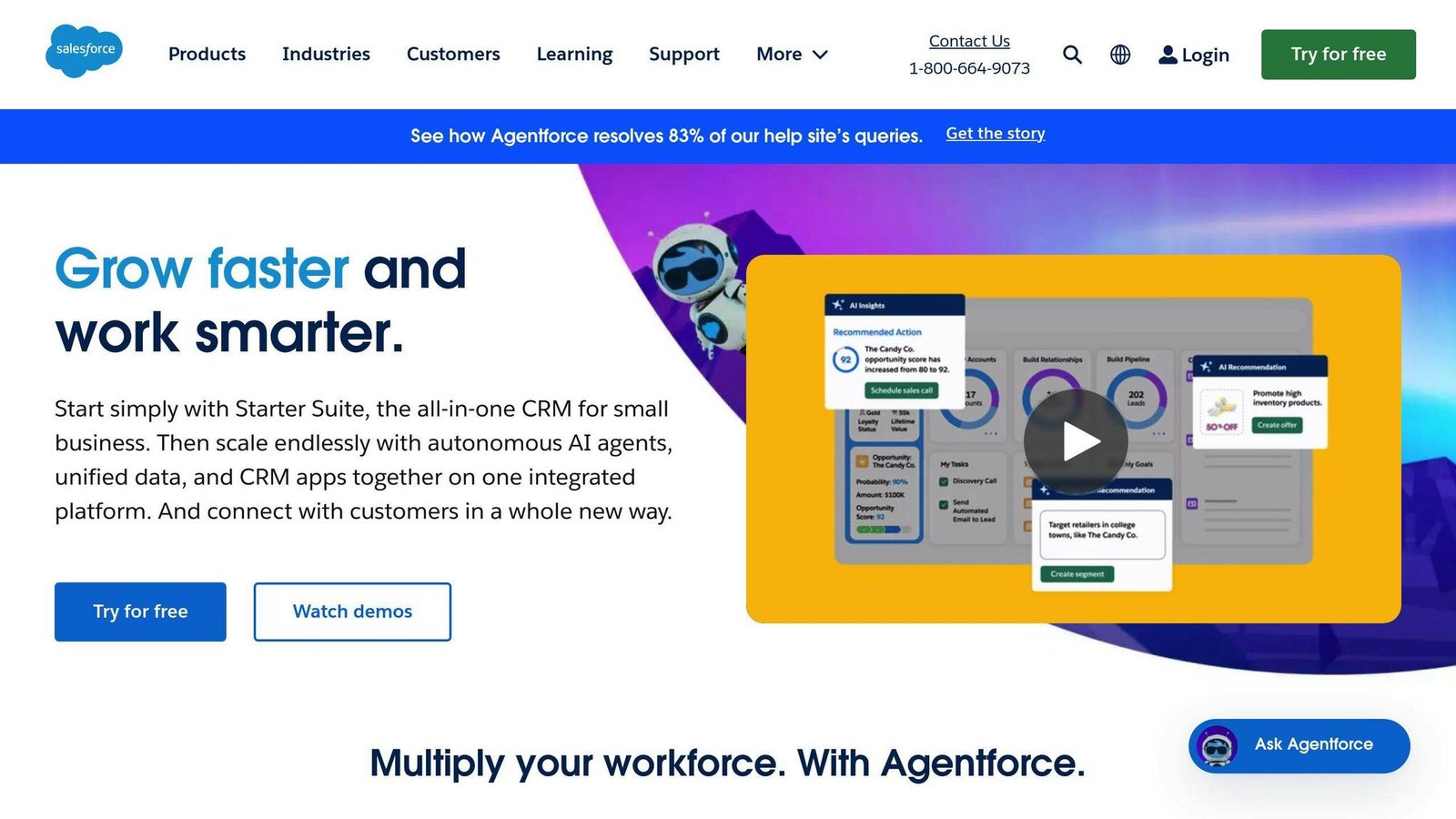
Salesforce works with VoIP systems, offering tools that simplify communication and keep customer records up to date.
The VoIP integration in Salesforce eliminates the need for manual updates by automatically logging calls. It captures key details like call duration, timestamps, and outcomes, all saved directly in the customer’s profile. This ensures everything stays organized and accurate.
Through the AppExchange marketplace, businesses can explore a variety of VoIP integration options to find the best fit for their needs. Agents can view customer histories and contact details during calls without jumping between apps, making it easier to provide personalized service and resolve issues faster.
Automation features take care of repetitive tasks, such as setting follow-up reminders or updating contact records based on call results, freeing up time for more important work.
Salesforce has renamed its Sales Cloud line-up. The old Essentials and Professional editions are gone; the current tiers, checked against Salesforce’s own pricing page in August 2026, are:
| Plan | Price (per user/month, billed annually) | Best For |
|---|---|---|
| Free Suite | $0 | Trying it out |
| Starter Suite | $25 | Small businesses starting with CRM |
| Pro Suite | $100 | Growing teams needing full CRM functionality |
| Enterprise | $175 | Large organizations requiring advanced tools |
| Unlimited | $350 | Enterprises needing the full suite |
If you are working from an older shortlist that says Essentials at $25 and Professional at $75, those editions no longer exist under those names. Salesforce also sells its AI features as an add-on to Enterprise and above, and does not publish the add-on price.
While Salesforce is ideal for businesses needing advanced customization, platforms like HubSpot may better suit smaller teams with different requirements.
2. HubSpot
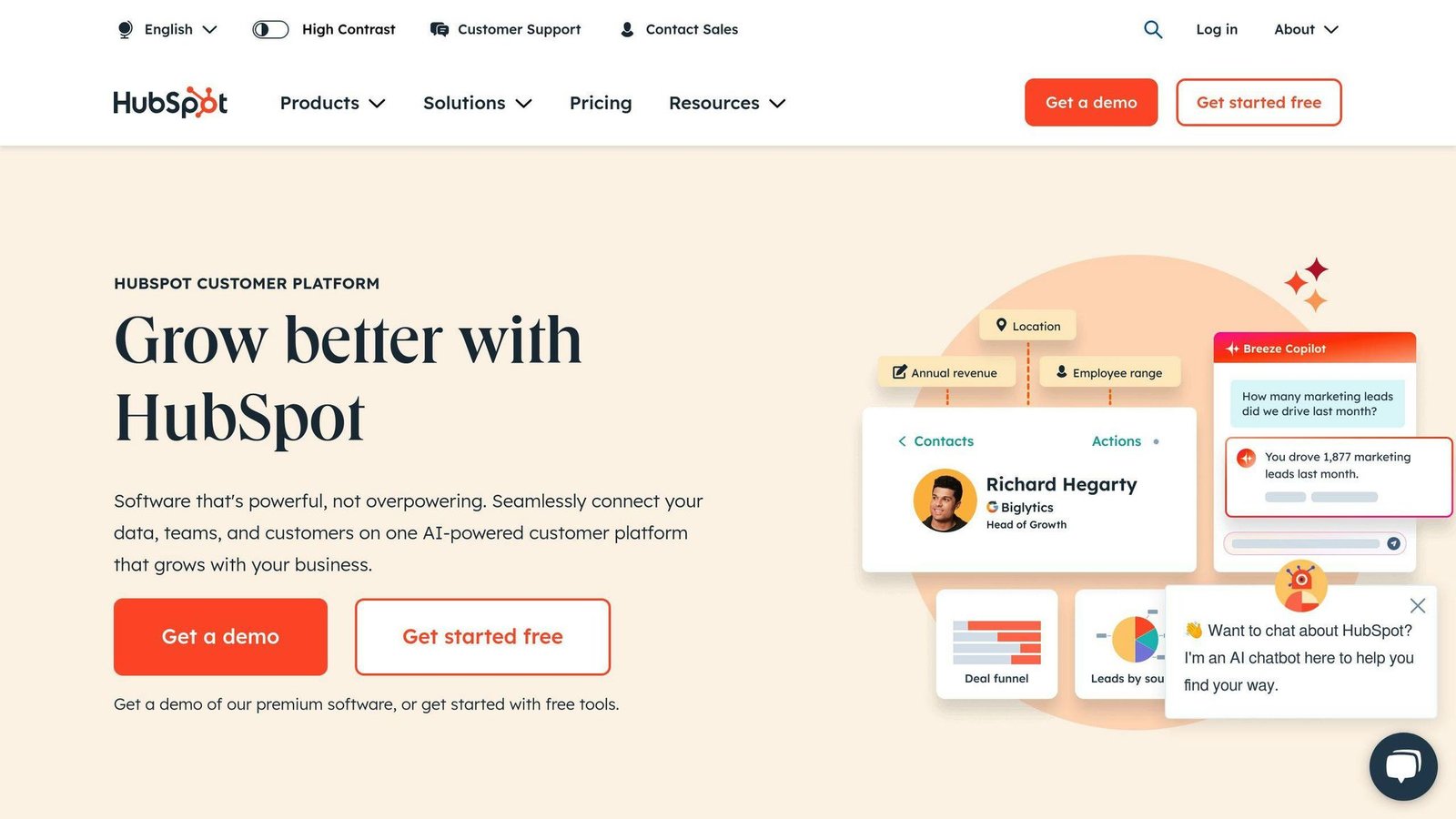
If Salesforce is known for its customization for large enterprises, HubSpot stands out for its simplicity and automation, making it a go-to choice for growing businesses. It ensures all call details are logged automatically, keeping customer records accurate without requiring manual work.
HubSpot prices Sales Hub per seat. Checked against HubSpot’s own pricing page in August 2026:
| Plan | Price (per seat/month) | VoIP Integration Features |
|---|---|---|
| Free | $0 (up to 2 users) | Basic contact management |
| Starter | $7 billed annually, $20 billed monthly | Click-to-call functionality |
| Professional | $90 billed annually, $100 billed monthly, plus a one-time $1,500 onboarding fee | Full VoIP integration + automation |
| Enterprise | From $150, plus a one-time $3,500 onboarding fee | Advanced features + custom reporting |
Watch the onboarding fees. They are one-time and mandatory on Professional and Enterprise, and they are the part people forget when they compare monthly seat prices.
One standout feature is the click-to-call option, which allows agents to make calls directly from contact records. This eliminates dialing mistakes and streamlines workflows. Plus, real-time access to customer information makes conversations more personalized and helps resolve issues faster. After the call, updates are logged automatically, cutting down on tedious documentation.
Routine tasks, like call recording, are handled by automation, and the platform’s API support makes it easy for businesses to customize the integration to fit their processes.
While HubSpot shines in ease of use and automation for growing businesses, platforms like Zoho CRM may offer features better suited for other specific needs.
3. Zoho CRM
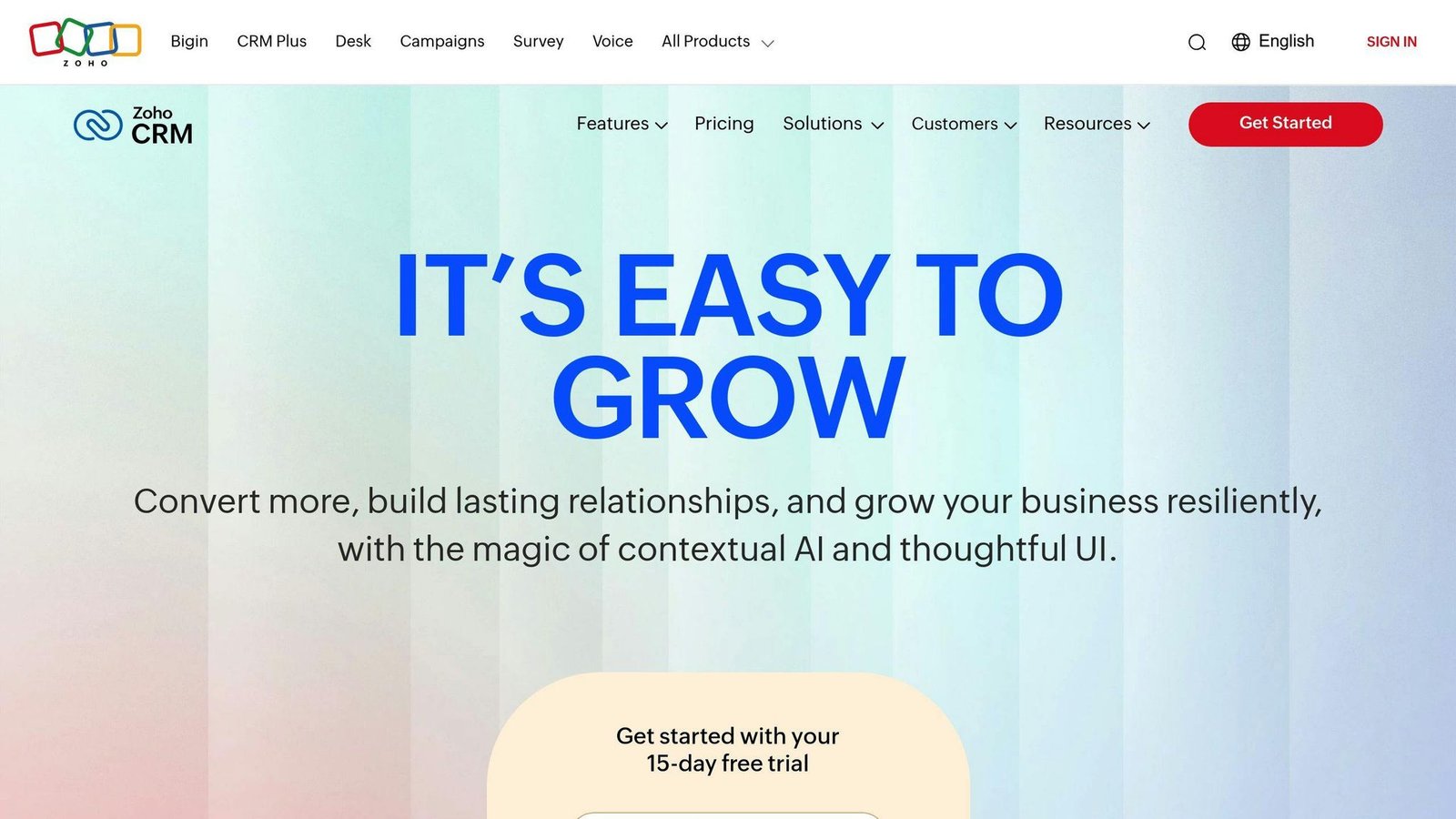
Zoho CRM offers a strong option for businesses looking to integrate VoIP systems without straining their budgets. It simplifies call-related tasks and provides instant access to customer data, helping teams work more efficiently.
Zoho CRM has a free edition for up to three users and four paid editions – Standard, Professional, Enterprise and Ultimate – priced per user, with a discount of up to 34% for annual billing. We could not confirm the current US dollar rates from Zoho’s own pricing page in August 2026, which defaults to local currency, so we have removed the figures that used to appear here rather than carry over numbers we cannot source. Check the currency selector on Zoho’s pricing page for your region before budgeting.
| Plan | Key VoIP Features |
|---|---|
| Standard | Basic call management and logging |
| Professional | Advanced call tracking, workflow automation |
| Enterprise | Custom integrations, advanced analytics |
| Ultimate | AI-powered insights, multi-channel support |
One of Zoho CRM’s standout features is how easily it connects with major VoIP providers. Setting it up is as simple as adding a browser plugin, allowing businesses to integrate systems like RingCentral, Vonage, and 8×8 using straightforward APIs. This hassle-free process ensures businesses can get started quickly without interrupting operations.
Another key advantage is the platform’s real-time data synchronization. Agents can instantly access complete customer histories during calls, enabling them to offer personalized support and resolve issues faster. The AI-powered tools take this a step further by delivering predictive analytics and smart recommendations to improve customer interactions.
Zoho CRM is also built to grow with your business. Adding new users or phone lines is simple, requiring no complicated technical setup. This makes it a flexible solution for companies planning to scale, combining ease of use with powerful VoIP integration features.
While Zoho CRM focuses on affordability and adaptability, Microsoft Dynamics 365 takes a more enterprise-focused approach to VoIP integration.
4. Microsoft Dynamics 365
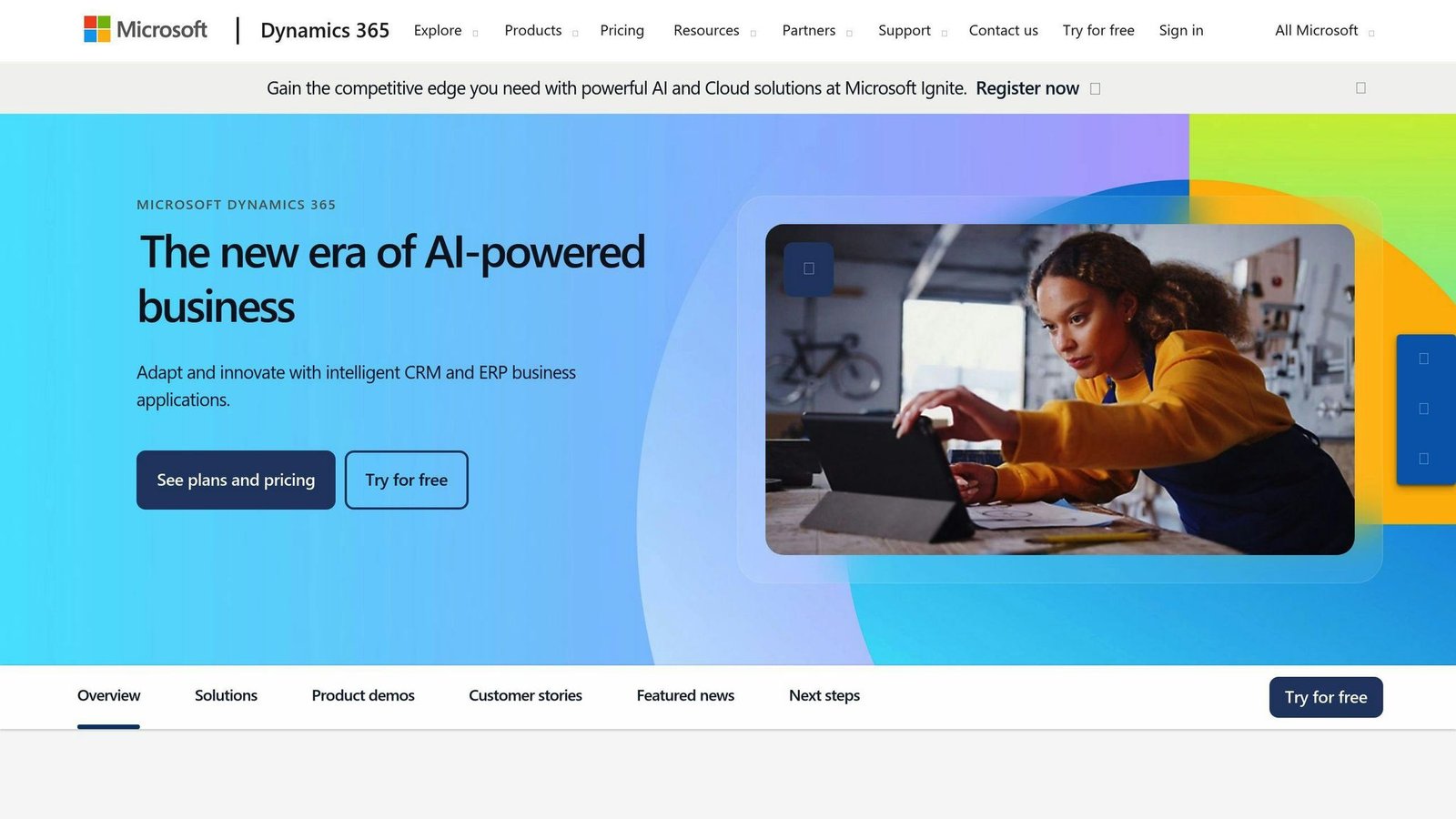
Microsoft Dynamics 365 is a powerful option for businesses looking for VoIP CRM integration tailored to large-scale operations. It’s built with enterprise-level needs in mind, offering a wide range of features and deep integration capabilities with VoIP systems like RingCentral, Vonage, and Teams. The pricing reflects its focus on complex business environments.
| Plan | Cost per user/month, paid yearly | Key VoIP Features |
|---|---|---|
| Sales Professional | $65.00 | Basic call tracking, customer insights |
| Sales Enterprise | $105.00 | Advanced call analytics, AI-driven insights |
| Sales Premium | $150.00 | AI-first selling tools |
Checked against Microsoft’s own pricing page in August 2026. All three require an annual commitment.
Unlike Zoho CRM, which prioritizes affordability, Microsoft Dynamics 365 focuses on delivering tools for large organizations. For example, when a call comes in, the system instantly pulls up customer details such as past interactions, purchase history, and support tickets. This lets agents give personalized service without switching between apps.
One standout feature is its automated workflows. After a call, the system updates customer records, schedules follow-ups, and initiates processes based on the call’s outcome. AI-driven recommendations further enhance efficiency by aligning with your organization’s unique patterns and customer behaviors.
The platform scales to additional users and phone lines without performance issues. At the same time, it ensures top-tier security to safeguard customer data during calls and synchronization. However, setting it up often requires technical expertise and collaboration between Microsoft and your VoIP provider.
If your business prioritizes ease of use and flexibility over enterprise-grade complexity, Pipedrive might be a better fit.
5. Pipedrive
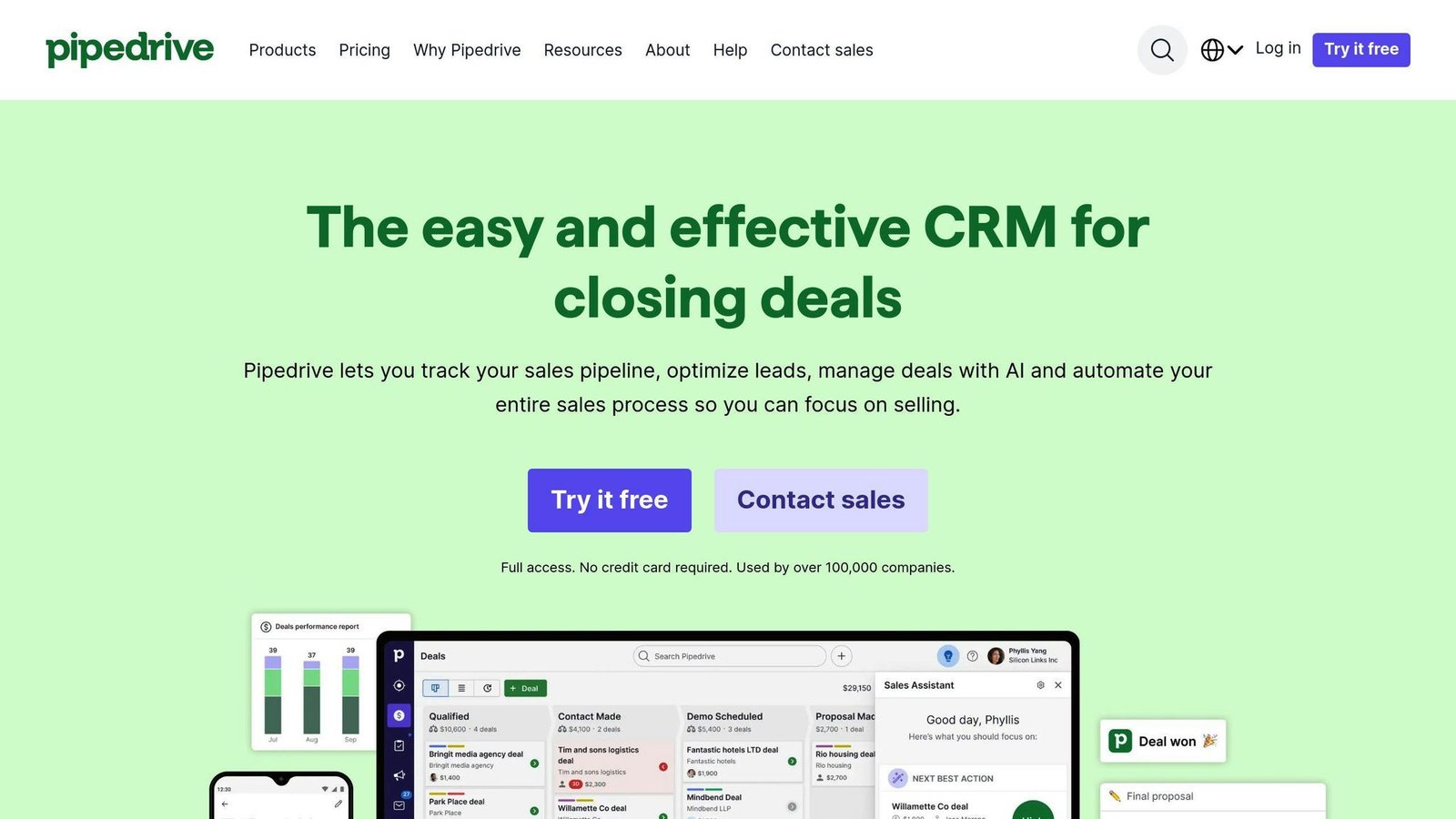
Pipedrive takes a simplified approach to VoIP CRM integration, offering a more straightforward solution compared to the complexity of Microsoft Dynamics 365. With its intuitive interface and easy integration options, it’s a solid choice for small to medium-sized businesses.
Pipedrive has renamed its tiers. Checked against Pipedrive’s own pricing page in August 2026, with all figures per seat per month billed annually:
| Plan | Per seat/month, billed annually | VoIP Integration Features |
|---|---|---|
| Lite | $14 ($168/seat/year) | Basic call logging, contact management |
| Growth | $39 ($468/seat/year) | Real-time sync, customizable workflows |
| Premium | $59 ($708/seat/year) | Advanced call tracking, multi-provider support |
| Ultimate | $79 ($948/seat/year) | Full API access, dedicated support |
The old Essential, Advanced and Professional names are no longer in use. Monthly billing costs more; Pipedrive advertises up to 42% off for paying annually.
One of Pipedrive’s standout features is its automated call logging system, which eliminates the need for manual data entry. When paired with VoIP providers like JustCall or RingCentral, the platform automatically captures and syncs call details, including duration and outcomes, across the system in real time.
This real-time synchronization ensures that team members always have the latest customer information. For example, when a call comes in, sales reps can instantly access the customer’s full interaction history – covering previous calls, emails, and notes – allowing for more personalized and informed conversations.
Another highlight is Pipedrive’s customizable workflows. After a sales call, the platform can automatically initiate follow-up actions based on the call outcome. Whether it’s scheduling a meeting, sending a proposal, or updating a deal stage, these automated workflows help keep customer interactions consistent while cutting down on administrative tasks.
Pipedrive also offers scalability, making it easy for growing businesses to add users and expand functionality without sacrificing performance. Its VoIP integration is designed to be user-friendly, often requiring minimal technical know-how to set up.
Next, we’ll look at how RingCentral delivers enterprise-grade VoIP CRM integration features.
6. RingCentral
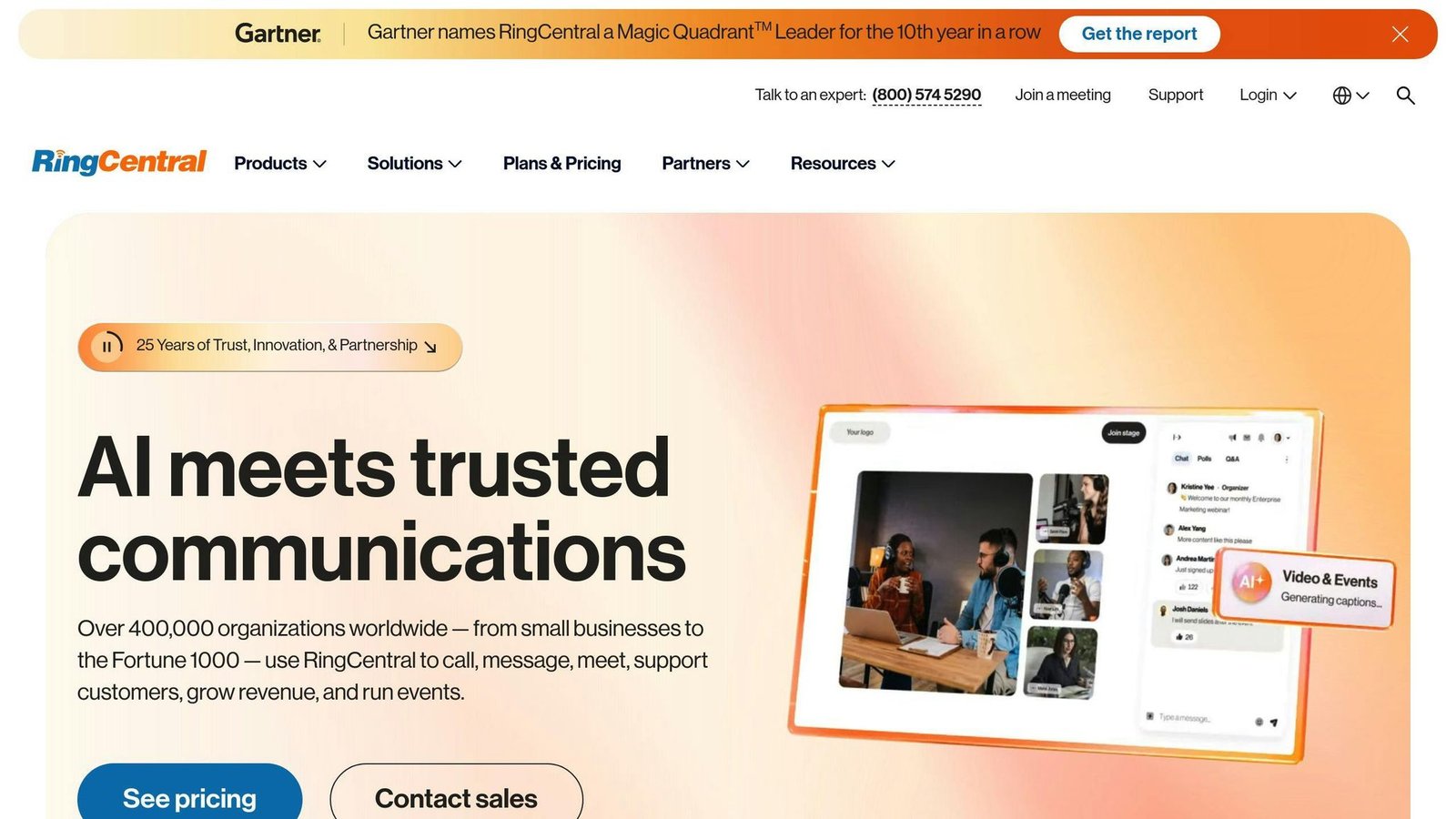
RingCentral offers a cloud-based VoIP solution designed to work for businesses of all sizes. It integrates with major CRM systems like Salesforce, HubSpot, and Zoho CRM, making it a flexible option for a wide range of companies.
On pricing, be careful. RingCentral’s product is now RingEX, sold in tiers that include Advanced and Ultra, and its pricing page did not display per-seat rates when we checked in August 2026; it advertises up to 33% off for paying annually and routes you to sales. The old Essentials, Standard, Premium and Ultimate names and their $19.99 to $49.99 rates are no longer what the vendor publishes, so we have removed them. What the page does list are separately priced add-ons: AI Receptionist from $39, Conversational Intelligence from $60, a Call Queues booster at $35 and a Business SMS booster at $25. Those add-ons are where a RingCentral quote gets expensive, so price them into any comparison.
Because it’s cloud-based, there’s no need for expensive hardware, and it scales easily as your business grows. Its real-time sync ensures customer service teams always have up-to-date caller information, even during high call volumes.
Agents can see a full view of the customer journey – previous calls, purchase history, and support tickets – all within their CRM. This makes it easier to provide personalized service. The platform also automates workflows, assigning tasks or scheduling follow-ups based on call outcomes.
Call details like duration and results are logged automatically into the CRM, cutting down on manual work and helping teams stay organized. This is especially helpful for busy call centers and sales teams managing a high volume of interactions.
With strong security features and reliable performance, RingCentral is a solid choice for businesses that deal with sensitive customer data. It ensures smooth operations, even during peak times, so teams can stay focused on delivering excellent service.
Next, we’ll take a closer look at how Nextiva approaches VoIP CRM integration.
7. Nextiva
Nextiva makes its mark in the VoIP-CRM integration space with an automated data sync system and a cloud-based platform. When a call comes in, it instantly pulls up relevant customer details from popular CRMs like Salesforce, HubSpot, and Zoho CRM. This makes it a strong option for businesses focused on improving customer communication.
Nextiva has renamed its plans as well. Checked against Nextiva’s own pricing page in August 2026:
| Plan | Cost per user/month | Integration Features |
|---|---|---|
| Core | $15 | Basic CRM sync, call logging |
| Engage | $25 | Advanced analytics, workflow automation |
| Scale | $75 | Full feature set for larger small-business teams |
| Enterprise (Essential) | From $75 per agent | Custom API access, dedicated support; higher enterprise tiers are quote-only |
The old Essential and Professional plans at $18.95 and $22.95 are gone. One caution: Nextiva shows monthly and annual figures alongside a savings percentage in a way that is easy to misread, so confirm which billing term your quote assumes before you sign.
Nextiva pairs automation with analytics to help teams monitor key metrics such as call volumes and resolution times, all within their CRM dashboards. Compared to competitors like RingCentral, Nextiva’s platform is built for easy scaling, whether you’re a small team or a large enterprise, without needing major infrastructure changes.
The platform emphasizes ease of use, offering detailed setup guides and dedicated support to ensure a smooth onboarding process. This makes it a great choice for businesses that lack technical expertise but still require reliable VoIP-CRM integration tools.
Up next, we’ll take a look at how Vonage combines VoIP capabilities with CRM integration to boost customer engagement.
8. Vonage
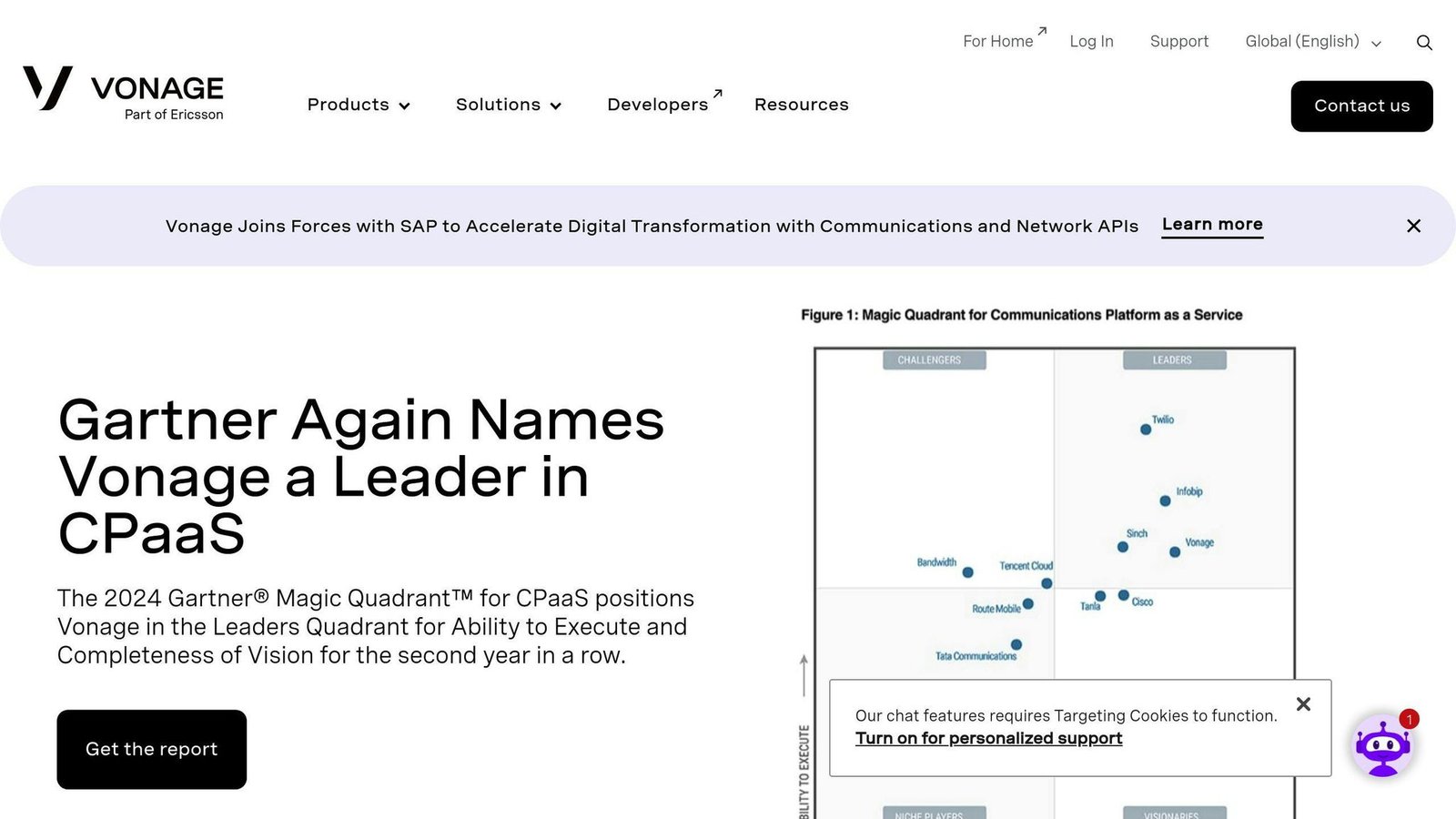
Vonage offers an API-driven platform that integrates with top CRM systems like Salesforce, Microsoft Dynamics, and HubSpot. This platform is designed to cater to businesses of all sizes, from small teams to large organizations, by providing flexible integration options.
| Integration Feature | Capability |
|---|---|
| Data Synchronization | Syncs call data and customer info in real time |
| CRM Compatibility | Works with Salesforce, Microsoft Dynamics, HubSpot |
| Analytics Tools | Tracks calls, engagement metrics, and custom reports |
| Workflow Automation | Automates call logging, note-taking, and task creation |
What makes Vonage stand out is its customizable integration options, powered by extensive APIs. While pricing is tailored to each business, the focus is always on enhancing communication and improving customer interactions. The platform’s analytics tools give businesses a clear view of customer engagement, enabling them to monitor performance metrics directly within their CRM.
Vonage does not publish per-seat rates for this. Pricing is quoted per business, which means you cannot compare it against a published number from anyone else without getting a quote first.
Vonage eliminates the hassle of switching between apps by consolidating call data, customer information, and analytics in one place. Its workflow automation goes beyond basic features, incorporating smart tools that ensure customer records are always accurate and up-to-date.
Up next, we’ll dive into how 8×8 uses its VoIP-CRM integration to improve business operations.
9. 8×8
8×8 provides a cloud-based platform that simplifies VoIP-CRM integration for businesses. By enabling real-time data sync and automatic call logging, it removes the hassle of manual data entry and reduces the chances of errors. The platform works with popular CRM tools like Salesforce, HubSpot, and Zoho CRM.
| Integration Feature | Capability | Benefit |
|---|---|---|
| Real-time Sync | Automatic call logging and data updates | Saves time and minimizes mistakes |
| Click-to-Call | Direct dialing from the CRM interface | Reduces dialing errors and improves efficiency |
| Analytics | Detailed call tracking and reporting | Supports better decision-making |
| API Access | Customizable integration options | Meets specific business requirements |
8×8 does not display plan prices publicly. Its plans-and-pricing page routes you to sales for a quote, so the X2 at $25 and X6 at $85 figures that used to appear here have been removed rather than carried over from an old source. Budget for a quote, and ask specifically what the per-seat rate is at your seat count, since quote-based vendors price on volume.
The platform’s API-driven design ensures smooth data sharing, with automatic call logging keeping records accurate and up-to-date. This feature is particularly useful for customer service teams, who rely on detailed interaction histories to deliver better support.
In addition, 8×8 provides CRM-based insights into call trends, response times, and engagement metrics. By combining these insights with its integration features, the platform removes the need for separate reporting tools, making life easier for managers and agents.
To ensure a smooth onboarding process, 8×8 offers extensive support resources and technical documentation. Their dedicated teams are available to assist with custom integrations, making the platform adaptable to unique business needs. With its powerful features and scalability, 8×8 is an excellent choice for businesses looking to streamline communication. Next, we’ll take a closer look at how Dialpad approaches VoIP-CRM integration.
10. Dialpad
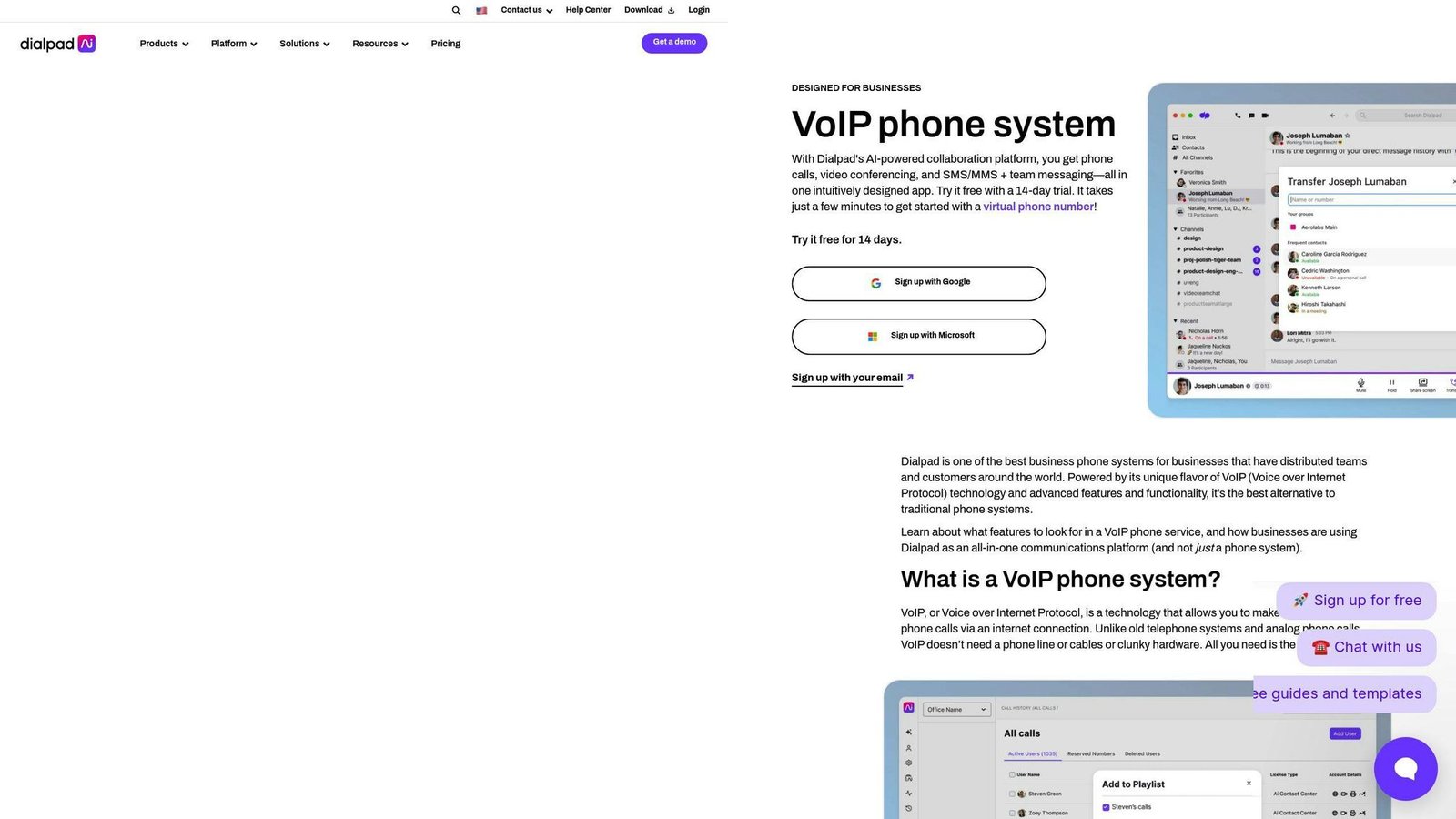
Dialpad offers a cloud-based communication system that pairs with major CRM platforms like Salesforce, HubSpot, and Zoho CRM. This integration helps businesses create a unified communication environment, simplifying workflows and boosting efficiency.
| Feature | Functionality | Business Benefit |
|---|---|---|
| CRM Integration | Direct connectors with top platforms | Cuts down on setup time and reduces maintenance |
| Call Management | Logs and records calls automatically | Supports compliance and improves training |
| Data Sync | Updates customer info in real time | Boosts first-call resolution rates |
| Security | Advanced encryption protocols | Protects sensitive data and ensures compliance |
Dialpad has restructured. Its pricing page in August 2026 lists Connect, Support and Sell rather than the old Standard plan, plus an AI Agent product billed against a pool of credits rather than per user, and it directs you to sales for rates. The $15 Standard figure that used to appear here is no longer what the vendor publishes, so we have removed it. Note the credit model: for AI Agent your bill moves with conversation volume, not seat count, which is a different budgeting problem from everything else on this list.
One standout feature is its click-to-call functionality, which integrates directly into CRM interfaces, making the calling process quicker and easier. Additionally, Dialpad’s use of enterprise-grade encryption ensures strong data protection, making it a solid choice for businesses that prioritize security.
The platform’s automatic call logging and real-time updates allow teams to focus more on customer interactions without worrying about maintaining accurate records. This is especially helpful for high-volume teams who need to manage detailed customer histories without sacrificing service quality.
Dialpad’s combination of strong security measures and streamlined communication tools makes it a smart choice for businesses looking for reliable VoIP-CRM integration, especially those that need strong data protection alongside operational efficiency.
Comparison of Pros and Cons
VoIP CRM integrations vary widely in features and pricing, making it essential to compare the major options side by side. Here’s a breakdown of some leading platforms:
| Platform | Key Strengths | Limitations | Best Suited For | Starting Price |
|---|---|---|---|---|
| Salesforce | Highly customizable, strong API support, detailed analytics | Expensive, steep learning curve | Large enterprises | $25/user/month (Starter Suite) |
| HubSpot | Easy to use, excellent marketing tools, free plan available | Advanced features limited in lower tiers | Mid-sized businesses | Free; Sales Hub Starter $7/seat/month annually |
| Zoho CRM | Affordable, built-in telephony, automation features | Interface can be tricky to navigate | Small businesses | Per user; USD rate not confirmed |
| Microsoft Dynamics 365 | Integrates well with Microsoft tools, advanced AI features | Complex setup, higher cost | Organizations using Microsoft tools | $65/user/month, paid yearly |
| Pipedrive | Simple setup, great for managing sales pipelines | Lacks advanced marketing tools | Sales teams | $14/seat/month billed annually |
| RingCentral | High call quality, broad integration options | Pricey for smaller teams | Companies with multiple locations | Not published; quote-based |
| Nextiva | Reliable service, strong customer support | Limited customization options | Service-oriented businesses | $15/user/month (Core) |
| Vonage | Flexible APIs, global reach | Pricing can be confusing | Developer-focused businesses | Custom pricing |
| 8×8 | Strong security, global coverage | Few free features | Companies operating internationally | Quote on request |
| Dialpad | AI-powered tools, sleek interface | Fewer third-party integrations | Tech-focused businesses | Quote on request |
Note how many of these are quote-only. Four of the ten will not tell you a price without a sales call, which makes a like-for-like comparison impossible until you have quotes in hand. Get all of them before you commit to any.
This comparison highlights options for businesses of all sizes. Platforms like Salesforce and Microsoft Dynamics 365 cater to enterprises that need advanced features, while Zoho CRM and Pipedrive are the cheaper options with the tools most small teams actually use.
When choosing a VoIP CRM integration, focus on three key factors:
- Integration depth: Look for platforms with strong API capabilities to ensure smooth data sharing between systems.
- Scalability: Make sure the solution can grow with your business needs.
- Total cost: Factor in not just subscription fees, but also costs for setup, training, and customization.
For businesses needing flexible integration, Vonage and RingCentral stand out. These platforms support efficient workflows by moving data cleanly between VoIP and CRM systems, making them ideal for teams managing complex sales or support operations.
Conclusion
VoIP CRM integration is changing the way businesses handle communication and manage customer relationships. By linking voice communication with CRM systems, companies can streamline data sharing, automate workflows, and improve both efficiency and customer satisfaction.
There are options available for every type of organization. Larger enterprises might lean toward platforms like Salesforce or Microsoft Dynamics 365, while smaller businesses can explore cost-effective tools like Zoho CRM or Pipedrive. Resources like BizBot can also help businesses compare and find the right solution tailored to their specific needs and industries.
When choosing a VoIP CRM integration, it’s important to focus on three key areas: scalability, to ensure the system can grow with your business; integration depth, with solid API support to ensure smooth data flow; and analytics capabilities, to gain insights that can drive better customer engagement and decision-making.
Taking these factors into account, paired with proper implementation, staff training, and clear workflows, can help businesses maximize the benefits of this integration. These systems not only simplify communication but also provide a foundation for smarter strategies and improved operations.
FAQs
What is CRM in VoIP?
VoIP CRM integration links VoIP phone systems with CRM software, making communication smoother and syncing data automatically in real time. This setup improves how businesses operate and keeps information flowing between communication tools and customer management systems.
Here are the main features it offers:
- Centralized Data Management: Customer interactions, calls, and communication history are logged and stored automatically.
- Quick Access to Information: Relevant customer details pop up instantly during calls or other communications.
- Task Automation: Routine jobs like updating contact details or scheduling follow-ups are handled automatically, saving time and reducing manual work.
When exploring VoIP CRM integration, it’s crucial to pick a provider with strong API support to maintain smooth data exchange between systems. Many modern solutions focus on automating data collection to cut down on manual input and errors.
More on this topic
Browse all 20 articles on CRM & Sales, or jump straight to our buying guide: Best CRM Software for Small Businesses.