Disclosure: This page contains commercial links. BizBot may earn a commission from qualifying purchases. Paid placements do not buy a better ranking. Read our affiliate disclosure.
This article compares the top 7 CRM software for effectively tracking customer interactions. The key features to look for in a CRM system for customer interaction tracking are:
- Customization: Create custom fields, workflows, and dashboards
- Automation: Streamline tasks, set reminders, send emails, assign tasks
- Analytics: Gain insights into customer behavior and preferences
- Integration: Connect with other business apps and systems
Here’s a quick comparison of the 7 CRM software:
| CRM Software | Customization | Automation | Analytics | Integration |
|---|---|---|---|---|
| HubSpot CRM | ✓ | ✓ | ✓ | ✓ |
| Zoho CRM | ✓ | ✓ | ✓ | ✓ |
| Freshsales CRM | ✓ | ✓ | ✓ | |
| Less Annoying CRM | ✓ | ✓ | ✓ | |
| Creatio CRM | ✓ | ✓ | ✓ | ✓ |
| Pipedrive CRM | ✓ | ✓ | ✓ | ✓ |
| Bigin by Zoho CRM | ✓ | ✓ | ✓ |
The article discusses the key features, advantages, and disadvantages of each CRM software to help readers choose the best fit for their business needs.
Key Features for Tracking Customer Interactions
To effectively track customer interactions, you need a CRM system with the right features. Here are the essential ones to look for:
Customization
A CRM system should be customizable to fit your business needs. This includes creating custom fields, workflows, and dashboards to track specific customer interactions.
Automation
Automation is critical in CRM software, enabling you to streamline repetitive tasks and focus on high-value activities. It helps you set reminders, send follow-up emails, and assign tasks to team members.
Analytics
Analytics provides insights into customer behavior, preferences, and pain points. It helps you identify trends, track key performance indicators (KPIs), and make data-driven decisions.
Integration
Integration is crucial in CRM software, enabling you to connect with other business applications and systems. It allows you to synchronize customer data, automate workflows, and access a unified view of customer interactions.
Here’s a summary of the key features:
| Feature | Description |
|---|---|
| Customization | Create custom fields, workflows, and dashboards to track specific customer interactions |
| Automation | Streamline repetitive tasks, set reminders, send follow-up emails, and assign tasks to team members |
| Analytics | Gain insights into customer behavior, preferences, and pain points to make data-driven decisions |
| Integration | Connect with other business applications and systems to synchronize customer data and automate workflows |
By considering these key features, you can select a CRM software that effectively tracks customer interactions, providing valuable insights to drive business growth and success.
1. HubSpot CRM
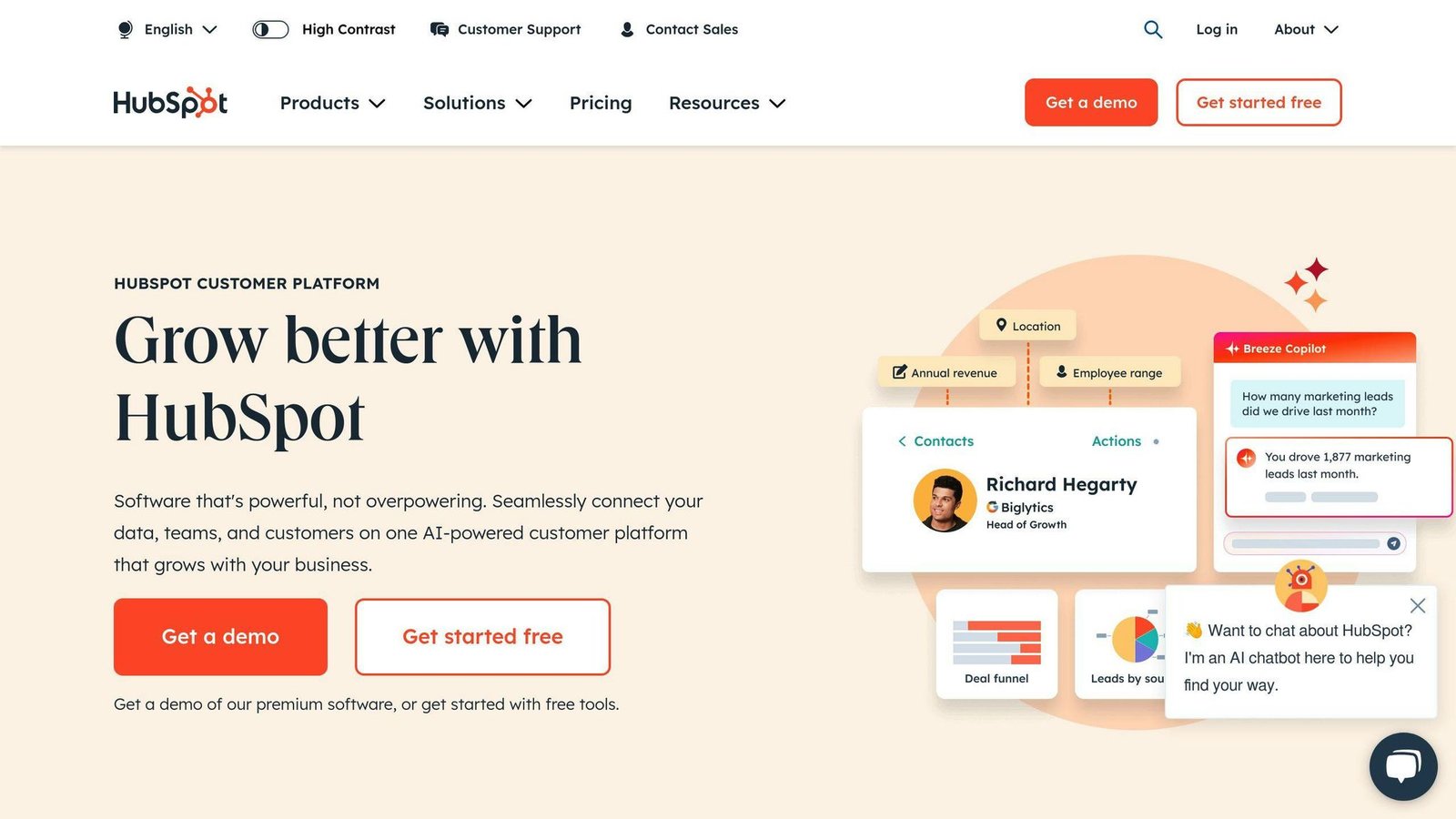
HubSpot CRM is a popular customer relationship management tool that helps you track customer interactions effectively. With its robust customization features, you can tailor the platform to fit your business needs.
Key Features
Here are the key features of HubSpot CRM:
| Feature | Description |
|---|---|
| Customization | Create custom fields, workflows, and dashboards to track specific customer interactions |
| Automation | Streamline repetitive tasks, set reminders, send follow-up emails, and assign tasks to team members |
| Analytics | Gain insights into customer behavior, preferences, and pain points to make data-driven decisions |
| Integration | Connect with other HubSpot tools and business applications to synchronize customer data and automate workflows |
By leveraging these features, you can effectively track customer interactions, improve customer engagement, and drive business growth.
How HubSpot CRM Helps
HubSpot CRM helps you:
- Focus on high-value activities: Automation features enable you to streamline repetitive tasks and focus on high-value activities.
- Gain valuable insights: Analytics features provide insights into customer behavior, preferences, and pain points, helping you make data-driven decisions.
- Improve customer engagement: Customization and automation features help you personalize customer interactions, leading to improved engagement and loyalty.
Overall, HubSpot CRM is a powerful tool that helps you track customer interactions effectively, driving business growth and success.
2. Zoho CRM
Zoho CRM is a powerful tool for managing customer relationships. It offers robust features for tracking customer interactions, improving engagement, and driving business growth.
Key Features
Here are the key features of Zoho CRM:
| Feature | Description |
|---|---|
| Customization | Create custom fields, workflows, and dashboards to track specific customer interactions |
| Automation | Streamline repetitive tasks, set reminders, send follow-up emails, and assign tasks to team members |
| Analytics | Gain insights into customer behavior, preferences, and pain points to make data-driven decisions |
| Integration | Connect with other Zoho tools and business applications to synchronize customer data and automate workflows |
How Zoho CRM Helps
Zoho CRM helps you:
- Focus on high-value activities: Automation features enable you to streamline repetitive tasks and focus on high-value activities.
- Gain valuable insights: Analytics features provide insights into customer behavior, preferences, and pain points, helping you make data-driven decisions.
- Improve customer engagement: Customization and automation features help you personalize customer interactions, leading to improved engagement and loyalty.
By leveraging these features, you can effectively track customer interactions, improve customer engagement, and drive business growth with Zoho CRM.
3. Freshsales CRM
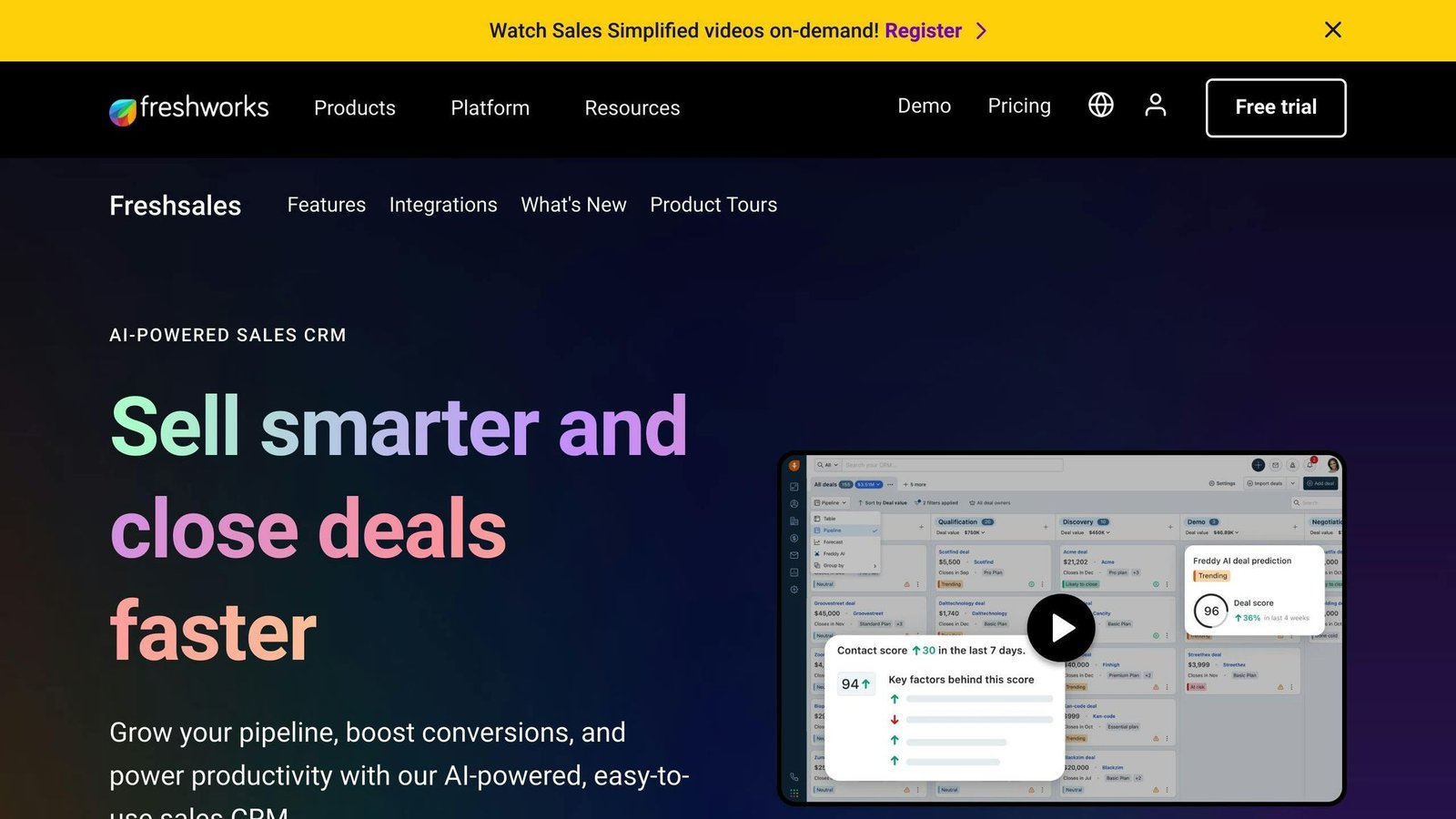
Freshsales CRM is a powerful tool for managing customer relationships and tracking interactions. It offers a range of features to help businesses improve engagement, drive growth, and make informed decisions.
Key Features
Here are the key features of Freshsales CRM:
| Feature | Description |
|---|---|
| Customization | Create custom fields, workflows, and dashboards to track specific customer interactions and behaviors |
| Automation | Streamline repetitive tasks, set reminders, send follow-up emails, and assign tasks to team members |
| Analytics | Gain insights into customer behavior, preferences, and pain points to make data-driven decisions |
How Freshsales CRM Helps
By leveraging these features, Freshsales CRM helps you to:
- Improve customer engagement: Personalize customer interactions and improve engagement through targeted campaigns and workflows.
- Drive business growth: Make informed decisions and optimize your sales strategy for better results.
- Streamline operations: Automate repetitive tasks and improve efficiency to free up more time for high-value activities.
Overall, Freshsales CRM is a powerful tool for businesses looking to improve customer relationships, drive growth, and make informed decisions.
4. Less Annoying CRM
Less Annoying CRM is a simple, user-friendly CRM solution designed for small businesses. It offers a range of features to help businesses manage customer relationships, track interactions, and improve sales performance.
Key Features
Here are the key features of Less Annoying CRM:
| Feature | Description |
|---|---|
| Customization | Create custom fields, tags, and filters to tailor the CRM to your specific needs |
| Analytics | Gain insights into customer behavior and sales performance with basic reporting and analytics features |
| Integration | Integrate with popular third-party apps, including Google Calendar, Outlook, and Mailchimp |
How Less Annoying CRM Helps
By leveraging these features, Less Annoying CRM helps businesses to:
- Simplify customer relationship management: Streamline customer interactions and improve sales performance with a user-friendly CRM solution.
- Gain insights into customer behavior: Track key metrics and gain insights into customer behavior to inform sales strategies.
- Improve sales performance: Use customizable fields, tags, and filters to track relevant customer information and improve sales performance.
Overall, Less Annoying CRM is a simple, effective CRM solution for small businesses looking to improve customer relationships and sales performance.
5. Creatio CRM
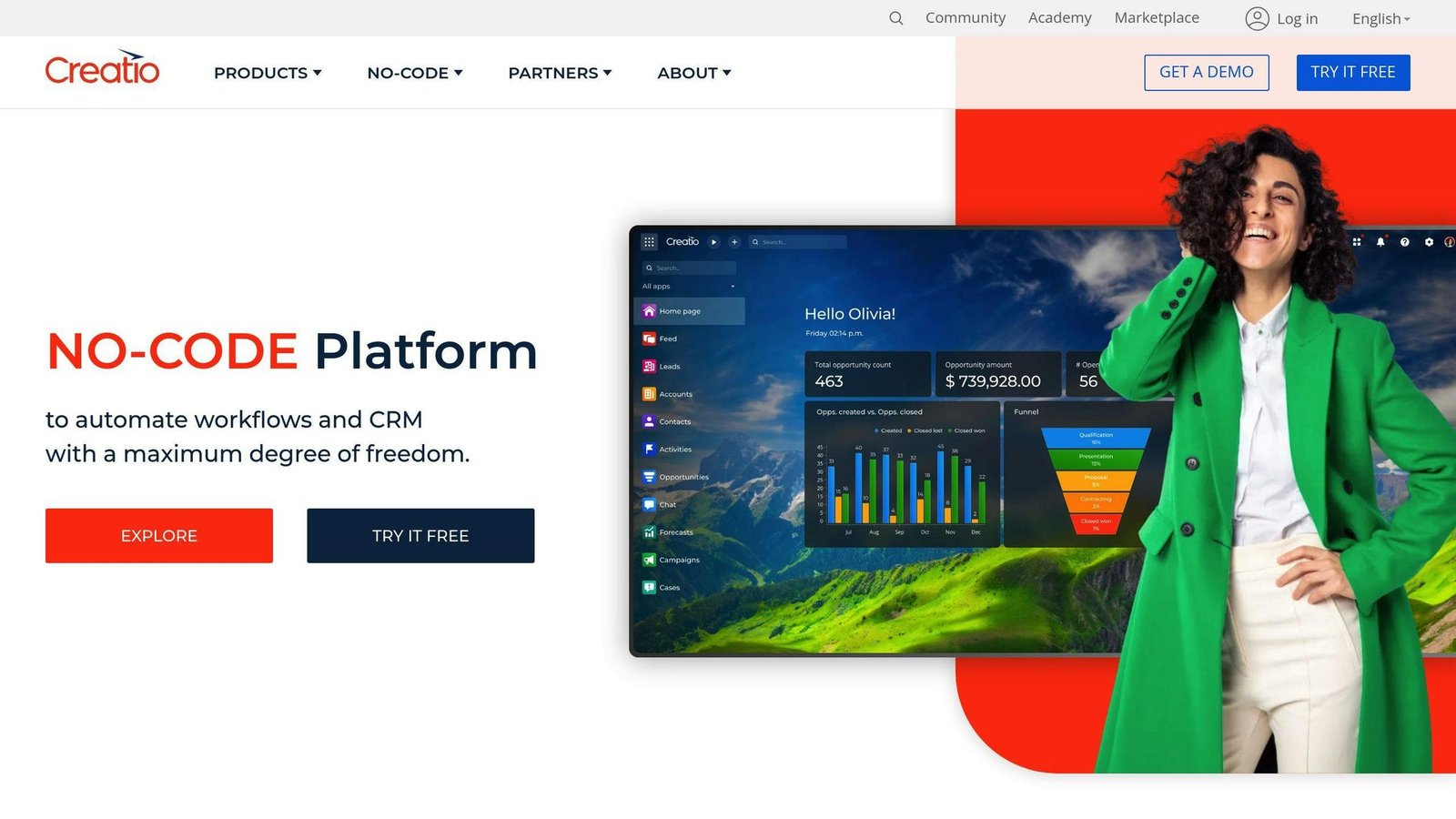
Creatio CRM is a comprehensive customer relationship management solution that helps businesses track customer interactions effectively. With its flexible platform, businesses can create a tailored CRM system that meets their specific needs.
Key Features
Here are the key features of Creatio CRM:
| Feature | Description |
|---|---|
| Customization | Create custom fields, views, and workflows to track customer interactions and data |
| Automation | Streamline sales, marketing, and customer service processes with automated workflows |
| Analytics | Gain insights into customer behavior and sales performance with robust analytics and reporting |
| Integration | Integrate with third-party applications, including website behavior tracking and marketing automation tools |
How Creatio CRM Helps
By leveraging these features, Creatio CRM helps businesses to:
- Simplify customer relationship management: Track customer interactions and data in a way that is meaningful to the organization.
- Gain insights into customer behavior: Make informed decisions and optimize customer interaction strategies with access to real-time data.
- Improve sales performance: Leverage automation and analytics to improve sales performance and customer relationships.
Overall, Creatio CRM is an effective solution for businesses looking to track customer interactions, simplify customer relationship management, and improve sales performance.
6. Pipedrive CRM
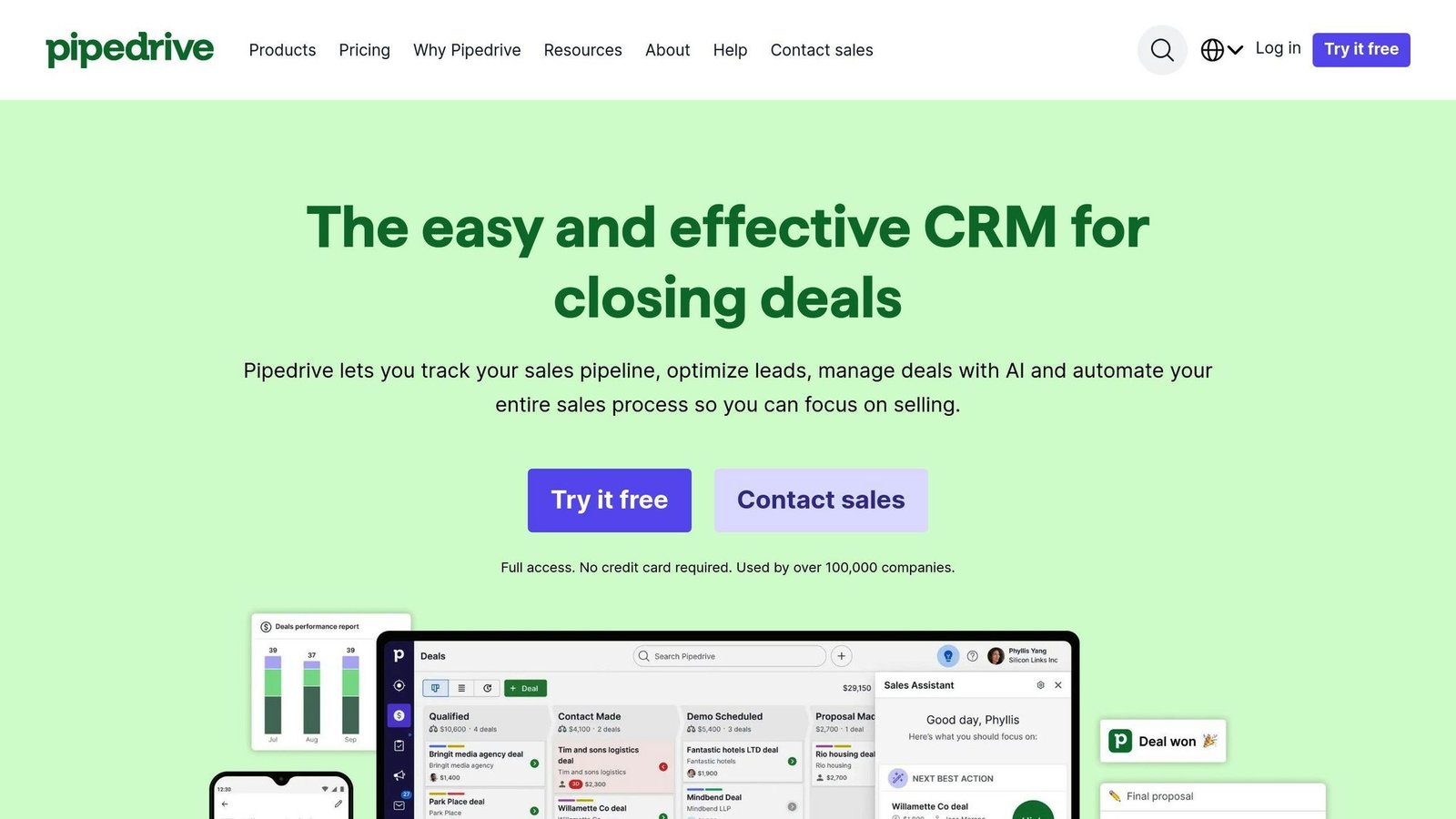
Pipedrive CRM is a customer relationship management solution designed to help businesses track customer interactions effectively. With its visual sales pipeline, customization options, and integration with third-party applications, Pipedrive CRM streamlines sales, marketing, and customer service processes.
Key Features
Here are the key features of Pipedrive CRM:
| Feature | Description |
|---|---|
| Customization | Create custom fields, views, and workflows to track customer interactions and data |
| Automation | Automate routine tasks to focus on high-value activities |
| Analytics | Gain insights into customer behavior and sales performance with real-time data |
| Integration | Integrate with third-party applications, including website behavior tracking and marketing automation tools |
By leveraging these features, Pipedrive CRM helps businesses to:
- Simplify customer relationship management
- Gain insights into customer behavior
- Improve sales performance
Overall, Pipedrive CRM is an effective solution for businesses looking to track customer interactions, simplify customer relationship management, and improve sales performance.
7. Bigin by Zoho CRM
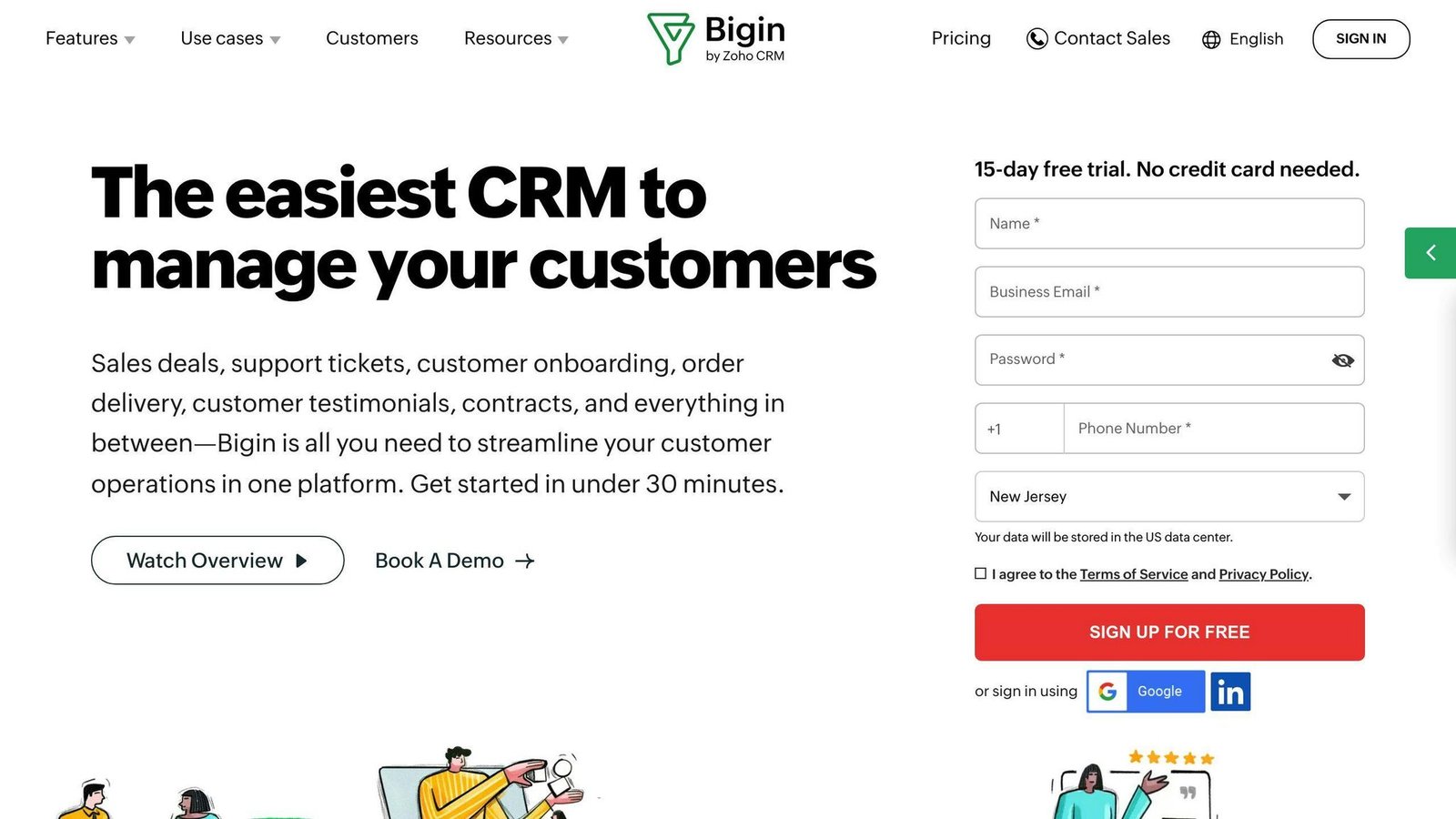
Bigin by Zoho CRM is a customer relationship management solution designed to help small businesses track customer interactions effectively. With its pipeline-centric approach, customization options, and integration with third-party applications, Bigin by Zoho CRM streamlines sales, marketing, and customer service processes.
Key Features
Here are the key features of Bigin by Zoho CRM:
| Feature | Description |
|---|---|
| Customization | Create custom fields, views, and workflows to track customer interactions and data |
| Automation | Automate routine tasks to focus on high-value activities |
| Integration | Integrate with third-party applications, including website behavior tracking and marketing automation tools |
How Bigin by Zoho CRM Helps
By leveraging these features, Bigin by Zoho CRM helps businesses to:
- Simplify customer relationship management
- Gain insights into customer behavior
- Improve sales performance
Overall, Bigin by Zoho CRM is an effective solution for small businesses looking to track customer interactions, simplify customer relationship management, and improve sales performance.
Pros and Cons
When choosing a CRM software, it’s essential to weigh the advantages and disadvantages of each platform. Here’s a concise summary of the pros and cons of each CRM software:
CRM Software Comparison Table
| CRM Software | Advantages | Disadvantages |
|---|---|---|
| HubSpot CRM | All-in-one marketing, sales, and customer service tools, user-friendly interface, and robust analytics | The free tier is genuinely usable, but the step up is steep: Sales Hub Professional is $90 per seat per month billed annually and carries a one-time $1,500 onboarding fee, Enterprise $150 per seat plus $3,500. |
| Zoho CRM | Affordable, customizable, and integrates with other Zoho apps | Paid editions include only Classic support; faster response times and 24/7 cover are a separate paid plan. Approval processes, multi-team hierarchies and a sandbox need the Enterprise edition. |
| Freshsales CRM | AI-powered sales assistant, customizable, and integrates with other Freshworks apps | Freddy AI is an add-on billed by session, not part of the plan. Sales sequences and territory management start at Pro, so the entry Growth tier is thinner than the price suggests. |
| Less Annoying CRM | Affordable, easy to use, and customizable | Minimal by design: no workflow automation and only basic reporting. One flat per-user price and no higher tier, so there is nothing to grow into if your process gets complicated. |
| Creatio CRM | Low-code development, customizable, and integrates with other BPM tools | Composable pricing: the platform plan, AI packages and support plan are quoted separately, so you cannot cost it out without talking to sales. The low-code platform also needs real configuration work before it does anything useful. |
| Pipedrive CRM | User-friendly interface, customizable, and integrates with other sales tools | Much of what buyers assume is included is a separate add-on: LeadBooster, Campaigns, Projects, Web Visitors and Smart Docs each bill on top of the seat price. Full email sync and automations start at Growth; extended phone support is Ultimate only. |
| Bigin by Zoho CRM | Affordable, customizable, and integrates with other Zoho apps | Capped on purpose: Express allows 3 pipelines and 10 custom fields, Premier 5 and 25. Fine for one small sales team, restrictive as soon as you want several processes in one system. |
Prices above were checked in August 2026 and cover the vendor’s list price, not negotiated or partner rates. CRM pricing changes often, so confirm on the vendor’s own pricing page before you budget.
By considering both the advantages and disadvantages of each CRM software, you can make an informed decision about which platform best suits your business needs.
Final Thoughts
In conclusion, choosing the right CRM software for customer interaction tracking is crucial for businesses. Each of the seven CRM software options discussed in this article has its strengths and weaknesses. By understanding the pros and cons of each platform, businesses can make an informed decision about which CRM software best suits their needs.
Key Takeaways
Here are the key points to consider when selecting a CRM software:
| Consideration | Description |
|---|---|
| Business Goals | Align the CRM software with your business goals and objectives. |
| Ease of Use | Choose a CRM software that is easy to use and navigate. |
| Analytics and Customization | Select a CRM software that provides robust analytics and customization options. |
By considering these key points, businesses can ensure that they choose a CRM software that meets their needs and helps them provide exceptional customer experiences, drive sales, and stay ahead of the competition.
More on this topic
Browse all 20 articles on CRM & Sales, or jump straight to our buying guide: Best CRM Software for Small Businesses.