Fixed asset management software helps businesses track and manage their physical assets like buildings, machinery, vehicles, and equipment. This software allows companies to digitize documents, record assets, automate depreciation calculations, and generate custom reports.
Here are the top 10 fixed asset management software solutions:
Quick Comparison
| Software | Asset Tracking | Maintenance Scheduling | Reporting & Analytics | Mobile App | Pricing |
|---|---|---|---|---|---|
| Asset Panda | ✓ | ✓ | ✓ | ✓ | Quote-based |
| EZOfficeInventory | ✓ | ✓ | ✓ | ✓ | Starts at $35/month |
| IBM Maximo | ✓ | ✓ | ✓ | ✓ | Quote-based |
| Sage Fixed Assets | ✓ | ✓ | ✓ | ✓ | Quote-based |
| Infor EAM | ✓ | ✓ | ✓ | ✓ | Quote-based |
| Fiix | ✓ | ✓ | ✓ | ✓ | Quote-based |
| AssetCloud by Wasp | ✓ | ✓ | ✓ | ✓ | One-time cost or subscription |
| TrackAbout | ✓ | ✓ | ✓ | ✓ | Minimum $2,500 setup fee |
| UpKeep | ✓ | ✓ | ✓ | ✓ | Not publicly available |
| ManagerPlus | ✓ | ✓ | ✓ | ✓ | $85/user/month |
These software solutions offer various features to help businesses manage their fixed assets, including asset tracking, maintenance scheduling, reporting and analytics, and mobile apps. Pricing models range from quote-based to subscription-based, with some offering one-time cost options.
1. Asset Panda
Features
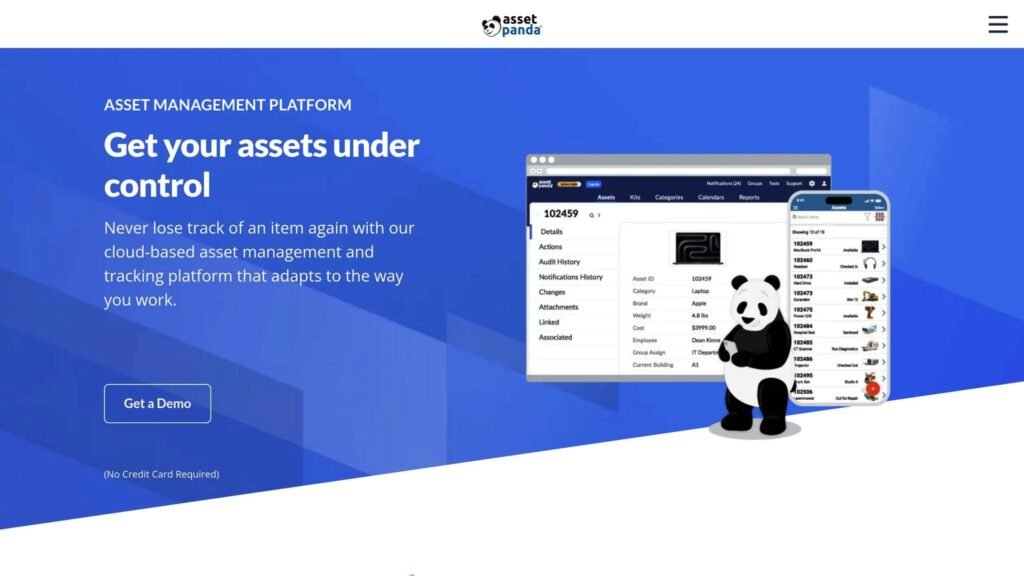
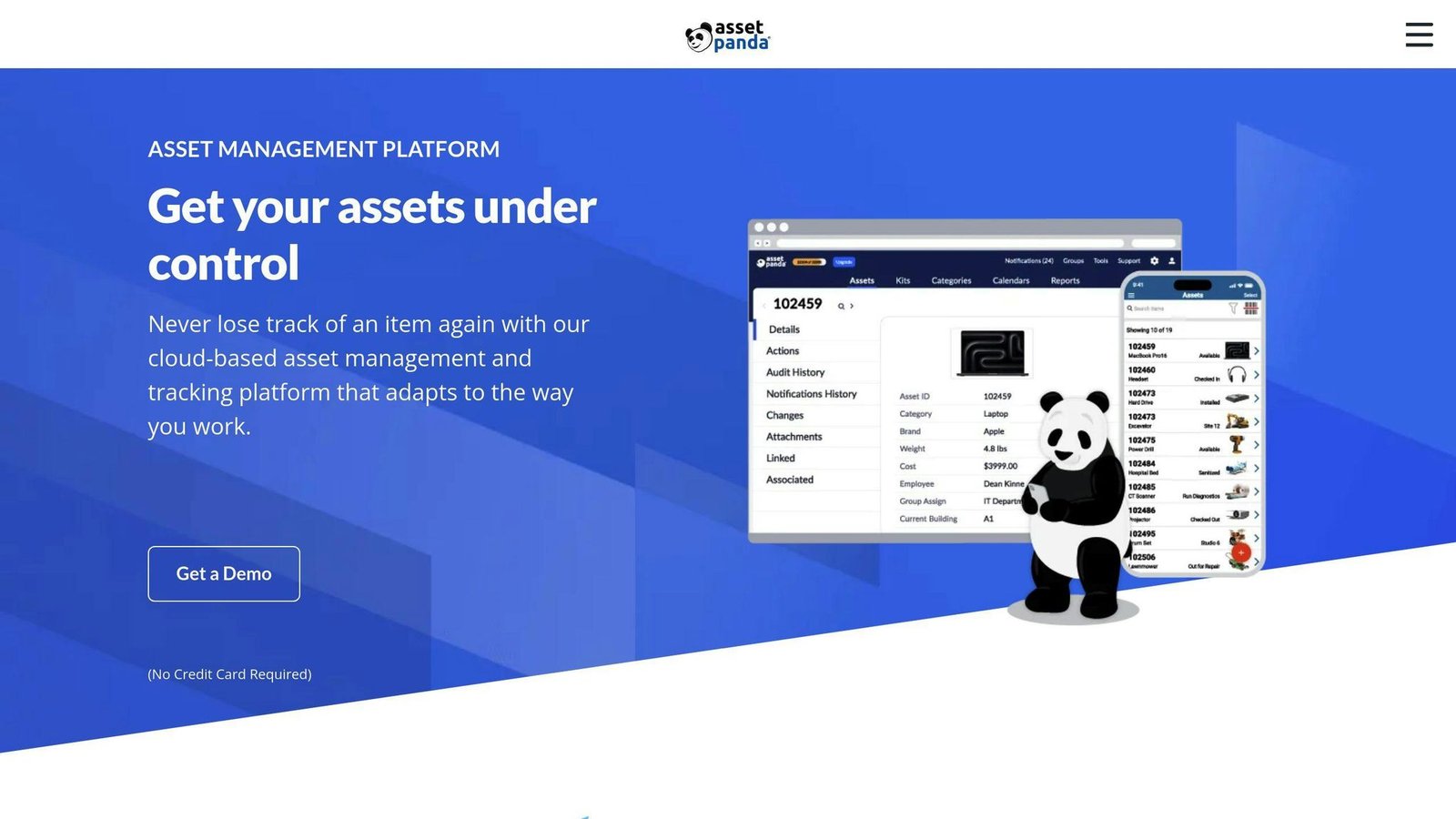
Asset Panda is a cloud-based tool for tracking and managing assets. Key features include:
- Asset tracking
- Barcode scanning
- Maintenance schedules
- Repair histories
- Depreciation tracking
- Customizable fields
- Custom reports
- Automated workflows
Pricing
Asset Panda uses a quote-based pricing model. Costs depend on the number of assets managed. Discounts are available for multi-year plans and non-profits. Contact Asset Panda for a custom quote.
User Feedback
Users find Asset Panda easy to use and customizable. They also praise its customer support. Many report saving time and improving asset management efficiency.
Integrations
Asset Panda integrates with several third-party applications, such as:
- Zendesk
- Lansweeper
- Jamf
These integrations help sync data and streamline workflows.
2. EZOfficeInventory
Features
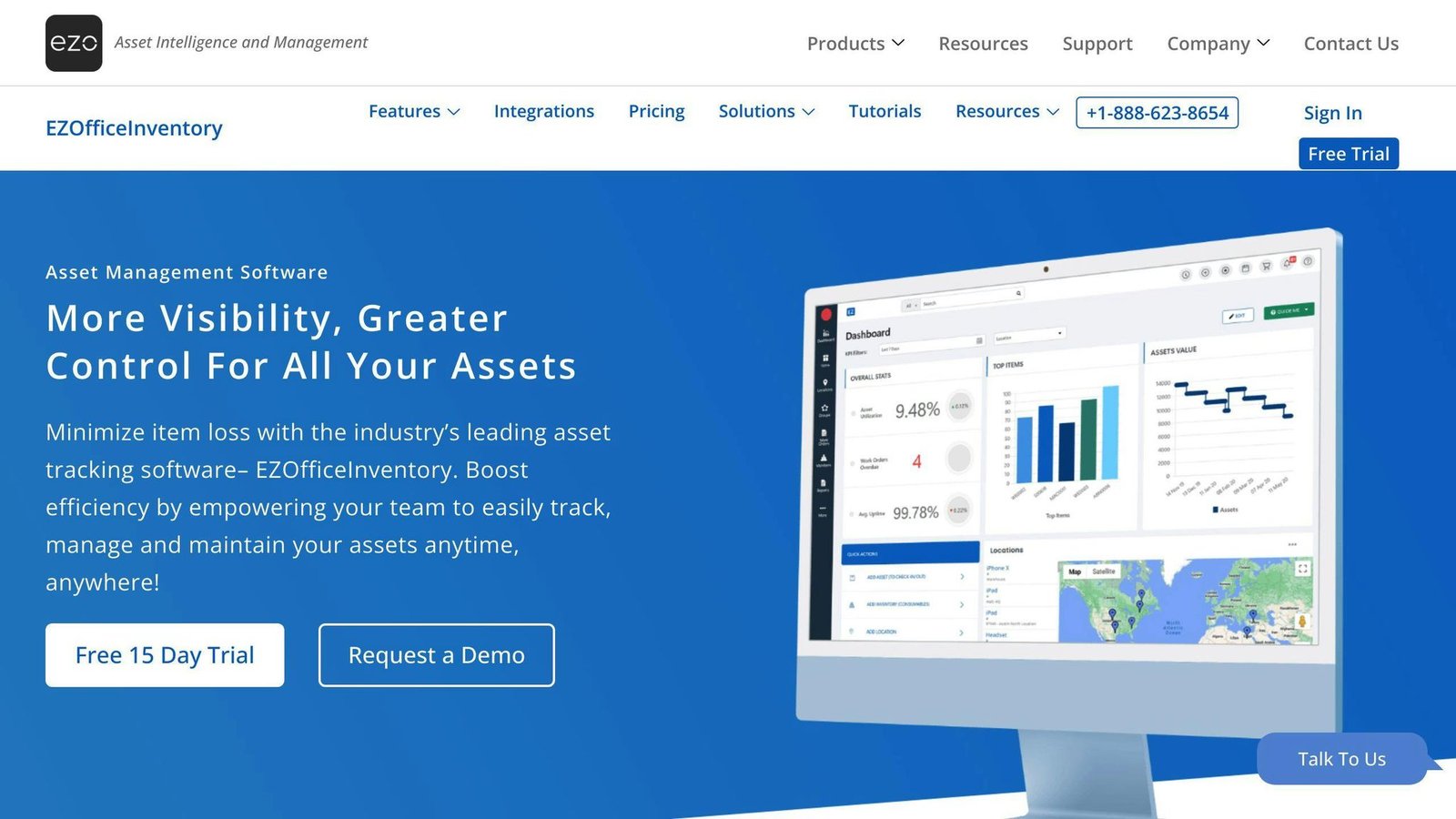
EZOfficeInventory helps businesses track and manage their assets. Key features include:
- Specialized dashboard for admin and staff
- Reservation and custody verification
- Scan function
- Asset tracking and tagging
- Maintenance management
- Inventory management
- Reporting and analytics
Pricing
EZOfficeInventory offers scalable pricing plans based on the number of assets and users. It provides a 15-day free trial, and its pricing plans start at $35 per month for 250 items and unlimited users.
User Feedback
Users find EZOfficeInventory easy to use and customizable. They like its ability to track assets accurately, manage inventory, and provide detailed reports. Customer support is also highly praised.
Integrations
EZOfficeInventory integrates with various third-party applications, including:
- Zendesk
- Lansweeper
- Jamf
These integrations help sync data and streamline workflows.
3. IBM Maximo
Features
IBM Maximo Application Suite is a fixed asset management software with many features to help manage assets. Key features include:
- Integrated suite for easy access
- Concurrent user-based licensing
- Multi-cloud deployment with Red Hat OpenShift
- Inventory management
- Activity tracking
- Barcoding/RFID
- Location tracking
- Maintenance management
- Maintenance scheduling
- Preventive maintenance
- Work order management
Pricing
IBM Maximo Application Suite offers a single pricing plan. Pricing details are not publicly available. Contact the vendor for a custom quote.
User Feedback
Users find IBM Maximo Application Suite effective for managing inventory and workflows. They appreciate its ease of use, advanced analytics, and scalability. Customer support is also well-rated.
Integrations
IBM Maximo Application Suite integrates with various third-party applications, including:
- ERP systems
- CRM systems
- Supply chain management systems
- IoT devices
These integrations help sync data and streamline workflows, enabling better decision-making and asset reliability.
4. Sage Fixed Assets
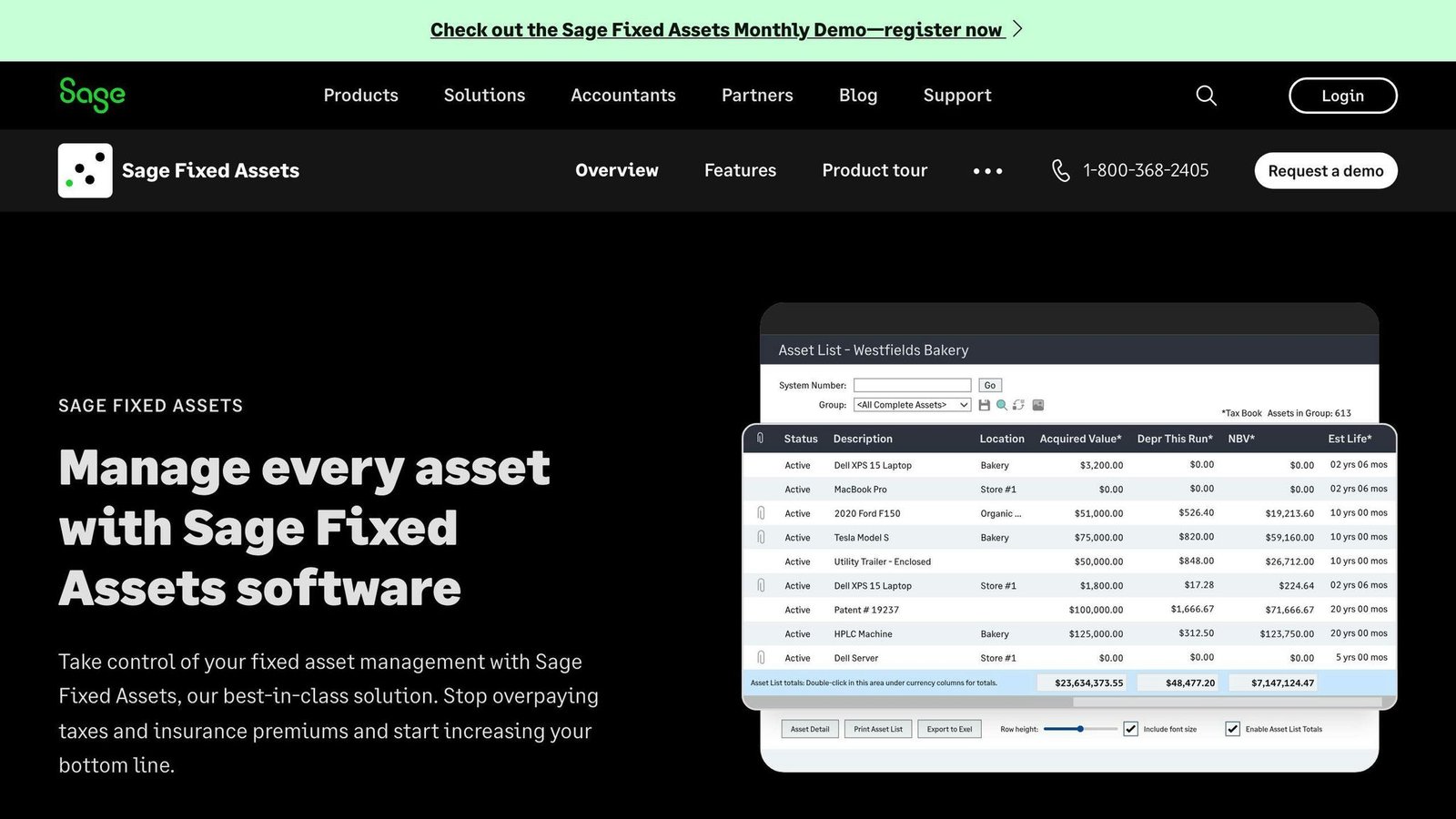
Sage Fixed Assets is a fixed asset management software that helps organizations manage their assets efficiently.
Features
Sage Fixed Assets offers:
- Customizable asset tracking
- Barcode scanning
- Reporting and analytics
- Audit management
These features allow businesses to tailor the tracking process to their needs and gain insights into asset usage and maintenance.
Pricing
Sage Fixed Assets provides custom quotes based on the specific needs of the organization. Request a demo to get started.
User Feedback
Users appreciate Sage Fixed Assets for its user-friendly interface, customization options, and scalability. However, some find the customization options overwhelming and note that certain features require additional training.
Integrations
Sage Fixed Assets integrates with various workflows, helping organizations sync data and streamline processes.
Overall, Sage Fixed Assets is a powerful tool for managing assets, offering flexibility and scalability for businesses of all sizes.
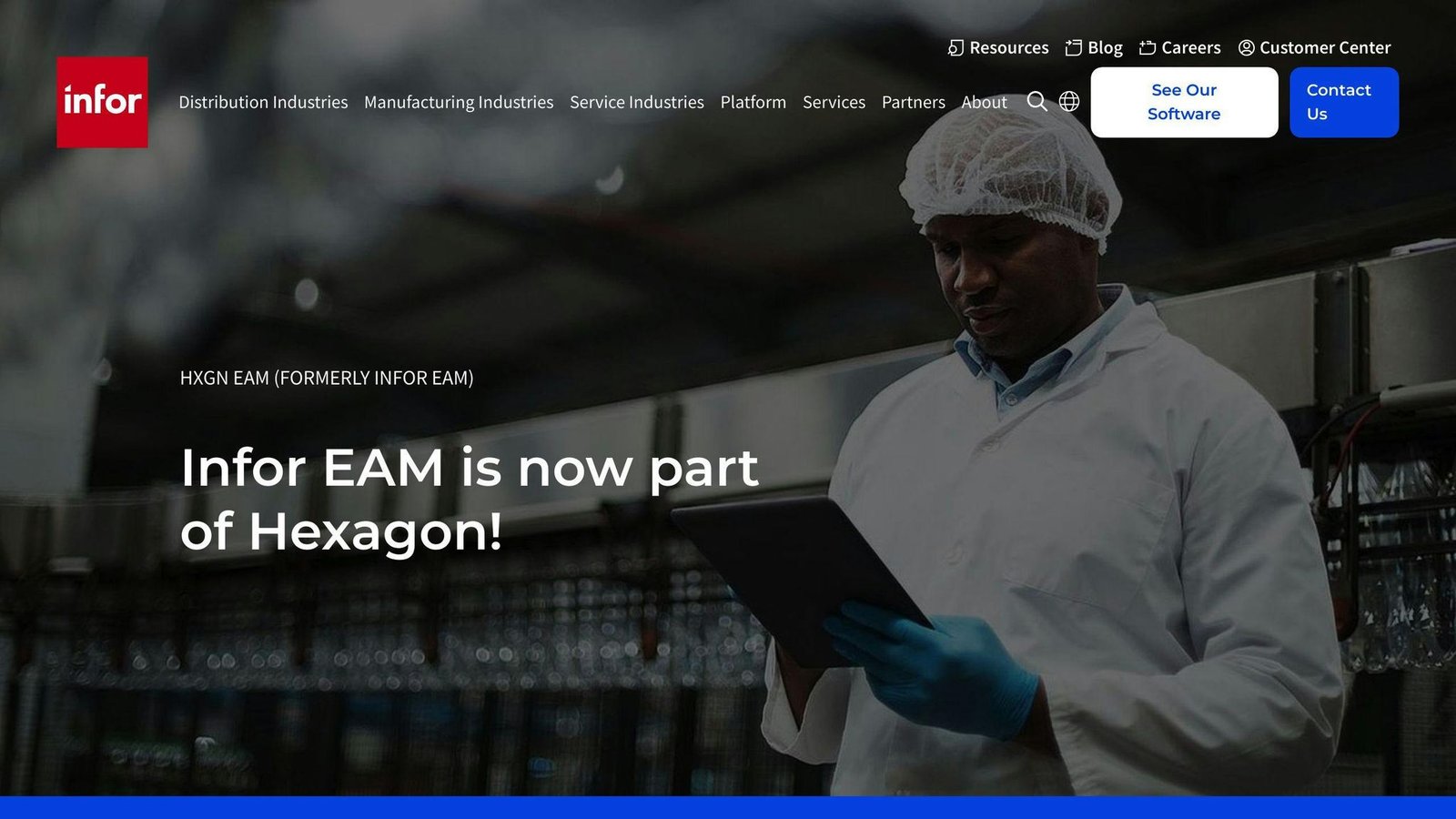
5. Infor EAM
Features
- Asset Management: Infor EAM helps manage the entire asset lifecycle, improving performance and reducing downtime with predictive maintenance and condition monitoring.
- Maintenance Management: It offers work order management, preventive maintenance scheduling, calibration management, and mobile workforce features to streamline maintenance tasks.
- Integration: Infor EAM connects with various enterprise systems, including ERP and supply chain solutions, to share data and improve workflows.
- Industry Solutions: It provides tailored solutions for industries like manufacturing, energy, utilities, and transportation, addressing specific needs and regulations.
Pricing
Infor EAM uses a quote-based pricing model. Costs depend on the organization’s specific needs and deployment options. Contact Infor for detailed pricing information.
User Feedback
Users like Infor EAM for its wide range of features, easy-to-use interface, and strong reporting tools. They also appreciate its flexibility for customizations and third-party integrations. Some users, however, wish for better mobile functionality and a smoother implementation process.
Integrations
Infor EAM integrates with:
- Infor’s ERP solutions
- Third-party systems for supply chain management
- Asset performance management
- Predictive maintenance
These integrations help organizations use data from multiple sources, improve processes, and get a complete view of their operations.
6. Fiix
Features
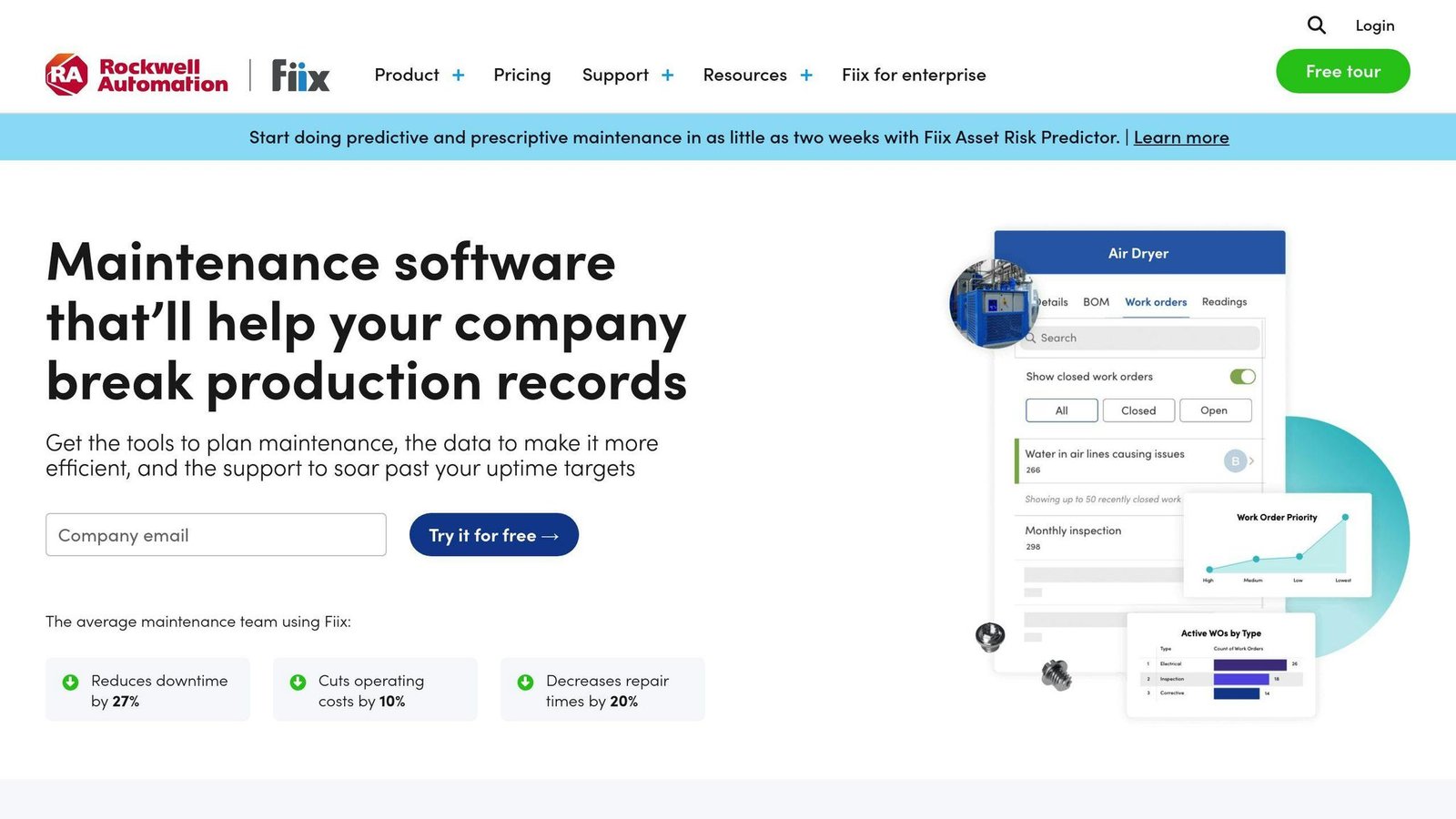
Fiix is a facility management tool with several key features:
- Asset Hierarchy & Mapping: Organize assets with location mapping and hierarchy modeling.
- Maintenance Scheduling: Plan preventive, predictive, and corrective maintenance.
- Work Order Management: Create, assign, and track work orders.
- Procurement & Inventory: Manage inventory, automate reorder points, and integrate with suppliers.
- Contractor Management: Track contractor details, certificates, insurance, and rates.
Pricing
Fiix uses a subscription-based pricing model. Costs vary based on the organization’s needs. Contact Fiix for a detailed quote.
User Feedback
Users like Fiix for its easy-to-use interface and strong asset management features. Some note that setup can take time, but overall, it offers good value.
Integrations
Fiix integrates with:
- ERP systems: Share data and improve workflows.
- Supply chain management systems: Connect with third-party systems.
- Asset performance management: For predictive maintenance and condition monitoring.
7. AssetCloud by Wasp
Features
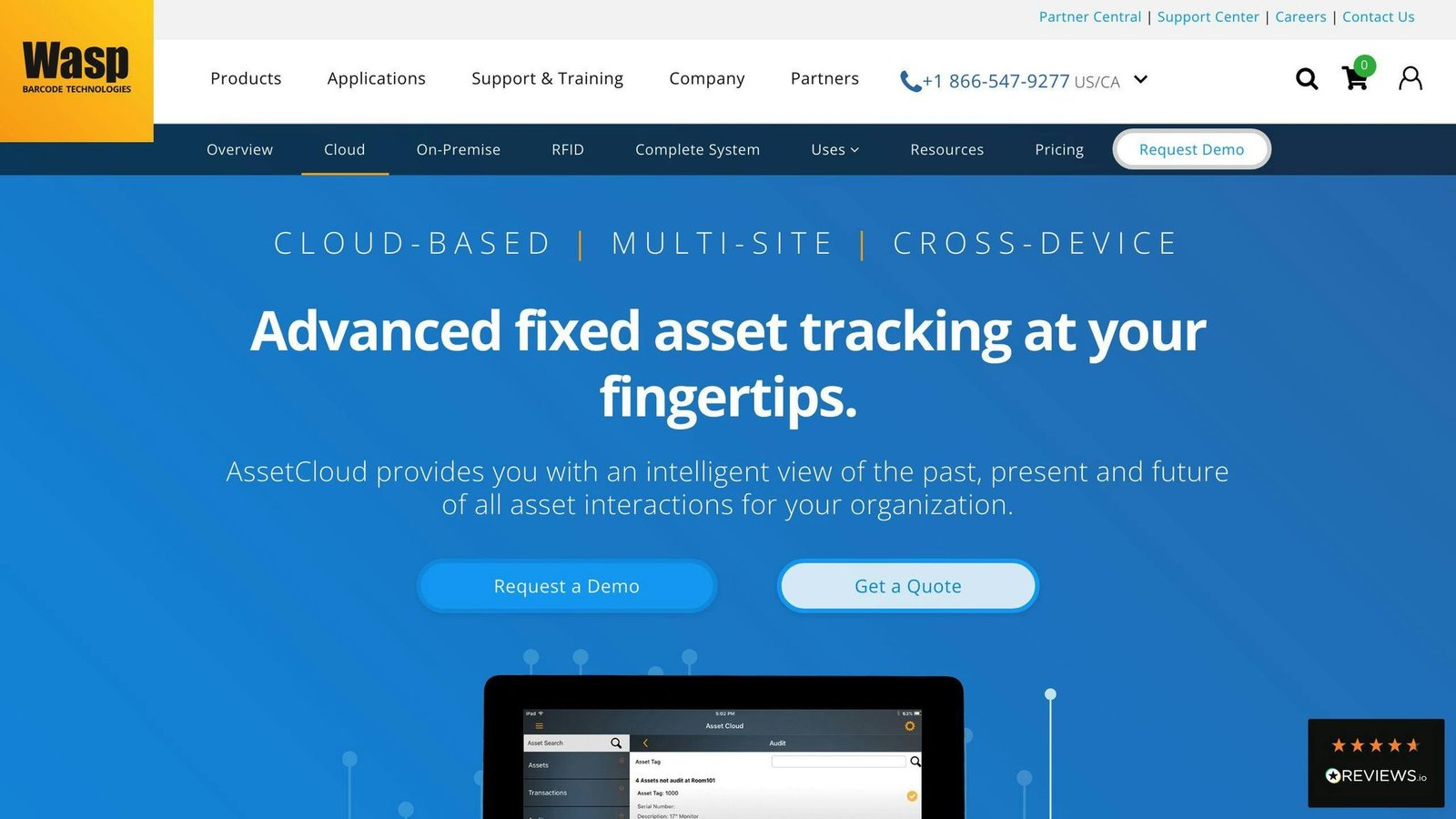
AssetCloud by Wasp is a fixed asset management tool for businesses of any size. It allows easy check-in and check-out of assets, making it useful for companies with assets in multiple locations. The Plus and Complete versions support unlimited sites and assets.
Key features include:
- User-defined fields (up to 5 in Basic, unlimited in Plus and Complete)
- Over 25 standard asset and depreciation reports
- Automated report scheduling with email delivery
Pricing
AssetCloud offers various pricing plans, including a one-time cost option called AssetCloudop. This includes:
- Self-hosted deployment
- Web-based UI
- Unlimited users, assets, and transactions
- Unlimited sites
For the latest pricing, check the vendor’s website.
User Feedback
Users find AssetCloud easy to use with strong asset management features. Some mention that setup can take time but overall, it provides good value.
Integrations
AssetCloud integrates with other WASP applications. Specific integration details are not provided.
8. TrackAbout
TrackAbout is a cloud-based software for managing physical assets and equipment maintenance. It’s ideal for businesses with assets spread across various locations, such as construction, transportation, and healthcare.
Features
TrackAbout offers several features to help manage assets:
- Work order management
- Preventive maintenance scheduling
- Inventory control
- Comprehensive reporting
Pricing
TrackAbout’s pricing depends on the number of assets and required features. The minimum one-time setup fee is $2,500. For detailed pricing, contact TrackAbout directly.
User Feedback
Users like TrackAbout for its real-time asset tracking and helpful customer support. It helps reduce mistakes and improve business operations.
Integrations
TrackAbout integrates with:
| Integration | Description |
|---|---|
| JD Edwards EnterpriseOne | Seamless data exchange |
| NetSuite | Seamless data exchange |
9. UpKeep
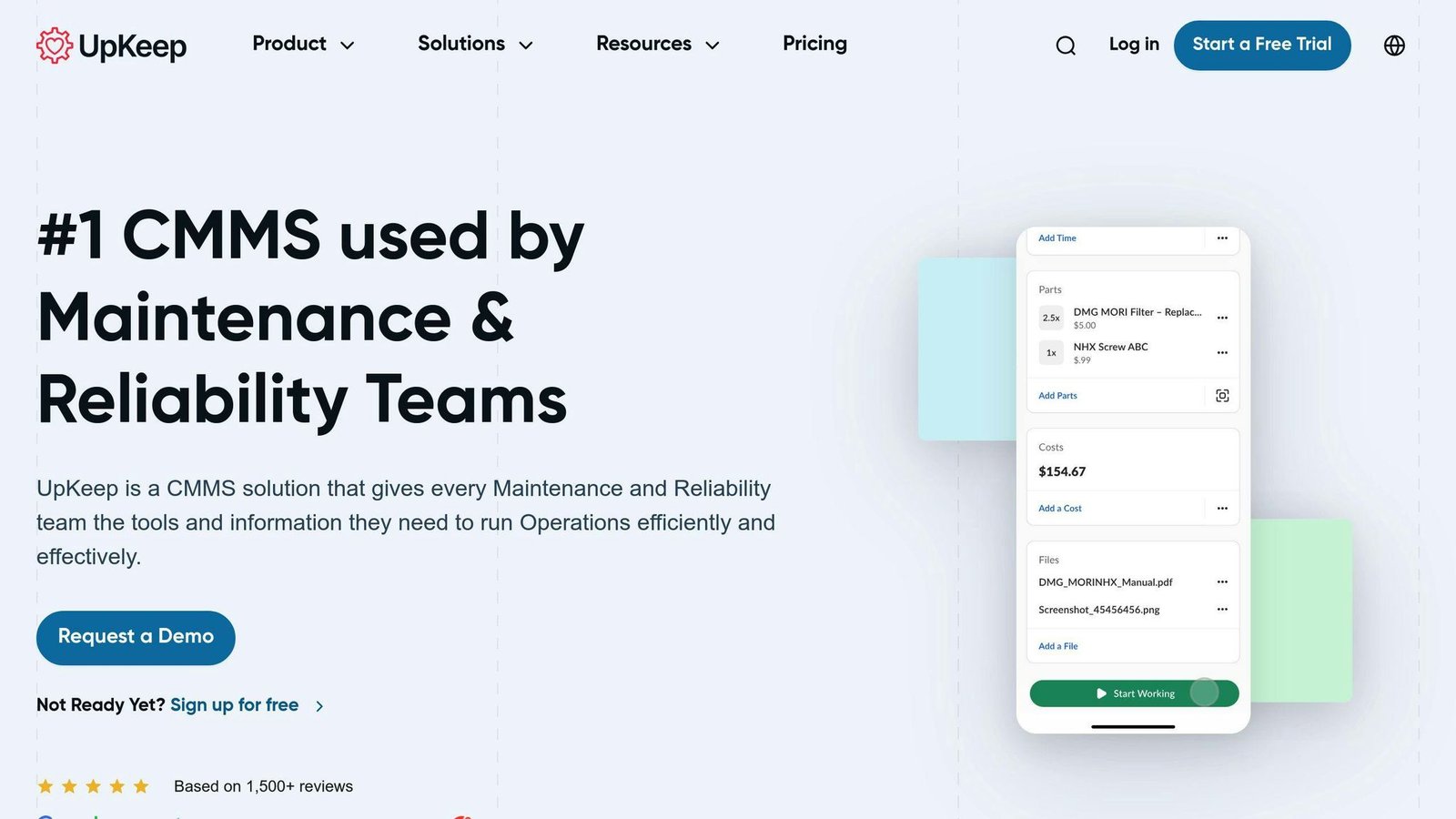
UpKeep is a mobile-friendly fixed asset management software that helps reduce downtime and increase equipment and team efficiency.
Features
UpKeep offers several features to manage assets:
- Track equipment usage and schedule maintenance based on runtime using meters
- Reduce equipment downtime with preventive maintenance checklists
- Find patterns and identify the root cause of equipment failure with advanced analytics
- Increase visibility into asset information across teams with centralized asset logs
User Feedback
Users praise UpKeep for its ease of use, mobile accessibility, and ability to increase team efficiency. It helps reduce equipment downtime and improve overall asset management.
Note: Pricing information for UpKeep is not publicly available, and integrations are not specified.
10. ManagerPlus
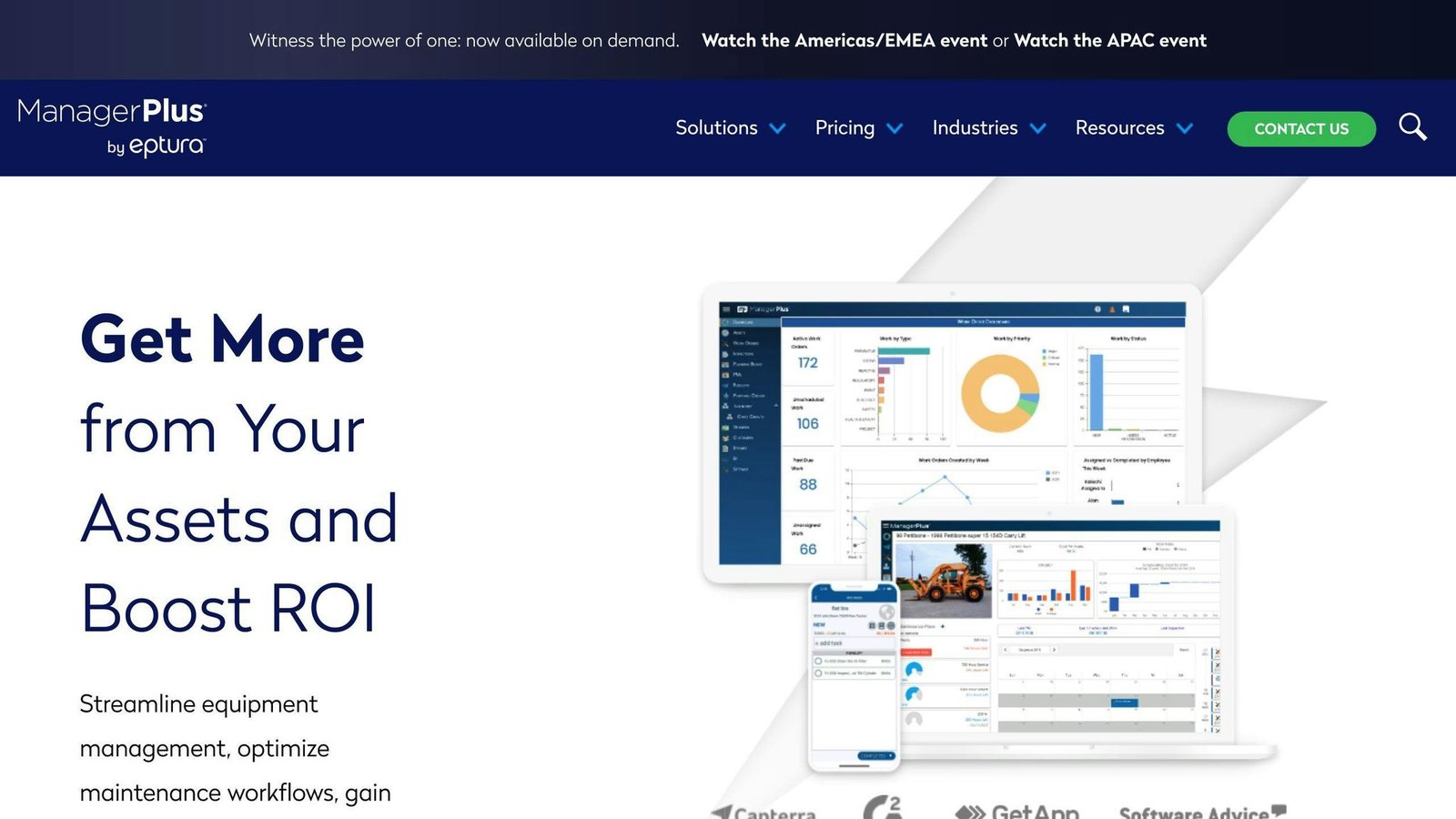
ManagerPlus is a fixed asset management software designed to help teams improve efficiency and visibility into their operations.
Features
ManagerPlus offers various features to manage assets:
- Asset Management
- Inspection Management
- Request Management with Unlimited Requestors
- Business Intelligence
- Learning Center, Webinars & Support
- Barcoding and Barcode Printing
- Parts List and Inventory Counts
It also provides:
- EAM maintenance and repair
- EAM tracking
- EAM preventive maintenance
- EAM planning
- EAM CMMS software
- EAM work orders
- EAM inventory management
- EAM reporting
Pricing
ManagerPlus offers a Lightning Plus plan at $85 per user, per month. This plan is ideal for growing teams looking to improve efficiency and visibility.
User Feedback
Users praise ManagerPlus for its easy-to-use interface, strong asset tracking, and effective preventive maintenance scheduling. The mobile app increases flexibility, and customer support is highly rated.
For more information on ManagerPlus, including integrations and custom pricing, visit their website or schedule a demo.
Pros and Cons Comparison
When choosing the best fixed asset management software for your organization, it’s essential to weigh the pros and cons of each option. Here’s a summary of the advantages and disadvantages of each software:
Asset Panda
| Pros | Cons |
|---|---|
| Easy to use | Limited customization |
| Strong asset tracking | Integration issues |
| Good maintenance scheduling | Steep learning curve |
| Mobile app flexibility | Higher cost for small businesses |
EZOfficeInventory
| Pros | Cons |
|---|---|
| Easy to use | Limited reporting customization |
| Strong asset tracking | Integration issues |
| Good maintenance scheduling | Higher cost for large enterprises |
IBM Maximo
| Pros | Cons |
|---|---|
| Comprehensive asset management | Steep learning curve |
| Strong reporting and analytics | Higher cost for small businesses |
| Good maintenance scheduling | Integration issues |
Sage Fixed Assets
| Pros | Cons |
|---|---|
| Easy to use | Limited customization |
| Strong asset tracking | Integration issues |
| Good maintenance scheduling | Higher cost for small businesses |
Infor EAM
| Pros | Cons |
|---|---|
| Comprehensive asset management | Steep learning curve |
| Strong reporting and analytics | Higher cost for small businesses |
| Good maintenance scheduling | Integration issues |
Fiix
| Pros | Cons |
|---|---|
| Easy to use | Limited customization |
| Strong asset tracking | Integration issues |
| Good maintenance scheduling | Higher cost for large enterprises |
AssetCloud by Wasp
| Pros | Cons |
|---|---|
| Easy to use | Limited reporting customization |
| Strong asset tracking | Integration issues |
| Good maintenance scheduling | Higher cost for small businesses |
TrackAbout
| Pros | Cons |
|---|---|
| Easy to use | Limited customization |
| Strong asset tracking | Integration issues |
| Good maintenance scheduling | Higher cost for large enterprises |
UpKeep
| Pros | Cons |
|---|---|
| Easy to use | Limited reporting customization |
| Strong asset tracking | Integration issues |
| Good maintenance scheduling | Higher cost for small businesses |
ManagerPlus
| Pros | Cons |
|---|---|
| Easy to use | Limited customization |
| Strong asset tracking | Integration issues |
| Good maintenance scheduling | Higher cost for large enterprises |
When evaluating these software options, consider your organization’s specific needs and priorities. Weigh the pros and cons of each software to make an informed decision that meets your fixed asset management requirements.
Final Thoughts
Choosing the right fixed asset management software is key for businesses to manage their assets, cut costs, and boost productivity. By looking at the features, pros, and cons of each software, you can find the best fit for your needs. Here are some tips to help you decide:
- Evaluate Your Needs: Understand what your business requires from the software.
- Define Key Metrics: Know what success looks like for your asset management.
- Check Integrations: Ensure the software works well with your existing systems.
With the right software, you can get better control and insights into your assets, leading to improved business results.
More on this topic
Browse all 53 articles on Finance & Accounting, or jump straight to our buying guide: Best Accounting Software for Small Businesses.