Multi-entity accounting means running books for several legal entities and consolidating them without a month of spreadsheet work. The tools below split cleanly into two groups: small-business accounting packages that handle entities as separate subscriptions, and ERP systems that treat multi-entity as a first-class feature.
Pricing note. Prices below were checked against vendor pricing pages in August 2026. Two of the three figures previously published here were wrong on the unit as well as the number, which matters more than usual in this category — if a product is priced per organisation, a five-entity business pays five times the headline rate. Confirm before budgeting.
Quick Comparison
| Software | Pricing (checked Aug 2026) | Unit | Best suited to |
|---|---|---|---|
| Xledger | Not published | Monthly subscription, quoted | Mid-market and larger |
| Zoho Books | Free plan; Standard $15/month billed annually | Per organisation, not per user | Small businesses, few entities |
| Sage Intacct | Not published | Quoted on users, entities, modules | Multi-entity consolidation at scale |
| Xero | Early $25, Growing $55, Established $90 per month | Per organisation, unlimited users | Small businesses, few entities |
| QuickBooks Enterprise | “Starting at” rates that vary by user count; quoted | Per simultaneous user | Larger desktop-based businesses |
| NetSuite | Not published | Quoted | Complex, international groups |
| Acumatica | Not published | Quoted, resource-based rather than per user | Growing groups wanting many users |
| Dynamics 365 Business Central | Essentials $80, Premium $110 per user/month paid yearly | Per user | Microsoft-centric organisations |
| Accounting Seed | Not published | Quoted, per user | Salesforce users |
| Tipalti | Accounts Payable from $99/month; Mass Payments from $249/month | Platform fee plus transaction fees | Multi-entity accounts payable |
The pattern to notice: six of the ten do not publish a price at all. That is normal for ERP, and it means any real comparison starts with sales calls and a scoping exercise.
1. Xledger

Overview
Cloud financial management aimed at mid-market and larger organisations, built around automation of reconciliation, bill processing and data entry. An earlier version of this article said Xledger serves “over 10,000 clients in 50+ countries”. We could not find that claim on Xledger’s own site and have removed it.
Key Features
| Feature | Description |
|---|---|
| Automated bank reconciliation | Matches bank transactions automatically |
| Automated bill processing | Handles bills and payments without manual input |
| Multi-entity and multi-consolidation | Manages business units and combines their financials |
| Multi-currency and multi-language | For international groups |
| Multi-dimensional reporting | Drill-down and drill-through analysis |
| Full audit trail | Tracks all changes for compliance |
Pros and Cons
| Pros | Cons |
|---|---|
| Strong automation of routine bookkeeping | Steep learning curve |
| Real-time reporting across entities | No published pricing |
| Built for multi-entity from the start | Implementation project, not a signup |
Pricing
Quoted on request, sold as a monthly subscription. Xledger does not display rates.
2. Zoho Books
Overview
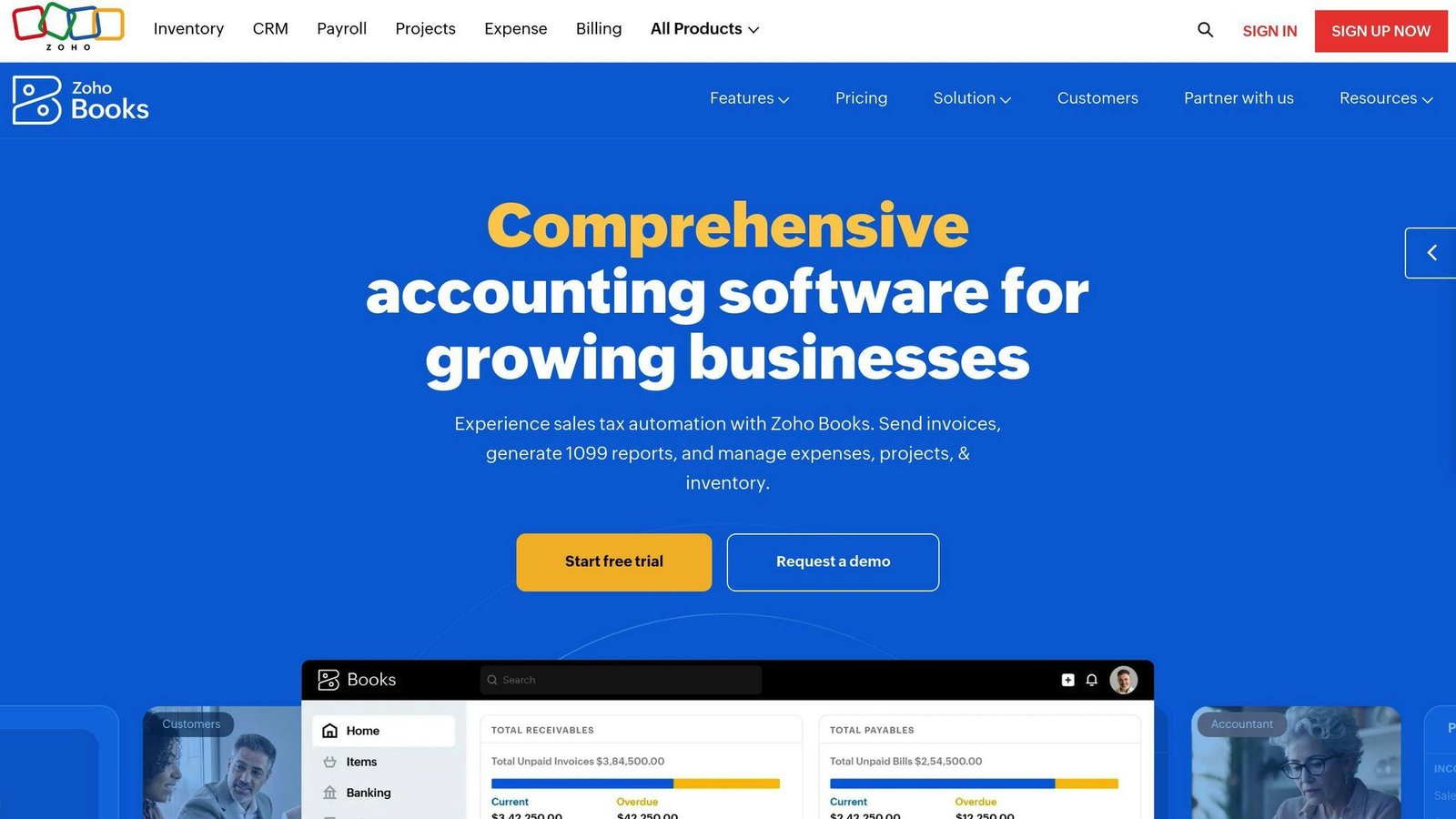
Cloud accounting for small businesses, with invoicing, expenses, reconciliation and project tracking.
Key Features
| Feature | Description |
|---|---|
| Automated bank reconciliation | Matches transactions automatically |
| Invoicing and billing | Custom invoices and payment tracking |
| Expense tracking | Categorised business spend |
| Project management | Progress and budget tracking |
| Zoho integration | Works with the rest of the Zoho suite |
Pros and Cons
| Pros | Cons |
|---|---|
| Cheapest real option here | Each entity generally needs its own subscription |
| Free plan for very small businesses | Consolidation is manual compared with an ERP |
| Integrates with the Zoho suite | Not built for complex group structures |
Pricing
The comparison table in the previous version of this article said “$15–$30 per user per month”, while the text below it said “$15 per organization per month”. The second was closer. Zoho Books is priced per organisation:
- Free plan with no time limit if annual revenue stays under $50K
- Standard $15 a month billed annually, or $20 billed monthly
- Professional $40 annually, $50 monthly; higher tiers run to $240 a month
- Additional users are an add-on at $2.50 to $3 each per month
For multi-entity work, that unit is the whole story: a business with four entities is generally looking at four subscriptions, not one.
3. Sage Intacct
Overview
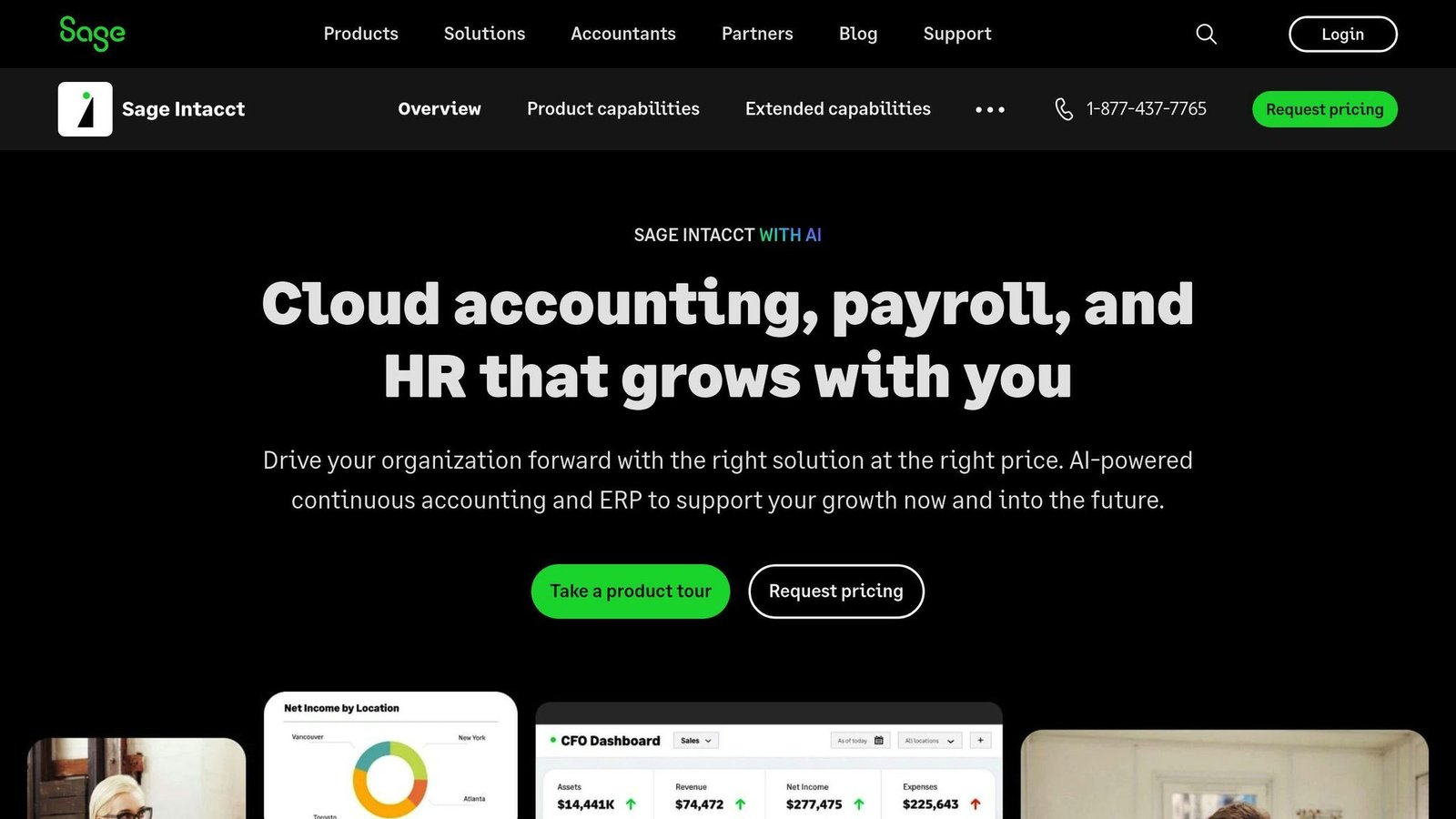
Cloud financial management built specifically around multi-entity consolidation. This is the category’s default choice above the small-business tier.
Key Features
| Feature | Description |
|---|---|
| Multi-entity management | Separate books per entity in one system |
| Automated consolidations | Combines financial data across entities |
| Inter-entity transactions | Automates transactions between entities |
| Reporting and analytics | Real-time reporting by entity and group |
Pros and Cons
| Pros | Cons |
|---|---|
| Consolidation is automatic rather than a monthly exercise | Steep learning curve |
| Strong dimensional reporting | No published pricing |
| Scales to complex group structures | Implementation cost on top of licences |
Pricing
Quoted on the number of users, entities and modules. Ask specifically what happens to the price when you add an entity — that is the variable that moves in this category.
4. Xero

Overview
Cloud accounting for small businesses with unlimited users on every plan and a large third-party marketplace, including consolidation tools and Tipalti AP automation.
Key Features
| Feature | Description |
|---|---|
| Unlimited users | No per-user licence fees on any plan |
| Multi-entity handling | Separate financials per entity, one subscription each |
| Customised reporting | Tailored reports per entity |
| App marketplace | Consolidation and AP automation via third parties |
Pros and Cons
| Pros | Cons |
|---|---|
| Unlimited users, so headcount does not raise the bill | You pay per organisation, so entities do |
| Easy to use | Consolidation needs a third-party app |
| Large integration marketplace | Limited advanced accounting features |
Pricing
The “$9–$30 per user per month” figure previously published here was wrong twice over: Xero charges per organisation, not per user, and the rates are higher. US pricing:
| Plan | Price per month |
|---|---|
| Early | $25 |
| Growing | $55 |
| Established | $90 |
Xero states there are no per-user licence fees, so all plans cover unlimited users in one organisation. A promotional 90% discount for the first six months was running when we checked; budget from the standard rate. For a group with five entities on Growing, the real cost is $275 a month, not $55.
5. QuickBooks Enterprise
Overview
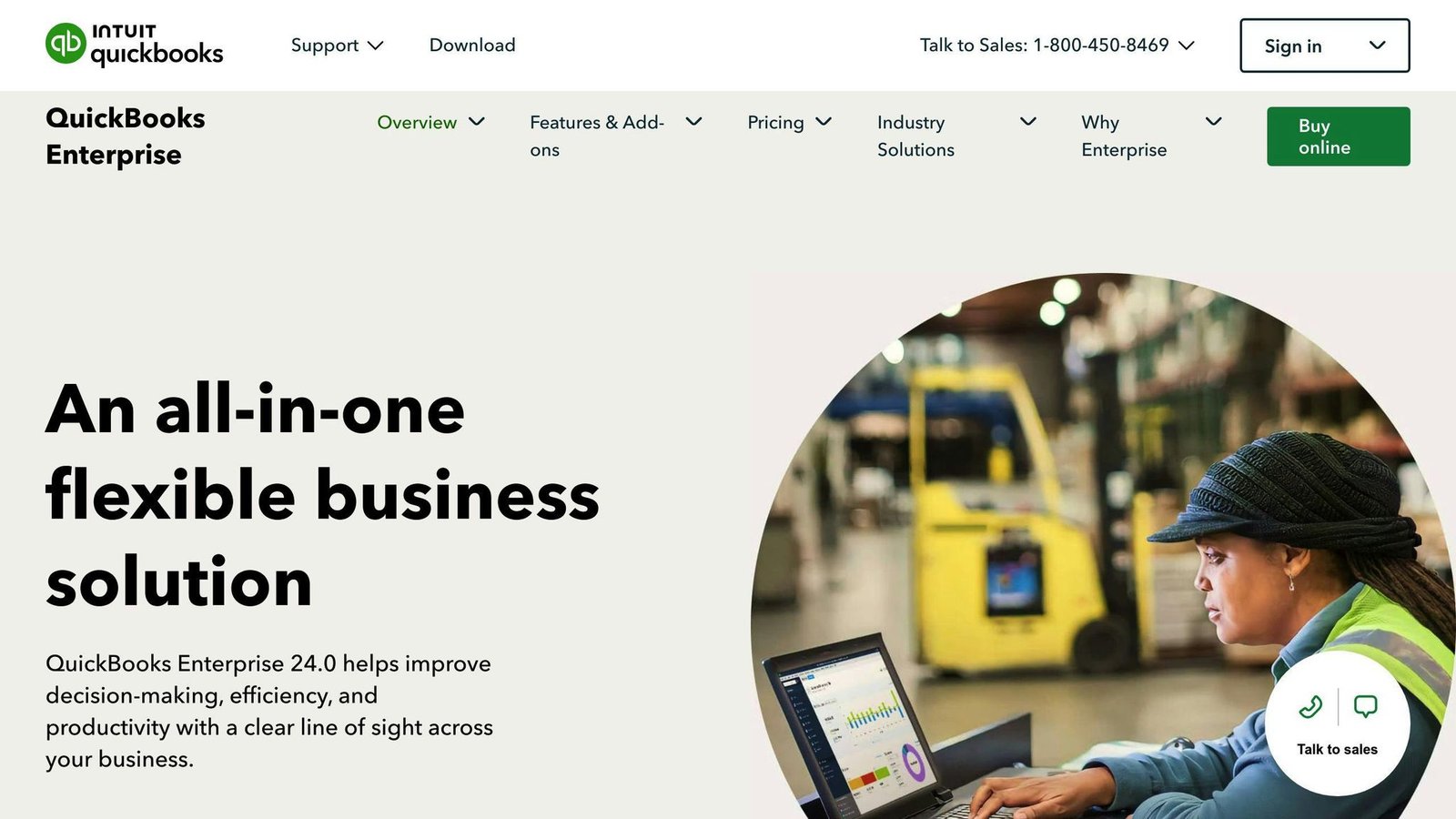
The large-business version of QuickBooks, with consolidated reporting across company files.
Key Features
| Feature | Description |
|---|---|
| Multi-entity management | Separate company files per entity |
| Consolidated reporting | Combines reports across files |
| Centralised vendor management | Vendors across entities |
| Customisable reporting | Tailored reports per entity |
Pros and Cons
| Pros | Cons |
|---|---|
| Familiar to most bookkeepers | Consolidation across files is clunky next to a true multi-entity ledger |
| Strong reporting for its price band | Priced per simultaneous user |
| Large ecosystem of add-ons | Desktop lineage shows |
Pricing
Intuit shows “starting at” figures for the Gold, Platinum and Diamond tiers, but the actual cost depends on how many simultaneous users you buy (1 to 30, or up to 40 on Diamond) and on add-ons such as payroll and hosting. The page routes buyers to a custom quote. We could not extract reliable per-tier figures, so none are quoted here — ask Intuit for a written quote at your user count.
6. NetSuite
Overview
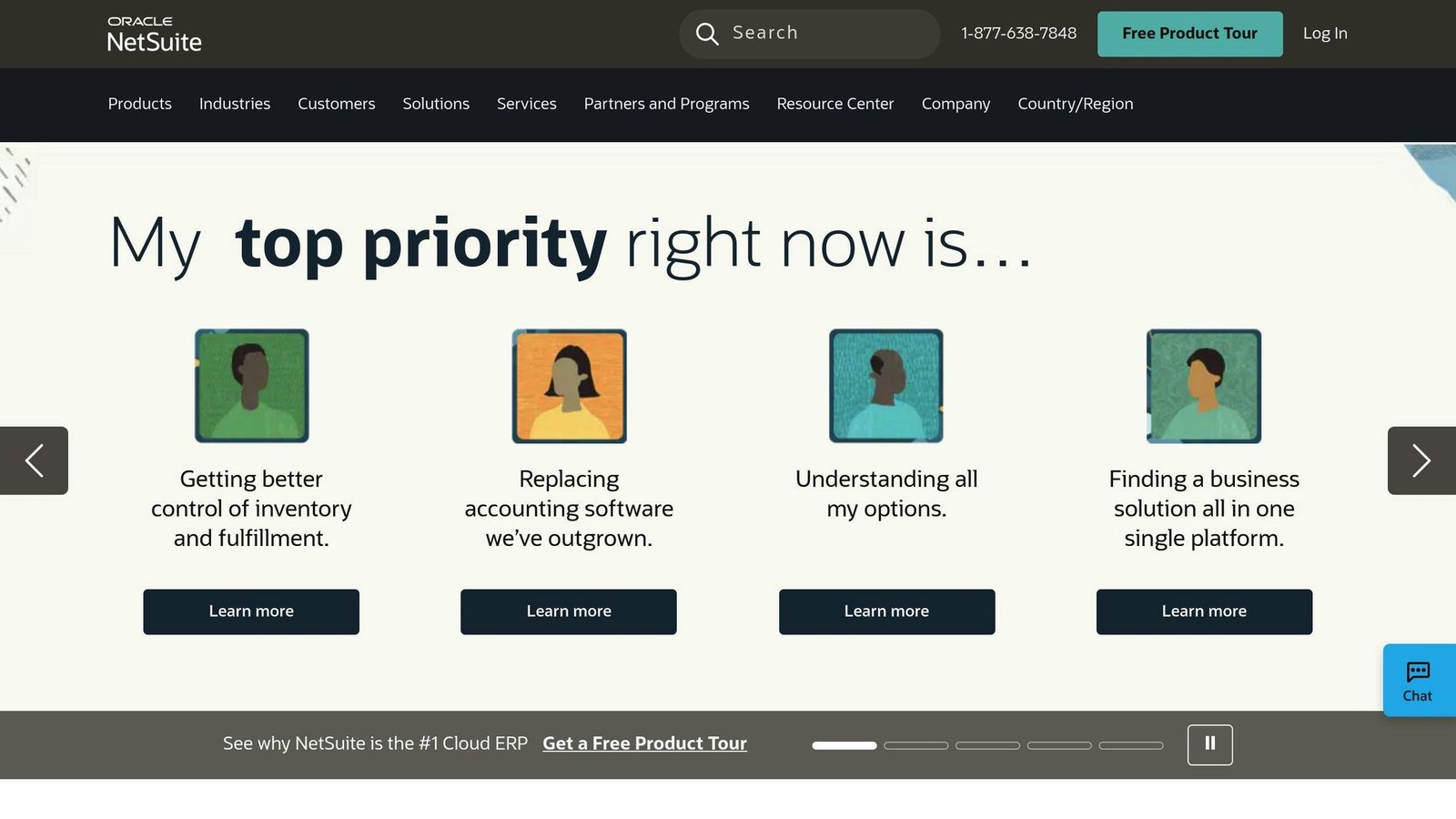
A full cloud ERP. Multi-entity consolidation, multi-currency and international compliance are core rather than bolted on.
Key Features
| Feature | Description |
|---|---|
| Multi-entity management | Separate books per subsidiary in one system |
| Consolidated reporting | Group reporting across entities and currencies |
| Global compliance | Handles international tax and statutory requirements |
| Demand planning | Forecasting tied to operations |
Pros and Cons
| Pros | Cons |
|---|---|
| Handles genuinely complex group structures | Expensive, with a long implementation |
| One system for finance and operations | Needs training and internal ownership |
| Strong international capability | No published pricing |
Pricing
Quoted: a base platform licence, plus modules and user count, plus implementation. Note that the previous version of this article listed “limited online access in the Desktop version” as a NetSuite drawback. NetSuite is cloud-only and has no desktop version; that line was copied from the QuickBooks entry and has been removed.
7. Acumatica

Overview
Cloud ERP with intercompany accounting, aimed at growing businesses.
Key Features
| Feature | Description |
|---|---|
| Intercompany accounting | Automated reporting, transfers and vendor payments across related companies |
| Role-based access control | Restricts users to specific companies and transactions |
| Consolidated reporting | Group-level reporting |
| Customisable reporting | Tailored reports per entity |
Pros and Cons
| Pros | Cons |
|---|---|
| Licensing based on resources rather than user count | No published pricing |
| Good intercompany automation | Implementation through partners adds cost |
| Scales without per-seat penalties | Requires training |
Pricing
Quoted, and typically structured around the resources you consume rather than a per-user seat count — worth asking about if you have many light users. As with NetSuite, the “limited online access in the Desktop version” line previously shown here was wrong: Acumatica is cloud-based.
8. Dynamics 365 Business Central
Overview
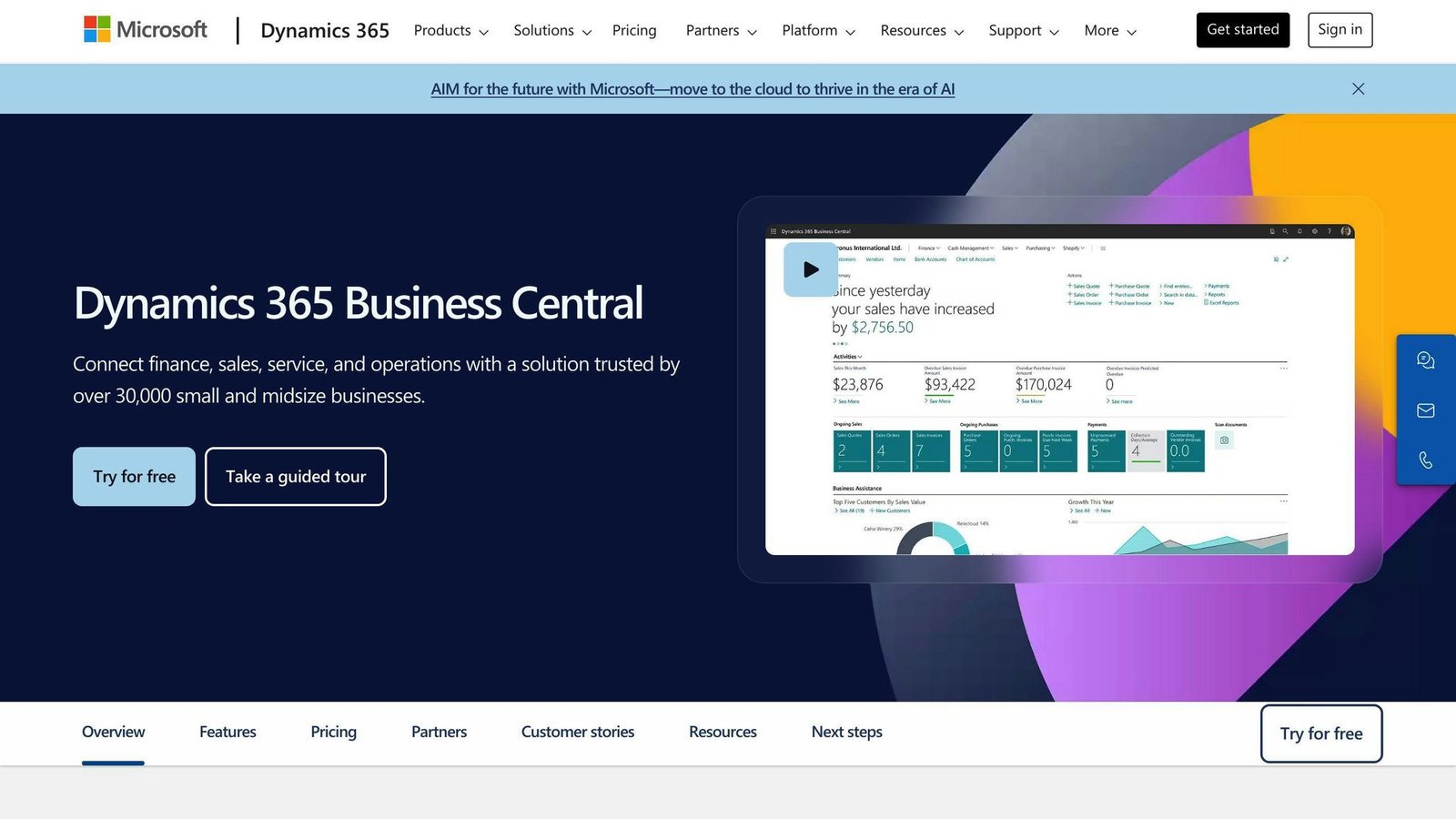
Microsoft’s mid-market ERP, and the obvious candidate if the rest of your stack is Microsoft.
Key Features
| Feature | Description |
|---|---|
| Multi-entity management | Multiple companies within one tenant |
| Consolidated reporting | Group consolidation across companies |
| Microsoft 365 integration | Excel, Outlook, Teams and Power BI |
| Customisable reporting | Reports per entity |
Pros and Cons
| Pros | Cons |
|---|---|
| Published, predictable per-user pricing | Per-user cost adds up across a finance team |
| Tight Microsoft 365 integration | Partner-led implementation |
| Team Members licence is cheap for light users | Learning curve for full ERP features |
Pricing
Unlike most of this list, Microsoft publishes rates:
| Plan | Price |
|---|---|
| Essentials | $80 per user/month, paid yearly |
| Premium | $110 per user/month, paid yearly |
| Team Members | $8 per user/month, paid yearly |
There is a 30-day free trial. The Team Members licence is the one to ask about for staff who only need to read reports or file expenses.
9. Accounting Seed
Overview
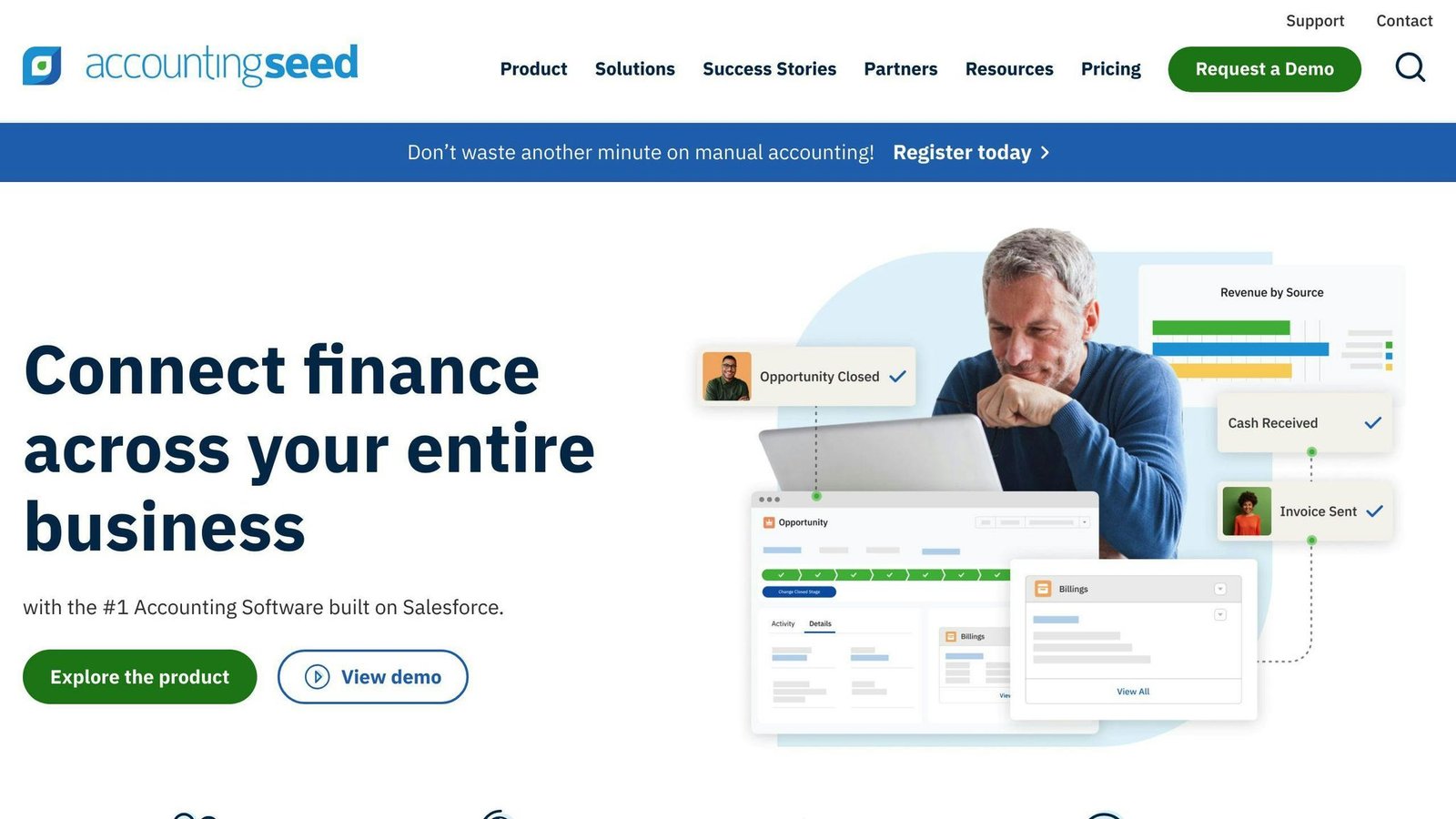
Accounting built natively on Salesforce, which is both its strength and its constraint.
Key Features
| Feature | Description |
|---|---|
| Native Salesforce platform | Financials sit alongside CRM data |
| Multi-entity management | Separate ledgers per entity |
| Customisable reporting | Salesforce reporting tools apply |
| Automation | Workflow automation on the Salesforce platform |
Pros and Cons
| Pros | Cons |
|---|---|
| One system for sales and finance data | You need Salesforce, and its licence cost, underneath |
| Highly customisable | No published pricing |
| Good fit for services businesses on Salesforce | Customisation needs an administrator |
Pricing
Subscription, quoted on user and entity count. Remember to add the Salesforce licences it runs on when you compare it with anything else here.
10. Tipalti
Overview
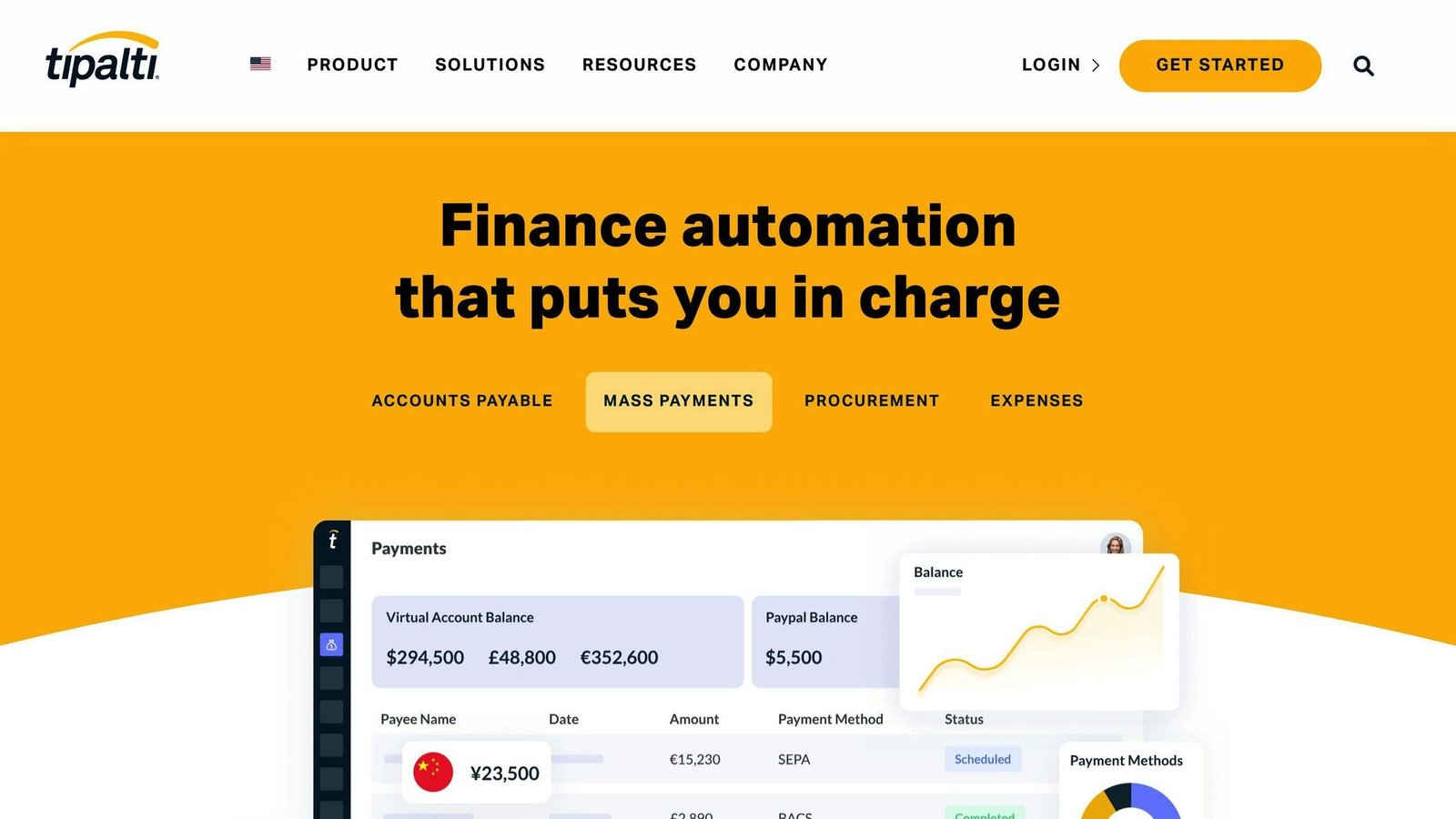
Not a general ledger. Tipalti handles accounts payable and mass payments across entities, with a consolidated payer account, and sits alongside your accounting system.
Key Features
| Feature | Description |
|---|---|
| Multi-entity payables | Independent branding, payment methods, tax onboarding and reporting per entity |
| Payment flow routing | Segregates funds with virtual accounts per entity |
| Tax and regulatory compliance | W-8 forms, international tax IDs, compliance per entity |
| Automatic consolidation | Rolls sub-entity data up to the headquarters payer entity |
Pros and Cons
| Pros | Cons |
|---|---|
| Unlimited users on published plans | Transaction fees on top of the platform fee |
| Genuine multi-entity AP handling | Complex to implement |
| Handles international supplier tax | Only solves payables, not the ledger |
Pricing
There is no $149 platform fee. Tipalti publishes two starting rates:
| Product | Starting price | Includes |
|---|---|---|
| Accounts Payable | From $99/month | Unlimited users, supplier portal, core automation |
| Mass Payments | From $249/month | Unlimited users, payee portal, core automation |
Both carry transaction-based fees on top. Tipalti states that you pay “a base platform fee, plus fees determined by your payment volume, number of entities, and enabled modules” — so the number of entities directly raises the bill.
Final Thoughts
The decision here is simpler than the feature grids suggest, and it turns on one question: does the software treat entities as first-class objects, or as separate subscriptions?
Zoho Books, Xero and QuickBooks handle multiple entities by running multiple sets of books, which is cheap at two entities and painful at six. Sage Intacct, NetSuite, Acumatica, Business Central, Xledger and Accounting Seed hold multiple entities in one system and consolidate automatically. The crossover point, in practice, is where your month-end consolidation stops fitting in a spreadsheet.
When comparing, check:
| Factor | Question to ask |
|---|---|
| Pricing unit | Per organisation, per user, per entity, or resource-based? |
| Cost of the next entity | What happens to the bill when you add one? |
| Consolidation | Automatic, or a third-party app and a monthly process? |
| Implementation | What is the one-off cost, and who does it? |
| Intercompany | Are inter-entity transactions and eliminations automated? |
All prices in this article were checked against vendor pricing pages in August 2026 and should be confirmed before budgeting.
FAQs
What is the best accounting software for multiple small businesses?
For two or three small entities, Xero or Zoho Books is usually cheapest, but note that both charge per organisation — so budget one subscription per entity, plus a consolidation app if you need group reporting. Above roughly five entities, a system with built-in consolidation such as Sage Intacct or Business Central usually costs less in staff time than it adds in licence fees.
More on this topic
Browse all 53 articles on Finance & Accounting, or jump straight to our buying guide: Best Accounting Software for Small Businesses.