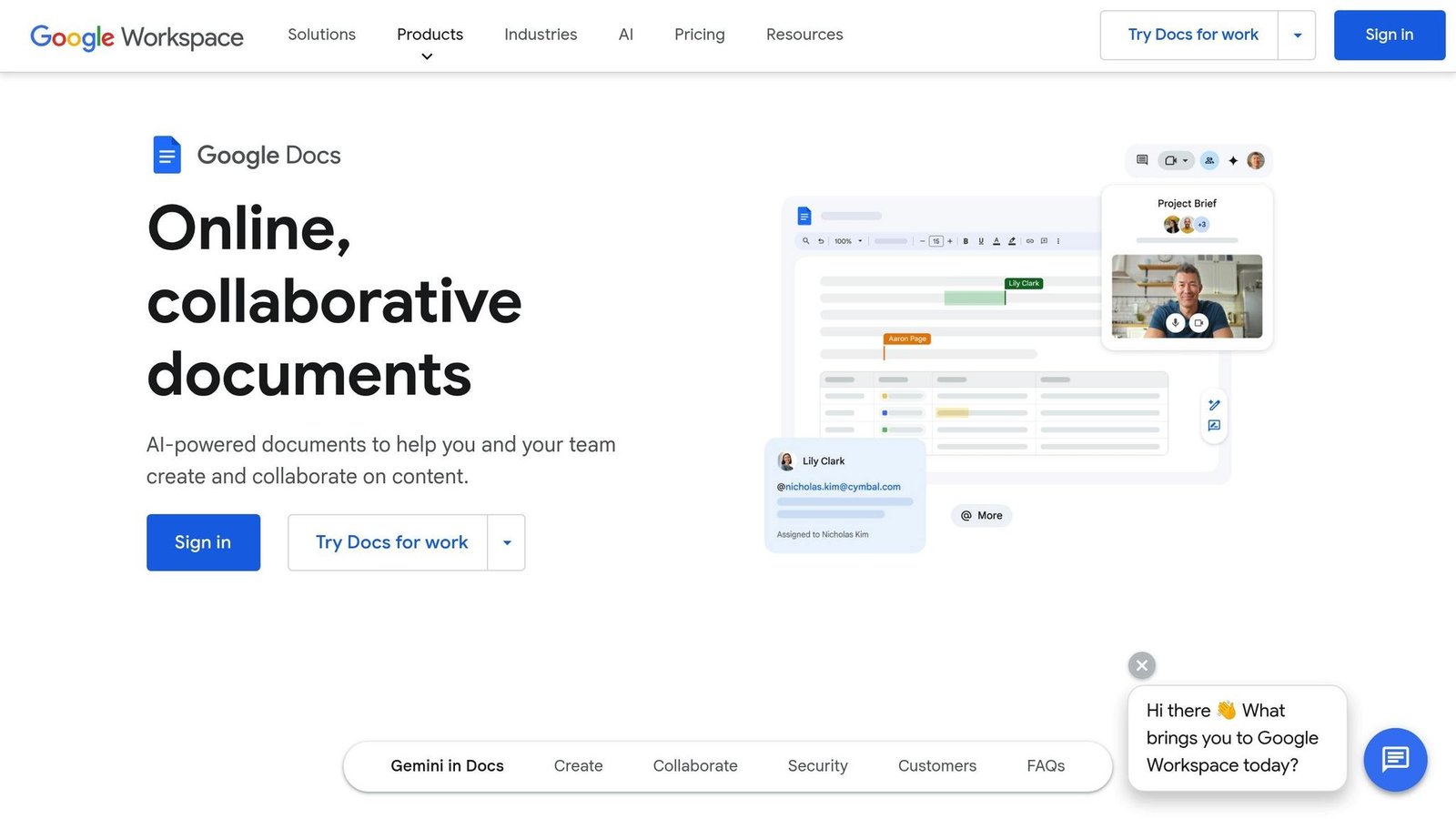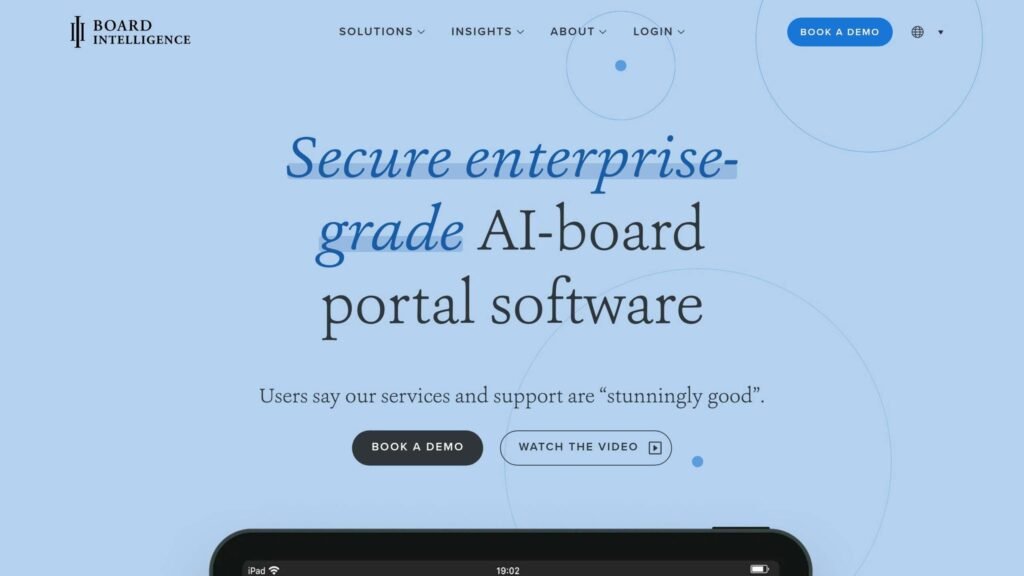
Sensitive board documents demand secure, efficient tools. Email chains and shared drives fall short, exposing organizations to data leaks, regulatory fines, and reputational damage. Modern board management tools provide encryption, access controls, and audit trails to protect sensitive information while improving workflows. Here’s a quick breakdown of the top tools:
- Board Intelligence: Secure UK-based storage, annotation features, and offline document access.
- Diligent Boards: Widely used in large enterprises, with AI-driven tools, FedRAMP encryption, and detailed audit trails.
- Dropbox Paper: Simple collaboration with version history, expiring links, and encryption.
- CryptPad: End-to-end encryption with zero-knowledge architecture for high privacy.
- Microsoft 365: Combines SharePoint, Teams, and Office apps with robust permissions and compliance tools.
Key features to look for: AES-256 encryption, multi-factor authentication, granular access controls, and compliance certifications like SOC 2 or ISO 27001. Choose a tool that balances security, usability, and your board’s specific needs.
Why Security Matters in Board Document Management
Board documents are a prime target for cyberattacks. These materials – ranging from merger proposals to financial forecasts – are highly sensitive and, if leaked, can lead to catastrophic outcomes. Regulatory fines, derailed negotiations, and damaged investor confidence are just the tip of the iceberg. Kezia Farnham of Diligent puts it plainly: in the wrong hands, board information “could torpedo performance, damage the reputation of the board and the corporation”.
The regulatory environment is becoming stricter. The SEC now demands more transparency from boards regarding their risk management and cybersecurity policies. A failure to protect board data doesn’t just create operational headaches – it can lead to legal liabilities and mandatory breach disclosures.
Despite these risks, many boards still rely on outdated and insecure methods, rather than tools for managing board members. Email threads lack access controls and audit trails. Physical board books can be easily lost or left unprotected.
A note on what has been cut from this article. It previously carried a series of statistics with no source attached: a share of Fortune 100 directors with cybersecurity expertise, a share who felt confident in their security, a claim that breaches targeting board communications had surged by a specific percentage since 2020, and a claim about how quickly most passwords can be cracked. None could be traced to any published research, and the breach-surge figure was repeated three times as if repetition made it true. All of them have been removed. The argument for securing board material does not depend on them.
Common Security Risks in Board Collaboration
Unauthorized access is one of the most pressing threats. When directors use personal email accounts or unsecured devices, they create easy entry points for attackers. Board members are prime targets for phishing because of what they have access to, and because they are often the least likely people in the organization to be running standard corporate device management.
Data leaks are another major concern. Forwarded emails can unintentionally spread sensitive documents far beyond the intended recipients. Lost or stolen devices containing unencrypted materials can expose confidential information instantly. Even printing documents for home use can introduce physical security risks.
Lack of audit trails compounds these issues. Without detailed activity logs, boards cannot verify who accessed documents or when decisions were made. This becomes a serious problem during SEC audits or legal disputes. Additionally, using personal or third-party email accounts for board communications can inadvertently waive attorney-client privilege, leaving sensitive discussions unprotected.
Key Security Features to Look For
To tackle these challenges, organizations need tools designed with security in mind. Here are some essential features:
- Encryption: Secure collaboration starts with robust encryption. Look for tools that offer AES-256 encryption for data at rest and TLS 1.3 for data in transit, ensuring intercepted data remains unreadable.
- Multi-factor authentication (MFA): This is the single highest-value control on the list. Microsoft’s security team reported in 2019 that MFA “can block over 99.9 percent of account compromise attacks”. Options like FaceID or TouchID provide the same protection without the friction that makes directors look for workarounds.
- Granular access controls: Not every director needs access to every document. Role-based permissions ensure individuals only see what’s relevant to their responsibilities. Features like remote wipe capabilities allow IT teams to erase sensitive data from lost or stolen devices, reducing exposure risks. Dynamic watermarking embeds user-specific details onto documents, deterring unauthorized sharing and enabling traceability.
Robust monitoring also plays a crucial role. Tools with audit trails and compliance certifications provide the transparency and accountability needed for regulatory scrutiny. Comprehensive logs that track every document view, download, and decision create an audit-ready record. When evaluating solutions, look for providers with SOC 2 Type II and ISO 27001:2022 certifications. These standards reflect rigorous adherence to security, availability, and confidentiality requirements. Digital tools with these features go beyond traditional methods, offering both security and accountability in one package.
Top Document Tools for Secure Board Collaboration
Top document tools have reshaped how boards operate by combining high-level security with efficient collaboration. Below are some standout solutions that strike the perfect balance between safeguarding sensitive information and streamlining board activities.
Board Intelligence Board Portal
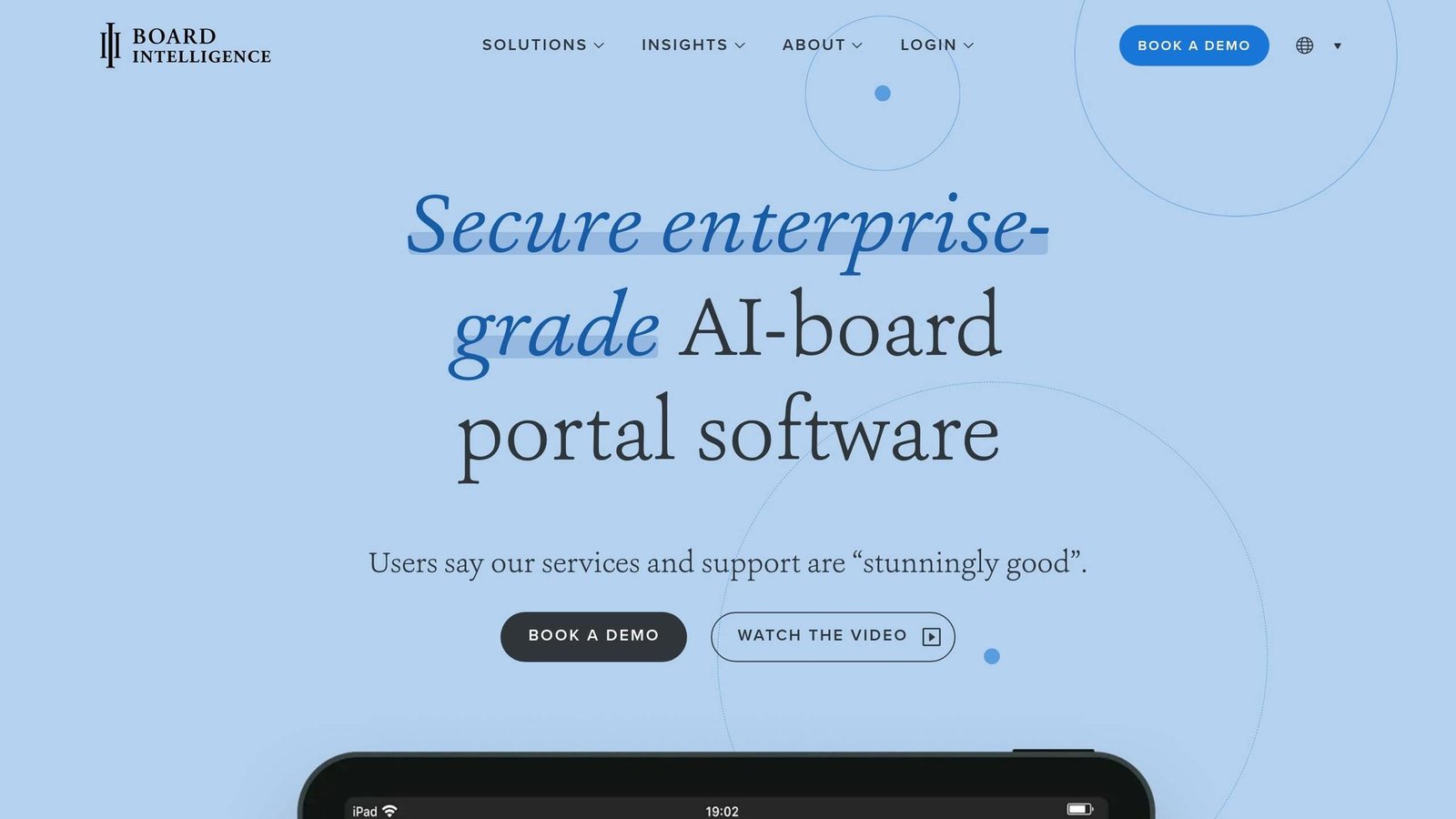
Board Intelligence provides a secure platform for real-time board collaboration. The company says it serves over 75,000 board members and governance professionals, and it stores data in UK data centres on ISO 27001 and ISO 9001 certified servers. Its Briefing Tool simplifies document submissions with version control, while a drag-and-drop agenda builder ensures easy formatting. Directors can annotate documents – either privately or collaboratively – and offline search capabilities keep critical information accessible even without internet access.
Two customer quotes below come from Board Intelligence’s own published case studies, which is worth knowing before you weigh them. Jason Wright, Society Secretary at Nationwide Building Society, is quoted in the company’s case study on Nationwide’s portal switch:
“The Board Intelligence board portal could not be more intuitive. Everybody loves using it, and we’ve saved so much time.”
Group CIO Adam Jeffries from JTC gives a figure, also on Board Intelligence’s site:
“Board Intelligence gives us a 20–25% time-saving in creating our board packs.”
The portal also supports biometric logins through FaceID and TouchID, adding an extra layer of security.
Diligent Boards Secure File Sharing
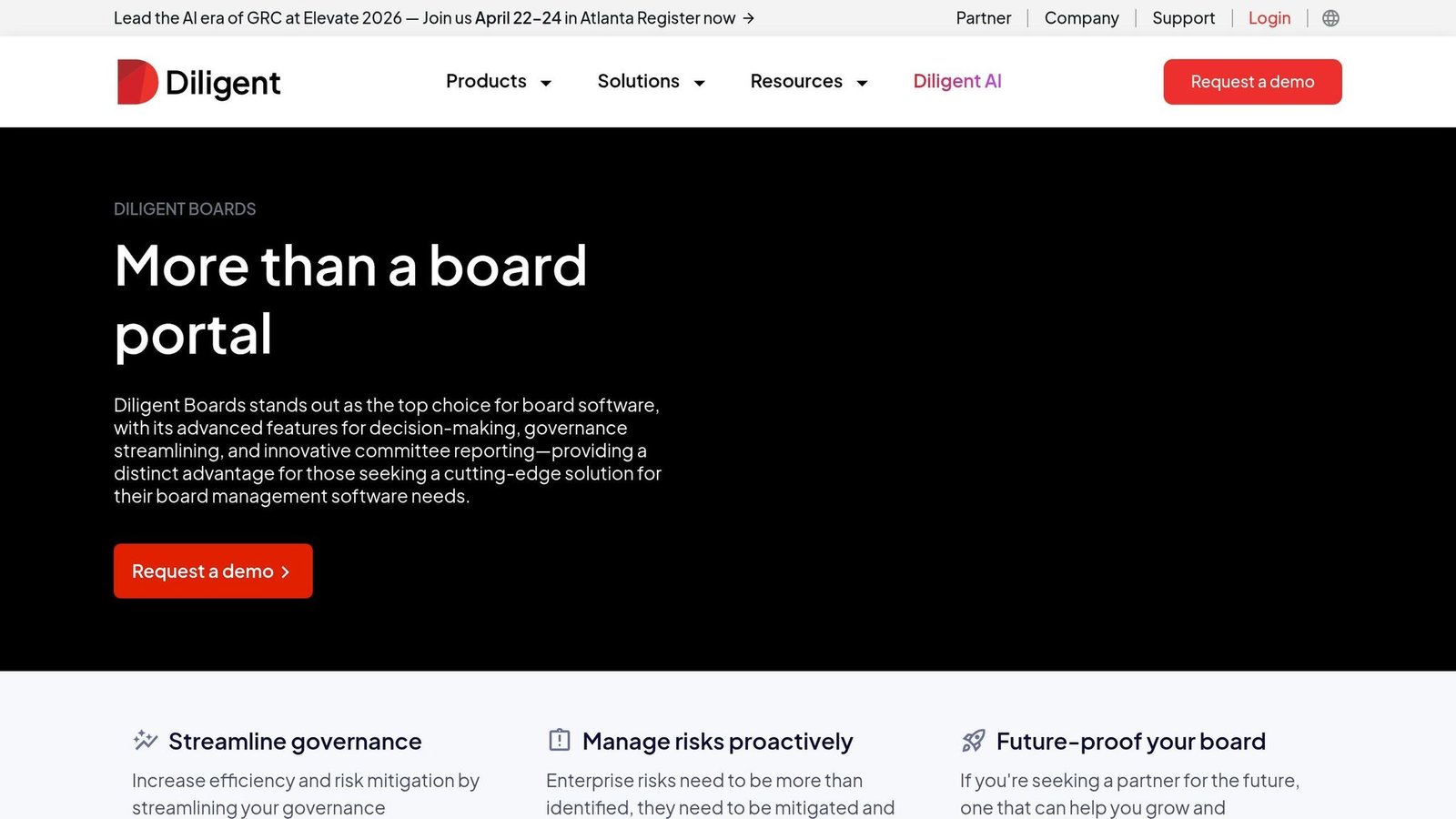
Diligent Boards is one of the most widely deployed board portals among large enterprises. It uses AI to automate parts of the meeting lifecycle: the Smart Risk Scanner analyzes board materials for risky language or legal concerns, while Smart Minutes and Smart Book Summary streamline meeting notes and document summaries. We have removed two claims from this paragraph – a customer-count and Fortune 500 penetration figure that were reproduced from marketing without a source, and a Gartner Magic Quadrant placement we could not confirm – along with a statistic about the share of daily inefficiency attributable to document handling, which appears to have been invented outright.
Eric Myers, General Counsel and Corporate Secretary at ELCO Mutual, is quoted in Diligent’s case study on ELCO:
“I used to spend a day or two preparing for board meetings with the old system. Now, with Diligent, it’s maybe an hour or two.”
The platform includes FedRAMP-authorized encryption standards and offers immutable audit trails for every action, ensuring compliance and security.
Dropbox Paper for Secure Collaboration
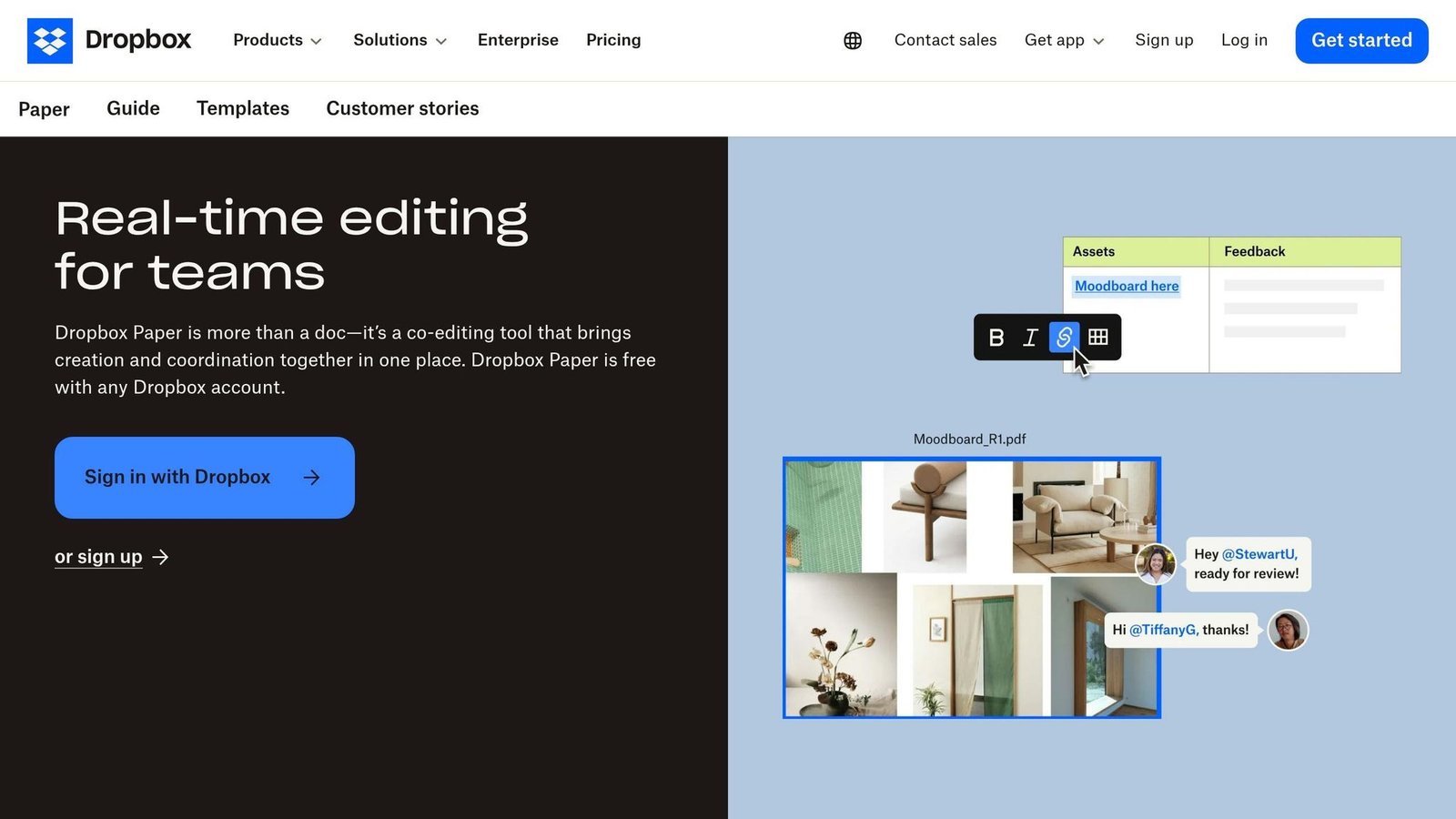
Dropbox Paper offers a straightforward option for boards seeking secure collaboration without the complexity of enterprise-grade tools. It enables real-time co-authoring with customizable access permissions and provides a detailed version history. Security measures include expiring shared links, device access controls, and encryption for data both at rest and in transit. Its free account tier is especially appealing to startups and smaller organizations working with tight budgets. Be honest with yourself about whether link-based sharing is enough control for material this sensitive; for many boards it is not.
CryptPad End-to-End Encrypted Suite
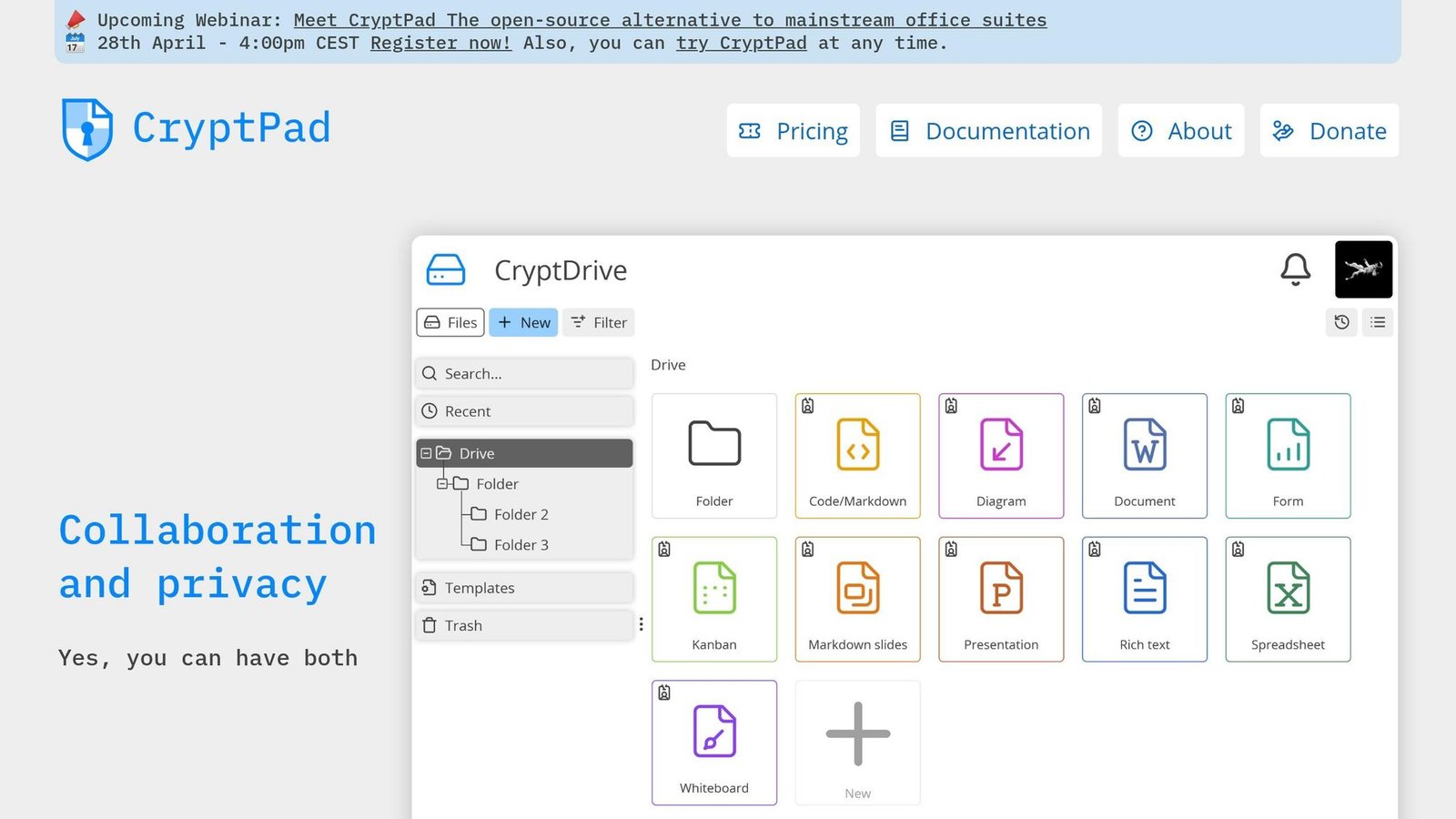
CryptPad prioritizes privacy with end-to-end encryption, ensuring that even the platform provider cannot access your documents. Encryption and decryption occur entirely in the user’s browser, and its zero-knowledge architecture ensures only authorized users can view or edit content. This makes it an excellent choice for boards handling sensitive or regulated information. CryptPad supports real-time collaboration while maintaining strict encryption protocols. The trade-off is that it is a document suite rather than a board portal: there is no agenda builder, no voting, and no board-specific workflow.
Microsoft 365 Board Collaboration Features
Microsoft 365 combines SharePoint, Teams, and Office apps to create a unified collaboration experience for boards. SharePoint handles document management, Teams enables video conferencing, and Office apps like Word, Excel, and PowerPoint support co-authoring. The platform includes detailed permission controls at both document and folder levels, compliance tools to meet regulatory standards, and integration with Outlook for calendar management. Real-time co-authoring with comprehensive version history ensures a reliable audit trail for document edits. If your organization already runs Microsoft 365, this is the option that costs nothing extra, and the main question is whether your administrators will configure the permissions properly.
Security Features Comparison
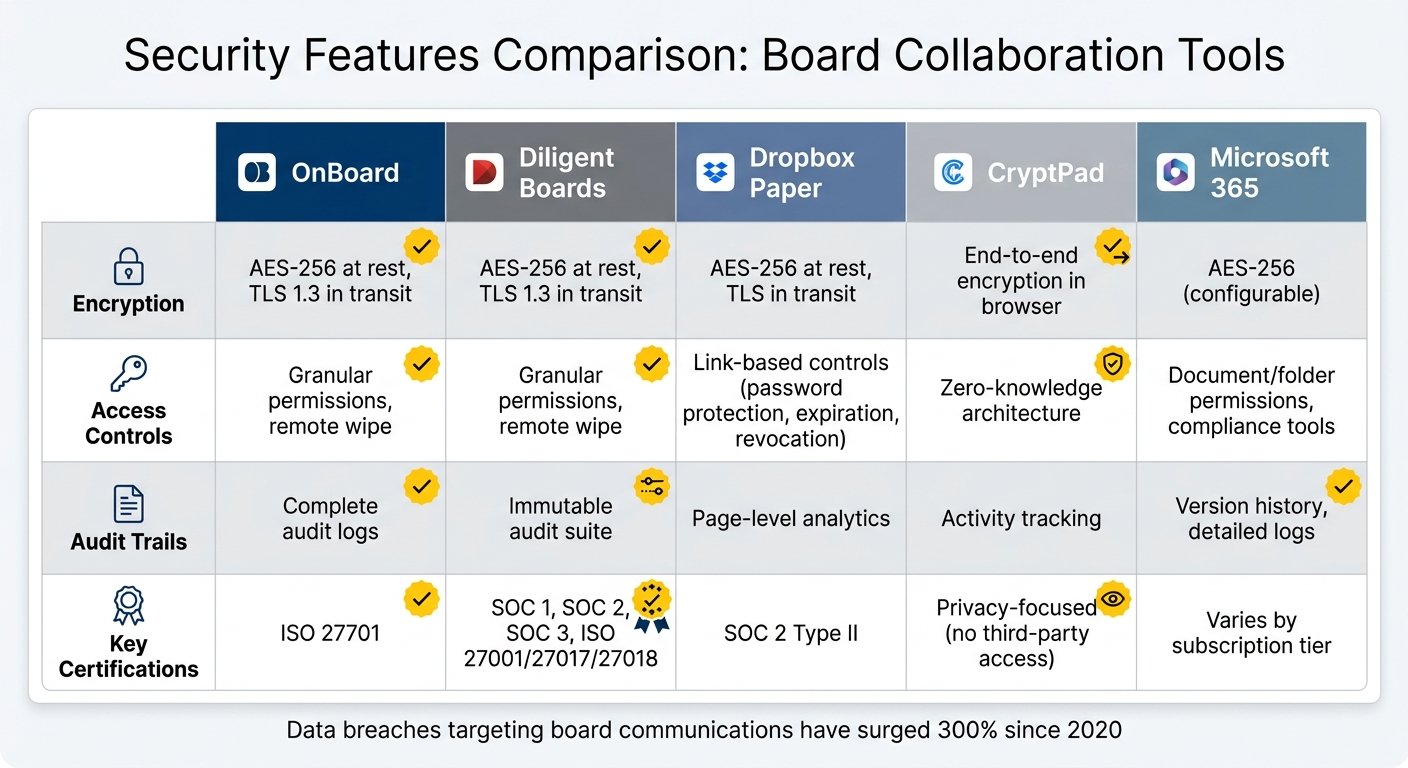
Board Collaboration Tools Security Features Comparison
Building on the earlier discussion of security challenges, this section compares how leading tools address these risks. When selecting a platform, it’s crucial to understand how each one protects sensitive board information. Factors like encryption methods, access controls, audit trails, and compliance certifications play a big role in shaping your organization’s overall security.
Encryption standards are a critical component of data protection. Both Diligent Boards and OnBoard implement AES-256 encryption for data at rest and TLS 1.3 for data in transit. Dropbox Paper also uses AES-256 for at-rest data and TLS for in-transit security. CryptPad stands out with its end-to-end encryption, which operates directly within the user’s browser, ensuring only authorized individuals can access the data. Meanwhile, Microsoft 365 offers flexible encryption options that can be tailored to your organization’s specific needs.
Access controls differ significantly among platforms. Diligent Boards and OnBoard provide highly detailed permissions, allowing administrators to restrict access by document, folder, or committee. They also include remote wipe functionality to safeguard data on lost or stolen devices. Dropbox Paper focuses on link-based access management, offering features like password protection, expiration dates, and the ability to revoke access remotely. Microsoft 365 enables precise permission settings through SharePoint, while CryptPad uses a zero-knowledge model, meaning only authorized users can decrypt and view the content.
Audit trails are another key feature. Diligent Boards offers an immutable audit trail that tracks every action, making it ideal for organizations handling sensitive information. OnBoard provides comprehensive audit logs, while Dropbox Paper includes page-level analytics to monitor document views. Verify these claims against each vendor’s current security documentation before you buy; certifications lapse and feature sets change.
Feature Comparison Table
| Tool | Encryption | Access Controls | Audit Trails | Key Certifications |
|---|---|---|---|---|
| OnBoard | AES-256 at rest, TLS 1.3 in transit | Granular permissions, remote wipe | Complete audit logs | ISO 27701 |
| Diligent Boards | AES-256 at rest, TLS 1.3 in transit | Granular permissions, remote wipe | Immutable audit suite | SOC 1, SOC 2, SOC 3, ISO 27001/27017/27018 |
| Dropbox Paper | AES-256 at rest, TLS in transit | Link-based controls (password protection, expiration, revocation) | Page-level analytics | SOC 2 Type II |
| CryptPad | End-to-end encryption in browser | Zero-knowledge architecture | Activity tracking | Privacy-focused (no third-party access) |
| Microsoft 365 | AES-256 (configurable) | Document/folder permissions, compliance tools | Version history, detailed logs | Varies by subscription tier |
Compliance certifications provide assurance about a platform’s security measures. Diligent Boards holds a wide range of certifications, including SOC 1, SOC 2, SOC 3, and ISO 27001/27017/27018. OnBoard is notable for its ISO 27701 certification, which aligns with GDPR and CCPA privacy laws. Dropbox Paper maintains SOC 2 Type II certification. These certifications can guide your choice, depending on your board’s specific security and compliance needs.
How to Select the Right Tool for Your Board
Choosing the right board collaboration tool goes hand in hand with addressing the security challenges discussed earlier. This decision requires balancing your organization’s security needs, budget, and governance capabilities.
Factors to Consider When Choosing a Tool
Start by identifying the key security features your organization needs. Look for tools that are SOC 2 Type II certified, use AES-256 encryption for data at rest, and TLS 1.3 for data in transit. Multi-factor authentication should also be a must-have. Always request the SOC 2 report and check how recent it is. For organizations managing sensitive topics like M&A discussions or strategic plans, such certifications are non-negotiable.
Next, assess the tool’s mobile functionality. Directors read board packs on tablets, and if the app is slow or awkward with a 100-page PDF they will fall back to email, which defeats the entire purpose. Test that specific scenario before you sign anything. We previously quoted a percentage of directors who read materials on tablets; it had no source and has been removed, but the design implication is unchanged.
Cost is another critical factor. Instead of focusing solely on the monthly subscription fee, evaluate the total cost of ownership over three years, including implementation, training time and IT resources. This article used to print two dollar ranges here – one for implementation and one for annual enterprise pricing – and a pair of percentages for reduced preparation time and increased director engagement. None had a source behind them, so all four are gone. Ask each vendor for a written quote covering setup and three years of licensing for your actual director count, and compare those instead.
When comparing features, quality matters more than quantity. Look for essential functionalities like secure document sharing, meeting scheduling, voting, and audit trails. Startups should avoid paying for advanced enterprise features, such as D&O questionnaires or complex entity management, that they won’t immediately use. To ensure the tool fits your needs, pilot it during a board meeting cycle before committing.
Finally, secure stakeholder buy-in. Involve your Board Chair, a few directors for user testing, and your IT or security team to verify compliance. This approach works for both large organizations and smaller businesses looking to make cost-effective decisions.
Recommendations for Small Businesses and Startups
Startups and small businesses often face unique challenges, such as limited budgets, minimal IT resources, and the need for quick deployment. Choose tools with flat pricing models to maintain predictable costs as your board grows. Be cautious with per-director pricing, as costs can escalate quickly when adding advisors or expanding committees.
Opt for platforms with DIY setups that can be completed in hours or days, rather than months. This section previously contained a testimonial from an unnamed “corporate secretary at a Series C SaaS company” describing a 30-minute setup against four months with a competitor, and a quotation attributed to a named vendor CEO. Neither could be traced to any source, and an anonymous customer quoting precise competitive results is exactly the sort of evidence this site should not be publishing. Both have been removed.
For growth-stage companies, real-time financial dashboards are genuinely useful. Instead of relying on static PDF reports, select platforms that integrate with tools like QuickBooks or NetSuite to display live KPIs and metrics. This allows directors to monitor progress between meetings.
Avoid choosing a tool solely based on its market reputation. Enterprise-level solutions often carry more features than a pre-seed to Series B company will ever open, at prices to match. Consider platforms like AppDeck, BoardPro, or OnBoard, which deliver essential features – AES-256 encryption, multi-factor authentication, role-based access, and audit trails – without unnecessary complexity.
Even for startups, security should never be an afterthought. Opt for a vendor that is SOC 2 Type II compliant or audit-ready to protect your sensitive discussions, even if compliance isn’t legally required.
Conclusion
Choosing the right document collaboration tool for your board is about more than just ticking off a list of features – it’s about safeguarding your organization’s most critical information.
The tool you select must strike a careful balance between top-tier security and ease of use. Features like SOC 2 Type II certification, AES-256 encryption, and multi-factor authentication are non-negotiable for protecting sensitive data. But even the most secure system won’t help if board members avoid it because it’s too difficult to navigate. That is not a marketing point, it is the main failure mode: an unusable portal pushes board papers back into personal email, which is precisely the risk you were trying to remove.
Kezia Farnham of Diligent makes the cost argument:
“The time and cost of securing board governance are always less extensive than the cost of mitigating a breach.”
She works for a board portal vendor, so read it as an interested party making a point that happens to be reasonable.
Beyond security, the tool must meet your board’s operational needs. Consider factors like board size, budget, technical know-how, and compliance requirements. Startups may lean toward cost-efficient, flexible tools, while publicly traded companies need solutions that meet strict regulatory standards. Hybrid meetings are now normal, so the platform has to work for someone dialling in as well as someone in the room.
The right board collaboration tool doesn’t just protect – it becomes an integral part of your governance process. It should be secure enough to handle sensitive discussions, like mergers and acquisitions, yet simple enough to keep directors focused on decision-making instead of wrestling with technology. Test your top choice during a full board cycle, involve key decision-makers, and confirm that it meets current security standards.
FAQs
What security features are most important for board documents?
When it comes to safeguarding board documents, several key features play a crucial role in keeping sensitive information secure:
- Encryption: Advanced encryption methods, such as AES-256 and RSA 4096-bit, ensure that data remains unreadable to unauthorized users.
- Role-Based Access Controls: These controls allow only specific individuals with proper permissions to access or modify documents, reducing the risk of exposure.
- Secure Data Rooms: Virtual data rooms provide a highly secure environment for storing and sharing critical documents.
- Audit Trails: Detailed logs track every action taken on documents, offering transparency and accountability.
- Compliance with Standards: Adhering to industry standards like ISO 27001 and SOC ensures that security measures align with recognized best practices.
These features work together to protect sensitive information while meeting regulatory and industry requirements.
How can I confirm if a tool is compliant with SOC 2 or ISO 27001?
To verify SOC 2 or ISO 27001 compliance, look for official certifications or attestations from recognized auditing bodies. Check the platform’s security claims to ensure they’re supported by third-party audits or certification documents. Ask for the report itself rather than accepting a badge on a marketing page.
What’s the easiest way to roll out a board portal without pushback?
To ensure a smooth rollout of a board portal, start by selecting a platform that prioritizes security and ease of use. Look for features like strong encryption and robust access controls. Clearly communicate the benefits of the portal – such as enhanced security and streamlined efficiency – to all stakeholders. Providing training sessions can help users feel confident navigating the system. Consider starting with a pilot group to gather valuable feedback before a full-scale launch. Gradual implementation and open communication are essential to easing any resistance and encouraging widespread adoption.
More on this topic
Browse all 86 articles on Business Operations, or jump straight to our buying guide: Best Productivity Tools for Small Teams.