Sensitive board documents like financial data and strategic plans need real security. A breach can lead to financial losses, legal issues, and reputation damage. These tools offer encryption, access controls, and compliance features to keep documents safe while boards still get to collaborate on them.
Quick Overview of the Tools:
- Nasdaq Boardvantage: Hardened data centre, per-organisation encryption keys, multi-factor authentication. This entry replaces “DocuSign Secure Boardroom”, which appeared in an earlier version of this article. No such DocuSign product exists; DocuSign does not sell a board portal. We substituted a real product in the same category rather than leave a list of four.
- BoardEffect: Role-based permissions, HIPAA compliance, and secure workrooms for collaboration.
- Diligent Boards: 256-bit encryption, secure data rooms, and customizable document libraries.
- OnBoard: RSA 4096-bit encryption, dynamic watermarking, and Microsoft Teams integration.
- BoardPro: TLS encryption, granular permissions, and affordable pricing for SMBs and nonprofits.
Why It Matters:
- Board packs concentrate the most damaging documents a company holds – unannounced results, legal exposure, acquisition plans – in one place, distributed to people who are not employees and who read them on their own devices.
- The usual failure is not broken encryption. It is a director forwarding a board pack to a personal email account, or a departed director keeping access.
- That is why access control, revocation and audit trails decide whether a portal is worth buying, not the number of bits in the cipher.
- Five statistics that used to appear here – on records exposed, director confidence, personal email use, human error and cyber-attack losses – have been removed. None of them cited a source we could check.
Choosing the right tool ensures strong security and compliance while simplifying document management.
1. Nasdaq Boardvantage
A note on what changed here. This slot previously described a product called “DocuSign Secure Boardroom”. It does not exist. DocuSign sells e-signature and agreement management products; it has never sold a board portal, and the name does not appear anywhere in its product list. Everything attributed to it – the encryption standard, the certifications, the uptime figure – was describing DocuSign eSignature at best. We have replaced the entry with a board portal that does exist rather than publish a top five with four real products in it.
Nasdaq Boardvantage is a board portal aimed at listed companies and large organisations. On its own product page Nasdaq describes a hardened data centre with no third-party access, customer content protected by full-strength encryption, multi-factor authentication and security certificates.
The part worth noting is the data separation: each organisation’s content sits in its own repository encrypted with its own keys, and Nasdaq states that only that organisation’s authorised users can read it – its own system administrators cannot. That is a stronger claim than most vendors here make, and it is the right question to ask any portal vendor.
Directors can save materials to a desktop, tablet or mobile device for offline reading, which is convenient and is also the moment your control over a document weakens, so ask specifically about what happens to those offline copies when someone leaves the board.
Nasdaq does not list specific certifications on that page and does not publish pricing. Ask for the current SOC 2 report and the certification list in writing, and expect a quote rather than a price.
2. BoardEffect
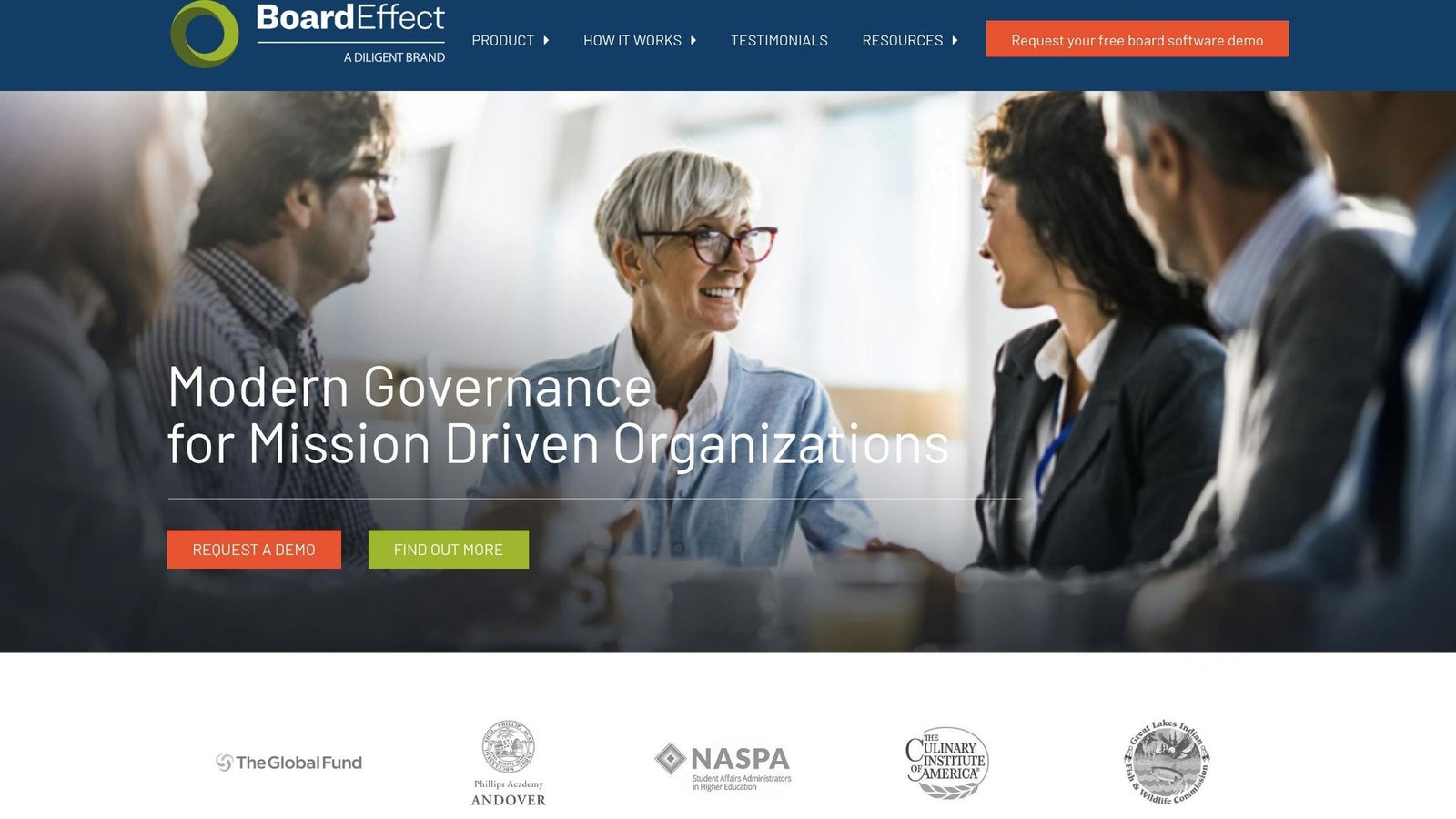
BoardEffect offers a strong security framework for managing board documents, built on SOC2 and NIST 2014 standards. This multi-layered approach ensures sensitive materials are well-protected.
“BoardEffect’s secure portal lets organizations manage access settings precisely to meet their security objectives”
Administrators can set detailed, role-based permissions to control who accesses documents and utilize secure workrooms for collaboration.
The platform includes features like HIPAA/HITECH compliance, multi-factor authentication (MFA), single sign-on (SSO), and unlimited encrypted cloud storage with customizable permissions. These tools work together to reinforce document security.
BoardEffect publishes a testimonial from Kelli Ockinga of Mary Lanning Healthcare on its healthcare page:
“BoardEffect is really intuitive – not overwhelming – but what creates additional engagement by the board members is their ability to access not only board meeting materials in ‘real time’ but also supporting documents that are all located in one easy-to-use tool.”
An earlier version of this article extended that quote with a claim that board preparation fell from 8-16 hours a month to under an hour. That sentence is not in the published testimonial and has been removed.
BoardEffect says it serves over 14,000 mission-driven organizations. It is part of Diligent, which matters mainly because it means two products on this list come from the same company.
Experts recommend pairing tools like BoardEffect with practices such as regular cybersecurity training, strong firewalls, VPNs, and maintaining both on-site and cloud backups for maximum protection.
Next, we explore another top solution: Diligent Boards.
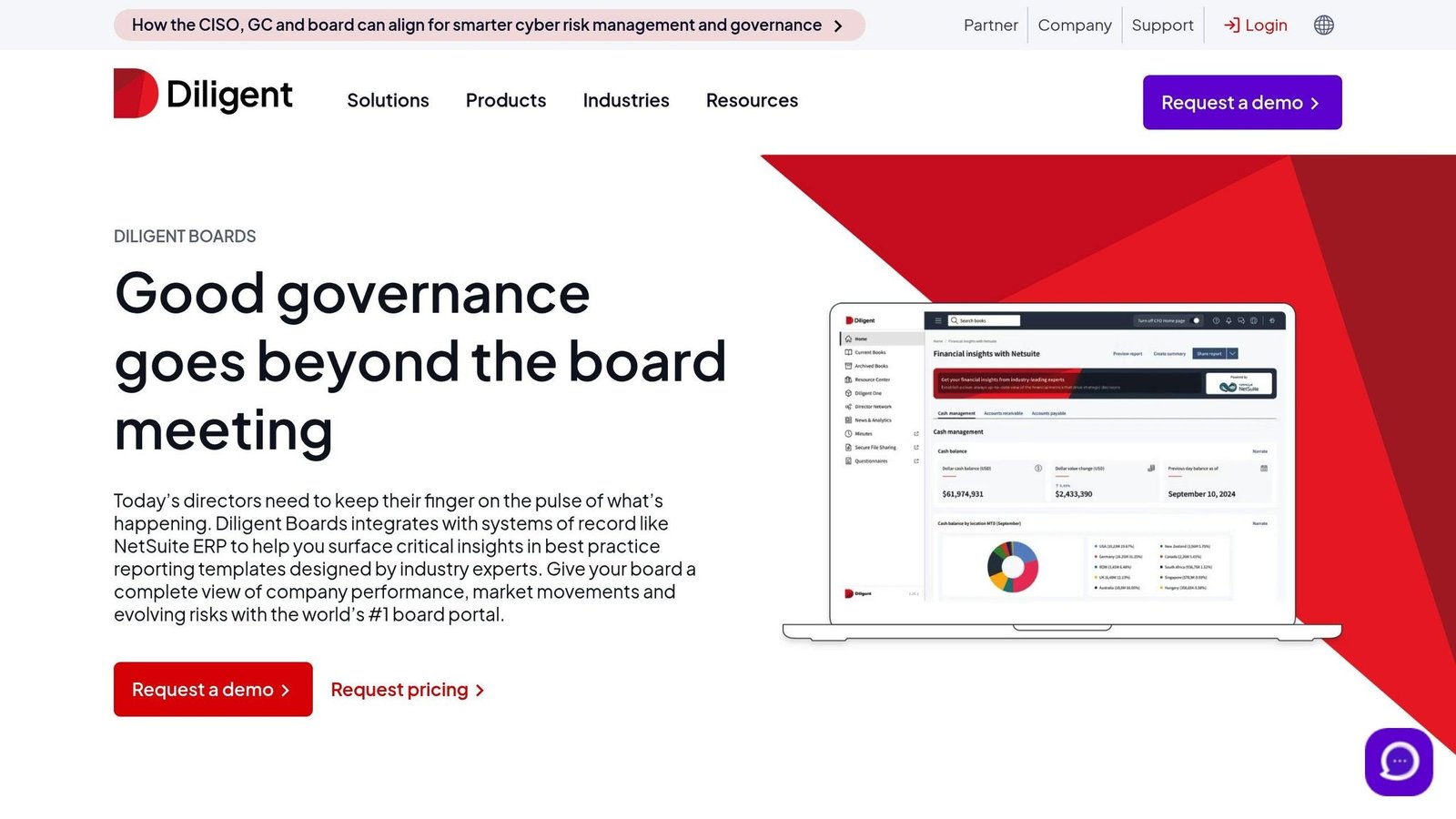
Diligent says Diligent Boards is used by over 700,000 directors across more than 23,000 organizations. Those are the vendor’s numbers. What is checkable is the security posture, which is layered.
At its foundation, Diligent employs 256-bit AES-GCM encryption for its servers, mobile apps, and desktop applications. Data transmissions are safeguarded by 256-bit SSL/TLS 1.2 protocols. The platform adheres to strict standards, including ISO 27001 certification, annual SSAE 18 SOC 2 Type II audits, and alignment with the NIST Cybersecurity Framework. Beyond encryption, Diligent provides advanced document control capabilities.
The platform’s customizable document libraries streamline secure document management. Features like role-based permissions, IP restrictions, session timeouts, and SSO via SAML 2.0 ensure that only authorized users can access critical information.
Diligent’s secure data rooms are ideal for handling sensitive, high-stakes information. Dauniika Puklowski, Director of Board Administration Services Ltd in New Zealand, shared her experience:
“We had to communicate highly sensitive government directives to the board prior to [their] becoming public knowledge, and collaborating via Diligent was reassuring. We didn’t have sensitive data moving around our email network, and this meant we kept valuable patient data and system information secure and confidential.”
Additional features include 24/7 vulnerability monitoring and built-in version management for quick document restoration. These measures are overseen by a dedicated security team led by a Chief Information Security Officer (CISO). For organizations with specific data residency requirements, the Diligent One Platform offers regional deployment options and flexible tools for managing user permissions with ease.
4. OnBoard
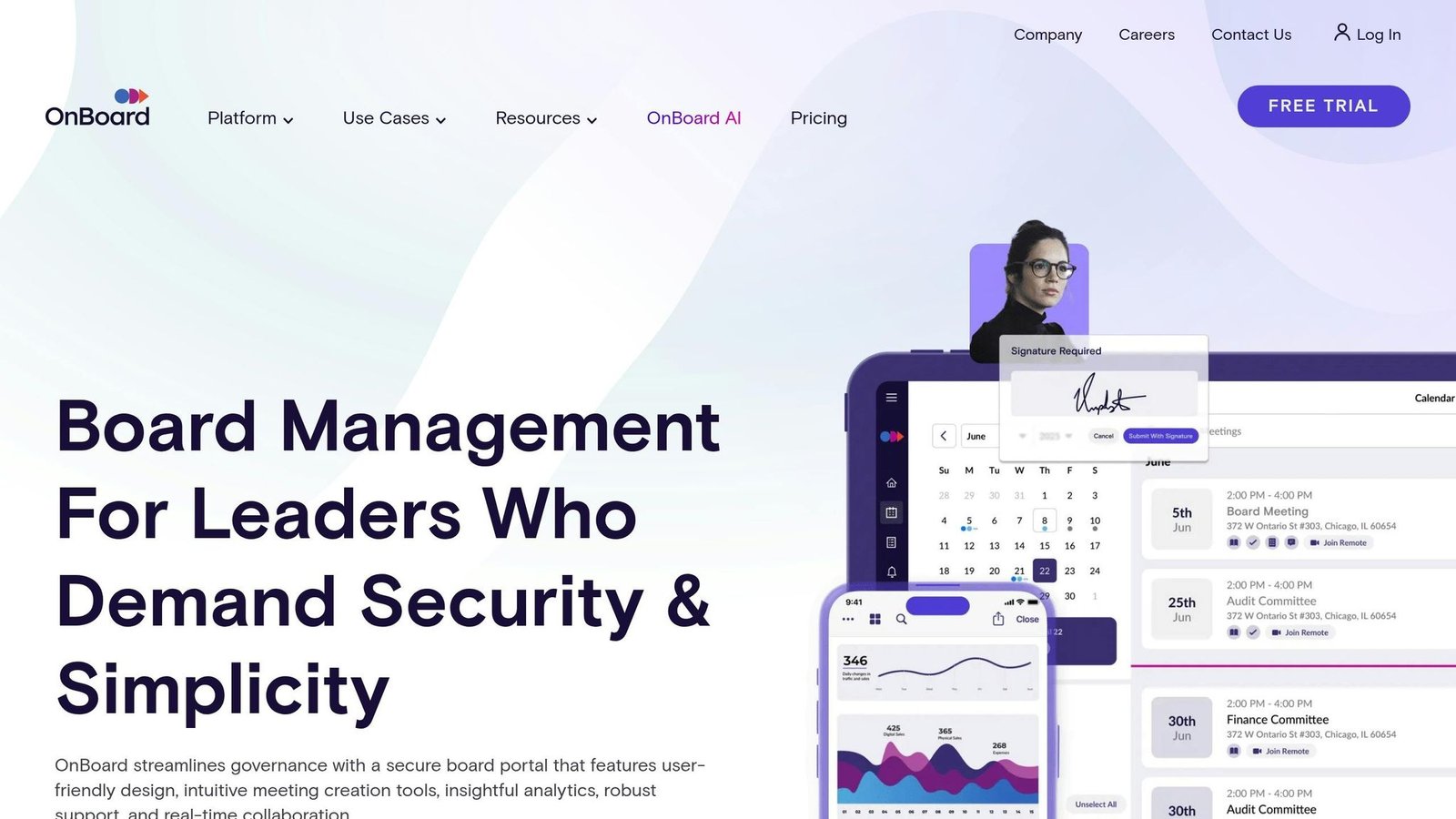
OnBoard, like Diligent Boards, prioritizes security for board documents using a Microsoft Azure infrastructure. It employs RSA 4096-bit encryption for data in transit and AES-256 encryption at rest.
“The strongest standard in the board portal industry – our data centers utilize industry leading RSA 4096 bit encryption for data in transit between a user’s device and at rest.” – OnBoard
The platform includes a dynamic watermarking feature that embeds user-specific details to discourage unauthorized sharing. Its remote wipe function can erase sensitive data from compromised devices, and idle wiping automatically clears cached data after periods of inactivity. Active geo-replication on Azure underpins disaster recovery, and a full audit trail logs document access and changes for accountability.
Key Security Features
| Security Feature | Details |
|---|---|
| Biometric Security | FaceID integration |
| Multi-factor Authentication | 2FA protocols |
| Enterprise Integration | SSO with Okta and OneLogin |
| Access Management | Custom, granular permissions |
| Document Control | Selective print disabling |
OnBoard meets rigorous compliance standards, holding certifications like SOC 2 Type II and ISO 27001. It also aligns with regulations such as GDPR and HIPAA, making it suitable for organizations with strict compliance needs.
T.J. Warren, CEO of Valley Professionals Community Health Center, highlights its compliance benefits:
“It’s about compliance…we have so many guidelines that we have to follow…we needed something to help us keep track…we can show our reviewers that our board members did read the board book and here’s the proof.”
OnBoard’s Resource Center simplifies document management with features like:
- Granular permissions
- Support for various file types
- Flexible data retention options (24 hours to 2 years)
- Intrusion detection
- Integration with Microsoft Teams and Zoom for secure virtual meetings
Heather Fehn, Chief of Staff and Secretary to the Board of Trustees, praises its ease of use:
“OnBoard is the most user-friendly product that I’ve experienced, not just from the board member perspective, but from the administration side as well. If you’re going to spend any more than one meeting doing both paper and digital, you’re wasting your time and you’re not doing your trustees a service.”
BoardPro continues to build on these features, offering similar security and management tools.
5. BoardPro
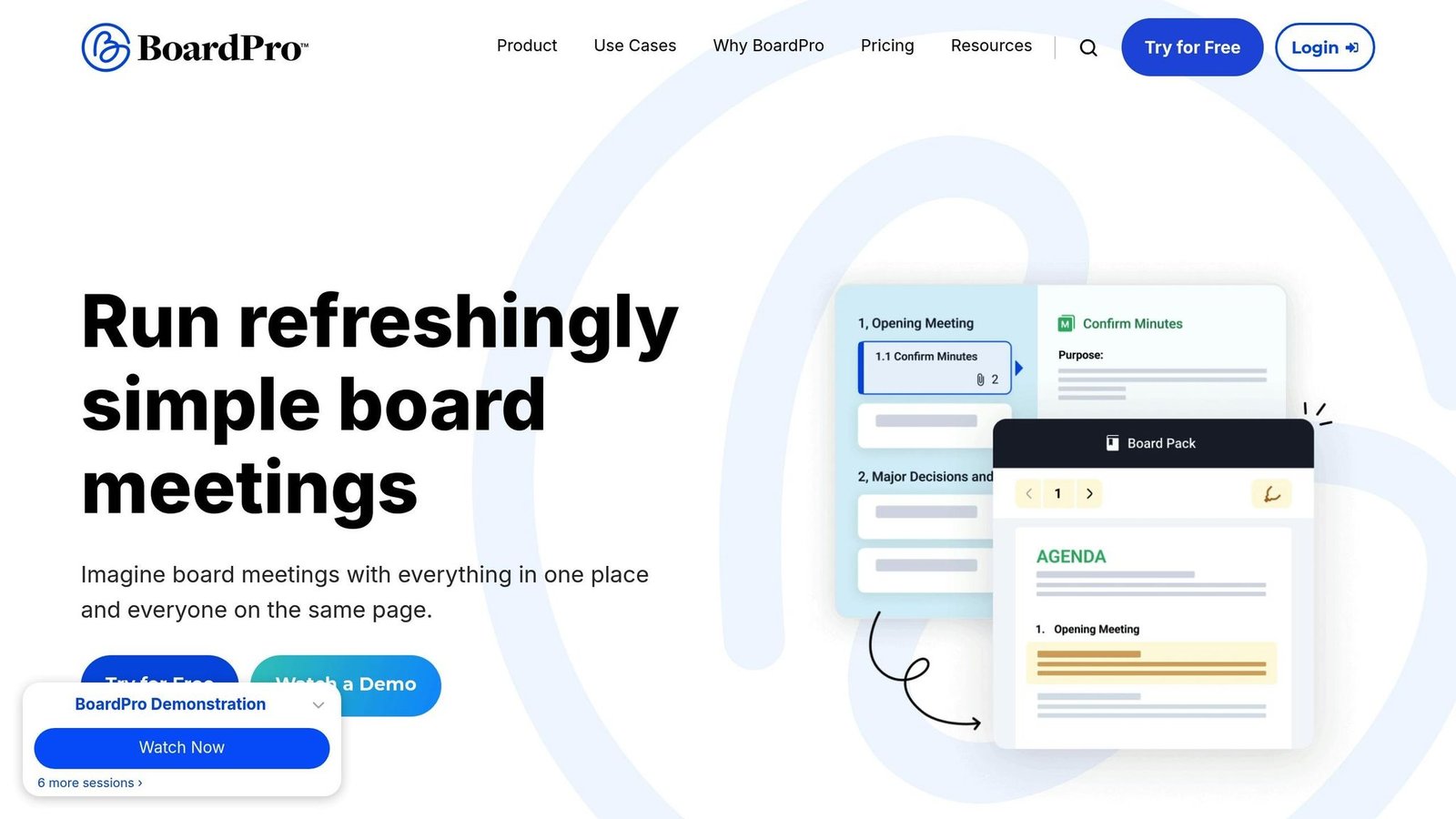
BoardPro stands out as a secure solution for board management. It operates using Microsoft Azure data centers located in New South Wales, Australia, with backups in Victoria. This setup ensures a high level of protection for sensitive board documents.
Security Infrastructure
BoardPro employs multiple layers of security, including:
- TLS encryption for secure communication
- SHA-256 encryption for safeguarding data both in transit and at rest
- Geographically redundant backups to handle disaster recovery
- Around-the-clock monitoring and strict physical controls at its data centers
Access Control Features
| Feature | Details |
|---|---|
| Multi-factor Authentication | Adds an extra layer of security for user logins |
| Password Management | Enforces strong password policies and limits failed login attempts |
| Granular Permissions | Allows customized access levels for administrators, board members, and management |
| Document Security | Enables restricted-access folders for highly sensitive materials |
These features work alongside encryption and monitoring to ensure board documents remain secure. Additionally, Microsoft Azure’s compliance certifications, including SSAE-16 SOC 1, 2, 3, and ISO 27001, further bolster BoardPro’s security credentials.
A table of user ratings previously sat here – ease of use, customer service, value for money and a 97.8% likelihood-to-recommend figure – with no source attached to any of them. It has been removed.
Steven Pearce, CEO of Surf Lifesaving NSW, highlights the platform’s impact:
“BoardPro delivers time back to the organisation, which means we can spend more time saving lives.”
BoardPro prices per board, not per user, which is unusual here and good news if your board is large. Essentials is $165 a month or $1,650 a year per board with unlimited users; Premium is $275 a month or $2,750 a year and adds annotation, voting and e-signature; Ultimate is $440 a month or $4,400 a year. Subcommittees are billed separately at $82.50 a month each. Nonprofits and schools may qualify for a discount of up to 40%. The $150 figure this article used to quote is not on the price list. BoardPro is a reasonable fit for small and mid-size organisations, though its integrations with other platforms are limited.
Other Portals Worth Comparing
The five tools above cover most requirements, but a shortlist built around compliance or device control may also include these platforms.
Ideals Board
Ideals Board pairs 256-bit AES encryption at rest with RSA 4096-bit encryption in transit, giving it a dual-layer profile comparable to OnBoard. Role-based access keeps directors limited to the materials tied to their role, and multi-factor authentication sends a verification code on every login so stolen credentials alone are not enough. Its main draw is compliance breadth: it maps to ISO 27001, GDPR, and HIPAA, with regular audits of the underlying security framework. It does not currently offer remote wiping, which matters if directors read board packs on personal devices.
Convene
Built on AWS, Convene uses AES 256-bit encryption and a role-based permission model granular enough to keep, say, budget and sales reports visible to finance while hiding them from marketing. Its multi-factor options are unusually broad – face recognition, SMS codes, device registration, and time-based one-time passwords from Google or Microsoft Authenticator. Detailed audit trails log uploads, downloads, and interactions, and remote data wipe plus idle wiping protect lost devices. Convene complies with ISO 27001 and HIPAA.
Lighter-weight options
BoardPaq secures stored data with AES 256-bit encryption but does not advertise multi-factor authentication or remote wipe. Nasdaq Directors Desk concentrates on protecting data in transit via TLS. Both are workable for lower-risk boards, but organizations handling regulated or market-sensitive material will want the fuller control set. At the opposite end, Dossiere targets boards handling secret-level documents with military-grade encryption and frequent code audits.
Features and Pricing Comparison
After examining individual tools, here’s a summary of their main features and pricing to make comparisons easier.
Security Features Matrix
| Feature | Nasdaq Boardvantage | BoardEffect | Diligent Boards | OnBoard | BoardPro |
|---|---|---|---|---|---|
| Encryption | Yes | Yes | Yes | Yes | Yes |
| Multi-factor Authentication | Yes | Yes | Yes | Yes | Yes |
| Document Watermarking | Not stated on vendor page | Yes | Yes | Yes | Yes |
| Granular Access Control | Per-organisation repositories; ask for detail | Yes | Yes | Yes | Yes |
How the Wider Field Compares
Looking beyond the top five, the differences show up in device control and compliance coverage rather than in encryption strength:
| Feature | Ideals Board | OnBoard | Convene |
|---|---|---|---|
| Encryption | AES 256-bit, RSA 4096-bit | AES 256-bit, RSA 4096-bit | AES 256-bit |
| Access Control | Role-based | Granular permissions | Role-based |
| Authentication | Multi-factor | Multi-factor (2FA, FaceID) | Multi-factor (OTP, TOTP, face recognition) |
| Remote Wiping | No | Yes | Yes |
| Compliance | ISO 27001, GDPR, HIPAA | ISO 27001, SOC 2 Type II, GDPR, HIPAA | ISO 27001, HIPAA |
| Audit Trail | Yes | Yes | Yes |
Every product here encrypts documents to a standard no attacker is going to break. The differences that matter are access control, revocation and device handling – what happens when a director leaves, loses a tablet, or forwards a pack.
Pricing Structure
The pricing models differ widely across platforms. Here’s a quick breakdown:
- BoardPro is the only one here that publishes rates, and it charges per board rather than per user: Essentials $165/month or $1,650/year, Premium $275/month or $2,750/year, Ultimate $440/month or $4,400/year, each with unlimited users. Subcommittees cost $82.50/month extra. Nonprofits and schools may get up to 40% off.
- BoardEffect uses an annual subscription based on user tiers and quotes on request.
- Nasdaq Boardvantage, Diligent Boards and OnBoard all quote rather than publish. Expect an annual contract priced on director count and modules.
- A DocuSign price list previously appeared here, quoting Standard at $25/user/month and Business Pro at $40. Both figures were out of date – DocuSign now lists $30 and $45 per user per month on annual billing – and neither belongs in a board portal comparison, because DocuSign does not sell one.
Prices were checked in August 2026 against each vendor’s own pricing page. Confirm them before budgeting.
Next, let’s look at how these platforms handle compliance.
Compliance and Certifications
All platforms meet key certification standards, including ISO 27001, HIPAA, FedRAMP, and SOC reports.
Treat that as a starting point rather than a finding: certification claims should be checked against a current report, not a marketing page. Ask for the report date.
Infrastructure Security
These tools implement strong security measures to protect data and operations. Features include:
- SSL/TLS encryption for secure data transfer and storage
- Managed web application firewalls (WAF)
- PCI DSS 6.6 compliance for secure payment processing
- Redundant data centers to ensure uptime
- 24/7 security monitoring for constant oversight
These measures form a solid security foundation. When choosing a solution, consider your organization’s specific needs, user count, and budget.
Conclusion
Selecting the right board document security tool requires a clear understanding of your organization’s needs and the level of support available. The decision usually comes down to access control and device handling rather than to any headline security feature.
Several statistics that closed this article have been removed as unsourceable: that 70% of organizations would collapse within three weeks of losing their records, that directors spend 40% of their time searching for documents, that AI returns $3.50 for every $1 invested, and figures of 80%, 57% and 83% on AI risk. A quotation attributed to a Microsoft technology strategist has gone with them; we could not confirm the person or the statement.
When assessing board document security tools, focus on these areas:
- Define requirements: Understand your board’s specific needs and security challenges.
- Examine authentication: Look for support for multiple methods, token revocation, and intelligent adaptive MFA that tightens verification for risky sign-ins without obstructing routine ones. Where compliance is strict, favour platforms supporting OAuth 2.0 or mTLS.
- Set an encryption floor: Treat AES 256-bit at rest as the minimum, and confirm what protects data in transit.
- Check compliance: Ensure the solution adheres to the regulatory standards that apply to you, not just the ones the vendor advertises.
- Confirm device controls: Remote wipe, idle wipe, and watermarking matter most when directors read materials on personal devices.
- Verify independent audits: Choose platforms that undergo regular third-party security assessments rather than self-attestation.
- Evaluate vendor support: Test the quality of support services and available training.
Even the most advanced tools are only effective if used consistently. A portal that directors bypass because it is awkward on a tablet is worse than a slightly weaker one they actually use. Directories like BizBot can help compare board document platforms side by side to find one that meets your security needs while staying within budget.
More on this topic
Browse all 79 articles on Security & Compliance.