Want your law firm to work smarter, not harder? Legal tech integration is the key. It connects tools like case management, billing, and client communication into one seamless system, saving time and reducing errors. Here’s what you’ll gain:
- Save Costs: Automate repetitive tasks to cut administrative expenses.
- Boost Productivity: Faster workflows mean quicker case processing.
- Stay Compliant: Track regulations automatically.
- Centralized Data: Securely store and access all files in one place.
- Better Client Service: Respond faster and provide clearer updates.
How to Start:
- Review your current tools and find gaps (e.g., manual data entry, data silos).
- Define goals like connecting systems or improving response times.
- Plan your budget, secure data, and train staff for smooth adoption.
For smaller firms, this approach levels the playing field, helping you compete with larger firms. Ready to streamline your legal operations? Dive in for the full guide.
Review Your Tech Needs
Current System Analysis
Start by taking stock of your current legal tech setup. List each tool you use, what it does, and how it connects to other systems. Focus on these areas:
- Case management platforms: Note their main features.
- Document storage systems: Check storage limits, supported file types, and sharing options.
- Time tracking and billing tools: Look into automation features and client portal access.
- Communication platforms: Assess how well they integrate with email and client messaging.
To make this process easier, build a compatibility matrix. This will help you spot how systems link together and where integration issues might arise. This step is crucial for identifying gaps in your current setup.
Problem Areas
Next, pinpoint where your systems fall short. Common issues include:
- Workflow gaps: Tasks that still require manual data entry.
- Data silos: Information scattered across different tools.
- Security risks: Weak access controls that could lead to compliance problems.
- Client communication delays: Slow response times that impact client satisfaction.
These problem areas will shape the goals of your integration plan.
Goal Setting
Turn the challenges you’ve identified into clear, actionable goals for system integration:
-
Define Specific Integration Targets
Decide which systems need to connect and outline the data flows. For example, link your case management tool with your document storage system to enable automated file indexing. -
Set Measurable Outcomes
Establish metrics to track progress, such as faster document retrieval, less manual data entry, or quicker client response times. -
Plan an Achievable Timeline
Break your goals into phases with milestones that align with your business priorities.
Core Legal Tools to Connect
Modern law practices rely on integrated tools to manage cases, documents, billing, and clients efficiently. Here’s how to bring these elements together effectively.
Case and Document Management
Platforms like Clio Manage or MyCase provide APIs that connect with leading document management systems. To get the most out of these integrations:
- Automate document routing for quick access.
- Maintain version control to avoid errors.
- Use standardized naming conventions for better organization.
Billing and Time Tracking
Linking time-tracking tools with billing systems makes invoicing smoother and faster. Here’s how it helps:
- Automatically sync time entries for quick invoice creation.
- Add expense tracking for accurate cost management.
- Use payment processing tools to speed up collections.
- Offer client portals to improve transparency.
Tools like QuickBooks and Xero include legal billing features that integrate easily with case management platforms.
Client Management Systems
CRMs such as HubSpot and Zoho CRM come with features designed for law firms:
- Automate client intake forms that feed directly into case management systems.
- Keep track of client communications in one place.
- Link document-sharing portals with your existing tools.
For smaller firms, tools like Microsoft Teams and Slack can work alongside case management systems to create a centralized communication hub. This ensures all case-related discussions are organized and searchable.
Choose tools with strong APIs to make integration as smooth as possible.
Integration Steps
After identifying your technology needs, here’s how to put those integration strategies into action.
Budget Planning
Carefully outline all related expenses to avoid surprises. Key costs include:
- Software licenses: Ensure you account for initial and recurring costs.
- Implementation services: Include any third-party or in-house support.
- Training resources: Factor in materials, trainers, and time.
- Maintenance fees: Budget for updates and ongoing support.
Data Security Steps
Safeguarding client data during integration is non-negotiable. Here’s how to keep it secure:
Access Control
- Set up role-based permissions to limit access based on responsibilities.
- Use multi-factor authentication for an extra layer of security.
- Maintain audit trails to track and review data access activities.
Data Protection
- Encrypt all data transfers to prevent unauthorized access.
- Create secure backup systems and enforce clear data retention rules.
Make sure your security measures align with legal and regulatory requirements. Document everything thoroughly for audits.
Staff Training Plan
A well-structured training program ensures your team is prepared for the new system. Break it into three phases:
Phase 1: Initial Training
- Host workshops to explain core features.
- Provide video tutorials and quick-reference guides for self-paced learning.
Phase 2: Advanced Training
- Conduct small group sessions for specialized tools.
- Pair team members for mentorship opportunities.
- Develop training modules tailored to specific workflows.
Phase 3: Ongoing Support
- Schedule regular refresher sessions to reinforce skills.
- Build a knowledge base with guides and FAQs.
- Set up a help desk to address questions and issues quickly.
These steps ensure both technical and human aspects of integration are handled effectively.
BizBot Integration Tools
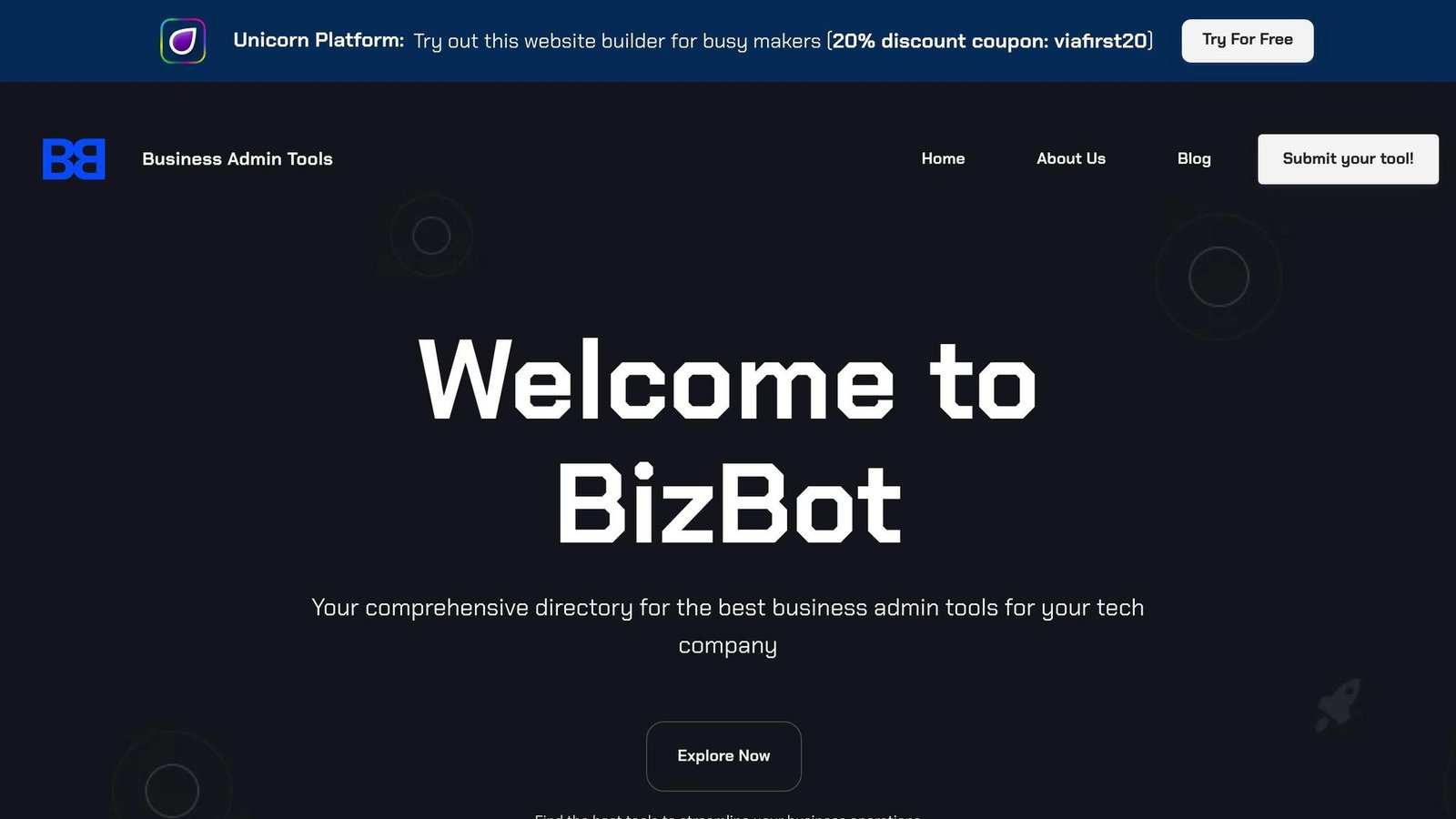
External directories like BizBot can simplify your integration process. Using BizBot’s resources can make software selection and expense management easier, strengthening your legal tech approach.
BizBot Tools Overview
BizBot’s platform is designed to help legal professionals find and evaluate tech solutions efficiently. Its offerings are grouped into categories such as:
- Legal Services: Tools for managing cases and improving legal workflows.
- Management Tools: Solutions for board management and shareholder register maintenance.
- Subscription Management: Features to track and manage software costs effectively.
These tools aim to help firms upgrade their tech infrastructure with ease.
BizBot Integration Help
BizBot provides a straightforward way for legal professionals to choose software that aligns with their needs. Here’s how it helps:
| Feature | How It Helps |
|---|---|
| Categorized Directory | Makes it easier to find the right legal tech tools. |
| Subscription Management | Keeps software expenses under control. |
The BizBot team also reviews user feedback to update and refine tool listings, ensuring compatibility with current systems.
BizBot Success Cases
By centralizing tech options, BizBot simplifies the process of selecting tools, evaluating vendors, and managing budgets. Their newsletter keeps firms updated on the newest tools and practices, ensuring legal professionals stay informed about the latest solutions.
Conclusion
Key Points Review
Integrating legal tech revolves around improving efficiency, managing costs, and enhancing services. A structured approach is essential to achieve these goals:
| Integration Focus | Key Actions | Expected Outcomes |
|---|---|---|
| System Analysis | Conduct technology audits, identify gaps | Smoother workflows |
| Security & Compliance | Implement data protection and access controls | Builds client confidence |
| Staff Enablement | Offer training and support programs | Better adoption rates |
These focus areas provide a solid foundation for a successful integration strategy. With these core elements in place, you can move forward with a clear plan.
Getting Started
Kick off your legal tech integration with these actionable steps:
- System Assessment: Review your current technology setup and pinpoint inefficiencies.
- Goal Definition: Establish clear, measurable targets for what you want to achieve.
- Resource Planning: Allocate a budget for software licenses, implementation, training, and ongoing maintenance.
- Implementation Strategy: Develop a phased rollout plan that prioritizes:
- Key systems
- Data security protocols
- Staff training
- Testing and troubleshooting
For tool selection and subscription management, consider using BizBot to simplify the process.
More on this topic
Browse all 39 articles on IT, Cloud & Integrations, or jump straight to our buying guide: Best Collaboration Tools for Small Teams.