Quick facts
| Best for | Support teams of roughly five agents up where support is a managed function with targets. |
|---|---|
| Category | Customer Support |
| Pricing from | USD 19 /agent /month paid yearly (Support Team) |
| Free plan | No |
| Free trial | 14 days |
| Team size | 11-50, 51-200, 200+ |
| Last verified | 18 August 2026 — how we verify |
Quick verdict
Consider it if: You expect to grow into more channels, brands, languages or compliance demands and want to avoid migrating again.
Look elsewhere if: You are two people answering a handful of emails a day, or want a shared inbox with no admin overhead.
Compiled from the vendor’s own documentation and pricing pages, checked on the date above. We have not tested this product hands-on. How we evaluate software.
Compare Zendesk with Freshdesk and Help Scout · Not sure what you need?
Zendesk is the best-known customer service platform for running support as tickets across email, chat, phone, messaging and social in one system. It has been around long enough to be the default reference point in the category, and its scope now stretches from a simple shared queue up to full contact centre operations with workforce management and AI agents. That range is both its strength and the thing that trips up small teams: you have to work out which slice of it you actually need.
What you can actually do with it
The ticket is the unit of work, and almost everything else is built around getting tickets to the right person quickly.
- Run every channel through one queue. Email, web forms, live chat and messaging, voice, and social channels all become tickets in the same agent workspace with full customer history attached.
- Route work with real rules. Triggers, automations and omnichannel routing assign tickets by topic, language, priority or agent skill, and higher tiers add AI-based triage that classifies incoming requests for you.
- Build a help centre. A hosted knowledge base and community forum let customers self-serve, and article content also feeds the AI agents that answer questions automatically.
- Deploy AI agents and agent copilots. Bots resolve routine questions end to end, while copilot features suggest replies, summarise threads and recommend next steps to human agents.
- Extend it heavily. A large marketplace of apps plus a well-documented API mean Zendesk usually connects to whatever CRM, ecommerce or billing system you already run.
- Manage a support operation, not just a queue. Workforce management, scheduling and quality assurance are available for teams that need forecasting and agent coaching.
- Report in depth. Built-in analytics cover volume, SLA performance, channel mix, agent productivity and satisfaction, with custom dashboards for teams that want their own cuts.
Who it fits best
Zendesk fits support teams from around five agents upwards where support is a defined function with a manager, targets and multiple channels. Ecommerce brands, established software companies and any business where support volume is high enough that routing and reporting genuinely matter are the natural users.
It is also a sensible choice when you know you will grow into complexity — more languages, more brands, more channels, tighter compliance requirements — and would rather not migrate again in two years. A two-person team answering a handful of emails a day will find it more system than the job requires.
Things worth knowing before you commit
- Seat-based pricing with meaningful tier jumps. Costs are per agent per month, and the gap between the basic support plan and the full suite is large, so mapping features to tiers before you buy is essential.
- Add-ons stack up. Copilot, workforce engagement and contact centre capability are priced separately on top of seats, and automated AI resolutions can be metered beyond plan allowances.
- It needs an owner. Triggers, automations, views and forms grow messy without someone maintaining them. Larger deployments effectively require a part-time admin.
- Contracts tend to be annual. Discounts are tied to annual commitments, which means less flexibility if your headcount fluctuates seasonally.
- The default tone is formal. Out of the box, customers get ticket numbers and templated replies. Making it feel personal is a configuration and copywriting job.
Alternatives to compare it against
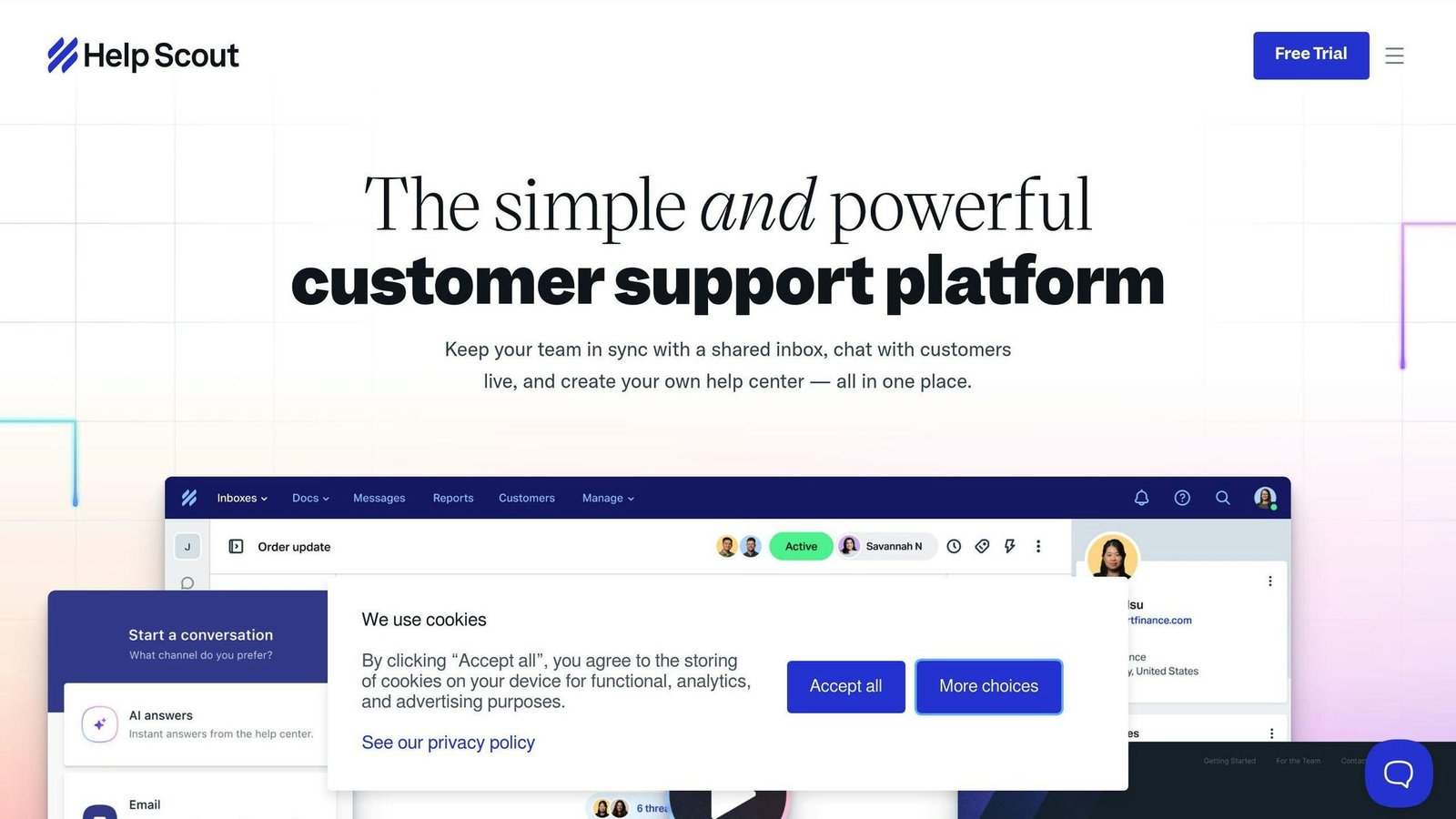
Freshdesk is the closest like-for-like comparison and often cheaper for equivalent functionality, though with a smaller app ecosystem. Help Scout is the better pick if you want a shared inbox with a human, non-ticket feel and minimal admin. Intercom suits software companies where in-product messaging and onboarding matter as much as support. If you already run Salesforce or Microsoft Dynamics, check their service modules first — consolidating on an existing platform sometimes beats the better standalone product. And for internal IT rather than customer support, look at dedicated ITSM tools instead.
Plan structures, add-on pricing and feature placement change frequently. Check Zendesk’s own pricing page for current details before you commit.
Further reading
- HubSpot CRM vs Zendesk: Which Customer Support Platform Delivers More Value? — a head-to-head against the CRM-suite option you should check before buying seats.
- Automated Ticketing Systems: 2024 Guide — grounding in the triggers, routing and SLA design that Zendesk deployments live or die by.
- How to Automate Customer Support with Knowledge Bases — explains how help centre content feeds the AI agents and cuts metered resolutions.
- 10 Best Customer Support Tools for E-Commerce — context for ecommerce brands weighing Zendesk against lighter options.
Have you used Zendesk?
One sentence is enough. Would you pick it again, and why or why not? We publish the critical reviews too — that is the point.