Disclosure: This page contains commercial links. BizBot may earn a commission from qualifying purchases. Paid placements do not buy a better ranking. Read our affiliate disclosure.
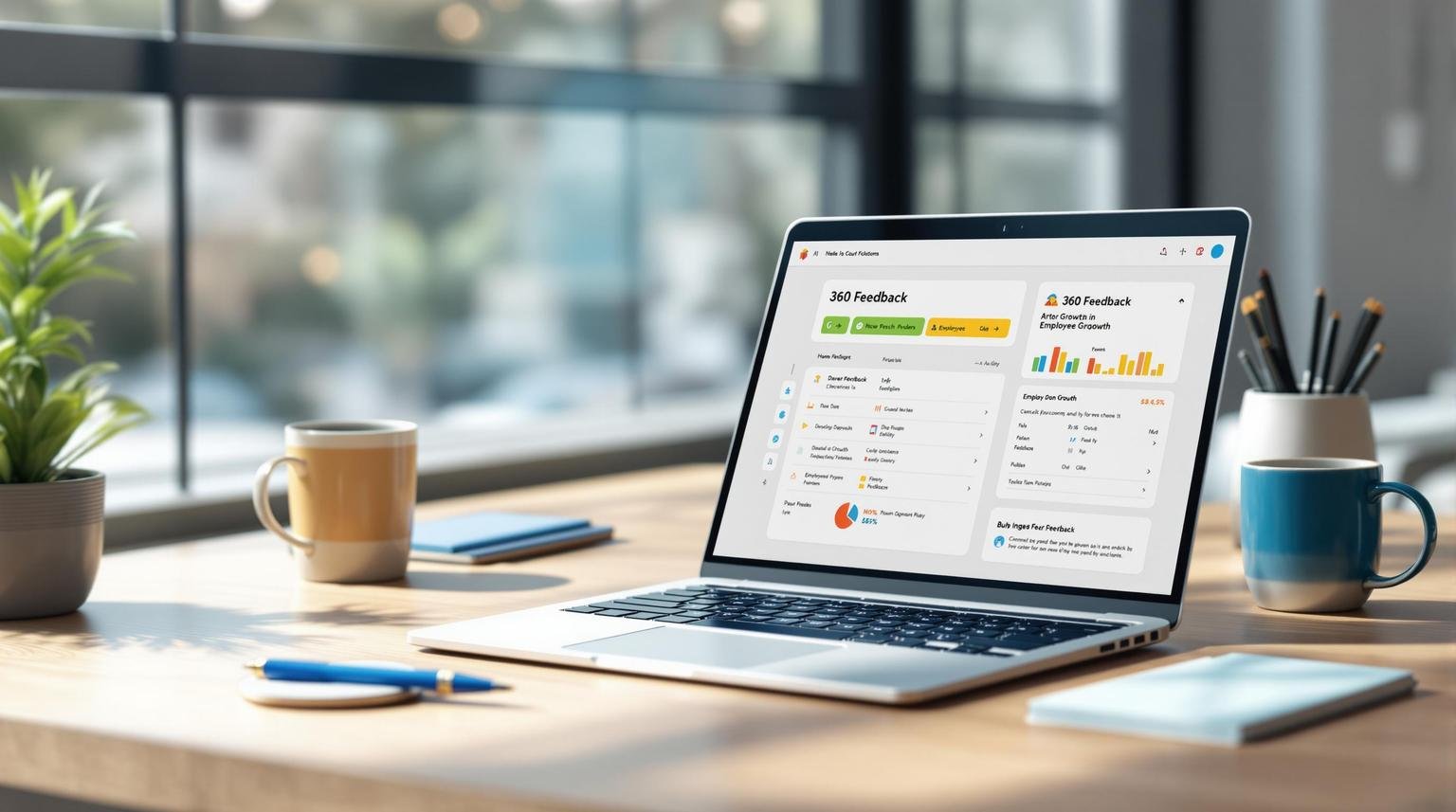
Looking for the perfect 360 feedback software? Here’s what you need to know upfront:
- Customizable Feedback Forms: Tools with question libraries, role-specific templates, and multilingual support.
- Anonymous Feedback Features: Privacy tools like identity protection and response thresholds to encourage honest input.
- Reports & Analysis: Visual dashboards, progress tracking, and skills gap analysis for actionable insights.
- HR Integrations: Real-time sync with HR systems for seamless data updates.
- Ease of Use: Simple admin controls and user-friendly interfaces for smooth setup and management.
- Robust Security: Compliance with GDPR/CCPA, encryption, and role-based access for data protection.
- Support & Training: Access to setup help, technical support, and resource libraries for long-term success.
Pro tip: Start by listing your must-have features, integration needs, and support expectations. Then, schedule demos to see how each platform meets these criteria. Ready to choose? Let’s dive in!
Must-Have Features
These features are crucial for running an effective 360 feedback process. When choosing 360 feedback software, focus on tools that help gather meaningful insights.
Custom Feedback Forms
Your feedback forms should align with your company’s needs. Look for software that includes:
- Question Libraries: Ready-made, editable question templates.
- Multiple Question Types: Options for different response formats, such as:
- Rating scales (e.g., 1-5, 1-10)
- Multiple-choice questions
- Open-ended responses
- Competency-based evaluations
- Role-Specific Templates: Forms designed for specific roles or departments.
- Multilingual Support: Essential for teams spread across different regions.
Equally important is ensuring that respondents feel secure when sharing their feedback.
Anonymous Feedback Tools
Privacy features encourage honest and open responses. Look for tools that offer:
- Identity Protection: Systems that keep respondent details confidential while preserving data accuracy.
- Response Thresholds: Minimum participation requirements to maintain anonymity.
- Configurable Visibility: Controls to decide who can access specific feedback details.
- Automated Aggregation: Features that combine responses to prevent identifying individuals.
Once the data is collected, strong reporting and analysis tools are necessary to make sense of it.
Reports and Data Analysis
| Feature | Purpose | Benefit |
|---|---|---|
| Visual Dashboards | Highlight feedback trends and patterns | Quickly spot areas for growth |
| Comparison Reports | Show progress over time | Evaluate improvement and growth |
| Skills Gap Analysis | Pinpoint areas needing development | Guide training efforts |
| Custom Filters | Break down data by role, department, etc. | Gain focused insights |
These reports should help you visualize:
- Performance Trends: Track how feedback evolves over time.
- Competency Ratings: Understand strengths and areas for improvement.
- Team Dynamics: See how teams collaborate and perform collectively.
System Connections
360 feedback software needs to work effortlessly with HR systems to keep data accurate and workflows smooth.
HR Software Links
Look for integrations that keep employee data up to date automatically.
- Employee Data Updates include:
- Reporting relationships
- Department structures
- Job titles and roles
- Employee contact details
| Integration Type | Purpose | Key Benefit |
|---|---|---|
| Real-time Sync | Instant updates across systems | Cuts out manual data entry |
| Scheduled Sync | Automated updates at set times | Keeps data consistent |
| Manual Import | Choose when to transfer data | Allows review before updates |
Strong HR integrations are the backbone of reliable system connectivity.
Data Handling Options
Make sure feedback data is easy to access and use.
- Export Options
- CSV/Excel for detailed analysis
- PDF reports for sharing and presentations
- API access for custom integrations
- Single Sign-On (SSO)
- Simplifies login, reducing password overload
- Boosts security measures
- Data Migration Tools
- Import historical data, bulk uploads, and validate entries
These connections ensure your organization can efficiently gather, analyze, and act on feedback, making the process seamless and effective.
Ease of Use
A simple and clear interface makes it easier for both administrators and employees to get started quickly. Clean design encourages more user engagement while supporting effective feedback management.
Admin Controls
The admin dashboard includes straightforward tools for setting up questions, automating reminders, managing participant groups, and generating reports. Everything is designed to keep the process smooth and hassle-free.
Access Options
The software works across various platforms, offering a consistent and easy-to-use interface. This ensures users can provide feedback or conduct in-depth reviews without any confusion.
Security Standards
Effective security measures are essential for protecting sensitive 360-degree feedback data. Systems need to maintain a balance between safeguarding information and ensuring user accessibility.
Privacy Rules
Privacy regulations dictate how organizations handle feedback data. Adhering to frameworks like GDPR (General Data Protection Regulation) and CCPA (California Consumer Privacy Act) is a must for keeping participant information secure. Key practices include:
- Consent Management: Ensure participants provide clear consent before data collection.
- Data Access Rights: Allow users to view, update, or delete their personal data.
- Geographic Restrictions: Restrict data storage to approved regions.
- Retention Policies: Automatically delete outdated data based on predefined timelines.
These practices work best when combined with strong data protection protocols.
Data Protection
Keeping feedback data secure requires robust measures throughout its lifecycle. Key components include:
- Encryption Standards: Use TLS 1.3 for encrypting data in transit and secure encryption for data at rest, with proper key management.
- Access Management: Apply role-based permissions, multi-factor authentication, session timeouts, and IP-based restrictions to control access.
- Audit Capabilities: Keep detailed activity logs, perform regular security reviews, and monitor access attempts.
A strong security framework ensures data stays confidential while allowing the system to function efficiently. Regular updates and monitoring are critical to staying ahead of new threats.
Platforms should also offer clear documentation of their security certifications and compliance. Transparency helps organizations confirm that their feedback data is handled securely throughout the review process.
Help and Training
Support resources play a key role in getting the most out of 360-degree feedback software, from smooth setup to long-term success.
Setup Help
Getting the software up and running correctly is essential. Look for providers that offer:
- Implementation Planning: Customized onboarding and rollout guidance.
- Configuration Support: Help with technical settings, creating forms, and setting up workflows.
- Resource Library: Access to setup guides, best practices, video tutorials, templates, and FAQs.
A mix of self-service resources and direct support ensures your team can learn in the way that works best for them.
Technical Support
Strong technical support reduces headaches and keeps things running smoothly. When assessing support options, look for:
- Multiple Channels: Options like live chat, email, phone, and emergency assistance.
- Quick Response Times: Guaranteed timelines that fit your operational needs.
- Expert Staff: Support teams with HR and feedback system expertise.
- Knowledge Base: A searchable database for common issues and solutions.
- Clear Communication: Timely updates on maintenance, disruptions, or new features.
Choosing a provider with flexible and responsive support ensures you’ll have help when you need it as your program expands.
Next Steps
You’ve explored the key features of 360-degree feedback software – now it’s time to move forward and find the right fit for your needs.
Start by outlining your requirements in these areas:
- Technical Needs: Identify essential features, integration capabilities, and security protocols.
- User Base: Determine the number of administrators and participants who will use the system.
- Support Expectations: Specify the level of technical support and availability you’ll require.
- Timeline: Establish clear deadlines for setup, rollout, and full adoption.
To narrow down your options, consider using tools like BizBot. BizBot offers a curated directory of user-friendly software options for businesses of all sizes, from small teams to expanding organizations.
Before committing to a solution, schedule in-depth demos with your top choices. Pay close attention to:
- How feedback forms are created and distributed.
- Reporting features and data visualization tools.
- Security measures and compliance options.
- The usability of the admin interface and user management features.
Bring your requirements document to these demos to ensure the software meets all your critical needs.
More on this topic
Browse all 52 articles on HR & People Ops.