Multilingual survey tools are now essential for businesses operating globally. If a large share of your customers answer more confidently in their own language, single-language feedback quietly biases your results. This article previously opened with two widely repeated statistics about global English fluency and the cost of poor data; neither could be traced to a primary source, so both have been removed. Modern platforms simplify multilingual surveys with automated translations, browser language detection, and support for Right-to-Left (RTL) scripts like Arabic.
Here are seven tools worth comparing. Every price below was checked against the vendor’s own pricing page in August 2026. Two of the seven publish no rates at all, and several charge per user with a seat minimum – so the headline number is rarely what you actually pay. Confirm before budgeting.
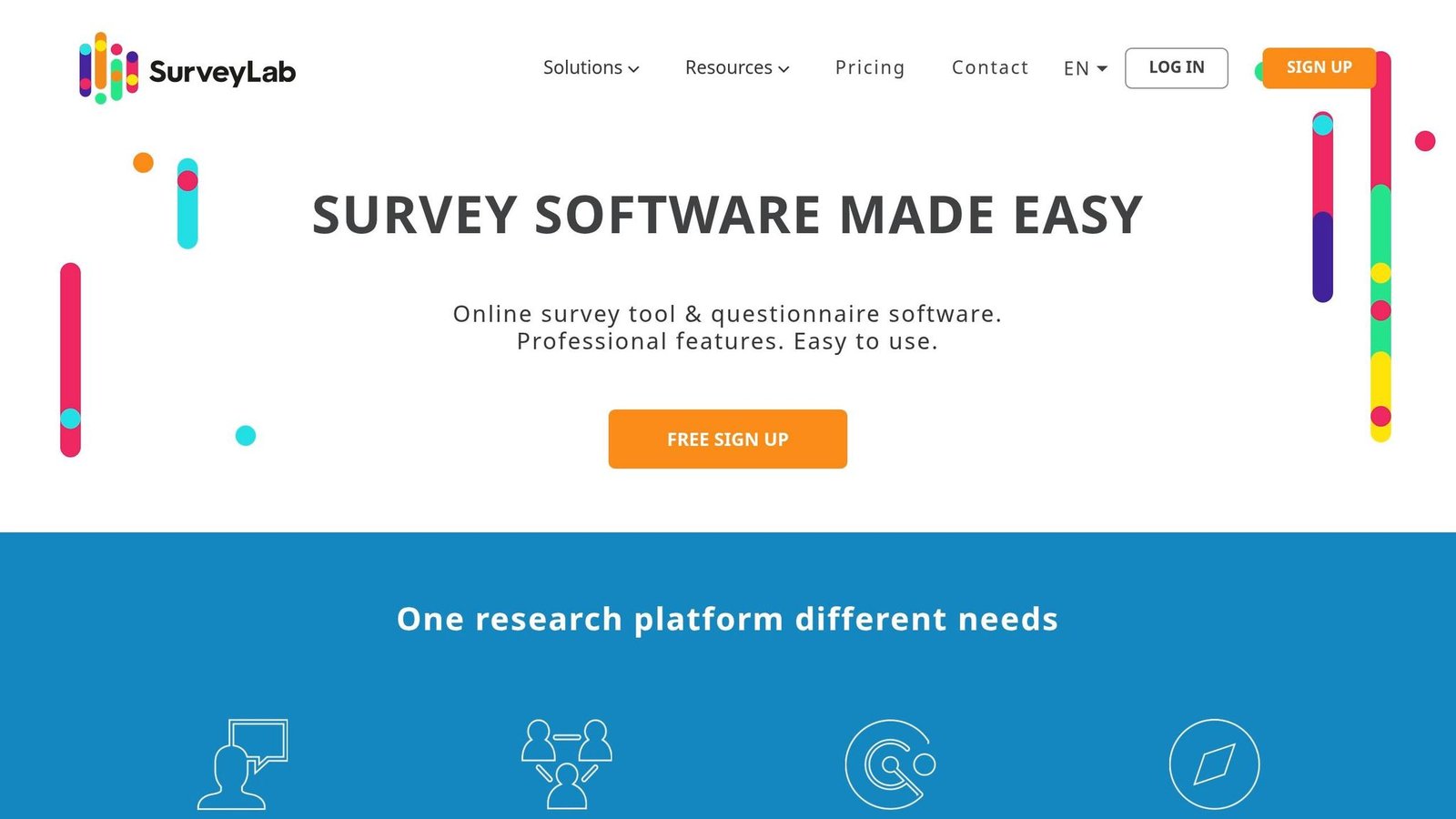
- SurveyLab: Broad language support, AI translations, and multilingual reports. Plans from $49/month, but multilanguage surveys are listed on the Advanced plan at $99/month.
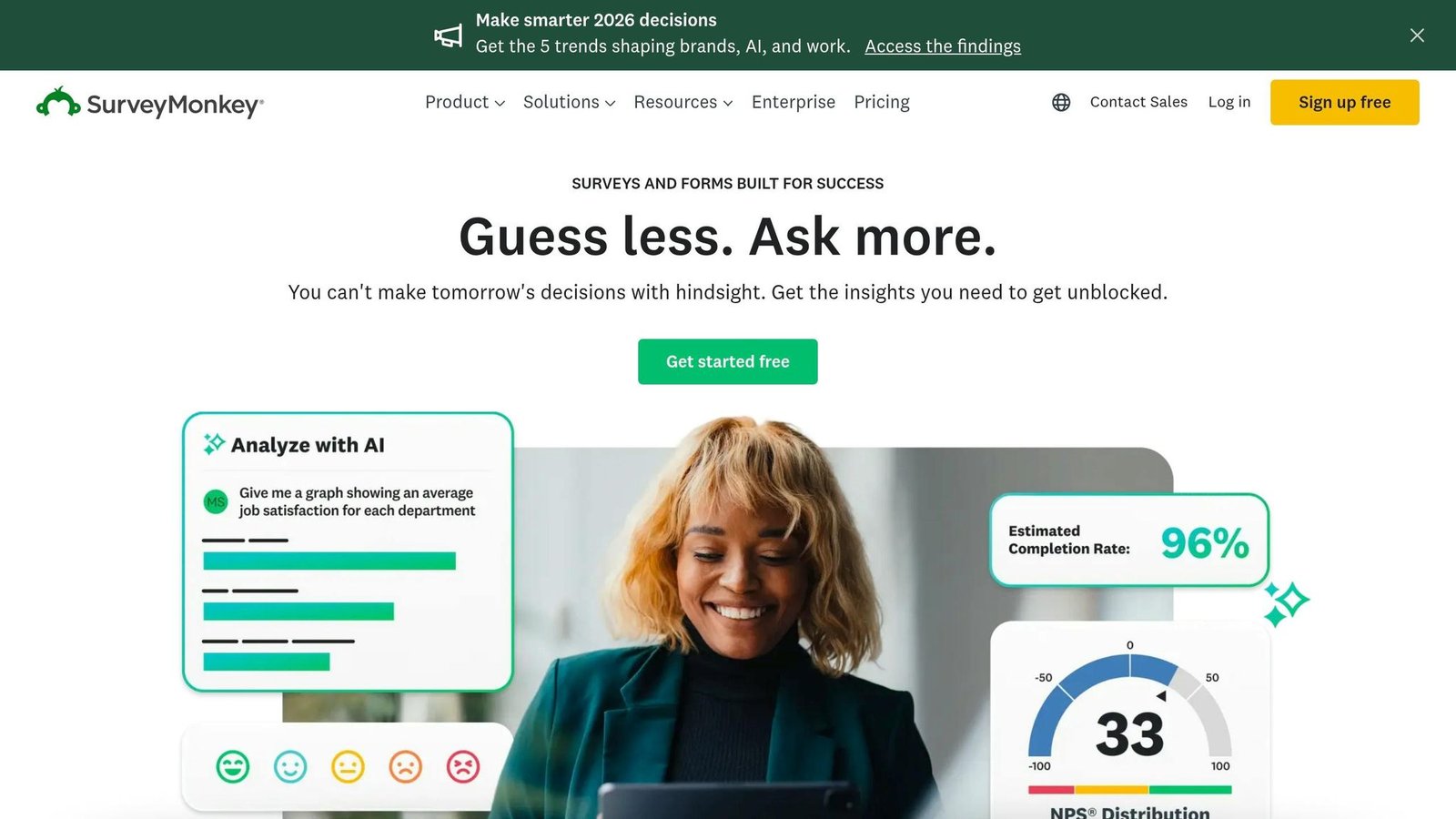
- SurveyMonkey: Global panels and integrations with 200+ apps. Team Advantage is $30 per user per month, billed annually, with a three-user minimum.
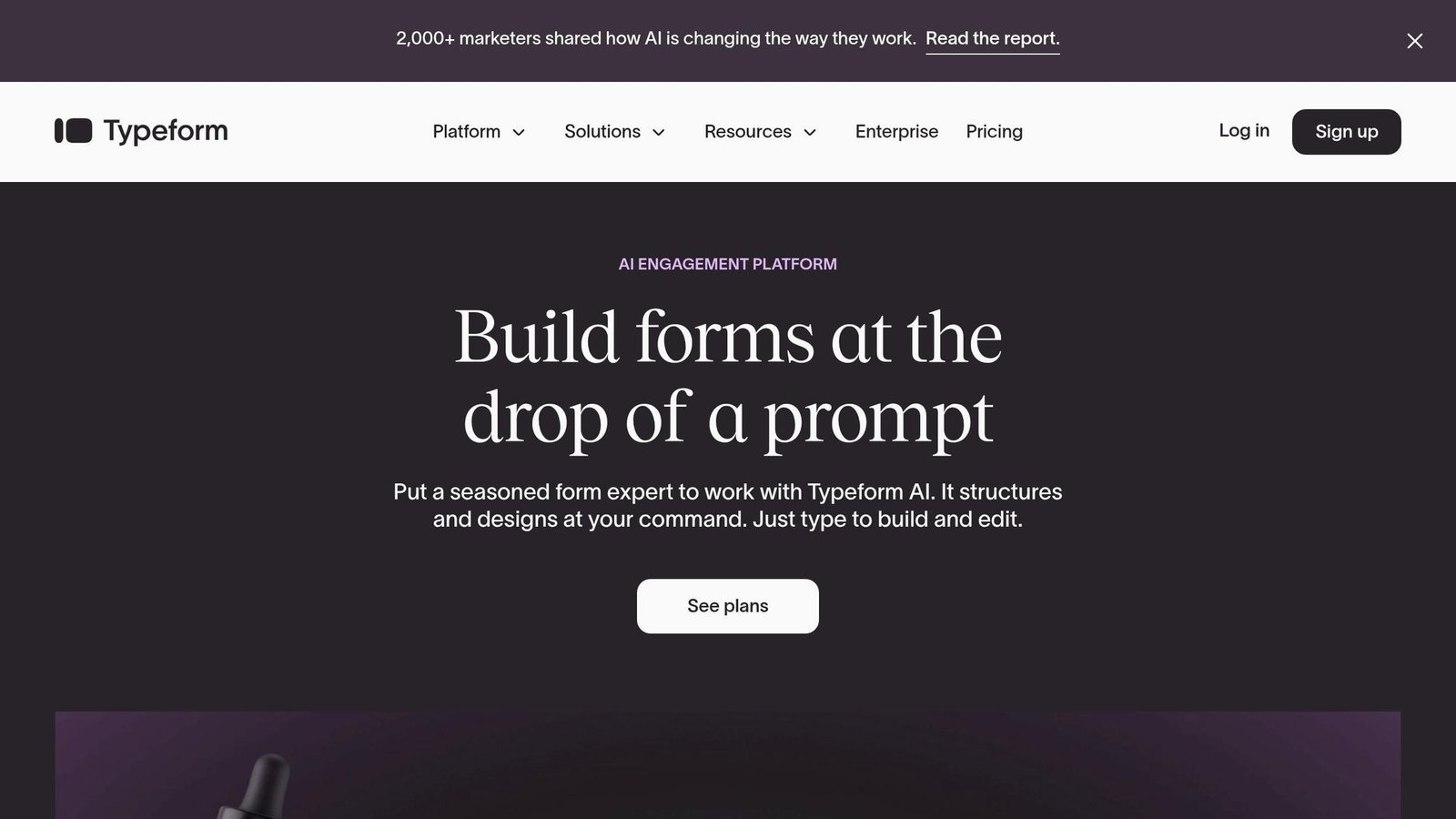
- Typeform: Conversational surveys. Translation requires the Business plan at $99/month monthly, or $83/month billed annually.
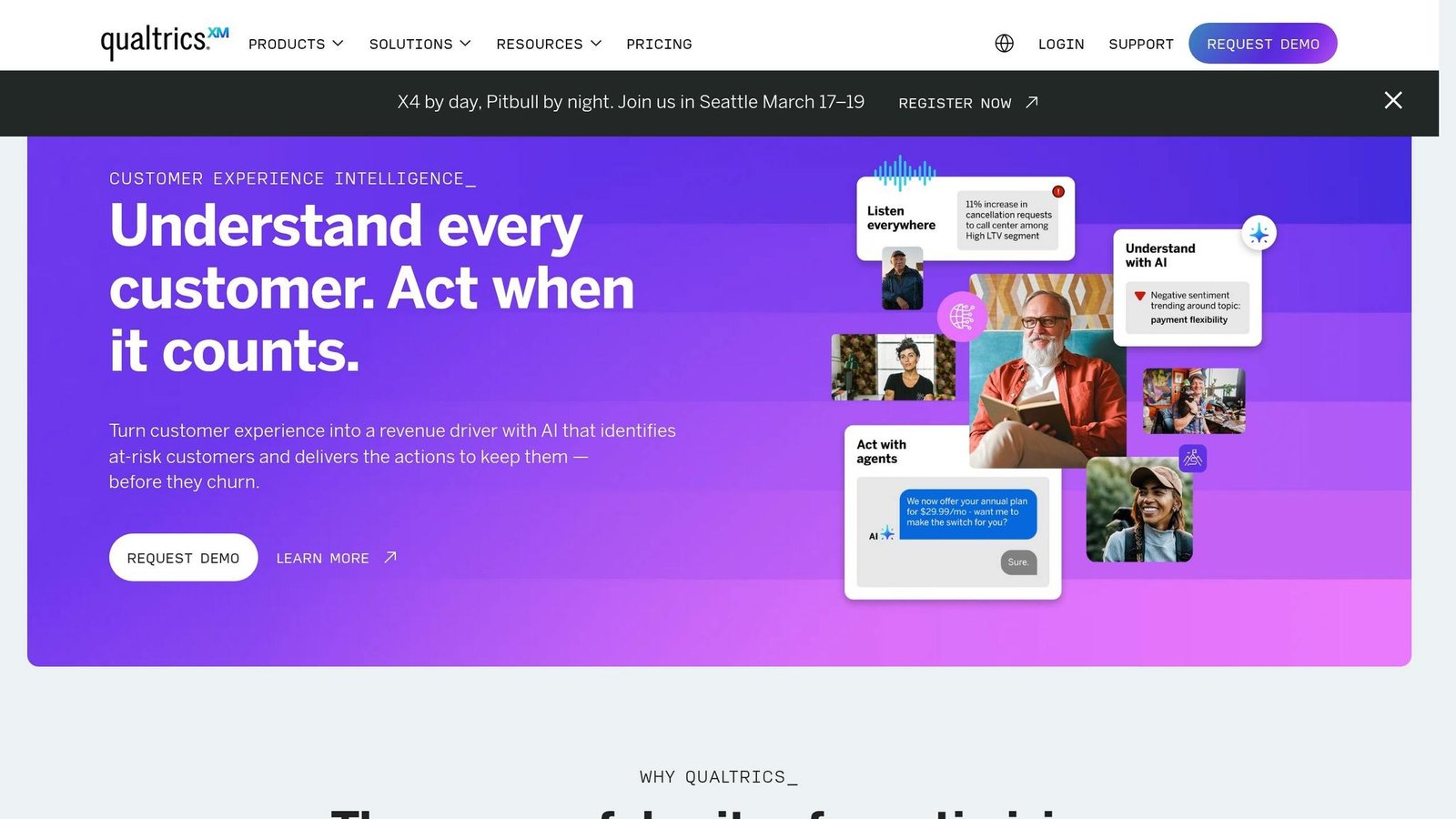
- Qualtrics: Enterprise-grade analytics and distribution. Publishes no prices; billed on planned usage.
- Zoho Survey: Survey translation into 90+ languages, including RTL. Does not publish USD rates on its pricing page.
- QuestionPro: Excel-based translation workflow. Advanced is $99 per user per month, billed annually.
- SurveySparrow: 130+ languages with auto-detection. Translation starts on the Starter plan; prices are not published.
Quick Comparison:
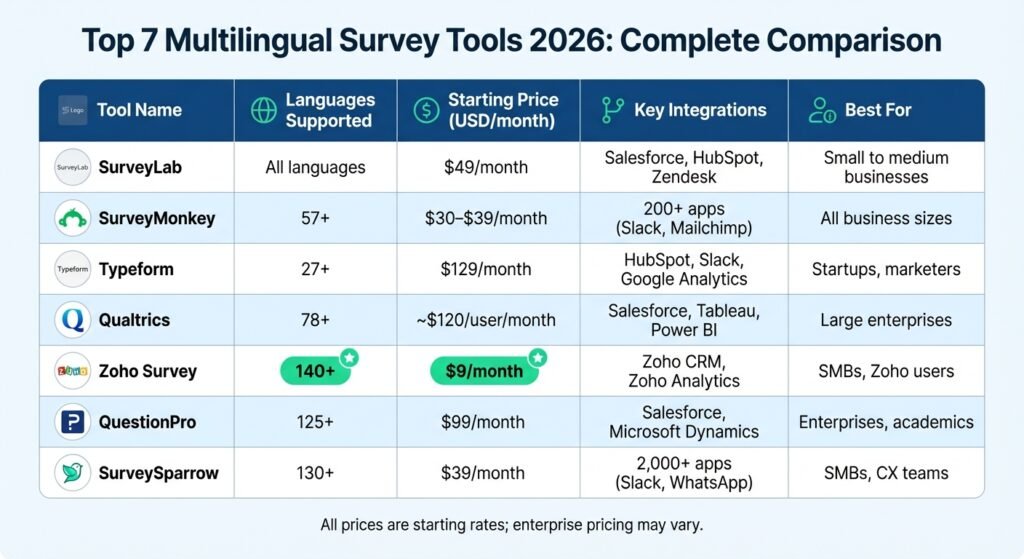
| Tool | Language Support | Published Price (USD) | Key Integrations | Best For |
|---|---|---|---|---|
| SurveyLab | Broad, incl. RTL | $49/mo Starter; multilanguage on Advanced $99/mo | Salesforce, HubSpot, Zendesk | Small to medium businesses |
| SurveyMonkey | Multiple, incl. RTL | $30 per user/mo annually, 3-user minimum | 200+ apps (e.g., Slack, Mailchimp) | All business sizes |
| Typeform | Multiple | Basic $29/mo; translation needs Business $99/mo | HubSpot, Slack, Google Analytics | Startups, marketers |
| Qualtrics | Extensive, incl. custom dialects | Not published | Salesforce, Tableau, Power BI | Large enterprises |
| Zoho Survey | Builder in 26+; surveys to 90+ | Not published on pricing page | Zoho CRM, Zoho Analytics | SMBs, Zoho users |
| QuestionPro | Multiple, incl. RTL | Free Essentials; Advanced $99 per user/mo annually | Salesforce, Microsoft Dynamics | Enterprises, academics |
| SurveySparrow | 130+ | Not published | 2,000+ apps (e.g., Slack, WhatsApp) | SMBs, CX teams |
These tools simplify global feedback collection, consolidate multilingual responses, and integrate with CRMs. Choose based on your budget, language needs, and existing tools.
Multilingual Survey Tools Comparison: Features, Pricing & Language Support 2026
1. SurveyLab
Multilingual Capabilities
SurveyLab works with a wide range of languages, including right-to-left scripts like Hebrew and Arabic. It automatically detects the user’s browser language and adjusts the interface accordingly. The platform’s AI-driven translation tool can translate an entire survey quickly, but a manual review is still worth doing. SurveyLab also generates multilingual reports, so you can analyse results in the languages used during collection.
Pricing
SurveyLab publishes four tiers: Starter at $49/month, Advanced at $99/month, Professional at $249/month, and a custom-priced Enterprise plan for unlimited responses. Paying annually saves 20%. There is a 14-day free trial, after which the account drops to a free plan capped at 50 responses.
One point worth being clear about, because it changes the real entry cost: multilanguage surveys are listed as an Advanced feature, so the practical starting price for multilingual work is $99/month, not $49. An earlier version of this article claimed the Starter plan included one multilingual survey; that is not stated on the vendor’s pricing page and has been removed.
Integrations
SurveyLab offers direct integrations with tools like Salesforce, Intercom, Zendesk, LiveChat, Google Analytics, HubSpot, and Zapier. Through Zapier, users can connect with thousands of additional apps, including Slack, Trello, Google Sheets, and Gmail.
Suitability
SurveyLab serves everyone from solo professionals to large multinational corporations, and supports surveys across PCs, tablets, smartphones, SMS, and QR codes. Precise user counts, survey volumes, uptime percentages and review scores previously quoted in this section could not be verified against a current source and have been removed. Up next, a closer look at SurveyMonkey.
2. SurveyMonkey
Multilingual Capabilities
SurveyMonkey supports multilingual surveys, and it is a manual-ish workflow: the platform automatically translates default elements like navigation buttons, help text, and error messages, but you handle translations for survey-specific content such as titles, questions, and answer options. Add your languages, download the files, translate them, and reupload. For languages like Arabic, Hebrew, and Persian, SurveyMonkey supports Right-to-Left (RTL) text orientation. All responses, regardless of language, are consolidated into a single dataset.
Pricing
This is where the headline number misleads. SurveyMonkey’s team plans are priced per user, billed annually, with a three-user minimum: Team Advantage at $30 per user per month and Team Premier at $92 per user per month. At the minimum seat count that is $90 and $276 a month respectively, not $30. Enterprise is custom-priced and adds SSO and HIPAA compliance.
There is a free Basic plan, and paid plans carry an overage fee of $0.15 per additional response above your plan’s limit. Multilingual survey capabilities are only available on paid plans.
Integrations
SurveyMonkey integrates with over 200 apps natively, including Slack, HubSpot, Mailchimp, Microsoft Teams, and Google Drive, with thousands more available through Zapier. Enterprise users get integrations with Salesforce, Marketo, Microsoft Power BI, and Tableau. These enable automation such as triggering a detractor alert in Salesforce when a customer gives a low NPS score.
Suitability
SurveyMonkey suits businesses of all sizes and offers access to a large global respondent panel. A customer NPS case study and the organisation and panel-size figures previously quoted here could not be sourced and have been removed. SurveyMonkey is a reasonable default if you need strong CRM integration and are handling large volumes of multilingual feedback – just price it on seats, not on the advertised per-user rate.
3. Typeform
Multilingual Capabilities
Typeform lets you create a single form that adapts to multiple languages, so you don’t build separate versions. You have two translation options: “Translate with AI” or a manual method where you download a CSV template, enter translations, and upload it back. The AI translation works best on shorter forms.
The platform automatically detects the respondent’s browser language. Alternatively, respondents can pick their language from a banner. To lock a form to one language – for a localized landing page, say – add a typeform-langparameter to the URL (e.g., ?typeform-lang=esfor Spanish). Finalize the primary text before adding translations, or you will be re-translating. For close-ended questions, responses are saved in the form’s main language, while open-ended responses stay in the respondent’s language.
Pricing
Typeform’s published tiers are Basic at $29/month ($25 billed annually), Plus at $59/month ($50 annually), Business at $99/month ($83 annually), Talent at $169/month ($119 annually), and Growth Flow at $349/month ($266 annually). Enterprise is custom-priced.
Translation requires the Business plan or above, which puts the real entry point for multilingual forms at $99/month, or $83/month on annual billing. Earlier versions of this article quoted a $129 Business plan and a “Growth Pro” tier at $379; neither exists on Typeform’s pricing page and both have been corrected.
Integrations
Typeform integrates with CRM platforms including HubSpot, Pipedrive, and Salesforce, and marketing tools such as Mailchimp, Google Analytics, Google Tag Manager, and Meta (Facebook) Pixel. Zapier connects it to many more. These allow automated lead scoring, routing, and follow-ups, with data syncing in real time rather than by manual export.
Suitability
Typeform suits mid-sized businesses and enterprises that care about branding and interactive form design. It is commonly used for NPS surveys, market research, and employee feedback. Customer quotations and the adoption and data-volume percentages previously in this section could not be verified and have been removed. Up next: Qualtrics.
4. Qualtrics
Multilingual Capabilities
Qualtrics supports a large set of survey languages plus unlimited custom language options for specific dialects. Surveys can be translated manually, through machine translation using Google Translate or Amazon Translate APIs, or via paid professional translation services.
All translations live within a single survey, so respondent data flows into one dataset. The platform can detect a participant’s language from browser settings, or you can set it via contact lists or URL parameters (e.g., adding ?Q_Language=FRfor French). The system records the language each respondent used in a Q_Languagefield, which makes filtering and reporting by language straightforward.
Pricing
Qualtrics does not publish prices. Its pricing page describes a usage-based model in which you pay for planned usage measured by things like interactions and employee count, and directs you to sales for a quote. Figures around $120 per user per month and $420 per month appeared in earlier versions of this article; they are not published by the vendor and could not be sourced, so they have been removed rather than repeated. Assume a negotiated annual contract, and budget for professional translation separately if you need it – machine translation is included, human translation is not.
Integrations
Qualtrics integrates with business administration tools for CRM and analytics such as Salesforce, Zendesk, Tableau, and Microsoft Power BI, and supports distribution over SMS, social media, and offline apps. It can consolidate data from online reviews, calls, chats, and social mentions into one hub.
Suitability
Qualtrics is built for enterprises with large, multi-channel feedback programmes and complex survey logic. Brand counts, annual survey volumes and market-share percentages previously quoted here were not traceable to a source and have been removed. For a small business, the honest answer is that Qualtrics is almost certainly more platform than you need.
5. Zoho Survey
Multilingual Capabilities
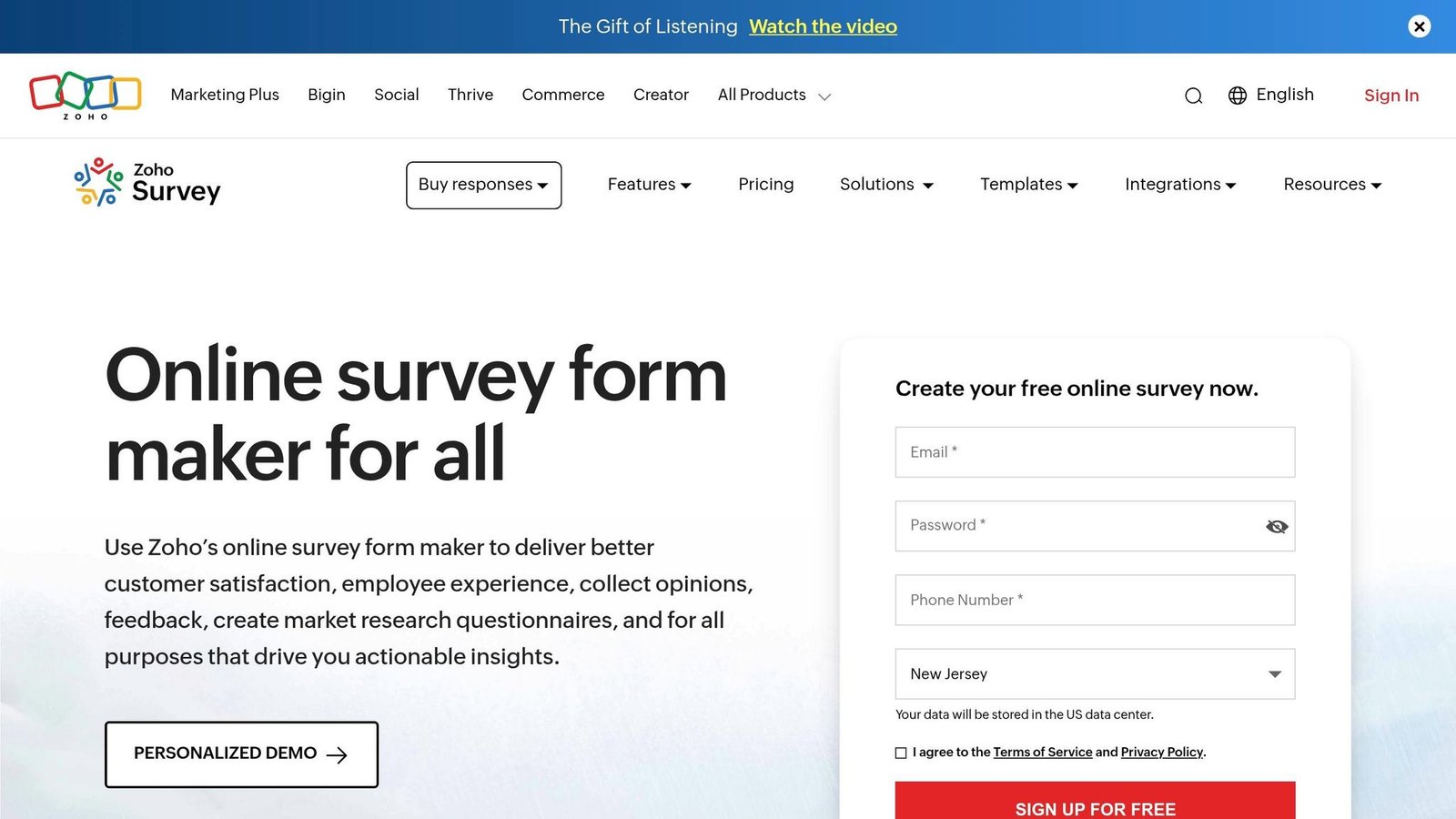
Zoho Survey’s builder interface is available in 26+ languages, and surveys themselves can be translated into 90+ languages. An earlier version of this article claimed support for over 140 languages; the vendor’s own figure is 90+, and that is what we now quote. Built-in translation tools handle a whole survey in a few clicks. Respondents can pick their language at the start, and you can switch the primary language while a survey is live.
The platform handles complex character sets and right-to-left (RTL) scripts, including Arabic, Hebrew, Persian, Dari, Pashto, and Urdu.
Pricing
Zoho Survey lists five plans – Free, Basic, Plus, Pro and Enterprise – but its pricing page did not display USD amounts when we checked in August 2026, showing only a “save up to 35%” annual discount. The specific monthly figures this article previously carried could not be confirmed, so they have been removed. Get a current quote from the vendor.
The Free plan is genuinely usable for testing: unlimited surveys and collectors, capped at 10 questions per survey and 100 responses a month, one user, 250 templates, and export to PDF, XLS and CSV. Multilingual features are included in paid plans at no extra charge.
Integrations
Zoho Survey integrates natively with Zoho CRM, syncing responses to customer records. It also connects to third-party tools like Zendesk, Eventbrite, and Shopify, and to Zoho Analytics for deeper analysis than the survey tool alone offers.
Suitability
Zoho Survey suits businesses of all sizes and typical use cases: CSAT, NPS tracking, employee engagement, and market research. Companies already inside the Zoho ecosystem get the most from it, since the CRM integration is native rather than bolted on. Aggregate review scores previously quoted here have been removed as unsourced.
6. QuestionPro
Multilingual Capabilities
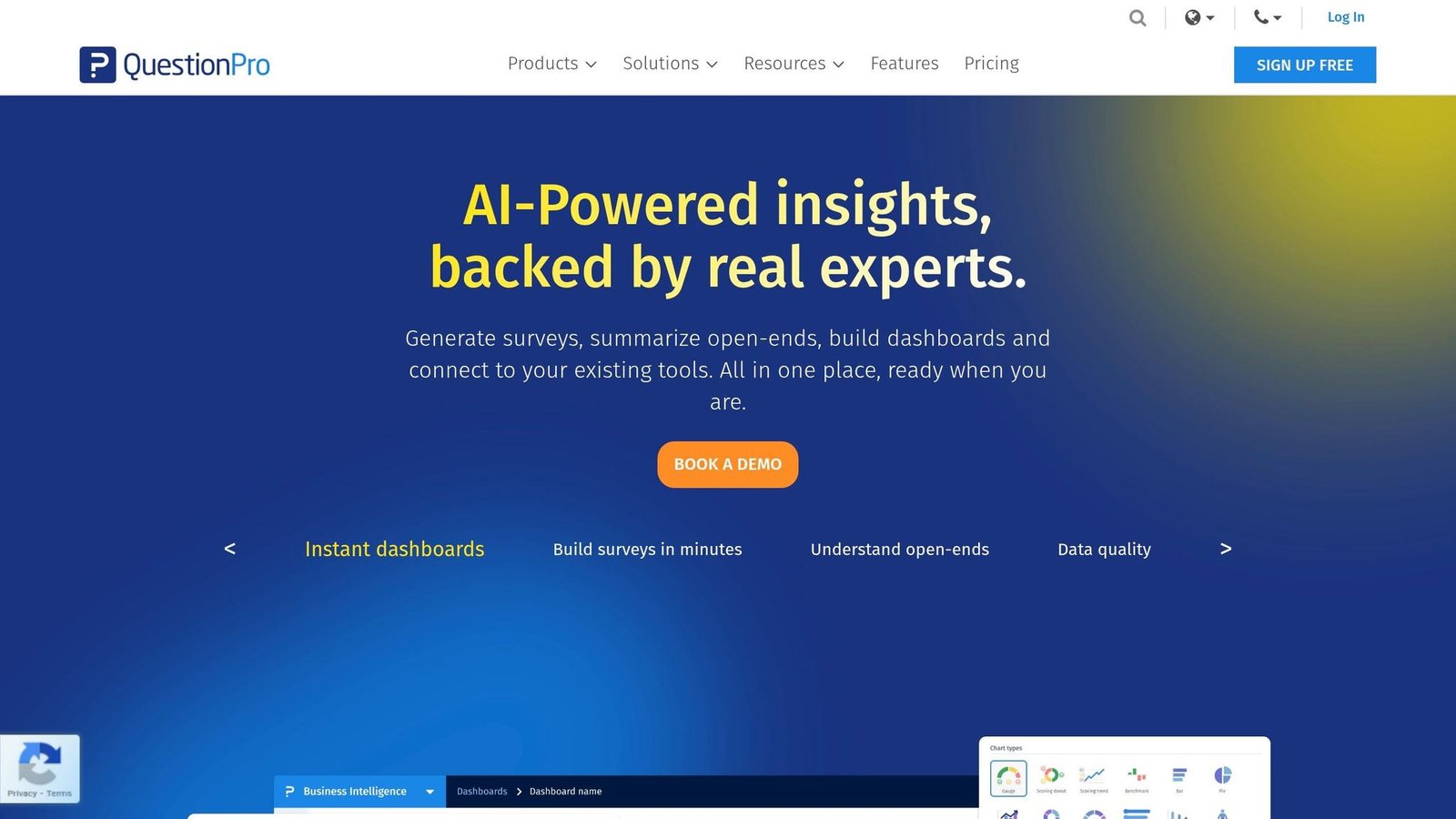
QuestionPro supports surveys in a wide range of languages, with a built-in translation editor and automatic translation through Google Translate. Users can import and export translations using Excel (.xlsx) templates – for a complex survey, download a file containing your questions and answer choices, add translations in the file, and reupload. This is the most practical workflow here if a professional translator is doing the work offline.
Right-to-Left (RTL) languages like Arabic and Hebrew are handled properly: the system adjusts layouts, buttons, and text entry boxes. Respondents can choose their language through a screener question at the start or a per-page toggle. For email distribution, uploading a contact list with a language column shows each recipient the right version automatically.
Pricing
QuestionPro publishes four tiers. Essentials is free for life and includes 1 user, 200 responses per survey, 30 question types, logic, integrations and 24/7 chat and email support. Advanced is $99 per user per month, billed annually – note the per-user unit, which an earlier version of this article dropped. Team Edition is $83 per user per month, billed annually with a five-user minimum, so roughly $415 a month at the floor. Research Suite is custom-priced with a ten-user minimum. Annual response allowances quoted previously could not be confirmed and have been removed.
Integrations
QuestionPro integrates with CRM platforms including Salesforce, Microsoft Dynamics, HubSpot, Copper CRM, and Freshsales CRM, marketing automation tools such as Marketo, and analysis platforms like Tableau, Power BI, Google Sheets, and NVivo.
Suitability
QuestionPro spans individual researchers to large enterprises, covering market research, customer experience, employee engagement, and academic studies. User counts, review scores and template totals previously cited here have been removed as unsourced. It does publish compliance credentials, which matter for academic and regulated work – verify the current certifications directly with the vendor rather than trusting a third-party list.
Next, SurveySparrow.
7. SurveySparrow
Multilingual Capabilities
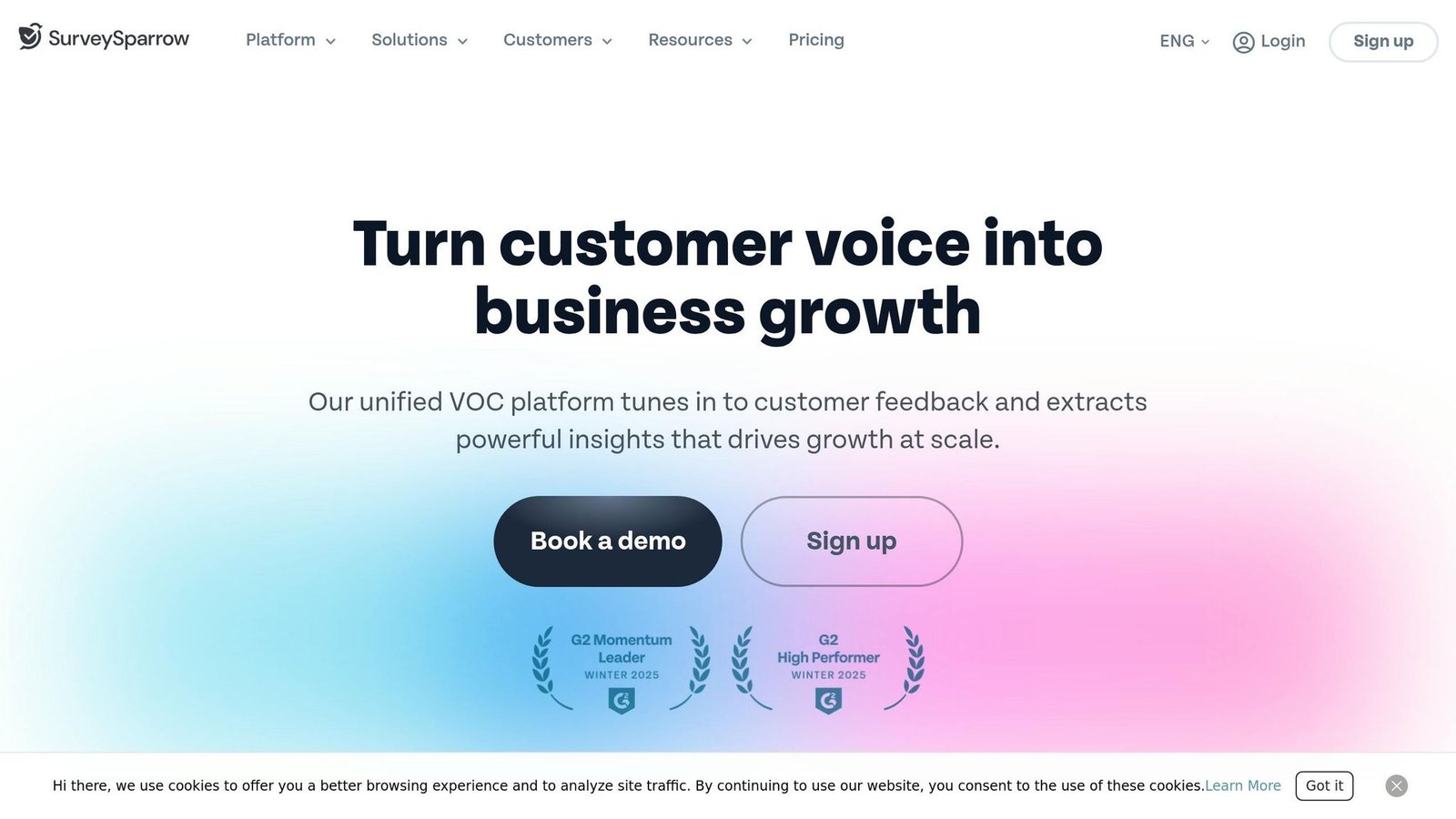
SurveySparrow supports 130+ languages. It includes one-click translations powered by Google Translate, alongside a Translation Editor for manually refining questions, buttons, and hints. Auto-translation across all 130+ languages is an Enterprise-tier feature.
The platform detects browser language settings automatically and also offers a dropdown for manual selection. Survey questions can be exported to Excel for translation and re-uploaded via CSV. It handles right-to-left (RTL) languages like Arabic and Hebrew, and consolidates responses in a single dashboard.
Pricing
SurveySparrow does not display prices for its Free, Basic, Starter and Business plans on its pricing page – it asks you to start a trial or contact sales. The monthly figures this article previously listed could not be confirmed and have been removed. What the page does confirm is which tier you need: survey translation begins on the Starter plan, so the Basic tier will not do multilingual work.
Integrations
SurveySparrow connects with over 2,000 apps, including CRM systems like Salesforce, HubSpot, Zendesk, and Intercom, marketing tools such as Mailchimp and ActiveCampaign, and collaboration platforms like Slack and Microsoft Teams. You can import contact lists and build workflows that create support tickets or update CRM records automatically.
Suitability
SurveySparrow covers CSAT surveys, NPS tracking, 360-degree employee reviews, and offline data collection. Customer counts, response-rate uplifts and aggregate ratings previously quoted here were vendor marketing without a traceable source and have been removed. Its conversational format is the real differentiator; whether it lifts your response rate is something to test on your own audience.
Check out the next section for a consolidated comparison.
Feature and Price Comparison
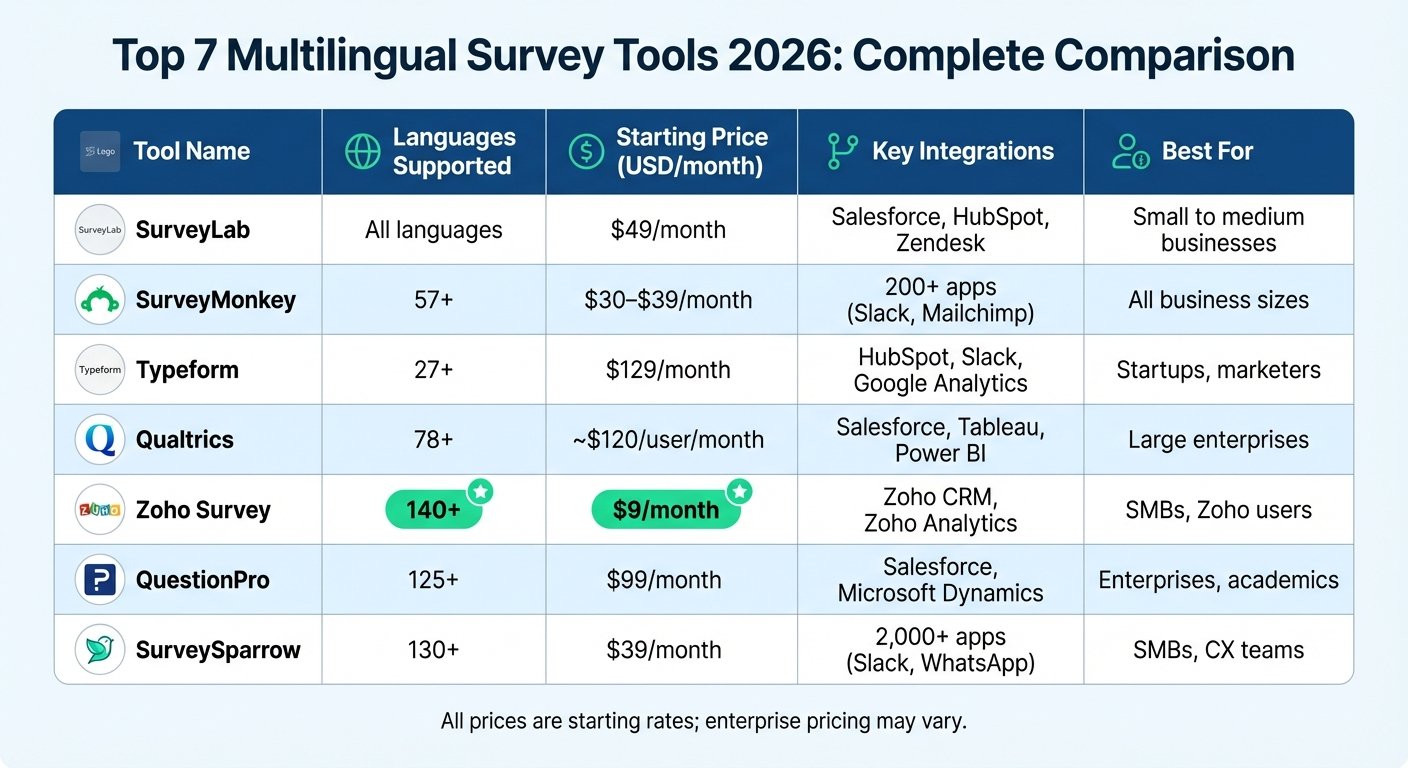
Here is the same set of tools side by side. This table now matches the individual sections above – an earlier version contradicted itself on prices and language counts in several rows.
| Tool | Language Support | Published Price (USD) | Key Integrations | Best For |
|---|---|---|---|---|
| SurveyLab | Broad, incl. RTL; branching logic | Starter $49/mo; Advanced $99/mo (multilanguage); Professional $249/mo | CRM systems, marketing tools, Zapier | Small to medium businesses |
| SurveyMonkey | Multiple, incl. RTL; global respondent panel | Team Advantage $30 per user/mo annually (3-user min); Team Premier $92 per user/mo | 200+ apps (e.g., Salesforce, Mailchimp, Microsoft) | All business sizes |
| Typeform | Multiple; conversational design | Basic $29/mo; Plus $59/mo; Business $99/mo (translation); Growth Flow $349/mo | HubSpot, Slack, Google Sheets, Zapier | Startups, marketers, UX researchers |
| Qualtrics | Extensive, plus custom dialects; SMS and social distribution | Not published – usage-based quote | Enterprise workflows, predictive analytics | Large enterprises, academic institutions |
| Zoho Survey | Builder in 26+ languages; surveys to 90+; RTL support | Not published on pricing page; free tier available | Native Zoho CRM and Zoho Suite | SMBs to enterprises (especially Zoho users) |
| QuestionPro | Wide range with built-in RTL support | Free Essentials; Advanced $99 per user/mo; Team $83 per user/mo (5-user min) | Salesforce, Microsoft, collaboration tools | Enterprise and academic research teams |
| SurveySparrow | 130+ languages with browser auto-detection | Not published; translation starts on Starter | 2,000+ apps (e.g., Zapier, Slack, Microsoft Teams, WhatsApp) | SMBs, customer experience teams |
Three things stand out once the numbers are lined up honestly.
First, only three of the seven publish a usable price. Qualtrics, Zoho Survey and SurveySparrow all route you to sales or leave the table blank. That is not a disqualifier, but it means you cannot compare them on cost without spending time on calls.
Second, the advertised price is often not the entry price for multilingual work. SurveyLab starts at $49 but multilanguage sits on the $99 tier. Typeform starts at $29 but translation needs the $99 Business plan. Budget from the tier that has the feature, not from the cheapest row on the page.
Third, per-user pricing with seat minimums changes the maths. SurveyMonkey’s $30 and QuestionPro’s $99 are both per user per month with minimums of three and five seats. The realistic monthly floor is closer to $90 and $415.
One genuinely useful feature is common to all of them: multilingual responses consolidate into a single dashboard, so you can filter and analyse by language without switching views.
Conclusion
Picking the right multilingual survey tool comes down to three things: your budget, the languages your customers actually use, and how well the tool fits your workflow. If most of your non-English customers speak Spanish and French, a tool advertising 130 languages buys you nothing.
Smaller businesses on tight budgets should start with the free tiers at QuestionPro and Zoho Survey, or SurveyLab’s 14-day trial. AI translation cuts the cost of a first pass, though it does not remove the need for someone fluent to read it.
For mid-sized companies, SurveyMonkey and Typeform balance price and functionality – price both on total seats. If your business already runs on Zoho, Zoho Survey is the obvious fit. SurveySparrow is worth a trial for browser language detection and its integration range, but you will have to ask what it costs.
Enterprises with complex global research needs are the audience for Qualtrics. Expect a negotiated usage-based contract rather than a list price.
Before you commit: check RTL support if you are targeting Middle Eastern markets, confirm that responses consolidate into one dashboard, and confirm the CRM integration you need exists on the tier you are buying. Use free trials to test translation quality – AI output is fast, but a native speaker reading it will catch the cultural and technical errors that lose you respondents.
FAQs
How can I ensure AI translations are accurate?
For precise translations using AI, consider a hybrid approach: combine the speed of AI tools with human review, especially for content that carries legal or commercial weight. Choose platforms that let you edit machine output rather than only regenerate it.
To minimize mistakes, include proper nouns and key terms directly in your prompts so the model does not translate a product name. Finally, review and edit AI-generated translations before they go live. That step is where the context and nuance of the original text gets preserved.
Do these tools support RTL languages like Arabic?
Yes, most multilingual survey tools accommodate RTL (right-to-left) languages like Arabic, Hebrew, and Persian. Among the tools covered here, SurveyLab, SurveyMonkey, Zoho Survey, QuestionPro and SurveySparrow all document RTL handling, including Unicode support, automatic language detection, and right-to-left text alignment. Test it with a real Arabic question before you launch, since layout problems tend to show up in buttons and text entry boxes rather than in the question text.
Should I prioritize price, languages, or integrations?
Language features come first. Translation workflow and automatic language detection determine whether you collect usable data at all. Pricing matters next, particularly the tier at which multilingual features actually appear – as shown above, that is frequently not the entry plan. Integrations are worth having but are the easiest of the three to work around.
More on this topic
Browse all 21 articles on Customer Support, or jump straight to our buying guide: Best Customer Support Tools for Small Teams.