Disclosure: This page contains commercial links. BizBot may earn a commission from qualifying purchases. Paid placements do not buy a better ranking. Read our affiliate disclosure.
Looking for the best tools to find and manage board members? Here’s a quick rundown of the top 5 options:
- BoardProspects: Online network with 8,000+ board candidates
- BizBot: Directory of business tools, including board management software
- OnBoard: Cloud-based platform for running board meetings
- Boardable: Board management solution tailored for nonprofits
- BoardPro: Board operations software for SMEs and nonprofits
Quick Comparison:
| Tool | Main Focus | Starting Price | Free Trial |
|---|---|---|---|
| BoardProspects | Board recruitment | Not published | No |
| BizBot | Business tool directory | N/A | N/A |
| OnBoard | Board meeting management | Not published | Yes |
| Boardable | Nonprofit board management | $20.99/user/month (Essentials) | 14 days |
| BoardPro | SME/nonprofit board operations | $1,650/year per board (Essentials) | Yes |
Each tool offers unique features to streamline board operations:
- BoardProspects: Huge talent pool, smart searching
- BizBot: Organized categories of business tools
- OnBoard: Meeting management, document storage
- Boardable: Easy-to-use interface, task management
- BoardPro: Automated board pack creation, conflict of interest tracking
When choosing a tool, consider your organization’s size, budget, and specific needs. Test drive options with free trials when available to find the best fit.
BoardProspects: Online Board Member Network
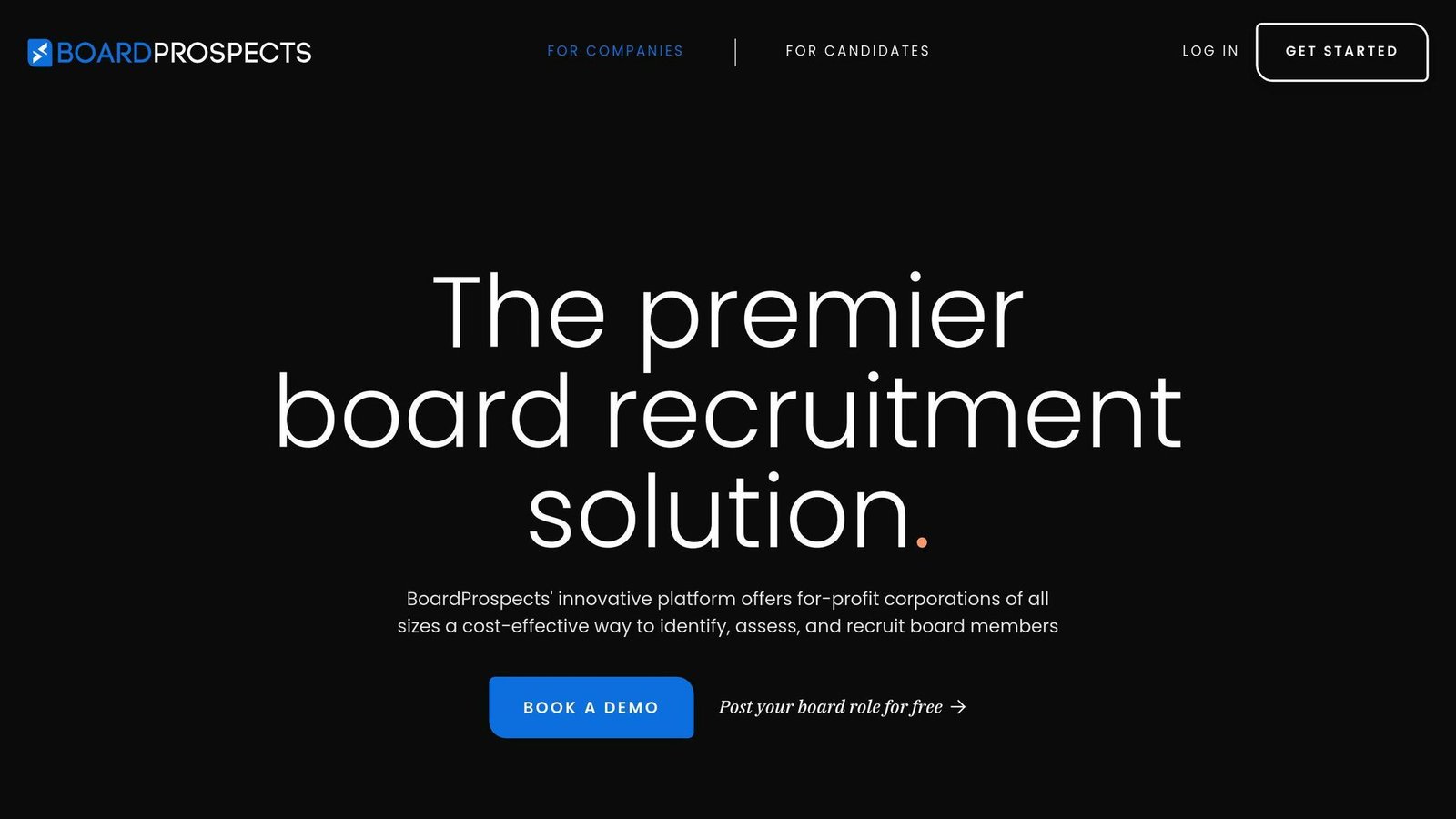
BoardProspects isn’t your average networking site. It’s a powerhouse platform connecting companies with top-tier board talent.
What makes BoardProspects special?
- Huge Talent Pool: 8,000+ members from 70+ countries, including Fortune 100 CEOs and ex-U.S. Congress members.
- Smart Searching: 20+ filters to find your perfect board member. Need a tech expert with nonprofit experience? No sweat.
- Direct Recruiting: Post your board openings and watch applications flood in. Each posting averages 150+ applications.
Don’t just take our word for it:
“BoardProspects helped us cast a wider net economically and efficiently. As a result, we successfully sourced two new board members.” – Lead Independent Director at Kiavi, Inc.
“Thanks to BoardProspects’ innovative platform, we were able to identify and appoint a tremendous new board member whose technical background greatly complements our growth strategy.” – CFO at Amtech Systems, Inc. (NASDAQ: ASYS)
But BoardProspects isn’t just about finding board members. It’s a complete board management solution:
| Feature | What You Get |
|---|---|
| Governance News | Top headlines and insights |
| E-publications | Exclusive corporate governance content |
| Networking | Access to 10,000+ boardrooms |
| Year-round Pipeline | Build a candidate pool for surprise vacancies |
BoardProspects does not publish its rates. A $15,000 annual corporate subscription was quoted here previously; that figure is not on the site and has been removed. What the corporate model buys, according to the vendor, is subscription access rather than per-placement success fees – which is the structural difference from a search firm and the thing to pin down in writing when you ask for a quote.
BoardProspects is also shaking up diversity in the boardroom. It’s giving diverse candidates a platform to showcase their skills to a wide audience.
“BoardProspects gives companies exposure to talent they might not otherwise come across. This is the next wave of opportunity – to have access to a broader group of people through technology.” – TERI MCCLURE, Board Member at Fluor (NYSE: FLR), GMS (NYSE: GMS), JetBlue Airways (NASDAQ: JBLU), and Lennar (NYSE: LEN)
Board seats have traditionally been filled through personal networks – a claim this article previously put at 65% of directors, with no source we could find, so the figure has gone. What BoardProspects does is put openings and candidates in one searchable place instead of a network. If you’re looking to build a board that’s not just good, but great, BoardProspects is worth a serious look.
2. BizBot: Business Tools Directory
BizBot is a one-stop shop for business tools, including some that can boost your board management game. It’s not just about board stuff, though – BizBot covers a ton of business needs.
Here’s what BizBot offers:
- A bunch of tool categories (think accounting, HR, and yes, board management)
- User-friendly options for businesses of all sizes
- Tools that can grow with your company
What makes BizBot cool? It’s all about making your life easier. You can find, compare, and manage all your business tools in one place. No more juggling a million subscriptions or wasting time searching for the right software.
BizBot’s got some neat features:
| Feature | What’s Good About It |
|---|---|
| Organized Categories | Find what you need, fast |
| Easy-to-Use Focus | No tech degree required |
| Growth-Friendly Options | Tools that won’t hold you back |
| All-in-One Management | Keep track of your tools and costs |
One standout? Digital CFO tools. These make a real difference to keeping your board current on finances.
Now, BizBot won’t help you recruit board members like BoardProspects does. But it can hook you up with tools to make your board’s life easier. Think shareholder registers, reporting software – that kind of thing.
As boards get more tech-savvy, having a trusted place to find the right tools is huge. That’s where BizBot comes in.
Fun fact: BizBot was started by Didrik Martens, a business admin pro. That explains why the platform is so practical and useful for companies of all sizes.
Bottom line: While BizBot isn’t a board recruitment platform, it’s a solid resource for finding tools that’ll make your board run smoother. It’s part of a bigger toolkit that can level up your entire governance game.
3. OnBoard: Board Meeting Software
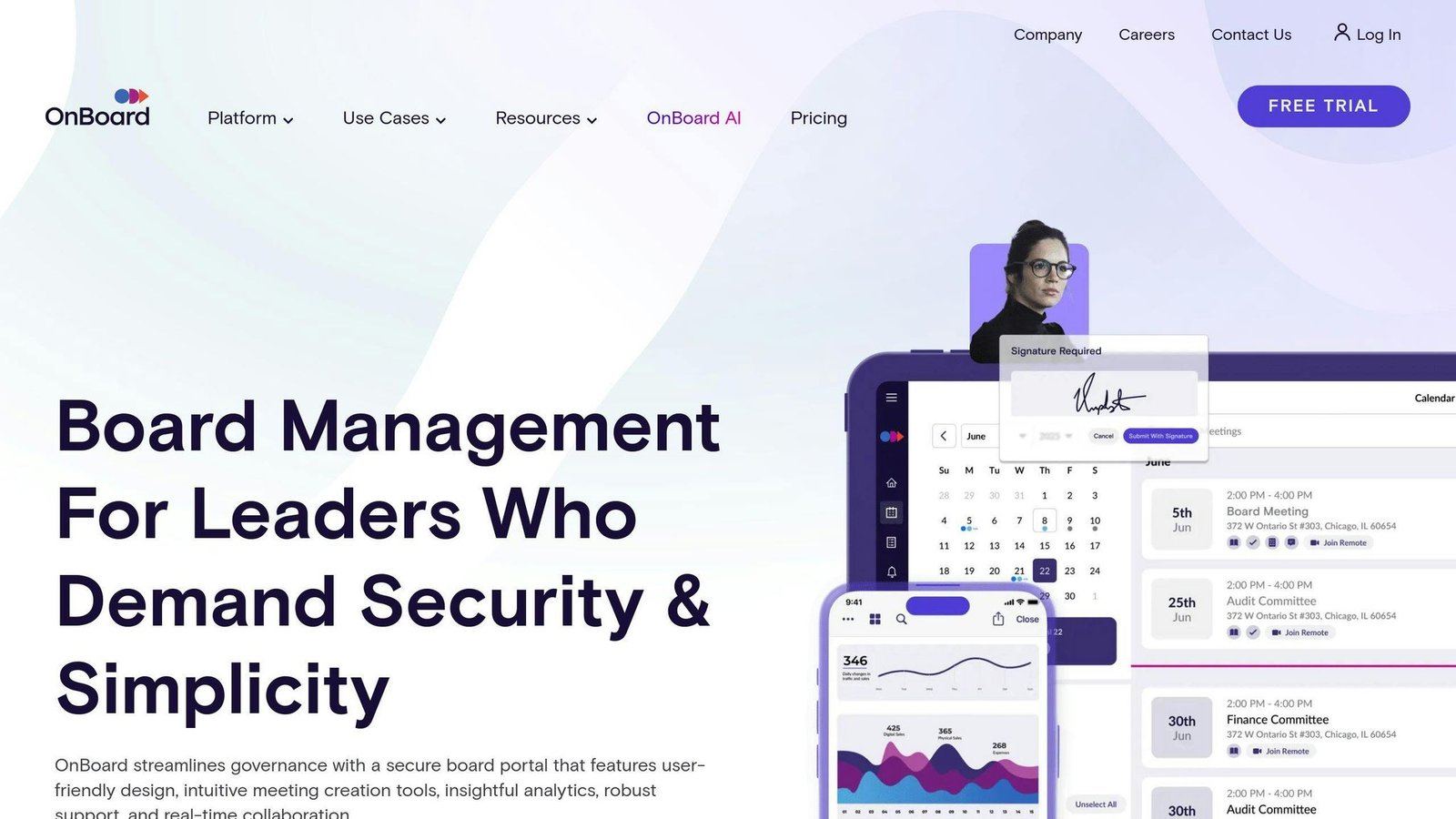
OnBoard is a cloud-based platform that’s all about making board meetings better. It’s not just for big companies – nonprofits, healthcare systems, and government agencies use it too.
Here’s what makes OnBoard stand out:
OnBoard is used by thousands of organizations worldwide. Specific counts of organizations and annual meetings previously appeared here without a source and have been removed. You can use it on pretty much any device – iPad, iPhone, Android, or Microsoft Surface. So board members can stay in the loop no matter where they are.
OnBoard takes security seriously. They use two-factor authentication and biometric identification to keep your board’s info safe. Plus, they’ve got this cool feature that shows which parts of your board book get the most attention. It’s like having a heat map for your meeting materials.
But here’s the real kicker – OnBoard makes everyone’s life easier. Check it out:
- It builds minutes for you during meetings
- It plays nice with Microsoft 365, Google Workspace, and Zoom
- You can store and find important docs easily
- You can sign off on decisions without dealing with paperwork
- And if you’re juggling multiple boards, no problem – you can manage them all from one place
Two customer-satisfaction percentages previously quoted here were credited to Passageways as “OnBoard’s parent company”. Passageways is not a parent company: it renamed itself OnBoard in 2021, so the vendor was being cited as an independent source for its own marketing figures. Both numbers have been removed.
One user in customer experience said:
“OnBoard provides a comprehensive governance suite that allows my team to collaborate on meeting agendas and meeting minutes, aggregate meeting insights into comprehensive analytics dashboards, and conduct D&O surveys.”
OnBoard sells three tiers – Essentials, Premium and Ultimate – and publishes no price for any of them; its pricing page says cost depends on the tier and the number of users. A “$199/month” starting price appeared in this article’s comparison tables, which contradicted this paragraph. It was unsourced and has been removed. A free trial is available on request.
4. Boardable: Board Management Platform
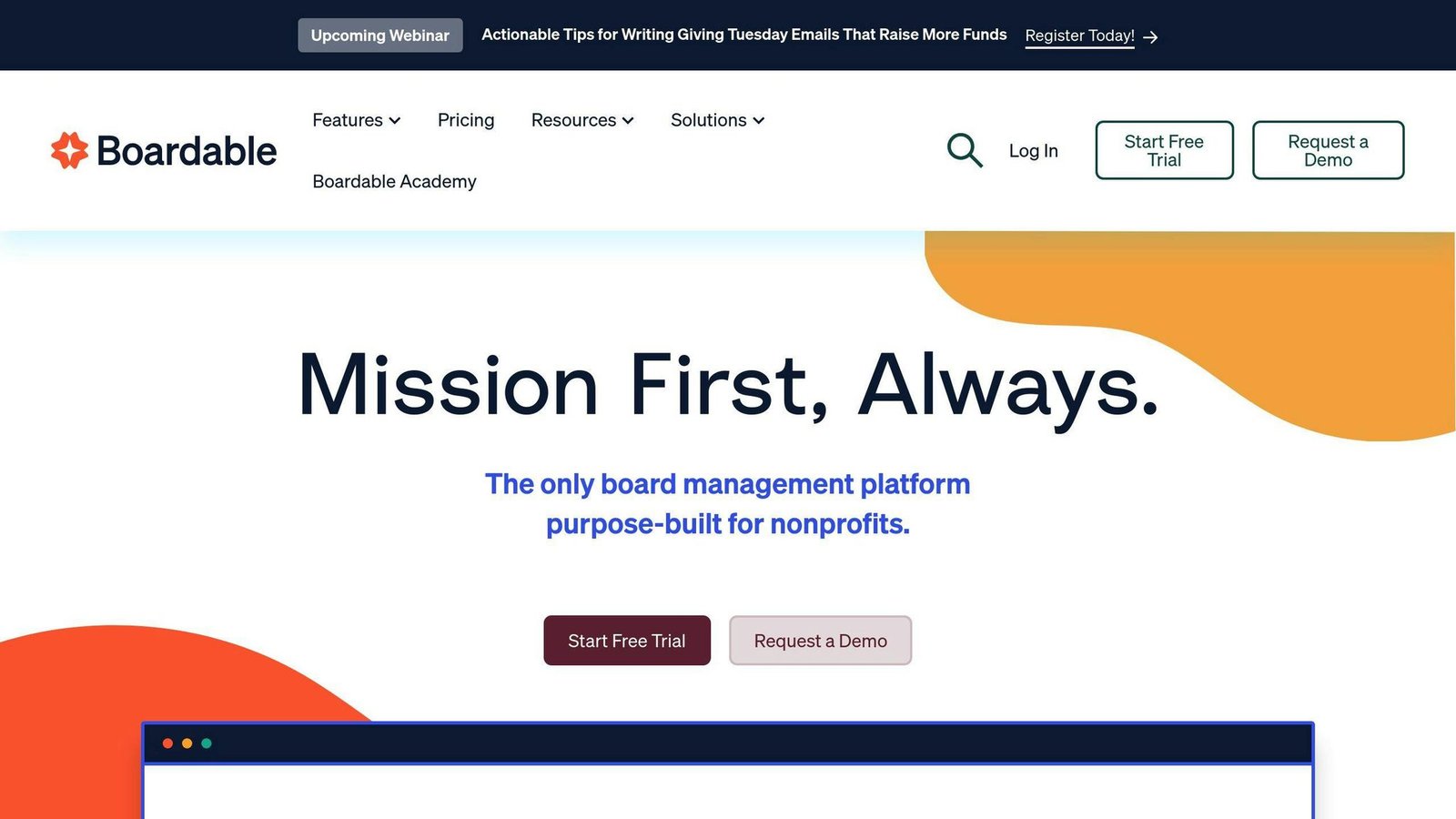
Boardable is shaking up board management, especially for nonprofits. Since 2016, it’s grown to serve over 2,000 organizations in 40 countries. But what sets it apart?
Easy to Use
Boardable’s biggest strength? Simplicity. Users love how easy it is to navigate. One user said:
“I love that it is easy to use, easy to set up, and the customer service is amazing.”
From scheduling meetings to managing documents, everything’s straightforward.
Packed with Features
Boardable isn’t just a meeting scheduler. It’s a complete board management solution:
| Feature | What It Does |
|---|---|
| Agenda Builder | Create meeting agendas quickly |
| Minutes Maker | Generate and share meeting minutes |
| Document Center | Store board documents securely |
| Task Manager | Assign and track tasks |
| Polls / Voting | Run board votes and surveys |
| E-Signatures | Sign documents digitally |
These features work together smoothly, covering everything from pre-meeting prep to post-meeting follow-up.
Perfect for Nonprofits
While Boardable works for all boards, it is a good fit for nonprofits. Note that the pricing model has changed: there is no longer a flat $79-a-month Grassroots plan. Boardable now charges per user – Essentials $20.99, Professional $29.99 and Professional+ $35.99 per user per month, or $251.88, $359.88 and $431.88 per user billed yearly. For a fifteen-person board that is a different proposition from a flat fee, so count your seats before comparing it with BoardPro, which charges per board.
Boosts Engagement and Efficiency
Boardable does more than organize meetings. It’s built to get board members more involved and streamline operations. The task manager lets admins assign tasks and track deadlines easily. Board members see their assignments right on their dashboards, which helps keep everyone accountable and efficient.
Plays Well with Others
Boardable integrates with popular tools like Microsoft Outlook, Dropbox Business, Gmail, OneDrive, Google Drive, and Google Calendar. This means you can easily fit Boardable into your current workflow.
On-the-Go Access
Boardable has a free mobile app, so board members can prep for meetings and stay in touch wherever they are.
Room for Growth
Boardable’s not perfect. Some users have had trouble with e-signatures and document uploads. And the wealth of features can be a bit much for some users.
But overall, people love it. Paula Franetti, an Accident/Injury Recovery Coach, says:
“Boardable is definitely worth the cost. It’s extremely valuable and there are new tools and updates being released all the time.”
In the world of board management tools, Boardable stands out. It’s user-friendly, feature-packed, and priced right for nonprofits. If you’re looking to streamline your board operations and boost engagement, Boardable’s worth a look.
5. BoardPro: Board Operations Software
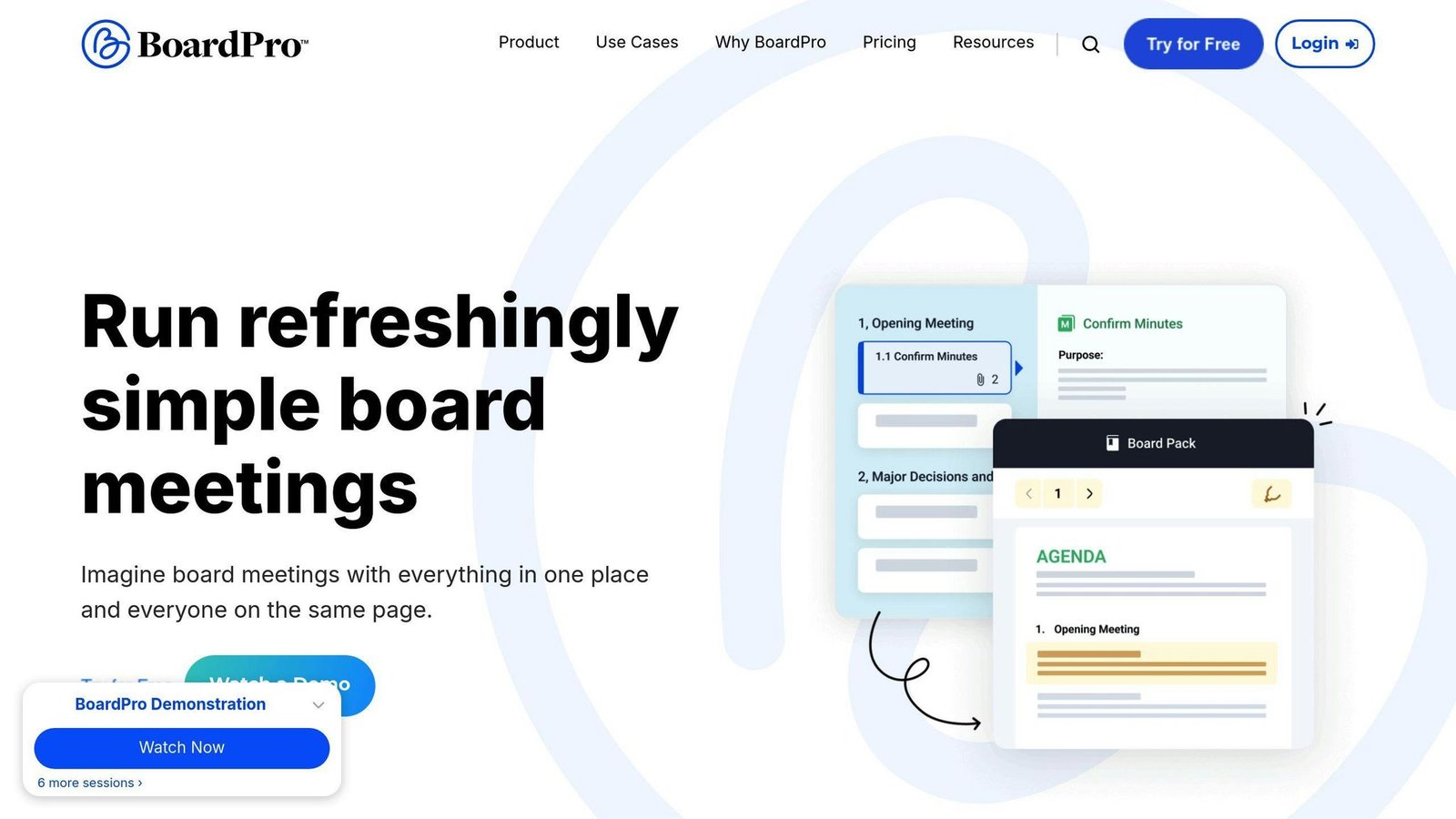
BoardPro is a tool that makes board management easier for small and medium-sized businesses (SMEs) and nonprofits. It’s built to solve the specific problems these organizations face with governance.
What’s special about BoardPro?
It Saves You Time
BoardPro isn’t just for organizing meetings. It makes your whole board process more efficient. A claim that users halve their admin time appeared here and in the comparison section below; it is the vendor’s own marketing line with no measurement behind it, so it has been removed. What it automates:
- Automatic board pack creation
- Smart meeting minutes
- Task management
- Interactive agenda builder
A BoardPro customer put it this way:
“BoardPro has proven itself indispensable. The structured approach makes it easy to compile agendas and Board packs and then use this same structure for creating well-organised minutes.” – Virginia C, Board Secretary, Mid-Market (51-1000 emp.)
It’s Secure and Easy to Access
With BoardPro, you get:
- Access to board documents anytime, anywhere
- Role-based permissions to keep sensitive info safe
- Two-factor authentication for extra security
It’s More Than Just Meetings
BoardPro offers a bunch of useful tools:
| Tool | What It Does |
|---|---|
| Events Calendar | Keeps all board dates in one place |
| File Storage | Unlimited space for your documents |
| Interest Register | Tracks conflicts of interest |
| Decisions Register | Records all approved decisions |
What About Price?
BoardPro’s pricing is simple:
- Flat yearly rate from $1,650 per board on Essentials, or $165 a month. Premium is $2,750 a year, Ultimate $4,400. The $1,500 figure previously published here is not on the price list.
- Includes unlimited users on every tier
- Subcommittees are billed separately at $82.50 a month each
- Nonprofits and schools may qualify for a discount of up to 40%
It might seem expensive at first, but many users think it’s worth it. Julie Scott, CEO of QLCHT, a nonprofit, says:
“BoardPro far more cost effective so an easy decision.”
Getting Started
Want to try BoardPro? They offer:
- A free trial
- Weekly live training
- 24/7 support (they usually respond in just over a minute)
- Optional onboarding packages
Setting up takes about 60-90 minutes for a basic setup, or 4-6 hours if you want to include six months of meeting history.
The Bottom Line
BoardPro isn’t just software. It’s a tool that can change how your board works. By automating routine tasks and putting all your info in one place, it frees up time for what really matters: making big decisions that move your organization forward.
BoardPro might not help you recruit board members like BoardProspects, or give you a big directory of business tools like BizBot. But it’s great at its main job: making board operations smoother and more efficient. If you’re an SME or nonprofit looking to improve your governance, BoardPro is worth checking out.
Tool Features and Pricing Comparison
Let’s compare the top board management tools we’ve discussed. This breakdown will help you pick the right tool for your needs and budget.
| Feature | BoardProspects | BizBot | OnBoard | Boardable | BoardPro |
|---|---|---|---|---|---|
| Main Focus | Board recruitment | Business tool directory | Board meeting management | Nonprofit board management | SME and nonprofit board operations |
| Talent Pool | 8,000+ members | N/A | N/A | N/A | N/A |
| Document Management | Yes | N/A | Yes | Yes | Yes |
| Meeting Management | No | No | Yes | Yes | Yes |
| Task Management | No | No | Yes | Yes | Yes |
| E-Signatures | No | No | Yes | Yes | No |
| Mobile App | No | No | Yes | Yes | Yes |
| Integrations | No | N/A | Microsoft 365, Google Workspace, Zoom | Microsoft Outlook, Dropbox Business, Gmail, OneDrive, Google Drive, Google Calendar | N/A |
| Starting Price | Not published | N/A | Not published | $20.99/user/month | $1,650/year per board |
| Free Trial | No | N/A | Yes, on request | 14 days | Yes |
Now, let’s dig into the key differences:
Recruitment Power
BoardProspects is the recruitment king here. It’s got a massive pool of 8,000+ members from 70+ countries. The other tools? They’re more about running boards smoothly.
Pricing
Prices are all over the map:
- BoardProspects does not publish rates. Ask for the corporate subscription price and confirm there are no per-placement fees.
- Boardable charges per user: $20.99, $29.99 or $35.99 per user per month depending on tier. Cheap for a small board, less so for a large one.
- BoardPro charges per board with unlimited users: Essentials $1,650 a year, Premium $2,750, Ultimate $4,400. Subcommittees are extra.
- OnBoard does not publish prices at all.
- BizBot? It’s just a directory, so no direct costs for users.
User-Friendliness
Boardable and BoardPro get high marks for being easy to use. Here’s what Paula Franetti, a Boardable user, said:
“Boardable is definitely worth the cost. It’s extremely valuable and there are new tools and updates being released all the time.”
BoardPro’s own marketing claims users halve their admin time. Treat that as a vendor claim; it is not measured anywhere we could check.
Cool Features
Each tool has its own special sauce:
- BoardProspects keeps your candidate pipeline full year-round.
- OnBoard has a heat map showing which parts of board books get the most eyeballs.
- Boardable’s Document Center is great for keeping board docs organized.
- BoardPro tracks conflicts of interest with its Interest Register.
Security
All these tools take security seriously. But OnBoard goes the extra mile with two-factor authentication and biometric ID.
When picking a tool, think about your organization’s size, budget, and what you really need. If you’re always on the hunt for new board members, BoardProspects might be worth the splurge. But if you’re a small nonprofit just trying to keep things running smoothly, Boardable or BoardPro could be your best bet.
How to Choose the Right Board Management Tool
Picking the perfect board management tool can supercharge your organization’s efficiency and security. Here’s how to make the right choice:
Assess Your Organization’s Needs
First, take a good look at what your board really needs:
- How big is your board and how often do they meet?
- How sensitive is your board’s information?
- Does the tool need to play nice with your existing systems?
Prioritize Essential Features
Focus on features that’ll make the biggest splash:
| Feature | Why It Matters |
|---|---|
| Document Management | Keep board materials safe and easy to find |
| Meeting Tools | Build agendas, create minutes, manage tasks |
| Collaboration Features | Edit docs together, chat in real-time |
| Voting Capabilities | Make decisions faster |
| Mobile Accessibility | Let board members work on the go |
| Security Measures | Keep data safe with encryption and two-factor auth |
Evaluate User-Friendliness
If it’s not easy to use, your board won’t use it. Look for:
- A clean, simple interface
- Easy navigation
- Minimal learning curve
The practical test is whether directors can get a 200-page board pack without hitting an email attachment limit, and whether the encryption happens without anyone having to think about it.
Consider Security and Compliance
Board talks can get pretty sensitive. Make sure your tool offers:
- End-to-end encryption
- Compliance with key standards (FINRA, SOC2, ISO 27001)
- Ability to wipe data from lost devices
- Detailed activity logs
Test Drive Before Committing
Most providers offer free trials. Use them to:
- Get a feel for the interface
- Try out key features in real situations
- See what your board members think
Ruth Shirley, a board liaison, shares:
“With our board portal, I notice less confusion as directors prepared for the meeting. I used to get board members contacting me frustrated because logging in was difficult.”
Factor in Total Cost of Ownership
Don’t just look at the price tag. Think about:
- Setup costs
- Training expenses
- Ongoing support fees
- Potential savings from working smarter
Check Vendor Reputation and Support
A great tool with poor support is a recipe for headaches. Do your homework:
- Read customer reviews
- Check support response times
- Look at the vendor’s industry track record
Plan for the Future
Pick a solution that can grow with you:
- Can it handle more board members?
- Does it get regular updates?
- Can it adapt to changing governance needs?
FAQs
What is board management software?
Board management software is a digital tool that makes board operations smoother and teamwork easier. It’s like a Swiss Army knife for boards, packed with features:
- Organizes meetings
- Shares and manages documents
- Tracks minutes and attendance
- Provides tools for productive discussions
A sentence attributed to Gartner previously sat here without a link to any Gartner publication. We could not source it, so it has been removed.
What’s in it for you? Here’s the lowdown:
- Less paperwork headaches
- Keeps your data safe and compliant
- Access board stuff from anywhere
- Makes decision-making more transparent
Price-wise there is no useful average: the products in this category price per user, per board or by quote, which makes any single monthly figure meaningless. Two such figures previously published here have been removed. Prices in this article were checked in August 2026 against each vendor’s own pricing page and should be confirmed before budgeting.
When picking your software, think about your budget, planning needs, and how it’ll play nice with your current tech setup.
What is a good way to recruit board members?
Recruiting board members isn’t just about filling seats. It’s about finding the right fit. Here’s a game plan:
1. Know what you need
Figure out the skills and experience your board is missing.
2. Spell it out
Be crystal clear about what you expect from board members.
3. Cast a wide net
Use your networks, job boards, and professional groups to find candidates.
4. Dig deep in interviews
Make sure they’ll mesh with your organization’s vibe and goals.
5. Roll out the red carpet
Give new members a thorough intro to your organization.
Patrick Baker, Nonprofit D&O Product Manager for Travelers, drops this wisdom:
“Being clear about roles and expectations can help board members feel like they are making a valuable contribution to the organization.”
Want to level up your recruitment? Try these:
- Mix it up with diverse voices
- Use term limits to keep things fresh
- Consider board management software to smooth out the onboarding process
How do companies recruit board members?
Companies don’t just wing it when it comes to finding board members. They’ve got strategies:
1. Tap into networks
They use professional connections and industry groups to find talent.
2. Bring in the pros
Some hire executive search firms to hunt for top-tier candidates.
3. Use tech to their advantage
Board management software can streamline the whole process, from recruitment to onboarding.
What works best? Here’s the inside scoop:
- Keep a running list of potential candidates
- Look for a mix of skills and backgrounds
- Be upfront about what the job entails and how much time it’ll take
One last thing: Don’t forget to protect your board members. Patrick Baker points out that nonprofit board members can face legal risks. That’s why directors and officers liability insurance is a must-have.
More on this topic
Browse all 86 articles on Business Operations, or jump straight to our buying guide: Best Productivity Tools for Small Teams.