
Document version control software helps track changes and manage multiple versions of files, ensuring everyone has access to the latest documents. It’s essential for small businesses to avoid conflicting edits, reduce errors, and improve collaboration.
Key Benefits:
| Benefit | Description |
|---|---|
| Centralized Access | Access the latest document versions from one location |
| Change Tracking | See who made changes, when, and what was modified |
| Version History | Revert to previous versions if needed |
| Collaboration | Multiple people can work on the same document |
| Error Reduction | Prevents conflicting edits and lost changes |
Top Document Version Control Software:
- ClickUp: All-in-one project management tool with real-time editing and customizable workflows.
- Adobe Acrobat: Industry-standard PDF editor with advanced collaboration features.
- QT9 QMS: Centralized document management with real-time analytics and email alerts.
- MasterControl: Automated workflows and compliance-ready document control.
- Sierra QMS: Comprehensive quality management system with customizable dashboards.
- HotDocs: Advanced document automation for legal firms, now sold by Mitratech.
- Seismic: AI-powered sales enablement platform with strong security.
- Google Docs: Free real-time collaboration and integration with Google Drive.
- Microsoft Word: Strong version control and integration with Microsoft tools.
- monday.com: Visual interface for managing projects and document versions.
Quick Comparison:
| Software | Pros | Cons |
|---|---|---|
| ClickUp | All-in-one tool, customizable workflows, affordable | Steep learning curve, limited free version |
| Adobe Acrobat | Industry-standard, advanced collaboration, strong security | Expensive, complex interface, limited free version |
| QT9 QMS | Comprehensive quality management, automated workflows, customizable dashboards | Steep learning curve, limited scalability, expensive |
| MasterControl | Strong document control, automated workflows, compliance-ready | Expensive, complex interface, limited scalability |
| Sierra QMS | Comprehensive quality management, automated workflows, customizable dashboards | Steep learning curve, limited scalability, expensive |
| HotDocs | Advanced document automation, customizable workflows, strong security | Expensive, complex interface, limited scalability |
| Seismic | AI-powered sales enablement, advanced collaboration, strong security | Expensive, complex interface, limited scalability |
| Google Docs | Free, real-time collaboration, integrates with Google Drive | Limited features, lack of advanced security, limited scalability |
| Microsoft Word | Industry-standard, advanced collaboration, strong security | Expensive, complex interface, limited free version |
| monday.com | Visual interface, customizable workflows, affordable pricing | Limited scalability, complex interface, limited free version |
Choose the right software based on your team size, budget, collaboration needs, and potential growth. Every price in this article was checked against the vendor’s own pricing page in August 2026, and four of them had changed: ClickUp, Adobe Acrobat, Microsoft 365 and monday.com. Confirm before you budget, and note which billing term you are being shown — annual and monthly rates differ substantially at most of these vendors.
1. ClickUp
Overview
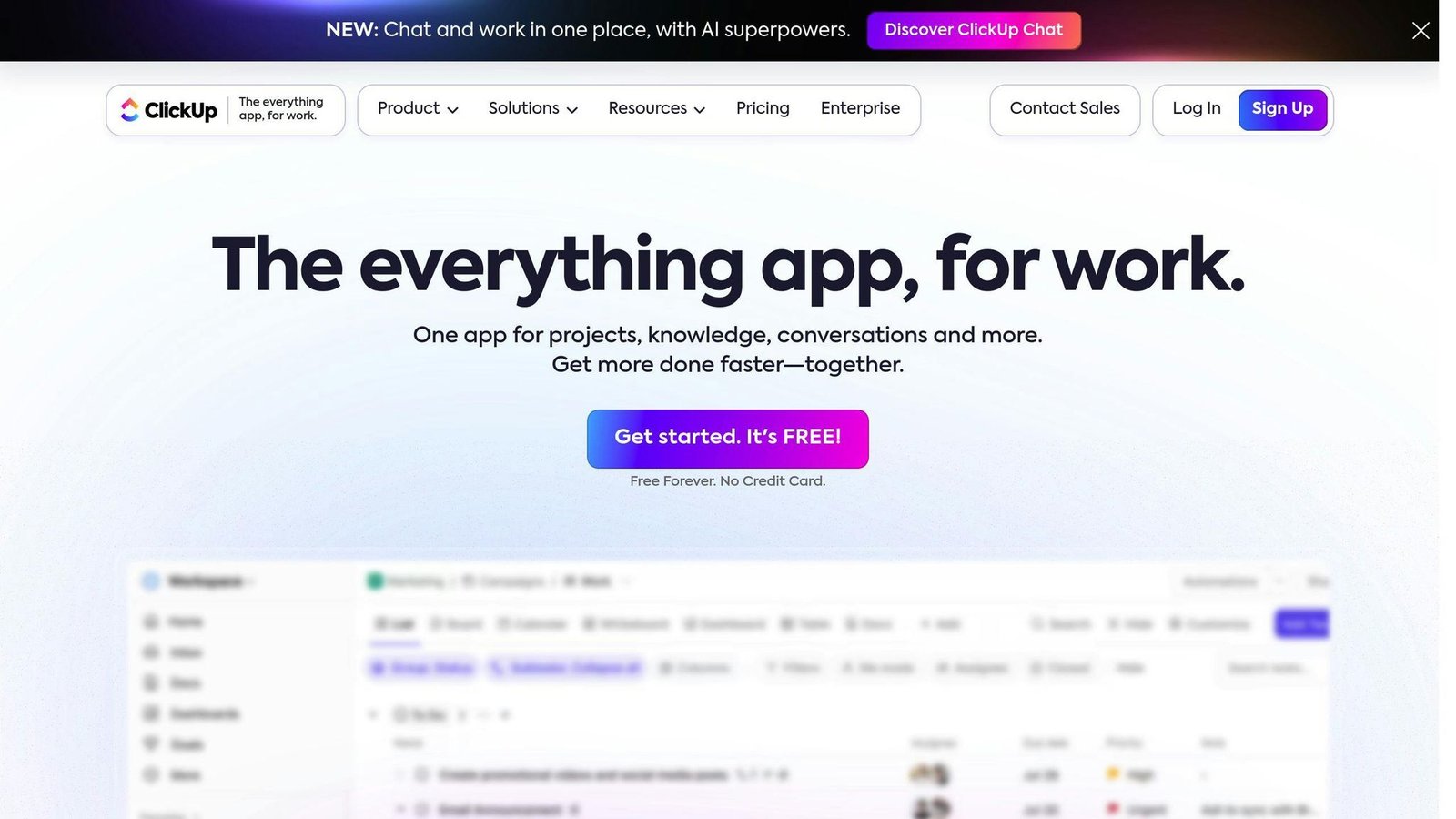
ClickUp is a productivity and collaboration platform for teams of all sizes. It offers a collaborative dashboard, version control, and real-time editing features, making it suitable for creating company documents and technical guides.
Key Features
- Add headers, tables, images, videos, and links for efficient knowledge sharing
- Edit documents collaboratively in real-time
- Use templates to maintain consistent formatting
- Save time with Focus mode, Page Details, and Archive features
- Duplicate publicly shared documents
- Protect documents from unwanted changes (Business Plus Plan)
- Create tags for easy document search
- Write, format, summarize, and edit content using ClickUp AI
Pricing
ClickUp offers a free plan and paid plans:
| Plan | Price |
|---|---|
| Free | Free |
| Unlimited | $7/user/month billed annually ($10 billed monthly) |
| Business | $12/user/month billed annually ($19 billed monthly) |
| Enterprise | Custom pricing |
The free plan includes unlimited tasks, 100MB storage, and collaboration features, suitable for small businesses.
Integrations and Compatibility
ClickUp integrates with over 1,000 apps, including Google Drive, Trello, and Slack, so files and updates move between them without manual copying. It is compatible with desktop, mobile, and web platforms, allowing access and editing from anywhere.
Support and Resources
ClickUp provides 24/7 customer support via email, phone, and live chat. It also offers a knowledge base, tutorials, and webinars to help users get started and make the most of its features.
2. Adobe Acrobat

Overview
Adobe Acrobat is software for creating, editing, and managing PDF files. It offers version control and collaboration features, making it suitable for working with PDF documents.
Key Features
- Track changes and compare edits to PDF documents
- Add comments, drawings, and highlights for feedback
- Edit text, images, and pages within PDFs
- Reorder, add, or remove pages using drag-and-drop
- Convert files to and from PDF format while preserving formatting
- Share compressed PDF files without losing quality
Pricing and Plans
| Plan | Price |
|---|---|
| Acrobat Reader | Free |
| Acrobat Standard | $14.99/month on an annual plan billed monthly |
| Acrobat Pro | $19.99/month on an annual plan billed monthly, or $239.88 prepaid for the year, or $29.99/month month-to-month |
| Acrobat Studio | $24.99/month on an annual plan billed monthly, or $299.88 prepaid |
The free Acrobat Reader allows viewing, printing, and annotating PDFs. Paid plans add editing, converting and protection. Two corrections: Standard is $14.99 a month, not the $12.99 this article previously gave, and the difference between an annual commitment and month-to-month on Pro is $10 a month — $19.99 against $29.99 — which is the single biggest lever on what you pay. A separate “Acrobat for Teams from $22.19 per user per month” line has been removed because that figure does not appear on Adobe’s current pricing page; get a team quote from Adobe.
Integration and Compatibility
Adobe Acrobat is compatible with desktop, mobile, and web platforms. It integrates with other Adobe tools and services.
Customer Support
Adobe provides 24/7 customer support via phone, email, and live chat. It also offers a knowledge base, tutorials, and webinars.
3. QT9 QMS
Overview
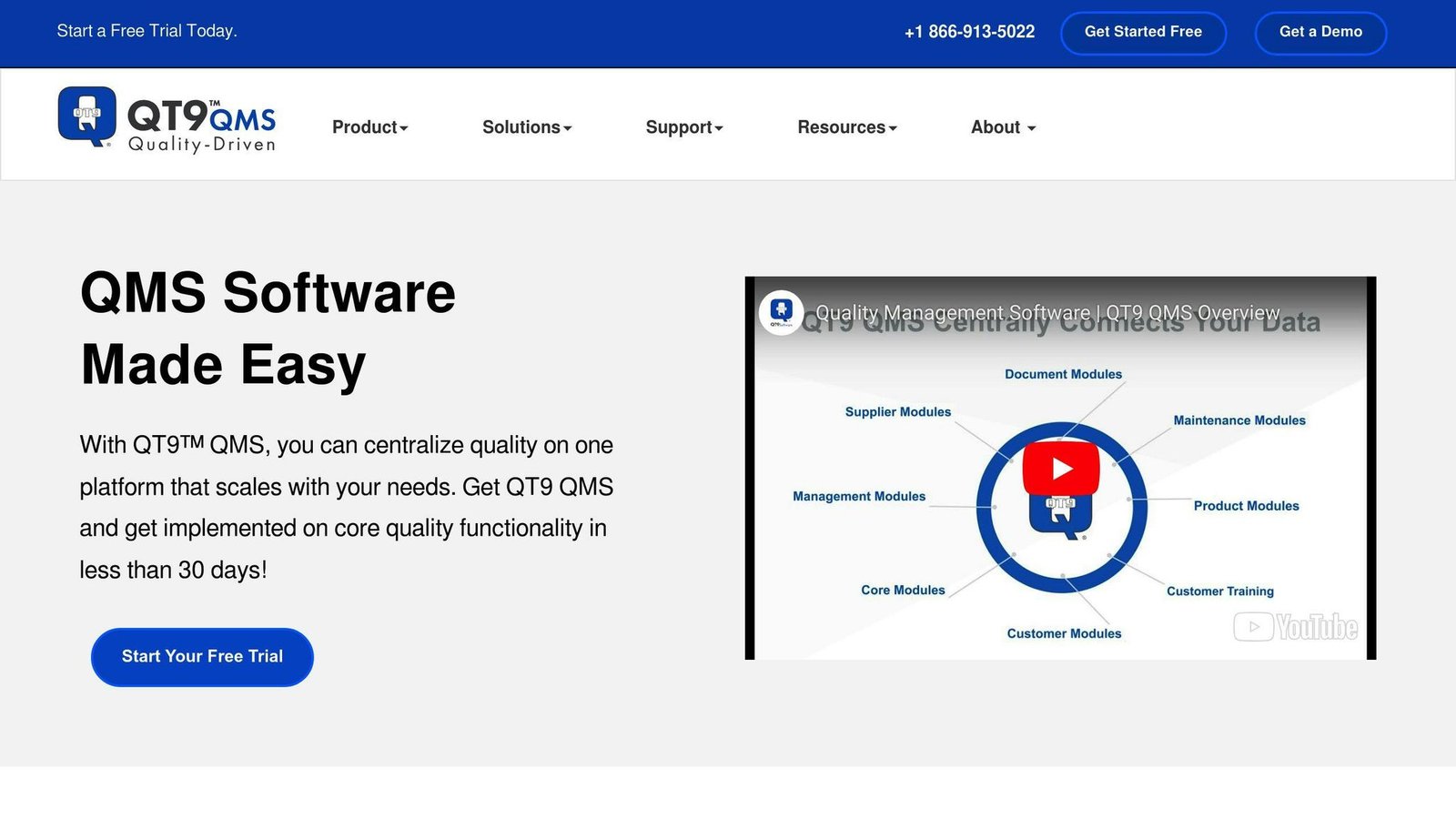
QT9 QMS is a quality management software that provides document control features. It offers a centralized platform for managing and tracking documents across multiple locations, ensuring all documents are up-to-date and easily accessible.
Key Features
- Centrally connect documentation records from various locations
- Use multiple tools for different compliance aspects
- View an electronic timeline of changes made to any document
- Track changes with real-time analytics
- Send email alerts for document reviews
- Assign approvers and enable electronic signature compliance
Pricing and Plans
QT9 QMS pricing is available upon request. A free trial is offered, allowing users to test the features before committing to a plan.
Integration and Compatibility
QT9 QMS is a cloud-based software, accessible from anywhere and compatible with multiple devices. It integrates with other tools and services so data moves between systems without re-keying.
Customer Support
24/7 customer support is available via phone, email, and live chat. A knowledge base, tutorials, and webinars are provided to help users get the most out of the platform.
4. MasterControl
Overview
MasterControl is a document version control software designed for life sciences, medical devices, and pharmaceutical companies. It provides a central platform for managing and tracking documents across multiple locations, ensuring all documents are up-to-date and easily accessible.
Key Features
- Document Approval and Review Workflows: Streamline the process of reviewing and approving documents.
- Automated Tracking and Version Control: Keep track of document changes and versions automatically.
- Electronic Signature and Compliance: Meet regulatory requirements with electronic signatures and compliance features.
- Real-time Analytics and Reporting: Monitor document activity and generate reports in real-time.
- Integration with Quality Management Systems: Integrate with other quality management tools and processes.
Pricing and Plans
MasterControl’s pricing is available upon request. A free trial is offered, allowing users to test the features before committing to a plan.
Integration and Compatibility
MasterControl is a cloud-based software, accessible from anywhere and compatible with multiple devices. It integrates with other tools and services so data moves between systems without re-keying.
Customer Support and Resources
MasterControl offers 24/7 customer support via phone, email, and live chat. A knowledge base, tutorials, and webinars are provided to help users get the most out of the platform.
Additionally, MasterControl provides a comprehensive guide to document version control, highlighting the importance of:
- Historical Tracking: Maintain a complete record of document changes and versions.
- Audit Trails: Track who made changes, when, and what was modified.
- Permission Controls: Manage access and editing rights for different user roles.
5. Sierra QMS
Overview
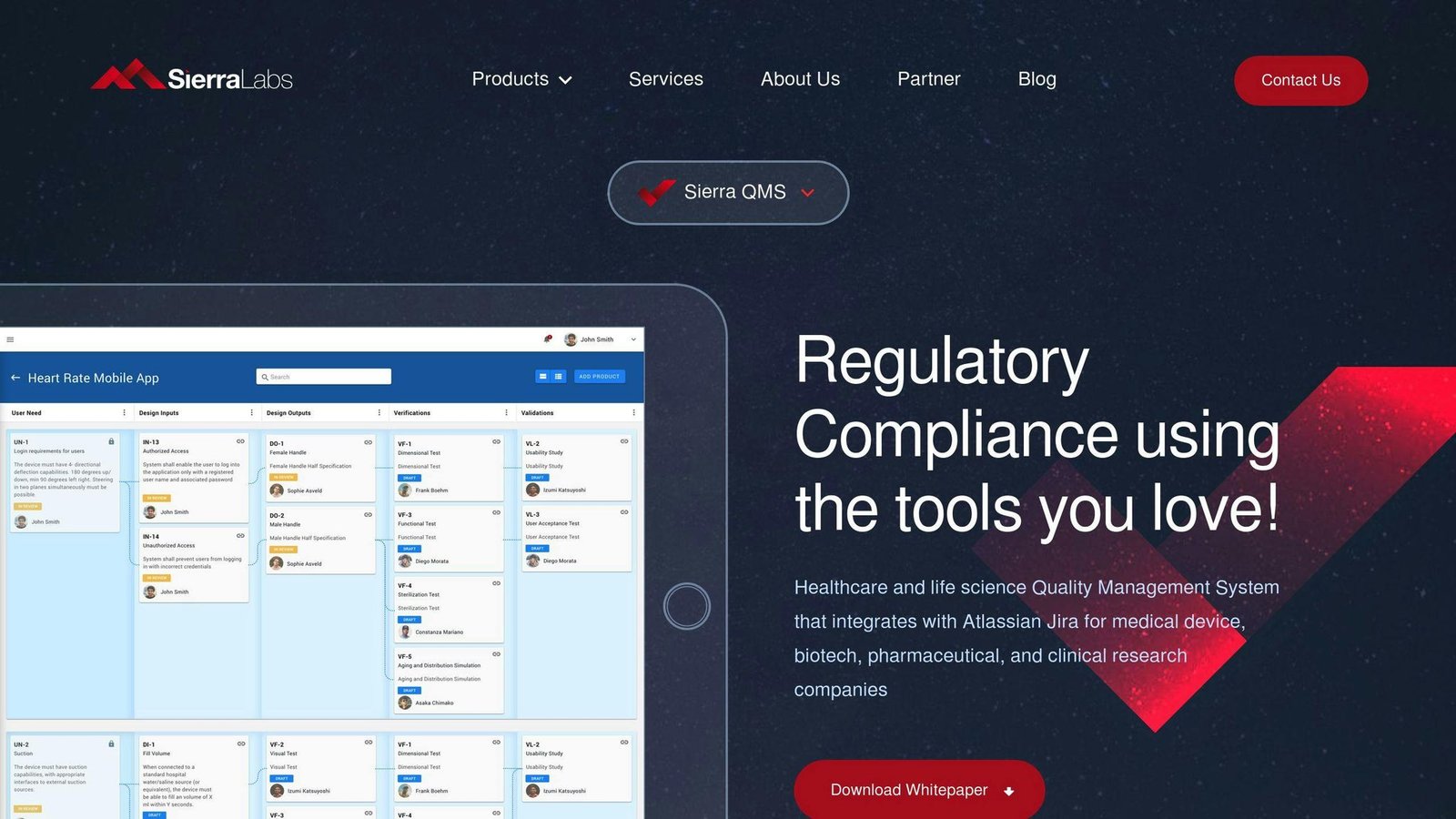
Sierra QMS is a Quality Management System designed for Healthcare and Life Science companies. It helps organizations manage documents, trainings, non-conformances, CAPAs, and audit events to demonstrate compliance with regulatory requirements.
Key Features
- Document Management: Publish, control, and track document versions and changes.
- Electronic Signatures: Secure digital signatures for document approvals.
- Audit Management: Track and manage audit events and findings.
- Training Management: Assign, track, and record employee training activities.
- Risk Management: Identify, assess, and mitigate potential risks.
- Product Traceability: Trace products through their lifecycle.
- Quality Roadmap: Plan and monitor quality initiatives.
Pricing and Plans
Sierra QMS does not offer a free version, but provides a free trial. Pricing is subscription-based, and the cost is not publicly disclosed by the vendor.
Integration and Compatibility
- Cloud-Based: Accessible from anywhere, on multiple devices.
- Integrations: Connects with tools like Jira, Confluence, and GitHub.
Customer Support and Resources
- Support: Online customer support available.
- Training: Documentation and resources provided.
- Dashboard: Customized dashboard for monitoring non-conformances and CAPAs.
6. HotDocs (a Mitratech product)
Overview
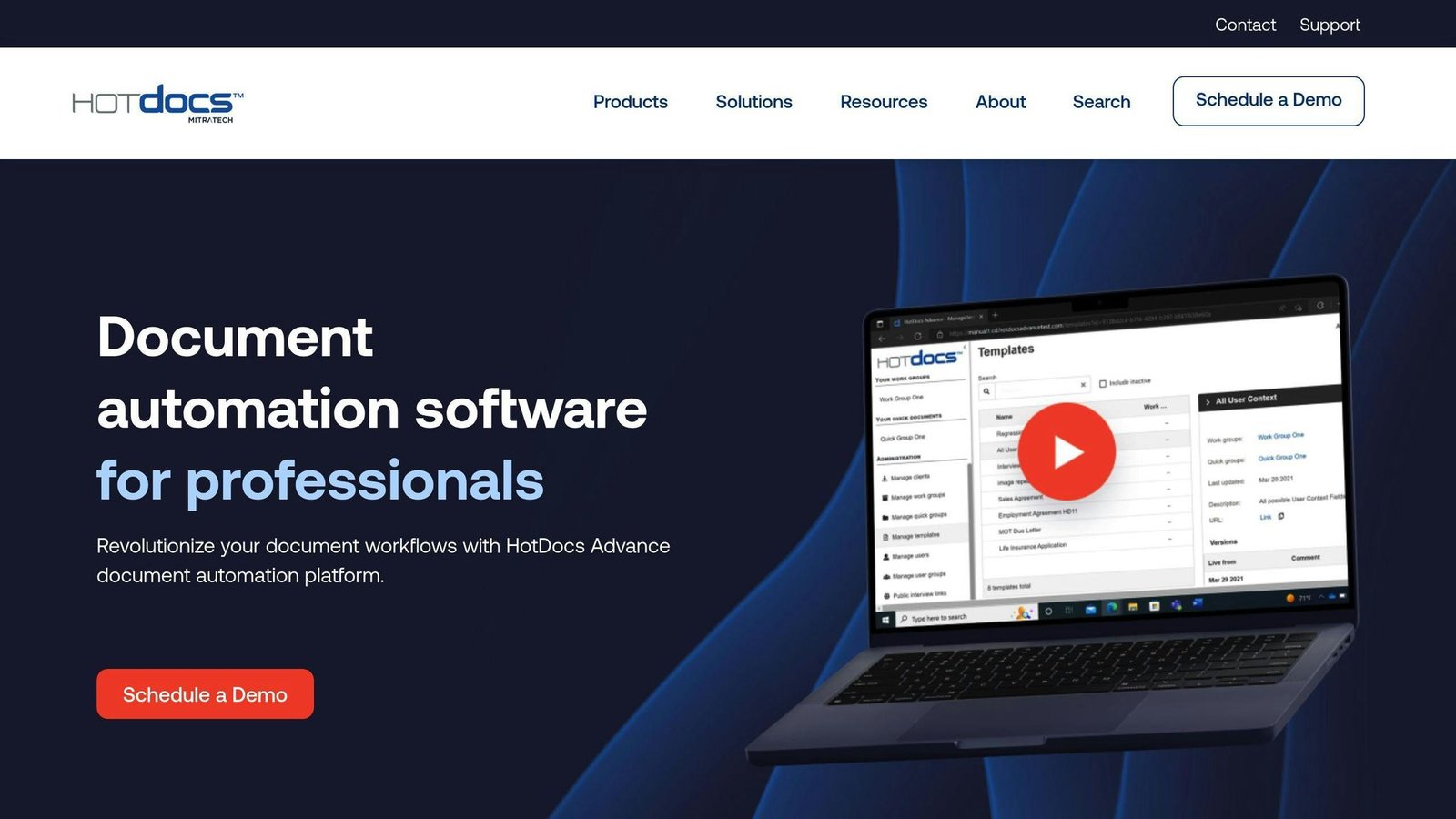
HotDocs is a document automation tool designed to help lawyers create routine documents efficiently. It converts frequently used documents like contracts and intake forms into reusable templates. Note for anyone working from an older shortlist: hotdocs.com now redirects to Mitratech, which owns and sells it. The product name survived the acquisition; the standalone company did not.
Key Features
- Template Creation: Create templates from existing Word documents using a plugin.
- Guided Interviews: Templates include guided interviews to collect necessary information.
- Conditional Logic: Templates can include conditional logic for customized content.
- Tables and Calculations: Embed complex calculations and tables within templates.
Pricing and Plans
Mitratech does not publish a rate for HotDocs. The “$25 per user per month with a five-user minimum” this article previously gave could not be confirmed on the vendor’s own pages and has been removed. Expect a quote, and expect a seat minimum — that structure is normal for legal document automation, even if the specific numbers are not published. There is no free trial, but a demo is available.
Integrations
HotDocs integrates with various business process management systems and popular legal software like:
- LawBase
- ActionStep
- Word
- Amicus Attorney
- AbacusLaw
- Amicus Cloud
Support and Resources
- Resource Library: Access ebooks and webinars to learn how to use HotDocs.
- Customer Support: Online resources and documentation available.
7. Seismic
Overview
Seismic is a platform that helps businesses manage and share their sales and marketing content. It provides a central location for storing and organizing materials like presentations, documents, and videos.
Key Features
- Content Management: Store and organize all your sales and marketing content in one place.
- Version Control: Track file versions and see when files were uploaded or updated.
- Access Controls: Set permissions to control who can access confidential content.
- Audit Trail: View a record of changes made to files.
- Content Analytics: Use data analysis tools to optimize your content.
- Integrations: Connect with other systems and software for smooth workflows.
- LiveDocs: Automate and personalize content.
Pricing
Seismic does not publicly disclose pricing. You need to contact them for a custom quote based on your requirements.
Customer Support
- Review-site rating figures previously given here have been removed as unverified.
- Some users have noted that the setup process can be time-consuming.
- The platform may be expensive for small businesses.
| Pros | Cons |
|---|---|
| Centralized content management | Setup can be time-consuming |
| Version control and audit trail | Potentially expensive for small businesses |
| Content analytics and optimization tools | |
| Integrations with other systems | |
| Automation and personalization features |
8. Google Docs
Overview
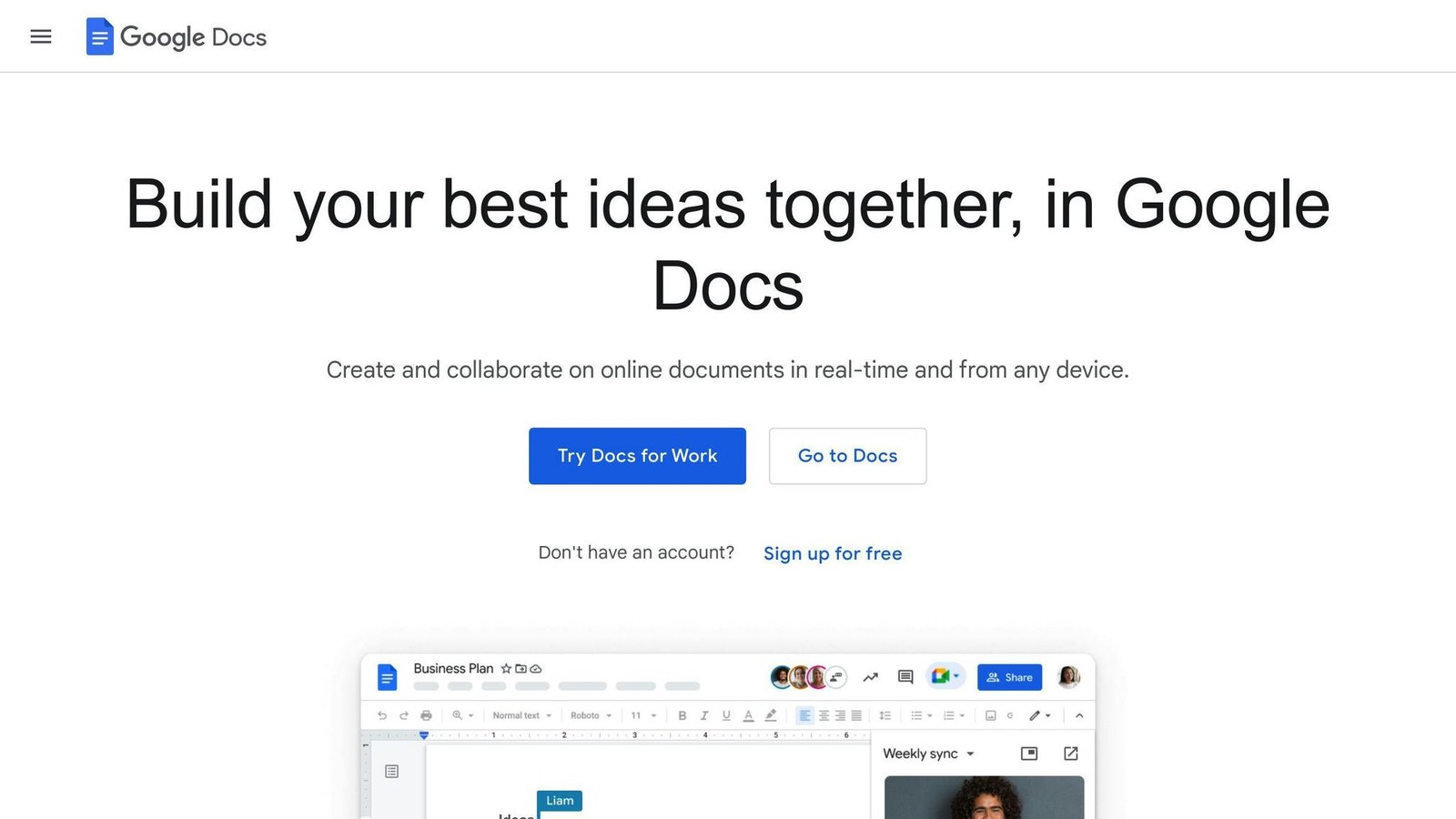
Google Docs is a popular online document management system that offers strong version control features. It allows users to create, edit, and manage documents in the cloud, with real-time collaboration capabilities. Google Docs tracks all changes made to a document, including edits, additions, deletions, format changes, and comments.
Key Features
- Real-time collaboration: Multiple users can edit a document simultaneously, with changes reflected instantly.
- Version history: View all changes made to a document, with the ability to revert to previous versions.
- Commenting and suggestions: Users can leave comments and suggestions, which can be accepted or rejected by others.
- Revision history: See a detailed history of all changes, including who made them and when.
Pricing and Plans
Google Docs is free to use, with no additional costs for version control features. It is part of the Google Drive suite, which offers 15 GB of free storage. Users can upgrade to a paid plan for additional storage.
Integration and Compatibility
Google Docs integrates closely with other Google tools, such as Google Drive, Google Sheets, and Google Slides. It is also compatible with Microsoft Office file formats, allowing users to import and export documents easily.
Customer Support and Resources
Google Docs offers extensive support resources, including online tutorials, guides, and FAQs. Users can also contact Google support directly for assistance with version control features.
| Pros | Cons |
|---|---|
| Real-time collaboration | Limited storage space in free plan |
| Strong version control | Learning curve for new users |
| Integration with Google tools | |
| Compatible with Microsoft Office | |
| Extensive support resources |
9. Microsoft Word
Overview
Microsoft Word is a widely-used document management software that offers strong version control features. It allows users to create, edit, and manage documents while tracking changes, comparing versions, and restoring previous versions. These features are particularly useful for collaborative projects where multiple users need to work on a document simultaneously.
Key Features
- Version History: View all changes made to a document and revert to previous versions if needed.
- Track Changes: See who made changes, when they were made, and what was modified.
- Compare Versions: Compare different versions of a document to identify changes.
- Restore Previous Versions: Restore an earlier version of a document if required.
Pricing and Plans
Word comes with a Microsoft 365 subscription. Microsoft 365 Personal is $9.99 per month billed monthly, and Family is $12.99 per month billed monthly, both with a cheaper yearly option; business plans start at Business Basic. The “$6.99 a month” this article previously gave is no longer Microsoft’s price — Personal went up. Checked on microsoft.com in August 2026.
Integration and Compatibility
Word integrates natively with other Microsoft tools like OneDrive, SharePoint, and Teams. It is also compatible with various file formats, including PDF, DOCX, and TXT.
Customer Support and Resources
Microsoft offers extensive support resources, including online tutorials, guides, and FAQs. Users can also contact Microsoft support directly for assistance with version control features.
| Pros | Cons |
|---|---|
| Strong version control | Requires a Microsoft 365 subscription |
| Integrates with Microsoft tools | Learning curve for new users |
| Compatible with various file formats | |
| Extensive support resources |
10. monday.com
Overview
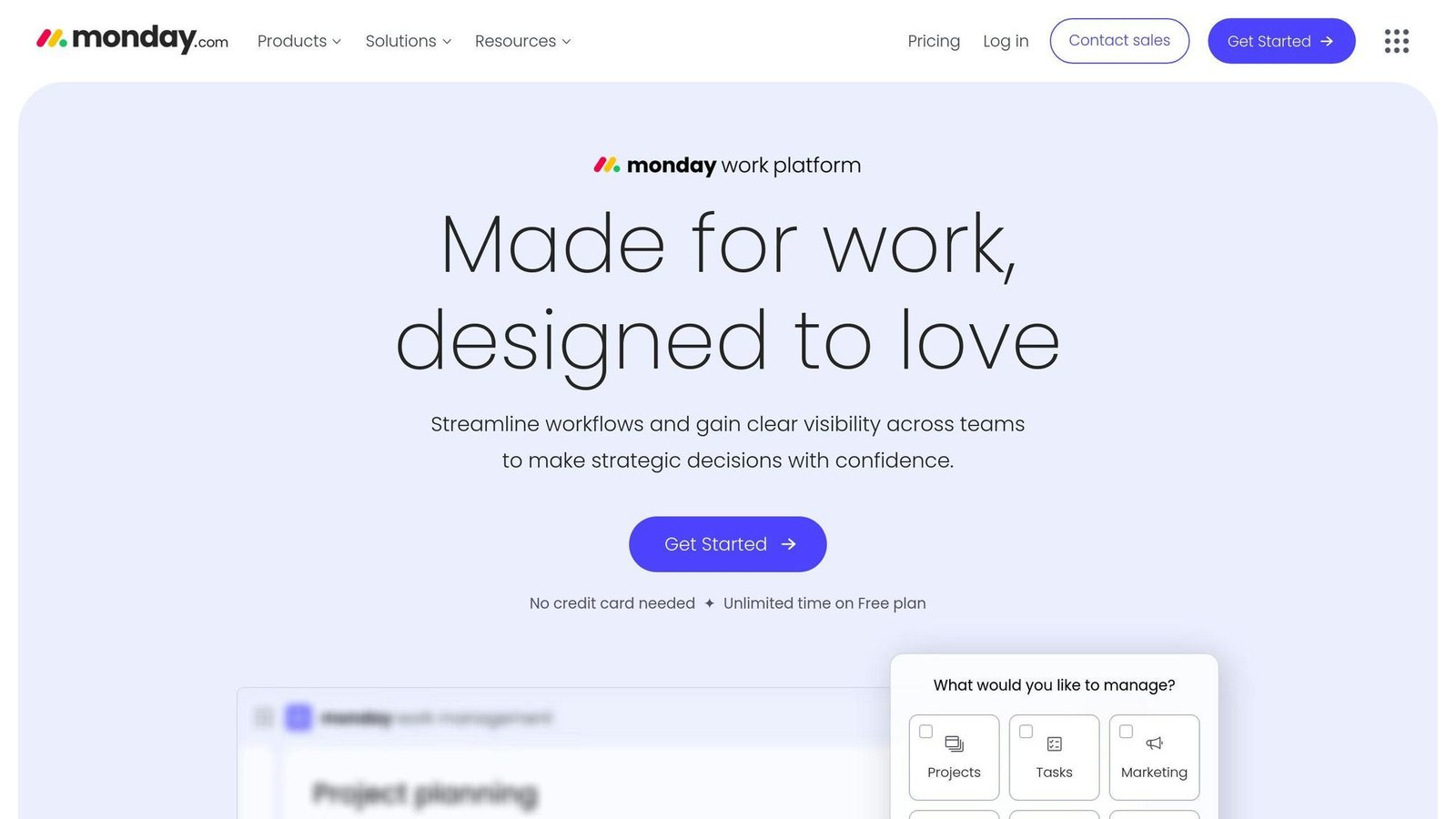
monday.com is a project management tool that includes document version control features, making it suitable for small businesses. It provides a visual interface with customizable boards, timelines, and dashboards, allowing teams to organize tasks, track progress, and communicate effectively. monday.com keeps all files in one place, making it easier to review and approve content compared to tracking multiple documents through emails.
Key Features
- Preview, download, and add annotations to each document version
- Delete older versions to avoid clutter
- Visually intuitive interface for managing projects
- Create and customize workflows
- Track projects in real-time
Pricing and Plans
monday.com offers various pricing plans:
| Plan | Price (per seat per month) |
|---|---|
| Free | Free, capped at 2 seats and 3 boards |
| Basic | $9 billed annually |
| Standard | $12 billed annually |
| Pro | $19 billed annually |
| Enterprise | Contact for pricing |
Those are the annual rates, checked on monday.com in August 2026. monday.com puts the annual discount at 18%, so the monthly rates are roughly a fifth higher — which is what the figures previously printed here were, presented as if they were the only price. Also worth knowing: the free plan is capped at two seats, so it is a trial in practice rather than a plan a small team can live on.
Integration and Compatibility
monday.com integrates with popular tools like Slack, Google Drive, and Microsoft, making it easy to incorporate into existing workflows.
Customer Support and Resources
monday.com provides:
- Online tutorials
- Guides
- FAQs
- Direct support for assistance with version control features
| Pros | Cons |
|---|---|
| Preview, download, and annotate versions | May be complex for some users |
| Delete old versions to avoid clutter | Higher plans required for advanced features |
| Visual interface for project management | |
| Customize workflows and real-time tracking | |
| Integrates with popular tools | |
| Extensive support resources |
Comparing Document Version Control Software: Pros and Cons
When choosing document version control software for your small business, it’s crucial to weigh the advantages and disadvantages of each option. Here’s a comparison table to help you make an informed decision:
| Software | Pros | Cons |
|---|---|---|
| ClickUp | – All-in-one project management tool – Customizable workflows
– Affordable pricing |
– Steep learning curve – Limited free version features |
| Adobe Acrobat | – Industry-standard PDF editor – Advanced collaboration features
– Strong security controls |
– Expensive – Complex interface
– Limited free version features |
| QT9 QMS | – Comprehensive quality management system – Automated workflows
– Customizable dashboards |
– Steep learning curve – Limited scalability
– Expensive |
| MasterControl | – Strong document control features – Automated workflows
– Compliance-ready |
– Expensive – Complex interface
– Limited scalability |
| Sierra QMS | – Comprehensive quality management system – Automated workflows
– Customizable dashboards |
– Steep learning curve – Limited scalability
– Expensive |
| HotDocs | – Advanced document automation features – Customizable workflows
– Strong security controls |
– Expensive – Complex interface
– Limited scalability |
| Seismic | – AI-powered sales enablement platform – Advanced collaboration features
– Strong security controls |
– Expensive – Complex interface
– Limited scalability |
| Google Docs | – Free – Real-time collaboration
– Close integration with Google Drive |
– Limited features – Lack of advanced security
– Limited scalability |
| Microsoft Word | – Industry-standard word processor – Advanced collaboration features
– Strong security controls |
– Expensive – Complex interface
– Limited free version features |
| monday.com | – Visual interface – Customizable workflows
– Affordable pricing |
– Limited scalability – Complex interface
– Limited free version features |
When evaluating these pros and cons, consider your business’s specific needs, budget, and scalability requirements. By weighing the advantages and disadvantages of each software, you can make an informed decision and choose the best document version control solution for your small business.
Choosing the Right Version Control Tool
When selecting document version control software for your small business, consider your team size, budget, and future growth plans. Here are some recommendations based on our analysis:
For Small Teams
- Google Docs: Free, real-time collaboration, integrates with Google Drive.
- monday.com: Visual interface, customizable workflows, affordable pricing.
For Advanced Collaboration
| Software | Key Features |
|---|---|
| Adobe Acrobat | Strong PDF editing, advanced collaboration tools, strong security. |
| MasterControl | Automated workflows, compliance-ready, strong document control. |
| Sierra QMS | Comprehensive quality management, automated workflows, customizable dashboards. |
For Scalability
| Software | Highlights |
|---|---|
| ClickUp | All-in-one project management, customizable workflows, flexible pricing. |
| QT9 QMS | Centralized document management, real-time analytics, email alerts. |
| Seismic | AI-powered sales enablement, advanced collaboration, strong security. |
For Industry-Specific Needs
- HotDocs: Advanced document automation for legal firms.
- monday.com: Visual interface ideal for sales teams and customer-facing roles.
When evaluating options, consider your team’s size, collaboration needs, budget, and potential growth. Choose a solution that aligns with your current requirements while offering scalability for the future.
More on this topic
Browse all 86 articles on Business Operations, or jump straight to our buying guide: Best Productivity Tools for Small Teams.