Disclosure: This page contains commercial links. BizBot may earn a commission from qualifying purchases. Paid placements do not buy a better ranking. Read our affiliate disclosure.
Disclosure: Some links in this article are affiliate links. If you sign up through one, BizBot may earn a commission at no extra cost to you. It does not change which tools we list, or what we say about them — including the parts that are critical. How we evaluate software.
Freelancers face unique financial challenges, from tracking money flow to handling taxes. An accounting app tailored for freelancers can simplify these tasks, offering automation, real-time finance visibility, tax planning features, and more, all with strong security measures and at an affordable price. Essential features to look for include invoicing, expense and mileage tracking, tax tools, reporting, bank account syncing, and integrations with other software. Popular choices like QuickBooks Self-Employed, FreshBooks, and Wave each offer unique benefits, making it easier for freelancers to manage their finances efficiently. Choosing the right app involves considering features, ease of use, scalability, cost, compatibility with other tools, and data security.
Quick Comparison:
| App | Pricing | Key Features |
|---|---|---|
| QuickBooks Self-Employed | $12-35/month | Invoicing, tax tools, mobile app |
| FreshBooks | $15-50/month | Invoicing, time tracking, tax support |
| Wave | Free or $20/month | Free invoicing, bank sync, easy to start |
Implementing the right accounting app can significantly streamline financial management for freelancers, allowing them to focus more on their work.
Automation to Save Time
- They can automatically keep track of how much money you make and spend, how far you drive for work, how many hours you bill, and more.
- You can quickly make and send out invoices and get paid online.
- They remind you when you need to pay bills or when bills are due.
- You can link your bank accounts to make checking your finances simpler.
These apps do a lot of the boring work for you, which means you have more time for your work.
Real-time Visibility Into Finances
- You get a clear picture of your money, like what’s coming in and going out, at any moment.
- They can show you how your money situation changes over time, helping you plan better.
- You can see if there are times when you earn more or spend more.
With these apps, you always know how your business is doing money-wise.
Tax Planning and Filing Features
- They automatically spot costs that can lower your taxes.
- You can easily get the financial info you need when it’s time to do your taxes.
- Some apps can even work with tax programs like TurboTax.
- They remind you when it’s time to pay your taxes throughout the year.
These features make dealing with taxes a lot less of a headache.
Bank-Level Security
- They use strong security to keep your money info safe.
- You can control who sees your financial data.
- They keep track of who does what with your financial info, just to be safe.
These apps make sure your financial data is protected.
Affordable Pricing
- You can start with basic plans that don’t cost much.
- They have different plans, so you can find one that fits your needs, whether you’re working alone or have a small team.
- They usually let you try them out for free first.
These apps are made to be budget-friendly for freelancers, offering a lot of helpful features without a big price tag.
By using these apps, freelancers can work smarter, get a good look at their finances, and make their business better. Choosing the right accounting app means you get a helper that makes dealing with money stuff a lot simpler.
Essential Features to Look For
When you’re a freelancer, picking the right app to handle your money can make life a lot easier. Here’s what to keep an eye out for:
Invoicing
Being able to quickly make, send, and keep track of invoices is key. You’ll want an app that lets you:
- Use ready-made templates for different jobs
- Accept payments online through services like Stripe or PayPal
- Send reminders for due payments
- Show you which invoices haven’t been paid yet
This makes sure you’re paid on time without much hassle.
Expense & Mileage Tracking
For tax breaks, you need an app that automatically records:
- Spending from your bank and credit cards
- How far you drive for work, using your phone’s GPS
- Receipts by snapping a photo with your phone
This way, you’re all set when it’s time to do your taxes.
Tax Tools
Dealing with taxes can be tricky. Look for features that help with:
- Figuring out how much to pay in taxes every few months
- Getting tax forms like 1099s from clients
- Working with tax software like TurboTax
These tools make tax time less stressful.
Reporting
A good app shows you how your money is doing with:
- Easy-to-understand summaries of your money
- Reports on what you earn, spend, and your profit or loss
- Ways to look at your money by client, project, or time
This helps you understand your business better.
Bank Account Syncing
Linking your bank accounts lets the app automatically bring in transactions for:
- Your business and personal accounts, if you use them for work
- Sorting these transactions automatically
This cuts down on the time you spend entering data.
Integrations
Your app should work well with other tools you use, like:
- Payment services (Stripe, PayPal)
- Tax software (TurboTax)
- Project management apps (Asana, Trello)
This way, all the tools you use can work together smoothly.
Choosing an app that handles these basics can really simplify managing your finances, letting you focus more on your work.
Comparing Top Accounting Apps for Freelancers
When looking at different apps to help freelancers manage their money, it’s good to see what each one offers. Here’s a simple look at some popular choices.
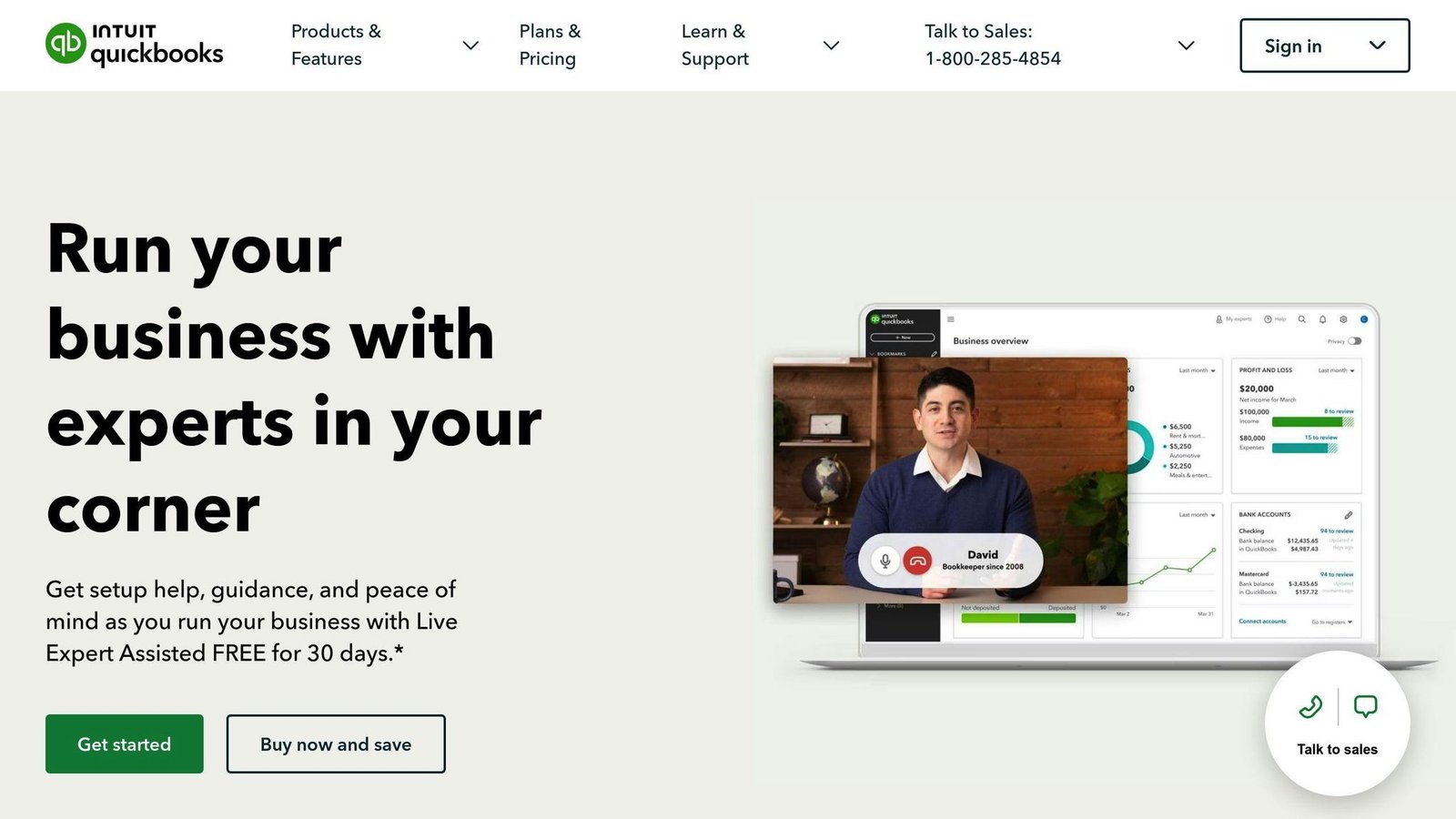
QuickBooks Self-Employed
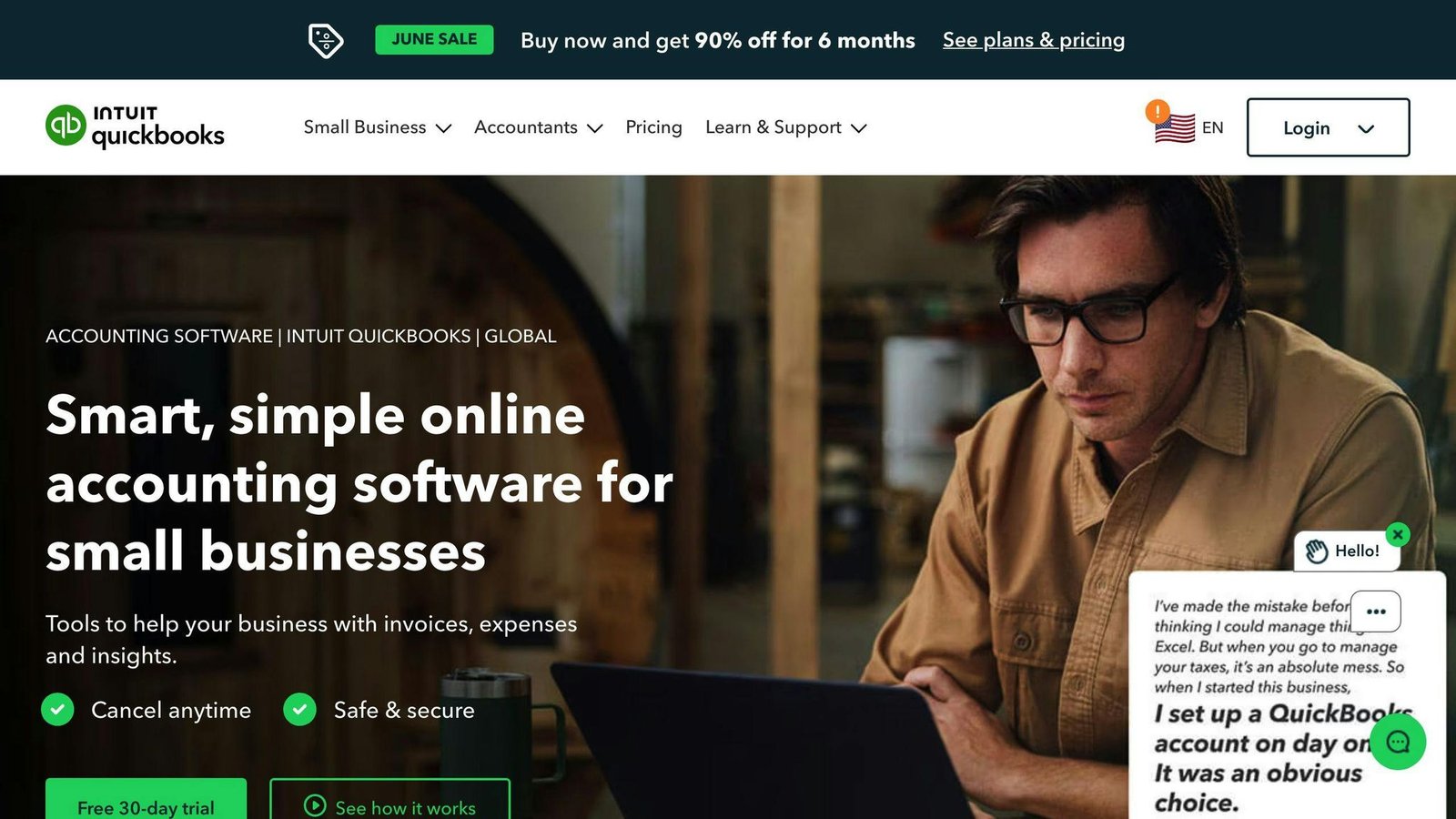
| Feature | Details |
|---|---|
| Invoicing | Easy to make and send invoices. Can get paid online. |
| Reporting | See your earnings and spending anytime. |
| Tax Tools | Tracks miles, helps with taxes, works with TurboTax. |
| Expenses | Automatically keeps an eye on your spending. |
| Mobile App | Track miles, scan receipts, get alerts. |
| Pricing | $12-35/month |
| Pros | Cons |
|---|---|
| Helps a lot with taxes | Pricier than some |
| Made for freelancers | Not great for money in other currencies |
| Handy mobile app |
Pricing: $12-35/month
Reviews: People give it about 4.2 out of 5 stars.
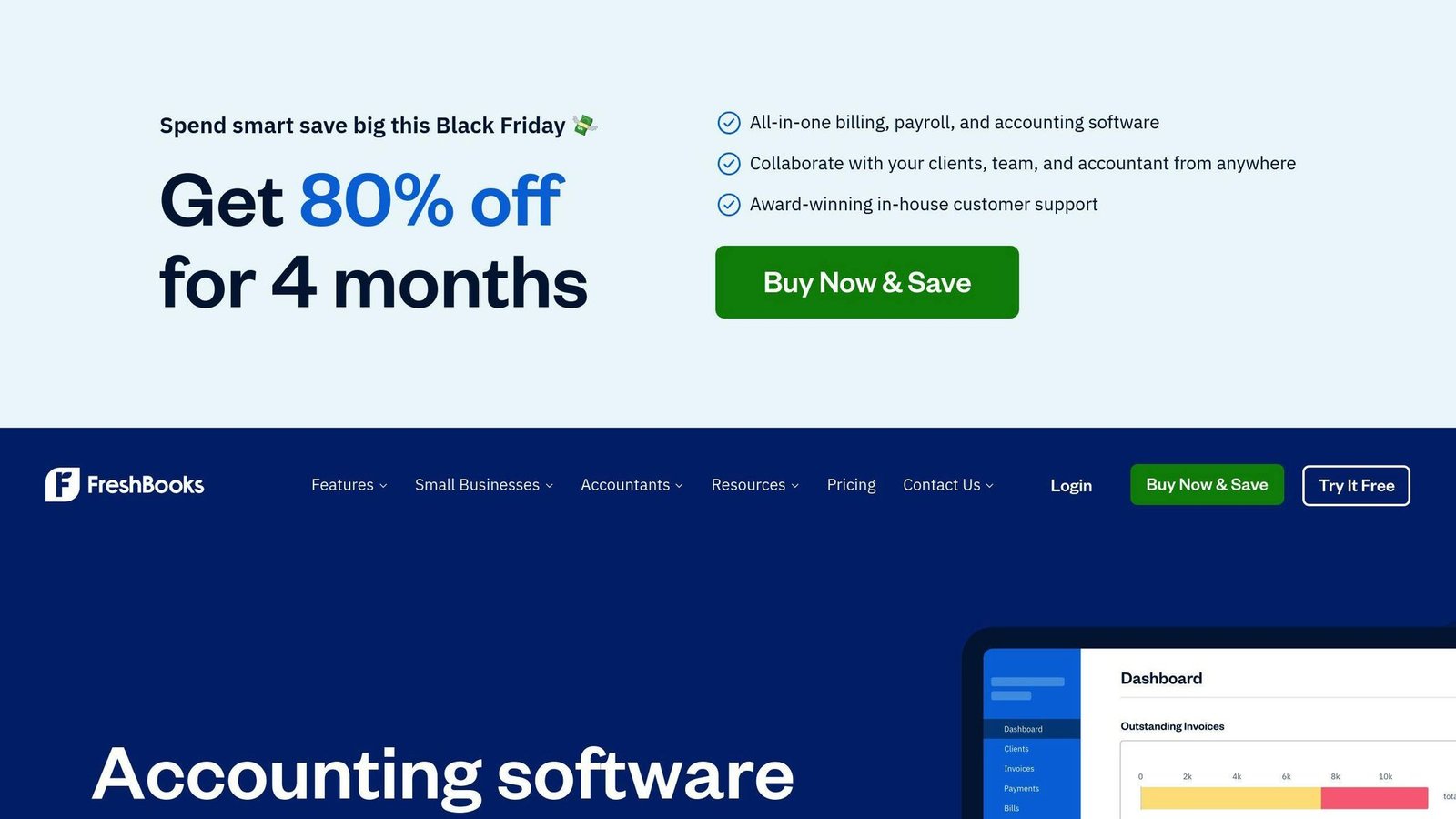
| Feature | Details |
|---|---|
| Invoicing | You can send invoices again and again. Works with different money types. |
| Expenses | Just snap a photo of receipts to track spending. |
| Time Tracking | Keep track of hours worked on projects. |
| Reports | Interactive reports to see how you’re doing. |
| Mobile App | Record time, scan receipts. |
| Payments | Lets clients pay you online. |
| Tax Support | Works with TurboTax. |
| Pros | Cons |
|---|---|
| Really good for sending invoices | The more you pay, the harder it is to learn |
| Tracks time well | Not much room to customize for tech-savvy users |
| Helps with taxes |
Pricing: $15-50/month
Reviews: Gets about 4.5 stars out of 5.
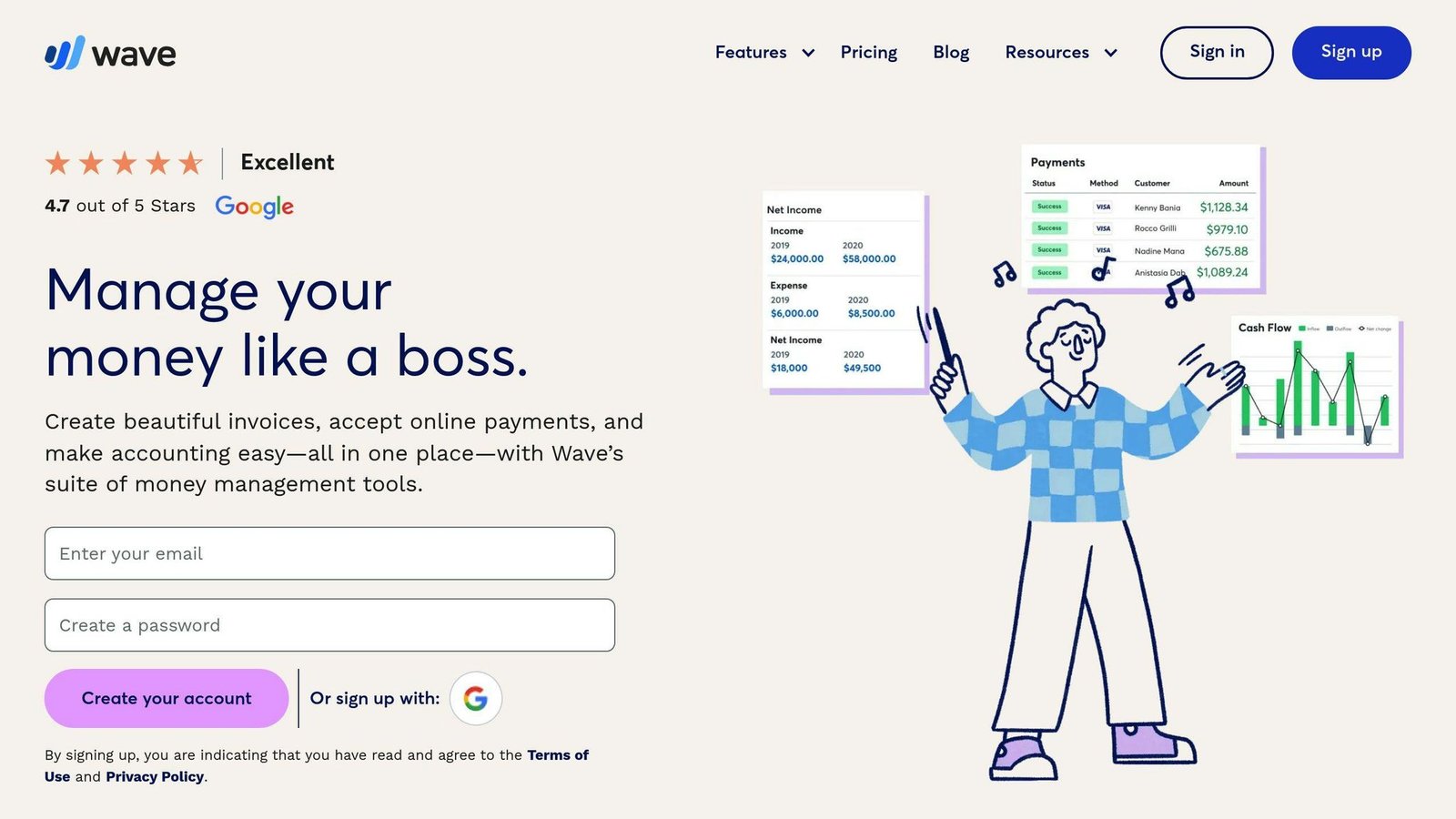
| Feature | Details |
|---|---|
| Invoicing | You can send as many invoices as you want for free. |
| Accounting | Keeps track of money coming in and going out. |
| Payroll | You can pay your team through it, but it costs extra. |
| Payments | Processing payments is free. |
| Bank Sync | Automatically pulls in your bank info. |
| Tax Planning | Not much help here. |
| Mobile App | Send invoices and snap photos of receipts. |
| Pros | Cons |
|---|---|
| The basics are free | Not great for detailed reports |
| Good for really small businesses | Missing some deeper accounting tools |
| Easy to start | Pay extra for payroll |
Pricing: Free or $20/month
Reviews: People rate it around 4.2 out of 5 stars.
Implementing an Accounting App
Choosing Software
When picking an accounting app for your freelance work, think about:
- Core features – Make sure the app has what you need, like making invoices, keeping track of spending, creating reports, and working with other tools.
- Pricing – Choose something you can afford. Many apps have free or cheap plans.
- Reviews – Look for apps that people say are easy to use.
- Ease of use – Go for an app that’s easy to get the hang of, with clear steps and no complicated stuff.
Aim for apps made just for one-person businesses that keep things simple and do a lot of the work for you.
Setup and Migration
To get your accounting app ready:
- Import data – Move any old financial info over so you don’t lose anything.
- Connect accounts – Link your business bank and credit card accounts to bring in transactions automatically.
- Confirm balances – Make sure the starting money amounts match your old records.
Doing this first makes sure your new app has all the right info.
Integrations
Link your accounting app with other tools to make running your business smoother:
- Payroll – Send pay info straight from the accounting app to your payroll service.
- Payments – Let clients pay invoices online by connecting to payment services like Stripe.
- Project management – Share project cost and billing info between apps to save time.
- Tax prep – Send tax info straight to tax software like TurboTax.
Using these connections cuts down on doing the same task more than once.
Ongoing Utilization
To make the most of your app over time:
- Customize invoices – Make your own invoice designs to look professional.
- Schedule reports – Get reports like profit and loss sent to you automatically.
- Set reminders – Keep track of when invoices, taxes, payments, and forms are due.
- Automate expenses – Take pictures of receipts to log spending right away.
- Pay quarterly taxes – Figure out how much tax to pay every few months easily.
Using these tips helps you tailor the app to your financial management style.
Conclusion
Key Takeaways for Freelancers
Choosing the right accounting app is a big help for freelancers who want to keep their money stuff simple and organized. Here are the main points to think about:
What the App Does
Make sure the app can do important things like:
- Send invoices easily
- Track your spending and how far you drive for work without much hassle
- Work with tax software to make tax time less stressful
- Give you a clear view of your money whenever you need it
Easy to Use
You’re running your business by yourself, so you need software that’s easy to figure out. Look for what other people say about how easy it is to learn and use.
Can Grow with You
Freelance work can change a lot. Pick an app that lets you easily move to a bigger plan if your business gets busier.
Cost
Some apps are free or cheap to start but can get expensive as you add more features. Make sure you know how much it’ll cost as you grow.
Works with Other Tools
It’s great if the app works with other software you use, like for payments, keeping track of projects, doing payroll, and preparing taxes. This saves you time.
Keeps Your Data Safe
Your money information is private and needs to be kept safe. Check that the app uses good security to protect your data.
By keeping these things in mind, freelancers can find an accounting app that makes managing money easier, helping them focus more on their work.
Related Questions
Is QuickBooks worth it for freelancers?
QuickBooks is great for freelancers because it makes invoicing easy. You can quickly create bills to send to clients, who can pay you online. This helps you get your money faster. QuickBooks also has tools to keep track of what you earn and spend. The main downside is it costs at least $12 a month. But for many, the time it saves makes it worth the cost.
What is comparable to QuickBooks Self-Employed?
Some other options like QuickBooks Self-Employed include:
- Xero: Good for sending bills and works well with other business apps. Prices start at $9 a month.
- FreshBooks: Friendly for freelancers, with easy ways to track time, record expenses, and send bills. Starts at $15 a month.
- Wave: Has a free basic version that’s good for very small businesses. You can pay $20 a month for more features.
- Zoho Books: Works well with other Zoho apps for businesses. Starts at $9 a month.
Can you do freelance accounting?
Yes, being a freelance accountant is common. They work for themselves and handle money tasks for different clients. Some things they might do include:
- Keeping track of money
- Handling payroll
- Doing taxes
- Checking financial records
- Giving advice
Freelance accountants need to be organized to manage work for many clients. Having a CPA certification can also attract more clients.
Is FreshBooks good for accounting?
Yes, FreshBooks is a good choice for handling your money matters. It’s easy to use, has useful features for tracking time and expenses, and offers good customer support. Its main strengths are:
- Simple billing
- Keeping track of work hours on projects
- Recording expenses with photos of receipts
- Reports on earnings and spending
- Connecting with payment services
So for freelancers or people running their own small business, FreshBooks can be a go-to solution for accounting.
More on this topic
Browse all 53 articles on Finance & Accounting, or jump straight to our buying guide: Best Accounting Software for Small Businesses.