
Disclosure: This page contains commercial links. BizBot may earn a commission from qualifying purchases. Paid placements do not buy a better ranking. Read our affiliate disclosure.
Digital Asset Management (DAM) software helps organizations centrally store, manage, and share digital assets like images, videos, and documents. It provides features like metadata tagging, version control, and access permissions to improve collaboration, reduce costs, increase productivity, and ensure brand consistency.
Here are the top 10 DAM software solutions:
- Adobe Experience Manager Assets
- Bynder
- MediaValet
- Brandfolder
- Cloudinary Assets
- Acquia DAM (Widen)
- Canto
- Aprimo Digital Asset Management
- Wedia Digital Asset Management
- Filecamp
Two of these publish a price you can read without talking to anyone: Cloudinary and Filecamp. The other eight quote per organisation. That is the single most useful thing to know before you start booking demos, because it decides how long your selection process takes.
| Software | What it is | Best suited to | Pricing |
|---|---|---|---|
| Adobe Experience Manager Assets | The DAM inside Adobe’s Experience Manager suite, with Dynamic Media rendering and Firefly and Express tie-ins | Large marketing organisations already on Adobe Experience Cloud | Not published; quoted per organisation |
| Bynder | Independent cloud DAM sold as a core plus optional modules for workflow, templating and analytics | Brand teams who want a polished portal for non-technical users | Not published; priced on users, storage, modules and support level |
| MediaValet | Cloud DAM running on Microsoft Azure, sold with unlimited users and permission groups | Microsoft 365 shops, and libraries with many occasional viewers | Not published; quoted per organisation, not per seat |
Prices below were checked against each vendor’s own pricing page at the time of writing. DAM vendors repackage their tiers often, and the eight quote-only products can change what a quote covers without changing anything public at all. Check current rates before you budget.
When choosing DAM software, consider factors like ease of use, scalability, integrations, security, and pricing based on your organization’s needs and budget.
What This Comparison Is Based On
Plainly: we have not tested these ten products hands-on. No trials were run, no libraries were migrated, nobody sat with the interfaces for a week. An earlier version of this article implied otherwise, under the heading “How We Evaluated DAM Software”. It was not true, and it has been replaced with this.
What the entries below are actually built from:
- Vendor documentation and product pages. What each company says its own software does, in its own words.
- Published pricing pages, where a vendor has one. Eight of the ten publish no prices at all. Where that is the case we say so rather than estimating a figure.
- Public facts about ownership, hosting and packaging. Who owns the product now, what infrastructure it runs on, what it is sold alongside, and how the tiers are cut.
All of it was last checked in August 2026. DAM vendors rename plans and move features between tiers often, so confirm anything specific on the vendor’s own site before you rely on it.
What that can tell you, and what it cannot
Reading vendor material closely gets you further than it sounds, because it exposes structure. How a product is sold, what sits behind which tier, what the billing unit is, and which problem the vendor believes it is solving are all stated publicly, and between them they decide most of the cost and most of the fit.
What it cannot tell you is whether search returns the asset you meant, how long an upload of 40,000 files takes, whether the permissions model survives contact with your organisation, or what support is like at four on a Friday afternoon. Nobody can tell you that from the outside. That is why each entry ends with a “Watch out for” line instead of a score: the honest output of a documentation review is a list of things for you to go and check.
How to use the list
As a shortlisting tool, not a verdict. Cut ten down to the two or three that match the shape of your problem, then run a trial with your own assets and your own people. Ask for a sandbox with a realistic slice of your library loaded into it. A vendor who will not do that has told you something useful.
Top 10 Digital Asset Management Software
The entries below have been rewritten. The previous version gave all ten products the same three features and the same three limitations, which told the reader nothing and was wrong in places: Filecamp, for one, does not offer AI search. What follows is drawn from each vendor’s own published material, and where a vendor does not publish something we say so rather than filling the gap. We have not run all ten side by side.
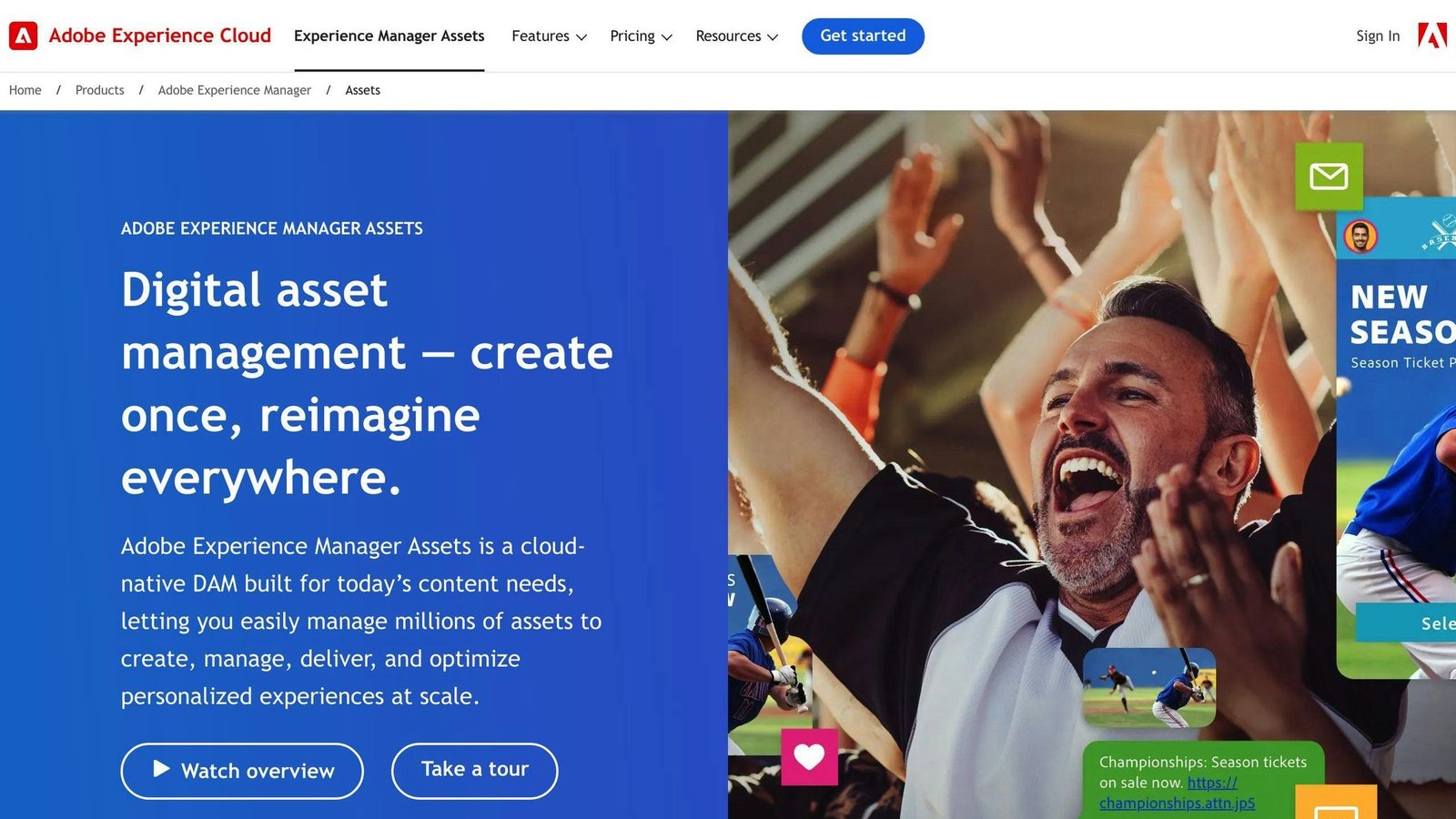
- Description: The asset module of Adobe Experience Manager, aimed at organisations already running Adobe Experience Cloud.
- Key Features: Conversational search through its Content Advisor agent, automatic tagging and classification, Dynamic Media templates that render and resize assets at delivery, and links into Adobe Express and Firefly.
- Pricing: Not published. Quoted per organisation.
- Best for: Enterprises publishing to many channels who already own Creative Cloud and Experience Manager, and want assets in the same place as the pages they appear on.
- Watch out for: This is a suite, not an app. Budget for an implementation project and, in most cases, a partner to run it. If you mainly need somewhere to keep logos and product shots, this is the wrong end of the market.
2. Bynder
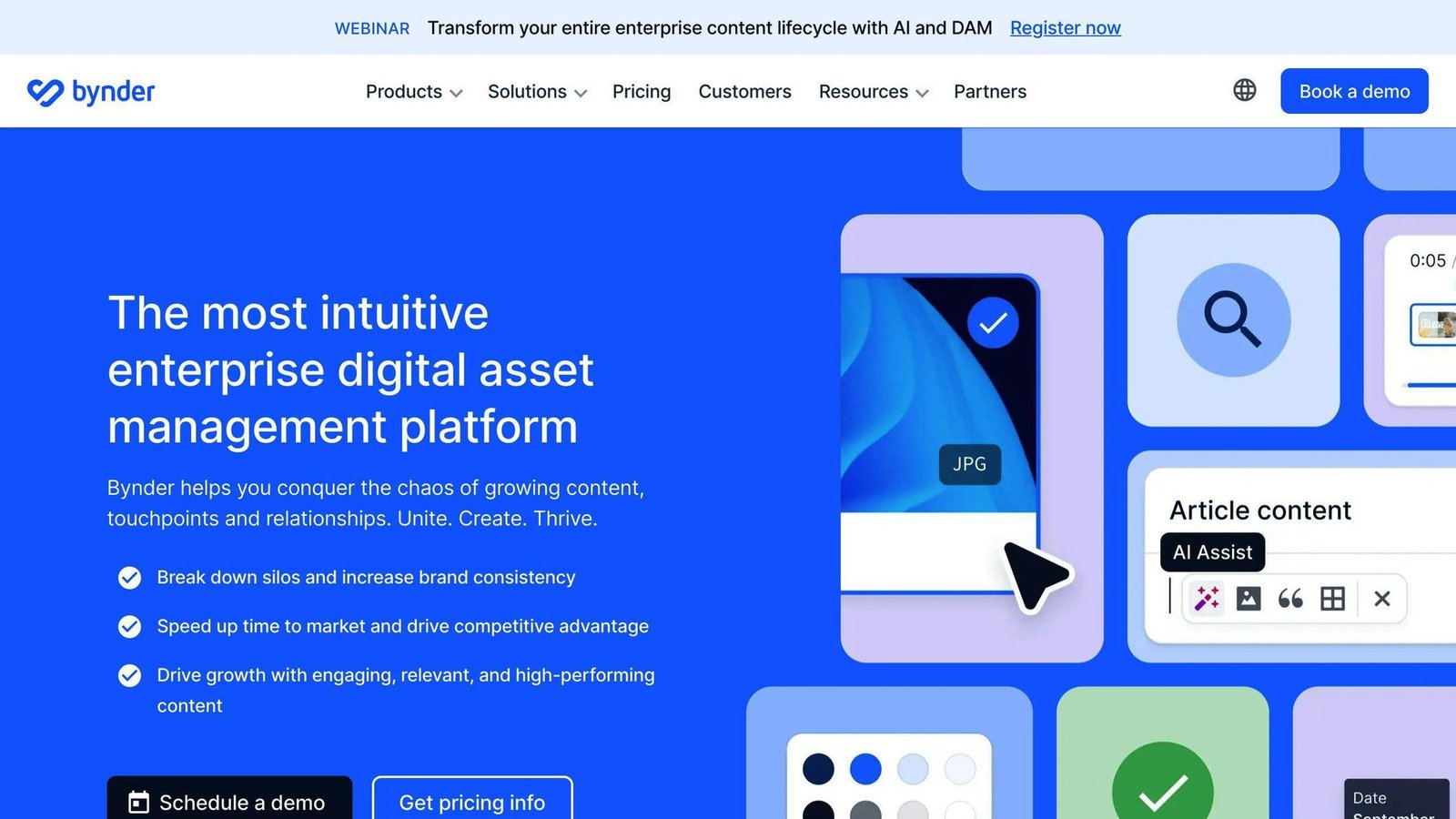
- Description: An independent cloud DAM sold as a core product with optional modules, strongest as a brand portal.
- Key Features: DAM core plus modules for asset and content workflow, Studio templating, omnichannel delivery and analytics. Single sign-on, APIs and 24/7 support are included on every package.
- Pricing: Not published. Bynder states that every customer gets a custom package priced on users, storage, modules and support level.
- Best for: Marketing and brand teams who need a tidy, self-serve portal that people outside the team will actually use.
- Watch out for: Modular pricing means the number in your first quote is rarely the number you end up paying. Get the module list, and what happens when you add one, in writing before you sign.
3. MediaValet
- Description: A cloud DAM built on Microsoft Azure that sells on unlimited users rather than seats.
- Key Features: Azure hosting with regional options, integrations across the Microsoft stack, and permission groups instead of a licence count.
- Pricing: Not published; quoted per organisation. The differentiator is the model: unlimited users and permission groups, so occasional viewers cost nothing extra.
- Best for: Organisations standardised on Microsoft 365 and Teams, and any library with far more viewers than contributors.
- Watch out for: Removing per-seat pricing moves the cost onto storage and modules. Model your library size and its growth, not your headcount, or the renewal will surprise you.
4. Brandfolder
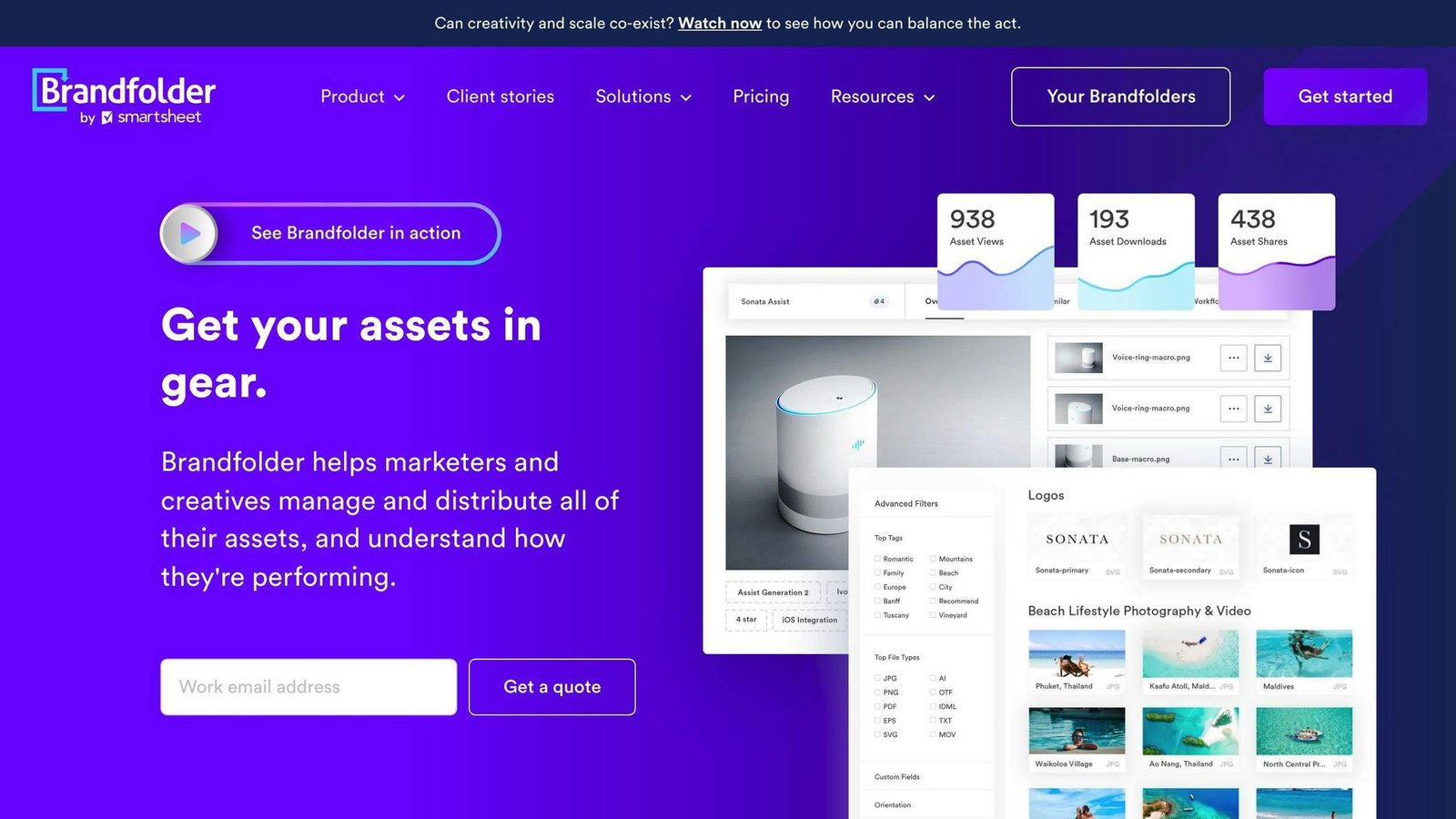
- Description: A brand-portal DAM, owned by Smartsheet.
- Key Features: Asset analytics showing which assets are actually used, OCR search inside documents, bulk asset operations, video AI and SSO on Premium. Enterprise adds granular permissions, custom automation, branded URLs and BI connectors.
- Pricing: Not published. Two tiers, Premium and Enterprise, quoted after a demo.
- Best for: Teams that need evidence of what is being used and by whom, and organisations already running Smartsheet.
- Watch out for: With only two tiers, several things people assume are standard, including granular permissions and custom automation, sit on the Enterprise side of the line.
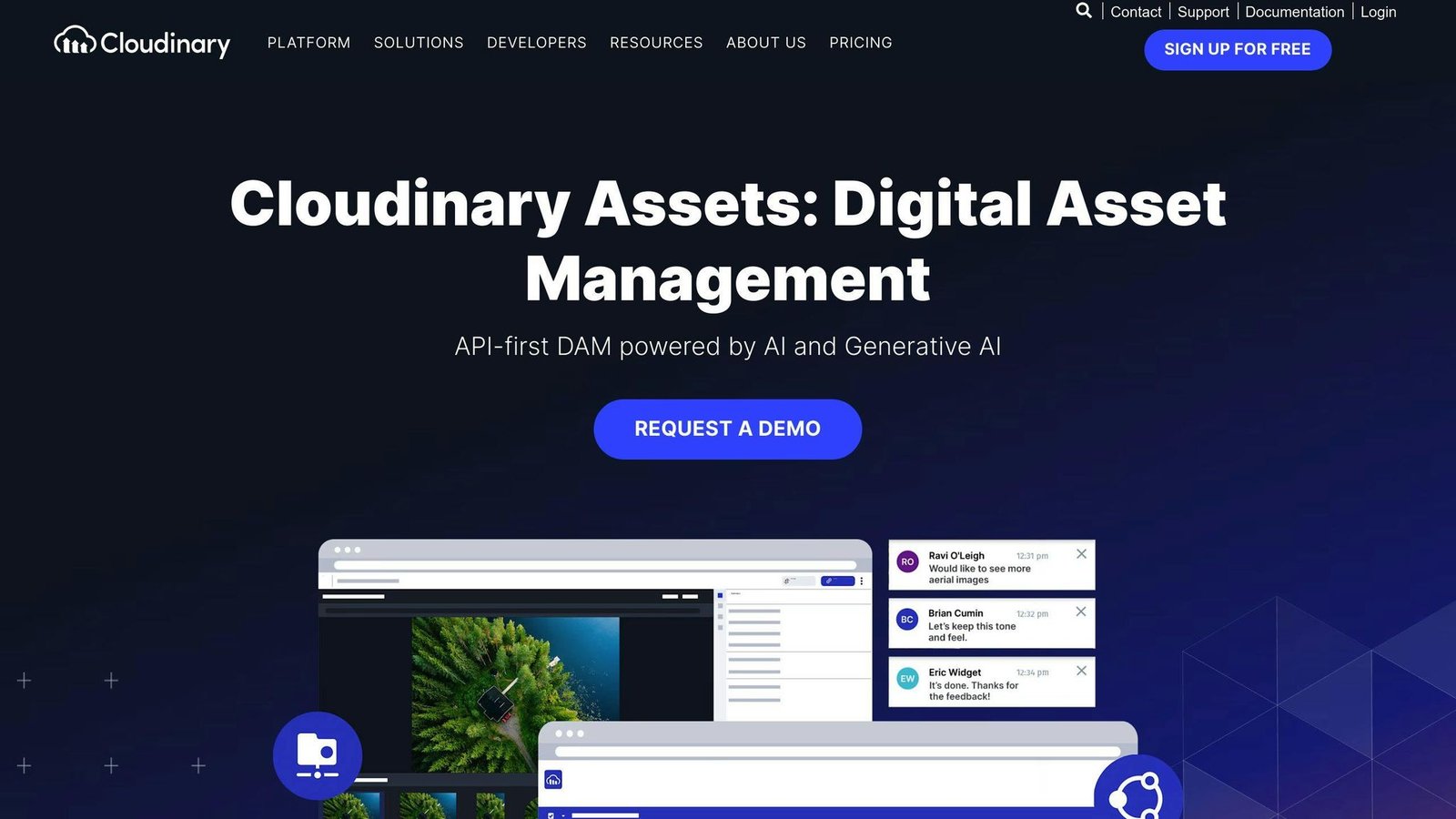
- Description: A DAM layered on a developer media platform. Cloudinary’s core business is transforming and delivering images and video through an API and CDN; the asset library sits on top of that.
- Key Features: On-the-fly image and video transformation, CDN delivery, a full API and SDKs, with a DAM interface over the same library.
- Pricing: Published, which is rare in this list. Free plan with 3 users and 25 monthly credits; Plus $99/month, or $89/month billed yearly; Advanced $249/month, or $224/month billed yearly; Enterprise custom. Usage is metered in credits, where one credit covers roughly 1,000 transformations, or 1 GB of managed storage, or 1 GB of video bandwidth.
- Best for: Product and engineering teams who need media resized, optimised and delivered at scale, and who get a DAM alongside it.
- Watch out for: Credit metering is genuinely hard to forecast before you have real traffic. If nobody on the team writes code, most of what you are paying for goes unused, and a simpler DAM will cost less.
6. Acquia DAM (Widen)
- Description: The former Widen DAM, now sold as part of Acquia’s digital experience platform.
- Key Features: Organisation and retrieval across very large libraries, workflow automation, and a sibling PIM product for product data. A native path into Drupal and the rest of the Acquia stack.
- Pricing: Not published; demo first.
- Best for: Drupal shops, and organisations that need product information managed next to the images that go with it.
- Watch out for: Most of the value case rests on the rest of the Acquia platform. Bought standalone, it is competing with tools that cost a fraction as much.
7. Canto
- Description: A mid-market DAM sold in four packages, from a basic library up to one that combines assets with product data.
- Key Features: Core DAM in Core Essentials, team workflow in Enhanced Collaboration, assets plus product data in Omni Brand Solution, and heavier customisation in Advanced.
- Pricing: Not published. Canto says pricing scales with team size and storage.
- Best for: Teams that have outgrown a shared drive but do not want an enterprise suite or the project that comes with one.
- Watch out for: Four similarly pitched tiers make it easy to buy the wrong one. Get the feature-by-tier list before the call, not after it.
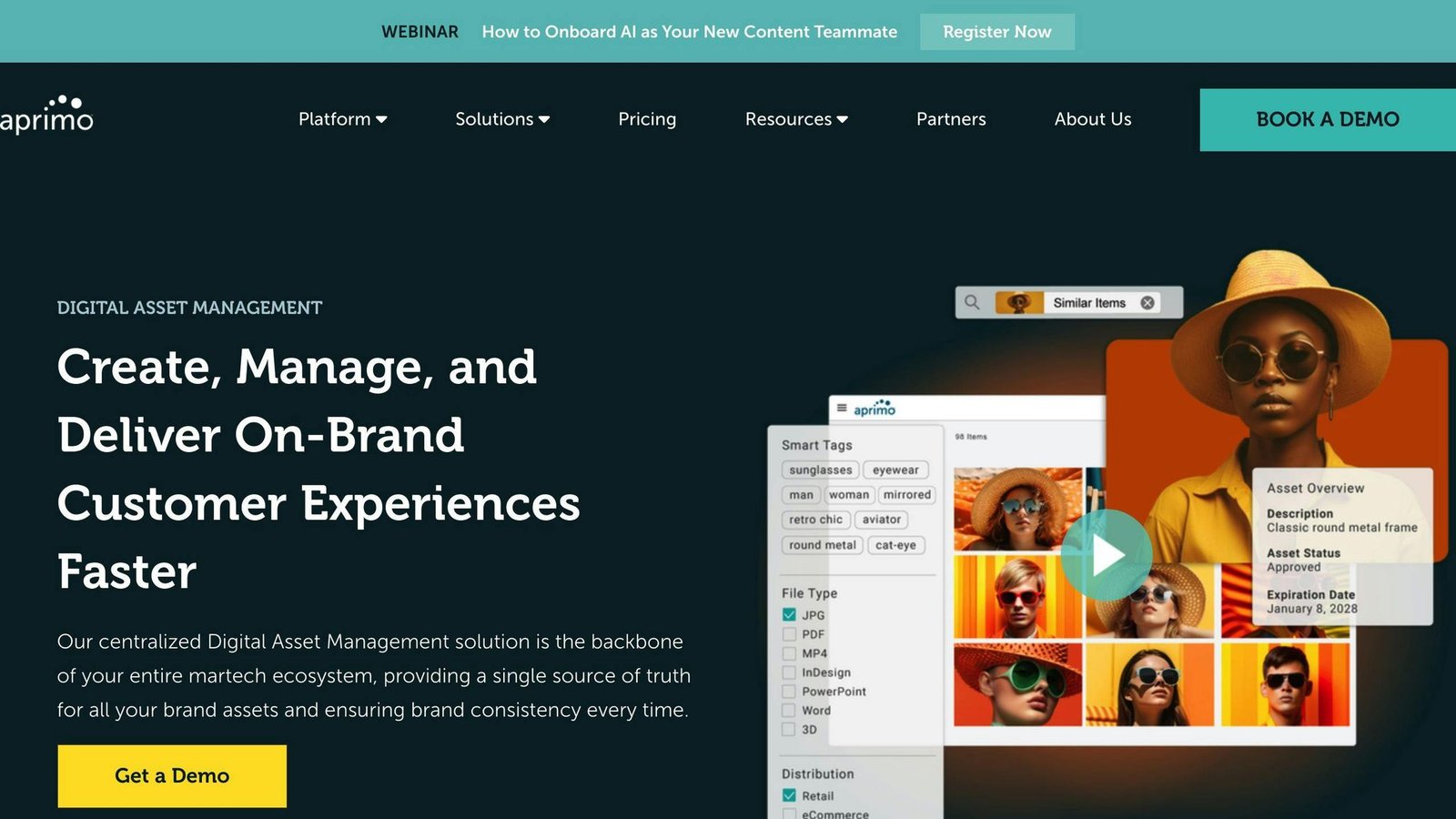
- Description: A DAM inside a wider marketing operations platform that also covers campaign planning, spend and workflow.
- Key Features: AI agents across the content lifecycle, governance and brand-compliance checks applied at delivery, plus planning and marketing spend modules in the same system.
- Pricing: Not published. Aprimo says pricing is tailored to the number of users and the modules taken.
- Best for: Large marketing organisations that want budget, workflow and assets in one place and have the operations function to run it.
- Watch out for: If all you want is a DAM, you are buying a marketing operations platform to get one, and paying and implementing accordingly.
- Description: A French enterprise DAM, now branded Lyvio, built around distributing brand content across many markets.
- Key Features: AI indexing of what is inside an asset, brand-compliance checking before content goes live, and large-scale omnichannel delivery with localisation for local teams.
- Pricing: Not published.
- Best for: Multi-market brands in sectors where brand and regulatory control matter, such as automotive, financial services and life sciences, where local teams adapt central assets.
- Watch out for: Enterprise sales cycle, enterprise onboarding. There is little reason for a single-market team to be in this conversation.
10. Filecamp
- Description: A small, deliberately simple DAM aimed at teams that want a branded file portal rather than a platform.
- Key Features: Custom branding on every plan. Automatic image tagging from the Advanced plan up, with bulk auto-tagging, online proofing and approval, a custom domain and white-labelling on Professional.
- Pricing: Published and flat. Basic $29/month or $348/year, Advanced $59/month or $708/year, Professional $89/month or $1,068/year. Charged per account with unlimited users, not per user. Basic includes 20 GB of storage.
- Best for: Small teams and agencies who want a client-facing asset portal at a price they can read before speaking to anyone.
- Watch out for: Storage is modest at the entry tier, auto-tagging is not included on Basic, and there is no AI search of the kind the enterprise platforms advertise. This is a well-made small tool, not a cheap version of Adobe.
Each of these DAM options solves a different shape of problem. Work out whether you are buying a library, a brand portal, a delivery pipeline or a marketing operations platform before you compare prices, because those four things are not interchangeable.
DAM Software Comparison
Here’s a side-by-side view of the ten:
| Software | What it is good at | What to watch | Pricing |
|---|---|---|---|
| Adobe Experience Manager Assets | Enterprise scale, Dynamic Media rendering, Creative Cloud and Firefly tie-ins | A suite, not an app: expect an implementation project | Not published |
| Bynder | Polished brand portal, modular add-ons, SSO and API on every package | The quote depends on which modules you take | Not published |
| MediaValet | Azure hosting, unlimited users and permission groups | Cost moves onto storage and modules instead of seats | Not published |
| Brandfolder | Asset usage analytics, OCR document search, Smartsheet-owned | Granular permissions and automation sit in the Enterprise tier | Not published |
| Cloudinary Assets | Image and video transformation and CDN delivery, strong APIs | Credit metering is hard to forecast; wasted on non-technical teams | Free tier; Plus $99/month, Advanced $249/month |
| Acquia DAM (Widen) | Very large libraries, native Drupal path, sibling PIM product | The value case leans on the rest of the Acquia platform | Not published |
| Canto | Mid-market library, four packages including one with product data | Similar tier names make it easy to buy the wrong package | Not published |
| Aprimo | DAM inside marketing planning, spend and workflow | You are buying a marketing operations platform to get a DAM | Not published |
| Wedia | Multi-market distribution, localisation, brand compliance checks | Enterprise sales and onboarding; little use for one market | Not published |
| Filecamp | Branded client-facing portal, flat price, unlimited users | 20 GB on Basic; auto-tagging only from Advanced up | $29 to $89 per month for the whole account |
Note what the pricing column tells you. Eight of the ten will not quote until they have qualified you, which means a selection process measured in weeks. If you need a decision this month, start with the two that publish.
Choosing the Right DAM Software
When picking a digital asset management (DAM) solution, consider your organization’s needs and requirements. Here are some key factors:
Best for Small Businesses
Small teams on a fixed budget are better served by the two products that publish a price. Filecamp charges per account rather than per user, so a whole agency and its clients can sit on one plan. Cloudinary has a free tier worth trying if you have someone technical, though its strengths are wasted if you do not. The enterprise platforms on this list will happily sell to a small team, but the licence is only part of the cost, and the implementation is the part that hurts.
Best for Large Organizations
Large enterprises with complex needs may benefit from Adobe Experience Manager Assets, Bynder, MediaValet or Aprimo. These offer deeper workflow, governance and integration, at a price that is quoted rather than listed, and normally with an implementation project attached.
Best for Specific Industries
Certain industries have unique requirements. Creative and product teams that live in image and video pipelines tend to get more out of Cloudinary. Multi-market brands in regulated sectors, such as automotive, financial services and life sciences, are the audience Wedia builds for. Organisations that manage product data alongside imagery should look at Acquia DAM or Canto’s Omni package, both of which pair assets with product information.
When evaluating DAM software, consider:
| Factor | Description |
|---|---|
| Ease of Use | Prioritize intuitive interfaces and minimal learning curves for seamless adoption. |
| Scalability | Choose a platform that can grow with your needs, offering scalable storage, user management, and customization. |
| Integrations | Assess how well the software integrates with your existing tech stack, including content management systems, marketing tools, and creative applications. |
| Security and Compliance | Ensure the solution meets your security and compliance requirements, offering features like user authentication, access controls, and data encryption. |
| Pricing and Costs | Evaluate upfront and ongoing costs, including licensing fees, implementation, training, and support, to fit your budget. |
| Billing Unit | Check whether you pay per user, per account or by usage. A per-account price and a per-seat price cannot be compared until you know your headcount. |
FAQs
What is the best digital asset manager?
There is no single best one, and any list that names one is guessing on your behalf. The right digital asset management platform depends on which problem you are solving. If you already run Adobe Experience Cloud, Adobe Experience Manager Assets is the path of least resistance. If you need images and video transformed and delivered at scale, Cloudinary. If you want a branded portal for a small team without a sales call, Filecamp. If you need budget, workflow and assets in one system, Aprimo or Bynder.
What is the most popular digital asset manager?
We have no way to verify market share figures for this category, so we are not going to name one. Adobe Experience Manager Assets is the most visible among large enterprises, largely because those organisations already buy Adobe. Popularity is a poor proxy for fit in any case: the platform most used by Fortune 500 marketing departments is not the one a six-person agency should buy.
What are some digital asset management tools?
Here are four more tools and what they cost:
| Tool | Price |
|---|---|
| Pics.io | Solo $100/month; Micro from $250/month for 10+ users |
| Filecamp | From $29/month for the whole account, unlimited users |
| 4ALLPORTAL | Not published. The vendor says the scope is configured per company |
| Acquia DAM (Widen) | Not published; quoted after a demo |
Pricing correct at the time of writing. Check the vendor’s current rates before you commit.
More on this topic
Browse all 86 articles on Business Operations, or jump straight to our buying guide: Best Productivity Tools for Small Teams.