Law firms handling sensitive client data like protected health information (PHI) must comply with HIPAA regulations. Non-compliance can lead to hefty fines, damaged client relationships, and reputational harm. To meet HIPAA requirements, law firms need secure cloud storage solutions that encrypt data, control access, and enable staff training.
Here are the 7 best HIPAA-compliant cloud storage providers for law firms:
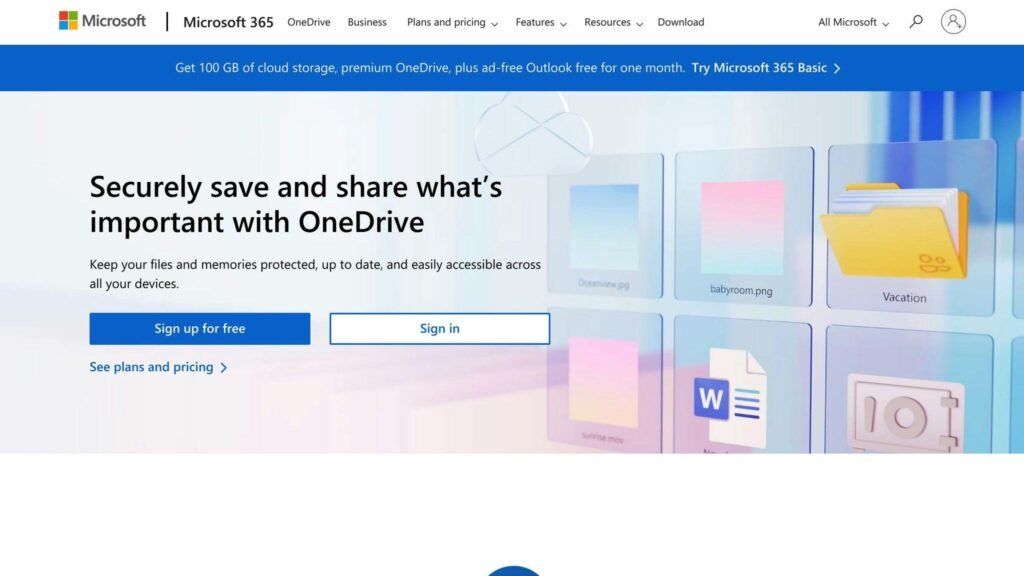
- Microsoft OneDrive: Integrates with Microsoft 365, offers encryption, two-factor authentication, custom domains, and scalable storage.
- Amazon AWS: Provides secure storage options like Amazon S3 and Amazon EFS, scalability, flexibility, encryption, access controls, and audit logs.
- Dropbox Business: Offers file sharing, backup, SSL encryption, access controls, two-factor authentication, and single sign-on.
- Google Drive: Works with Google apps, provides affordable storage, file sharing, backup, encryption, access controls, and two-factor authentication.
- Box: Offers unlimited storage, app integrations, end-to-end encryption, custom permissions, access controls, and audit trails.
- Sync.com: Provides encryption, sharing options, file versioning, custom branding, zero-knowledge encryption, access controls, and audit trails.
- IDrive: Offers online backup, cloud storage, multi-device backup, versioning, encryption, access controls, and audit trails.
| Provider | Key Features | HIPAA Compliance | Entry-Level Pricing |
|---|---|---|---|
| Microsoft OneDrive | File sharing, collaboration, encryption, access controls | BAA, encryption, access controls, audit logs | Microsoft 365 Business Basic $7/user/month, paid yearly |
| Amazon AWS | Secure storage, scalability, flexibility | Encryption, access controls, audit logs | Usage-based: per GB stored, per request, per GB transferred |
| Dropbox Business | File sharing, backup, SSL encryption | Access controls, two-factor authentication, SSO | Standard $15/user/month, 3 TB for the team |
| Google Drive | File sharing, collaboration, encryption, access controls | BAA, encryption, access controls, two-factor authentication | Per user/month through Google Workspace; see Google’s calculator |
| Box | Unlimited storage, app integrations, end-to-end encryption | BAA, encryption, access controls, audit trails | Business $15/user/month billed annually, 3-user minimum |
| Sync.com | Encryption, sharing, versioning, custom branding | Zero-knowledge encryption, BAA, access controls, audit trails | Teams 1TB $8/user/month, or $6 billed annually, 3-user minimum |
| IDrive | Online backup, cloud storage, multi-device backup | Encryption, access controls, audit trails | Personal 5 TB $119.88/year |
Prices were checked against each provider’s own pricing page at the time of writing and change often, so confirm the current rate before you commit. Watch the unit: Microsoft, Dropbox, Google, Box and Sync.com all charge per user per month, several with a minimum number of users and a lower rate if you pay for a year up front. AWS charges for what you use rather than for seats. IDrive charges per year for a pool of storage.
One thing matters more than any of these prices. A BAA is normally attached to a provider’s business or enterprise agreement, not to a consumer subscription, so a cheap personal plan is the wrong thing to buy for PHI even where the underlying service is the same. Get the BAA in writing before you upload anything.
When choosing a HIPAA-compliant cloud storage provider, consider security and compliance, data storage and retrieval, collaboration and sharing, and pricing and scalability.
Related video from YouTube
About OneDrive
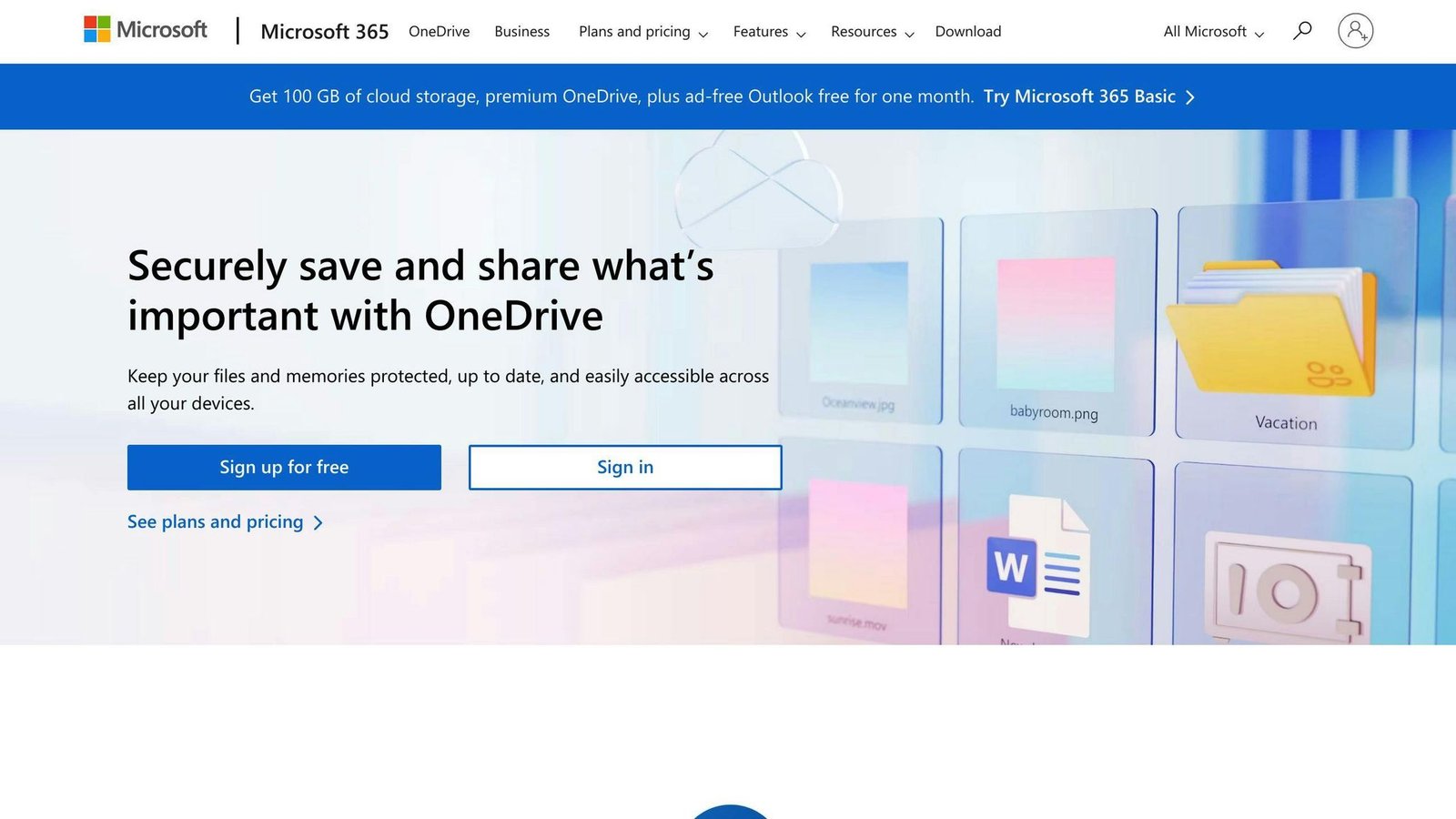
OneDrive is Microsoft’s cloud storage service. It allows law firms to store and manage client data securely, including protected health information (PHI). OneDrive meets HIPAA compliance requirements, making it a trusted option for handling sensitive data.
Key Features
OneDrive offers several useful features for law firms:
- Microsoft 365 Integration: Seamless collaboration and document management within the Microsoft ecosystem.
- Security: Encryption, two-factor authentication, and other measures to protect data.
- Custom Domains: Law firms can use their own domain names.
- Scalable Storage: Increase storage capacity as needed.
HIPAA Compliance
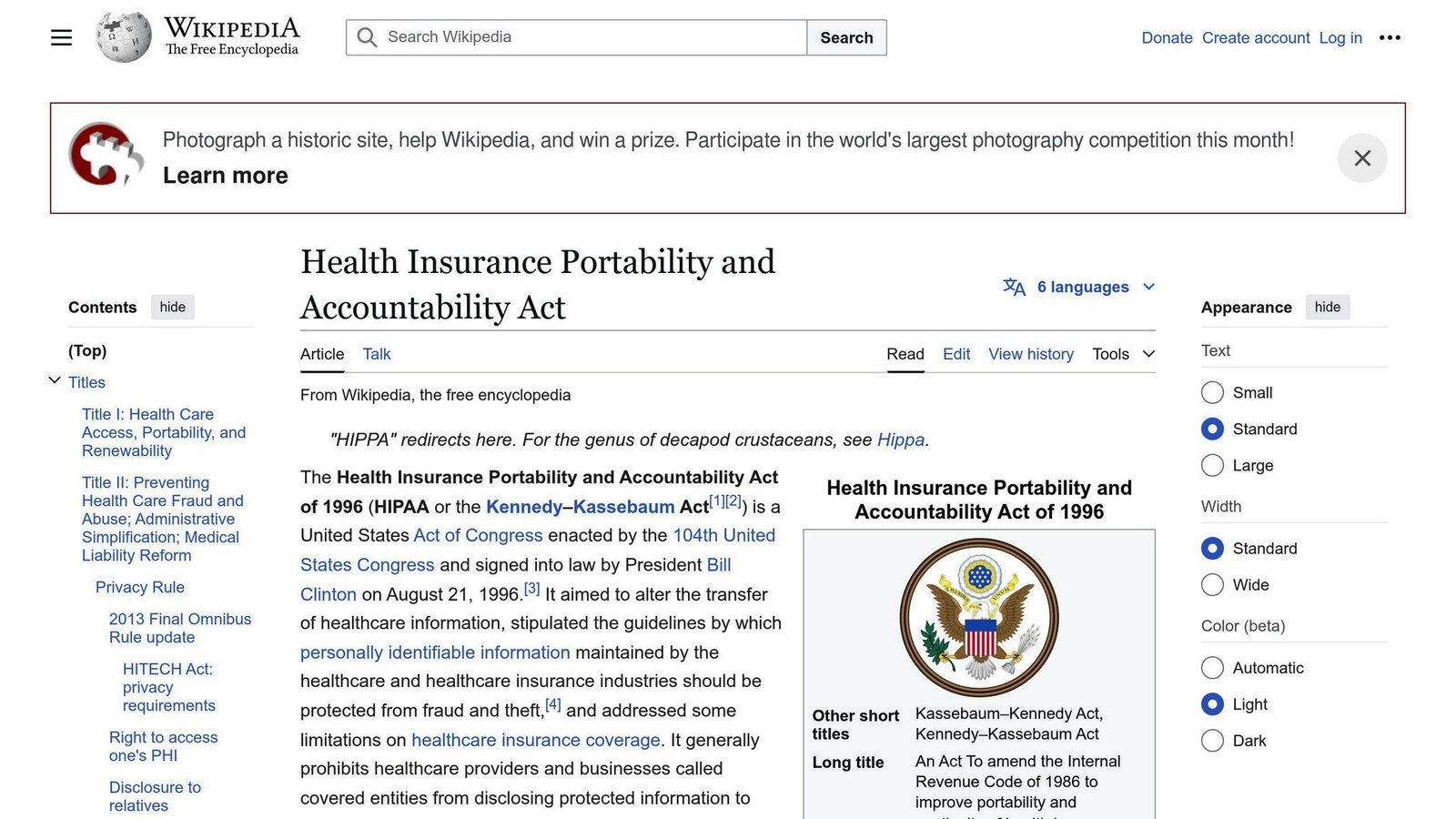
Microsoft provides a Business Associate Agreement (BAA) outlining responsibilities for protecting PHI. OneDrive includes:
- Encryption for data in transit and at rest
- Access controls and authentication
- Audit logs and reporting
Pricing Plans
| Plan | OneDrive storage | Price per user, per month |
|---|---|---|
| Microsoft 365 Business Basic | 1 TB per user | $7.00, paid yearly |
| Microsoft 365 Business Standard | 1 TB per user | Higher; see Microsoft’s current rate |
| Enterprise | Custom | Custom |
Buy the business subscription, not the consumer one. Microsoft 365 Personal and Family are cheaper per terabyte, but the HIPAA BAA sits under the business and enterprise agreements. The annual commitment is what the headline price assumes; month-to-month costs more.
Pros and Cons
| Pros | Cons |
|---|---|
| Microsoft 365 integration | Limited customization |
| Strong security features | Learning curve for non-Microsoft users |
| Scalable storage | Limited support for non-Windows devices |
| Custom domain support |
2. Amazon AWS

About Amazon AWS
Amazon Web Services (AWS) is a cloud computing platform from Amazon. It offers storage, computing, databases, analytics, and more. Law firms choose AWS for its scalability, flexibility, and strong security.
Key Features
AWS provides key features for law firms:
- Secure Storage: Options like Amazon S3, Amazon EBS, and Amazon Elastic File System (EFS) to store sensitive data securely.
- Scalability: Law firms can increase or decrease storage and computing resources as needed.
- Flexibility: AWS can be customized to meet specific needs, supporting various operating systems, programming languages, and applications.
HIPAA Compliance
AWS is HIPAA-compliant and offers features to support compliance:
- Encryption: Data is encrypted in transit and at rest, protecting it from unauthorized access.
- Access Controls: Identity and access management (IAM) controls who can access sensitive data.
- Audit Logs: Detailed logs track access and activity for monitoring and reporting compliance.
Pricing Plans
AWS uses a pay-as-you-go model, so law firms only pay for the resources they use. Pricing varies based on the specific services and resources used.
| Service | How it is charged |
|---|---|
| Amazon S3 | Per GB stored per month, by storage class, plus requests and retrieval |
| Amazon EBS | Per GB provisioned per month, by volume type |
| Data transfer | Per GB out of AWS; transfer in is generally free |
We are not quoting per-GB rates here. AWS rates differ by region and storage class and are revised regularly, and a figure copied into an article goes stale quietly. Use the AWS pricing calculator with your own region and volume. Two costs catch firms out: requests and retrieval on the colder storage classes, and data transfer out when you move everything to another provider. Note also that AWS gives you the raw storage, not a document system, so budget for the work of building and running one.
Pros and Cons
| Pros | Cons |
|---|---|
| Scalable and flexible | Steep learning curve for non-technical users |
| Strong security features | Can be complex to manage and optimize |
| Wide range of services and resources | Pricing can be unpredictable and variable |
| Supports various operating systems and applications |
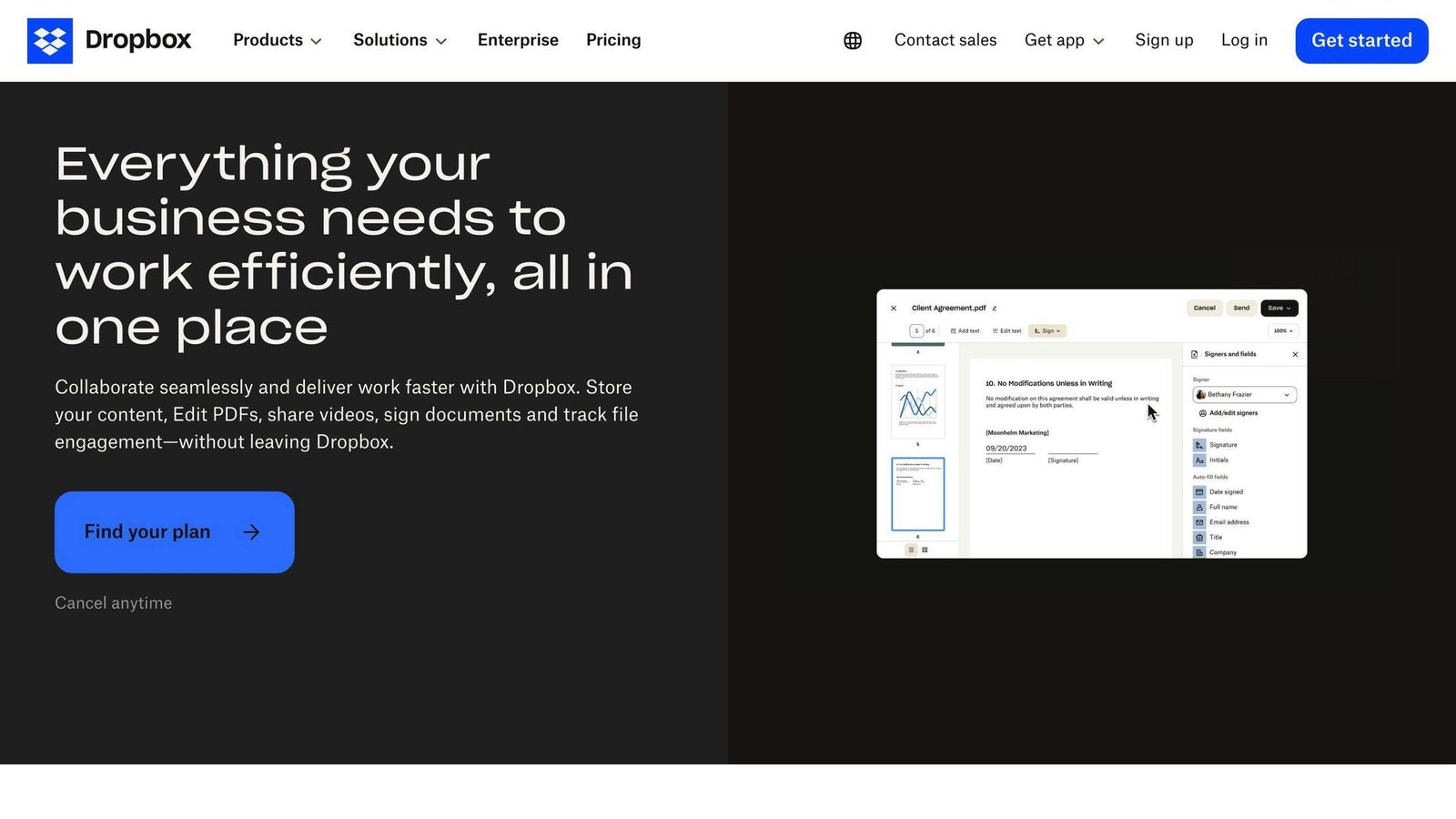
About Dropbox Business
Dropbox Business is a cloud storage service designed for teams and businesses, including law firms. It provides a secure way to store, share, and manage files, including sensitive client data.
Key Features
Dropbox Business offers several useful features for law firms:
- File Sharing and Collaboration: Users can easily share files and folders with others, both within and outside the firm.
- Backup and File History: Dropbox Business keeps track of past file versions and provides backup capabilities.
- Security: All accounts are protected with SSL encryption to keep data safe, regardless of the platform used.
HIPAA Compliance
Dropbox Business is HIPAA-compliant and includes features to support compliance:
- Access Controls: Law firms can configure sharing permissions to control who can access sensitive data.
- Two-Factor Authentication: An extra layer of security is provided through two-factor authentication.
- Single Sign-On (SSO): SSO simplifies user authentication and access management.
Pricing Plans
| Plan | Storage | Price |
|---|---|---|
| Standard | From 3 TB for the team | $15/user/month |
| Advanced | From 15 TB for the team | $24/user/month, 3 users or more |
| Enterprise | Custom | Custom pricing |
Pros and Cons
| Pros | Cons |
|---|---|
| Easy file sharing and collaboration | Expensive compared to some alternatives |
| Strong security features | Finding specific folders can be confusing |
| Scalable storage options |
Note: Pricing is subject to change. Check the Dropbox Business website for the latest information.
4. Google Drive
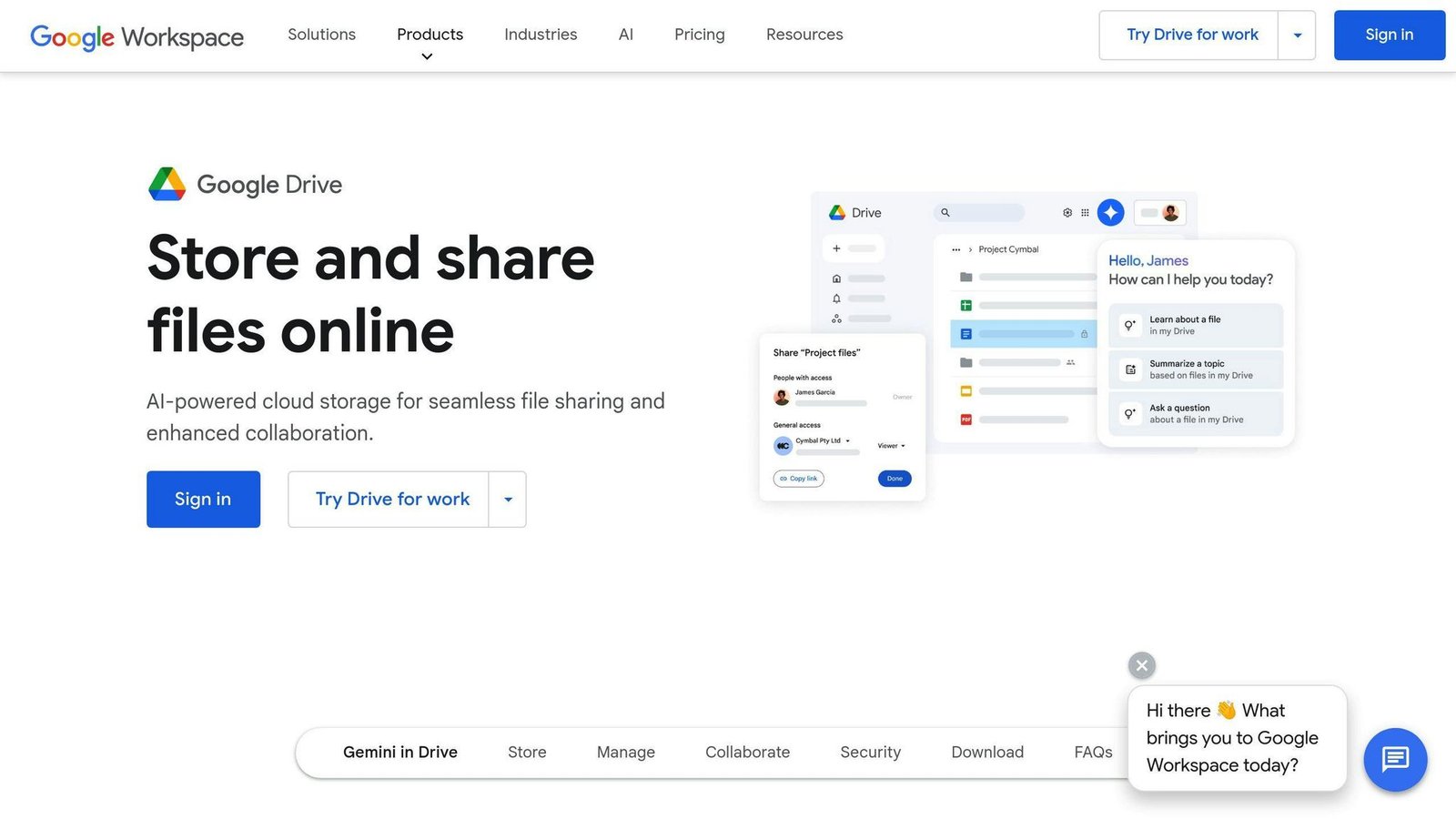
About Google Drive
Google Drive is a cloud storage service from Google. It allows users to store, share, and access files from anywhere. This makes it a good choice for law firms. With Google Drive, law firms can keep all their files in one place, work together with team members, and follow HIPAA rules for data security.
Key Features
Google Drive offers several useful features for law firms:
- Works with other Google apps: Google Drive works well with other Google apps like Google Docs, Sheets, and Slides. This makes it easy to collaborate and share files.
- Affordable storage options: Google Drive offers low-cost pricing plans for law firms of all sizes.
- File sharing and collaboration: Users can easily share files and folders with others, both inside and outside the firm.
- Backup and file history: Google Drive keeps track of past file versions and provides backup capabilities.
HIPAA Compliance
Google Drive follows HIPAA rules and includes features to support compliance:
- Business Associate Agreement (BAA): Google signs a BAA with covered entities, ensuring they follow HIPAA regulations.
- Data encryption: Google Drive encrypts data both in transit and at rest, keeping sensitive information protected.
- Access controls: Law firms can control who can access sensitive data by setting sharing permissions.
- Two-Factor Authentication: An extra layer of security is provided through two-factor authentication.
Pricing Plans
| Plan | Storage per user | Price |
|---|---|---|
| Business Starter | 30 GB | Per user, per month |
| Business Standard | 2 TB | Per user, per month |
| Business Plus | 5 TB | Per user, per month |
| Enterprise | 5 TB, more on request | Contact sales |
We have left the figures out on purpose. Google shows Workspace pricing through a calculator that moves with your user count and with whether you commit for a year or stay flexible, so any single number quoted here would be wrong for most readers. Get your own quote from Google’s pricing page. Storage is pooled across the organisation rather than locked to each seat.
Pros and Cons
| Pros | Cons |
|---|---|
| Easy file sharing and collaboration | Limited customization options |
| Strong security features | Can be expensive for large storage needs |
| Scalable storage options | Integration with non-Google apps can be limited |
Note: Pricing is subject to change. Check the Google Drive website for the latest information.
5. Box
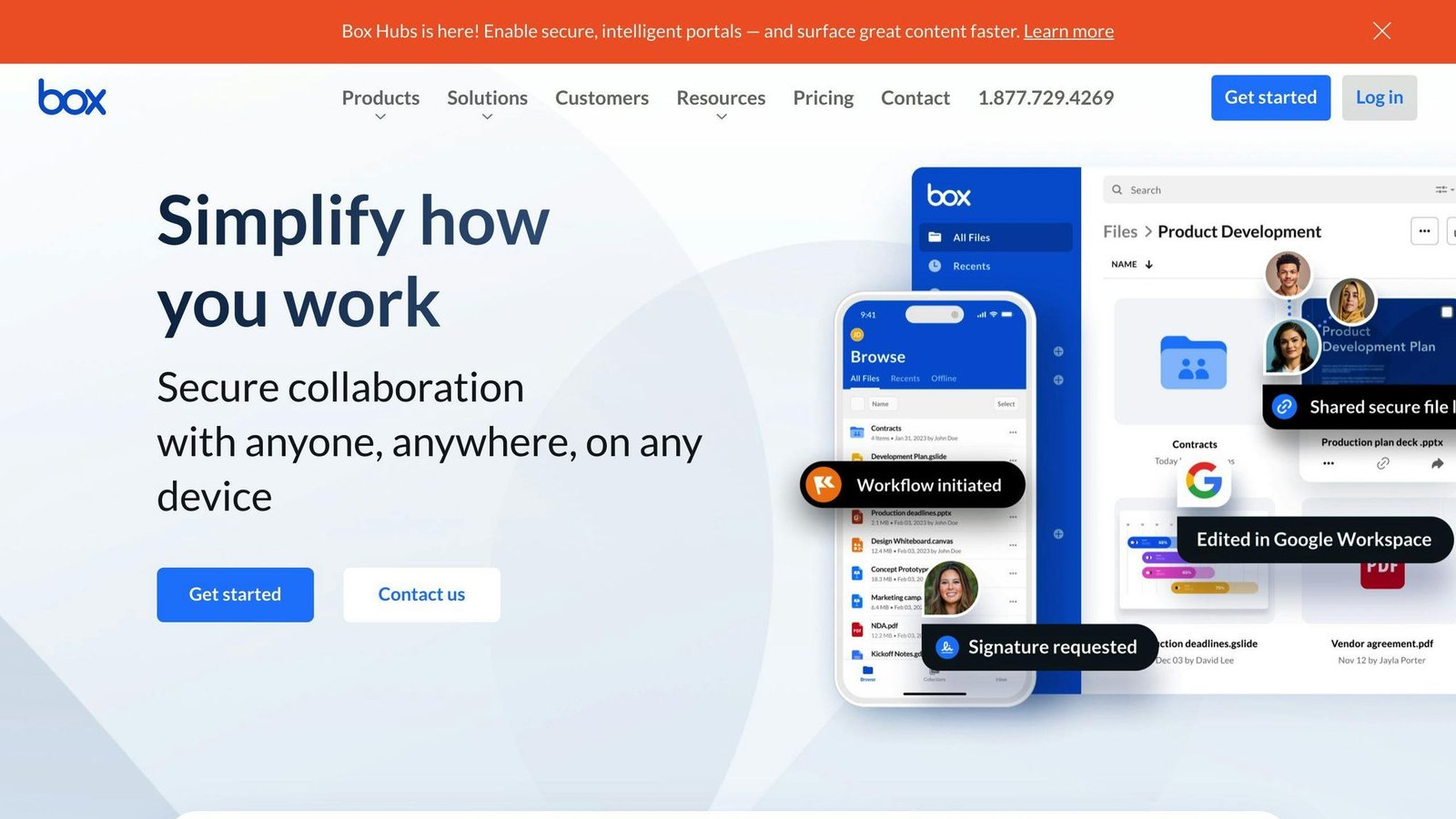
About Box
Box is a cloud storage service that helps law firms store, share, and access files securely. It is a popular choice due to its strong security features and ease of use.
Key Features
Box offers several useful features for law firms:
- Unlimited storage: Store all your files and data in one place.
- App integrations: Works with Microsoft Office, Google Workspace, and other apps.
- End-to-end encryption: Files are protected both in transit and at rest.
- Custom permissions: Control who can access sensitive data.
HIPAA Compliance
Box follows HIPAA rules and includes features to support compliance:
- Business Associate Agreement (BAA): Box signs a BAA with covered entities to ensure HIPAA compliance.
- Data encryption: Data is encrypted in transit and at rest, protecting sensitive information.
- Access controls: Set permissions to control who can access sensitive data.
- Audit trails: Track user activity and ensure accountability.
Pricing Plans
| Plan | Storage | Price |
|---|---|---|
| Business | Unlimited | $15/user/month, billed annually |
| Business Plus | Unlimited | $25/user/month, billed annually |
| Enterprise | Unlimited | $35/user/month, billed annually |
Pros and Cons
| Pros | Cons |
|---|---|
| Scalable storage options | Can be expensive for large teams |
| Strong security features | Limited customization options |
| Integrates with many apps | Learning curve for new users |
All Box business plans have a three-user minimum, so the smallest real bill is three seats even for a two-partner firm. Pricing is subject to change; check the Box website for the latest information.
6. Sync.com
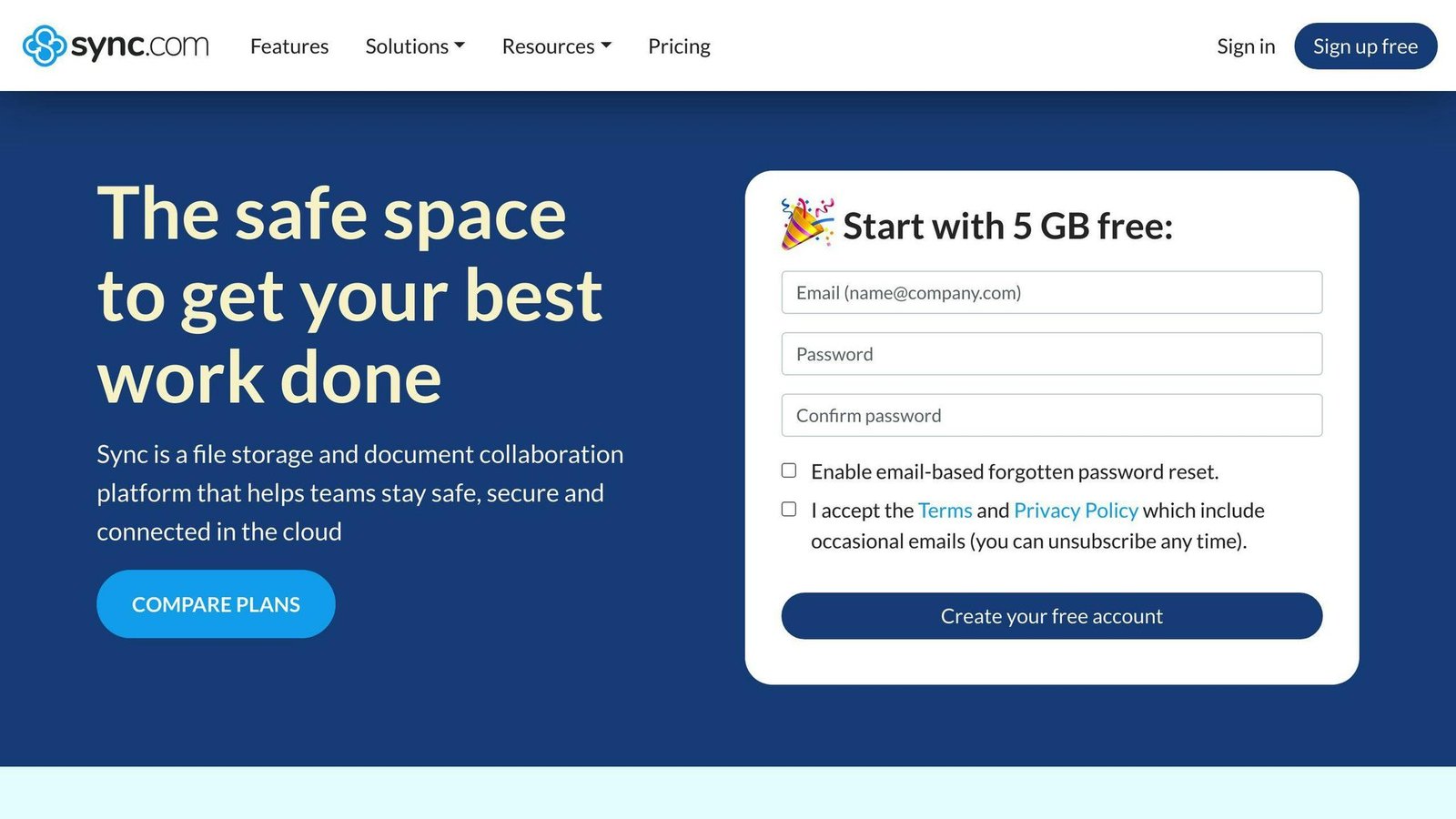
About Sync.com
Sync.com is a cloud storage service that offers a secure way for law firms to store, share, and access files. With its user-friendly interface, Sync.com is a great choice for legal professionals who need to manage sensitive data.
Key Features
Sync.com provides several key features for law firms:
- Encryption: Files are protected with AES-256 encryption, keeping data secure in transit and at rest.
- Sharing options: Users can share files and folders with customizable permissions, controlling access.
- File versioning: Sync.com keeps a record of all file versions, allowing users to revert to previous versions if needed.
- Custom branding: Law firms can customize the Sync.com interface with their own branding.
HIPAA Compliance
Sync.com is HIPAA compliant, offering features to help law firms meet compliance obligations:
- Zero-knowledge encryption: Sync.com does not store encryption keys, ensuring only authorized users can access sensitive data.
- Business Associate Agreement (BAA): Sync.com signs a BAA with covered entities, ensuring HIPAA compliance.
- Access controls: Users can set permissions to control who can access sensitive data.
- Audit trails: Sync.com provides detailed audit trails, enabling law firms to track user activity.
Pricing Plans
| Plan | Storage | Price |
|---|---|---|
| Teams 1TB | 1 TB per user | $8/user/month, or $6/user/month billed annually |
| Teams 2TB | 2 TB per user | $12/user/month, or $9/user/month billed annually |
| Teams 10TB | 10 TB per user | $18/user/month, or $15/user/month billed annually |
| Enterprise | Custom | Custom pricing, 100-user minimum |
The Teams plans have a three-user minimum, so a two-person practice still pays for three seats. Sync.com runs promotional rates fairly often; the figures above are the standard list prices.
Pros and Cons
| Pros | Cons |
|---|---|
| Secure and reliable | Limited customization options |
| User-friendly interface | Pricing can be steep for larger firms |
| Advanced sharing options | Limited integrations with third-party apps |
7. IDrive
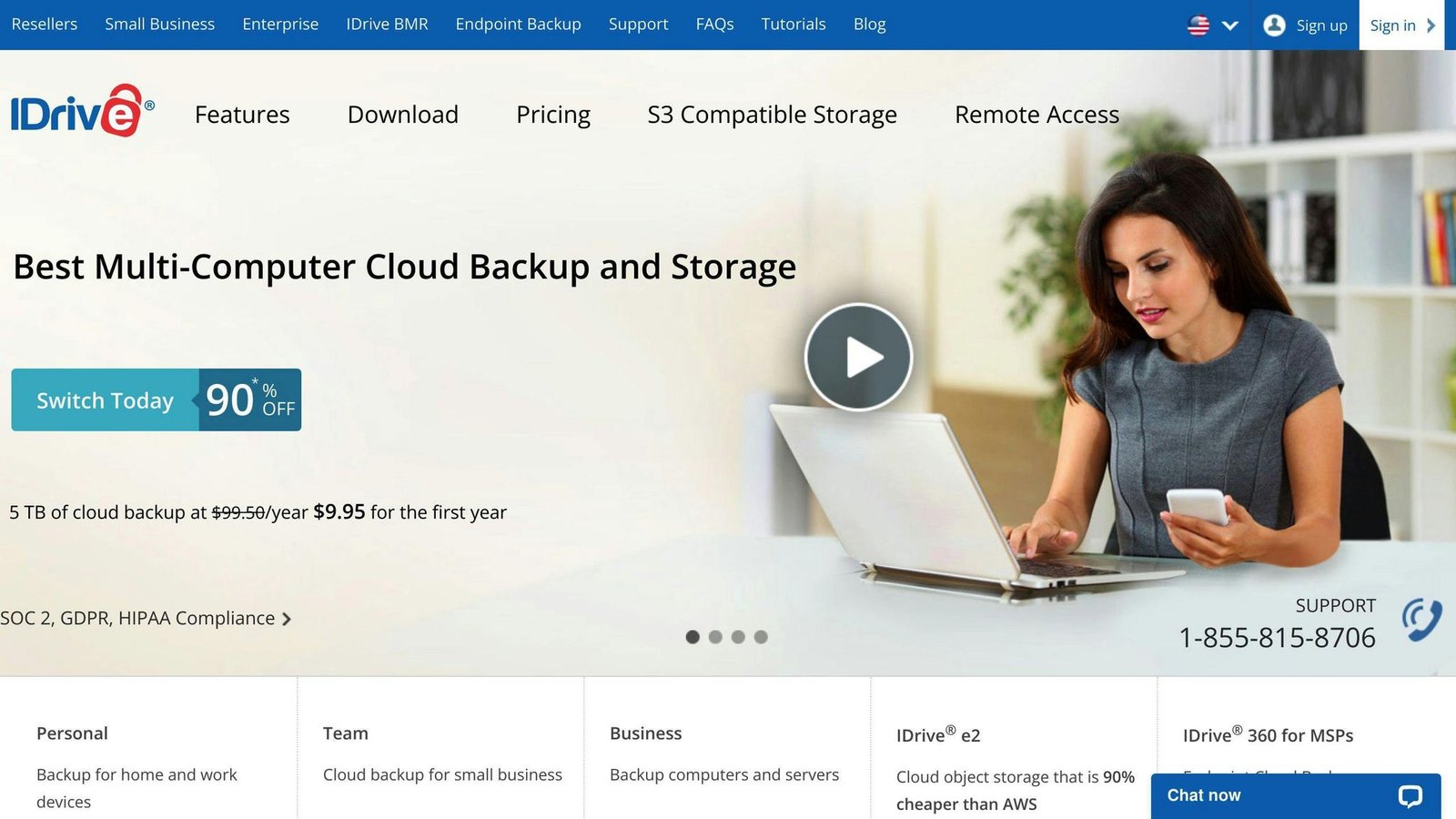
About IDrive
IDrive is a cloud storage service that provides a secure way for law firms to store, share, and access files. Its user-friendly interface makes it a suitable choice for legal professionals handling sensitive data.
Key Features
IDrive offers several key features for law firms:
- Online Backup: Automatic online backup to safeguard data from unexpected losses.
- Cloud Storage: Secure cloud storage with zero-knowledge encryption, ensuring only authorized users can access sensitive data.
- Multi-Device Backup: Backup multiple devices, including computers, laptops, and mobile devices, to a single account.
- Versioning: Access previous file versions if needed.
HIPAA Compliance
IDrive is HIPAA compliant, with features to help law firms meet compliance obligations:
- Encryption: 256-bit AES encryption protects data in transit and at rest.
- Access Controls: Customizable access controls to set permissions and restrict access to sensitive data.
- Audit Trails: Detailed audit trails to track user activity and ensure accountability.
Pricing Plans
| Plan | Storage | Price |
|---|---|---|
| Personal | 5 TB | $119.88/year, one user |
| Team | From 5 TB | From $119.88/year, five users and five computers |
| Business | From 1.25 TB | From $719.88/year, unlimited users, includes servers and NAS |
IDrive prices a pool of storage per year rather than a seat per month, which makes it look cheap next to the per-user services. Compare it properly: work out your total storage and your user count first. Larger discounts apply on two-year terms.
Pros and Cons
| Pros | Cons |
|---|---|
| Secure and reliable | Limited customization options |
| User-friendly interface | Pricing can be higher for larger firms |
| Advanced sharing options | Limited integrations with third-party apps |
Provider Comparison
Here’s a comparison of the 7 best HIPAA-compliant cloud storage providers for law firms:
| Provider Name | Key Features | HIPAA Compliance | Pricing (Entry-level Plan) | Advantages | Drawbacks |
|---|---|---|---|---|---|
| Microsoft OneDrive | Online backup, file sharing, collaboration | 256-bit encryption, access controls, audit logs | Microsoft 365 Business Basic $7/user/month, paid yearly | User-friendly, sharing options | Limited customization |
| Amazon AWS | Cloud storage, data analytics, machine learning | 256-bit encryption, access controls, audit logs | Usage-based, per GB and per request | Highly scalable, secure | Complex for non-technical users |
| Dropbox Business | Cloud storage, file sharing, collaboration | 256-bit encryption, access controls, audit logs | Standard $15/user/month | Easy collaboration, user-friendly | Expensive for some firms |
| Google Drive | Cloud storage, file sharing, collaboration | 256-bit encryption, access controls, audit logs | Per user/month; see Google’s calculator | User-friendly, collaboration tools | Limited customization |
| Box | Cloud storage, file sharing, collaboration | 256-bit encryption, access controls, audit logs | Business $15/user/month billed annually | Strong security, customizable | Limited free storage |
| Sync.com | Cloud storage, file sharing, collaboration | Zero-knowledge encryption, access controls, audit logs | Teams 1TB $8/user/month, $6 billed annually | Advanced security, user-friendly | Customization limitations |
| IDrive | Cloud storage, online backup, file sharing | 256-bit encryption, access controls, audit logs | Personal 5 TB $119.88/year | Security features, affordable | Customization limitations |
This table compares key features, HIPAA compliance details, pricing, advantages, and drawbacks of each provider. Law firms can use this information to choose a HIPAA-compliant cloud storage solution that fits their needs.
Choosing the Right HIPAA-Compliant Cloud Storage
Selecting the right HIPAA-compliant cloud storage provider for your law firm is crucial. With many options available, it can be confusing to choose the best fit. However, by considering these key factors, you can make an informed decision that meets your firm’s needs:
Security and Compliance
Look for providers with robust security measures, such as:
- 256-bit encryption
- Access controls
- Audit logs
Ensure the provider is willing to sign a Business Associate Agreement (BAA) and has undergone independent audits to verify HIPAA compliance.
Data Storage and Retrieval
Consider:
- The amount of storage space you need
- The ease of data retrieval
Look for providers with flexible storage plans and user-friendly interfaces for uploading and accessing files.
Collaboration and Sharing
If you need to collaborate with colleagues or clients, look for providers with robust sharing and collaboration features, such as:
- Real-time commenting
- Version control
Pricing and Scalability
Evaluate the pricing plans of each provider and consider the scalability of their services. Look for providers with flexible pricing plans that can grow with your firm’s needs.
| Key Factors | What to Look For |
|---|---|
| Security and Compliance | 256-bit encryption, access controls, audit logs, BAA, independent audits |
| Data Storage and Retrieval | Sufficient storage space, easy data retrieval, user-friendly interface |
| Collaboration and Sharing | Real-time commenting, version control, sharing capabilities |
| Pricing and Scalability | Flexible pricing plans, scalable services to meet growing needs |
FAQs
Which cloud storage services follow HIPAA rules?
Several cloud storage providers offer services that comply with HIPAA regulations. Some top options include:
- Microsoft OneDrive
- Amazon AWS
- Dropbox Business
- Google Drive
- Box
- Sync.com
- IDrive
When choosing a HIPAA-compliant cloud storage provider, look for robust security measures like 256-bit encryption, access controls, and audit logs. Verify that the provider is willing to sign a Business Associate Agreement (BAA) and has undergone independent audits to confirm HIPAA compliance.
How do I ensure my cloud storage follows HIPAA rules?
To ensure your cloud storage follows HIPAA regulations, take these steps:
- Choose a HIPAA-compliant cloud storage provider.
- Sign a Business Associate Agreement (BAA) with the provider.
- Implement strong security measures, such as 256-bit encryption and access controls.
- Conduct regular audits and risk assessments.
- Train employees on HIPAA regulations and best practices.
- Ensure data is properly backed up and recoverable in case of a disaster.
What are the benefits of using HIPAA-compliant cloud storage?
Using HIPAA-compliant cloud storage offers several benefits:
- Enhanced data security and protection: Safeguards sensitive information from unauthorized access or breaches.
- Compliance with HIPAA regulations: Avoids potential fines and penalties for non-compliance.
- Scalability and flexibility: Easily adjust storage capacity as your data needs grow.
- Cost-effective storage solutions: Eliminates the need for expensive on-premises hardware and maintenance.
- Improved collaboration and sharing capabilities: Securely share and access files with colleagues or clients.
- Reduced risk of data breaches and penalties: Mitigates the risks associated with data mishandling or loss.
More on this topic
Browse all 39 articles on IT, Cloud & Integrations, or jump straight to our buying guide: Best Collaboration Tools for Small Teams.