Disclosure: This page contains commercial links. BizBot may earn a commission from qualifying purchases. Paid placements do not buy a better ranking. Read our affiliate disclosure.
Collecting user feedback and tracking bugs is crucial for improving your software. Here are the top 7 tools:
- Marker.io – Visual feedback tools, session replay, integrations with Jira, Trello, Asana, GitHub, and flexible pricing plans.
- Usersnap – User-friendly feedback widgets, survey templates, integrations, and scalable pricing.
- BugHerd – Visual feedback, bug tracking, Kanban board, integrations, and flexible pricing.
- Userback – Visual feedback tools, session replay, integrations with Jira, Slack, GitHub, and scalable pricing.
- Ybug – Visual feedback, browser environment info, Jira integration, and free trial.
- Shake – Automated bug reports, bug tracking, live chat, sensitive data protection, and flexible pricing.
- Bugfender – Remote log access, crash reporting, user feedback forms, and scalable pricing.
Quick Comparison
Every figure below is the vendor’s own published rate, checked in August 2026. Two things to watch. First, almost all of these are priced per plan with a member cap, not per seat, so the useful question is what the smallest plan that fits your team costs. Second, most quote a lower annual rate and a higher monthly rate for the same plan; both are given. Confirm before budgeting.
We have also removed the star ratings this article used to show. They ran 4.8, 4.7, 4.6, 4.5, 4.4, 4.3, 4.2 in exact list order, had no source attached, and cannot be checked.
| Tool | Entry paid price | Key Features | Integrations |
|---|---|---|---|
| Marker.io | Starter $39/month billed annually, $59 monthly. 15-day trial | Visual bug reporting, 2-way sync with project management tools | Jira, Trello, Asana, GitHub, ClickUp |
| Usersnap | Free tier; paid tier prices not published | Visual feedback, screenshot and video recording, NPS and CSAT surveys | Jira, Trello, Asana |
| BugHerd | Standard $50/month for 5 members, or $42/month billed yearly | Bug tracking, project management, Kanban board | GitHub, Zapier, Adobe Commerce |
| Userback | Free tier; Team $29/month billed annually, $39 monthly | Visual feedback, screenshot and video recording, session replay | Jira, Slack, GitHub |
| Ybug | Free tier; Basic €10/month billed annually, €13 monthly | Visual bug reporting, browser and console capture | Jira and 25+ others |
| Shake | Free tier; Starter $160/month | Bug tracking, crash reporting, user feedback | Jira |
| Bugfender | Free tier; Team from $39 (or €39) per month | Remote log access, crash reporting, user feedback | Jira, GitHub |
Consider pricing, key features and integrations when choosing the right tool for your needs, and check the member cap on the plan you are pricing.
1. Marker.io
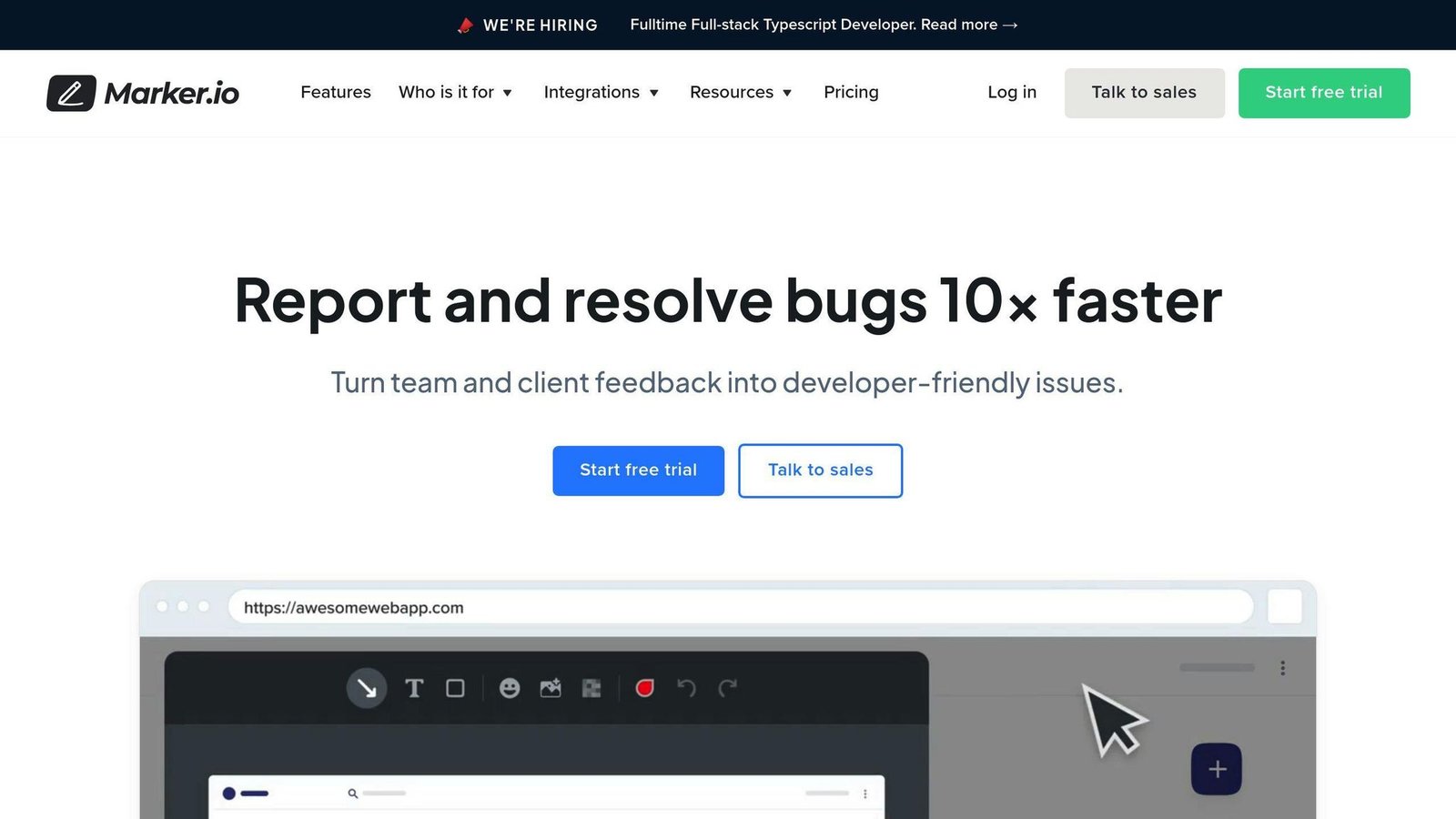
Visual Feedback Tools
Marker.io offers a user-friendly way to collect feedback. Its feedback page gives teams a clear overview of all feedback, making it easy to manage. With Marker.io, users can create, assign, resolve, and follow up on bugs using familiar tools.
Session Replay
A standout feature of Marker.io is session replay. This lets developers see what a user did before sending a report, making it simpler to fix bugs. Session replay saves dev teams time, making Marker.io a go-to solution.
Integrations
Marker.io integrates with Trello, Jira, ClickUp, Asana, GitHub, and more. Its 1-way and 2-way integrations sync statuses, issue fields, and comments between Marker.io and your preferred tools. This allows teams to work efficiently without switching between multiple apps.
Pricing Plans
Marker.io does publish its rates, contrary to what this article used to say. Unlimited feedback and unlimited reporters are included on every plan, so you are paying for members and projects rather than volume. There is a 15-day trial with no card required. Checked August 2026.
| Plan | Billed annually | Billed monthly |
|---|---|---|
| Starter | $39/month | $59/month |
| Team | $149/month | $199/month |
| Agency (small digital agencies, application required; 15 members, 50 projects) | $99/month | $129/month |
| Business | Custom, yearly billing only | Not offered |
2. Usersnap
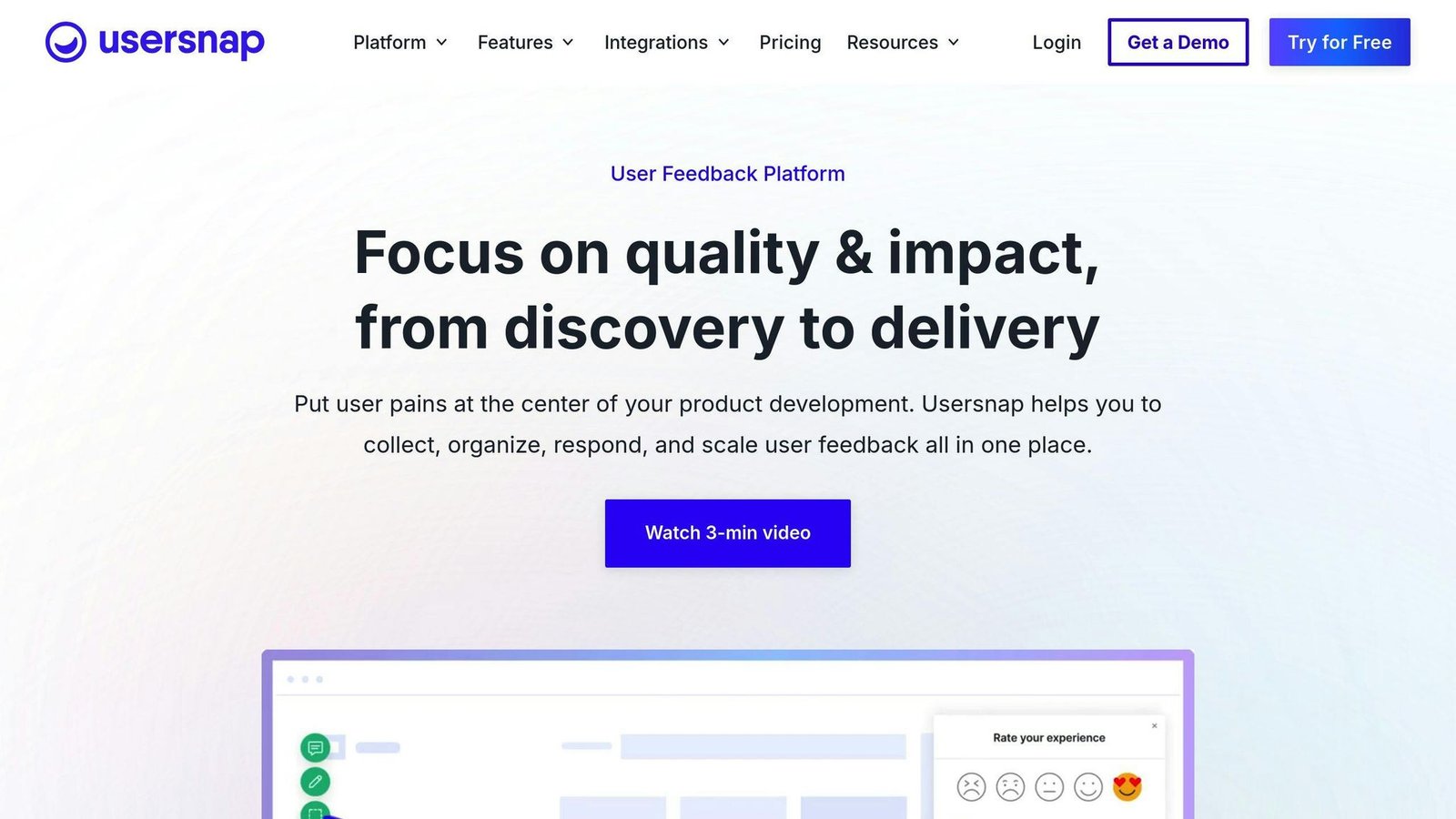
User-Friendly Feedback Tools
Usersnap provides simple tools to gather user insights. Its in-app feedback feature lets users share feedback directly from your web application using customizable widgets. Usersnap also offers pre-built survey templates, like NPS and CSAT, to collect quantitative and qualitative data.
Integrations
Usersnap integrates with popular tools like Jira, Asana, and Trello.
Pricing Plans
Usersnap has a free plan and five paid tiers, but it does not print the prices on its pricing page. The plans are separated by seats and active projects rather than by feature volume. The $69 and $129 figures this article used to quote, and the $25 in its comparison table, could not be sourced from the vendor and have been removed. Checked August 2026.
| Plan | Seats | Active projects | Price |
|---|---|---|---|
| Free | 5 | 5 | €0, but only the first 20 feedback items |
| Starter | 5 | 5 | Not published |
| Growth | 10 | 15 | Not published |
| Professional | 20 | 20 | Not published |
| Premium | 50 | 50 | Not published |
| Enterprise | Unlimited | Unlimited | Custom |
3. BugHerd
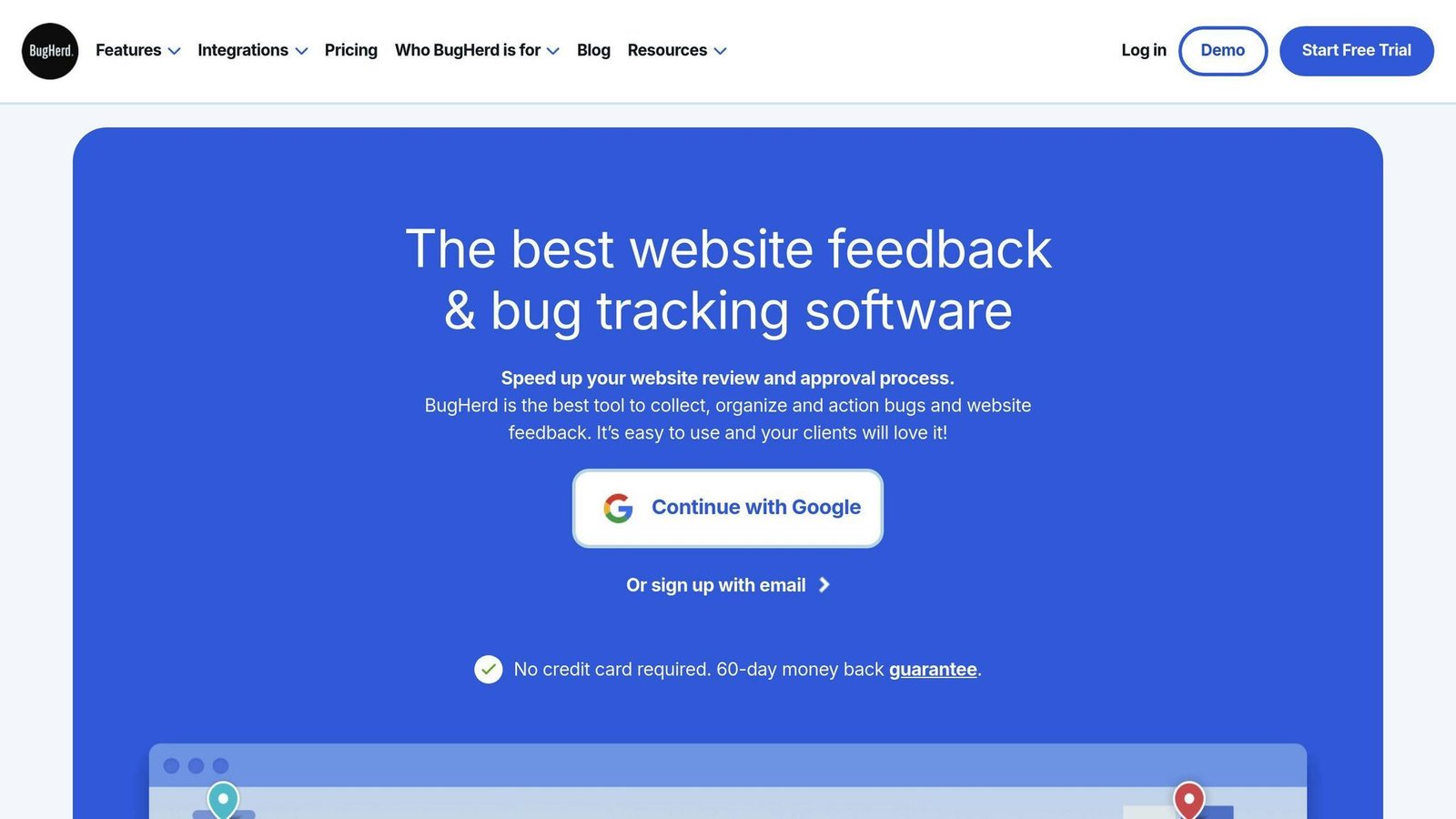
BugHerd is a user-friendly bug tracking and feedback tool for websites. It simplifies the process of collecting and managing feedback.
Visual Feedback
BugHerd’s visual feedback tool allows clients and team members to provide feedback directly on web pages. This speeds up the review process and makes feedback collection easier. All feedback and bug reports are automatically organized into a Kanban-style board for easy management.
Integrations
BugHerd integrates with popular tools like GitHub, Adobe Commerce, and Zapier.
Pricing Plans
The plan names and prices have both changed since this article was written. There is no Deluxe plan; the tiers are Standard, Studio, Premium and Custom. Annual billing gives two months free. Client users and projects are unlimited on every plan; storage is what varies. Checked August 2026.
| Plan | Monthly | Billed yearly | Members |
|---|---|---|---|
| Standard | $50/month | $42/month | 5 |
| Studio | $80/month | $67/month | 10 |
| Premium | $150/month | $125/month | 25 |
| Custom | Contact sales | Contact sales | Custom |
Additional members cost $8 each per month on monthly plans, or $6.60 each per month on annual plans.
4. Userback
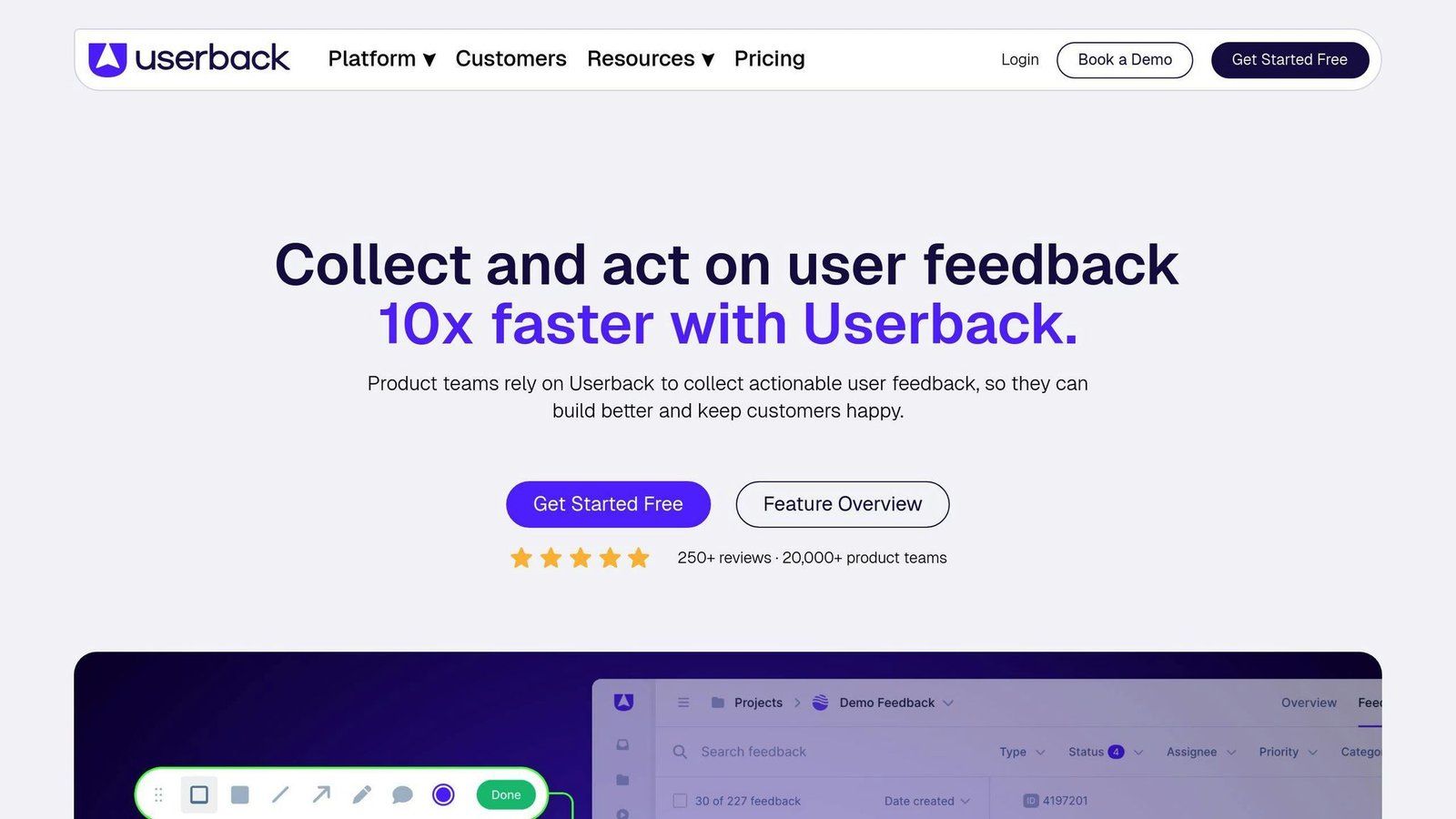
Userback is a user-friendly tool that helps businesses gather and manage customer feedback and bug reports. With its simple interface and powerful features, Userback streamlines the feedback collection process.
Visual Feedback Tools
Userback offers visual feedback tools that allow customers to provide feedback directly on web pages. This includes:
- Annotated screenshots
- Video recordings
- Session replays
These tools give developers a clear understanding of the issues customers face.
Session Replay
The session replay feature lets developers see exactly how customers interact with their website or application. This helps identify bugs or usability problems that may not be immediately apparent.
Integrations
Userback integrates with popular development tools like:
- Jira
- Slack
- GitHub
Pricing Plans
There is no $19 Basic plan. The free tier is capped at 2 seats and 2 projects and keeps feedback for only 7 days, which is the limit that usually forces an upgrade. Checked August 2026.
| Plan | Billed annually | Billed monthly |
|---|---|---|
| Free Forever | $0 | $0 |
| Team | $29/month | $39/month |
| Business | $79/month | $99/month |
| Business Plus | $159/month | $199/month |
| Feature Portal (add-on) | $31/month | $39/month |
| Enterprise | Custom | Custom |
5. Ybug
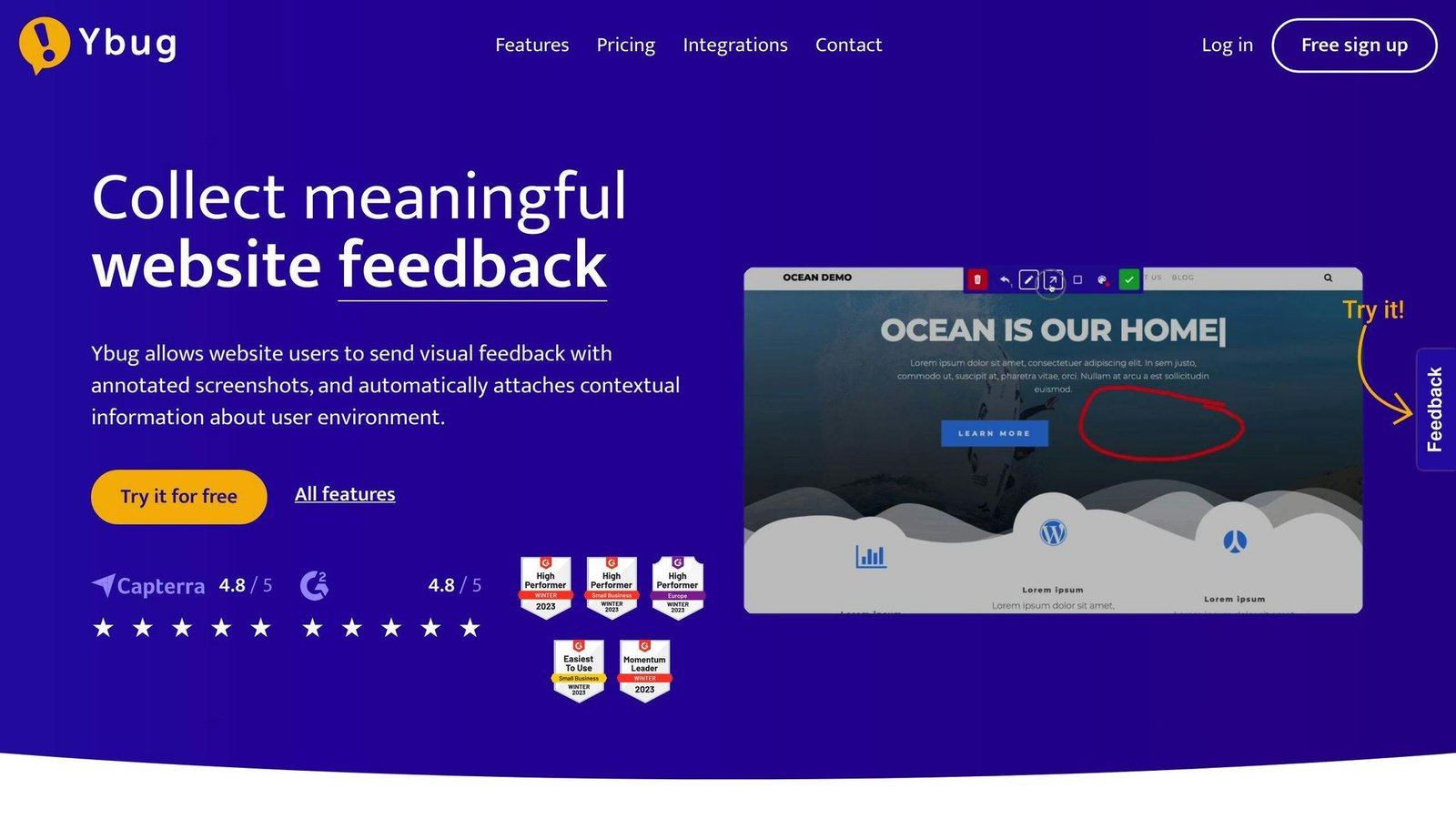
Ybug is a user-friendly tool for reporting bugs and collecting feedback. It helps businesses gather and manage customer insights and issues.
Visual Feedback
Ybug offers visual tools that allow customers to provide feedback directly on web pages. This includes:
- Annotated screenshots
- Video recordings
- Session replays
Integrations
Ybug integrates with Jira and more than 25 other tools, though the Basic plan is limited to one integration per project.
Pricing
Ybug does publish its prices, contrary to what this article used to say, and it prices in euros. Annual billing saves 20 per cent. There is a 10-day trial with no card required. Non-profits get 30 per cent off and open-source projects are free. Checked August 2026.
| Plan | Billed annually | Billed monthly | Members | Projects |
|---|---|---|---|---|
| Free | €0 | €0 | 1 | 1 |
| Basic | €10/month | €13/month | 3 | 3 |
| Startup | €23/month | €29/month | 7 | 7 |
| Company | €47/month | €59/month | 15 | 15 |
The free plan caps screenshots at 50 a month. Video and full JS console recording start at the Startup tier, not Basic, which matters if session context is the reason you are buying.
6. Shake
Shake is a bug reporting tool designed to simplify the bug-fixing process for mobile development teams.
Key Features
- Automated bug reports with 71 data points
- Unlimited seats and sessions
- Bug tracking features
- Live chat
- Customizable forms for user feedback
- Sensitive data protection
Integrations
Shake integrates with popular tools like Jira, allowing developers to incorporate it into their existing workflows.
Pricing
Shake is the most expensive tool here once you leave the free tier, and the $25 figure this article used to carry in its comparison table was well out. There is a free plan, then Starter at $160 a month. Premium and Organization cost more again, but Shake’s pricing page showed two different figures for each of those tiers when we checked it, so treat them as unconfirmed and ask. Early-stage startups are offered Premium at $15 a month for the first year. Checked August 2026.
| Plan | Price |
|---|---|
| Free | $0 |
| Starter | $160/month |
| Premium | Higher; the vendor page was inconsistent, confirm directly. $15/month for the first year for qualifying startups |
| Organization | Higher again; the vendor page was inconsistent, confirm directly |
Watch the volume add-ons. Above 10,000 SDK initialisations Shake charges from $120 a month on top, rising to $2,400 a month at the 10 to 50 million band. For a consumer app that is the number that decides the bill, not the plan.
7. Bugfender
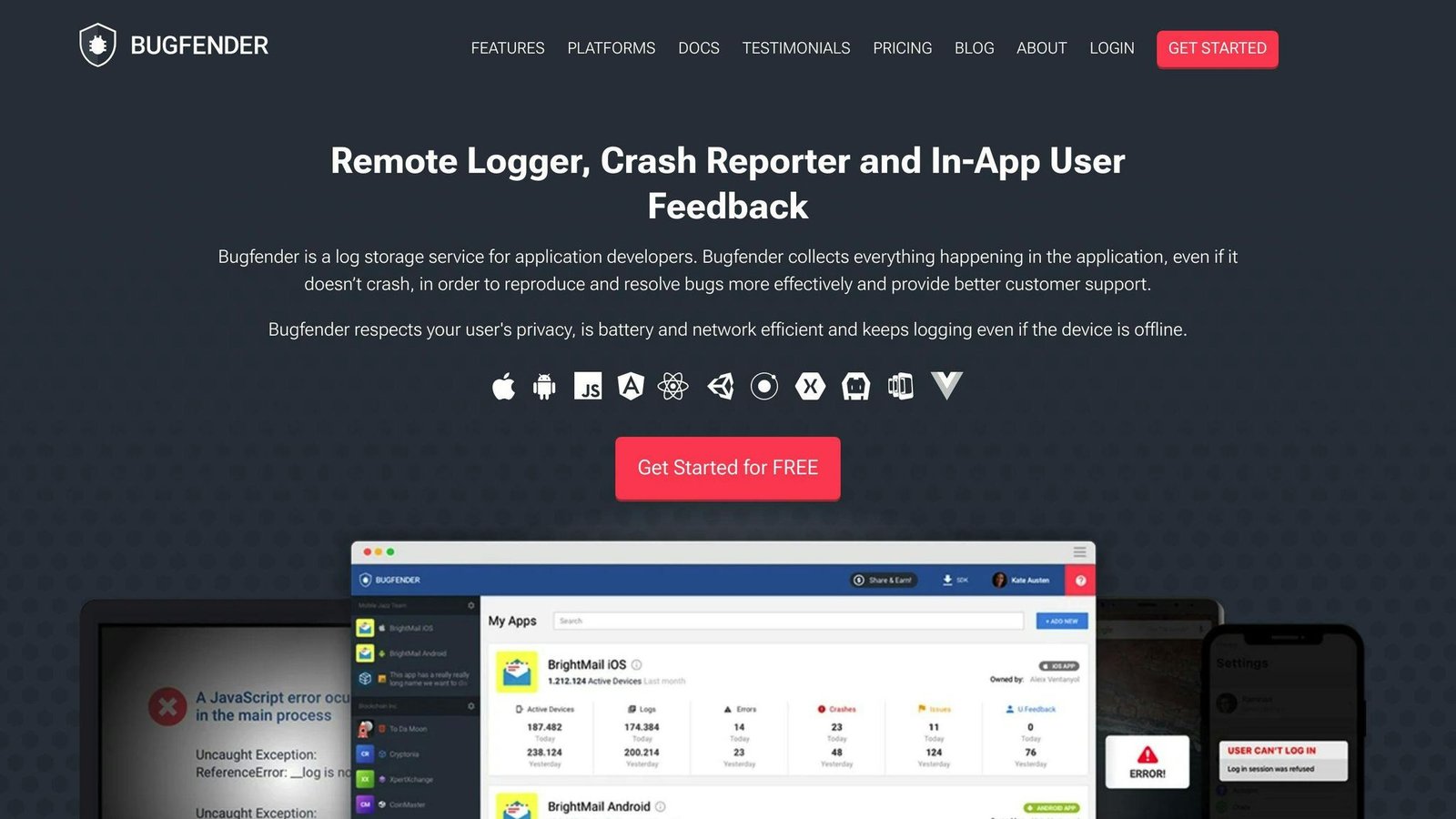
Bugfender is a cloud-based tool that helps developers log, report crashes, and gather user feedback for mobile and web applications. It provides valuable insights during development, testing, and production stages.
Key Features
Bugfender offers the following features:
- Remote Log Access: Access logs from mobile or web apps remotely.
- Real-Time Logs: View logs in real-time.
- Cross-Platform Support: Supports iOS, Android, and JavaScript developers.
- Crash Reporting: Detailed reports on crashes and bugs.
- Log Level Detection: Automatically detects alarming log levels.
- Remote Log Collection: Collect logs remotely.
- User Feedback Forms: Customizable forms to gather user feedback.
Integrations
Bugfender integrates with popular tools like Jira, allowing developers to incorporate it into their existing workflows.
Pricing Plans
The prices and the plan names have both changed. Team members are unlimited on every plan, including the free one, so the per-plan member caps this article used to list were wrong. What you are buying is log volume and retention. Yearly billing saves 30 per cent, and logs beyond your allowance are charged at €3.25 per million. Checked August 2026.
| Plan | Price | Log lines | Retention | Devices |
|---|---|---|---|---|
| Free | $0 | 100K daily | 24 hours | 2,000 |
| Team | From $39 (or €39) per month | 10M monthly | 7 days | Unlimited |
| Pro | From $89 (or €89) per month | 10M monthly | 30 days | Unlimited |
| Premium / Enterprise | From $449 (or €449) per month | Custom | 30 days, adjustable | Unlimited |
Tool Comparison
When choosing a user feedback and bug reporting tool, compare the smallest plan that fits your team, not the headline number. Here is the same set side by side. Prices checked August 2026.
| Tool | Free tier | Entry paid plan | What the plan is sized by |
|---|---|---|---|
| Marker.io | No, 15-day trial | Starter $39/month annually, $59 monthly | Members and projects; feedback and reporters unlimited |
| Usersnap | Yes, first 20 feedback items | Not published | Seats and active projects |
| BugHerd | No, trial only | Standard $50/month, $42 billed yearly | Members; client users and projects unlimited |
| Userback | Yes, 2 seats and 7-day feedback retention | Team $29/month annually, $39 monthly | Seats, projects and retention |
| Ybug | Yes, 1 member and 50 screenshots a month | Basic €10/month annually, €13 monthly | Members and projects |
| Shake | Yes | Starter $160/month | Plan tier plus SDK initialisation volume |
| Bugfender | Yes, 100K daily log lines | Team from $39 or €39 per month | Log volume and retention; members unlimited |
Final Thoughts
User feedback and bug reports play a key role in improving your software. The tools mentioned here – Marker.io, Usersnap, BugHerd, Userback, Ybug, Shake, and Bugfender – help gather insights from users and identify issues. This data allows you to focus development efforts on areas that matter most to users, leading to better user experiences and increased satisfaction.
When choosing a tool, consider factors like:
| Factor | Description |
|---|---|
| Pricing | Evaluate the cost based on your budget and team size. Check the annual rate against the monthly rate, and check the member cap on the plan you are pricing. |
| What you are charged for | Some of these price on members and projects, others on log volume or SDK initialisations. For a consumer app, volume is usually the number that decides the bill. |
| Key Features | Look for features like visual feedback, session replay, crash reporting, and integrations with your existing tools. Check which tier they start on; on Ybug, for example, video and console recording begin two tiers up. |
Incorporating user feedback and bug reporting into your development process is crucial for creating high-quality products that meet user needs.
FAQs
Which tool is best for tracking bugs?
Several general bug trackers sit alongside the feedback tools above. We have removed the star ratings this table used to carry, for the same reason as the ones earlier: they descended in exact list order and had no source. Where we could not read a price on the vendor’s own site, we say so rather than repeat one.
| Tool | Key Features | Pricing |
|---|---|---|
| Jira | Issue tracking, project management, integrations | Free for up to 10 users. Paid tiers are per user per month, but Atlassian does not print the figures in a form we could read; check the pricing page for your team size |
| Bugzilla | Bug tracking, code management, customizable | Free, open source. You pay in hosting and administration instead |
| Monday.com | Project management, bug tracking, collaboration | Free for up to 2 seats. Work Management Basic is $9 per seat per month billed annually, with a 10-seat minimum, so the smallest paid bill is $90 a month |
| BrowserStack Test Management | Test management, bug tracking, reporting | Not verified; we could not reach a published price page, so the previous figure has been removed |
| Kualitee | Bug tracking, test management, reporting | Not verified; the previous figure has been removed |
The best bug tracking tool for you depends on factors like:
- Team size: Some tools offer free plans for small teams, while others are better suited for larger organizations. Note the seat minimums as well as the caps.
- Features needed: Evaluate which features are most important, such as visual feedback, integrations, or reporting capabilities.
- Budget: Pricing can range from free open-source tools to paid plans with additional features.
Consider your specific requirements and development workflow to choose the bug tracking tool that best fits your needs.
More on this topic
Browse all 21 articles on Customer Support, or jump straight to our buying guide: Best Customer Support Tools for Small Teams.