Tracking budget against actual spend is the part of project management that gets skipped until it is too late. This article covers the tools that do it, with prices checked against each vendor’s own pricing page in August 2026. Confirm rates before you budget — they move, and several of these vendors only quote on request.
Two corrections to the original list. It ran as seven tools. One of the seven, “TechRepublic’s Picks”, is not a product at all — TechRepublic is a technology news publisher, not a budget tracking tool — so that entry has been removed rather than replaced. A second, KeyedIn, no longer exists under that name: keyedin.com now redirects to Planview. It stays in the list, renumbered, because anyone working from an old shortlist needs to know where it went. That leaves six.
-
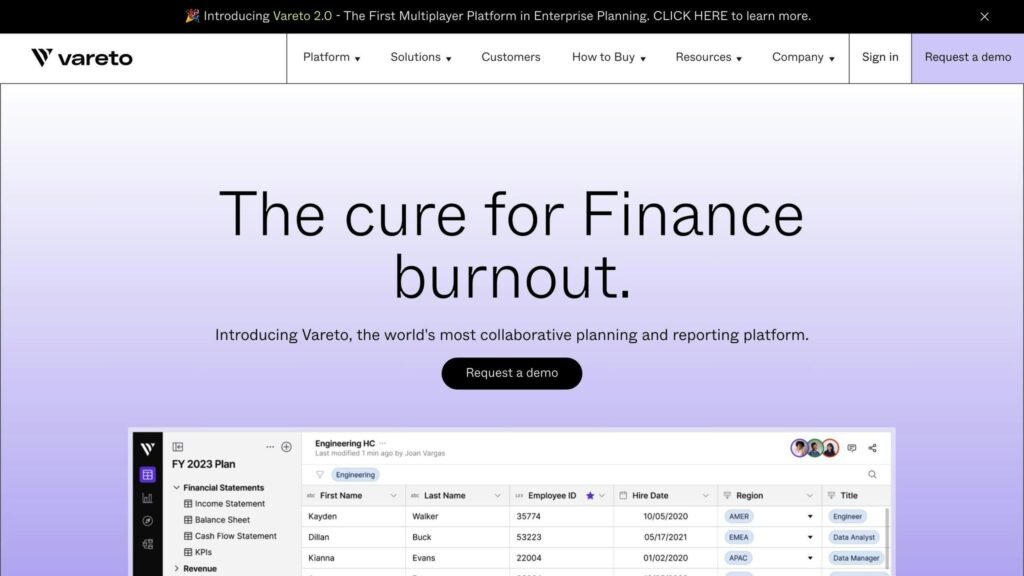
Vareto: Planning, forecasting and automated budget vs actuals for finance teams. Priced in the tens of thousands, with unlimited users. -
Dryrun: Budget building, consolidation and cash flow forecasting. No published rates. -
KeyedIn: Discontinued as a standalone brand. The domain now redirects to Planview. -
ClickUp: General project management with budget tracking bolted on. Cheapest entry point here, and a real free plan. -
Scoro: Project management, time tracking and budgeting together. Five-seat minimum. -
Project Insight: Work and project management with scheduling, budgeting and time/expense tracking.
Quick Comparison
Prices checked August 2026. Watch the unit — two of these are per user, one is per contract, and one is not published at all.
| Tool | Key Features | Pricing |
|---|---|---|
| Vareto | Forecasting, automated budgeting, variance analysis | Foundation from $20K, Growth from $40K, unlimited users |
| Dryrun | Budget building, consolidation, cash flow forecasting | Not published |
| KeyedIn | Project portfolio management (discontinued brand) | Site redirects to Planview |
| ClickUp | Project management, budget tracking, custom workflows | Free; Unlimited $7/user/month billed yearly ($10 monthly); Business $12 billed yearly ($19 monthly) |
| Scoro | Project management, time tracking, budgeting | Core $19.90/user/month billed annually ($23.90 monthly), minimum 5 seats |
| Project Insight | Scheduling, budgeting, time and expense tracking | Free; Pro $9/user/month; Business $19/user/month |
The spread is wider than it looks. ClickUp at the Business tier costs a five-person team $60 a month. Vareto starts at $20,000. They are not competing for the same buyer.
Key Features for Tracking Tools
When picking a budget vs actual tool, these are the features that decide whether it gets used after month three:
Integration
The tool has to pull actuals from wherever they live — accounting software, project management, spreadsheets — without manual re-entry. If someone has to export a CSV every month, the variance report will be late every month.
Customization
You need to set up your own budget scenarios, expense categories and reports. A fixed chart of accounts that does not match yours makes the variance numbers meaningless.
Real-time Tracking
Updates as spend happens, rather than a monthly batch. This matters more on long projects, where a 10% overrun spotted in week three is fixable and the same overrun spotted in month four is not.
Collaboration
Budget owners sit outside finance. Role-based access, commenting and mentions decide whether they engage with the numbers or ignore them.
Comprehensive Reporting
Charts and tables that show where the variance is coming from, not just that it exists.
Additional Features to Consider
| Feature | Description |
|---|---|
| User-friendly interface | Non-finance staff have to be able to use it. |
| Scalability | Handles more projects and more data without slowing down. |
| Security | Access controls over sensitive financial data. |
| Support | Documentation, training and someone to call. |
1. Vareto
Feature Set
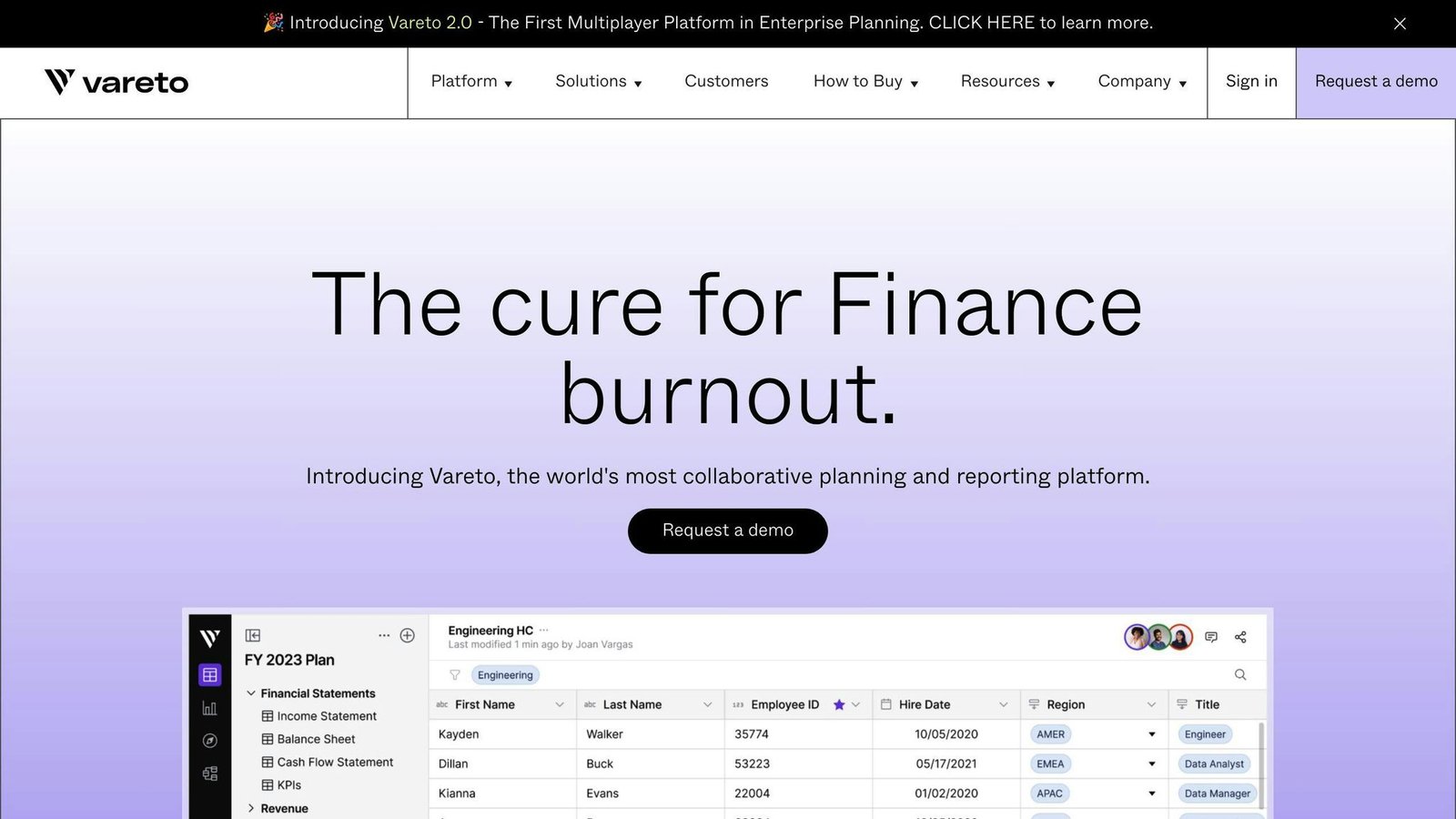
Vareto is planning, forecasting and reporting software for finance teams. Budget vs actuals variance reporting is automated rather than assembled by hand each month.
Integration Capabilities
Vareto connects to existing financial systems, including ERP, to pull actuals directly. It rolls time periods forward at month-end so the comparison stays current without rebuilding it.
Real-time Tracking
Budget vs actual tables update as data arrives, which moves the work from compiling numbers to explaining them.
Collaboration Features
Budget owners get self-serve access to their own spend and variance detail, with granular permissions controlling who sees what.
Reporting and Dashboards
Top-down and department-level budget vs actuals for monthly and quarterly reviews.
Pricing and Value
Vareto publishes starting prices, which is unusual at this end of the market. Checked August 2026: Foundation starts at $20K and includes unlimited dashboards, automated budget vs actuals, three data integrations and unlimited users. Growth starts at $40K and adds driver-based modelling, custom templates, multiplayer editing and a dedicated customer success manager. Enterprise is quoted.
One caveat worth raising with their sales team: the pricing page does not state a billing period next to either figure. Ask whether $20K is annual before you build it into a budget. Note also that Vareto charges by contract rather than per seat, so the cost does not rise as you add budget owners.
Key Features at a Glance
| Feature | Description |
|---|---|
| Integration | Connects to existing financial systems, including ERP |
| Real-time Tracking | Budget vs actual tables stay current |
| Collaboration | Self-serve access to spend and variance detail |
| Pricing | Foundation from $20K, Growth from $40K, unlimited users, period not stated |
2. Dryrun
Feature Set
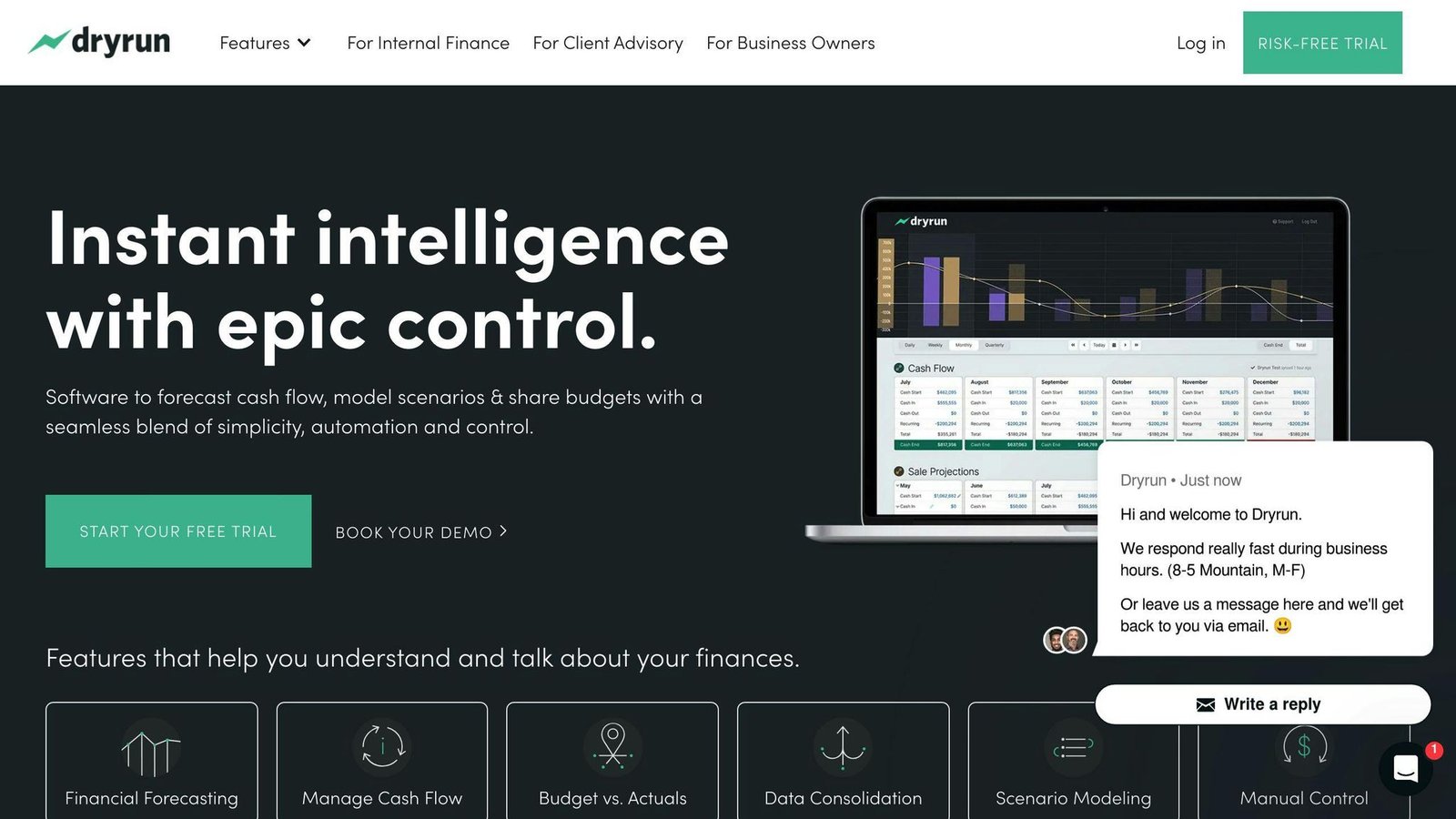
Dryrun builds budgets and runs variance analysis against them, with automated data import, real-time updates and historical comparisons. The interface is simpler than the finance-team platforms above it on this list.
Budget Consolidation
Multi-level roll-up, so budgets from separate departments or teams consolidate into one view.
Collaboration Features
Stakeholders get self-serve access to spend and variance detail, with granular permissions.
Reporting and Dashboards
Top-down and department-level budget vs actuals for monthly and quarterly reviews.
Pricing and Value
An earlier version of this article quoted $29 a month for Dryrun. We could not source that figure and it has been removed. As of August 2026 Dryrun’s pricing page lists plans and a free 14-day trial but does not display rates — you have to ask. Do not budget from a number you found on a comparison site, including this one.
Key Features at a Glance
| Feature | Description |
|---|---|
| Budget Building | Builds budgets at all levels |
| Budget Consolidation | Consolidates budgets across departments or teams |
| Collaboration | Cross-functional access with permission control |
| Pricing | Not published; 14-day free trial |
3. KeyedIn (discontinued)
What Happened
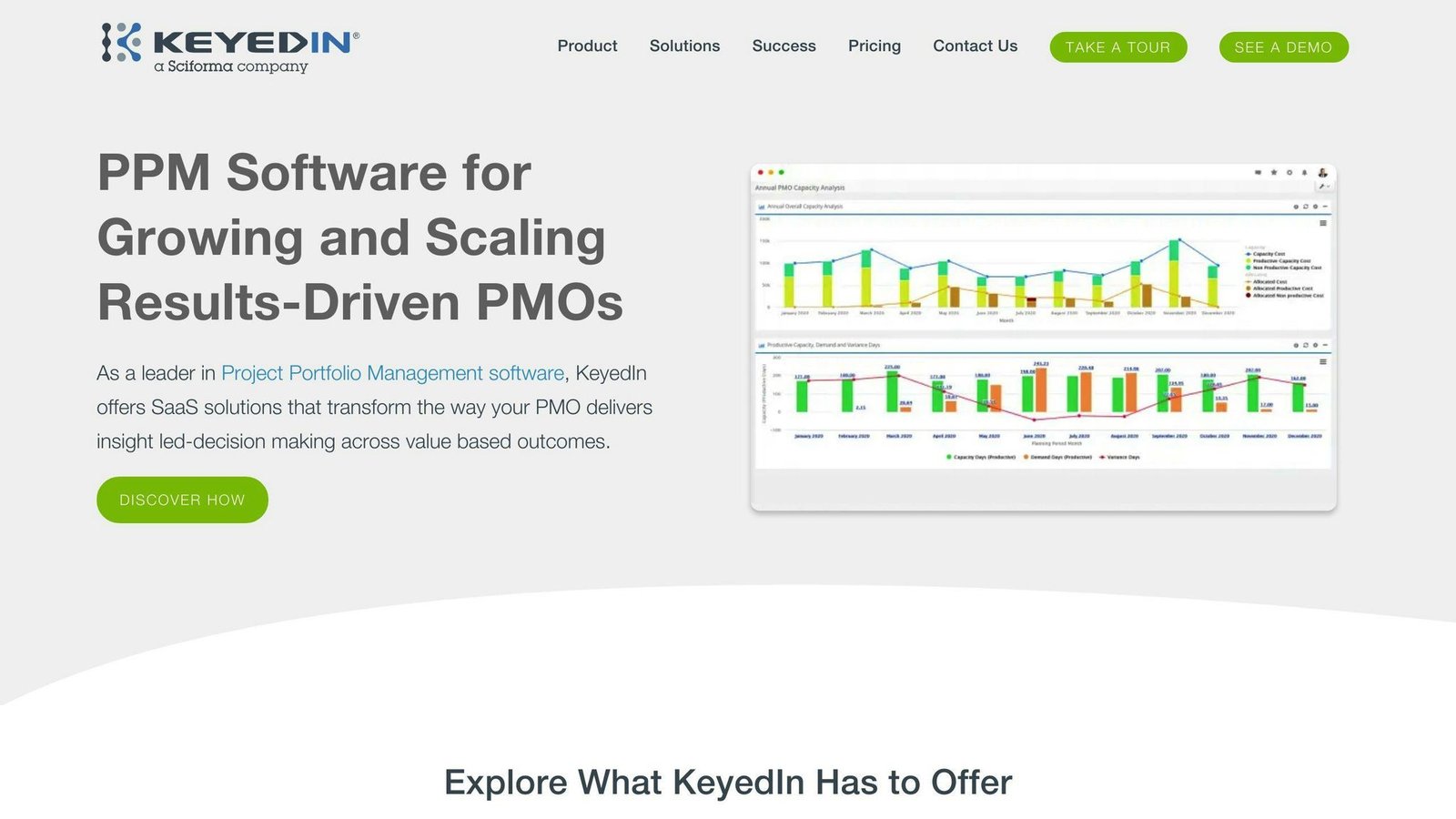
KeyedIn is no longer sold under that name. As of August 2026, keyedin.com returns a redirect to planview.com. If KeyedIn is on your shortlist from an older comparison, take it off and look at Planview’s portfolio management products instead.
We have not been able to source a public statement setting out exactly which Planview product replaced KeyedIn Projects, so we are not going to guess at a migration path. If you are an existing KeyedIn customer, that question goes to Planview.
What It Did
For context on what you would be replacing: KeyedIn was a project portfolio management tool covering portfolio-level visibility, resource allocation, demand and task-based forecasting, multi-level budgeting, capacity planning, scenario modelling and benefits tracking. It integrated with ERP, CRM and analytics tools, along with Zapier, Jira, Salesforce and QuickBooks.
Any current-generation PPM tool will cover that ground. The harder question is data export, so get that resolved before the contract lapses.
4. ClickUp
Feature Set
ClickUp is general project management software with cost tracking included, rather than a finance tool. That is the trade: it is cheap and your delivery team already knows it, but the budgeting is lighter than anything built for finance.
Project Scope Planning
Plans carry cost estimates and resource allocation, so the budget is attached to the work rather than kept in a separate spreadsheet.
Project Cost Tracking
The project dashboard shows total cost and how far over or under budget the project is. Individual tasks carry their own costs for materials and labour.
Reporting and Dashboards
Dashboards track estimated cost against actual spend, resource utilisation and timeline progress.
Pricing and Value
Published rates, checked August 2026. Note that the headline figures are the annual rates — paying monthly costs substantially more:
| Plan | Billed yearly | Billed monthly |
|---|---|---|
| Free Forever | $0 | $0 |
| Unlimited | $7 per user/month | $10 per user/month |
| Business | $12 per user/month | $19 per user/month |
| Enterprise | Custom | Custom |
AI features are priced separately on top, from $9 per user per month for Brain AI. Confirm current rates with ClickUp before budgeting.
Key Features at a Glance
| Feature | Description |
|---|---|
| Project Scope Planning | Cost estimates and resource allocation attached to the plan |
| Project Cost Tracking | Project and task-level costs against budget |
| Reporting and Dashboards | Estimated vs actual cost, utilisation, timeline progress |
| Pricing | Free plan; Unlimited $7 and Business $12 per user/month billed yearly |
5. Scoro
Feature Set
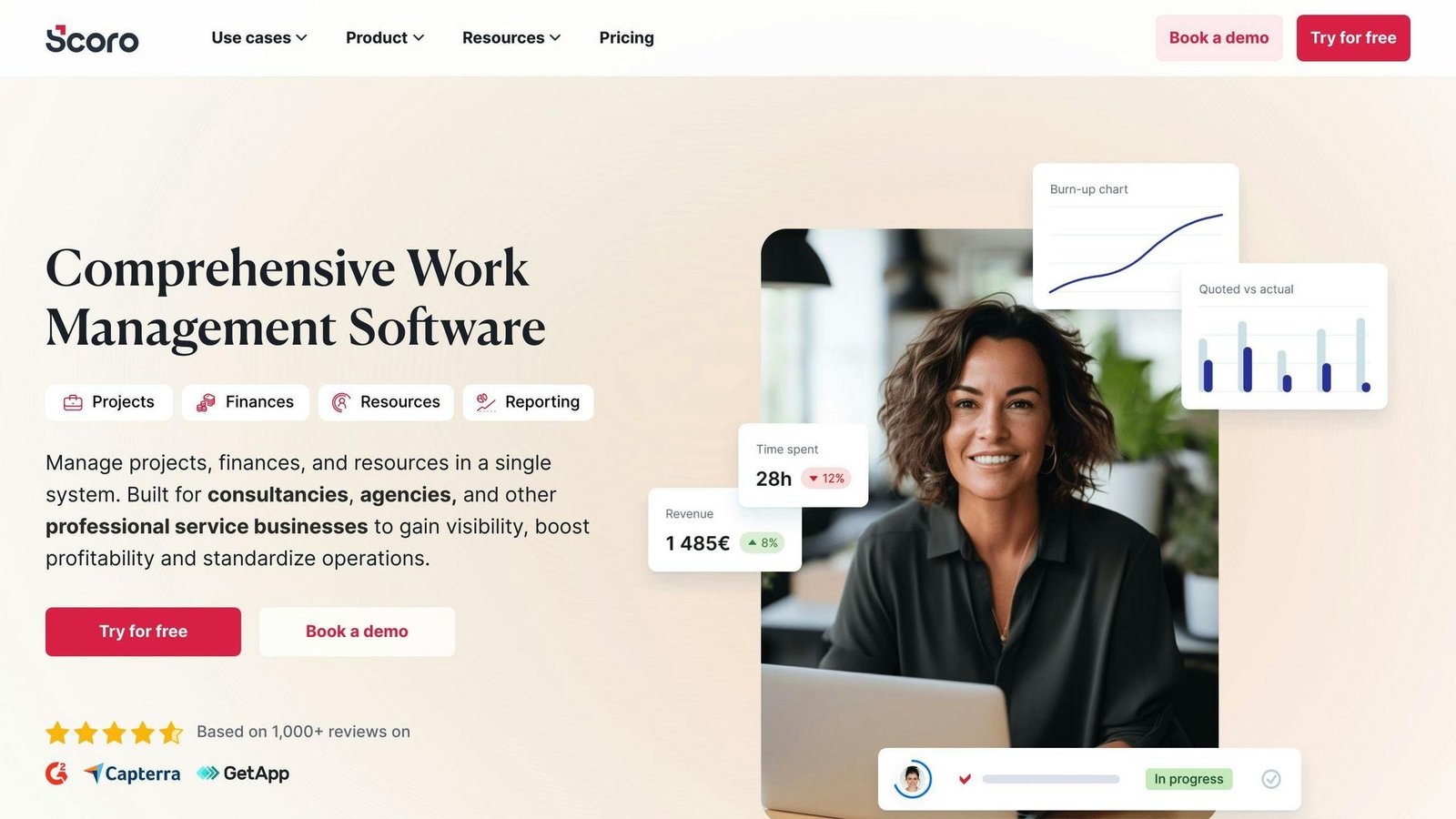
Scoro puts project management, time tracking and budgeting in one place, which is the point of it: billable time feeds the actuals automatically instead of being reconciled later.
Integration Capabilities
Connects to other project management and finance tools to avoid duplicate data entry.
Customization
Custom reports and configurable views.
Real-time Tracking
Project costs update as time and expenses are logged.
Reporting and Dashboards
Reporting covers utilisation, revenue, cost and profitability by project and by person.
Pricing and Value
An earlier version of this article said $26 per user per month. That was wrong. Published rates as of August 2026:
| Plan | Billed annually | Billed monthly |
|---|---|---|
| Core | $19.90 per user/month | $23.90 per user/month |
| Growth | $32.90 per user/month | $38.90 per user/month |
| Performance | $49.90 per user/month | $59.90 per user/month |
| Enterprise | Custom | Custom |
The detail that catches people out: Scoro has a minimum of five seats on every plan. So the real floor is roughly $99.50 a month on Core billed annually, not $19.90, however small your team is. There is a 14-day free trial. Confirm rates with Scoro before budgeting.
Key Features at a Glance
| Feature | Description |
|---|---|
| Centralized Platform | Budgets, time, expenses and reports in one system |
| Integration | Connects to other project management tools |
| Reporting and Dashboards | Utilisation, revenue, cost and profitability |
| Pricing | Core from $19.90 per user/month billed annually, 5-seat minimum |
6. Project Insight
Feature Set
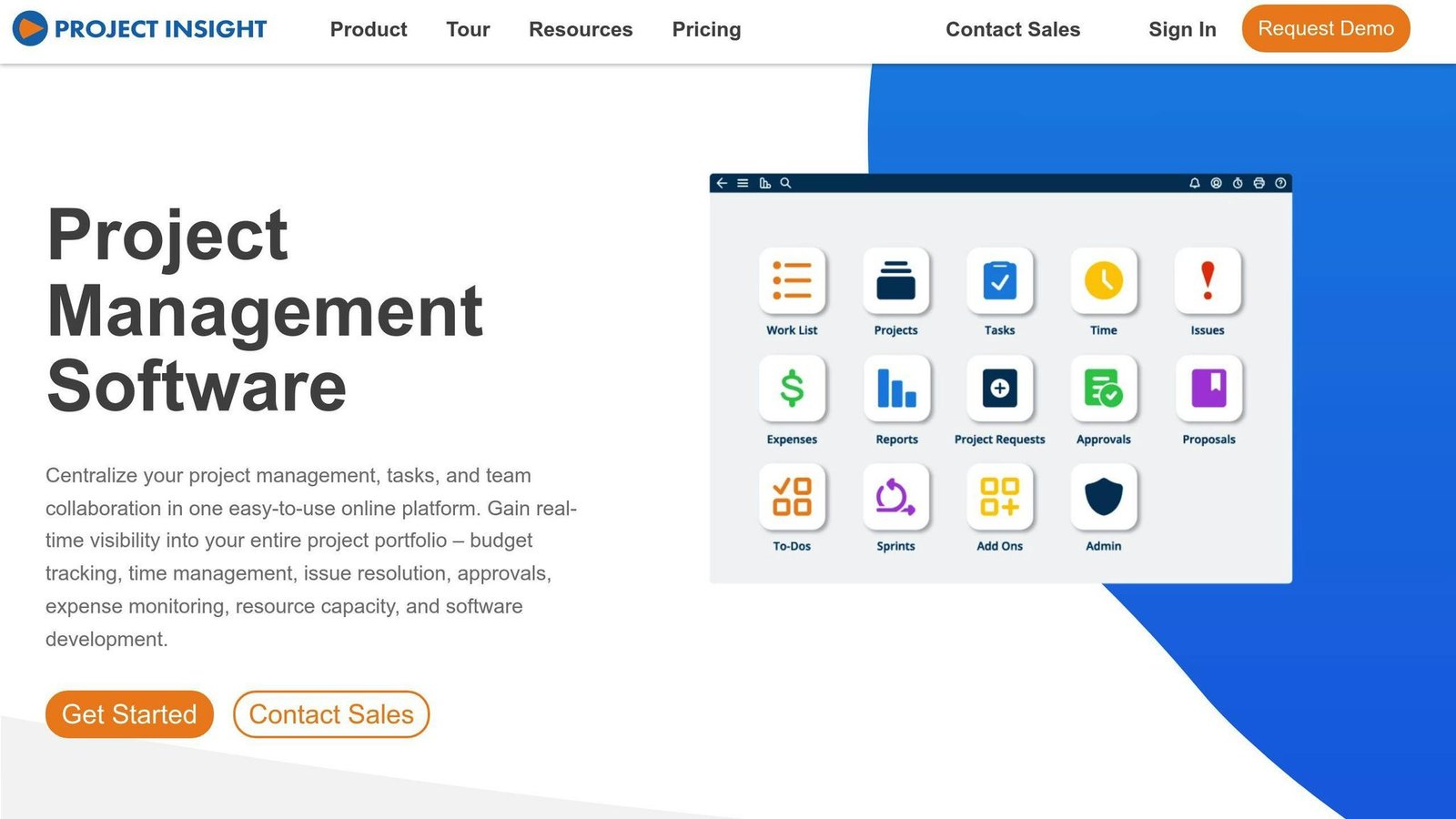
Project Insight centralises work, tasks and projects online. Relevant features here:
- Intelligent scheduling
- Project budgeting
- Time and expense tracking
- Capacity planning
- Client rate management
- Project billing
Integration Capabilities
Project Insight integrates with a range of applications, including:
| Application | Description |
|---|---|
| Microsoft Outlook | Email and calendar |
| Microsoft OneNote | Notes and organisation |
| Dropbox Business | File sharing and storage |
| Jira | Issue and project tracking |
| Microsoft Azure | Cloud services |
Pricing and Value
An earlier version of this article gave the price as “from $9.00/month”. The figure is right but the unit was missing, which understates the cost for any real team. Published rates, checked August 2026:
| Plan | Price |
|---|---|
| Free | $0, described as free forever |
| Pro | $9 per user per month |
| Business | $19 per user per month |
| Enterprise | Custom |
A previous rating of 4.4/5 has also been removed — it was not attributed to any source. Confirm rates with Project Insight before budgeting.
Key Features at a Glance
| Feature | Description |
|---|---|
| Free Plan | Free forever tier for individuals and small teams |
| Pricing | Pro $9 and Business $19 per user per month |
| Budgeting | Project budgeting with time and expense tracking |
Pros and Cons
The short version:
| Tool | Pros | Cons |
|---|---|---|
| Vareto | Automated variance reporting, unlimited users, published starting prices | Starts at $20K; billing period not stated on the pricing page |
| Dryrun | Simple budget building and consolidation, free trial | No published pricing at all |
| KeyedIn | Nothing — the brand is discontinued | Site redirects to Planview; no public migration guidance |
| ClickUp | Real free plan, cheapest paid tiers here, familiar to delivery teams | Budgeting is light next to finance-built tools; monthly billing costs 40 to 58% more |
| Scoro | Time tracking feeds actuals directly | Five-seat minimum makes it expensive for very small teams |
| Project Insight | Free tier, low per-user cost | Per-user pricing adds up across a large project team |
Conclusion
Budget vs actual tracking is only useful if the actuals arrive without someone rekeying them. That, not the feature list, is what separates these tools.
Choosing the Right Tool
Decide first whether you are buying a finance tool or a project tool. If finance owns the variance report and it spans the whole company, look at Vareto or Dryrun. If the budget lives inside individual projects, ClickUp, Scoro and Project Insight are cheaper and closer to the work. Then check the unit before you compare anything — per seat, per contract and five-seat minimums make headline prices useless on their own.
Key Takeaways
| Tool | Best for |
|---|---|
| Vareto | Finance-owned budgeting at company scale, unlimited stakeholders |
| Dryrun | Budget consolidation and cash flow forecasting, if you can get a quote |
| KeyedIn | Nothing; check Planview if you are an existing customer |
| ClickUp | Teams that want budget tracking attached to existing project work |
| Scoro | Agencies and services firms where billable time is the budget |
| Project Insight | Small teams wanting scheduling and budgeting on a free or cheap tier |
All prices above were checked against vendor pricing pages in August 2026 and should be confirmed before budgeting.
More on this topic
Browse all 53 articles on Finance & Accounting, or jump straight to our buying guide: Best Accounting Software for Small Businesses.