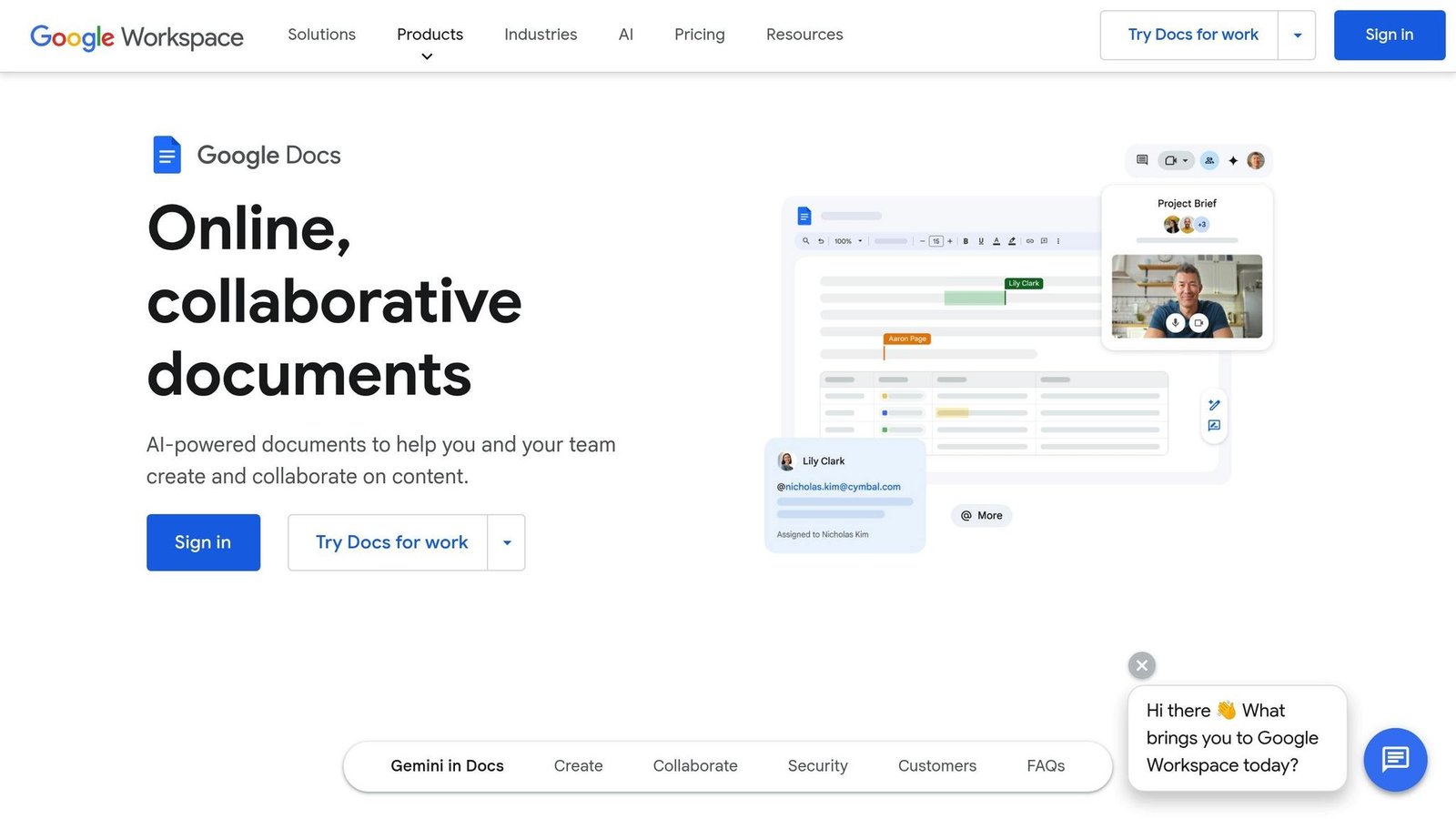
These three are not the same purchase. Google Workspace is a productivity suite — email, calendar, meetings, a document editor — that happens to include Drive, so it wins when you need the software your company runs on rather than somewhere to put files. Box is a content governance platform: pick it when the files are the regulated asset and you need retention, classification, audit trails and controlled external sharing. Dropbox is the best pure file layer of the three — sync that works, large files that move cleanly, sitting on top of whatever editing tools you already have. Most small businesses asking “which one for file storage” actually need Google Workspace; regulated industries usually need Box; teams with heavy files and an existing suite want Dropbox.
The short answer
- Pick Google Workspace if you also need business email, live document collaboration and video meetings, and would rather buy one subscription than three.
- Pick Box if compliance drives the decision — retention schedules, data classification, legal hold, or an auditor who will ask who accessed what and when.
- Pick Dropbox if your work is large files, external collaboration and reliable desktop sync, and your email and editing already live elsewhere.
- Pick two if you run Google Workspace or Microsoft 365 for email and documents but need Box’s governance over a specific set of content. That combination is common and legitimate.
Where they differ that actually matters
What you are actually buying
Google Workspace bundles Gmail, Calendar, Docs, Sheets, Slides, Meet, Chat and Drive under one per-user subscription, with pooled storage that jumps sharply above the entry tier: 30GB per user on Business Starter, 2TB on Business Standard, 5TB on Business Plus, and 5TB per user on Enterprise with more available on request. Buying it for storage alone wastes most of what you pay for; buying it as your operating system for work is a different and much better argument. Box sells unlimited storage on every business tier and spends its differentiation on control: workflow automation, e-signature, classification and a metered AI layer. Dropbox sells a team storage pool that grows by tier, plus tools around files — signature requests, video review, very large transfers, and Dash, an AI search layer indexing content across connected third-party apps, not just Dropbox.
Where documents get created and edited
This is the split most buyers underweight. Google Workspace owns the editor: Docs and Sheets are collaborative by default, versioning is native, and there is no round trip between a file and a place to put it. Box and Dropbox store files and integrate with Google Workspace and Microsoft 365 for editing — that works, but the editing experience is somebody else’s product. If your team writes constantly, you feel it daily. If it mostly produces finished artefacts elsewhere — design files, video, CAD, scans, signed contracts — it barely registers.
Governance, compliance and audit
Box is built around this: classification and threat detection on enterprise tiers, FedRAMP Moderate authorisation, and separately purchased modules for threat protection, records governance, data residency and customer-managed encryption keys. If a regulator or a client’s security questionnaire drives your requirements, Box answers more of them natively. Google Workspace’s answer is Vault for eDiscovery and information governance on Business Plus and above, with Drive data loss prevention from the middle tier. Dropbox offers admin controls, tiered administration, compliance tracking and end-to-end encryption on upper tiers — enough for most businesses, but not a records management system. Our guide to cloud storage permission practices applies whichever you choose, since most incidents come from oversharing rather than platform failure.
What each one costs
Checked against each vendor’s own pricing page in August 2026. Per user per month.
| Plan | Price | Storage and limits |
|---|---|---|
| Box Business | $15 billed annually | Unlimited storage, 5GB single-file upload limit, 3-user minimum |
| Box Business Plus | $25 billed annually | Unlimited storage, 15GB file limit |
| Box Enterprise | $35 billed annually | Unlimited storage, 50GB file limit |
| Box Enterprise Plus | $50 | Unlimited storage, 150GB file limit |
| Box Enterprise Advanced | Quoted on request | Unlimited storage, 500GB file limit |
| Dropbox Standard | $15 | Team pool starting at 3TB, from 1 user |
| Dropbox Advanced | $24 | Team pool starting at 15TB, 3-user minimum |
| Google Workspace Business Starter | See vendor page | 30GB pooled per user |
| Google Workspace Business Standard | See vendor page | 2TB pooled per user |
| Google Workspace Business Plus | See vendor page | 5TB pooled per user; adds Vault |
| Google Workspace Enterprise | Quoted on request | 5TB per user, more on request |
Google’s pricing page did not render its dollar figures when we checked, so we have left those cells blank rather than quote numbers we cannot source; Google advertises a 16% saving for a one-year commitment. What we can say is that Box and Dropbox both start at $15 per user per month, that Box gives you unlimited storage at that price where Dropbox gives a 3TB team pool, and that Google Workspace’s cheapest tier gives only 30GB per user — so if storage is the requirement, the entry Google plan is the weakest of the three regardless of what it costs. Google Workspace also caps Business Starter, Standard and Plus at 300 users; above that you are on Enterprise, which is quote-only.
Storage models and how cost behaves
All three price per user per month, but the storage models change the maths. Box gives unlimited storage at every business tier with a three-user minimum, and raises the single-file upload ceiling as you move up, from 5GB on Business to 500GB on Enterprise Advanced — so media teams get pushed upward by file size rather than volume. Dropbox pools a fixed amount across the team, growing from 3TB on Standard to 15TB on Advanced. Google Workspace pools per user, so capacity grows with headcount. Few people and enormous files favours Box; many people and modest files favours Google; Dropbox sits between.
External collaboration and everyday sync
Dropbox still has the strongest reputation for desktop sync: files behave like local files, large transfers are dependable, and sharing with someone who has no account is frictionless. Box manages outsiders through collaborator roles, with unlimited external collaborators from its second tier, trading convenience for control. Google Drive sharing is simple but its permission model surprises people, particularly around link sharing and files owned by departing employees. Test that flow before buying rather than trusting a feature list; our roundup of secure file sharing platforms covers what to look for.
Side by side
| Decision criterion | Dropbox | Box | Google Workspace |
|---|---|---|---|
| What it really is | File layer plus file tools | Content governance platform | Productivity suite with storage |
| Native document editing | Light; relies on integrations | Relies on integrations | Native and collaborative |
| Entry paid tier | Standard at $15 per user per month | Business at $15 per user per month annually | Business Starter; price not published in a form we could read |
| Storage at entry tier | 3TB team pool | Unlimited, 5GB per file | 30GB pooled per user |
| Storage model | Team pool, grows by tier | Unlimited on business tiers | Pooled per user, grows with headcount |
| Large file handling | Strong | Strong; upload ceiling rises from 5GB to 500GB by tier | Adequate |
| Records governance | Basic | Deepest; partly paid modules | Vault from Business Plus |
| External collaboration | Easiest | Most controlled | Easy but permissions need discipline |
| User ceiling before Enterprise | No published cap | No published cap | 300 users |
| Best single reason to pick it | Sync and file experience | Compliance and audit | One subscription runs the company |
Who each one is really for
Dropbox suits creative studios, agencies, architecture and media firms — any team whose day involves moving files too big to email between people inside and outside the company. It also suits a team already standardised on Microsoft 365 or Google Workspace that finds the bundled storage awkward for heavy assets, which at 30GB per user on Google’s entry tier is a common problem.
Box suits regulated and audited organisations: healthcare, financial services, legal, life sciences, government suppliers. The trigger is rarely capacity — it is a compliance obligation, a client contract or an audit finding. If nobody at your company has ever been asked to produce an access log, Box’s strengths are cost you will not use. Note also that its cheapest tier caps single files at 5GB, which rules it out for some media work until you are paying $35 a seat.
Google Workspace suits almost every small and mid-sized business that needs email, documents, meetings and storage without a compliance mandate pushing elsewhere. The bundle economics are the argument, not the storage. Our ten criteria for choosing cloud storage is a useful check before committing.
When none of them is the right answer
If your requirement is backup rather than collaboration — disaster recovery, immutable copies, restoring a server — none of these is a backup product, and treating sync as backup is how companies lose data to ransomware that replicates faithfully. Buy a dedicated backup service. Likewise, if data must stay in a specific jurisdiction, check residency options carefully: it is a paid add-on or enterprise-tier feature rather than a default, and our piece on data sovereignty in cloud storage explains why it matters.
FAQs
Can I run Google Workspace and Box together?
Yes, and plenty of organisations do. Box integrates with Google Workspace and Microsoft 365 for editing, so email and everyday documents live in one and governed content in the other. You pay twice, and you must be clear with staff about what belongs where.
Is unlimited storage really unlimited?
Box advertises unlimited storage on every business tier, and that appears to be genuine. The constraint is per-file rather than total: 5GB on Business, 15GB on Business Plus, 50GB on Enterprise, 150GB on Enterprise Plus and 500GB on Enterprise Advanced. Read the acceptable use terms, and if you are storing petabyte-scale media, confirm details with the vendor before signing.
Which is easiest to move away from later?
All three support bulk export and have APIs, so nothing traps your files. Harder to move is everything built around them: shared links already sent to clients, permission structures, retention rules and app integrations. Migrating content is a weekend; migrating habits is a quarter.
Plans, storage allowances, tier boundaries and pricing change frequently, and all three vendors have shifted their AI features recently. Prices here were checked against Box’s and Dropbox’s own pricing pages in August 2026; Google’s figures could not be read from its pricing page and have been left out rather than guessed. Check all three before deciding.
More on this topic
Browse all 39 articles on IT, Cloud & Integrations, or jump straight to our buying guide: Best Collaboration Tools for Small Teams.