Want a digital strategy mapping tool? Here are five that are worth looking at, with prices checked against each vendor’s own pricing page in August 2026. Confirm them before you budget — three of the five had changed price or plan names since this article was written.
- Miro: Best for visual brainstorming
- Lucidchart: Ideal for detailed, data-driven diagrams
- ClickUp: Great for linking strategy to execution
- Aha!: Perfect for product roadmapping
- Productboard: Focuses on customer-driven product strategy
Quick Comparison:
| Tool | Best For | Starting Price (per user/month, billed annually) |
|---|---|---|
| Miro | Brainstorming | Free tier; Starter $8 |
| Lucidchart | Detailed diagrams | Free tier; paid rates not published in readable form |
| ClickUp | Strategy execution | Free tier; Unlimited $7 |
| Aha! | Roadmapping | Roadmaps from $59 |
| Productboard | Customer feedback | Free tier; Plus $19 per maker |
Choose based on your needs:
- Startups: Try Miro (free to start)
- Mid-sized companies: ClickUp is the cheapest of the five once you outgrow a free tier
- Large enterprises: Aha! is the most complete roadmapping option, and the most expensive
A note on what is not here. This article previously carried a series of customer results — revenue up 25% year on year, feature adoption up 30%, delivery time down 40% — attributed to named executives at Dropbox, Figma and Avast, and to several unnamed companies. We could not verify a single one of them: the people quoted do not hold the roles given, and none of the case studies appears on any vendor’s site. All of it has been removed. What remains is what each tool does and what it costs.
1. Miro
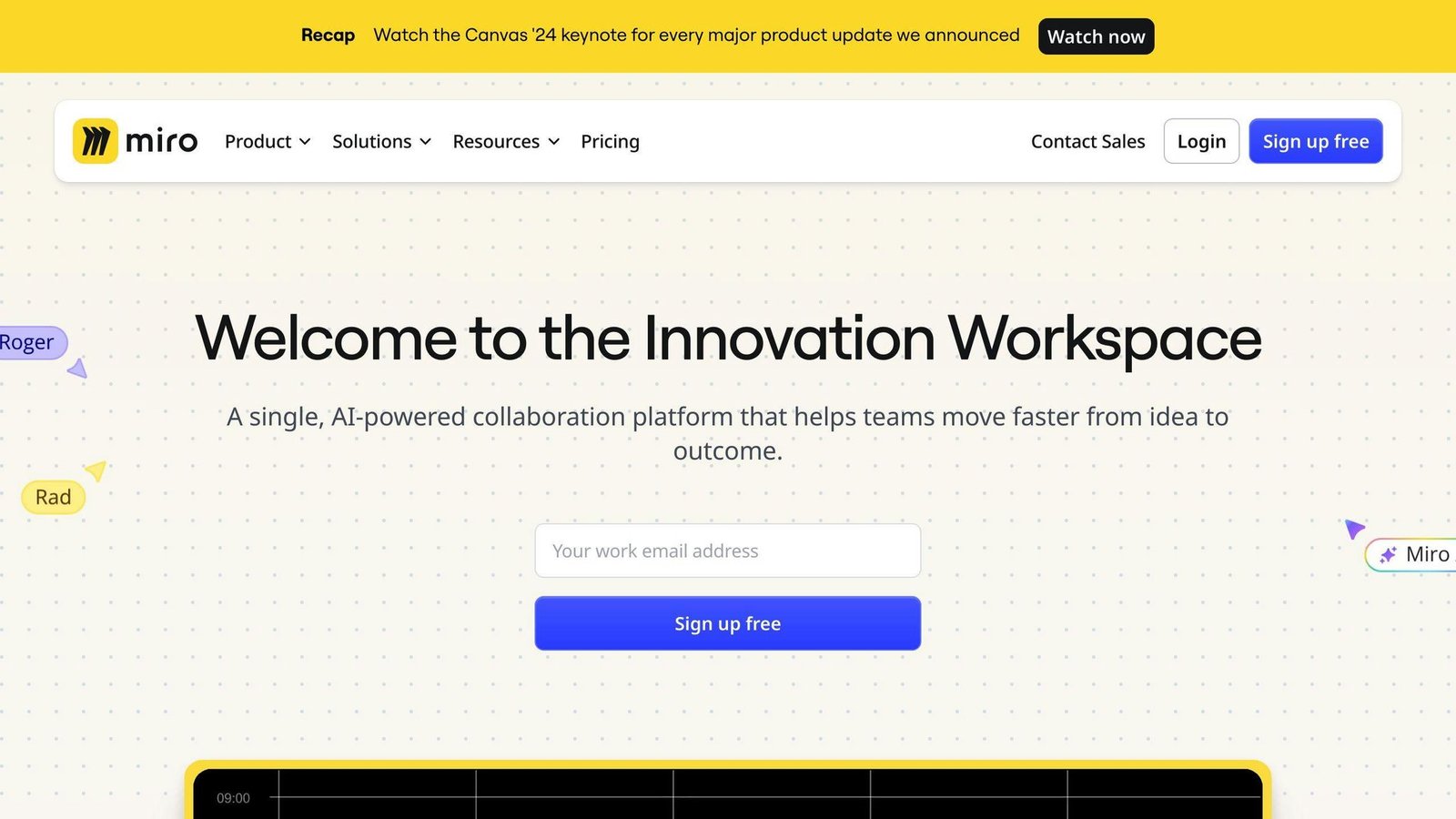
Miro is the best known of the visual collaboration tools. A user-count figure previously given here has been removed as unsourced.
What makes Miro useful is the format: an effectively endless canvas. You can build strategy maps, mind maps, and flowcharts from a large library of shapes and connectors, and several people can work on the same board at once.
Miro lets your whole team work on the same strategy map at the same time, no matter where they are. You can throw ideas around, give feedback, and make changes on the spot.
New to strategy mapping? Miro has templates to get you started, including a Strategy Map template.
What Miro does well:
- Templates you can tweak
- Connects with tools like Slack and Google Drive
- Interactive elements like sticky notes and voting
Miro’s pricing, checked in August 2026:
- Free: good for small teams
- Starter: $8 per member per month, billed yearly
- Business: $20 per member per month, billed yearly
- Enterprise: custom pricing, from 30 members
Miro states that annual billing saves 20% over monthly, so the monthly rates are roughly $10 and $25. The Business figure of $16 this article previously gave was wrong.
The free version is fine for trying it; you will need a paid plan for sustained strategy work.
Miro suits teams across time zones. You can leave comments, assign tasks, and track progress without everyone being online at once.
On security, Miro documents data encryption and compliance with GDPR and SOC 2.
To get the most out of Miro:
- Use a template to jumpstart your planning
- Get your team to add ideas directly on the board
- Use their SMART Goals Framework to make your objectives clear and achievable
- Keep updating your strategy map as things change
2. Lucidchart
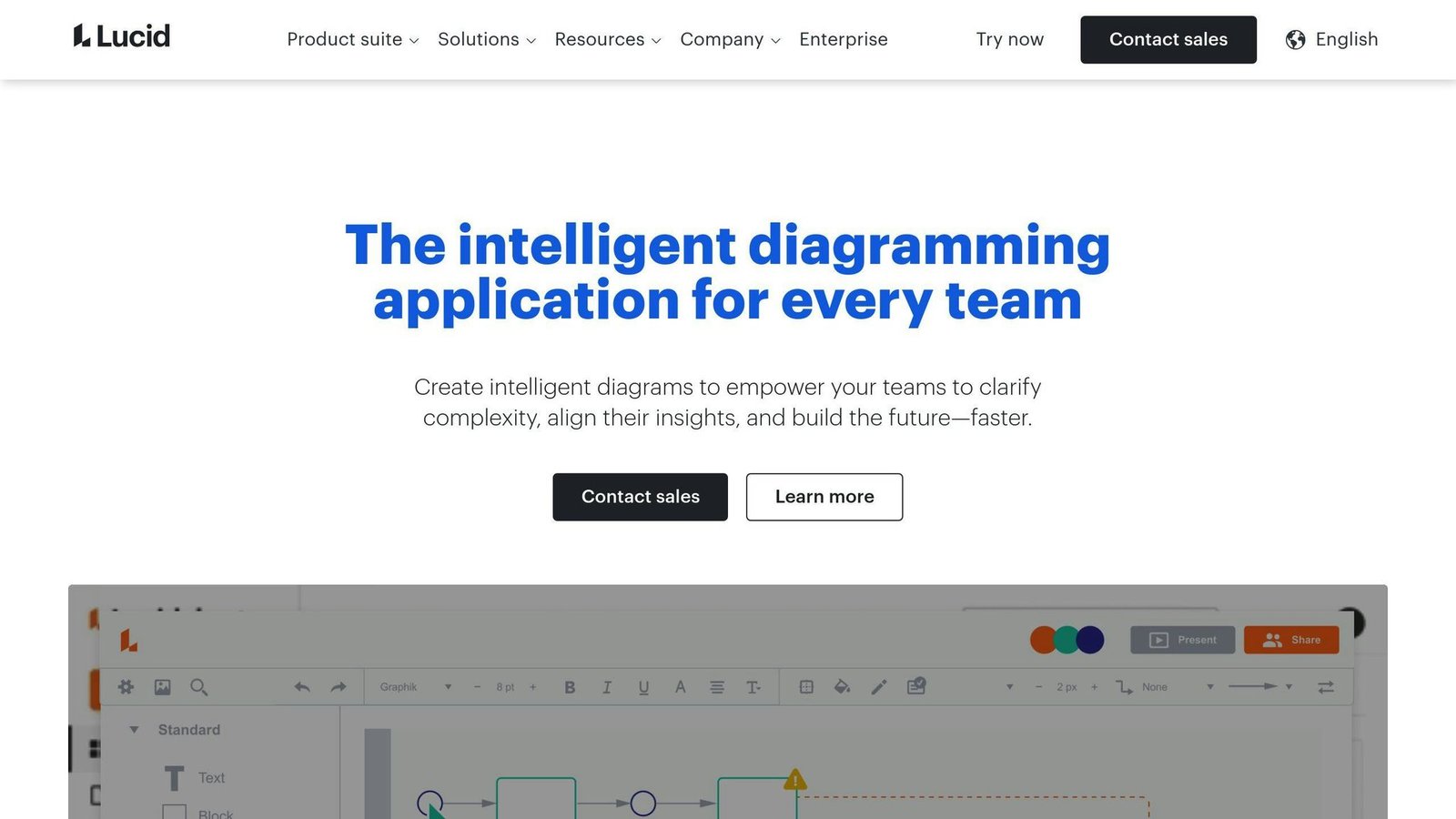
Lucidchart is a cloud-based visual workspace built around diagramming rather than free-form whiteboarding.
Where it is strong: precise diagrams. Balanced scorecards, detailed strategy maps, org structures — it has a large shape library and customizable templates, including a Y-shaped matrix template for linking financial strategies to customer needs and internal processes. A user-count figure previously given here has been removed as unsourced.
Real-time collaboration works well: teams can edit strategy documents together from anywhere.
On price: Lucidchart has a free plan with limited features, then paid Individual, Team and Enterprise tiers billed per user. Lucid’s pricing page loads its rates dynamically and we could not read them, so the “$7.95 individual, $20 per user team” figures this article previously printed have been removed rather than carried over unchecked. Get the current rates from Lucid directly.
Lucidchart integrates with Google Workspace, Microsoft Office, and Atlassian products, so strategy maps can sit inside the workflow you already have.
New to strategy mapping? Lucidchart’s strategy mapping template walks you through the process.
Its most distinctive feature is data linking: you can connect diagrams to live data sources so the visualization updates itself. An unnamed customer example claiming a specific gain in satisfaction scores has been removed from this paragraph as unsourceable. The reason to care about data linking is simpler: a strategy map that updates itself is one you will still trust in six months, and one you maintain by hand is not.
Lucidchart is not for everything. It is good at precise, technical diagramming and less good at loose brainstorming. As one Capterra reviewer put it:
“In my opinion, Lucidchart is the best diagram solution in the market. It’s very easy to use, creates nice diagrams, and it’s not expensive at all.”
Want to make the most of Lucidchart for strategy mapping? Here’s how:
- Kick things off with their strategy map template.
- Get everyone involved using the collaboration features.
- Use data linking to keep your strategy visualizations up-to-date.
- Check out how it can work with your existing tools.
3. ClickUp
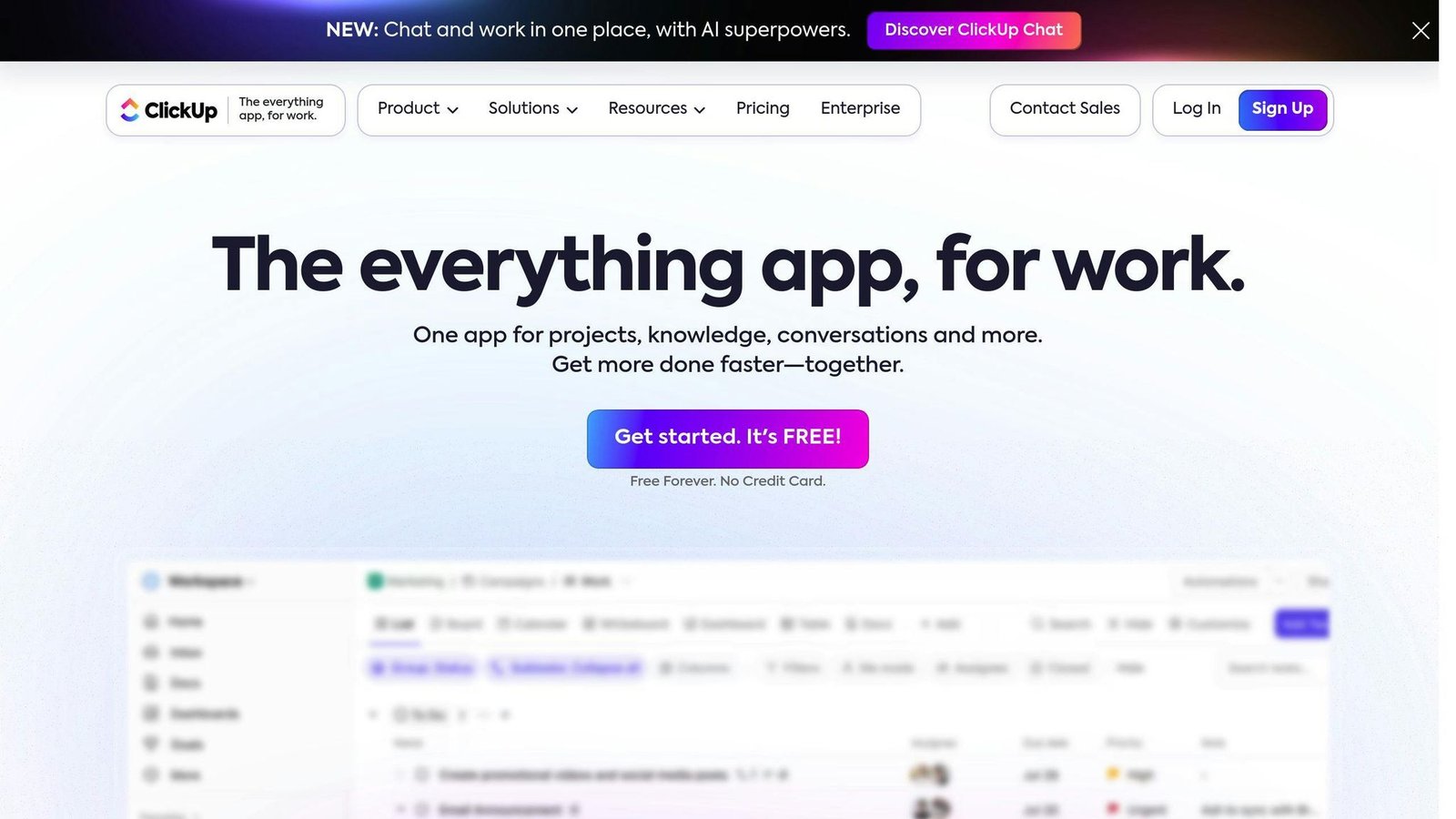
ClickUp is a project management tool with enough planning features to double as a strategy mapping tool, which is its real advantage: the map and the work sit in the same place.
Here’s what makes ClickUp stand out:
Goals: Set and track objectives using OKRs. Break down those lofty goals into bite-sized, measurable targets.
Dashboards: Get a high-level view of your strategy. Monitor KPIs, track progress, and make decisions based on real data.
Whiteboards: Brainstorm and map out strategies visually. Perfect for when your team can’t all be in the same room.
Custom Views: See your strategy however you want – Gantt charts, Kanban boards, calendars, you name it.
ClickUp’s pricing, checked on clickup.com in August 2026:
| Plan | Price (per user/month) | Who It’s For |
|---|---|---|
| Free Forever | $0 | Small teams, solo users |
| Unlimited | $7 billed yearly ($10 billed monthly) | Growing teams |
| Business | $12 billed yearly ($19 billed monthly) | Mid-size companies |
| Enterprise | Custom | Big organizations |
The $5 entry price this article previously gave is no longer current; Unlimited is $7 on annual billing.
ClickUp lists over 1,000 integrations, so you can create ClickUp tasks from Slack messages or sync a Google Calendar without custom work.
An unnamed “software company” example claiming specific retention and revenue gains from ClickUp’s Balanced Scorecard template has been removed as unsourceable. The template itself is real and free to try, which is a better test than anyone else’s numbers.
ClickUp is not simple. Some people find it overwhelming at first. As one user put it on Capterra: “ClickUp is like a Swiss Army knife – it can do almost anything, but it takes time to learn all the tools.”
Want to make the most of ClickUp for strategy mapping? Try this:
- Start with a template. The Strategic Business Roadmap template is a great place to begin.
- Use Goals to set clear OKRs and link them to specific tasks.
- Take advantage of integrations to bring all your data and processes under one roof.
- Regularly check and tweak your strategy using ClickUp’s reporting features.
ClickUp takes some getting used to, but for teams that want the strategy and the execution in one tool, it is worth the learning curve.
4. Aha!
Aha! is a strategy mapping and product management suite rather than a single tool. It is the most specialised option here, and the most expensive.
Aha! sells several products, and the lineup has changed since this article was first written. As of August 2026 it lists:
- Aha! Roadmaps: visual strategy planning
- Aha! Discovery: customer research and validation
- Aha! Ideas: user feedback management
- Aha! Whiteboards: collaborative brainstorming
- Aha! Knowledge: documentation
- Aha! Develop: development and roadmap integration
- Aha! Teamwork: work management
- Aha! Builder: prototyping
Note the change: “Aha! Notebooks”, which this article previously listed, no longer appears under that name. Whiteboards and Knowledge cover what it did. You can buy the products separately or together.
Prices, taken from aha.io in August 2026:
| Product | Starting Price (per user/month) |
|---|---|
| Aha! Roadmaps | $59 |
| Aha! Discovery | $39 |
| Aha! Ideas | $39 |
| Aha! Whiteboards | $9 |
| Aha! Develop | $9 |
| Aha! Teamwork | $9 |
| Aha! Knowledge | $18 |
| Aha! Builder | $59 |
Aha! does not state the billing period alongside those starting prices, so confirm whether the rate you are quoted is monthly or annual before signing. An annual total for a three-person Premium team, previously given here as a specific dollar figure, has been removed: it implied a per-seat rate Aha! does not publish.
Integrations are a genuine strength: Aha! connects to Jira, GitHub, Salesforce and other common tools, so you keep your existing workflow.
The Ideas portal is the standout feature. Customers, partners and employees submit and vote on ideas, which gives you a defensible input to prioritisation rather than the loudest voice in the room.
Aha! then breaks product plans into initiatives, features, and user stories, so teams can see how each task connects to the strategy above it.
Pro tip: use Aha!’s strategic planning templates to start, rather than building a structure from scratch.
Is Aha! for everyone? No. If you need a simple project management tool or somewhere to store a product backlog, Aha! is overkill at $59 per user per month. It suits mid to large organisations where product development is big enough to justify a dedicated tool.
As one Aha! user put it: “What sets Aha! apart is its steadfast commitment to strategic product planning.” That focus, plus the integrations, is what you are paying the premium for.
5. Productboard
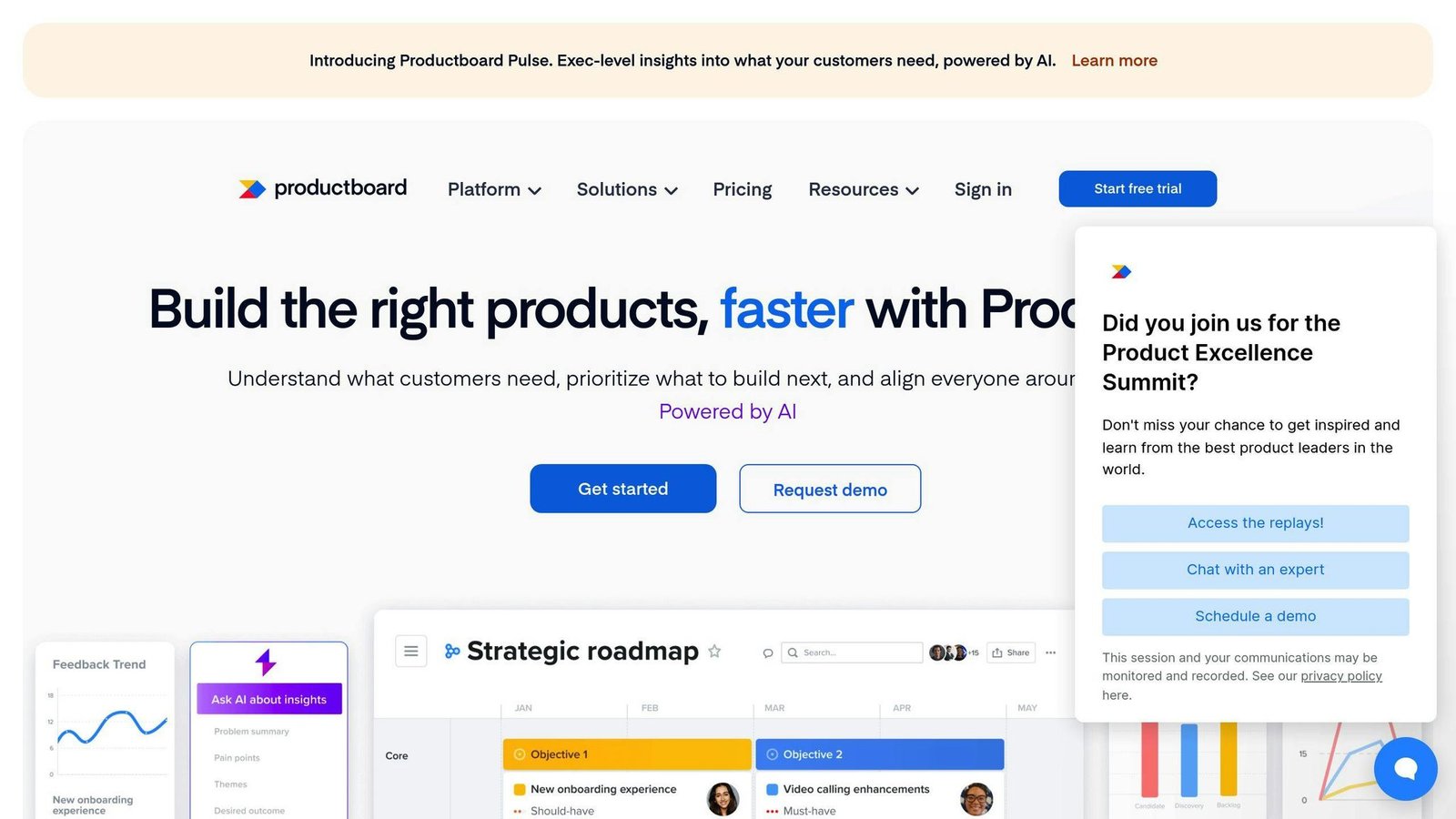
Productboard — spelled as one word, not “ProductBoard” as this article previously had it — sits between your strategy and what customers are asking for.
What makes Productboard distinctive?
It puts customer input first: it collects and organises feedback from many sources into one place, so prioritisation arguments start from evidence. A quote attributed to a Dropbox employee, with a specific feature-adoption gain, has been removed from this section: we could not verify the person, the role, or the result.
It helps you prioritize: the platform has scoring tools to help you decide what to build next.
It shows your roadmap: visual roadmaps make the strategy easy to share with people who will never open the backlog.
It works with your other tools: Productboard connects with Jira, Slack, Zendesk, and more.
Productboard’s pricing changed since this article was written, and the plan names it used no longer exist. Checked on productboard.com in August 2026:
| Plan | Price (per maker/month, billed annually) | Best For |
|---|---|---|
| Free | $0 | Trying it out |
| Plus | $19 ($25 billed monthly) | Small teams starting out |
| Business | $59 ($75 billed monthly), two-maker minimum | Growing product teams |
| Enterprise | Custom, five-maker minimum | Big, multi-product companies |
The “Essentials $20 / Pro $60 / Scale $100” tiers this article previously listed are not Productboard’s current plans. Note the unit as well: Productboard bills per maker, not per user, and contributors who only view or comment are counted differently. That distinction changes the bill more than the headline rate does.
Two customer results previously appeared in this section — a quote from someone described as Figma’s CPO, and a set of delivery-time and satisfaction gains at Avast. Neither could be verified, and the Figma attribution does not match anyone who has held that role. Both have been removed.
To get the most out of Productboard:
- Use the Insights board to gather all your customer feedback in one place
- Use the Features board to prioritize based on your strategic goals
- Share your Product Portal with stakeholders to keep everyone in the loop
- Keep checking and tweaking your roadmap as you get new data
How These Tools Compare
Let’s compare these tools on features, pricing, and use cases.
Miro vs Lucidchart: Visual Collaboration Face-Off
Miro and Lucidchart are both visual collaboration tools, but they are built for different jobs.
Miro is the flexible infinite canvas: best for brainstorming and for strategy maps that keep changing shape. Its strengths are simplicity and real-time collaboration.
Lucidchart is the diagramming tool: best for complex, data-driven diagrams. It shines with its shape library and live data linking. User-count figures for both have been removed from this section as unsourced.
Quick comparison:
| Feature | Miro | Lucidchart |
|---|---|---|
| Best for | Brainstorming, flexible mapping | Detailed diagrams, data viz |
| Starting price | $8/member/month billed yearly | Not published in readable form |
| Free Plan | Yes | Yes |
| Integrations | 100+ | 40+ |
ClickUp: More Than Just Maps
ClickUp is not just about drawing strategy maps – it is about executing them. Its Goals feature lets you set and track objectives using OKRs, which links the map to the work in a way pure visualization tools do not.
Aha! and Productboard: Product Strategy Pros
While Miro, Lucidchart, and ClickUp are generalists, Aha! and Productboard focus on product strategy.
Aha! is the roadmapping specialist. It helps product teams plan, develop, and launch products, connecting high-level strategy to daily execution.
Productboard starts from customer input. It helps teams prioritize features based on user needs and strategic goals.
Pricing comparison, all checked August 2026:
| Tool | Starting Price (per user/month unless noted) |
|---|---|
| Miro | $8, billed yearly |
| Lucidchart | Not published in readable form |
| ClickUp | $7, billed yearly |
| Aha! | $59 for Roadmaps |
| Productboard | $19 per maker, billed yearly |
Picking Your Tool
Your choice depends on your needs:
- Need visual brainstorming? Go for Miro.
- Want detailed, data-driven diagrams? Lucidchart’s your pick.
- Looking to link strategy and execution? Try ClickUp.
- Need serious roadmapping and willing to pay for it? Consider Aha!
- Is customer feedback the input you keep arguing about? Productboard might be perfect.
The best tool fits your workflow. Many teams mix and match – Miro for brainstorming, then moving key strategies to ClickUp for execution.
Whatever you choose, use it consistently and review your strategy maps regularly. A tool nobody opens after the first workshop has cost you money and taught you nothing.
Which Tool Should You Choose?
Here’s a breakdown based on company size and needs:
Startups and small teams: Go with Miro. It is free to start and easy to use, which matters when the strategy session is the only meeting everyone will attend.
Mid-sized companies: Try ClickUp. At $7 per user per month on annual billing it is the cheapest paid option here, and you get OKR tracking and project management in the same tool.
Large enterprises: Aha! is the strongest roadmapping and idea management option, at $59 per user per month for Roadmaps.
Three testimonials previously appeared in this section — from an unnamed startup founder, an unnamed marketing director at a 50-person SaaS company, and an unnamed Productboard CEO — along with a claim that Dropbox used Aha! to lift feature adoption by 30%. That last one contradicted this same article, which elsewhere credited the identical result to Productboard. None of them could be sourced, so all four have been removed.
So: think about your company size, budget, and how the tool will actually get used. Then trial the shortlist on a real strategy problem before you commit to a year of seats.
More on this topic
Browse all 86 articles on Business Operations, or jump straight to our buying guide: Best Productivity Tools for Small Teams.