Miro is for the session: several people on one infinite canvas, sticky notes, voting, a workshop that used to need a wall and a room. Lucidchart is for the artefact: a flowchart, an org chart or a process map that someone will open in eight months and rely on.
Teams buy the wrong one regularly, because both are “visual collaboration” and both let you draw a box. The question is not which draws better. It is whether the output is meant to survive the meeting.
The short answer
- Pick Miro if the recurring event is a workshop, retrospective, planning session or client session where several people contribute at once.
- Pick Lucidchart if the recurring event is documenting how something works — an approval chain, an onboarding process, a system — for people who were not in the room.
- Pick Miro if you work with clients and contractors, because guests can join boards without consuming a paid seat.
- Pick Lucidchart if your diagrams need proper shape libraries: swimlanes, UML, ERDs, network diagrams, and Visio files you have to open or produce.
When neither is the right answer
If you are on Microsoft 365, try Microsoft Whiteboard first. It is included in what you already pay for, and for a team that sketches occasionally it removes the question entirely. Check Teams before adding a subscription that duplicates it.
If you need a handful of straightforward diagrams a year, draw.io is free, self-hostable and produces perfectly respectable flowcharts. Plainer interface, fewer integrations, no invoice.
And if what you actually want is a written process that people follow, neither tool is it. A diagram shows the shape of a process; it does not tell anyone what to do on step four. Write the procedure in the wiki you already have — Notion, Confluence, a shared drive — and add a diagram only where the branching genuinely needs a picture.
The commonest mistake is buying either one to track work. Boards full of cards are not a task tracker: nothing is assigned, nothing is due, nothing reports. If that is the real need, start with monday.com or ClickUp instead.
What Miro is genuinely better at
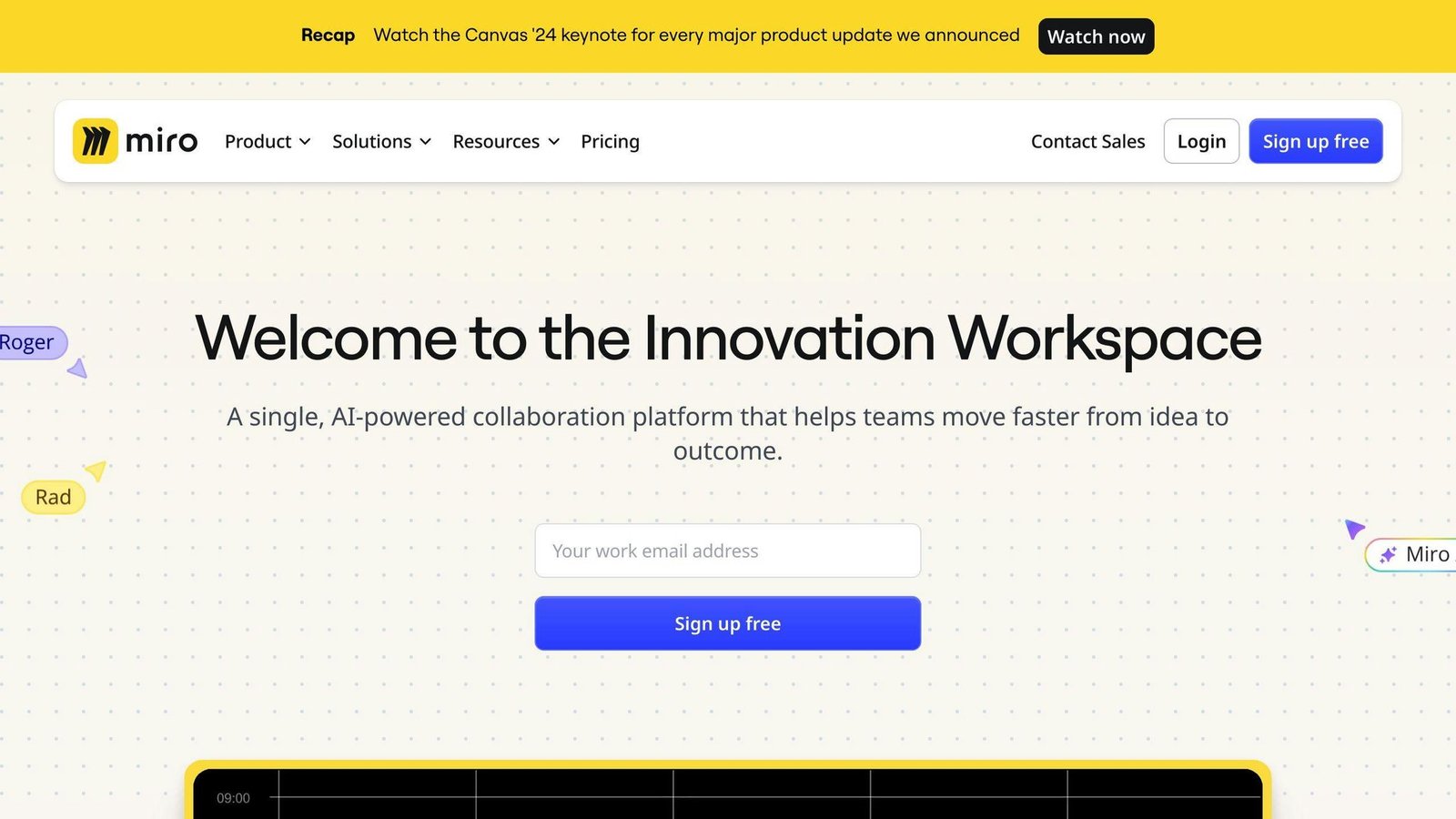
Getting a group to think together. Sticky notes, voting, timers and follow-me presenting make a remote session behave like a room. The template library — retrospectives, SWOT, business model canvas, journey maps — removes the empty-canvas problem that kills most workshops in the first five minutes.
Outsiders. Clients and contractors join as guests or by share link without a paid seat. For agencies and consultancies that is often the deciding factor, not a footnote.
Breadth on one surface. Kanban boards, timelines, tables and presentation modes live on the same canvas, which suits planning too fluid for a project tool.
The trade-off: what comes out is not structured data. A board full of sticky notes still has to become tasks, a document or a decision somewhere else, and AI clustering only tidies the mess rather than converting it. Boards also rot fast without naming conventions and someone maintaining folders — an active Miro workspace becomes an archaeological site within a year. Large boards can feel sluggish on older machines, and newcomers need a couple of minutes of orientation before a session starts properly.
What Lucidchart is genuinely better at
Diagrams that hold up. Proper shape libraries for flowcharts, swimlane process maps, org charts, network and system architecture, ERDs and UML — not generic boxes with labels.
Generating diagrams from data. Import a spreadsheet or CSV and have it build the org chart or process map, with conditional formatting that changes shapes based on the underlying values. Update the sheet, update the picture. For anyone maintaining an org chart through a hiring run, this is the feature that pays for the licence.
Living where the work is. Live diagrams embed inside Jira, Confluence, Slack, Teams, Notion, Google Workspace and Salesforce, so the picture sits in the ticket or document that references it. Exports cover PDF, PNG and Visio formats, which matters when someone in finance still works in Visio.
The trade-off: it is heavy for a quick sketch. For a rough idea on a call, a whiteboard is faster and Lucidchart feels like homework. The free tier is deliberately tight — it caps how many editable documents you keep and how complex each can be — so it works for trying the product, not for running documentation on. The Lucid suite also complicates purchasing: Lucidchart, the whiteboard product and the cloud visualiser are separate things, and working out whether you need one or a bundle is part of the decision. And a process map that is eighteen months out of date is worse than no map, so assign an owner to anything you intend to rely on.
Pricing, checked August 2026
Miro publishes its figures. Free is $0 and caps you at 3 editable boards. Starter is $8 per member per month billed annually. Business is $20 per member per month billed annually. Enterprise is custom-priced and starts at 30 members. Annual billing is advertised as saving 20% against monthly, and monthly rates are not shown on the pricing cards. Guests do not consume a paid seat, and visitors can view via public links without an account.
Lucidchart did not display per-user figures we could verify when we checked its pricing page in August 2026 — the page describes Free, Individual, Team and Enterprise plans without rendering the amounts. The link above goes to that page so you can see the absence for yourself. So take the model rather than a number: there is a free tier limited by editable documents and complexity, paid plans priced per user, and an enterprise tier priced on enquiry. People who only view a diagram generally do not need a paid seat, but confirm how your intended sharing pattern is licensed — that detail moves the total more than the headline rate. Get a current quote from Lucid before budgeting.
The seat maths differs in a way that matters. Miro charges for everyone who edits, and editing is the point of a workshop — twelve people in a session means twelve members unless they are external guests. Lucidchart charges for the small number of people who build diagrams, while the audience reads them. A twenty-person company might need twenty Miro seats and three Lucidchart seats for the same amount of visual work.
This comparison is compiled from both vendors’ published documentation and pricing pages. We have not tested either product hands-on.
Migration and lock-in
Both are easy to leave in the trivial sense and awkward in the real one.
You can export what you see. Lucidchart exports to PDF, PNG and Visio formats, which means a diagram built in Lucidchart can be opened by someone who is not a customer — the strongest portability story of the two. Miro boards export as images and PDFs, and there are board backup routes, but an infinite canvas does not become anything useful in another tool. What you get back is a picture of your thinking, not the thinking.
The real lock-in in both is embedding. Once diagrams are embedded live in Confluence pages, Jira tickets or Notion docs, leaving means every one of those embeds becomes a dead frame. Inventory where your visuals are embedded before you switch, not after.
The Miro-specific risk is volume. Teams accumulate hundreds of boards, most of them dead workshops, and nobody can tell which twelve matter. If you ever downgrade to the free plan, you are capped at 3 editable boards — the rest become read-only rather than deleted, but that is not a working state. Archive deliberately while you are still paying.
The Lucidchart-specific risk is the suite. Buying the whiteboard product alongside the diagramming one is convenient, and it also means one renewal conversation covers two habits. Price the pieces separately at renewal.
Side by side
| Decision criterion | Miro | Lucidchart |
|---|---|---|
| Primary job | Group thinking in a live session | Diagrams that outlive the meeting |
| Entry paid price (Aug 2026) | $8 per member/month, billed annually (Starter) | Per-user pricing not displayed on the vendor page at time of checking |
| Mid tier | Business, $20 per member/month billed annually | Team plan, price on enquiry |
| Free plan limit | 3 editable boards | Capped editable documents and complexity per document |
| Enterprise | Custom, from 30 members | Custom |
| Guests and clients | Do not consume a paid seat | Viewers generally need no paid seat — confirm your pattern |
| Shape libraries | General-purpose, template-led | Flowchart, swimlane, org, network, ERD, UML |
| Diagram from spreadsheet data | No | Yes, with conditional formatting |
| Visio compatibility | No | Import and export supported |
| Workshop features | Voting, timers, follow-me presenting | Not the focus |
| Main failure mode | Hundreds of stale boards nobody can navigate | An authoritative diagram that is quietly out of date |
The recommendation
Agency or consultancy running client sessions: Miro. Guest access without seats is worth more than any feature comparison, and workshops are your billable format.
Operations or compliance team documenting processes: Lucidchart. You need shape discipline, versioned artefacts and a Visio export for the person who asks for one. A whiteboard will not survive an audit conversation.
Product team that does both: Miro for discovery and planning, and accept that anything meant to last gets redrawn properly elsewhere. Two subscriptions is a reasonable answer above about fifteen people; below that, pick the one matching your more frequent activity and live with the friction.
Small team on Microsoft 365 that sketches occasionally: neither, yet. Use Whiteboard until it visibly fails you.
One person who needs three diagrams a year: draw.io. Save the subscription.
FAQs
Can Miro do proper flowcharts?
It can, and for a process everyone will look at once, it is fine. What it lacks is the structured shape libraries, data-driven generation and Visio compatibility that make a diagram maintainable over years. Judge by whether the diagram has an owner and an expected lifespan.
Does Lucidchart have a whiteboard?
Lucid sells a separate whiteboard product alongside Lucidchart, plus a cloud-architecture visualiser. They are distinct purchases, so if you want both jobs covered, price the bundle rather than assuming one licence covers everything.
How many seats do we actually need?
Count editors, not employees. For Miro, count everyone who joins a session and moves something — that is usually most of the team, though external guests are free. For Lucidchart, count the people who build and maintain diagrams; readers generally do not need a seat. Confirm the current licensing rules with each vendor before you size the order.
Plan tiers, free-plan limits, seat minimums and how guests are licensed change regularly in both products. Miro’s figures above were taken from its own pricing page in August 2026; Lucidchart’s page did not display verifiable per-user prices at the time of checking, so request a current quote.