Incident reporting tools help small businesses document accidents, hazards, and disruptions efficiently. These tools are vital for maintaining workplace safety and meeting regulatory requirements like OSHA. Small businesses often need solutions that are simple, affordable, and require minimal technical expertise.
Here are five tools tailored for small teams:
- Notify Technology: Easy setup, mobile reporting with photos and location data. UK-based; price on application.
- VelocityEHS: Offline reporting, corrective action tracking. Price on application.
- EcoOnline: Compliance features, customizable workflows. Price on application.
- Intelex: Analytics, root cause tracking. Its small-business edition is Intelex Essentials. Price on application.
- Cority: Modular features, detailed dashboards, integration options. Price on application.
- One thing to be clear about before you read further: none of these five vendors publishes a rate. Every figure in this article that claimed otherwise has been removed, and every “starting price” is a quote you have to ask for. These are also enterprise EHS platforms with small-business editions, not small-business products – budget for a sales process, not a sign-up page.
Quick Comparison
| Tool | Key Features | Mobile Access | Compliance Support | Pricing |
|---|---|---|---|---|
| Notify Technology | Simple interface, real-time alerts | Photo/location capture | Moderate | Quote only |
| VelocityEHS | Corrective action tracking | Offline reporting | Strong | Quote only |
| EcoOnline | Compliance-focused workflows | Full mobile access | Comprehensive | Quote only |
| Intelex | Data-driven insights | Mobile reporting | Comprehensive | Quote only |
| Cority | Modular features, trend analysis | Mobile reporting | Advanced | Quote only |
For small businesses, these tools simplify incident reporting, improve safety, and help meet compliance needs without overwhelming resources. Choose based on your team’s size, budget, and specific requirements.
What to Look for in Incident Reporting Tools
Picking the right incident reporting tool can transform your safety program. For small businesses, it’s especially important to find a solution that’s easy to use and doesn’t demand extensive IT resources or lengthy training. Here’s what to prioritize when evaluating your options – these features are the backbone of an effective incident reporting system.
Simple Interface and Quick Setup
Your team shouldn’t need to be tech-savvy to report an incident. A tool with a clean, intuitive interface allows employees to focus on safety rather than wrestling with complicated software. Quick setup is just as critical – you want a system that’s up and running in days, not weeks. This is particularly important for small businesses that may not have dedicated IT support.
Look for features like drag-and-drop form builders, user-friendly dashboards, and straightforward installation steps. The best tools come with clear instructions and accessible help resources, so you’re never left wondering what to do next.
Budget-Friendly Pricing
For businesses watching their bottom line, subscription-based pricing is often the most practical option. Monthly or annual plans help you avoid hefty upfront costs and make budgeting more predictable. Transparency is key – there shouldn’t be hidden fees, and you should know exactly what each pricing tier includes. That is the theory. In this category the practice is different: an earlier version of this article said some tools start at around $45 per month, and we could not source that to any vendor, so it has been removed. Of the five tools below, not one publishes a rate. Expect per-user or per-site subscriptions quoted after a discovery call, often with a separate implementation fee and an annual commitment. Ask for the total first-year cost in writing, not the monthly headline.
Some platforms offer free trials or usage-based options, giving you the chance to test the system before making a commitment.
Mobile Access and Instant Updates
Incident reporting needs to happen when and where the issue occurs. Tools with mobile access let employees use their smartphones or tablets to submit reports directly from the field, ensuring details are accurate and timely. Real-time notifications keep supervisors and team members informed, which is especially helpful for businesses with remote staff or multiple locations. Some solutions even offer offline reporting, syncing data once connectivity is restored.
Custom Forms and Workflow Options
Every business has its own way of handling incidents, so flexibility is a must. Customizable forms and workflows allow you to capture the exact information you need and automate follow-up actions like approvals or escalations. This ensures incidents are managed according to your company’s policies.
Some tools even incorporate AI to streamline workflow creation, cutting down on administrative tasks and reducing the need for IT assistance.
U.S. Compliance Support
Staying on top of federal and industry-specific regulations is non-negotiable. A good incident reporting tool will include features like compliance tracking, audit trails, and automated reminders for regulatory deadlines or certifications. These capabilities help you meet OSHA requirements and other standards, minimizing the risk of fines or legal trouble.
Look for tools that offer templates and reporting formats tailored to U.S. regulations, along with audit-ready documentation. These features can turn a potentially complex process into a manageable part of your safety program.
Best Incident Reporting Tools for Small Businesses
Managing incident reporting can be challenging for small businesses, especially when juggling limited resources, tight budgets, and regulatory requirements. These five platforms offer practical solutions tailored to small teams, combining ease of use with quick setups, analytics, and customizable workflows.
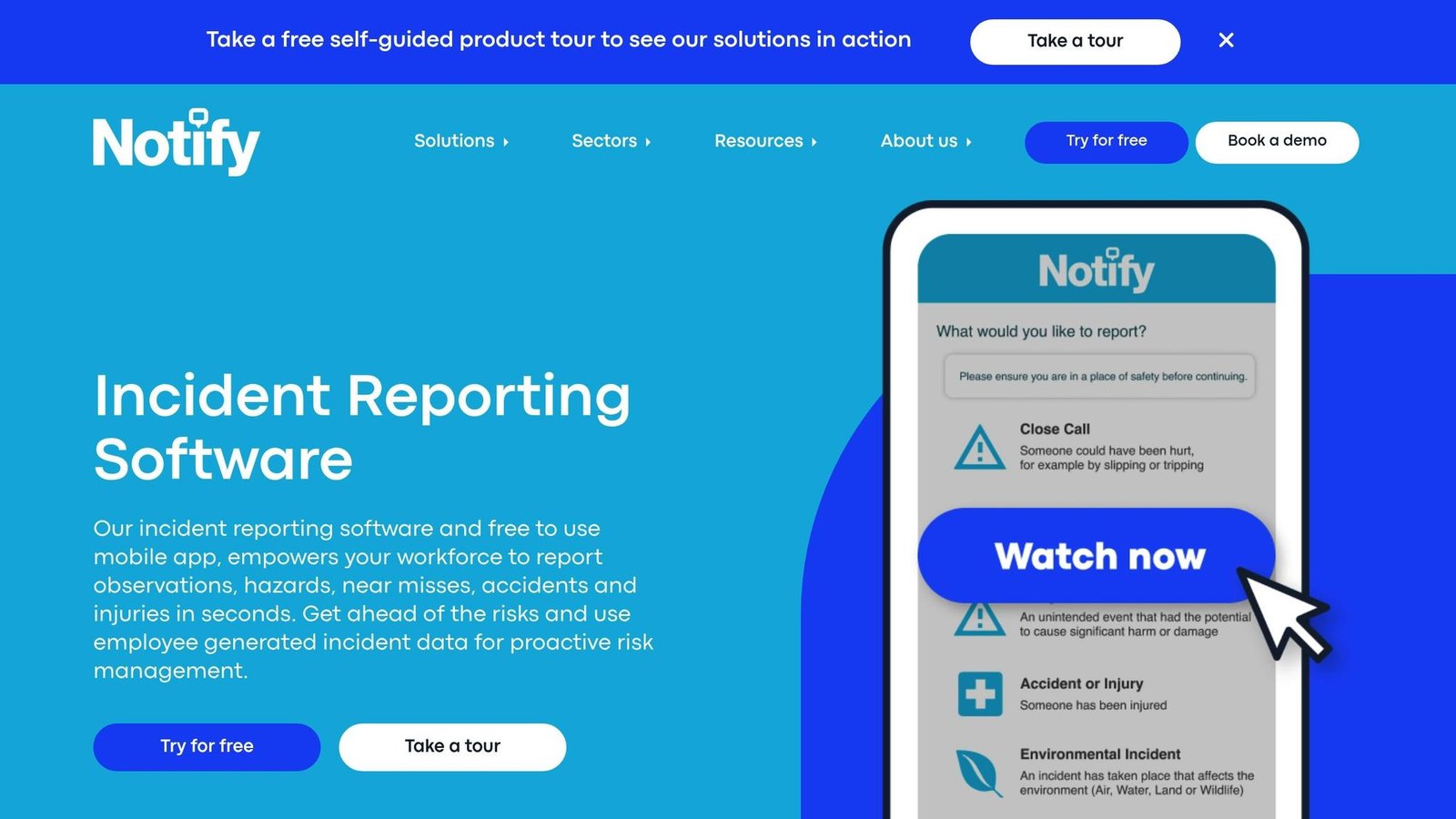
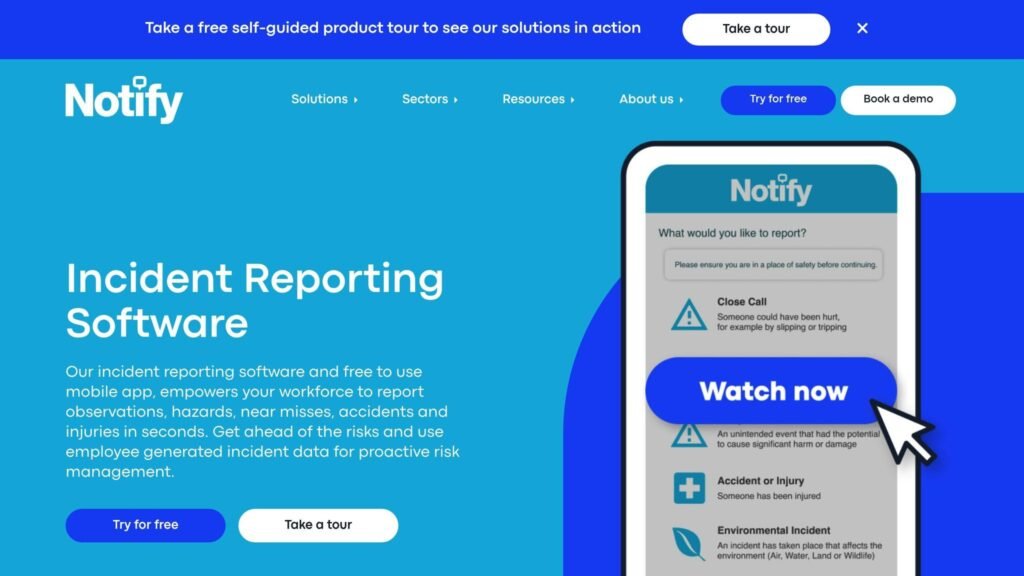
Notify Technology makes incident reporting straightforward, even for those without technical expertise. It features customizable digital forms that don’t require coding, and real-time alerts ensure supervisors are immediately informed of incidents. The platform’s mobile capabilities allow employees to submit reports with photos and location data, making it a great option for businesses with field workers or multiple locations. The interface is simple and implementation is quick, which suits small businesses without dedicated IT support. One caveat this article did not previously mention: Notify is a UK company, based in Newcastle upon Tyne with a development office in Cluj. If OSHA recordkeeping is the reason you are buying, confirm that its templates and reporting formats cover U.S. requirements before you commit – do not assume it from the feature list.
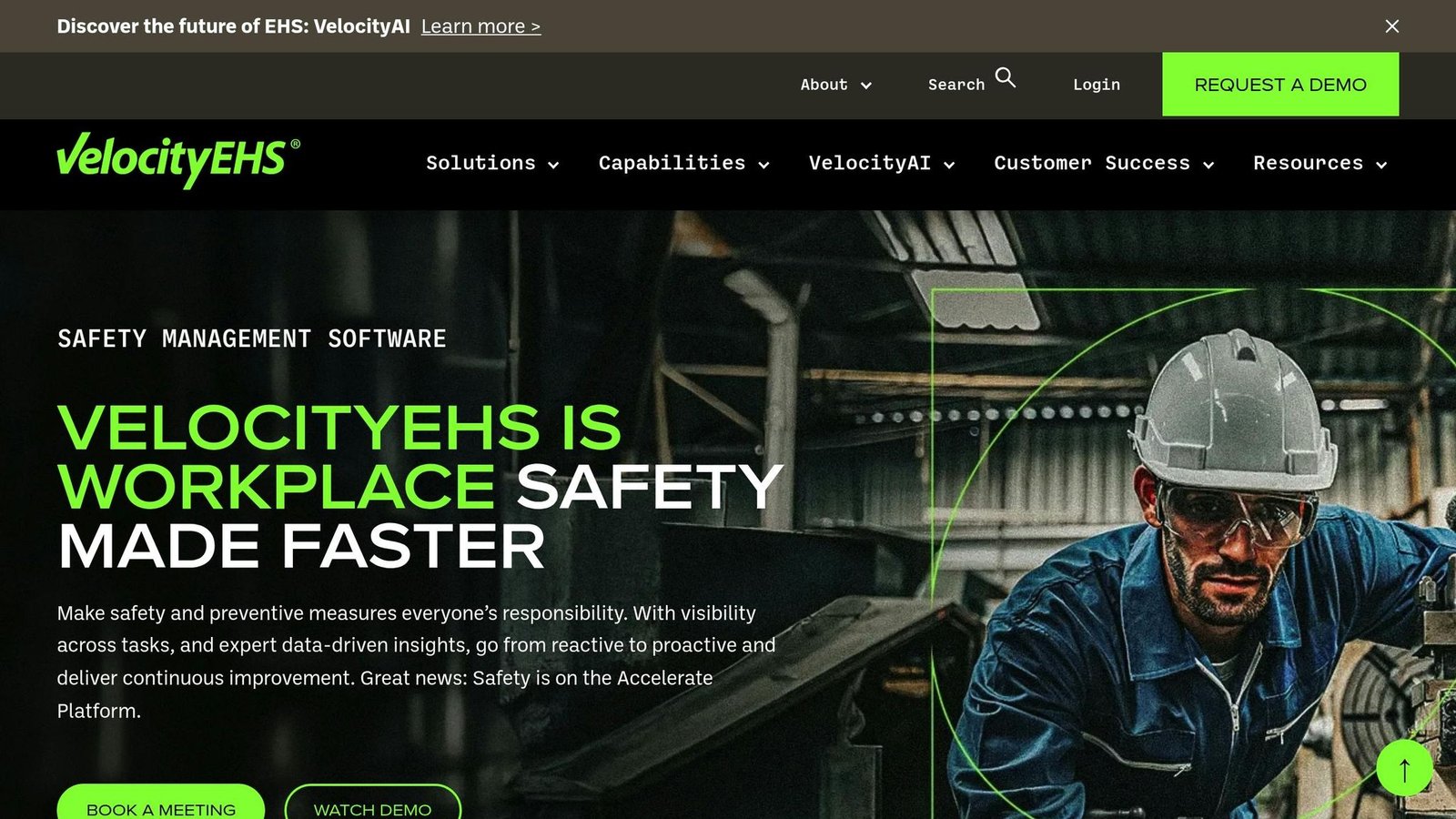
VelocityEHS covers incident management as part of a wider EHS platform. It does not publish a rate, so “budget-friendly” – which is how this article used to describe it – is not a claim we can stand behind. The platform combines incident tracking with tools for assigning and monitoring corrective actions. Its mobile app works across devices and allows offline reporting, syncing data once a connection is restored. This feature is particularly valuable for businesses operating in remote areas. It helps with team communication and follow-up actions on incidents.
EcoOnline stands out for its focus on safety compliance. It provides tailored workflows to match your company’s incident response procedures, along with support for U.S. regulatory requirements. The platform enables automatic escalations, approval processes, and notification chains. EcoOnline does not publish rates either, so the claim that it costs “a fraction” of enterprise software has been removed – it is enterprise software, sold by quote. Note also that EcoOnline bought Alcumus’s EHS business, so an older shortlist may still list the two separately.
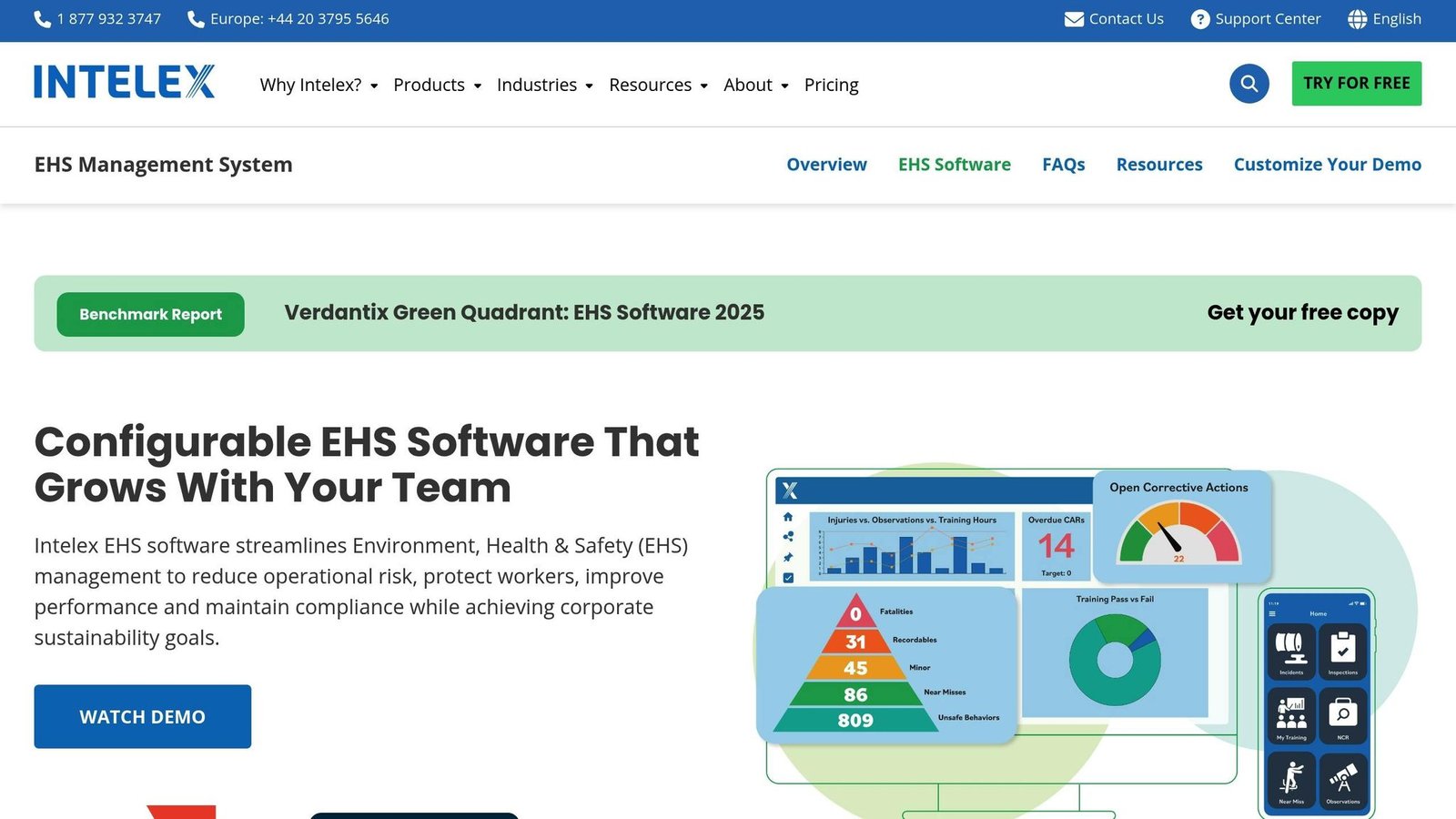
Intelex takes a data-driven approach to incident reporting. It captures detailed incident data and uses analytics to identify patterns and root causes, helping businesses transition from reactive to proactive safety management. The platform’s investigative tools allow you to track root causes, assign corrective actions, and monitor their effectiveness over time. Intelex Essentials is the pared-back edition aimed at smaller organizations; neither edition has a published price. Its ability to integrate with existing systems and provide in-depth analytics makes it a smart choice for businesses seeking advanced capabilities.
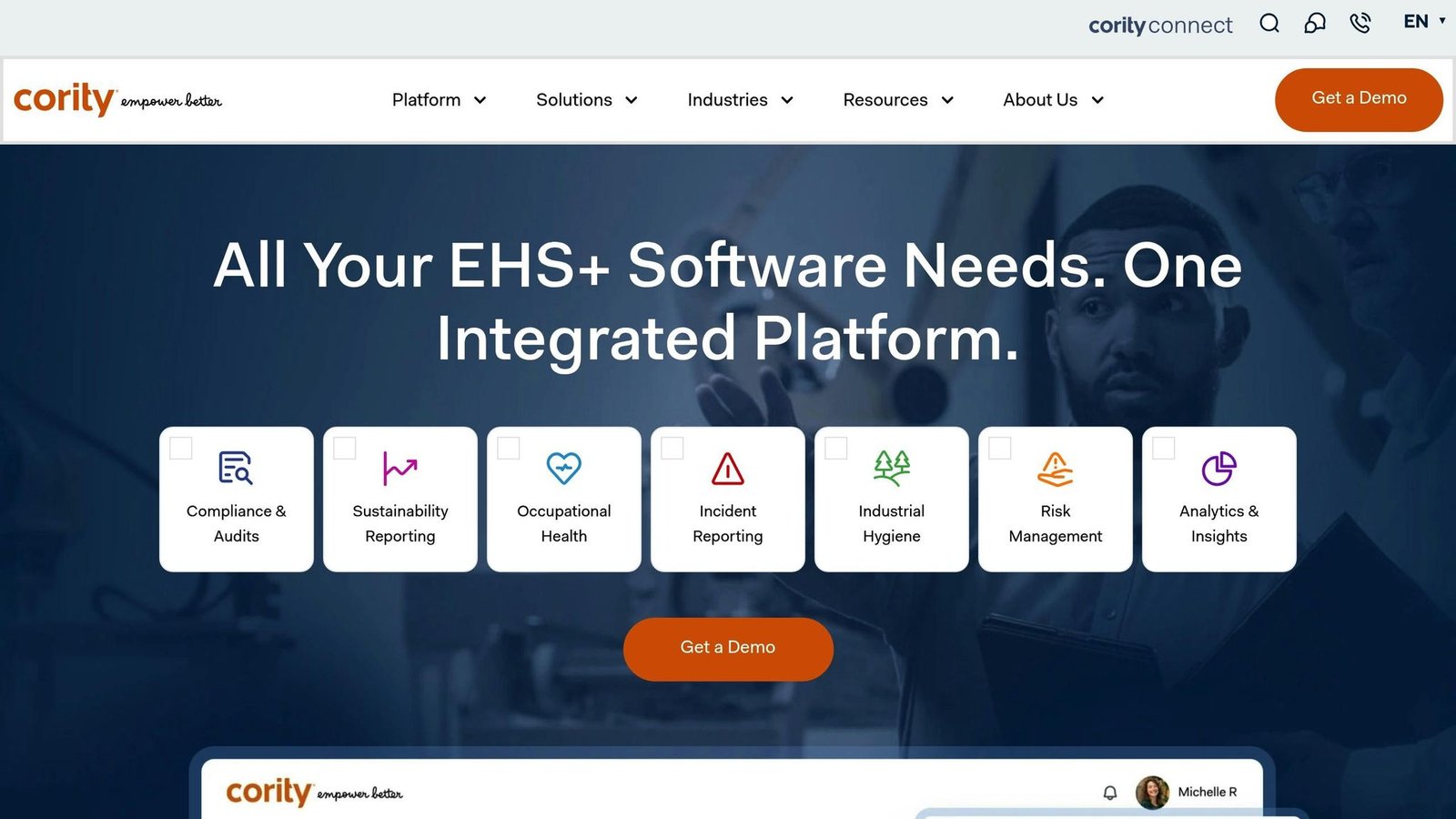
Cority offers a flexible, all-in-one solution with customizable dashboards, reporting tools, and mobile access. The platform allows users to create tailored views – executives can review high-level trends while safety managers dive into specific incident details. Additional features include trend analysis, regulatory reporting templates, and audit-ready documentation. Cority’s modular approach is appealing for small businesses, as you can start with basic functionality and expand as your needs grow. Integration with other business tools further enhances its value for teams using multiple software solutions.
| Tool | Key Strengths | Mobile Features | Best For | Pricing Approach |
|---|---|---|---|---|
| Notify Technology | Quick setup, easy to use | Photo/location capture, real-time sync | Non-technical teams (UK vendor) | Quote only |
| VelocityEHS | Corrective actions | Offline reporting, cross-device sync | Teams needing offline capture | Quote only |
| EcoOnline | Compliance-focused, customizable workflows | Full mobile functionality | Compliance-heavy industries | Quote only |
| Intelex | Advanced analytics, investigation tools | Mobile access | Data-driven safety programs | Quote only |
| Cority | Modular features, detailed dashboards | Mobile reporting | Growing companies | Quote only |
These tools tackle the key challenges small businesses face in incident reporting: limited resources, budget constraints, and the need for compliance without added complexity. This guide provides a starting point for comparing features and pricing to help you find the best fit for your business.
Feature and Price Comparison
When it comes to evaluating incident reporting tools, it’s all about finding the right balance between functionality and budget. Most platforms don’t publish their rates, opting instead for tailored quotes based on your business size and specific needs. This custom pricing approach offers flexibility but means you’ll need to engage directly with providers to get a clear picture of costs.
For example, Notify Technology, VelocityEHS, EcoOnline, Intelex, and Cority all rely on this custom pricing model. Two naming points while you shortlist: the vendor writes itself VelocityEHS, one word, and “EHSQ” is an industry category (environment, health, safety and quality), not an Intelex product – Intelex’s cut-down edition for smaller teams is called Intelex Essentials and launched in March 2025. Prices in this article were checked in August 2026; confirm any quote before budgeting. While this can be helpful for aligning costs with your exact requirements, it does make budgeting a bit more complex.
Features at a Glance
Each platform brings its own strengths to the table. Compliance support is a standout feature for EcoOnline and Intelex, both of which offer tools like OSHA reporting templates and audit trails to meet U.S. regulatory requirements. Integration capabilities, on the other hand, vary widely. Cority and Intelex excel in this area, offering direct connectors to other business systems. Simpler tools, like Notify Technology, may not provide the same level of integration.
Here’s a quick breakdown of the key features and pricing approaches for these tools:
| Tool | Starting Price | Mobile Features | Compliance Support | Integration Level | Trial Available |
|---|---|---|---|---|---|
| Notify Technology | Custom quote | Mobile app | Strong | Limited | Demo available |
| VelocityEHS | Custom quote | Mobile reporting | Strong | Moderate | Demo available |
| EcoOnline | Custom quote | Full mobile access | Comprehensive | Moderate | Demo available |
| Intelex | Custom quote | Mobile reporting | Comprehensive | Strong | Demo available |
| Cority | Custom quote | Mobile access | Advanced | Strong | Demo available |
Scalability and Growth
As your business grows, scalability becomes an essential consideration. Tools like Cority and Intelex are built to grow alongside your organization, offering modular features that can be added as your needs evolve. However, simpler tools may not scale as effectively, which could mean moving to a bigger platform down the line. This shift might lead to data migration challenges, so it’s worth factoring this into your decision-making process.
Trial Options and Cost Considerations
Most of these platforms offer demo sessions instead of extended trial periods. While demos provide a chance to explore the tool’s functionality, they do require scheduling time with sales representatives. This can be a drawback if you prefer hands-on testing.
Cost structures also play a big role in choosing the right tool. For small teams, per-user pricing can work well, but it may become less economical as you scale. On the other hand, custom pricing models often deliver better value for larger implementations, though they require more upfront negotiation and planning. Understanding these pricing dynamics will help you make a decision that aligns with both your budget and your operational needs.
How to Pick the Right Tool for Your Business
Finding the right incident reporting tool means zeroing in on what your business actually needs and what you can realistically manage within your constraints.
Review Your Business Requirements
Start by assessing your specific business needs. Think about the size of your team and the types of incidents you’ll be handling. For instance, a small five-person office won’t need the same features as a 50-person manufacturing plant. Construction companies often need tools with strong mobile functionality, while retail businesses might prioritize simplicity and ease of use.
If your business operates in the U.S., compliance with industry regulations is non-negotiable. For example, companies in construction, manufacturing, or healthcare must align with OSHA requirements. Look for tools that include features like audit trails, automated compliance alerts, and templates tailored to U.S. standards. Some platforms even come with built-in OSHA reporting forms and alerts for expiring certifications, helping you stay ahead of compliance hurdles.
Don’t overlook your team’s comfort with technology. Even the most feature-rich tool won’t be helpful if your employees struggle to use it. If your team isn’t particularly tech-savvy, prioritize tools with user-friendly interfaces and straightforward navigation. This initial review sets the stage for evaluating features, pricing, and support.
Balance Features with Your Budget
Separate your “must-haves” from “nice-to-haves.” Core features like compliance support should be non-negotiable, while extras like advanced analytics or heavy customization might not be necessary for every business.
Many platforms offer tiered pricing, which allows you to start with a basic plan and scale up as your needs grow. Take advantage of free trials and demos to test the tool in real-world scenarios. See if your team can easily create reports and check how smoothly the mobile app functions in the field. This hands-on approach helps you avoid investing in tools that don’t fit your workflow.
Free trials also give you a chance to evaluate the tool’s overall usability and ensure it aligns with your operations. Beyond features and usability, consider how well the tool integrates with your existing systems and the level of customer support available.
Check Integration and Support Options
Integration matters more than it looks. The best platforms connect to software you already run, which cuts manual data entry and the errors that come with it. Look for tools with pre-built integrations or open APIs that can easily connect to your current systems.
Some tools, like Cority and Intelex, offer strong integration options, making them a great choice for businesses with complex software needs. Simpler tools, such as Notify Technology, might not offer extensive connectivity but could still be a good fit if you don’t need advanced integrations.
Customer support is another critical factor. Check what support channels are available – whether it’s phone, email, or live chat – and pay attention to response times and availability. Some vendors provide 24/7 support, while others only operate during business hours. Use the trial period to test how responsive and helpful their support team is.
Finally, onboarding resources can make a big difference in how quickly your team adapts to the new tool. Look for vendors that offer training materials, video tutorials, and dedicated onboarding assistance. It’s also worth asking vendors about their update schedules and how they handle feature requests. A company that listens to user feedback and actively improves its platform is more likely to meet your needs over the long term.
BizBot: Find Business Tools Faster
BizBot makes it easier to discover the best incident reporting tools by cutting through the noise of endless options and unclear pricing. Designed with small businesses in mind, this platform simplifies the search for business administration tools, including incident reporting solutions.
The tools curated by BizBot prioritize ease of use and affordability, steering clear of overly complicated enterprise-level software or drawn-out setup processes.
One standout feature of BizBot is its focus on managing software costs. Two statistics about SaaS sprawl among U.S. small businesses previously appeared here without a source and have been removed. The subscription management tools help you monitor spending, track renewals, and avoid paying for unused tools.
When searching for incident reporting tools, BizBot allows you to filter results based on what matters most to your business. For instance, if you need solutions that comply with OSHA regulations in the U.S., you can search specifically for tools that meet those standards. Looking for mobile-friendly platforms or solutions within a specific budget? BizBot’s categorization system makes it simple to find tools with features like mobile access, customizable forms, and flexible pricing tiers.
What really sets BizBot apart is its side-by-side comparison feature. Instead of hopping between vendor websites or sitting through irrelevant sales pitches, you can quickly compare tools and see transparent pricing details all in one place. This saves you time and helps you make informed decisions.
Beyond helping you choose the right tool, BizBot’s subscription management features ensure your software remains a good fit as your needs evolve. It tracks renewals, highlights underused tools, and even suggests alternatives if it’s time to switch. This ongoing support ensures you’re not wasting money on software that no longer aligns with your business goals. Combined with in-depth reviews, BizBot simplifies every step of the tool selection process.
Conclusion
Choosing the right incident reporting tool is crucial for ensuring both safety and efficiency in your workplace. A claim that manual reporting misses up to 30% of incidents used to sit here, credited to unnamed “studies”. We could not find the study, so it is gone. The practical case for a digital tool is duller and more reliable: a form on a phone gets filled in at the scene, a paper form gets filled in at the end of the shift or not at all.
When evaluating tools, focus on features like easy setup, affordability, mobile accessibility, and strong compliance support tailored to U.S. regulations. These factors increase the likelihood that your team will consistently use the tool, helping you meet OSHA standards and other regulatory requirements.
The tools we’ve explored – Notify Technology, VelocityEHS, EcoOnline, Intelex, and Cority – all bring unique strengths to small businesses. Whether you’re looking for mobile-first functionality, advanced compliance options, or customizable workflows, these tools strike a balance between simplicity and the advanced features small businesses need.
BizBot makes the selection process simpler by allowing you to compare features, filter by compliance needs, and access clear pricing details – all in one platform. Its subscription management tools also ensure you’re only paying for the features you use, making it a cost-effective option for small businesses that face limited resources and compliance challenges.
A well-chosen incident reporting tool can do more than just improve safety – it can foster a stronger safety culture, reduce workplace disruptions, and even lower insurance premiums over time. With mobile capabilities, reporting becomes faster and more accurate, enabling better decision-making across your operations.
Take the time to assess your needs, explore free trials, and choose a solution your team will embrace. The right tool can transform your workplace into a safer, more efficient environment – benefiting both your employees and your bottom line.
FAQs
What’s the best way to choose an incident reporting tool for my small business?
To find the right incident reporting tool for your small business, begin by pinpointing what matters most to your operations. Consider factors like how easy the tool is to use, whether it fits your budget, and which features are essential for your daily workflows. Prioritize tools that simplify reporting and connect to the systems you already have in place.
BizBot provides a carefully selected directory of business administration tools, featuring options that are simple to use and tailored specifically for small business owners. These tools aim to streamline your processes, save you time, and make managing tasks more efficient – helping you choose a solution that aligns perfectly with your business needs.
What features should an incident reporting tool have to comply with U.S. regulations?
To meet U.S. regulatory requirements, an incident reporting tool needs specific features. Key functionalities include secure data storage to protect information, audit trails for tracking changes, and customizable reporting templates tailored to industry standards. Another critical feature is real-time notifications, ensuring stakeholders stay updated promptly, along with user access controls to safeguard sensitive data.
It’s also important to choose tools that provide compliance tracking. This helps monitor alignment with regulations like OSHA or HIPAA, making it easier to stay on top of legal requirements. These capabilities not only streamline the reporting process but also minimize the chances of facing penalties for non-compliance.
Can small businesses integrate incident reporting tools with their current systems, and what are the benefits?
Many incident reporting tools are built to work effortlessly with the software businesses already rely on – think project management platforms, HR systems, or communication tools. These integrations simplify workflows by automatically syncing data, cutting down on manual input, and keeping all relevant teams informed instantly.
For small businesses, this translates to smoother operations, fewer mistakes, and smarter decision-making. By linking these tools to your existing systems, you can save time, improve teamwork, and dedicate more energy to scaling your business.
More on this topic
Browse all 86 articles on Business Operations, or jump straight to our buying guide: Best Productivity Tools for Small Teams.