Hotjar is a website behaviour analytics tool that shows you how visitors actually use your pages through heatmaps, session recordings and on-site surveys. Where a traditional analytics tool tells you that people left the checkout page, Hotjar is the tool you open to see them scrolling past the button or rage-clicking a field that is not a link. It was acquired by Contentsquare, and the two products have been merged: new customers now sign up on the Contentsquare platform, with the Hotjar toolset inside it.
What you can actually do with it
You add one tracking script to your site, then the tools all read from the same recorded behaviour.
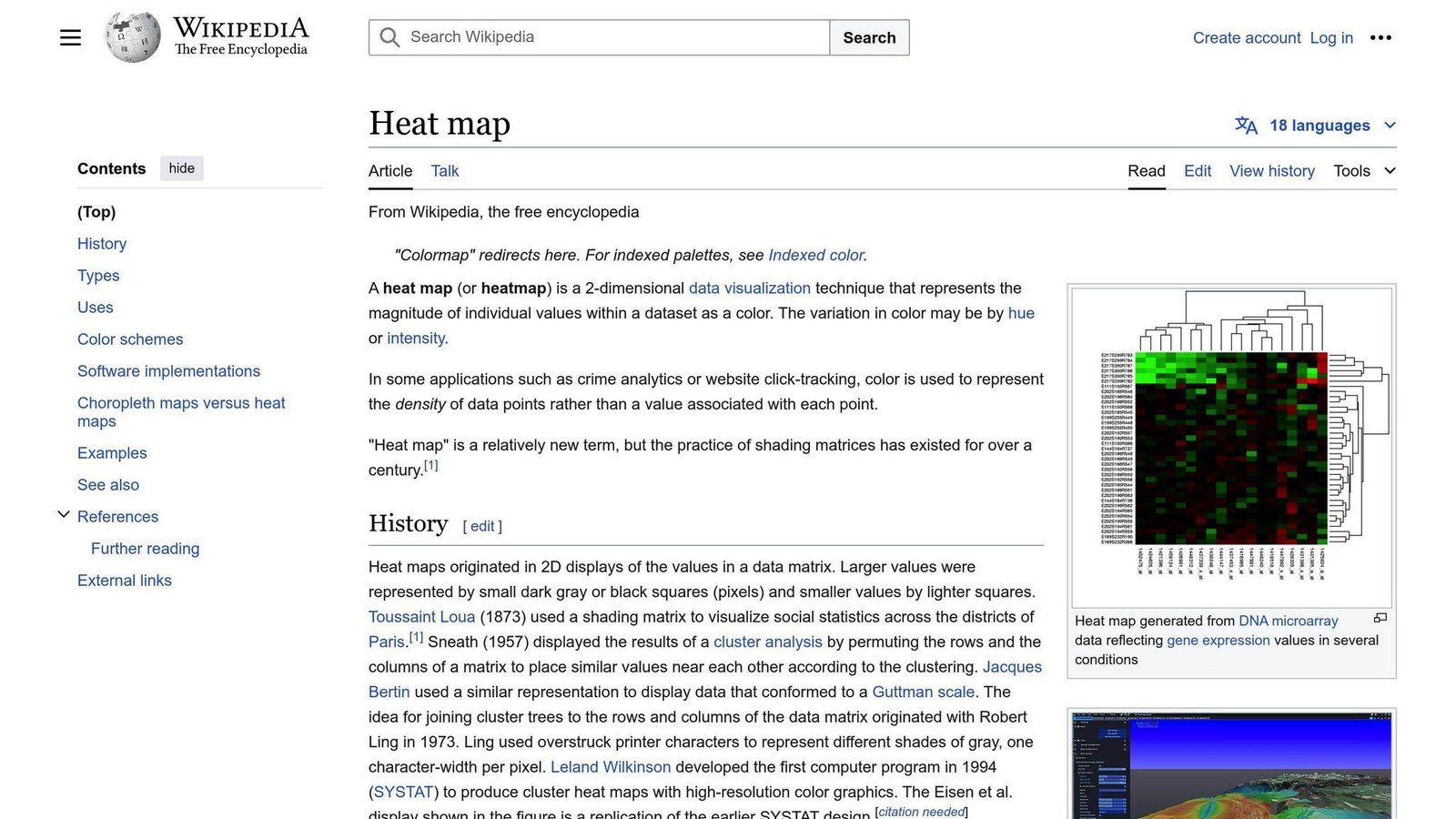
- See heatmaps of clicks, scrolling and movement. Aggregate maps per page or template show what people press, how far down they get, and what they ignore entirely.
- Watch session recordings. Replays of individual visits show the path, hesitation, form struggles and dead clicks that summary numbers hide.
- Ask visitors questions on the page. On-site surveys can trigger by page, time on page or exit intent, which is how you find out why someone did not buy.
- Collect passive feedback. A feedback widget lets visitors flag a specific part of a page and rate their experience, giving you complaints tied to a location rather than a vague email.
- Analyse funnels and drop-off. Define steps through your site and see where people leave, then jump straight into recordings of the sessions that dropped.
- Filter and share findings. Segment recordings by device, country, referrer, page or behaviour, and share clips and highlights with the rest of the team.
Who it fits best
Hotjar suits small marketing and product teams who own a website and are trying to improve conversion: an ecommerce shop with an abandoned checkout, a SaaS company optimising signup, a lead-generation site trying to work out why a form underperforms. It is deliberately approachable, so a marketer or founder can run it without an analyst.
It is less useful if you have very low traffic, because a handful of sessions will not show a pattern, and it is not the right tool if you need precise numeric analytics, revenue attribution or product event tracking. Most teams run it alongside a conventional analytics tool rather than instead of one.
Things worth knowing before you commit
- It answers “why”, not “how many”. Recordings and heatmaps are qualitative evidence; you still need analytics for reliable measurement of traffic and conversion rates.
- Session capture has limits and sampling. Plans cap how many sessions get recorded, so on a busy site you may not be seeing everything unless you are on a plan that collects at full volume.
- Watching recordings eats time. Without a specific question and good filters, teams lose hours to browsing sessions and come away with anecdotes rather than decisions.
- Privacy work is on you. Recording user sessions has real consent and data-protection implications; you need consent handling and careful suppression of sensitive fields.
- The product is now Contentsquare’s. Plan structure, packaging and the interface have changed through the merger, so older reviews and screenshots may not match what you sign up to.
Alternatives to compare it against
Microsoft Clarity offers heatmaps and recordings free and is a reasonable starting point if budget is the constraint, though it is thinner on surveys and workflow. Product analytics tools such as Mixpanel, Amplitude or PostHog make more sense if you need event tracking and funnel numbers as the main output, with replay as a bonus. If your priority is asking users questions rather than watching them, a dedicated survey or research tool will go deeper. Hotjar’s own appeal is having heatmaps, replays and surveys in one place with almost no setup.
Plans, session limits and packaging have changed with the move to Contentsquare and continue to change. Check the vendor’s current pricing page before deciding.
Further reading
- 10 Heatmap Tips to Boost Website UX in 2024 — practical guidance on reading the click and scroll maps Hotjar produces.
- 5 Best Privacy-Focused Web Analytics Tools 2024 — relevant to the consent and data-protection duties that come with recording sessions.
- 10 E-commerce Analytics Metrics to Track Customer Behavior 2024 — the quantitative side Hotjar cannot replace and should be run alongside.
- 15 Proven Strategies to Boost SaaS Free Trial Conversions — signup and trial funnel fixes worth testing once recordings show where people stall.
Have you used Hotjar?
One sentence is enough. Would you pick it again, and why or why not? We publish the critical reviews too — that is the point.