Disclosure: This page contains commercial links. BizBot may earn a commission from qualifying purchases. Paid placements do not buy a better ranking. Read our affiliate disclosure.
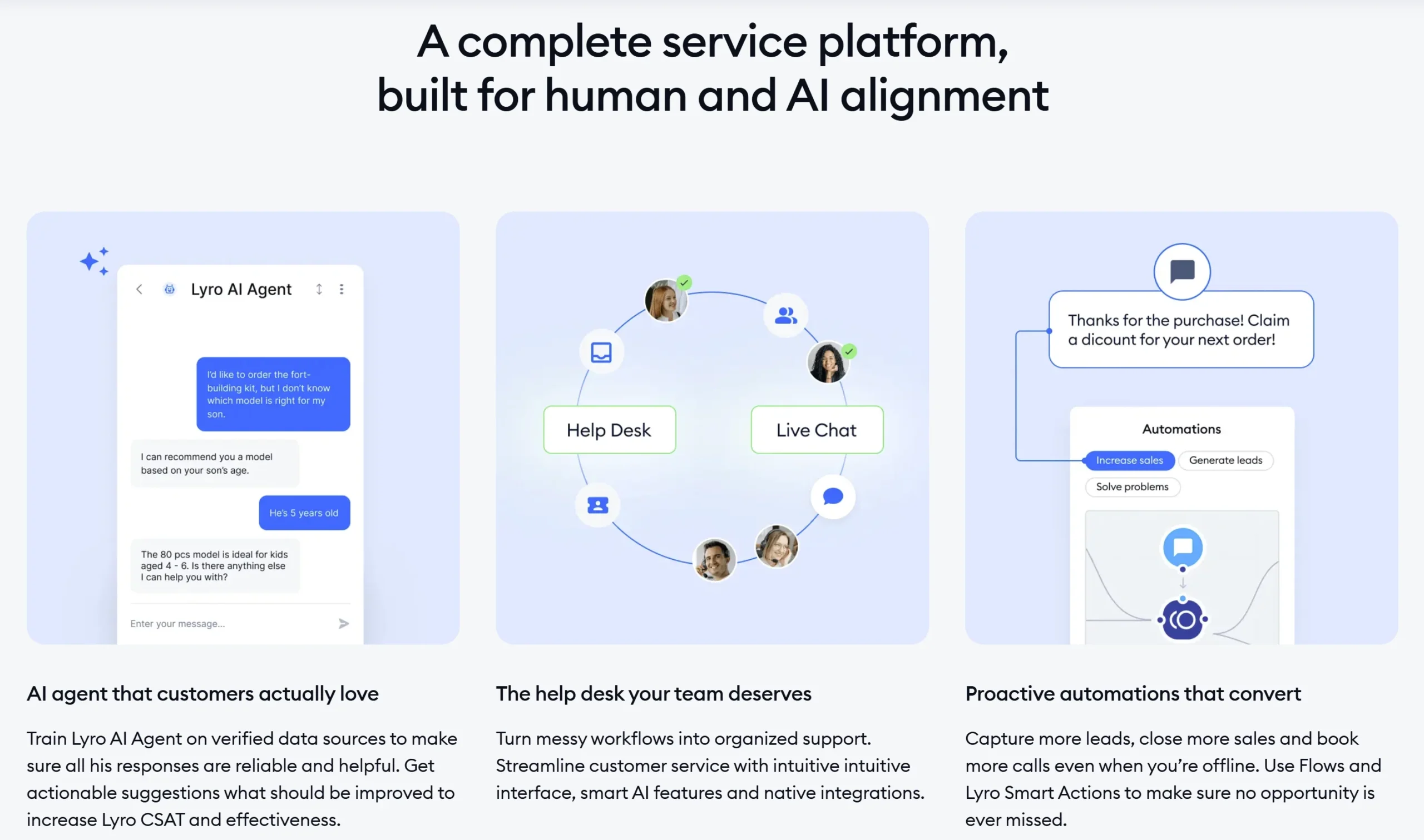
Tidio is a live chat and customer service tool for small businesses, with an AI agent that answers common questions on its own. You add a chat widget to your website, connect the channels customers already message you on, and handle everything from one shared inbox. Its AI agent, Lyro, is trained on your own help content and product data so it can resolve routine enquiries before a person gets involved. Much of its user base is online retail.
Affiliate link: BizBot may earn a commission if you sign up, at no extra cost to you. It does not affect our assessment. Disclosure
What you can actually do with it
The idea is to catch website visitors while they are still on the page, then keep the follow-up in one place.
- Chat with visitors live. A customisable widget shows who is on the site and what they are looking at, so replies can be specific rather than generic.
- Let the AI agent answer first. Lyro draws on your help articles and product information to handle repeat questions such as delivery times, returns and stock, and hands over to a human when it cannot.
- Build chatbot flows. A visual editor creates rule-based flows for lead capture, discount offers, abandoned cart nudges and out-of-hours messages, without writing code.
- Bring channels into one inbox. Messenger, Instagram, WhatsApp and email conversations land alongside website chats, so nothing sits unanswered in a separate app.
- Manage tickets. Conversations can become tickets with assignment, status and notes, which is enough structure for a small support team.
- Connect your store. Shopify and WooCommerce integrations surface order and customer details in the chat, and it also plugs into WordPress, HubSpot, Mailchimp and others.
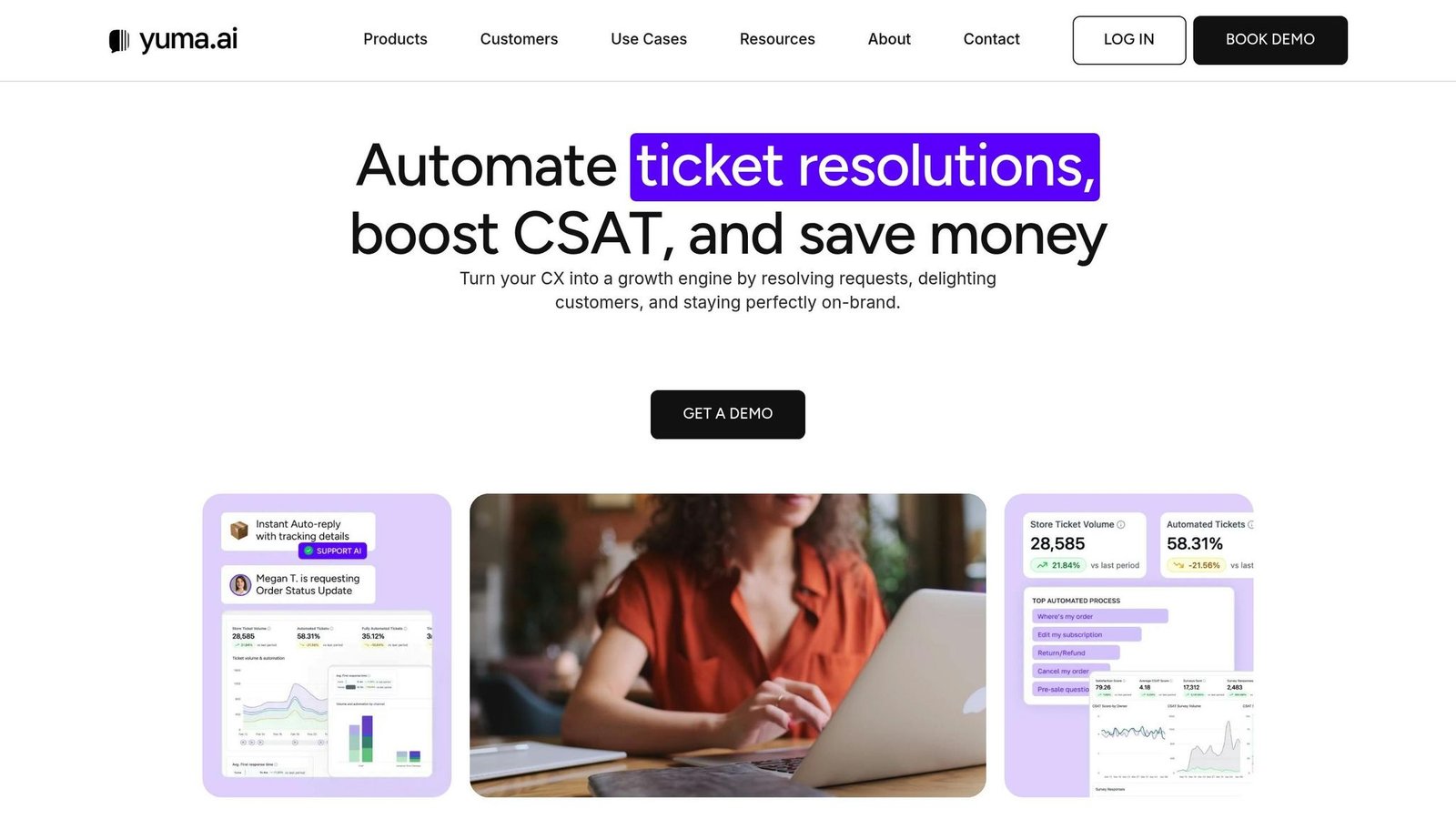
- See how it is performing. Reporting covers response times, conversation volume, satisfaction ratings and how much the AI agent is resolving.
Who it fits best
It suits small online retailers and service businesses with one to a few support people, where the same handful of questions arrives repeatedly and someone is currently answering them between other jobs. Shopify and WooCommerce stores get the most out of it because the order lookups are built in. It also works for lead capture on marketing sites, where the goal is starting conversations rather than resolving tickets.
It is a weaker fit for larger support organisations that need detailed routing rules, SLA management, tight CRM integration or extensive reporting. Businesses whose support is mostly phone-based, or highly regulated ones with strict record-keeping requirements, will find it too light.
Things worth knowing before you commit
- Pricing follows usage, not just seats. Costs are tied to conversation volume and to how many conversations the AI agent handles, which makes bills less predictable than a flat per-user fee. Model your busiest month, and check current limits on the pricing page.
- The AI is only as good as your content. Lyro answers from what you give it, so thin or outdated help pages produce weak answers. Budget time to write and maintain that material.
- Features are spread across add-ons. Live chat, the AI agent and some automation capabilities are packaged separately, so the useful combination can cost more than the headline entry point.
- It is not a full help desk. Ticketing exists but is basic compared with dedicated platforms, and deep workflow, knowledge base and reporting needs will outgrow it.
- Chat sets expectations. Putting a live chat widget on your site implies someone is there. If you cannot staff it, configure the offline behaviour and response-time messaging carefully.
Alternatives to compare it against
Crisp and Chatwoot sit in similar territory for small teams, with Chatwoot offering a self-hosted option if you want to control the data. Intercom is more capable across support, product messaging and reporting, and costs correspondingly more. If your volume is mostly email rather than chat, a shared inbox tool such as Front or Help Scout is a better shape. And if you are already using a full help desk like Zendesk or Freshdesk, adding their own chat product usually beats bolting on a separate one.
Plan limits, conversation allowances and pricing change regularly. Check Tidio’s own pricing page for the current details before deciding.
Further reading
- Chatbot Pilot Scorecard for Small Teams — a worksheet for recording baseline effort, test results and the cost of a limited pilot.
- Tidio Review: AI Chatbot and Help Desk Software for Small and Growing Businesses — a hands-on review of the product described on this page.
- 10 Proactive Chat Best Practices ‘ Examples 2024 — how to trigger the widget without annoying visitors mid-purchase.
- Ultimate Guide to Chat KPIs and Metrics — what to read in Tidio’s response time and resolution reporting.
- AI Chatbots for Business Messaging: 2024 Guide — background on training an agent like Lyro on your own help content.
- Chatbot ROI: Ultimate Guide 2025 — helps model whether usage-based AI pricing pays for itself.
Have you used Tidio?
One sentence is enough. Would you pick it again, and why or why not? We publish the critical reviews too — that is the point.