Looking for the best accounting software to manage your business finances? Here’s a quick rundown of the top 10 tools:
- BizBot: Directory of business tools, including accounting options
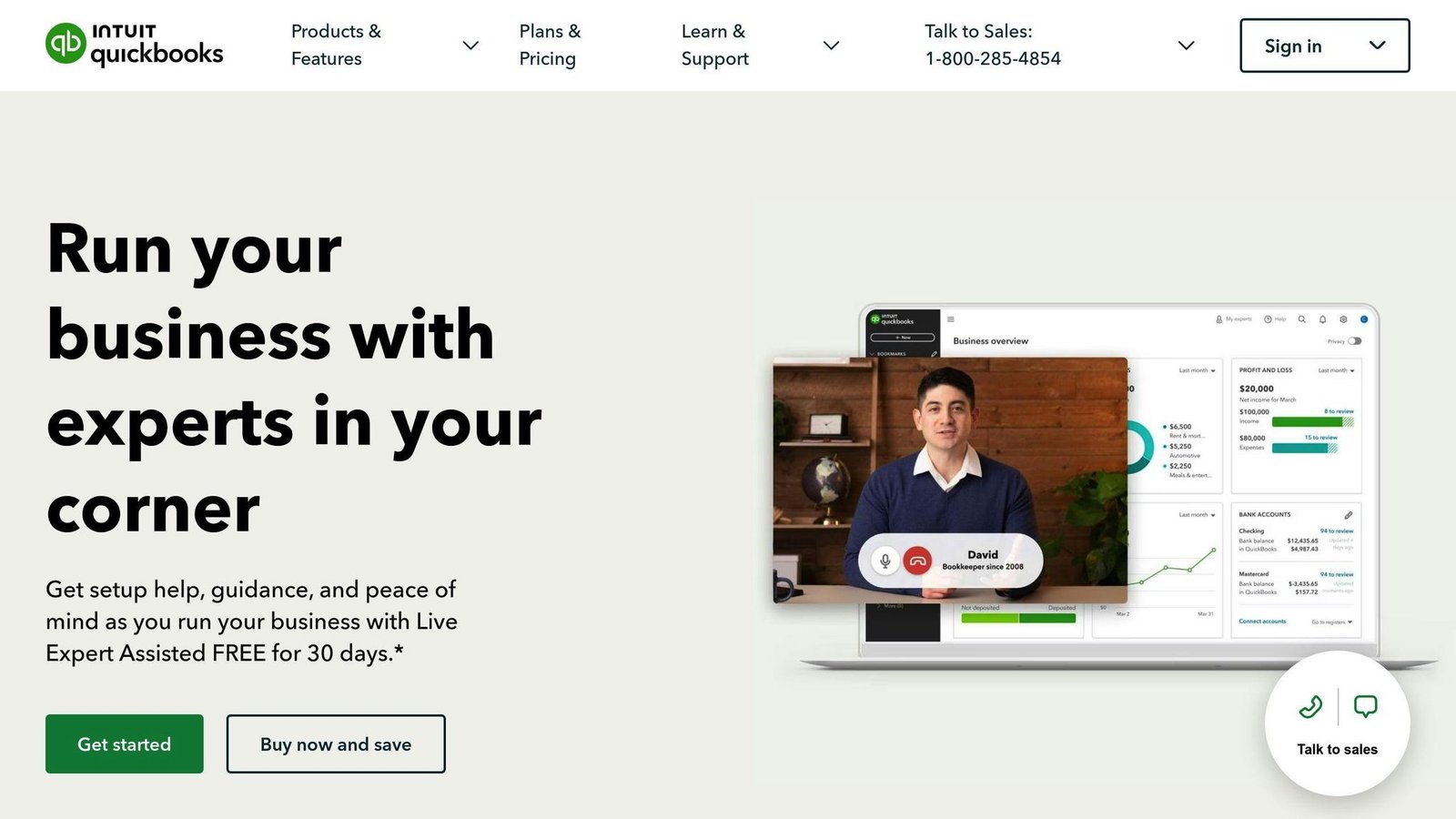
- QuickBooks: Popular small business accounting solution
- Xero: Cloud-based platform for SMBs
- FreshBooks: Invoicing and expense tracking for freelancers
- Sage: Comprehensive finance management for SMBs
- Wave: Free accounting for small businesses
- NetSuite: Enterprise-level financial system
- Zoho Books: Online accounting for small to medium businesses
- Oracle Financials: Large-scale business solutions
- Microsoft Dynamics: Integrated business and finance tools
Quick Comparison:
| Software | Best For | Starting Price | Key Feature |
|---|---|---|---|
| QuickBooks Online | Small-medium businesses | $38/month (Simple Start, 1 user) | User-friendly interface |
| Xero | Growing SMBs | $25/month (Early) | Unlimited users |
| FreshBooks | Freelancers | $23/month (Lite, 5 clients) | Time tracking |
| Zoho Books | Budget-conscious SMBs | Free under $50k revenue; $20/month (Standard, 3 users) | Client portal |
| NetSuite | Large enterprises | Not published — quoted per company | All-in-one ERP |
All prices in this article are US list rates read from each vendor’s own pricing page in August 2026. Most of these vendors run heavy introductory discounts and raise list prices at least once a year — confirm the current rate before you budget.
Choose based on your business size, budget, and specific needs. Most offer free trials to test before committing.
1. BizBot: A Business Tools Directory
BizBot isn’t your typical accounting software. It’s a directory of business tools, including a variety of accounting options.
Why use BizBot? It’s perfect if you’re:
- New to business and confused about accounting tools
- Wanting to compare different software features and prices
- Needing various business tools, not just accounting
BizBot’s secret sauce? It’s all about user-friendly solutions. They’ve handpicked tools for freelancers, small business owners, and growing companies. So you’ll likely find accounting software that fits your needs and skills.
Here’s what you’ll find in BizBot’s accounting section:
- Basic financial tracking tools for freelancers and small businesses
- Ownership management for startups with multiple shareholders
- Digital CFO services for growing businesses
But here’s the kicker: BizBot offers subscription management. Why does this matter? It helps you:
- Track all your software subscriptions in one spot
- Cut costs by spotting unused services
- Stay on top of renewal dates
BizBot doesn’t make accounting software. But it’s a goldmine for finding the right financial tools. It’s like having a personal shopper for business software – making your search easier and smarter.
2. QuickBooks: Complete Small Business Accounting
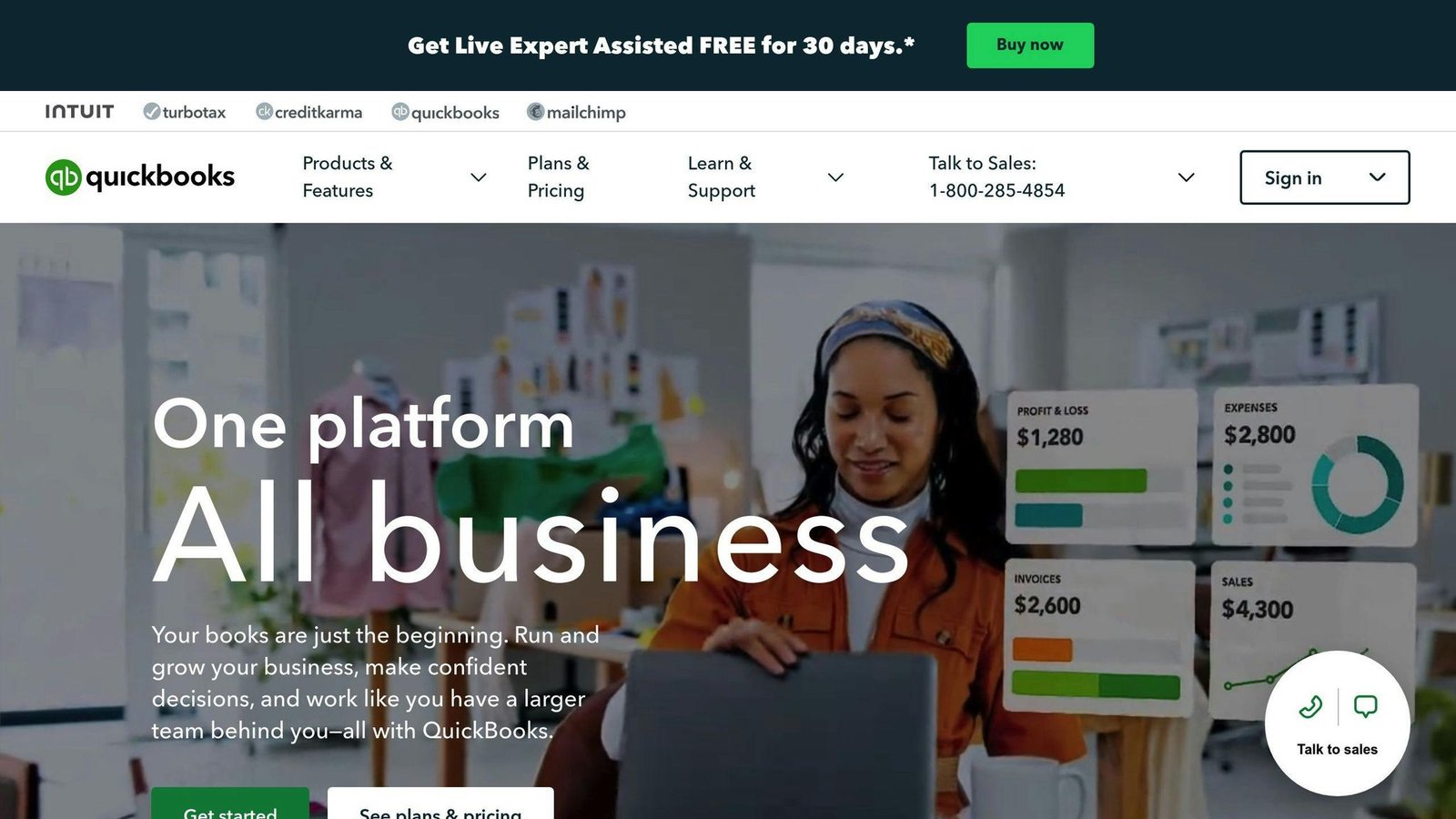
QuickBooks is the Swiss Army knife of financial management for small businesses. It’s packed with features, yet easy to use.
Why QuickBooks stands out:
- It’s user-friendly, even if you’re not an accounting pro
- You can choose between cloud-based (QuickBooks Online) or desktop versions
- It covers everything from invoicing to expense tracking
One thing to get straight before comparing: Intuit stopped selling QuickBooks Desktop Pro Plus, Premier Plus and Mac Plus to new US subscribers on 30 September 2024. Existing subscribers can keep renewing, but you cannot buy them today. The only Desktop product still sold to new customers is QuickBooks Desktop Enterprise. If Desktop is on your shortlist, that shortlist is out of date.
The comparison below is kept for readers still running Desktop:
| Feature | QuickBooks Online | QuickBooks Desktop |
|---|---|---|
| Starting Price | $38/month (Simple Start) | Not sold to new customers |
| Mobile App | Full access | Limited (mainly receipts) |
| App Integrations | 650+ | 200+ |
| Cloud Access | Yes, up to 25 users | Extra fee per user |
| Best For | Real-time collaboration | Complex inventory needs |
QuickBooks Online is the popular choice. It’s great for small businesses that want flexibility and real-time access. Plus, it works with over 650 other business apps!
QuickBooks Online US list pricing, read from Intuit’s pricing page in August 2026:
1. Simple Start: $38/month
- 1 user
- Tracks income, expenses, and sends invoices
2. Essentials: $85/month
- 3 users
- Adds bill management
3. Plus: $140/month
- 5 users
- Includes inventory tracking
4. Advanced: $340/month
- 25 users
- Advanced reporting and workflow automation
These are monthly list rates for a single company file. Intuit was advertising 90% off for three months at the time of writing, which makes the first quarter look cheap and the fourth one expensive. Budget on the list price.
QuickBooks isn’t just about numbers. It’s packed with smart features:
- Automated invoicing for recurring bills
- Receipt capture with a simple photo
- Mileage tracking for businesses on the go
- 1099 contractor management for easier tax prep
QuickBooks really shines with reporting. Need a balance sheet, profit and loss statement, or cash flow report? It’s like having a financial crystal ball at your fingertips!
3. Xero: Cloud-Based Accounting Platform
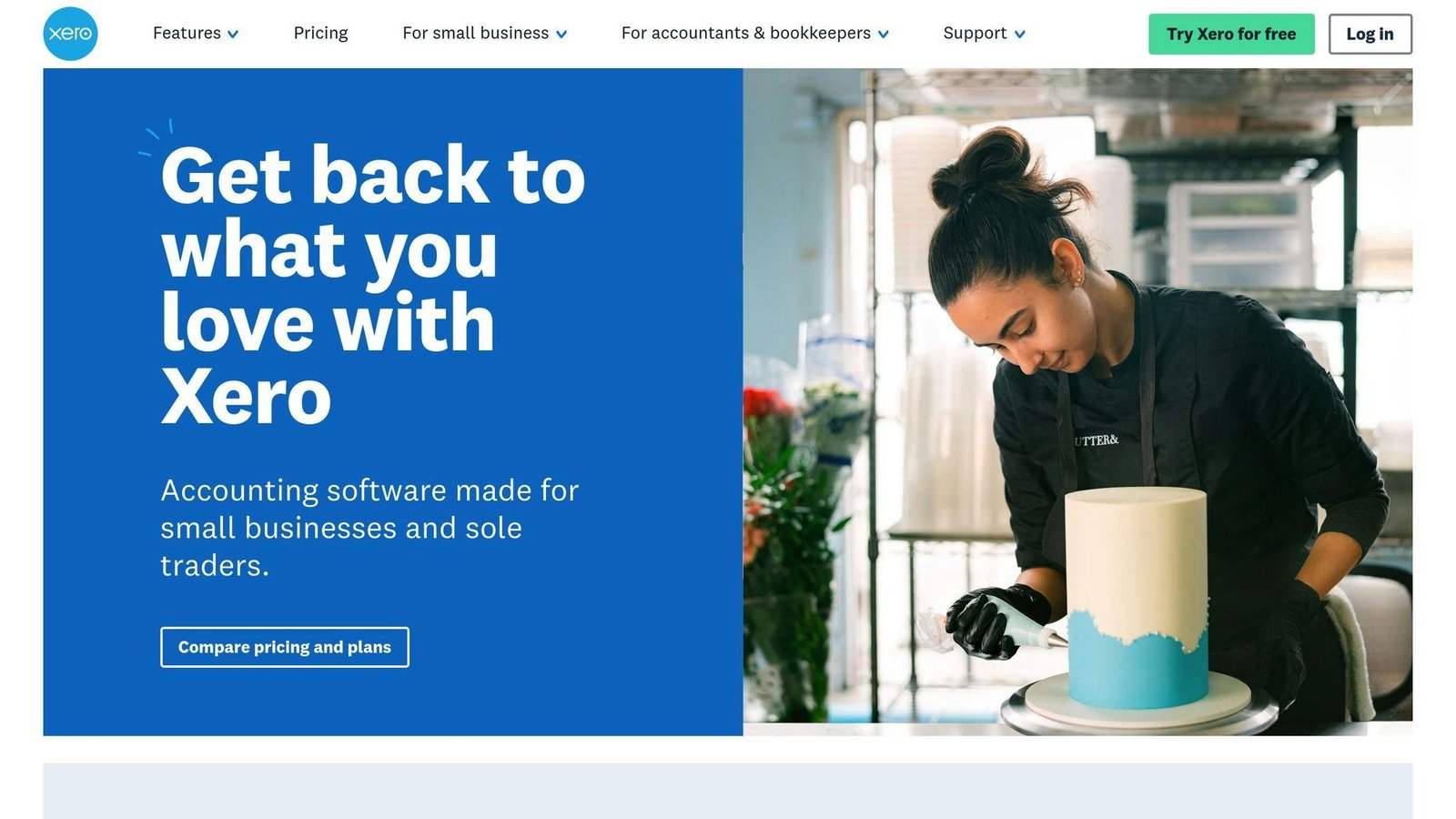
Xero is a cloud-based accounting software that’s perfect for small and medium-sized businesses. It’s like having a financial expert on call 24/7, ready to help you manage your money from anywhere.
Why is Xero so popular? Here’s the scoop:
It’s easy to use. You don’t need to be an accounting pro to figure it out.
You can add as many team members as you want. No extra fees.
It’s packed with features. From sending invoices to tracking expenses, Xero’s got you covered.
Here’s a quick look at Xero’s pricing:
| Plan | Price | Who It’s For | What You Get |
|---|---|---|---|
| Early | $25/month | Solo entrepreneurs | Quotes and 20 invoices |
| Growing | $55/month | Small businesses | No limits on invoices or bills |
| Established | $90/month | Bigger SMEs | Multi-currency, project and expense tracking |
US list rates from Xero’s pricing page, August 2026. Xero was running a six-month introductory discount at the time of writing; the figures above are what you pay afterwards.
But Xero isn’t just about numbers. It’s a tool that can transform your business:
- Bank feeds import transactions automatically from most major banks.
- Xero says its app store carries more than 1,000 connected apps.
- Basic inventory tracking is available on every plan.
Xero’s reporting is top-notch. You can create custom reports in no time. Want to know how your business is doing financially? Xero’s got the answer.
Going global? No problem. The Established plan handles multiple currencies with ease.
Need more? Xero plays nice with other tools:
- Want payroll? Xero partners with Gusto, whose Simple plan is $49/month plus $6 per person (Gusto’s published rate, August 2026).
- Expense claims are bundled into the Established plan rather than sold as a separate $5 add-on — that older add-on price is no longer on Xero’s US pricing page and has been removed.
One thing to note: Xero’s customer support is mainly through email. There’s no phone support, which might not suit everyone.
Overall, Xero is a solid choice for businesses of all sizes. Whether you’re just starting out or running a growing SME, Xero has a plan that fits.
4. FreshBooks: Invoicing and Expense Tracking
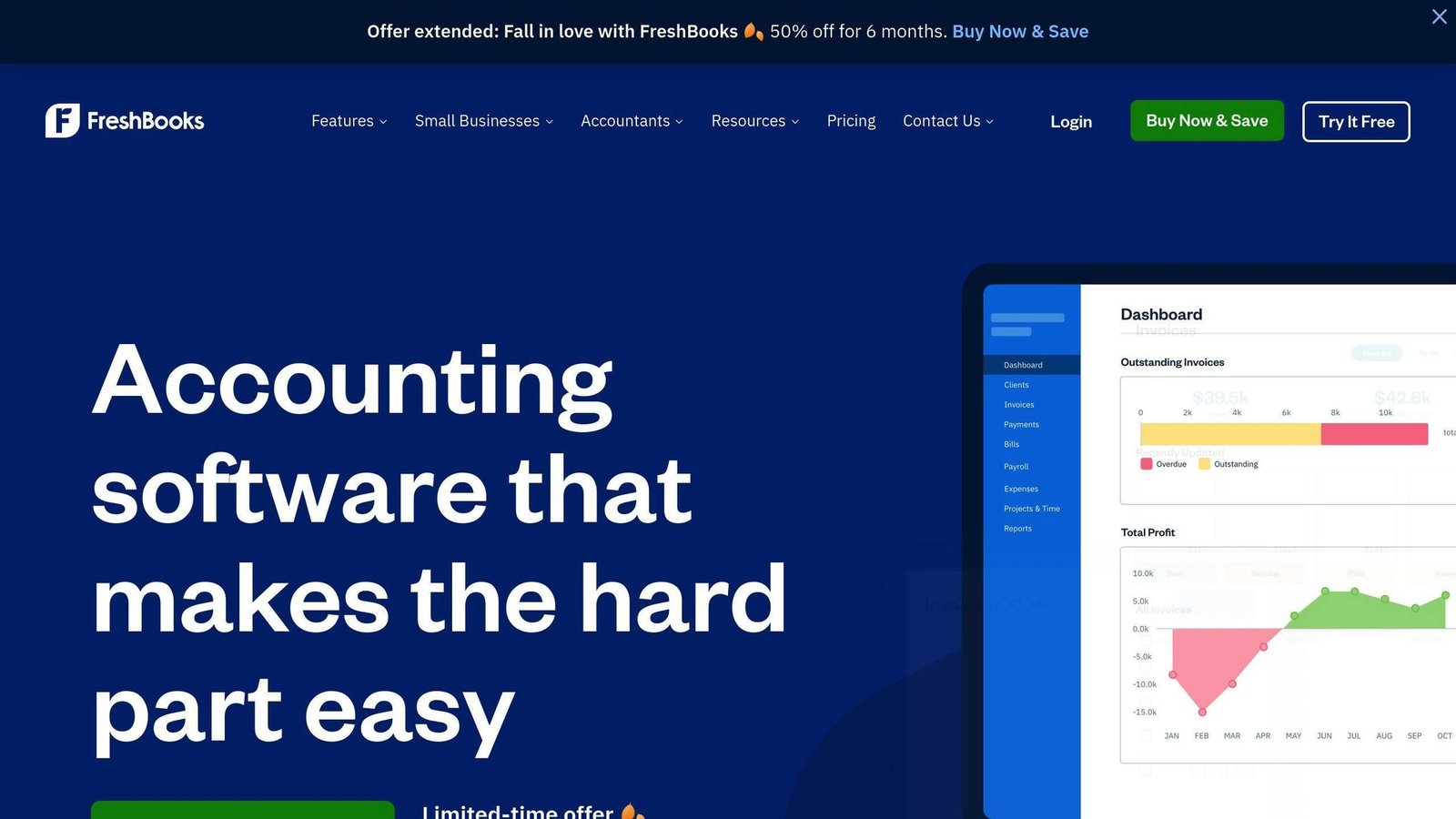
FreshBooks is the accounting software that freelancers and small businesses love. It’s like having a super-smart accountant in your pocket.
Why does FreshBooks rock? It’s simple:
- It’s easy to use (even if you hate math)
- You can create invoices FAST
- It does a lot of boring stuff for you
Here’s what FreshBooks offers:
| Plan | Price | For Who? | What You Get |
|---|---|---|---|
| Lite | $23/month | Solo workers | 5 billable clients, unlimited invoices |
| Plus | $43/month | Growing teams | 50 billable clients, auto-expenses |
| Premium | $70/month | Bigger businesses | Unlimited billable clients, project tracking |
| Select | Custom | Large companies | Personal help, better rates |
All plans let you track time, which matters if you bill by the hour. US list rates from FreshBooks’ pricing page, August 2026; the advertised 90%-off-for-three-months promotion is not included. Note the client limits: FreshBooks charges by how many clients you bill, not by how many invoices you send, so the Lite plan runs out faster than it looks.
Cool FreshBooks features:
1. Client portal: Clients can pay online. No more “check’s in the mail” excuses!
2. Auto-expense tracking: Connect your bank account and FreshBooks does the rest.
3. Project tools: Keep all your project stuff in one place.
4. Mobile app: Run your business from your phone.
FreshBooks works with over 100 other apps. So you can set it up just how you like it.
But it’s not for everyone. If you need fancy inventory tracking or have tons of employees, you might need something else. For freelancers and small service businesses though? FreshBooks is tough to beat.
5. Sage: Business Finance Management
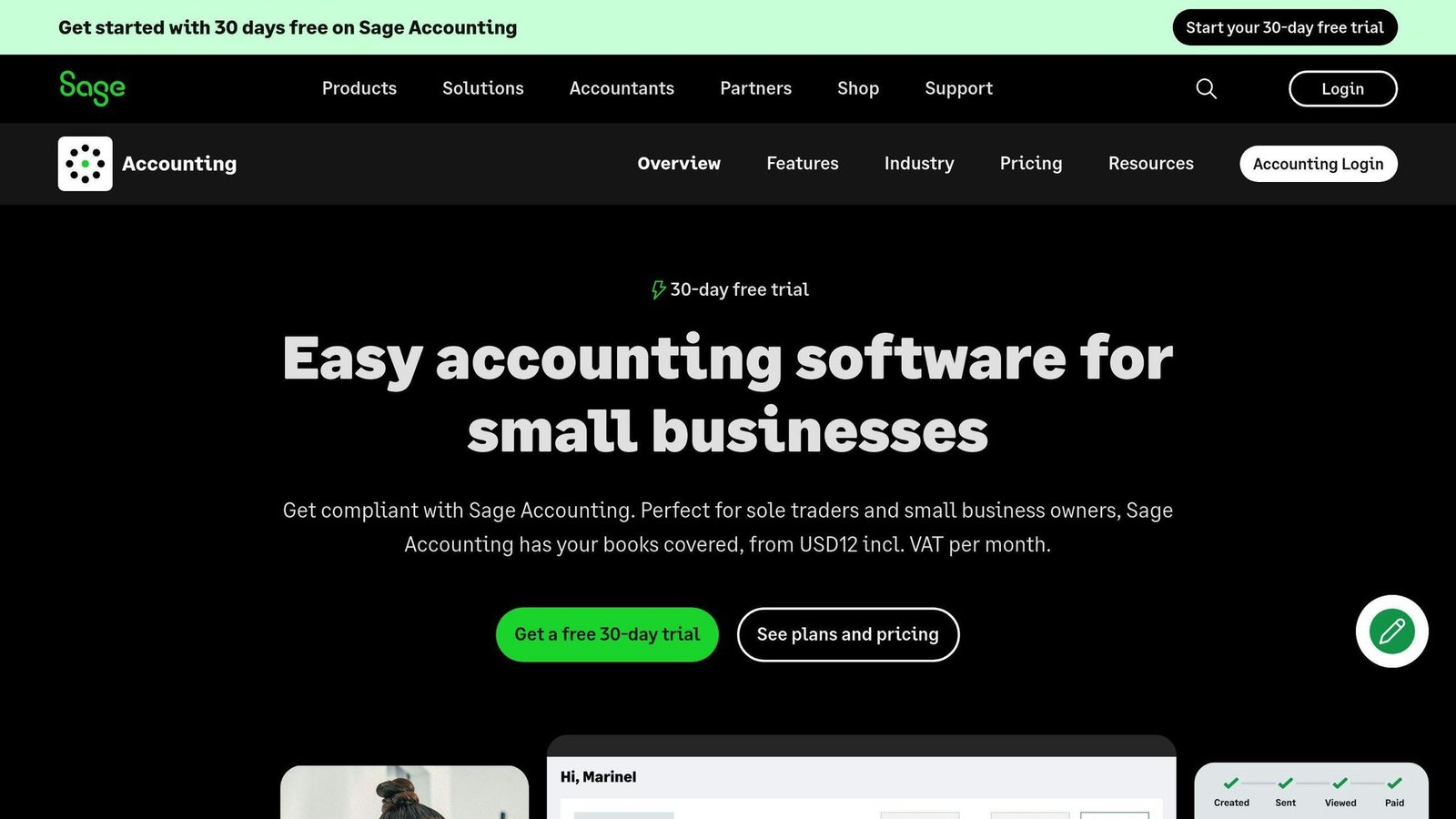
Sage is a financial powerhouse for small and medium-sized businesses. It’s like having a money wizard on your team, helping you crunch numbers and make smart decisions.
Why does Sage stand out? It’s a Swiss Army knife for finances. From basic bookkeeping to complex inventory management, Sage does it all. Plus, it’s user-friendly. You don’t need to be an accounting genius to use it.
Here’s what Sage brings to the table:
| Feature | What It Does |
|---|---|
| Financial reports | Spits out detailed reports in seconds |
| Bank reconciliation | Matches transactions automatically |
| Invoicing | Creates and sends pro-level invoices |
| Expense management | Makes tracking expenses a breeze |
| Inventory management | Keeps an eye on your stock |
Sage comes in two main flavors:
1. Sage 50 Accounting
This is the heavy hitter. Perfect if you’re juggling multiple companies or need serious inventory tracking.
Pricing from Sage’s US Sage 50 page, August 2026, all with a minimum one-year commitment:
- Pro Accounting: $128.67/month
- Premium Accounting: $182.50/month (1–5 users)
- Quantum Accounting: $271.17/month (1–40 users)
Those are two to three times the figures this article previously carried, which were several years out of date. Sage 50 is not a cheap package any more, and at Quantum prices you should be comparing it with mid-market systems, not with QuickBooks.
2. Sage Intacct
Sage’s US line-up is now Sage 50 and Sage Intacct. This article previously described a cloud product called “Sage Accounting” with a $10 Start plan and a $25 Standard plan; Sage does not list that product or those prices on its US site, so both have been removed rather than carried over. Sage Intacct is the cloud option Sage sells to US scale-ups and mid-sized firms, and it does not publish rates — you get a quote.
What makes Sage special? Its reporting is top-notch. Generate any financial or inventory report with a few clicks. It’s like having a crystal ball for your business finances!
Sage’s AutoEntry integration is worth a look if data entry is eating your week; it scans and codes bills and receipts. It is a separate paid add-on.
Sage isn’t just about numbers. It’s about giving you tools to make smart business moves. With cash flow forecasting and multi-currency support, it’s ready to grow with your business.
6. Wave: Free Accounting for Small Business
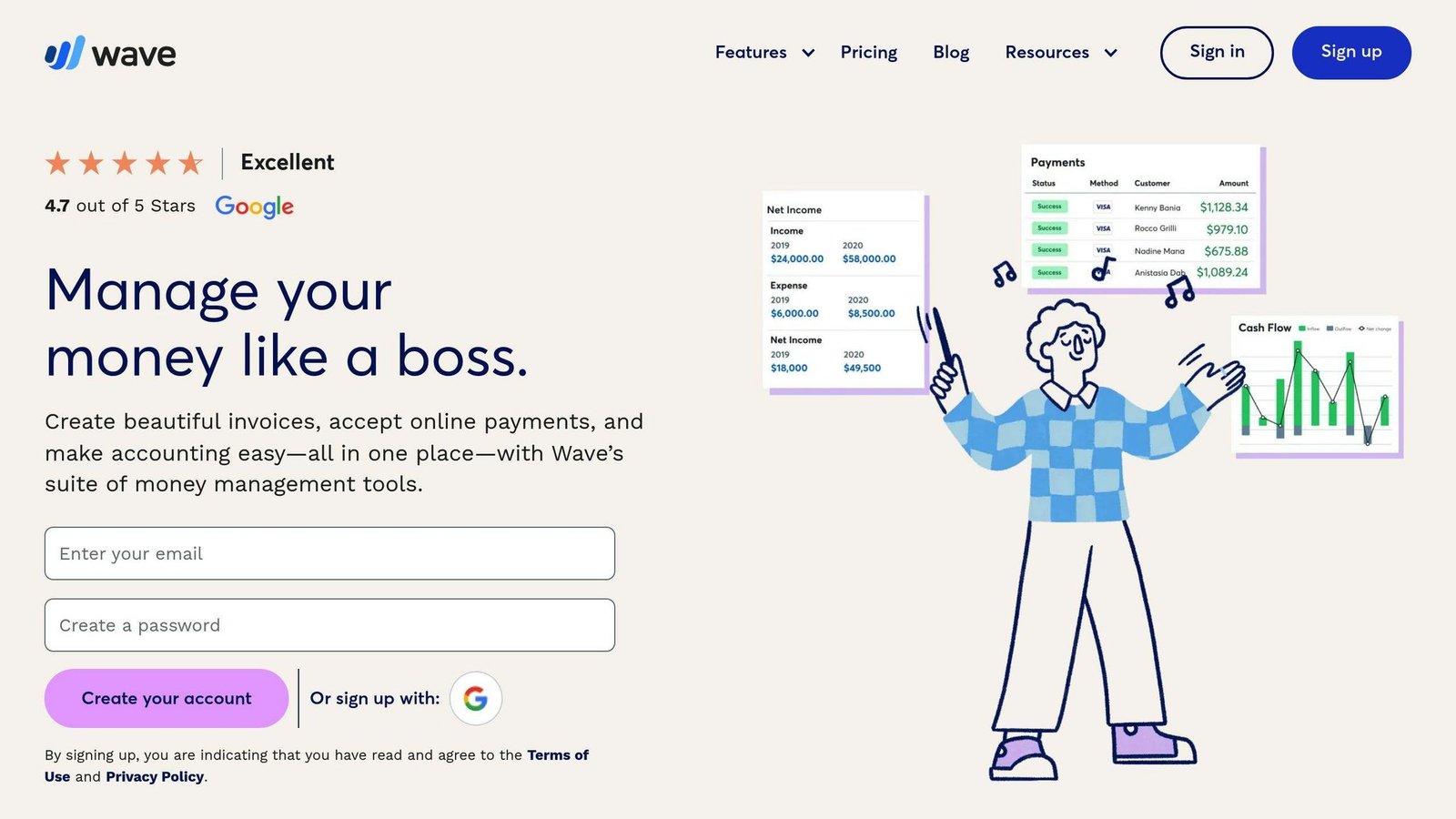
Wave suits freelancers, contractors and small businesses with a handful of employees. The Starter plan is still genuinely free, but Wave now also sells a paid Pro plan, so “Wave is free” is no longer the whole story.
Here’s what Wave offers:
- Unlimited customizable invoices
- Expense tracking with bank and credit card connections
- Income tracking across all revenue streams
- Financial reports like balance sheets and cash flow statements
- Multi-currency support
- Management of multiple businesses under one account
Wave’s free plan packs a punch. You can create professional invoices, track expenses, and generate financial reports without spending a cent.
“Wave is a simpler software, providing essential accounting and bookkeeping capabilities without overwhelming the user.” – Randa Kriss, Senior Staff Writer at Fundera
But Wave isn’t just about numbers. It’s designed to make your life easier:
- Easy-to-use interface: No accounting degree needed
- Mobile app: Send invoices and snap receipt photos on the go
- Bank connections: Auto-import transactions to save time
Wave does have its limits. It lacks advanced features like inventory tracking and audit trails. But for most small businesses, these aren’t deal-breakers.
Here’s a pro tip: Use Wave’s receipt scanning feature. Snap a photo, and Wave categorizes the expense automatically. It’s like having a pocket-sized accountant!
While the core features are free, Wave offers some paid add-ons:
| Add-on | Price | Features |
|---|---|---|
| Pro plan | $19/month, or $190/year | Cheaper card processing, receipt capture, bank feeds |
| Card payments (Starter) | 2.9% + $0.60 per transaction; 3.4% + $0.60 for Amex | Accept credit card payments |
| Payroll | From $25/month, plus a per-employee fee Wave does not publish on the pricing page | Automated payroll in select states |
Wave’s rates above were read from its pricing page in August 2026. The payroll figures this article used to quote ($20–$35/month plus $6/employee) no longer match what Wave publishes and have been replaced. A user rating quoted here previously has been removed — review scores move month to month and a number printed in an article ages badly.
In the small business accounting world, Wave is making a splash. It proves that sometimes, you can get something for nothing.
7. NetSuite: Enterprise Finance System
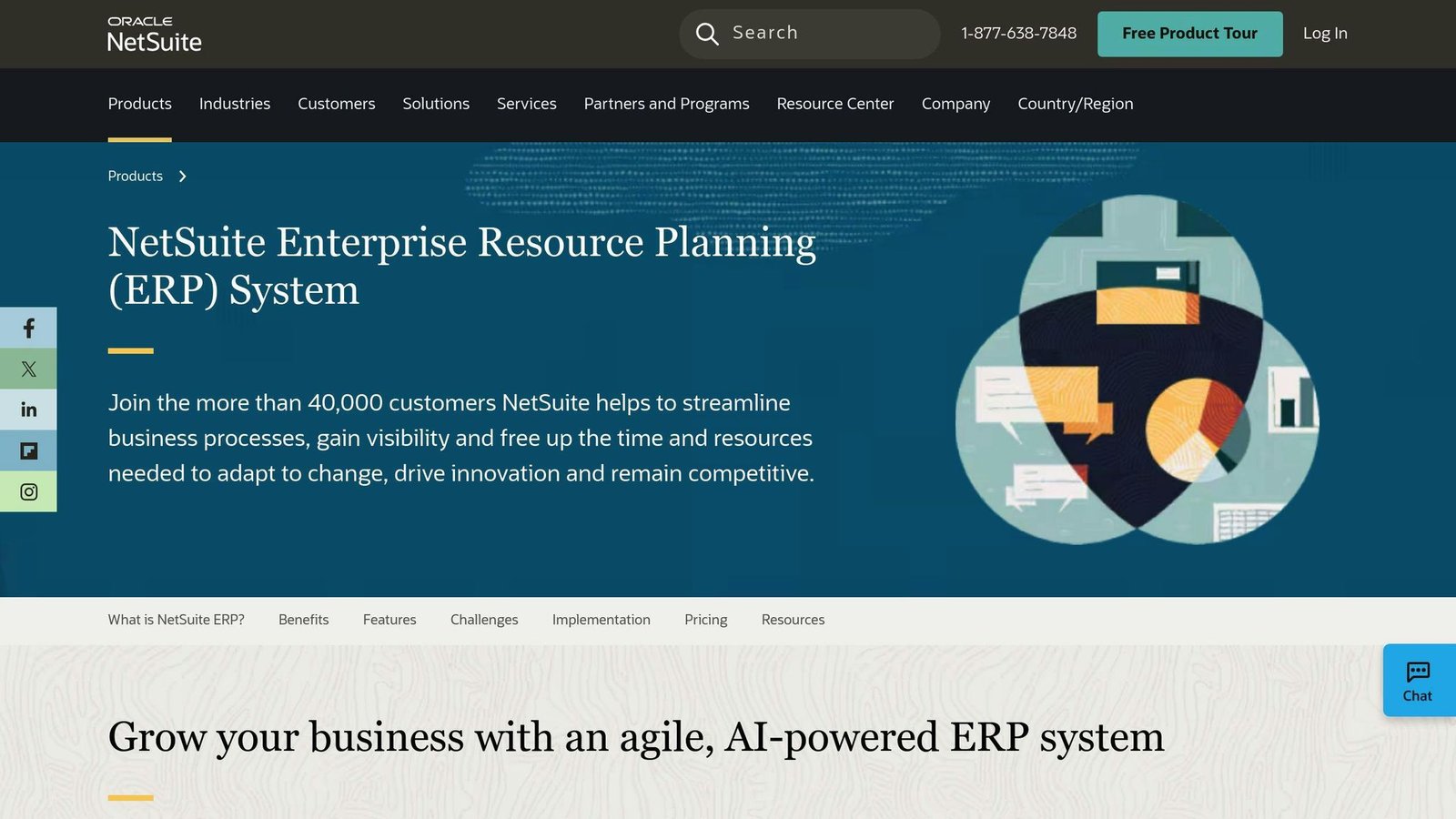
NetSuite is the big gun for enterprise-level accounting and financial management. It’s perfect for businesses that need more firepower than simpler solutions can offer.
Why does NetSuite stand out? It’s an all-in-one powerhouse. It combines ERP, CRM, and e-commerce in one package. This gives you a complete view of your finances. Plus, it grows with you. Whether you’re mid-size or a large enterprise, NetSuite’s got you covered.
Here’s what NetSuite brings to the table:
| Feature | What It Does |
|---|---|
| Financial Management | Handles core accounting, AP/AR, taxes, and fixed assets |
| Revenue Management | Takes care of billing, revenue recognition, and forecasting |
| Inventory Management | Tracks inventory in real-time and plans for demand |
| Order Management | Automates the order-to-cash process |
| Reporting and Analytics | Offers customizable dashboards and real-time KPIs |
Now, the money. NetSuite publishes no prices at all — not a base licence, not a per-user rate, not a module fee. Every deal is quoted after a sales conversation. The structure is an annual licence for the platform, plus a per-user fee, plus a fee for each additional module, plus a one-off implementation cost that is often the largest line in year one. The “$999/month base, $99–$129 per user, $499 per module” figures this article used to quote are not published by Oracle NetSuite and have been removed rather than repeated. Get a written quote that separates licence, users, modules and implementation.
It’s not cheap, but many businesses find it worth every penny. Take Southern Rebar & Supplies, for example. They switched from SAP to NetSuite and saw big improvements. Their CIO, Tim Vineyard, said:
“Where in SAP they were running tons of spreadsheets because it took so much time to do look-ups on inventory items and pricing, those external spreadsheets have been eliminated and everything is now managed with the NetSuite environment.”
NetSuite is cloud-based, so you get automatic updates twice a year. No manual upgrades needed. NetSuite’s own site claims 44,000+ customers.
But heads up: NetSuite has a steep learning curve. Many businesses work with a consultant during setup. But once you’re rolling, the efficiency gains can be huge.
Is NetSuite your match? It might be if you:
- Manage multiple entities or currencies
- Need advanced financial consolidation
- Want a system that can grow with you
- Crave deep, real-time financial insights
For small businesses, NetSuite might be too much. But for complex operations needing serious financial muscle? It’s a top pick.
8. Zoho Books: Online Accounting Software
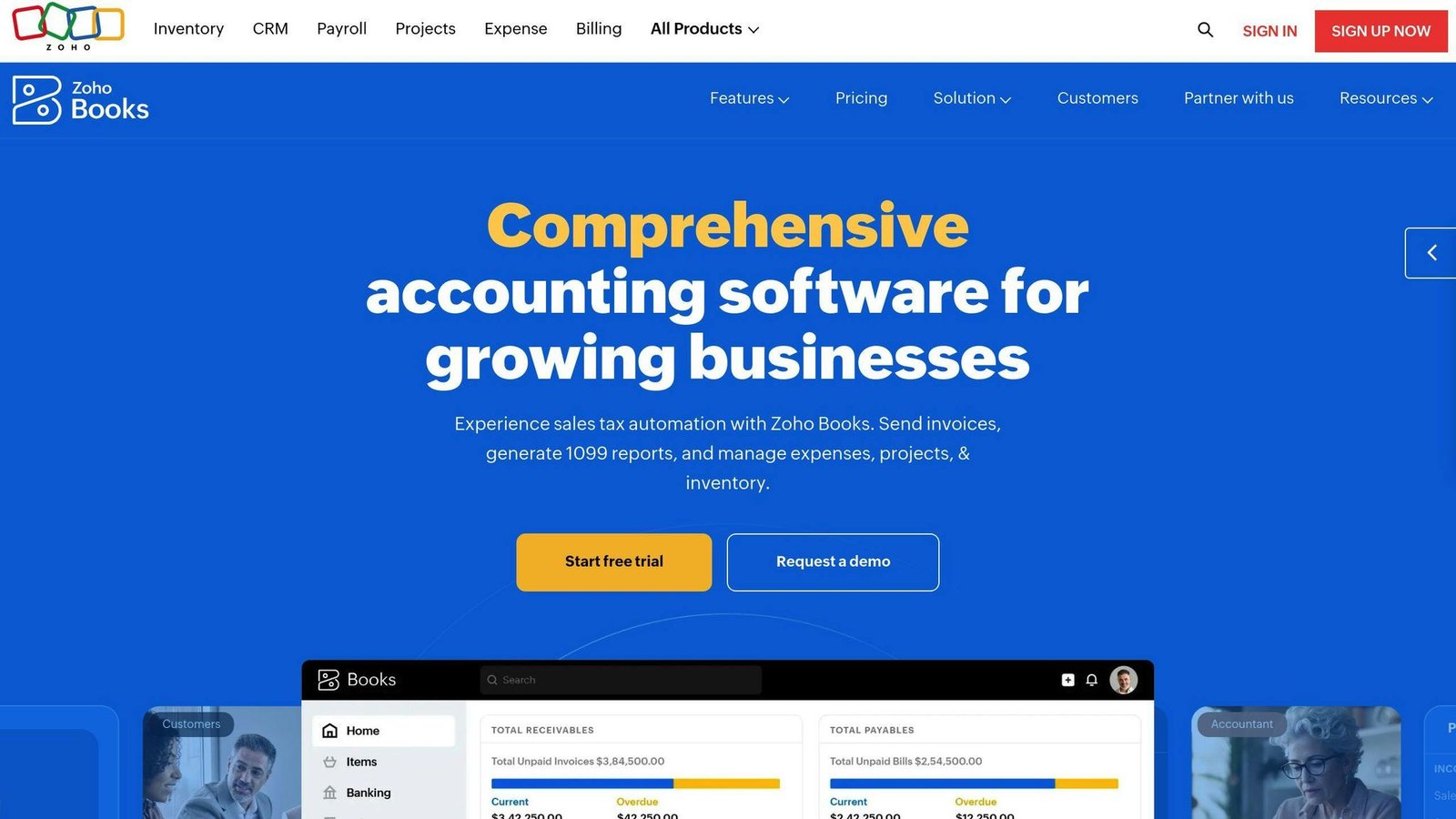
Zoho Books is a cloud-based accounting solution for small to medium-sized businesses. It’s like having a financial expert on your team, helping you manage everything from invoices to expenses.
Why Zoho Books stands out:
- The Free plan is available indefinitely as long as annual revenue stays under $50,000
- Even the free plan includes invoicing, expense tracking, and basic reports
- The mobile app lets you manage finances on the go
Here’s the pricing breakdown:
| Plan | Monthly Price | Users | Invoices/Year |
|---|---|---|---|
| Free | $0 | 1 + 1 accountant | 1,000 |
| Standard | $20 | 3 | 5,000 |
| Professional | $50 | 5 | 10,000 |
| Premium | $70 | 10 | 25,000 |
| Elite | $150 | 10 | 100,000 |
| Ultimate | $275 | 15 | 100,000 |
Zoho Books excels in several areas:
1. Invoicing
Create professional invoices and set up automatic payment reminders. The free plan lets you send up to 1,000 invoices per year.
2. Expense tracking
Connect your bank accounts and Zoho Books will import transactions automatically. It’s like having a personal bookkeeper.
3. Client portal
Give your customers access to view their transactions and pay bills online. Some pricier competitors don’t even offer this feature.
4. Inventory management
Keep tabs on your stock levels in real-time. This feature is available in higher-tier plans.
5. Reporting
Generate key financial reports like profit and loss statements, balance sheets, and cash flow statements with a few clicks.
Philippe Couillez, owner of PC Consulting Services, loves Zoho Books:
“Zoho Books is perfect for a small business like me, or for my customers (I work with small businesses 1-10 employees). It’s flexible enough and quite inexpensive compared to other products on the market.”
Zoho Books works well with other Zoho products, making it a great choice if you’re already using Zoho CRM or Zoho Expense. It also integrates with popular payment gateways like PayPal, Stripe, and Square.
But it’s not all perfect. Zoho Books has far fewer third-party integrations than QuickBooks Online. And if you need built-in payroll, you’ll have to look elsewhere or use Zoho Payroll as an add-on.
The bottom line? Zoho Books offers solid features at a competitive price. It’s especially appealing for small businesses looking for a free or low-cost accounting solution that doesn’t skimp on functionality. If you’re a growing business already using Zoho products, it’s definitely worth checking out.
9. Oracle Financials: Large Business Solutions
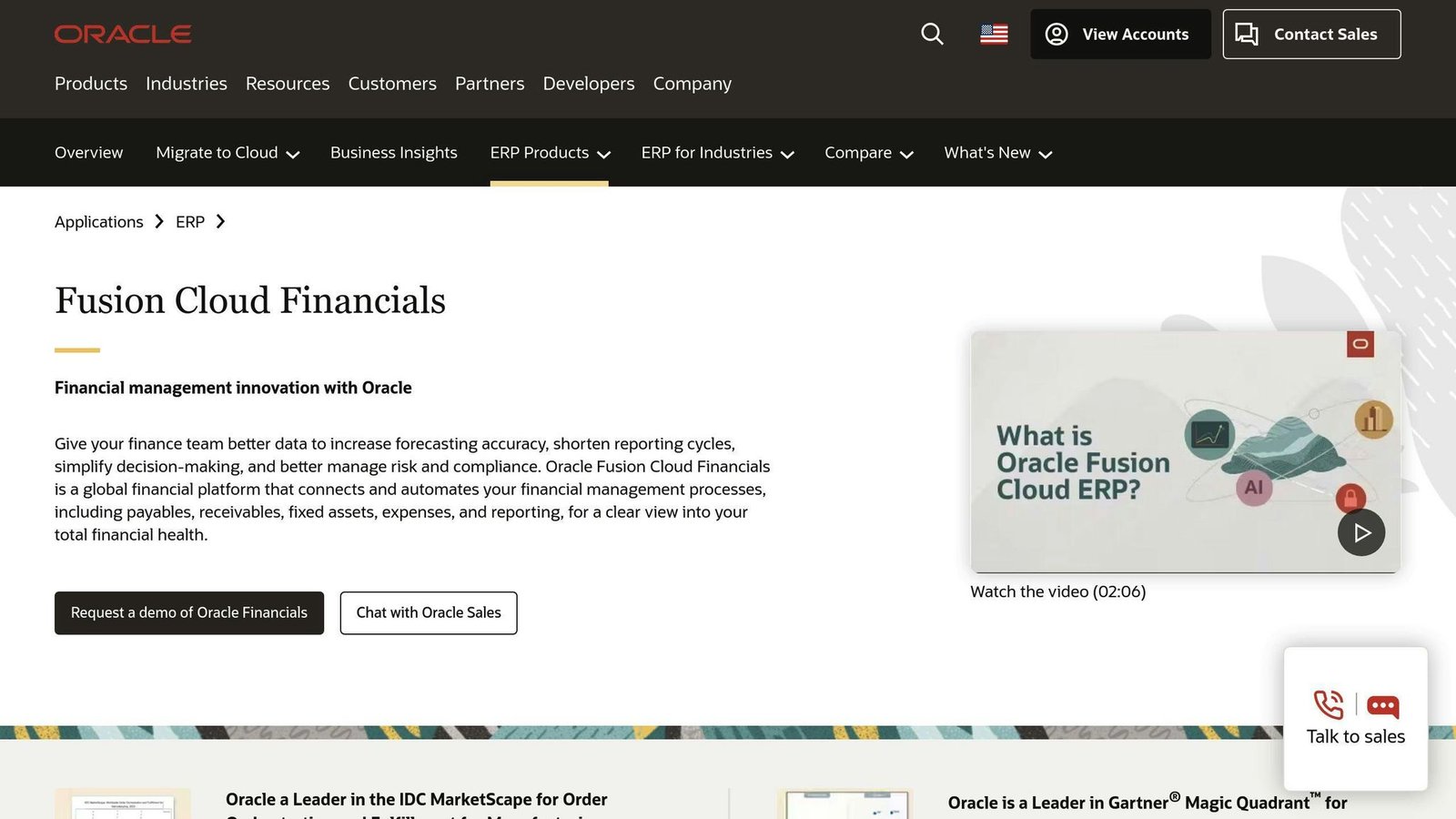
Oracle Financials is a heavyweight in the world of enterprise financial management. It’s part of Oracle Cloud ERP and packs a punch for big companies with complex financial needs.
Here’s why Oracle Financials is a big deal:
It’s an all-in-one financial powerhouse. You get everything from General Ledger to Asset Management under one roof. No need to juggle multiple systems – Oracle Financials has got you covered.
Got a global business? Oracle Financials speaks your language. It handles multiple currencies, accounting standards, and even those tricky intercompany transactions. If you’re expanding internationally, this could be your new best friend.
But here’s where it gets really interesting: Oracle Financials is like having a crystal ball for your finances. It uses AI and machine learning to give you real-time insights and predictive analytics. You can make smarter decisions, faster.
And let’s talk about automation. Oracle Financials takes care of the boring stuff:
| What it does | Why you’ll love it |
|---|---|
| Touchless invoicing | No more paper cuts |
| Streamlined financial close | Less overtime, more happy hour |
| Automated workflows | Fewer mistakes, more time for strategy |
A benchmark figure credited to Aberdeen Group about how fast the best companies close their books appeared here without a link to the study. It could not be sourced and has been removed. What is fair to say: a system that automates accruals, intercompany eliminations and reconciliations shortens the close, and how much depends almost entirely on how clean your data is going in.
Now, Oracle Financials plays well with others. It integrates smoothly with other Oracle products and even third-party systems. If you’ve got a complex IT setup, this is music to your ears.
And if you’re in a heavily regulated industry, Oracle Financials has your back. It’s packed with features to keep you compliant and auditors happy.
But let’s be real: Oracle Financials isn’t for everyone. It’s complex, expensive, and takes time to master. It’s built for big players who can make the most of its features.
Think Thomson Reuters or Bank of America – they’re using Oracle Cloud ERP (which includes Oracle Financials) to manage their massive operations.
So, if you’re eyeing Oracle Financials, do this first: take a hard look at your financial needs and growth plans, and get a quote that includes implementation. Oracle does not publish list prices for Oracle Financials either. For most businesses reading this article, it is too much system.
10. Microsoft Dynamics: Business Finance Tools
Microsoft Dynamics 365 isn’t just accounting software. It’s a full-blown business management solution that can handle your company’s growth.
Here’s why Microsoft Dynamics is a big deal:
1. It does it all
Dynamics 365 Business Central mixes ERP features with cloud flexibility. It’s your one-stop-shop for finances, sales, and operations.
2. It grows with you
From small businesses to big enterprises, Dynamics has options:
| Package | Price (per user/month) | What you get |
|---|---|---|
| Team Members | $8 (paid yearly) | Read access and workflow approvals |
| Essentials | $80 (paid yearly) | Full financial and sales management |
| Premium | $110 (paid yearly) | Service management and manufacturing |
Microsoft’s published per-user rates for Dynamics 365 Business Central, August 2026. Note these are annual-commitment prices, and that a Business Central rollout usually costs more in partner implementation than in licences for the first year.
3. It’s smart
Dynamics 365 uses AI to give you useful insights. It’s like having a built-in financial advisor.
4. It’s global
Business Central handles multiple currencies, languages and local tax rules, which matters if you trade internationally.
5. It plays well with others
It works smoothly with other Microsoft tools like Office 365 and Power BI. Less app-switching, more work-doing.
But here’s the cool part: Dynamics isn’t just about numbers. It gives you a full view of your business. You can:
- See your inventory in real-time
- Automate your order-to-cash process
- Get tips on when to pay vendors to save cash
Automated workflows can shorten your financial close. An unsourced Aberdeen Group benchmark that used to sit here has been removed.
Customer and user counts previously quoted here could not be sourced to Microsoft and have been removed. Judge Business Central on the fit with your existing Microsoft stack instead — that is the real reason most buyers pick it.
Is Dynamics right for you? Think about this:
- If QuickBooks isn’t cutting it anymore, Dynamics offers more depth and room to grow.
- If you need serious financial reporting and analysis, Business Central goes deeper than QuickBooks or Xero.
- If you’re juggling multiple entities or currencies, Dynamics can handle it.
Keep in mind, getting Dynamics 365 up and running is a big job. It’s not just buying software – it’s changing how you manage your finances. Most businesses team up with a Microsoft partner to set it up right.
In the world of business finance tools, Microsoft Dynamics 365 is a heavy hitter. It might be too much for tiny businesses, but if you’re looking to scale up and fine-tune your financial operations, it’s worth checking out.
Software Features and Pricing Comparison
Choosing the right accounting software for your business? Let’s break down how different options compare.
Core Features Comparison
| Feature | QuickBooks Online | Xero | FreshBooks | Zoho Books | NetSuite |
|---|---|---|---|---|---|
| Invoicing | Unlimited | Limited in basic plan | Unlimited | Unlimited | Unlimited |
| Expense Tracking | Yes | Yes | Yes | Yes | Yes |
| Bank Reconciliation | Yes | Yes | Plus plan and up | Yes | Yes |
| Inventory Management | Plus plan and up | Yes | No | Higher-tier plans | Yes |
| Project Accounting | Yes | Yes | Yes | Yes | Advanced |
| Multi-Currency | Essentials plan and up | Yes | Plus plan and up | Yes | Yes |
| Payroll | Add-on | Add-on | Add-on | Add-on | Included |
Pricing Comparison
| Software | Starting Price | Best For |
|---|---|---|
| QuickBooks Online | $38/month (Simple Start) | Small to medium businesses |
| Xero | $25/month (Early) | Small to large businesses |
| FreshBooks | $23/month (Lite) | Freelancers and small businesses |
| Zoho Books | Free under $50k revenue; $20/month (Standard) | Budget-conscious small businesses |
| NetSuite | Not published — licence plus per-user plus modules, quoted per company | Medium to large enterprises |
All prices in this article are US list rates read from each vendor’s own pricing page in August 2026. Most of these vendors run heavy introductory discounts and raise list prices at least once a year — confirm the current rate before you budget.
User Sentiment and Market Share
QuickBooks Online and Xero are the two most widely used small-business packages in the US, and both review well. Specific sentiment scores and a worldwide customer count previously appeared here without a source; none could be traced, so all have been removed. Read the current listings on G2 and Capterra yourself if review scores matter to your decision.
Specialized Features
Each software has its own superpower:
- QuickBooks Online: Nails estimate and invoice management
- Xero: Bank reconciliation with AI? They’ve got it down
- FreshBooks: Time tracking and simple invoicing? It’s their thing
- Zoho Books: Client portal that’s actually useful
- NetSuite: For when your business finances get complicated
Where the time actually goes
Two statistics used to sit here — a “2020 study by Clarke” claiming automation saves accountants two hours a day, and a 78% figure credited to a 2022 press release. Neither could be traced to a published source, so both have been removed and nothing was invented to replace them.
What is worth saying without a statistic: the time these packages save is concentrated in bank reconciliation, chasing invoices and preparing the same reports every month. If your bookkeeping pain is somewhere else — inventory, payroll across states, multi-entity consolidation — a cheaper package will not fix it and an expensive one might not either.
Making the Right Choice
Picking your software? Keep these in mind:
1. Business Size and Complexity
QuickBooks and Xero? They’re like Swiss Army knives – good for most sizes. NetSuite? It’s the big gun for larger enterprises.
2. Budget
Zoho Books is free while your annual revenue stays under $50,000, and the Standard plan is $20/month for three users. If you’re watching your pennies, it’s worth a look.
3. Scalability
Think ahead. NetSuite and Xero can grow with you.
4. Industry-Specific Needs
Some businesses need special features. If you’re all about projects, FreshBooks or Xero might be your jam.
Bottom line? There’s no one-size-fits-all. But with this info, you’re set to make a smart choice for YOUR business.
Making Your Choice
Picking the right accounting software can make or break your business operations. Here’s how to nail it:
Know Your Needs
Before you jump in, ask yourself these questions:
What features do you actually need? Does it work with your other apps? Can your team and accountant use it easily? Will it scale with your business? Is support available? Can you move your data without a hassle? Is there a free trial?
Timing Is Everything
Thinking about switching? Here’s what to consider:
| When to Switch | Good | Not So Good |
|---|---|---|
| New Year | Fresh start for finances | Busy time for many businesses |
| Fiscal Year Start | Matches your financial cycle | Might miss software deals |
| Off-Peak Season | More time to focus | Could miss year-end features |
Many businesses find switching at the start of a new year or fiscal period makes data transfer easier.
Do Your Homework
Research is crucial. Here’s what to do:
List issues with your current system. Define what you want from the new one. Decide who needs access and how much. Look at your current processes for improvement areas. Pick a changeover date (give yourself enough time!). Decide what data to bring over. List the reports you need.
Consider the Cost
It’s not just about the price tag. Think about:
Software cost, training expenses, potential business disruptions, and time spent on implementation.
Get Expert Input
Don’t go solo. Get your accountant involved. They can tell you which features really matter for your business.
Take It for a Test Drive
Most accounting software offers free trials. Use them! It’s the best way to see if it fits before you commit.
Plan for Change
Switching accounting software is a big deal. Have a solid plan:
Assign responsibilities. Outline implementation steps. Set up team training.
Good accounting systems are user-friendly and offer learning tools. But a little prep goes a long way.
More on this topic
Browse all 53 articles on Finance & Accounting, or jump straight to our buying guide: Best Accounting Software for Small Businesses.